Learn how to use Apple’s NameDrop feature to send and receive contact information like phone numbers and email addresses between two iPhones.
How to use NameDrop between two iPhones to share contact info
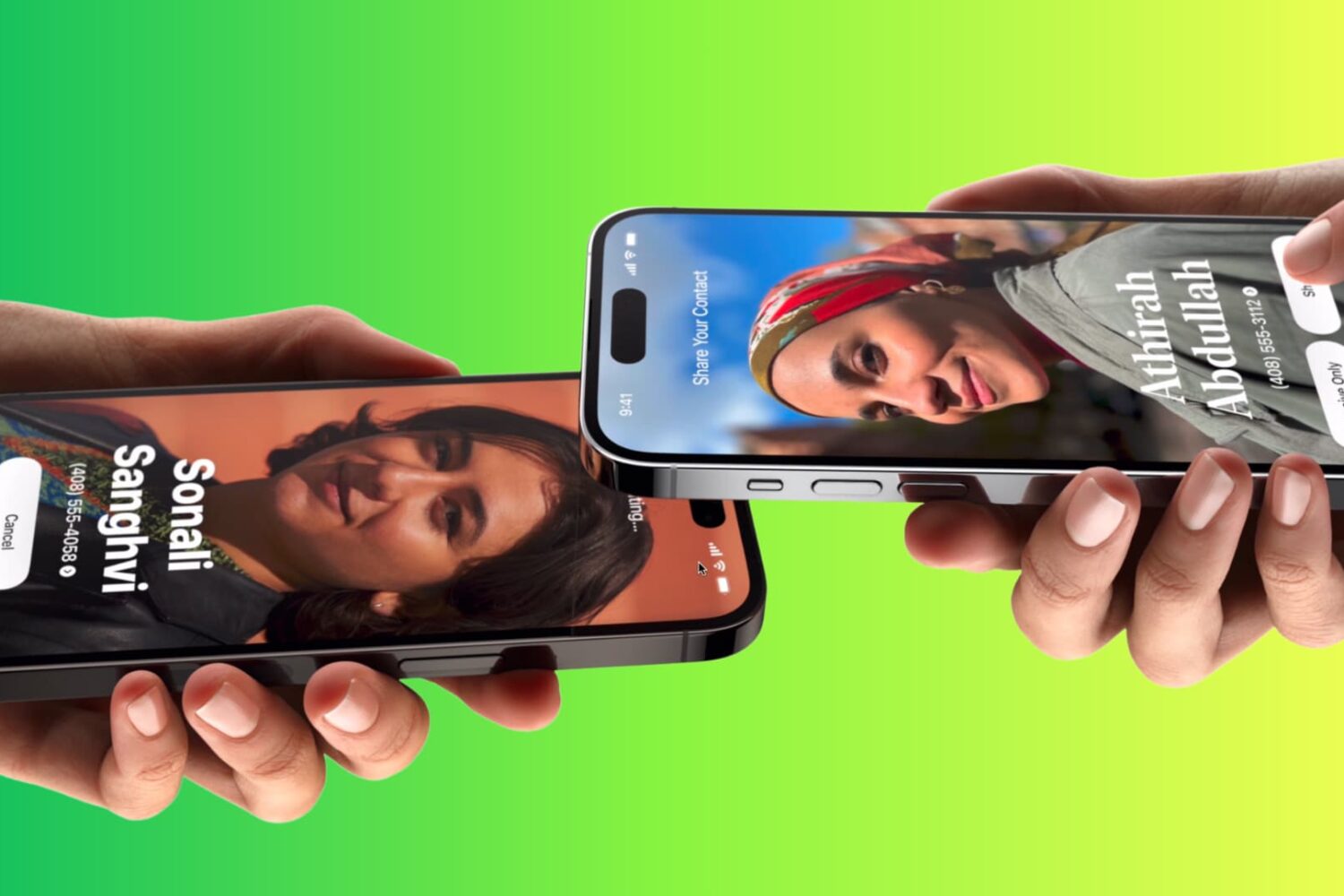
Learn how to use Apple’s NameDrop feature to send and receive contact information like phone numbers and email addresses between two iPhones.
When Apple released iOS & iPadOS 17.0.1 just over a week ago, we also touched on comments made by TrollStore lead developer Lars Fröder (@opa334dev), who claimed that a bug possibly similar to the one used by TrollStore had been patched in iOS & iPadOS 16.7 and 17.0.
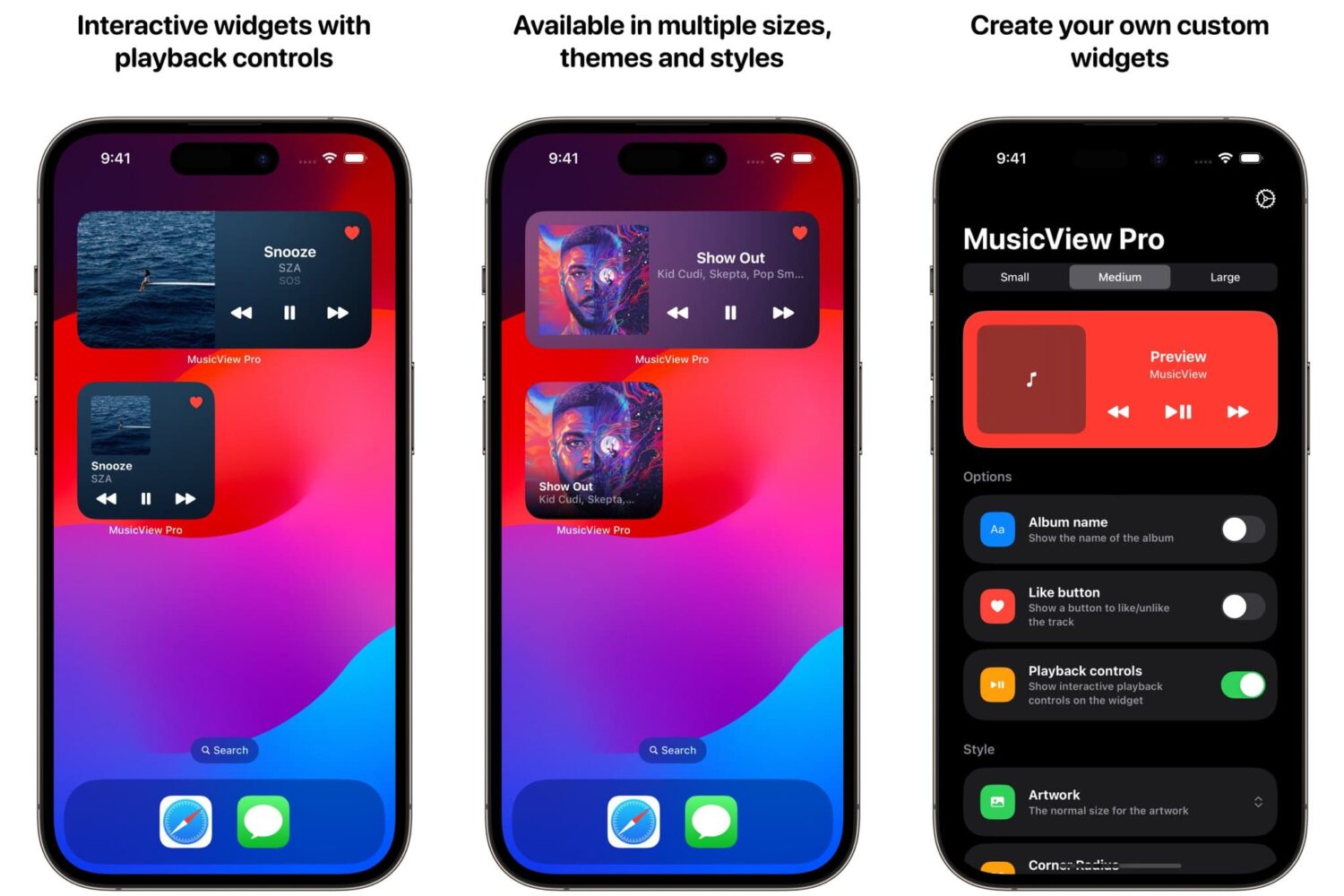
One of the major new features to ship with Apple’s iOS & iPadOS 17 mobile operating systems this year was the addition of interactive Home Screen widgets, which now offer more usability directly from the Home Screen so that you aren’t forced to launch an app and then close it once finished with your activity.
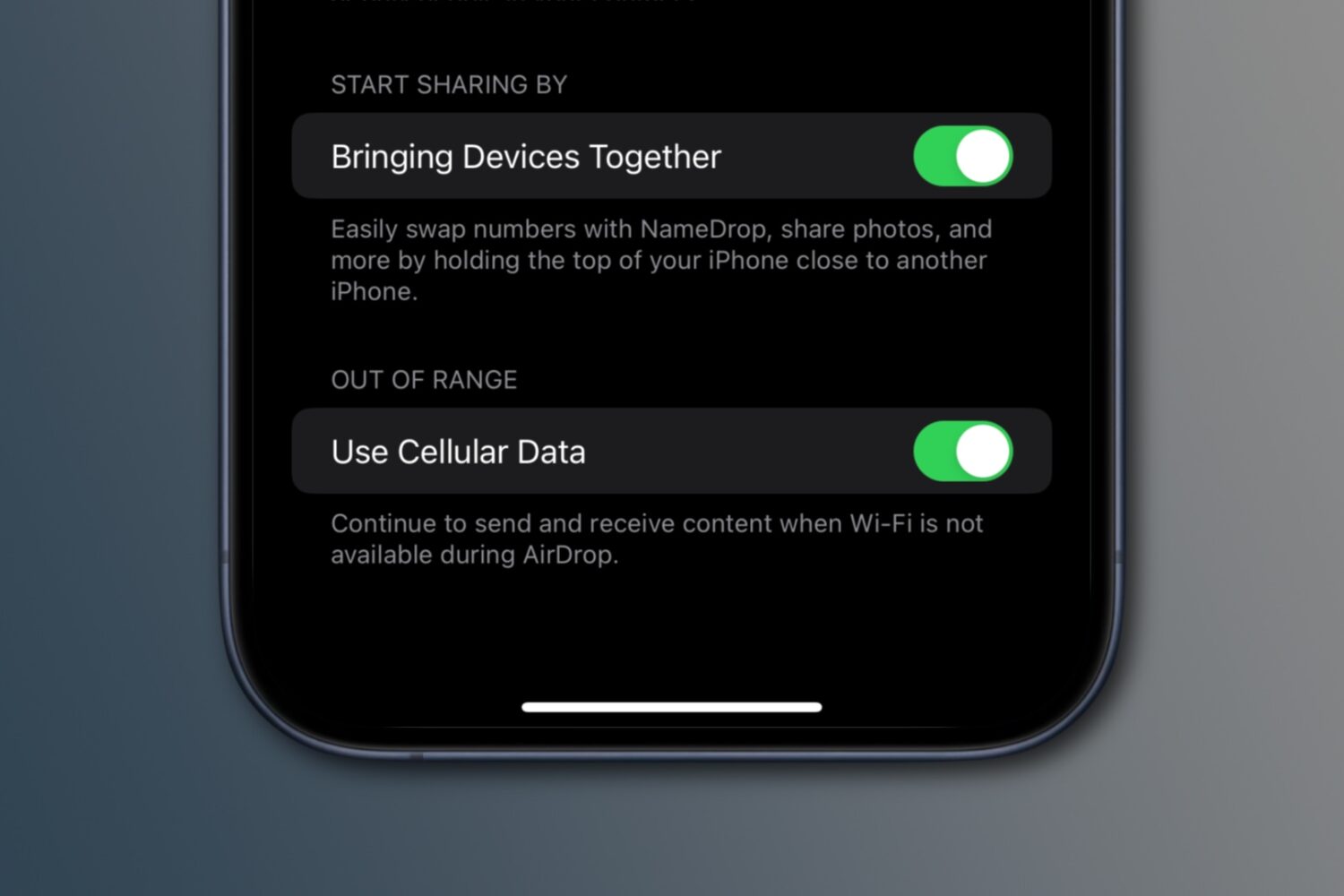
iOS 17.1 enables a new AirDrop feature to finish an in-progress file transfer via the internet, using your iPhone's cellular data, if Wi-Fi becomes unavailable.
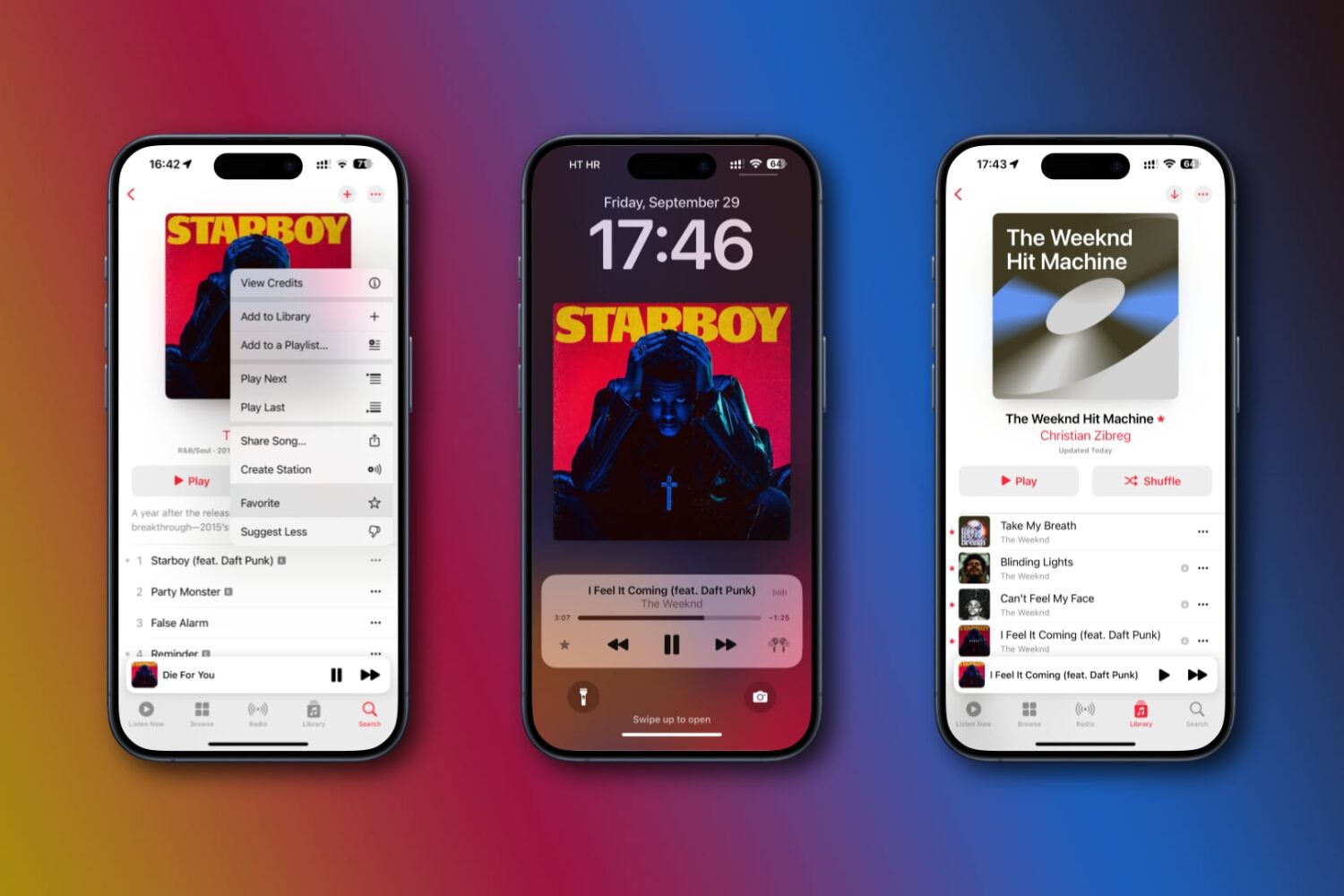
iOS 17.1 brings new Apple Music features like a smarter favoriting system, eight custom artwork styles for playlists, suggested songs in playlists and more.
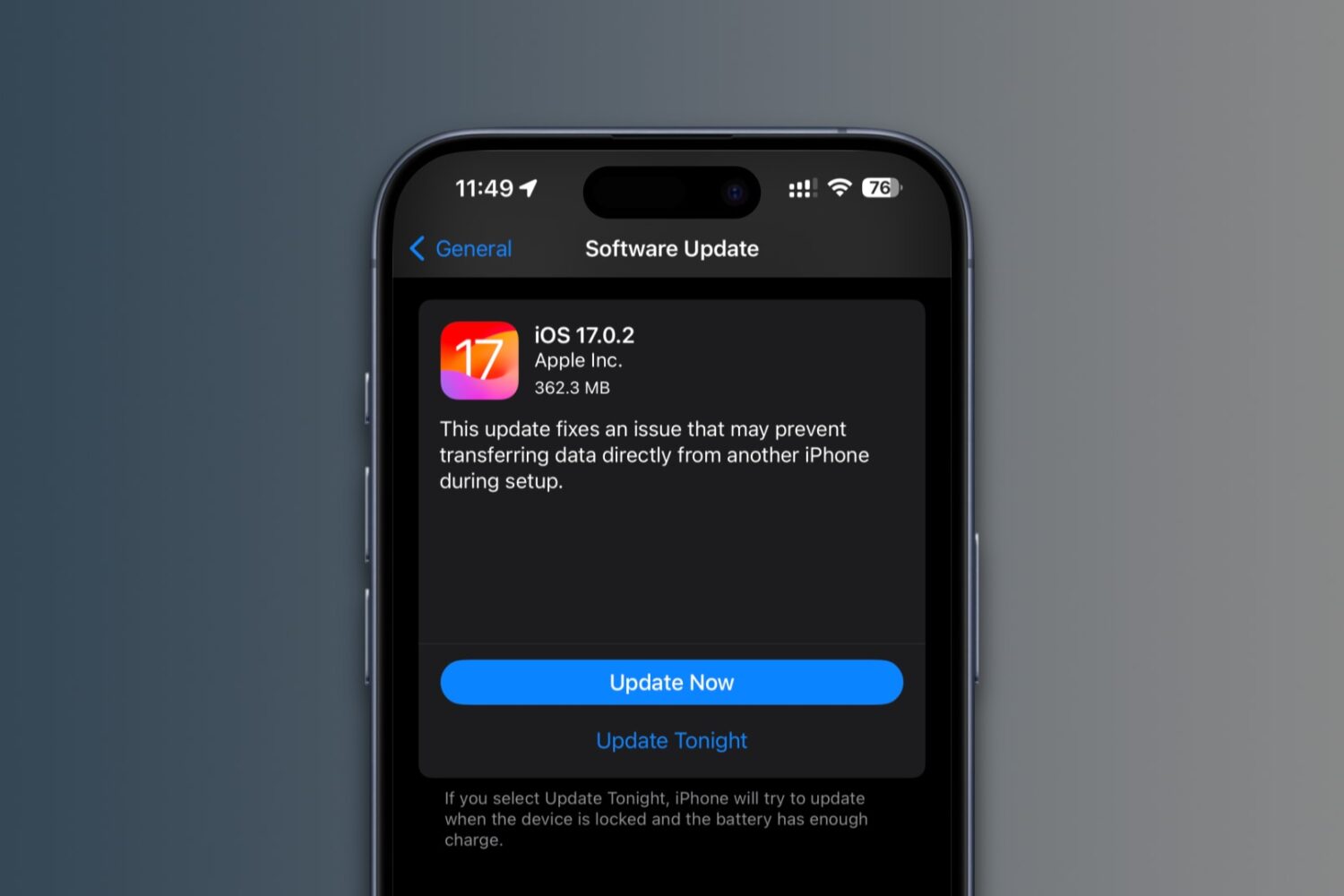
iOS 17.0.2 and iPadOS 17.0.2 fix a data transfer issue that may prevent you from moving your old settings, media and more from another device during setup.
For some users, Apple's latest iOS 17 software turns the iPhone's Significant Locations privacy option back on even though they previously disabled it.

Apple on Thursday released iOS & iPadOS 17.0.1 for most iPhones and iPads along with iOS 17.0.2 for the iPhone 15 and 15 Pro lineups, marking the first official updates to Apple’s significant software upgrade for the year of 2023 since it first launched this past Monday.
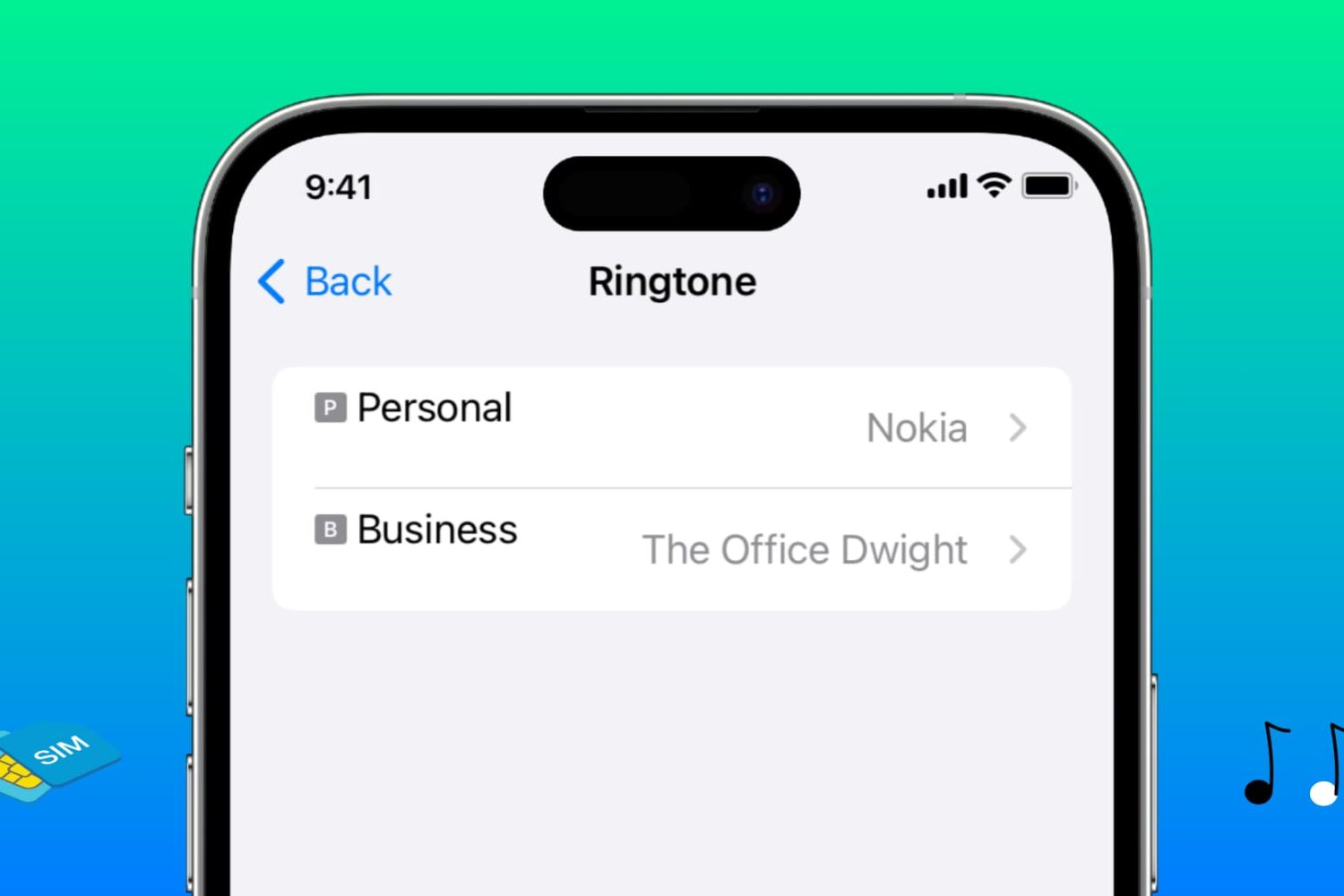
Learn how to assign different ringtones to each SIM line on your iPhone, making it easier to identify which phone number is receiving a call.
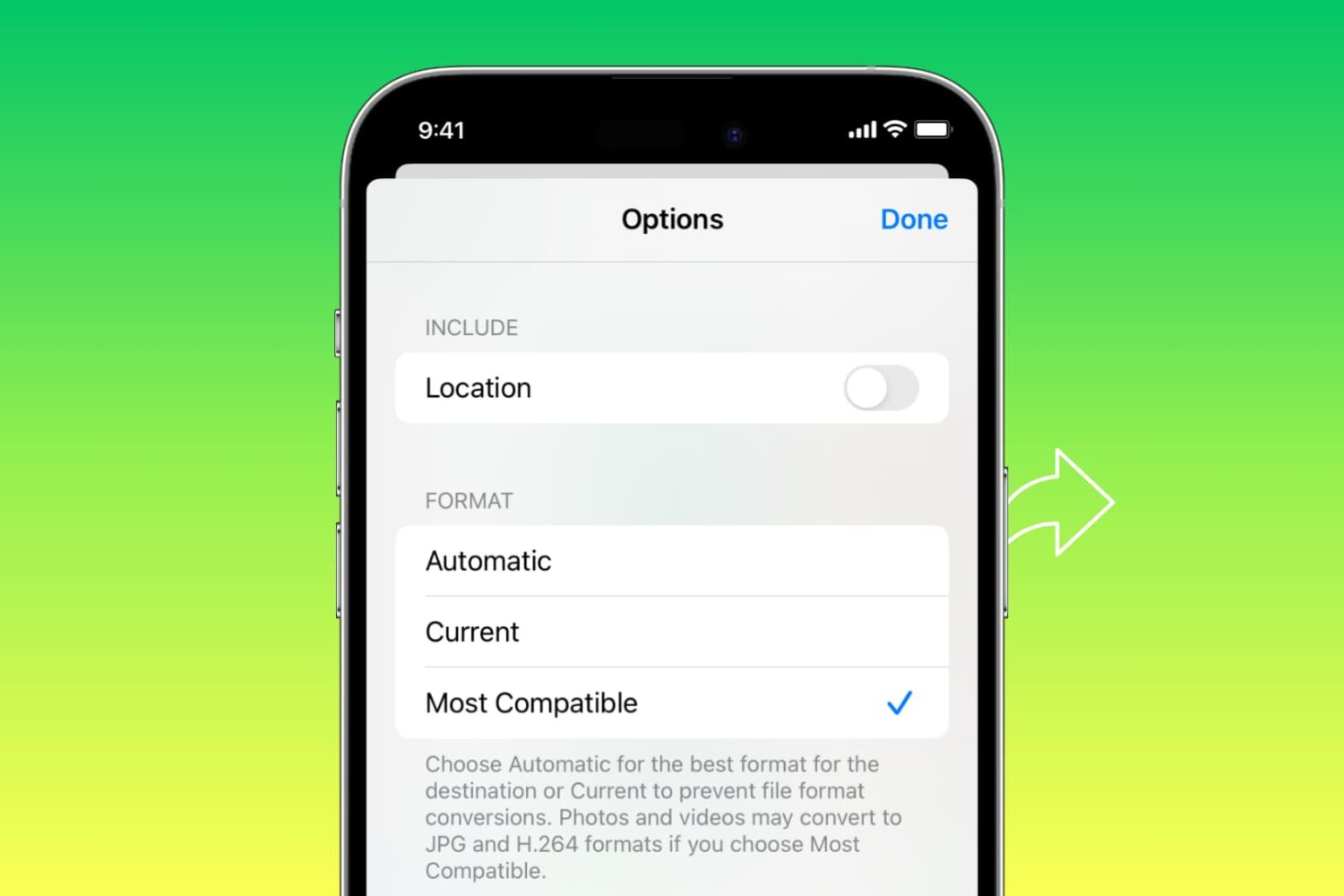
Learn how to automatically convert pictures to the JPG format and videos to MOV when you share them from your iPhone or iPad.
Complaints are mounting about iOS 17’s new notification sound for alerts in third-party apps being too quiet, causing some people to miss important alerts.
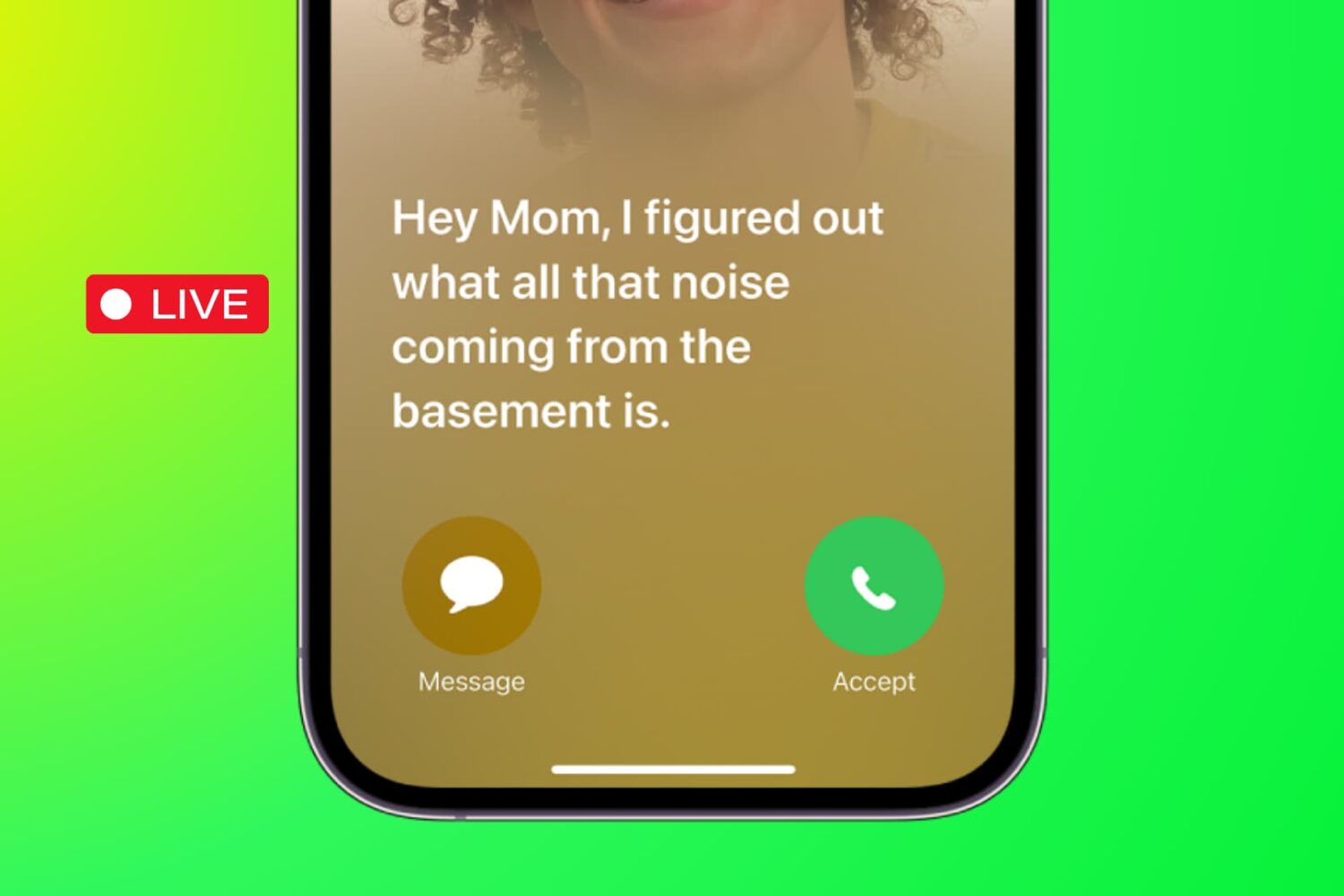
Learn how to use the Live Voicemail feature on your iPhone to view real-time transcription as the caller is still on the line, leaving their voice message.