iOS 14

Apple says the option to stay on iOS 14 was always temporary
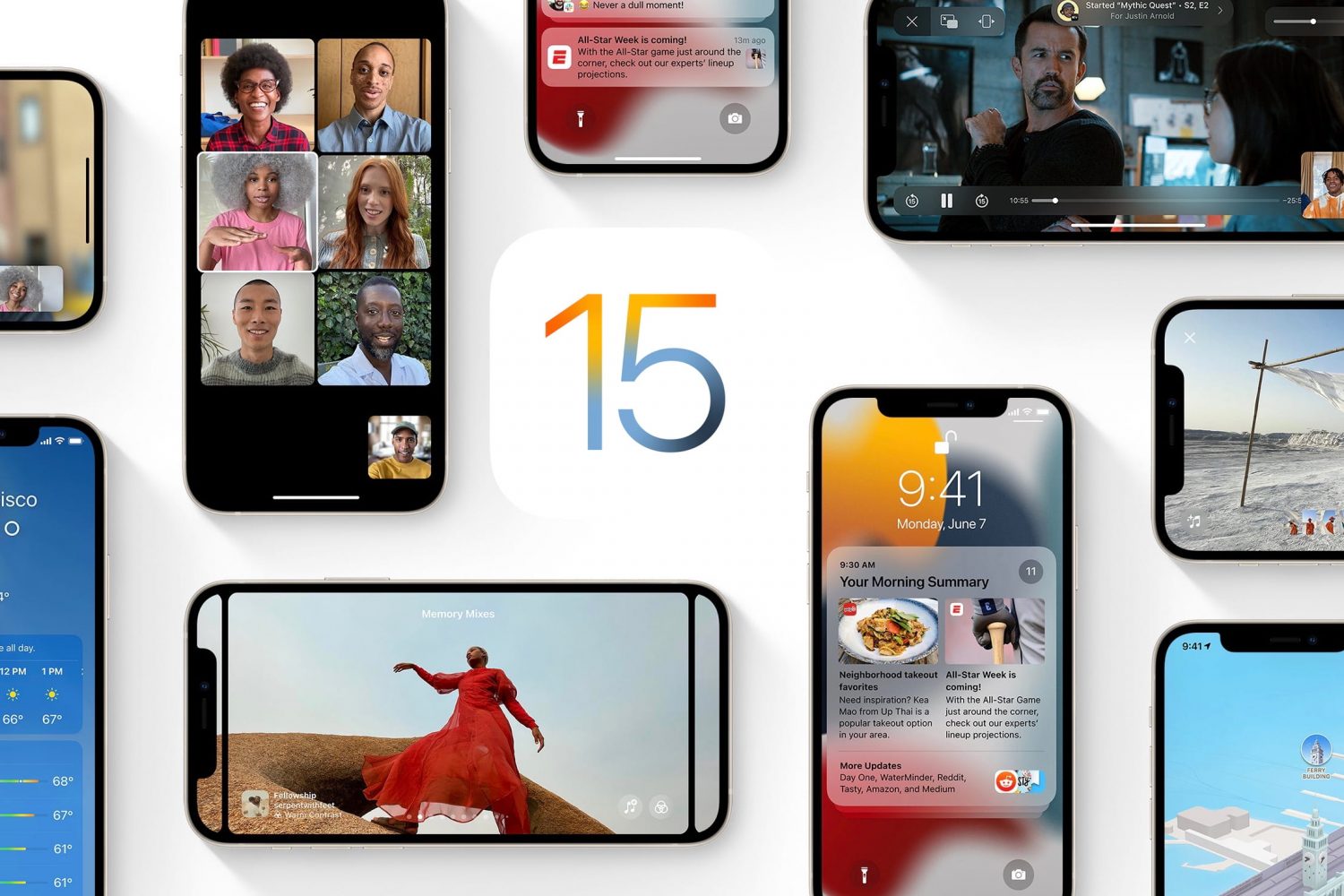
Before the launch of iOS 15, there was a report that stated Apple was working on the idea of letting iOS 14 users stay on that particular version of the mobile operating system rather than upgrading to the newest version. Apple intended to release security updates for the older OS, and the new features would remain with the new software. But, it was an option, especially for the folks who aren't fans of upgrading to the newest version of the mobile OS as soon as it launches.

FreshCydia gives Cydia a redesigned home page with featured packages & repositories

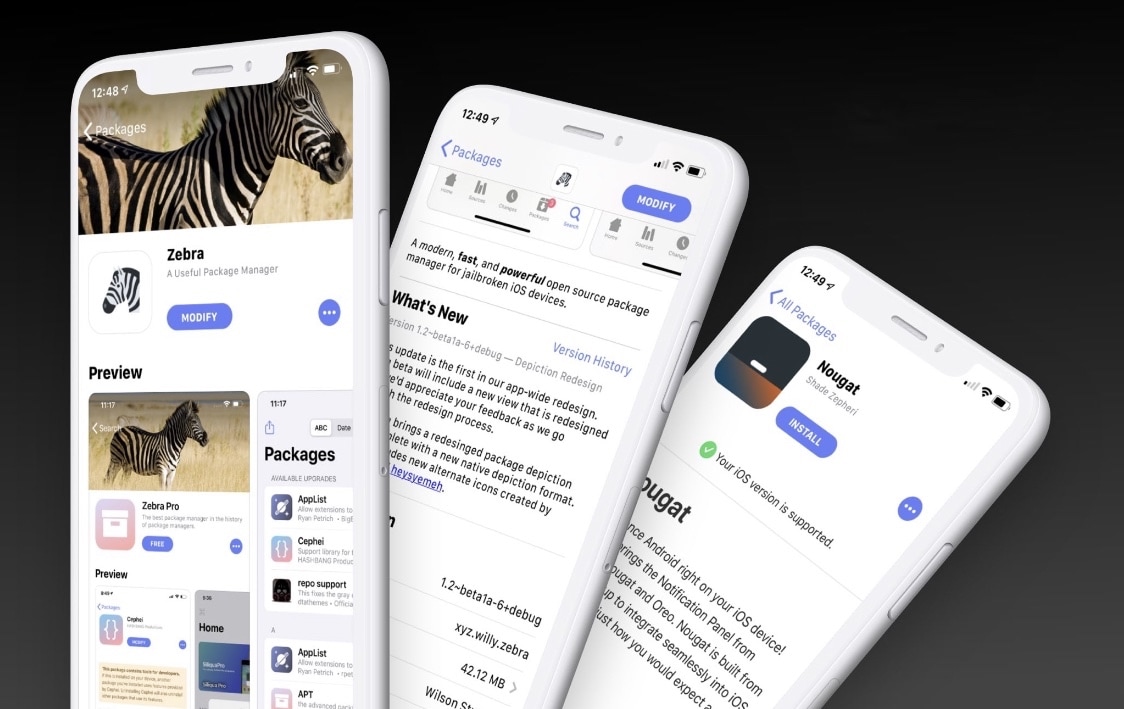
While there are several package managers for jailbreakers to choose from today, one of the most widely trusted is Cydia, a tried and true workhorse that has been with us jailbreak after jailbreak for more than a decade. However, all that age is beginning to show as Cydia hasn’t received any real aesthetic upgrades over the years; this continues even as competing package managers such as Installer, Sileo, and Zebra both outperform and look much slicker than Cydia.

You can’t disable App Library, but here’s what you can do

Disable App Library

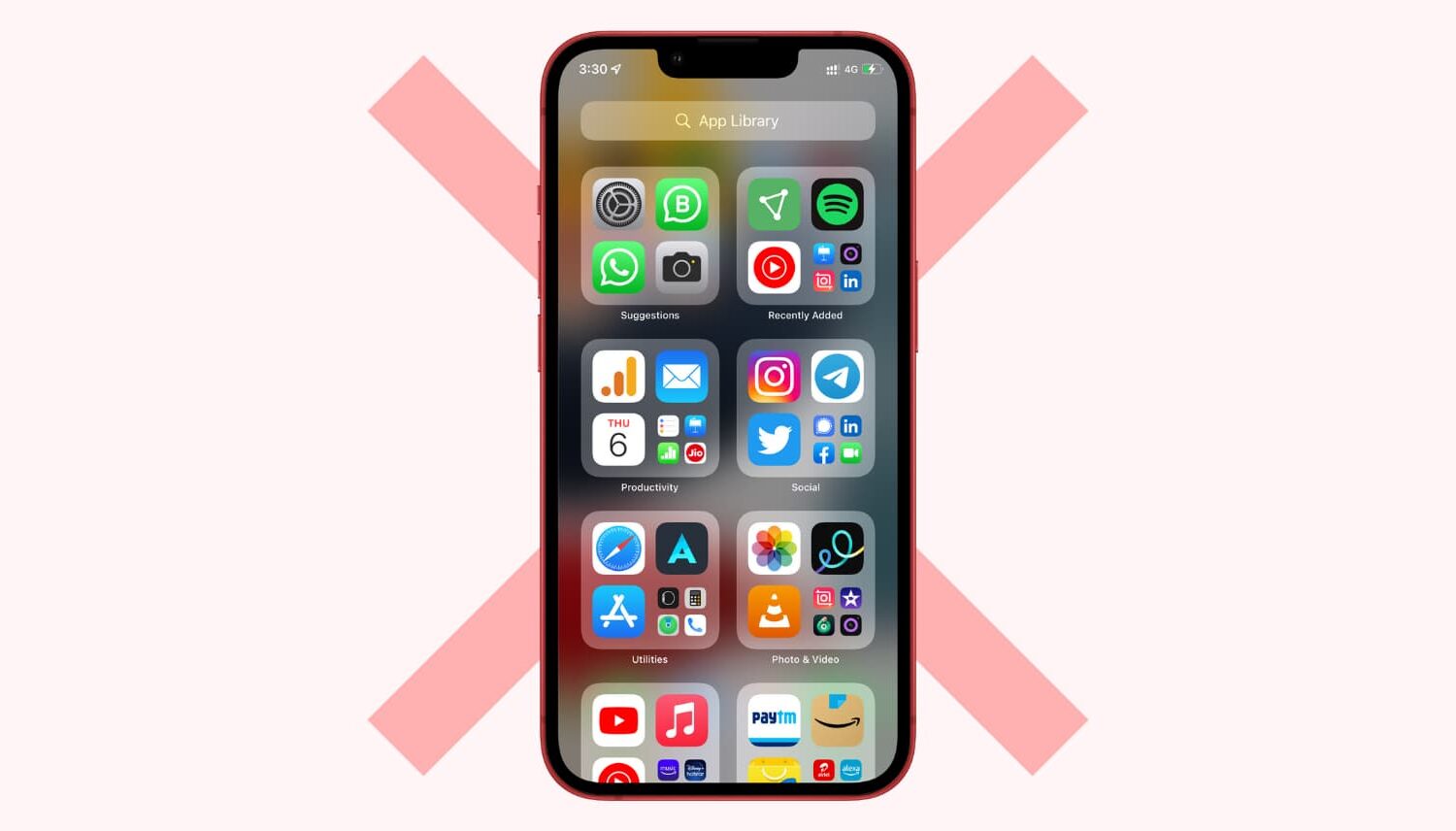
App Library was introduced on iPhone with iOS 14 and iPad with iPadOS 15. Since then, it has stayed on all future versions, including iOS 16. If you aren't a big fan of App Library, you might want to disable it temporarily or turn it off entirely.

The bad news is you can't disable or toggle off App Library on iPhone. But there are some things you can do to make sure you do not have to use it ever. So you can't get rid of App Library, but we show you how to ignore it.