Hot on the heels of the fifth developer betas of iOS 14 and iPadOS 14, Apple is also seeding the corresponding public betas.
Apple seeds fifth public betas of iOS 14 and iPadOS 14 to public beta testers
Hot on the heels of the fifth developer betas of iOS 14 and iPadOS 14, Apple is also seeding the corresponding public betas.
Earlier today, Apple seeded the fifth beta of iOS 14 and iPadOS 14 to developers. This is a quick list of what's new in the latest prerelease software.
Apple is moving ahead with the latest developer betas for iOS 14 and iPadOS 14 (and the other platforms) ahead of the public launch later this year.
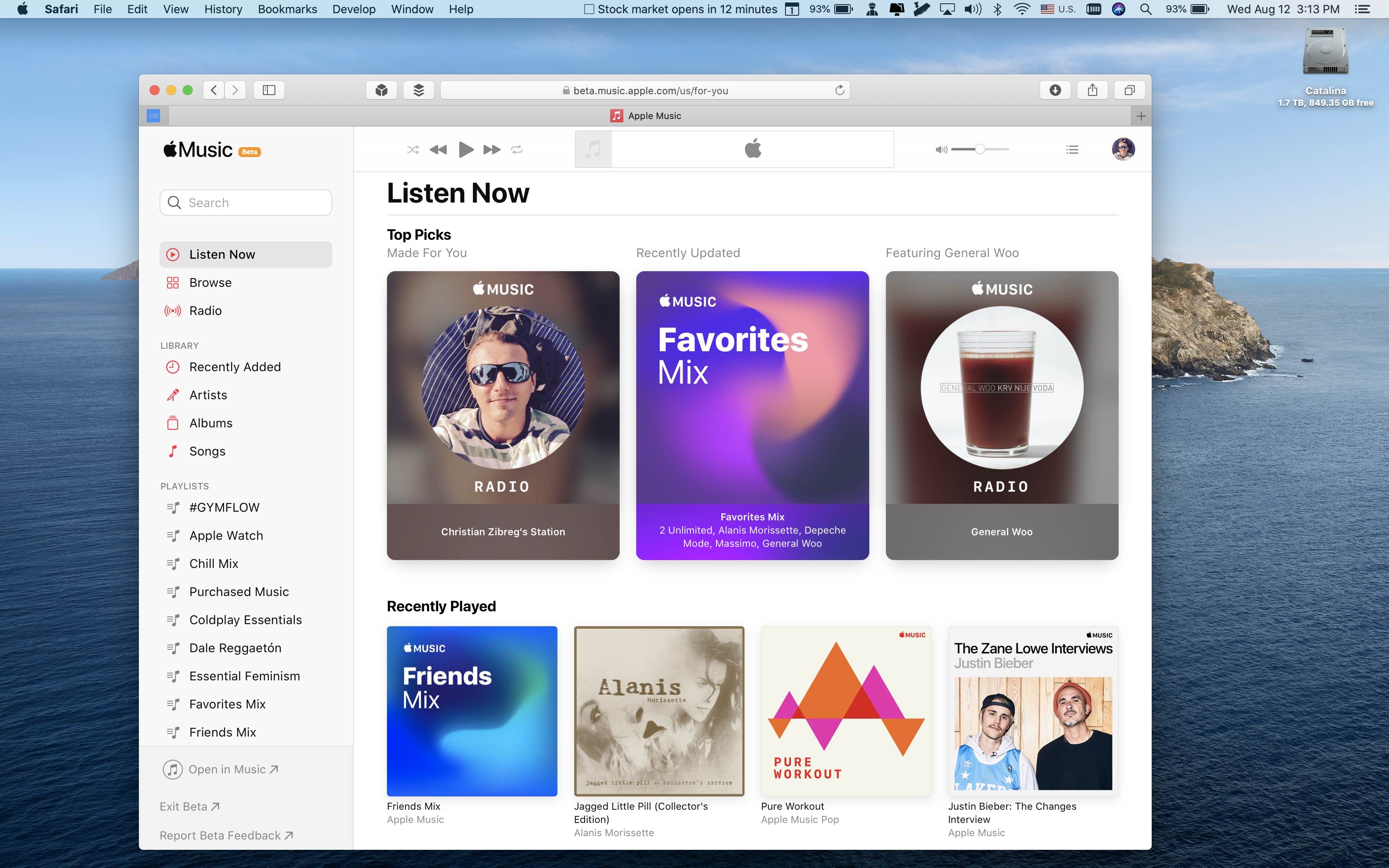
Apple's refreshed the Apple Music beta website with iOS 14 design and the Listen Now tab.
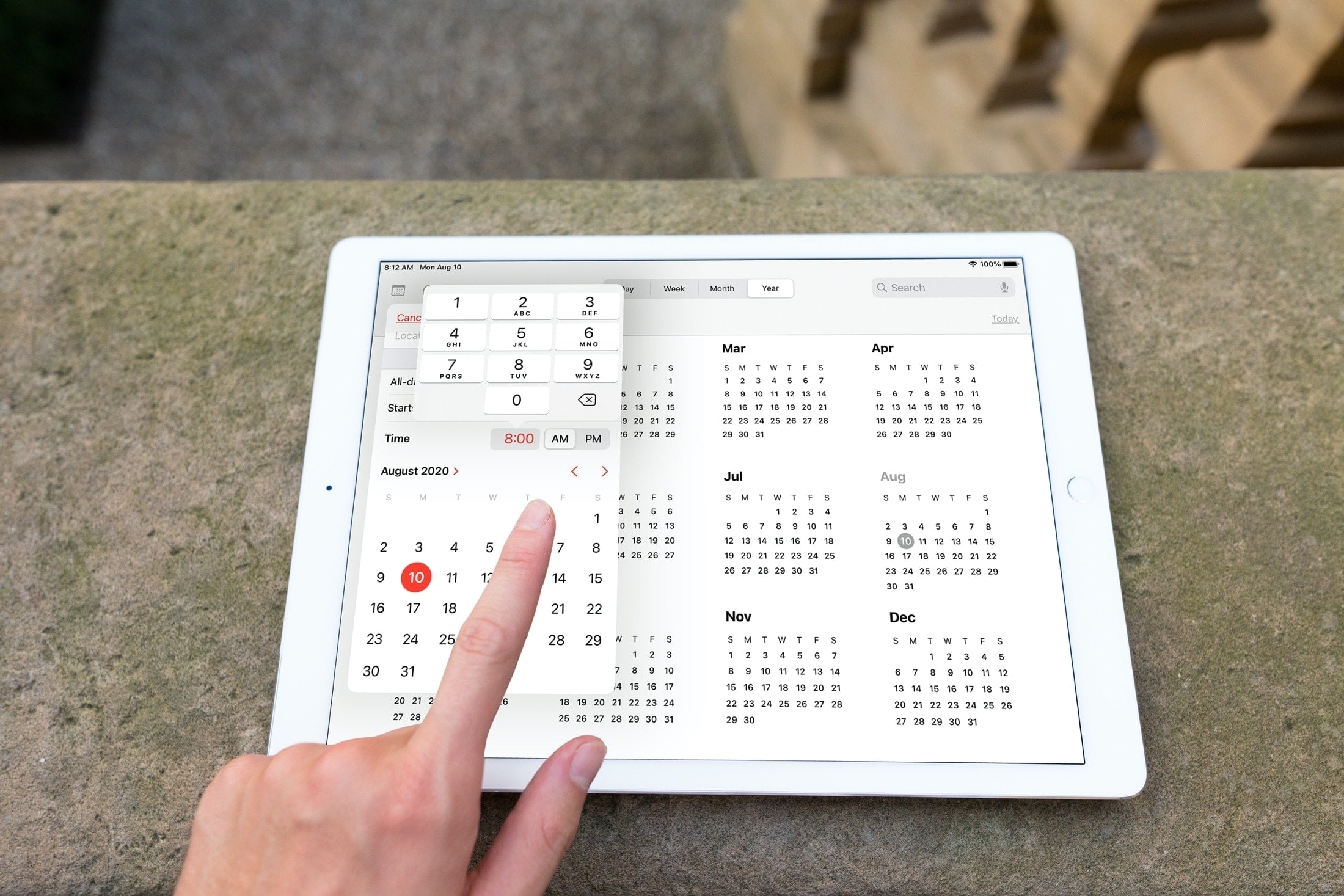
Sometimes it’s those small improvements that make a big difference. With iOS 14 and iPadOS 14, Apple updated the date (calendar) picker that you use in apps like Reminders and Calendar. No longer do you have to spin the wheel to choose your date and time.
This enhancement lets you select the exact date and time much quicker with a clearer view and simpler method of selection. Here, we’ll show you what’s new with and how to use the redesigned date picker on iPhone and iPad.
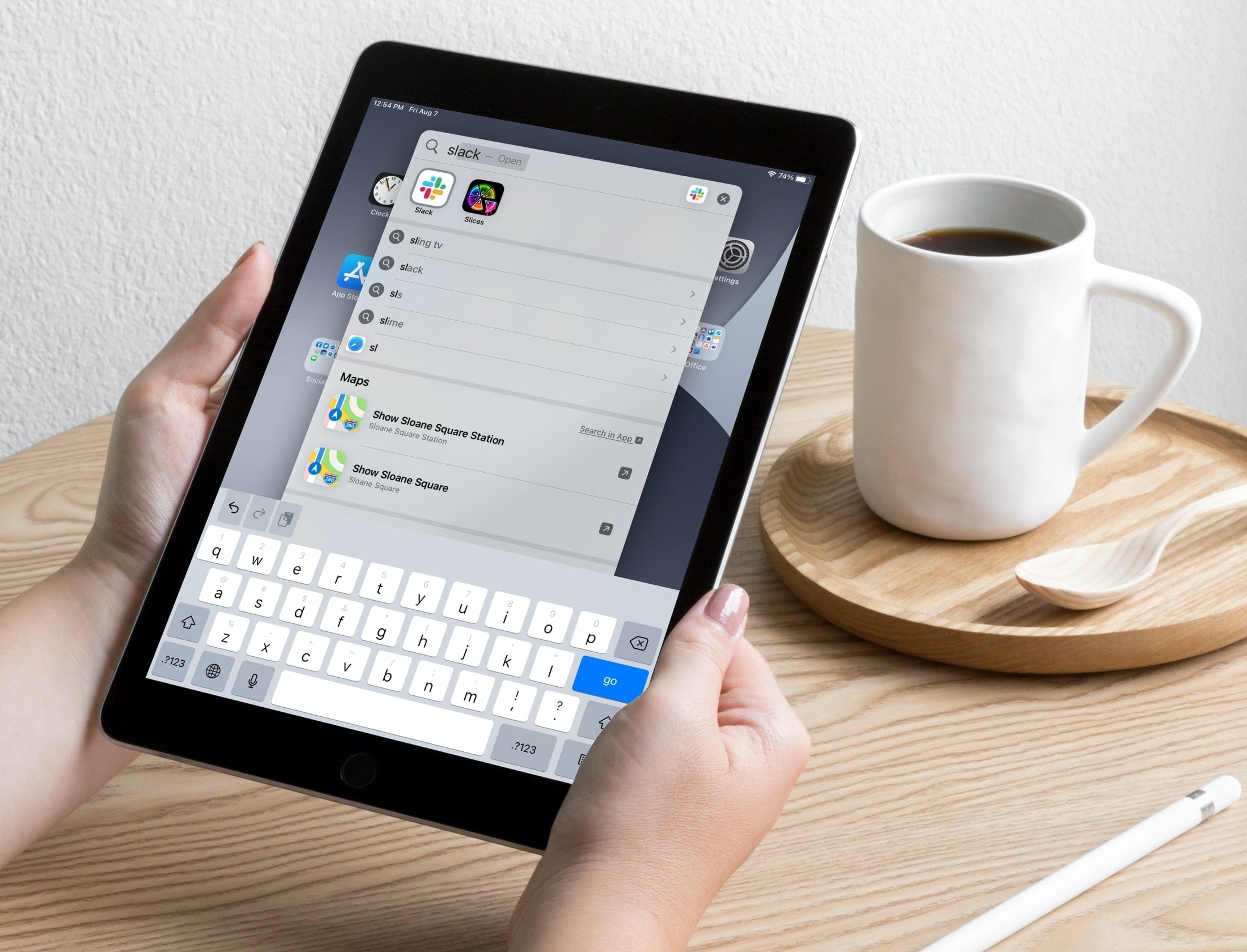
Learn about a couple of simple Spotlight Search tips to open apps and websites in an instant on your iPhone or iPad.
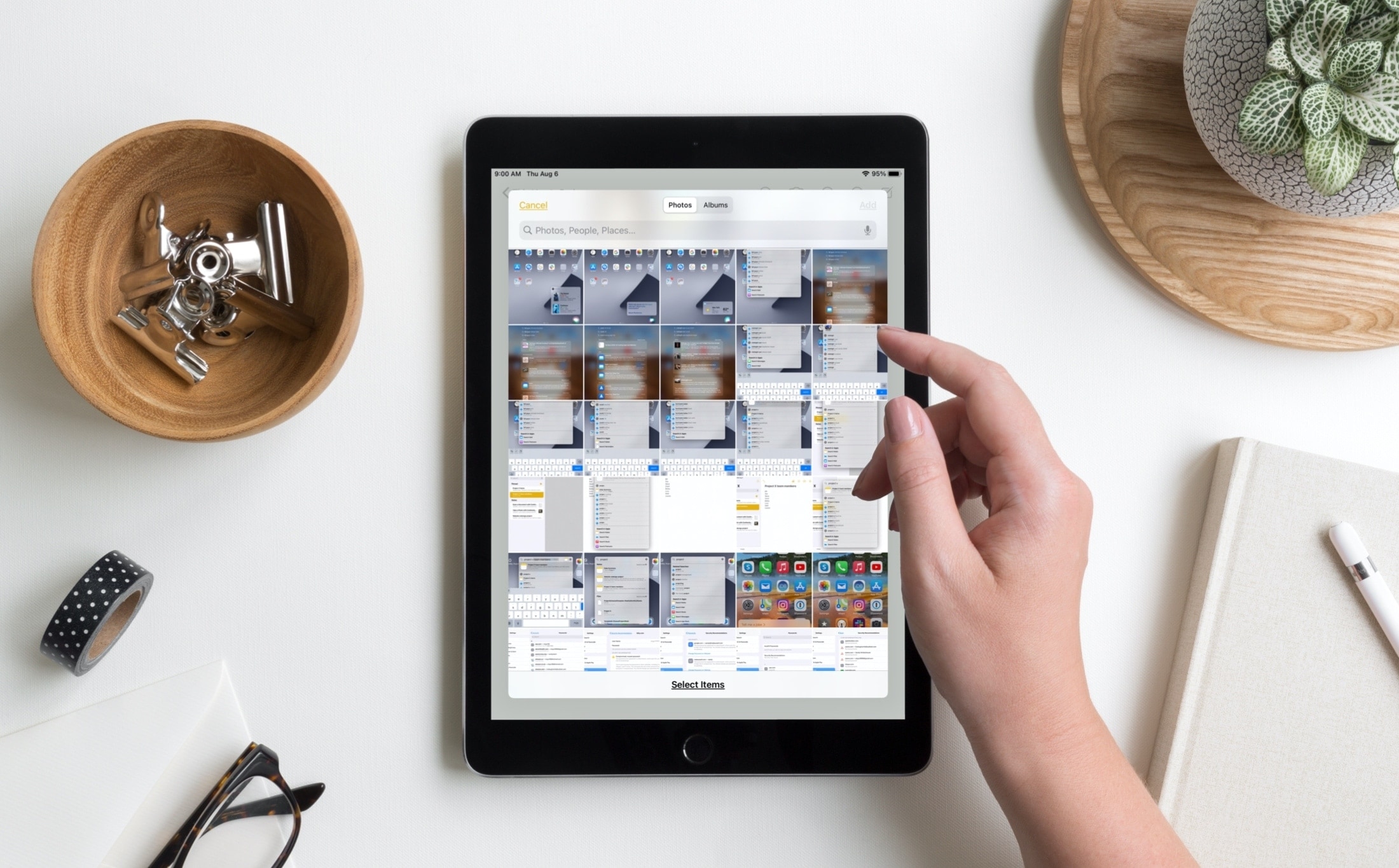
One of those iOS 14 and iPadOS 14 enhancements you might not notice at first, but is definitely an improvement, is the image picker. With this handy tool, you can browse and select images from your Photos library in apps like Mail, Messages, and Notes.
While there was nothing particularly wrong with the tool before, you will notice bigger screen, handy search field, and more effective design. All of this makes it simpler to find the photos you need. Here, we’ll show you how to use this improved image picker on iPhone and iPad.

Apple News+ has probably not taken off in the way that Apple originally hoped, and some publishers may not be happy with a feature discovered in iOS 14 and macOS 11 Big Sur.
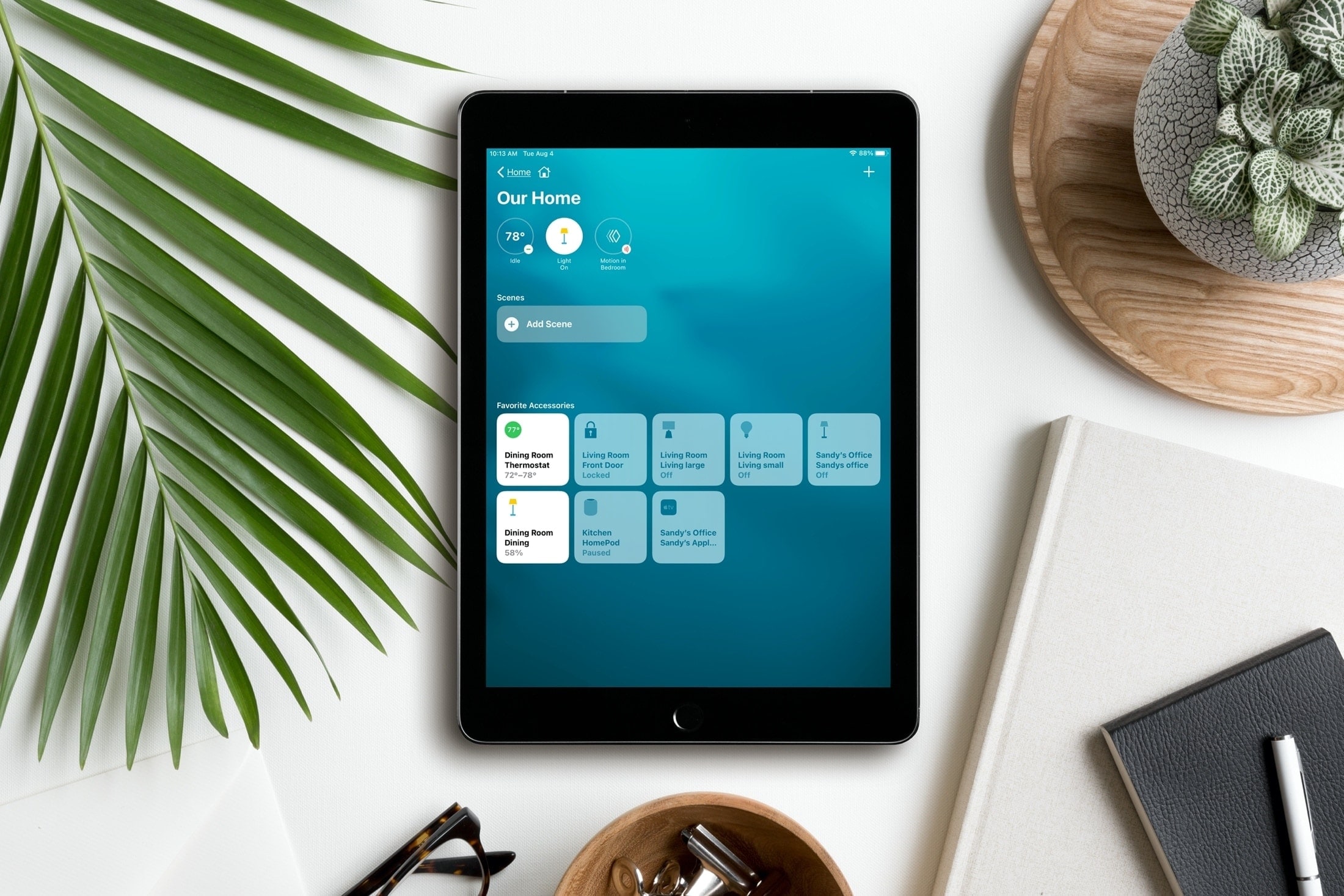
Controlling your smart home from your iPhone and iPad is simple with the Home app. And with iOS 14, iPadOS 14, and macOS Big Sur, you have a clearer way to see and manage your HomeKit accessories.
What used to be written summary section at the top of the Home app is now a visual summary of your connected devices. This allows you to quickly take action or more easily control your accessories. Here’s the scoop on using the visual status section for devices in the Home app.
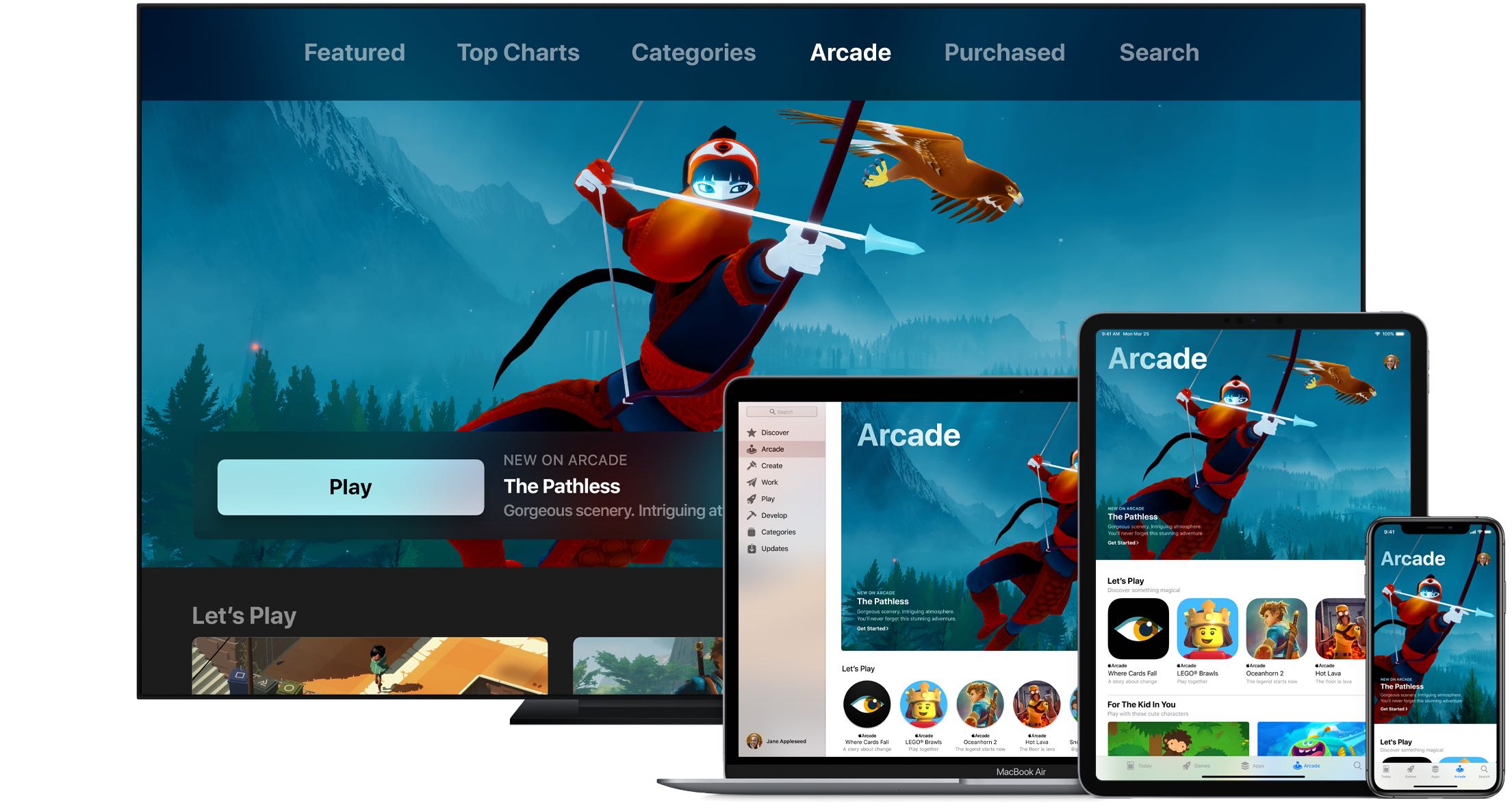
Wouldn't it be great if you could see upcoming games that will launch soon on Apple Arcade, the iPhone maker's game-subscription service? With the new App Store features available on iOS 14, iPadOS 14 and macOS 11 Big Sur, you can do just that. Follow along with our quick tutorial as we show you how to get a sneak peek at upcoming Apple Arcade games.
If you are part of the public beta testing program, then you have new pre-release software to install today.
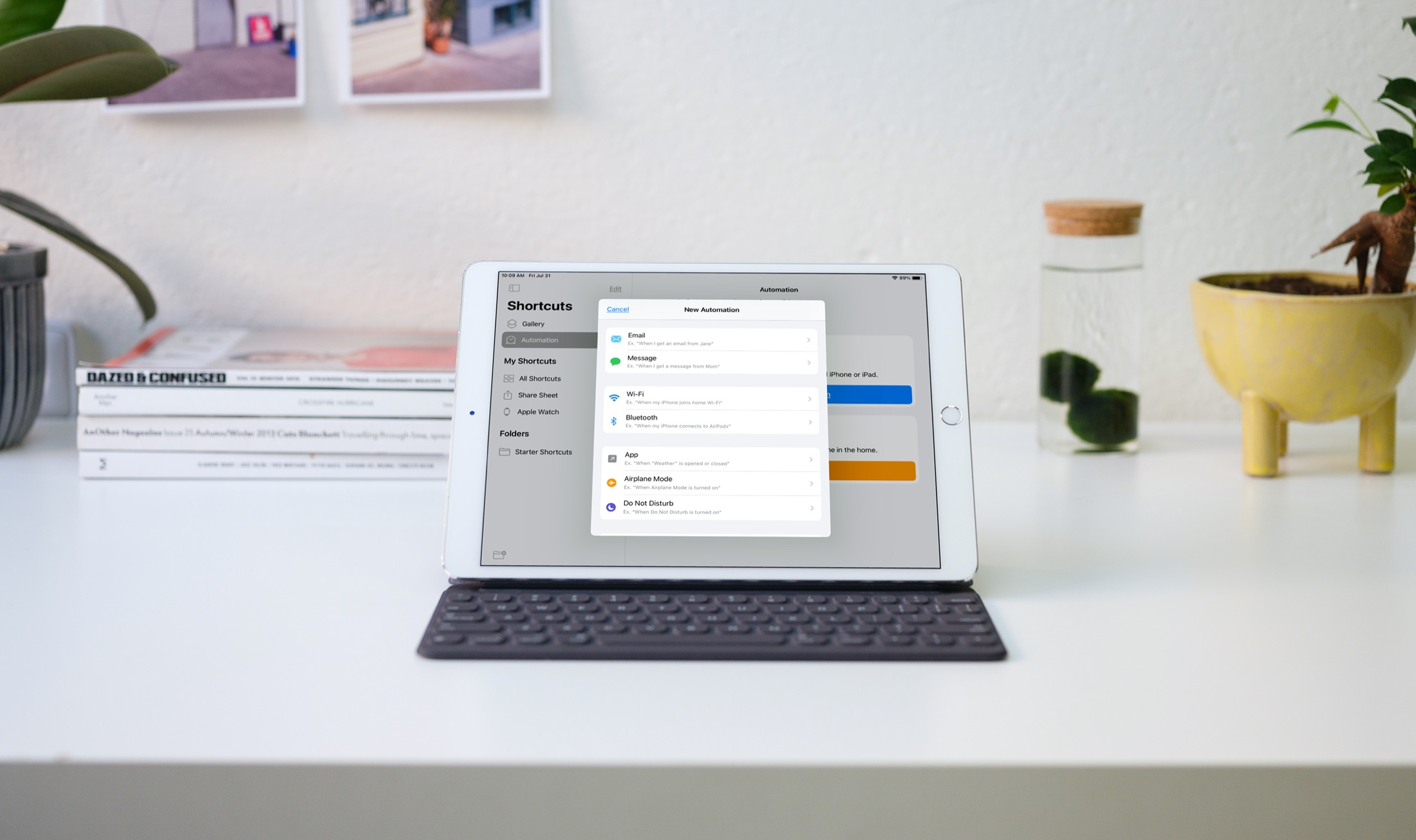
Automations in the Shortcuts app give you awesome ways to make tasks simpler. With automations, you can do things like open an app, play music, or make a phone call, all automatically based on triggers you set up.
The Shortcuts app offers both personal and home automations to make your life a little easier. And with iOS 14 and iPadOS 14, you have even more triggers available. Here, we’ll show you how to use some of these new personal automation triggers in Shortcuts.