iOS 12

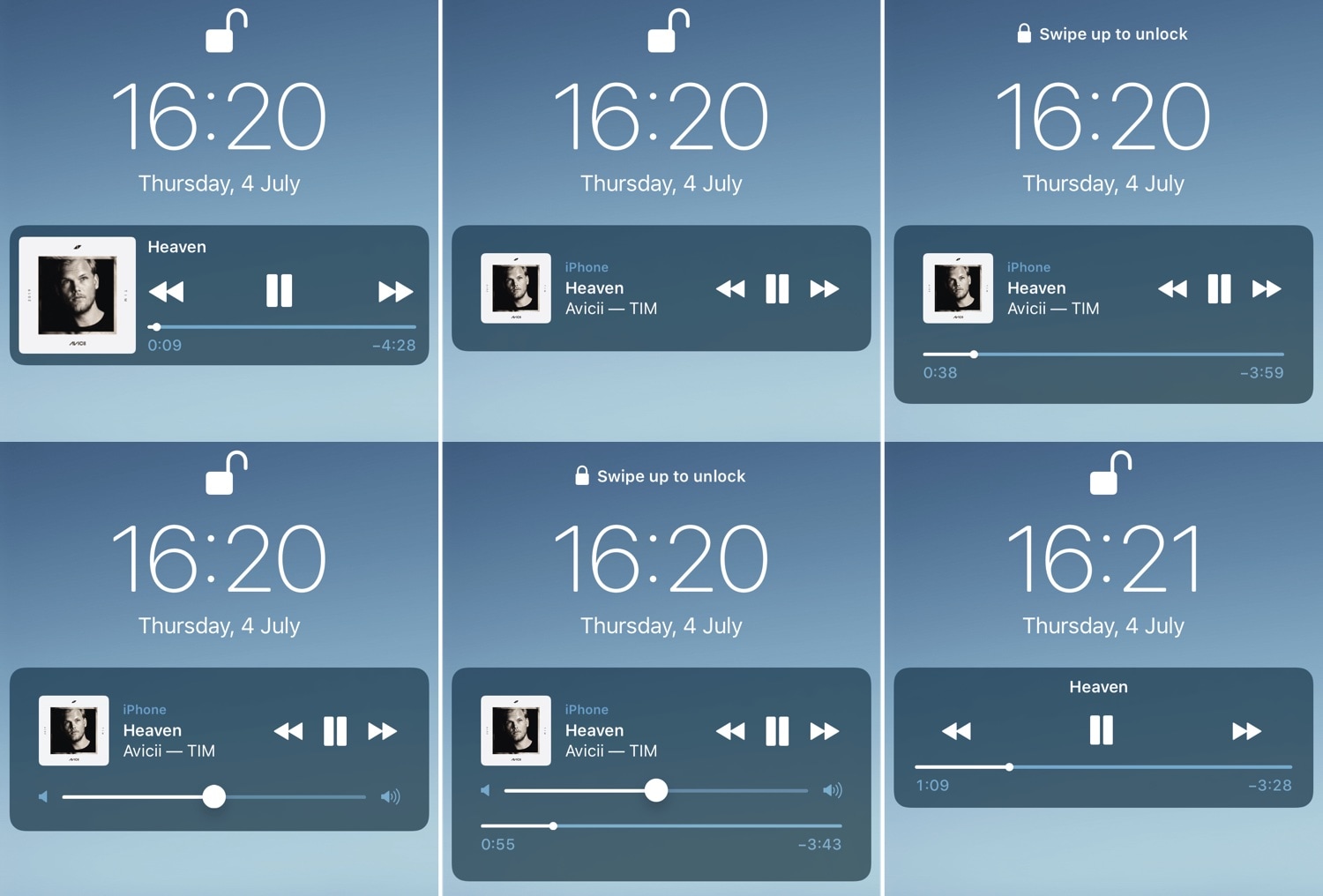
BellePlayer offers less intrusive Now Playing interfaces for the Lock screen

If you listen to music on your iOS device often, then you likely take advantage of the Lock screen’s Now Playing interface to manage music playback as you walk into the dynamics of different environments.

While the native Now Playing interface is adequate for most users, those who demand a more refined experience will do good to check out a newly-released jailbreak tweak dubbed BellePlayer by iOS developer Geometric Software.

This tweak gives dynamic wallpapers an Apple-esque makeover

iOS users have three different wallpaper options to choose from out of the box: still images, Live Photos, and dynamic wallpapers. Most opt for still images or Live Photos since Apple’s dynamic wallpaper selection feels somewhat limited out of the box; on the other hand, a new jailbreak tweak called Dynamic Apples by iOS developer JGeorge can help with this.

As shown screenshot example above, Dynamic Apples changes the appearance of Apple’s native dynamic wallpapers by replacing their circular sprites with Apple logos.

Speculum gives your Lock screen a customizable aesthetic upgrade

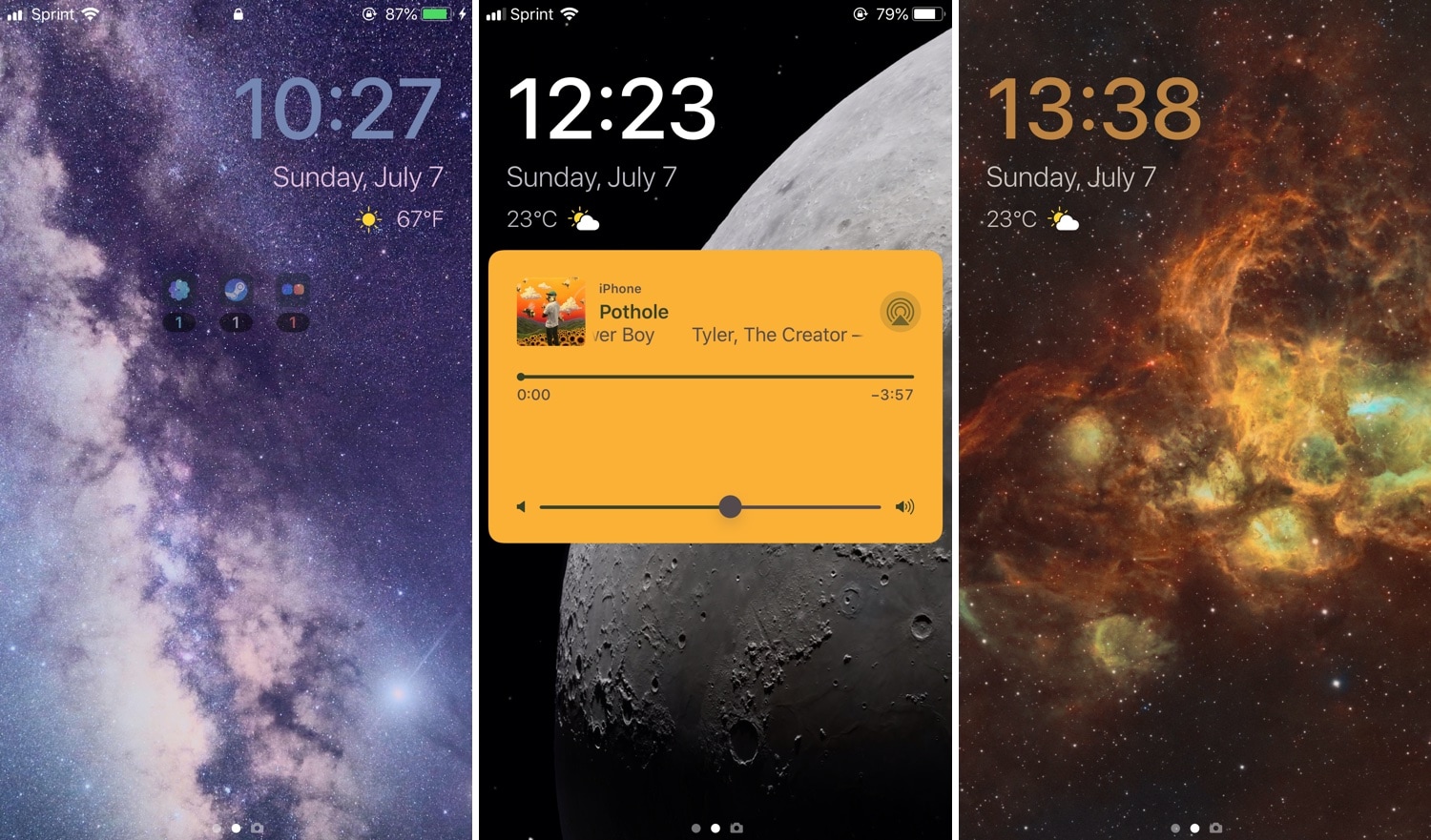
If you’re in search of a fresh and aesthetically-pleasing Lock screen experience on your iPhone or iPad, then you might take an interest in a newly-released and free jailbreak tweak called Speculum by iOS developer LacertosusDeus.

As shown in the screenshot examples above, Speculum augments the Lock screen experience with customizable new features, including custom text alignment, formatting, colorization, and even a helpful new weather display.

Electra Team releases Chimera v1.1.0 to fix Sileo app disappearance bug

Chimera Banner Image.

It wasn’t long after the Sileo Team released Sileo v1.1.5 with expanded Swift support that the Electra Team followed up with an updated iteration of the iOS 12-centric Chimera jailbreak tool.

The Electra Team announced the release of Chimera v1.1.0 just moments ago via Twitter, noting that the update would install Sileo v1.1.5 by default and resolve a particularly frustrating bug in which the Sileo app would disappear from the Home screen after jailbreaking:

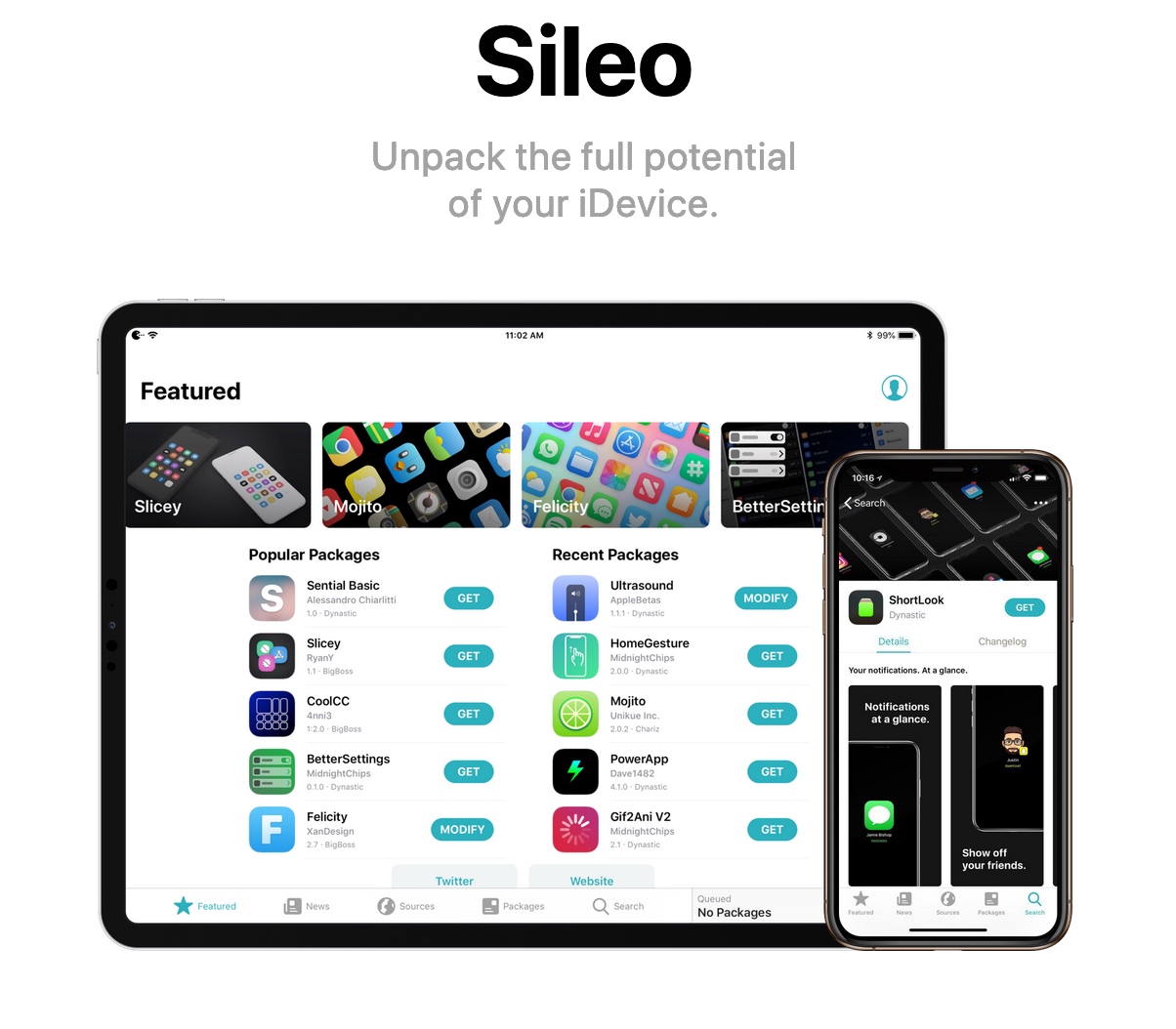
Sileo v.1.1.5 released with rewritten native depictions and Featured tab based on Swift

The Sileo Team released another update for the Sileo package manager over the weekend, continuing the team’s ongoing efforts to migrate the app’s backbone from Objective-C to Apple’s Swift programming language.

The update was announced late Sunday evening, and as it would seem, Sileo v 1.1.5 brings Swift support to native package depictions and to the app’s integrated Featured tab:

Sileo updated to v1.1.4 with more Swift support, fixes for app crashes

The Sileo Team has been somewhat busy this past week, cranking out regular updates for the Sileo package manager, which handles add-on and extension installations by default on jailbreaks created by the Electra Team, including Chimera and Electra.

As it would seem, this weekend is no different. The Sileo Team announced the release of Sileo version 1.1.4 early Saturday morning via Twitter:

Manta: An uncompromising unified Lock screen experience for jailbroken iPhones

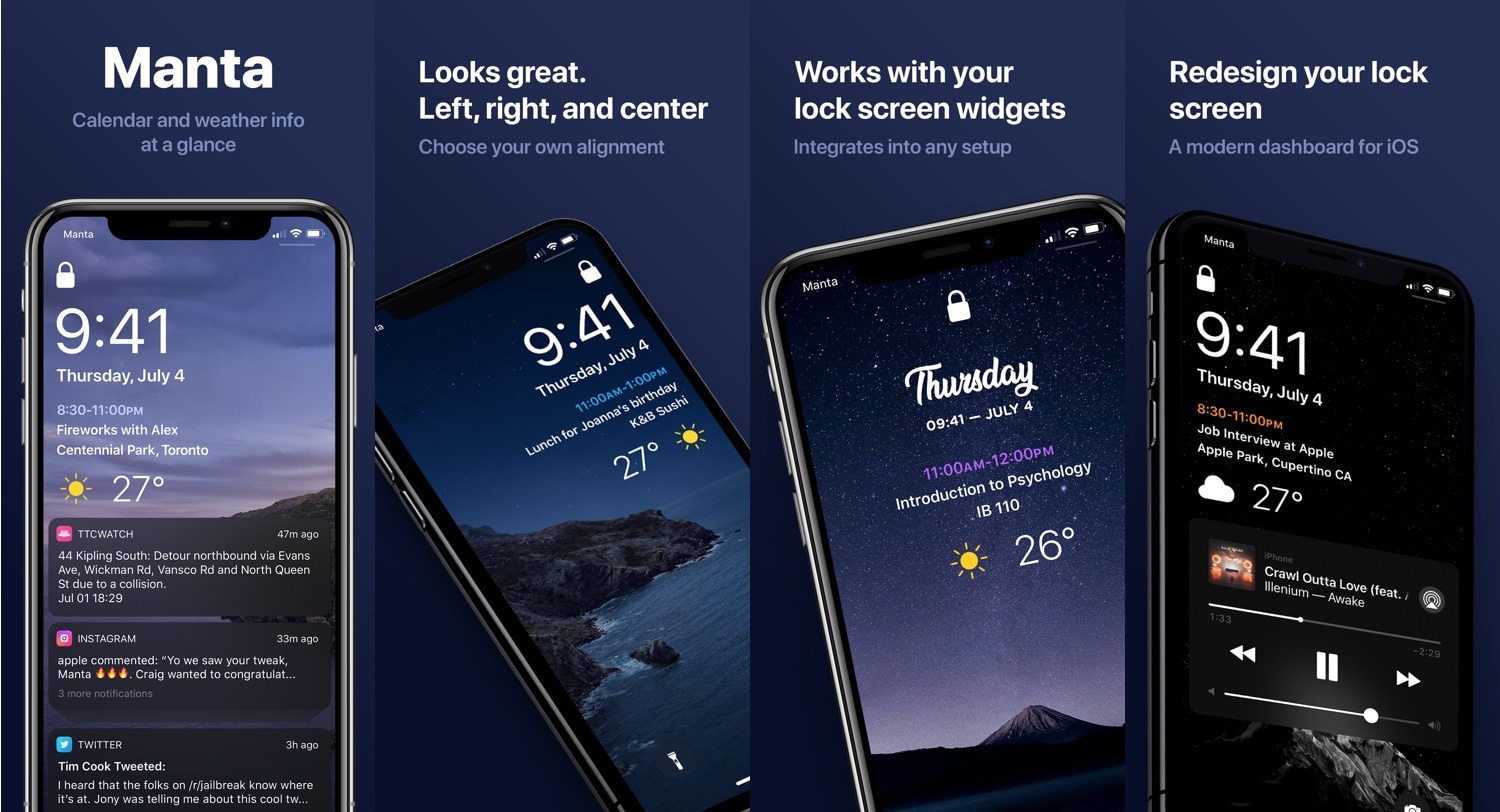
One thing I’ve long wanted from iOS, but still don’t have to this very day, is a fully-integrated Lock screen experience, complete with notifications, weather information, and widgets in addition to the expected date and time indicator.

While the Today page is a compromising feature on Apple’s behalf, it still doesn’t provide that unified experience I’ve wanted for so long. Fortunately, a newly-released jailbreak tweak called Manta by iOS developer Ben Giannis addresses my complaints with the stock iOS Lock screen, and it does so in an incredibly pleasant manner.

Luminous adds a customizable underglow to your Home screen’s app icons

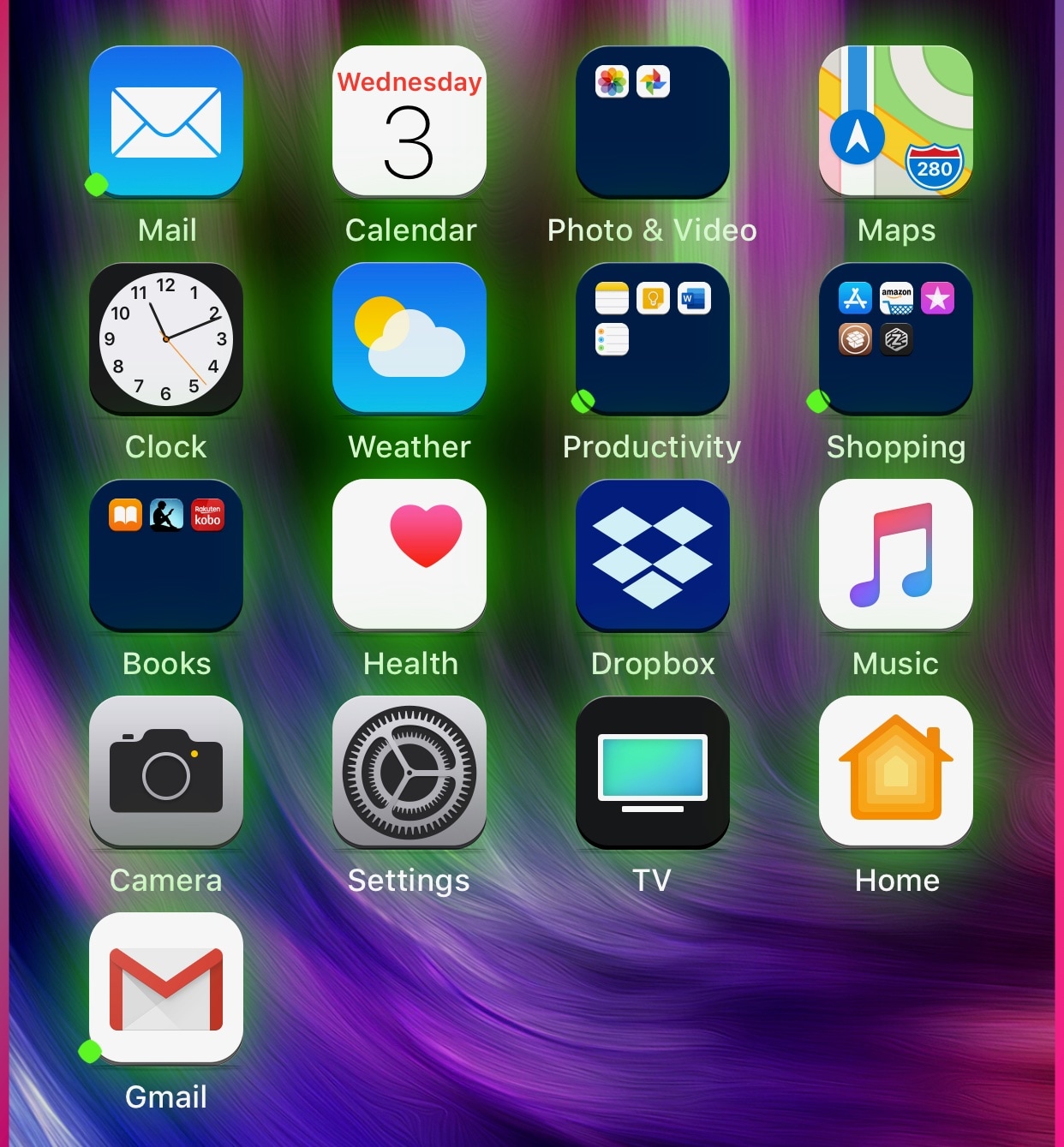
If you’re in the market to add a bit of quirkiness to your iOS device’s Home screen, then you might want to look into a new jailbreak tweak called Luminous by iOS developer Sirius24.

As you’ll notice in the screenshot examples above, Luminous gives every one of your Home screen’s app icons a colored underglow. But perhaps more importantly, the tweak is fully-configurable, allowing just about anyone to achieve the look and feel that they’re aiming for.

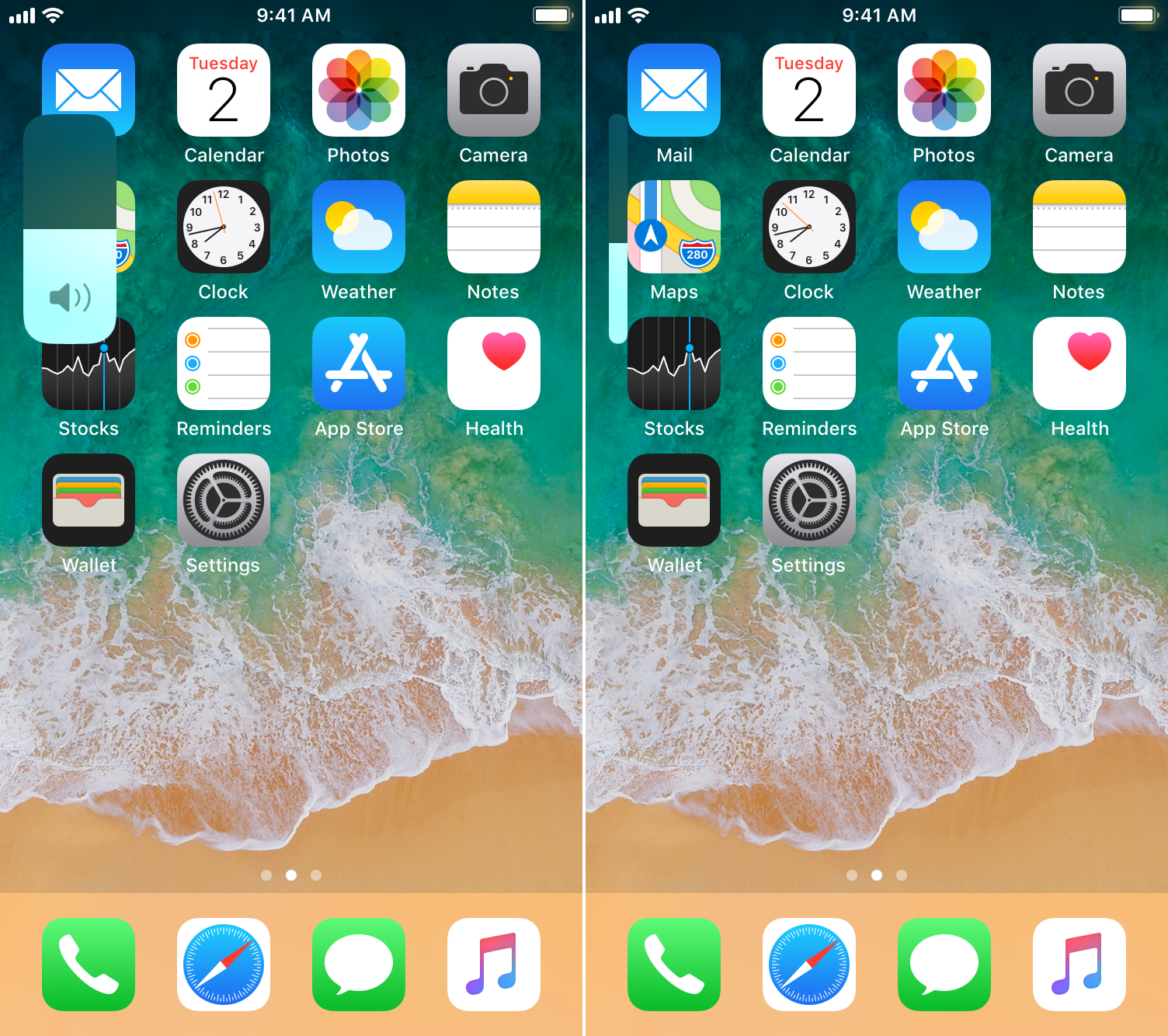
This tweak brings the iOS 13 volume HUD to jailbroken devices

A native dark mode experience is one of the most sought-after features that Apple will include in its upcoming iOS 13 and iPadOS software updates poised to release this Fall, but in addition to that, we’re also particularly fond of the long-overdue volume HUD upgrade that will also come standard with these updates.

If you’re jailbroken and unable to update to iOS 13 or iPadOS when these software updates launch later this year, then you might want to try a newly-released and free jailbreak tweak called 13HUD by iOS developer Muirey03. With it, you can experience the iOS 13-style volume HUD on pwned iOS 11 and 12 devices.

Chimera v1.0.9 released with minor improvements, new version of Sileo

Chimera Banner Image.

The Electra Team released an updated version of the iOS 12-centric Chimera jailbreak tool on Tuesday, not long after the Sileo Team released an updated version of the Sileo package manager. Chimera v1.0.9 is now the latest version of the jailbreak tool available.

The Electra Team announced the new version of Chimera early this morning, just a few hours after the new version of Sileo was unveiled: