iOS 11

This jailbreak tweak is a classic remake that brings animated crawling ants to iOS

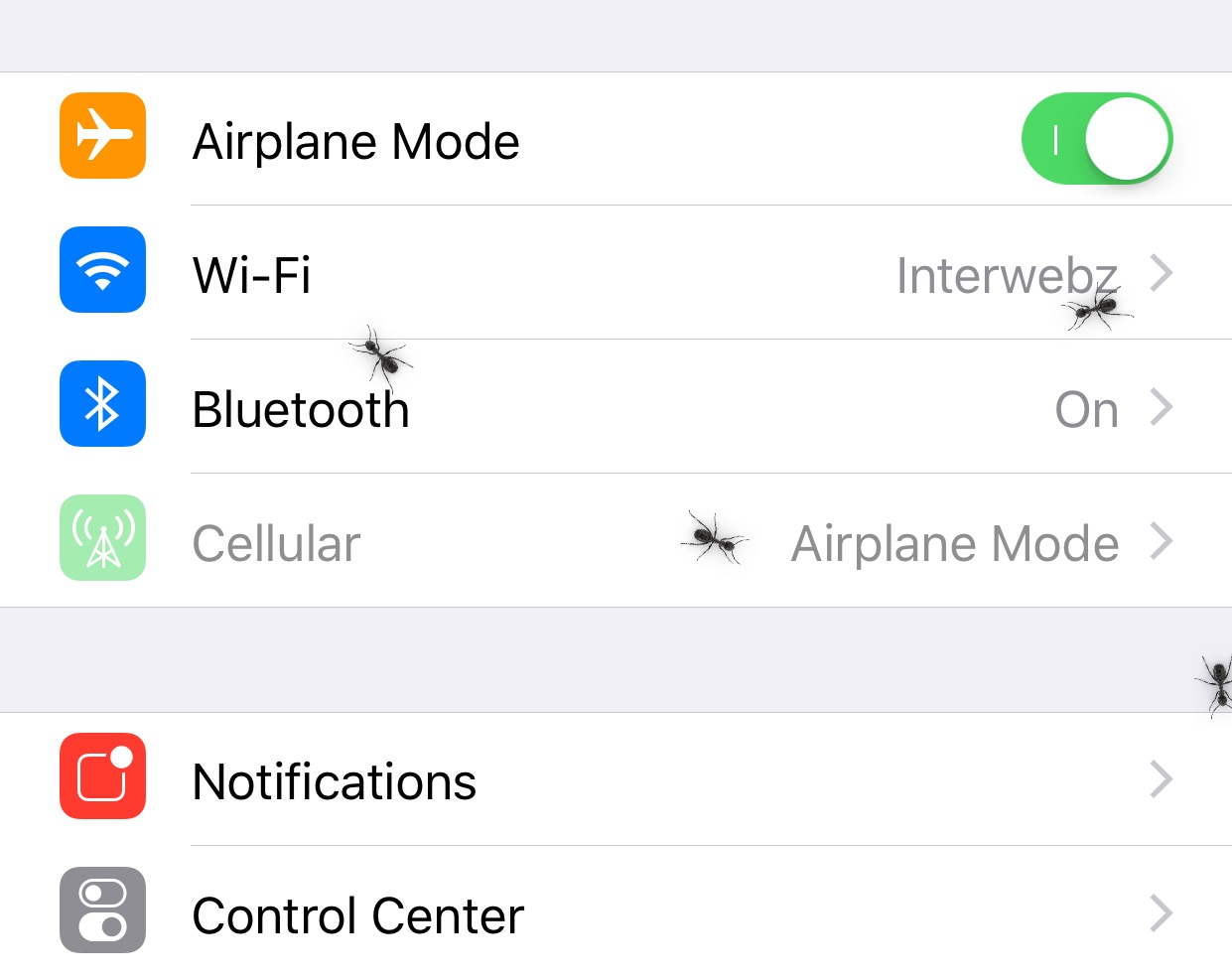
If you’re one to appreciate fun and quirky animations on your jailbroken iPhone or iPad, then a new free jailbreak tweak called Ants by iOS developer SparkDev might be of interest to you.

Once installed, Ants causes an army of animated virtual ants to spawn all over the iOS interface. They appear and crawl around whether you’re on your Home screen or inside of an app.
AutoUnlockX augments the Face ID unlocking experience on jailbroken handsets

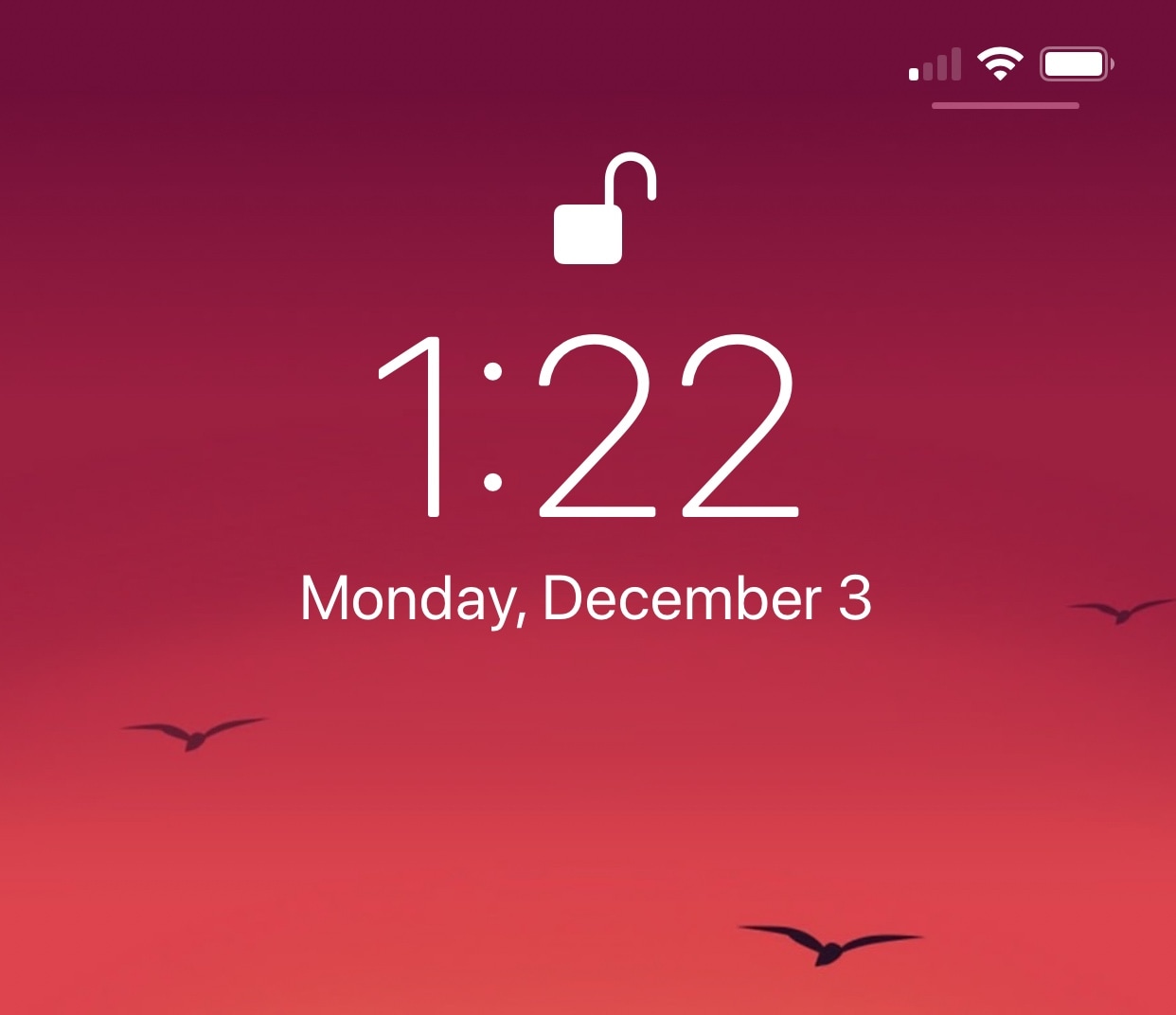
If you have an iPhone X or any of Apple’s newer Face ID-enabled iPhones, then you’re undoubtedly familiar with the two-step process required to unlock your handset.

Right out of the box, iOS requires you to swipe up from the bottom of the Lock screen after Face ID recognizes you; but wouldn’t it be nice if your handset unlocked itself automatically? If you’re onboard with this idea, then you should seriously consider checking out a free jailbreak tweak dubbed AutoUnlockX by iOS developer SparkDev.

Pwn20wnd pushes unc0ver v2.0.1 to the public, no longer considered a ‘pre-release’

iOS hacker Pwn20wnd published the first unc0ver v2.0.0 pre-release on Friday, and there’ve been at least three separate updates to it since that time. But now that most of the bugs appear to be ironed out, the hacker has moved forward with an official public release.

On Monday, Pwn20wnd announced the public debut of unc0ver v2.0.1 via Twitter. Unlike the v2.0.0 pre-release, this version is officially out of beta testing and should be stable enough for the general public to deploy on compatible devices running iOS 11.0-11.4 beta 3:

QuietApps mitigates interruptions while you use specific apps

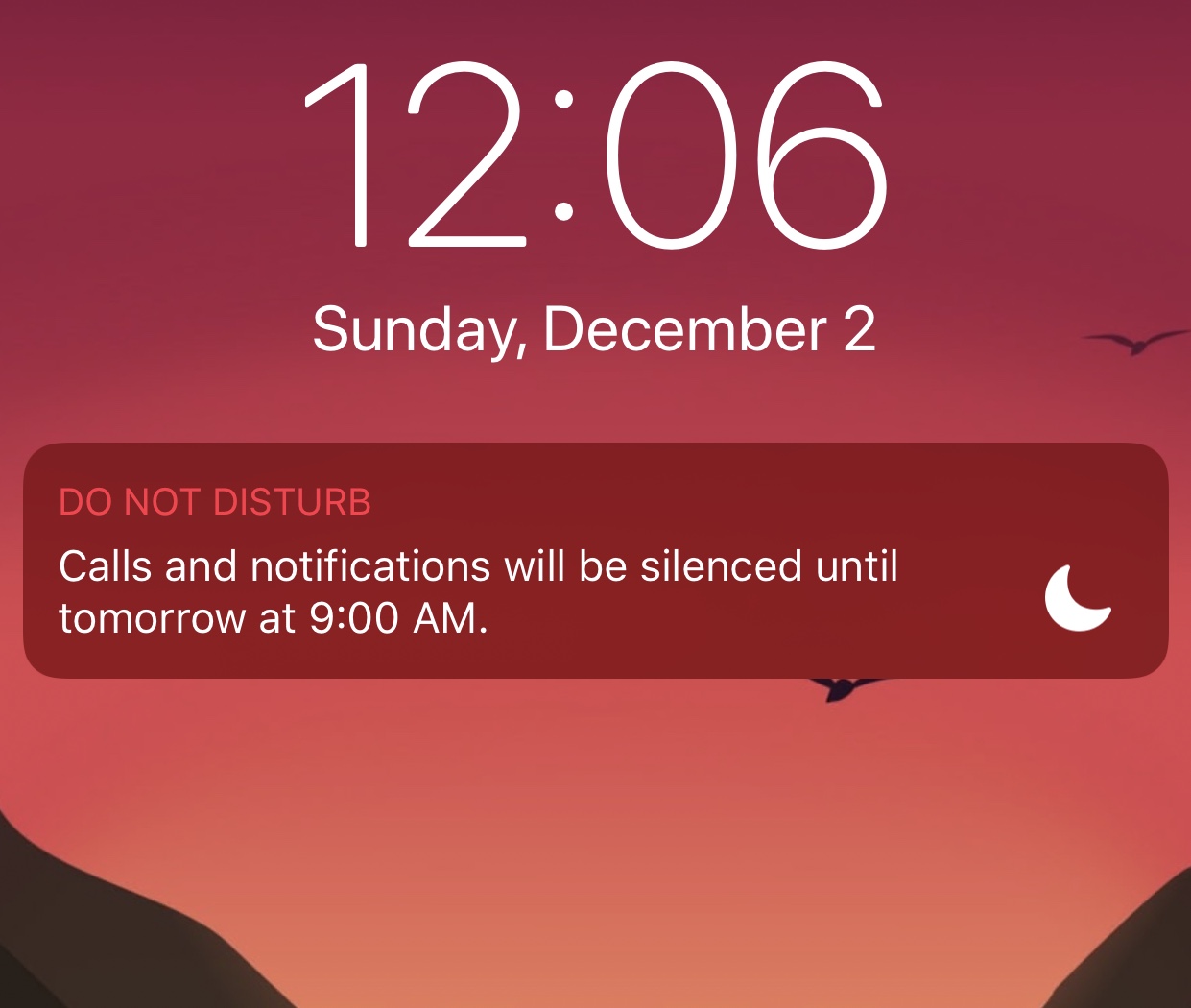
Your iPhone comes with a feature known as Do Not Disturb that can help mitigate the influx of notifications when using your device or sleeping, but have you ever wished you could minimize interruptions while using specific apps?

If so, then we advise checking out a powerful new jailbreak tweak called QuietApps by iOS developer smokin1337. With it, you can configure a plethora of convenience options on a per-app basis.

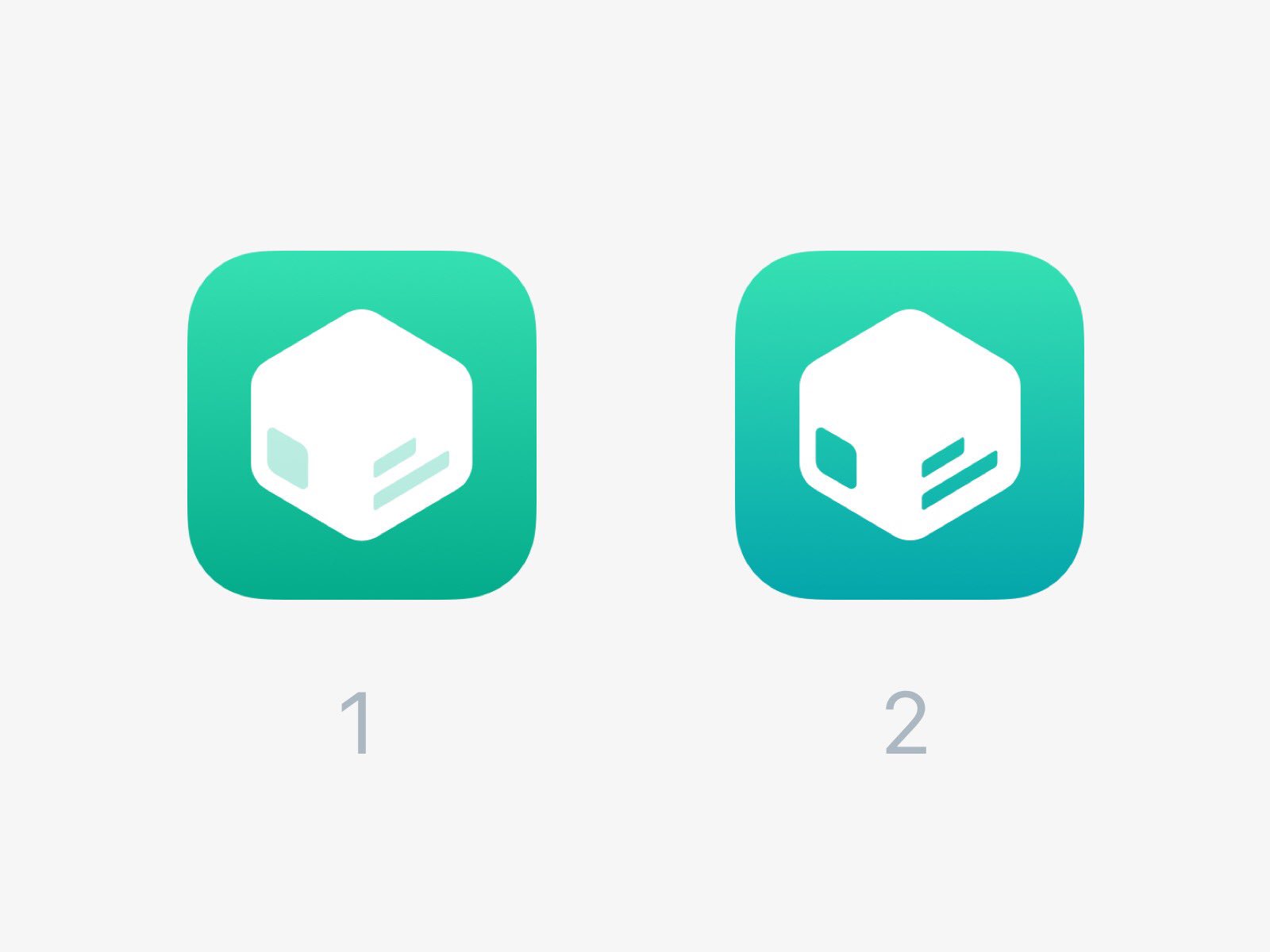
Electra Team confirms that the Sileo ‘Cydia replacement’ is still under development

Given everything that’s been happening lately with the unc0ver jailbreak for iOS 11.0-11.4 beta 3, it can be easy for some to forget about Electra and some of the noteworthy developments that were in the works for it.

One that struck us in particular was Sileo, a full-blown package installer that was supposed to replace Cydia on jailbroken iOS 11 devices. Five months ago, the Electra Team teased that Sileo would be “coming soon.” Fast-forward to today, and it’s still not available; so… where is it?

Pwn20wnd updates unc0ver v2.0.0 pre-release again to fix a trust cache injection bug

It was only a few days ago that Pwn20wnd pushed the first unc0ver v2.0.0 pre-release for public testing, and the hacker has already issued three separate revisions with a bevy of new features, bug fixes, and performance improvements.

The latest of said updates was issued Sunday morning. Citing a Tweet shared by Pwn20wnd moments later, it fixes a rather annoying bug known to impact the trust cache injection:

Another revision to the unc0ver v2.0.0 pre-release brings additional bug fixes

Just a few days ago, iOS hacker Pwn20wnd launched a pre-release version of unc0ver v2.0.0 to the public with preliminary support for Cydia Substrate, several useful new features, and a blanket of bug fixes and performance improvements. The next day, he pushed a revamped version of the pre-release to the public with more bug fixes; but it now seems he wasn’t finished yet.

On Saturday, Pwn20wnd announced via Twitter that he had dropped yet another new version of the unc0ver v2.0.0 pre-release with even more bug fixes:

Pwn20wnd launches revised unc0ver v2.0.0 pre-release with more bug fixes

Just yesterday, iOS hacker Pwn20wnd dropped a pre-release version of unc0ver v2.0.0 with preliminary support for Cydia Substrate, a bevy of new features, and a long list of bug fixes and improvements. But he also noted that he would update the pre-release again if bugs were reported.

Pwn20wnd made good on his promise Friday afternoon after he shared an updated version of the unc0ver v2.0.0 pre-release via his Twitter account. As suspected, the new pre-release fixes bugs that were reported in the initial pre-release during the last 24 hours:

Colorize your Home screen’s notification badges with BadgeColors

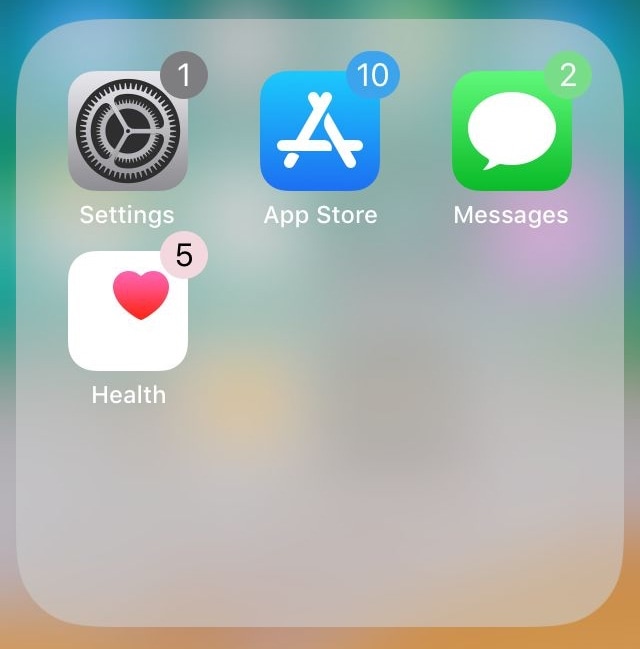
As your iPhone accumulates missed notifications, the icons on your Home screen become littered with little red dots indicating the number of missed notifications you have. Apple calls these red dots notification badges.

There’s no way to customize how notification badges look on a stock device, but if you’re jailbroken, then you can take advantage of a new jailbreak tweak called BadgeColors by iOS developer Cole Cabral.

Pwn20wnd releases unc0ver v2.0.0 public beta w/ support for Cydia Substrate, bug fixes, and more

It’s been a little while since we’ve seen any updates for the unc0ver jailbreak tool; the latest update to be released was version 1.1.4, more than three weeks ago. But despite what appeared to be a sudden halt in rapid update releases, it appears that iOS hacker Pwn20wnd has indeed been hard at work on another update for the iOS 11-centric jailbreak tool.

The public beta of unc0ver v2.0.0 has announced by Pwn20wnd via his Twitter account on Thursday, signaling what some might consider to be a major update for the jailbreak and many of its internal mechanisms:

Bypass Instagram’s 60-second video upload limit with IG Video [jailbreak]

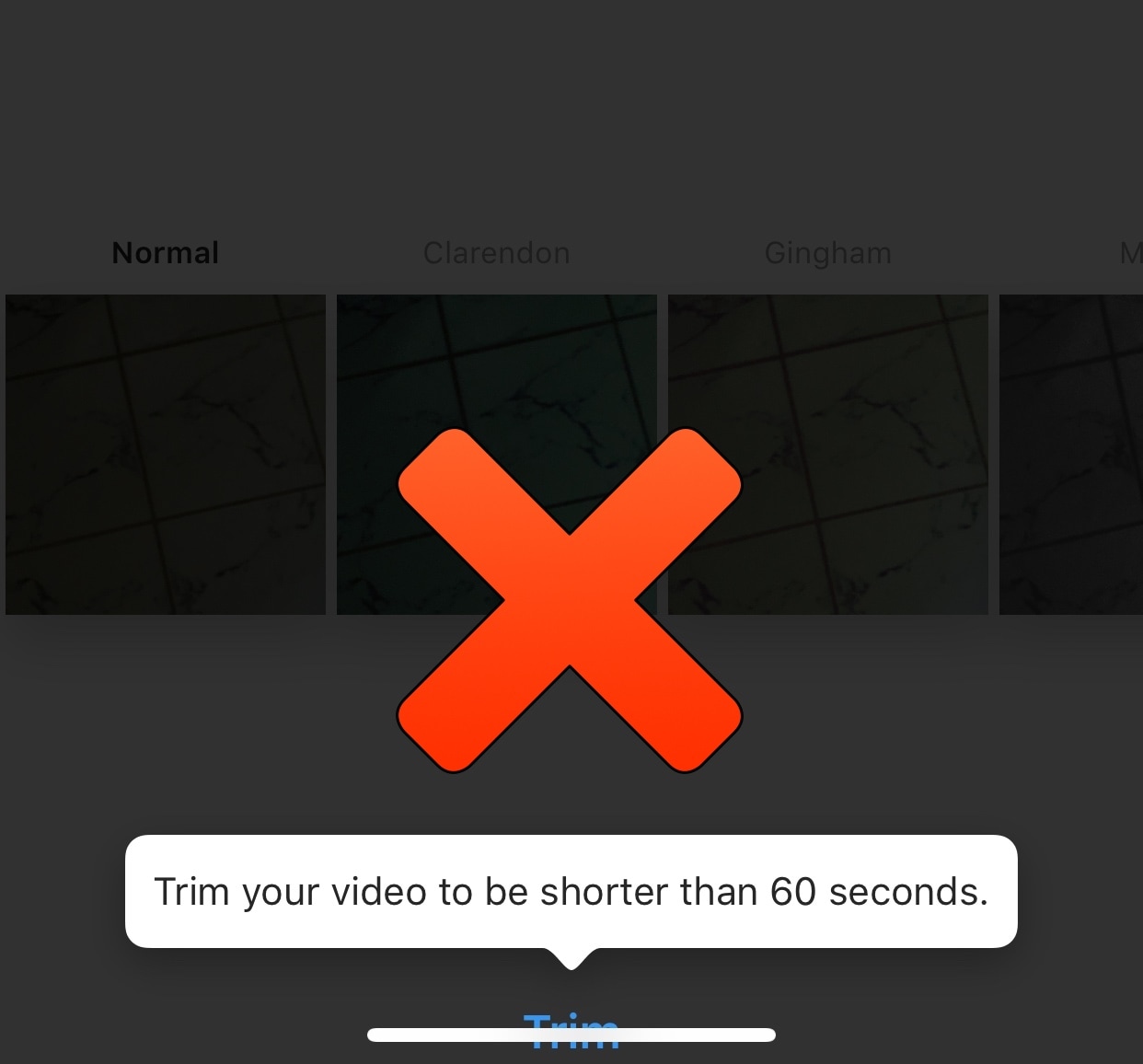
If you’re a frequent Instagram user, then you’ve probably gotten accustomed to the 60-second upload limit that prevents you from sharing longer videos to the platform from your mobile device. Fortunately, jailbreakers can now circumvent this silly restriction with a new free jailbreak tweak called IG Video by iOS developer pxcex.

After you install IG Video, you’ll be able to upload videos longer than 60 seconds to your Instagram account, which means the prompt you see in the screenshot example above no longer has any bearing over what you can upload to Instagram.