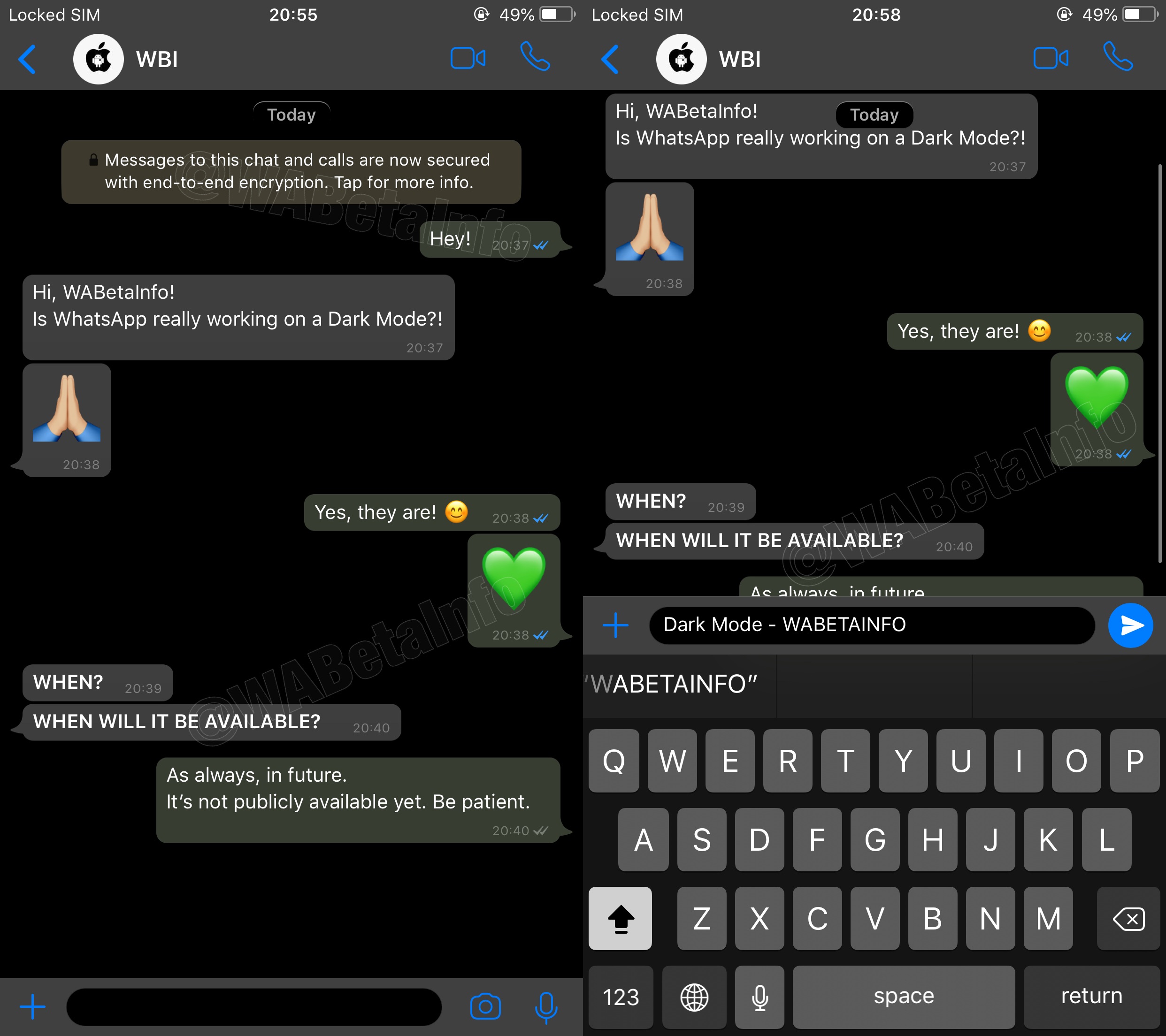
Facebook-owned WhatsApp is testing a darkened interface in its iPhone app, as well as previewing videos in notifications, according to hidden code strings uncovered by WABetaInfo.
WhatsApp testing Dark Mode & previewing videos in push notifications
Stay up-to-date on the latest iPhone news and learn new tips and tricks with our comprehensive tutorials. From software updates to new features, we’ve got you covered.
Facebook-owned WhatsApp is testing a darkened interface in its iPhone app, as well as previewing videos in notifications, according to hidden code strings uncovered by WABetaInfo.
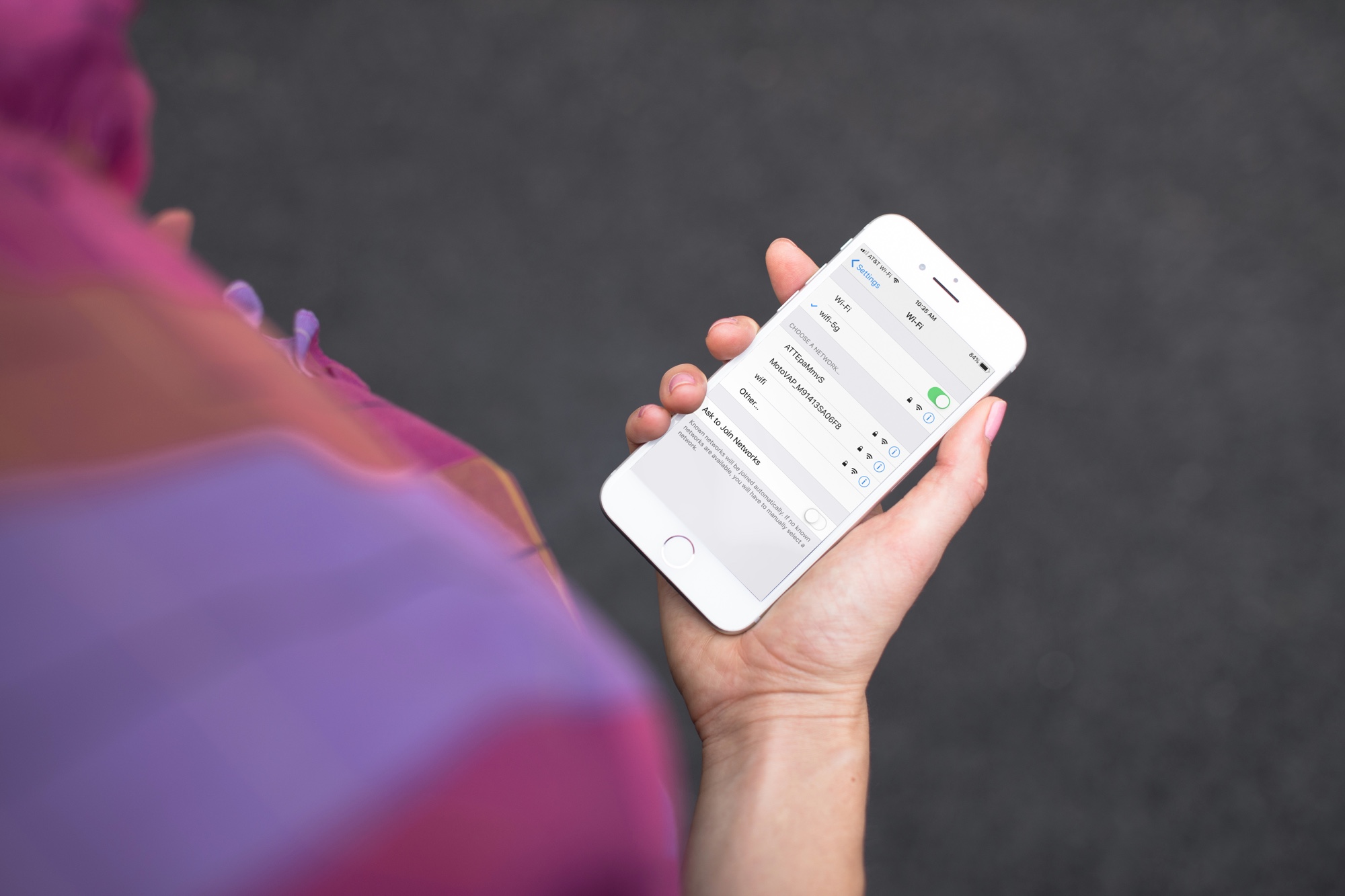
Have you noticed that your iPhone or Mac is showing an alert to join new Wi-Fi networks?
By turning off one simple setting, you can prevent this from happening, and this short tutorial shows you how to do that.
It was only yesterday that Pwn20wnd’s unc0ver jailbreak for iOS 11.0-11.4 beta 3 was officially brought out of its beta stages, but the tool has since received its first update following the release of V1.
Sunday’s update, dubbed unc0ver V1.0.1, aims to prevent known problems with the RootFS Restore feature on iOS 11.0-11.1.2 handsets. As it would seem, it was implemented in an unsafe manner that compelled some users to restore via iTunes and lose their jailbreak.
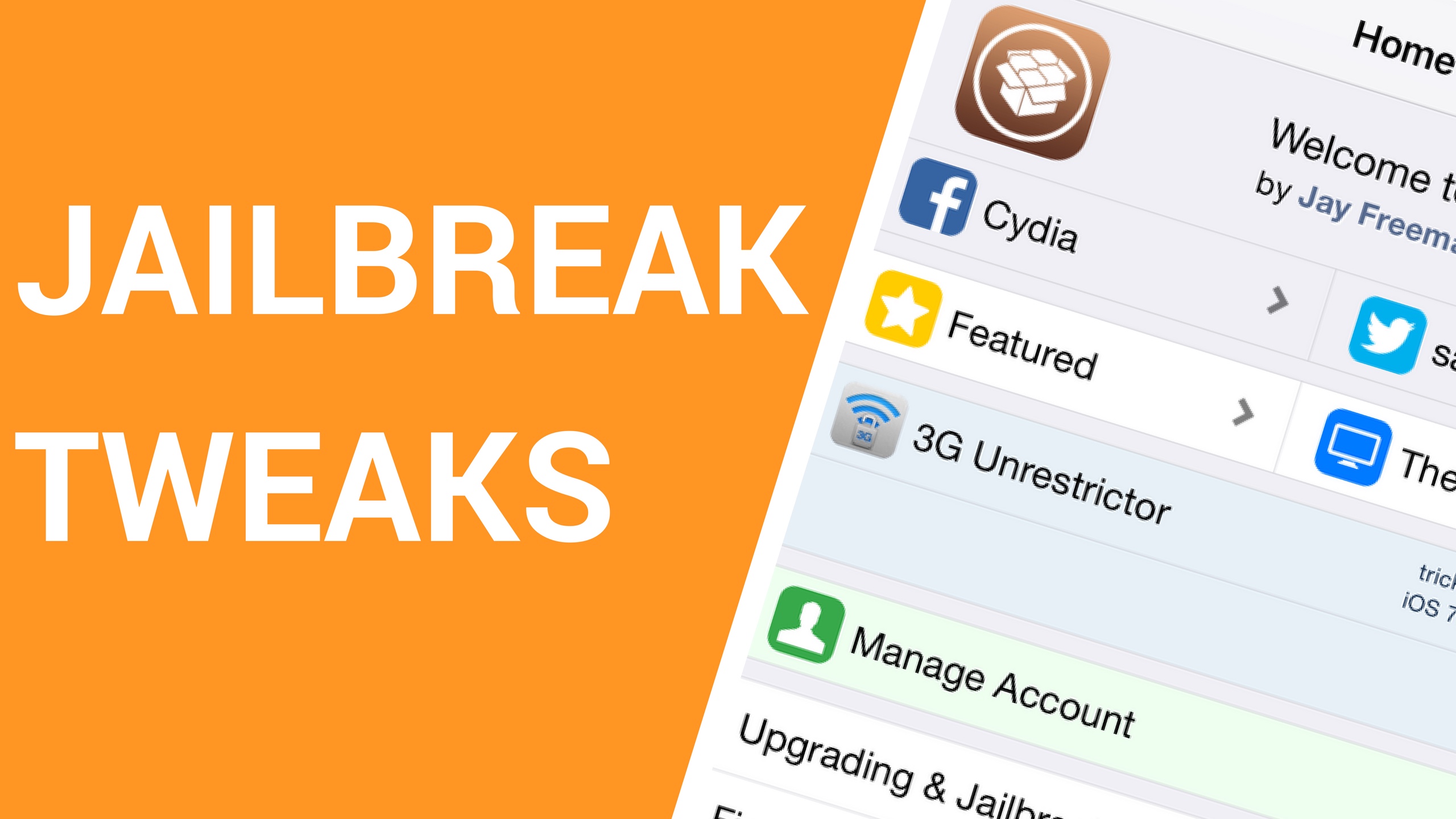
It’s been an exciting week for the jailbreak community. Not only have we witnessed the launch of a brand-new iOS 11-centric jailbreak dubbed unc0ver, but we’ve also been fortunate enough to observe a bevy of new jailbreak tweaks that are compatible with the new platform.
In this roundup, we’ll talk about all the new jailbreak tweaks released from Monday, October 15th to Sunday, October 21st. As usual, we’ll kick things off by discussing our favorite releases first, and then we’ll outline the rest afterward.
It’s only been about a week since iOS hacker Pwn20wnd first launched the unc0ver jailbreak tool for iOS 11.0-11.4 beta 3; nevertheless, it has already received a bevy of incremental updates from RC1 to RC9.
As of Saturday afternoon, however, it appears we’re officially out of the beta-esque RC stages. Pwn20wned officially launched what’s being dubbed unc0ver V1, and it apparently ties up many of the tool’s known loose ends.
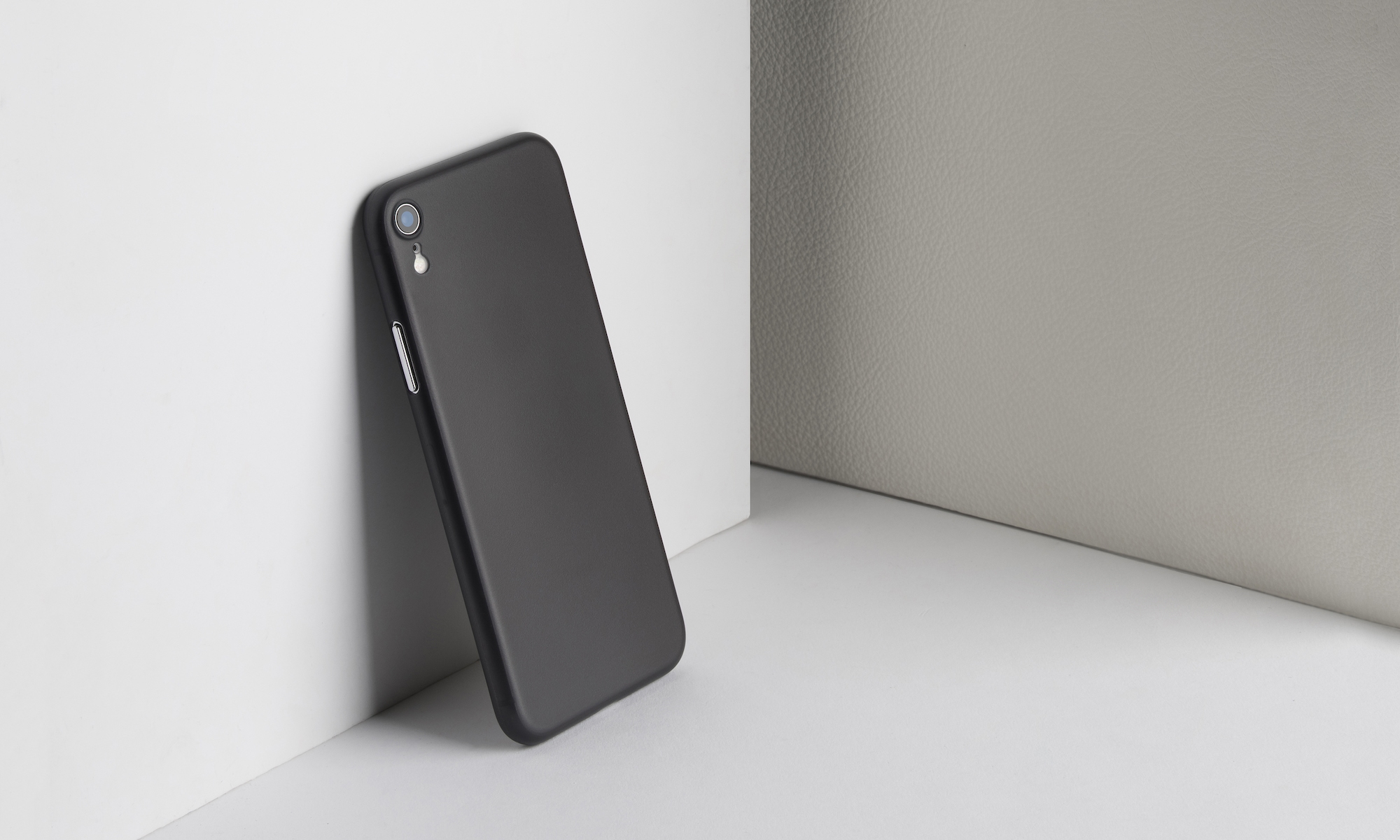
The iPhone XR has been available for pre-order since yesterday and is officially shipping next week, but you can already get a case for it. As always, the fine folks at Totallee are a step ahead of the game and have several variations of their cases available shipping right now!
iOS hacker Pwn20wnd took to Twitter Friday evening to announce the release of unc0ver RC9, which is yet another update for the brand-new iOS 11 jailbreak tool this week that provides its users with some notable improvements.
Citing the official /r/jailbreak post, the new RC9 release encompasses the following changes:
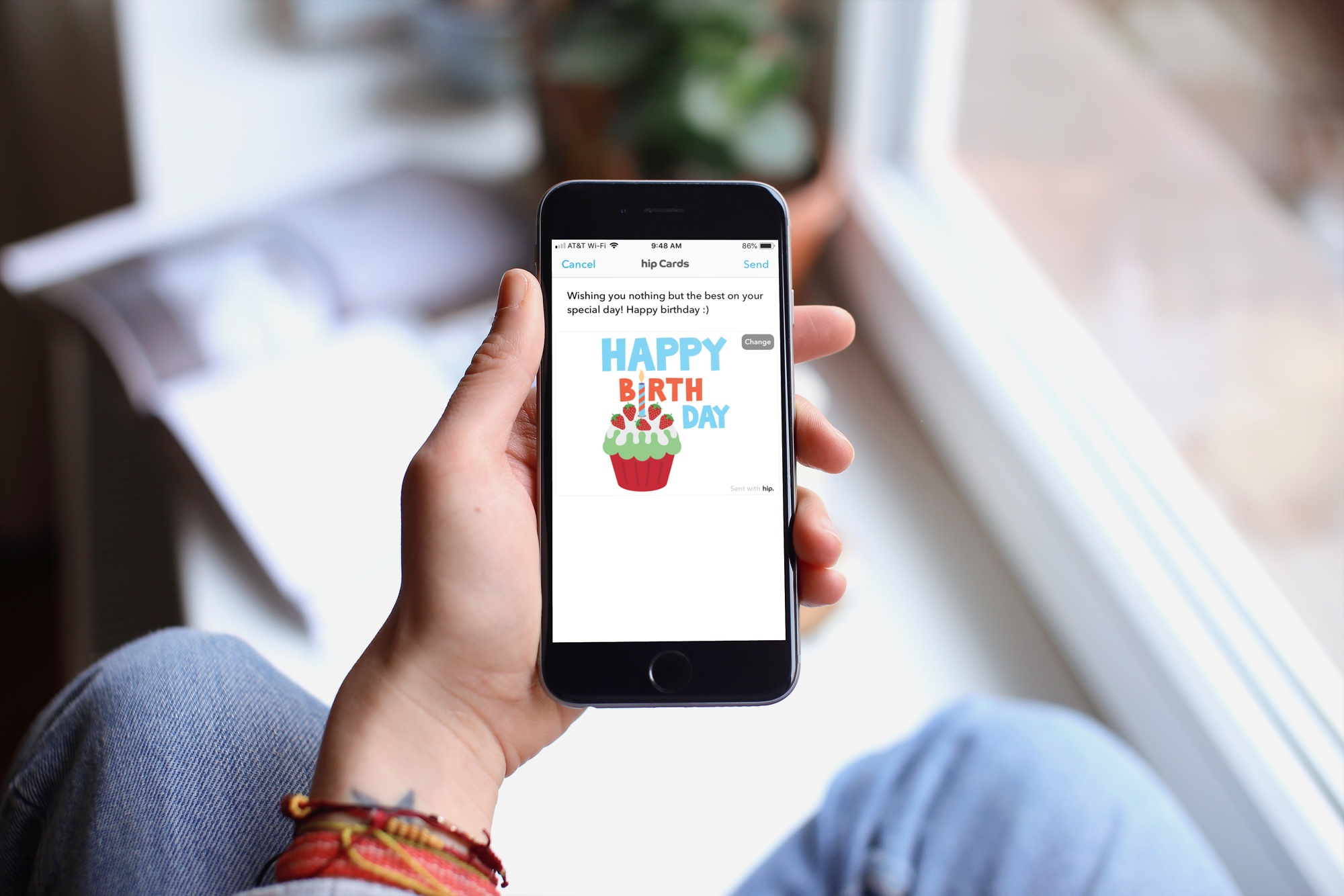
With the offerings from technology, there’s really no reason to forget someone’s birthday these days. Even Facebook makes a point to notify you when a friend’s special day has arrived. But, if you want an easier way to receive birthday reminders wherever you are, check out an app for your iPhone instead.
These are some of the best birthday reminder apps for iPhone that have just the features you need so that you never forget a birthday.
About a month ago, renowned security researcher Ian Beer announced plans to publicly release iOS 11.4-11.4.1-centric exploits as hacking focus shifted over to Apple’s newer iOS 12 release. It’s been near-radio silence since then, but as of today, those exploits are officially public.
As it would seem, Beer’s latest batch of iOS security exploits encompass the following:
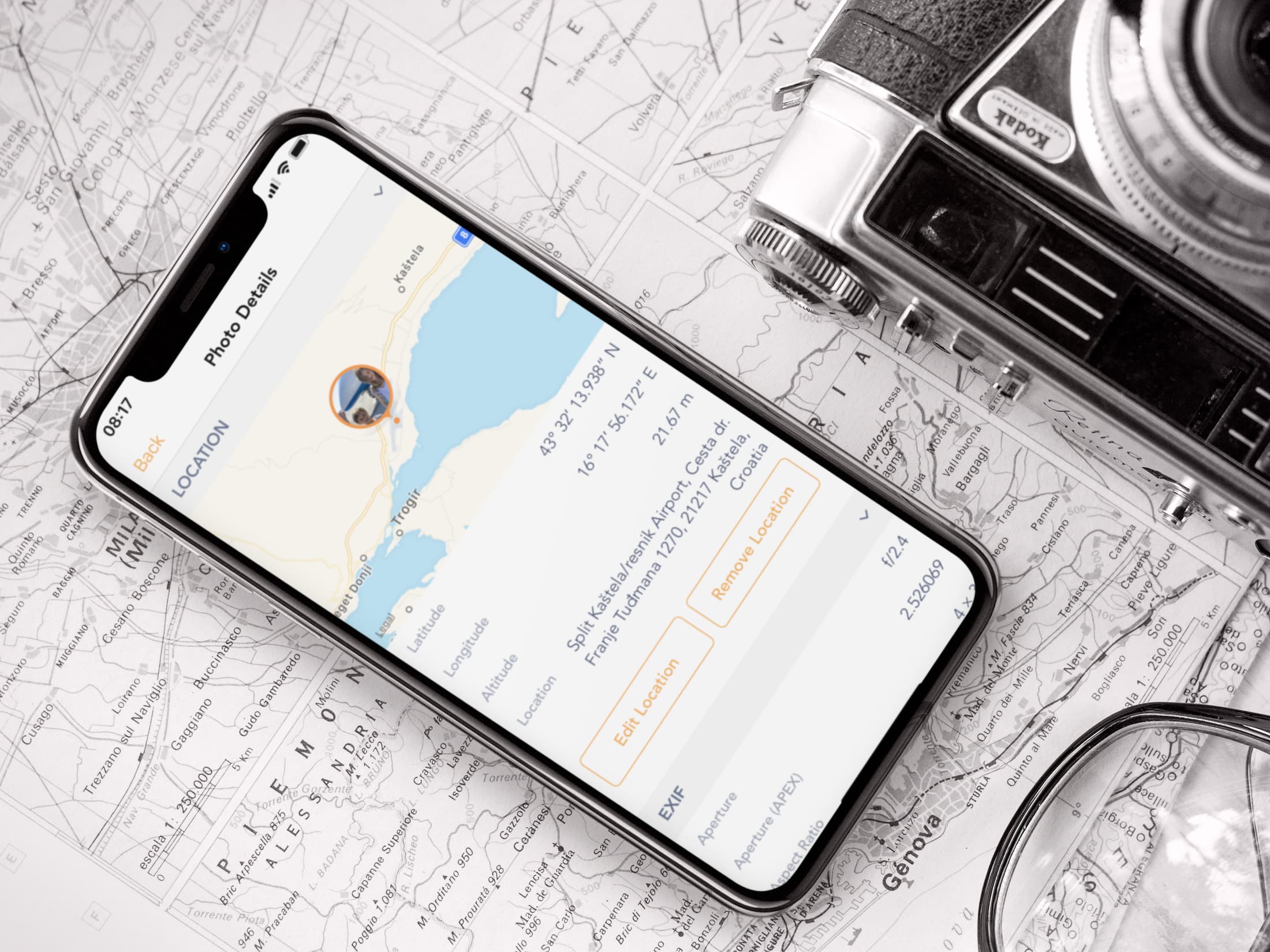
Learn how to view the GPS coordinates of photos and videos on your iPhone or iPad using Apple Photos or free third-party apps to see where they were taken.
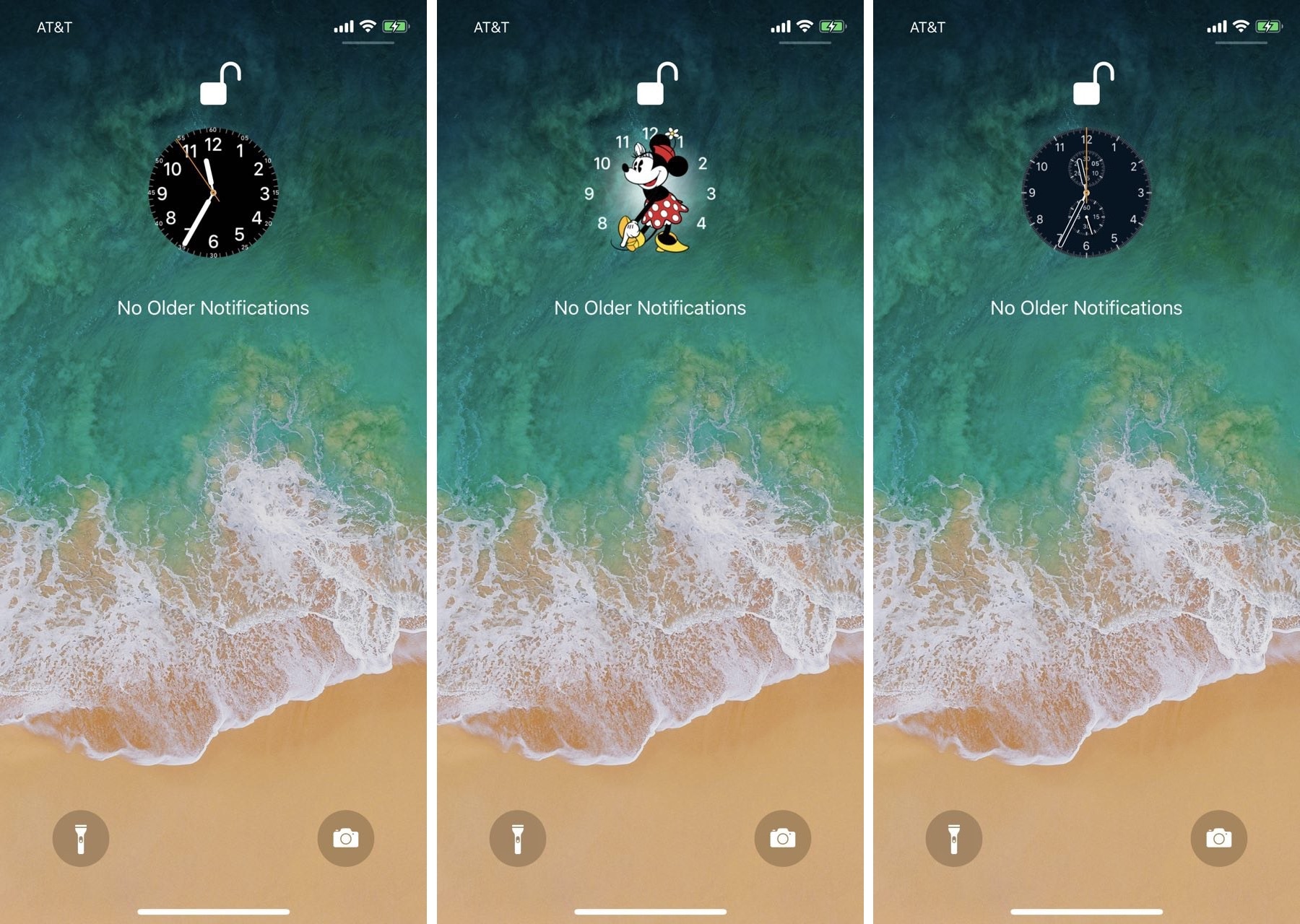
While perusing the Changes tab in the Cydia Store this week, we happened upon a brand-new jailbreak tweak dubbed SqueakTime by iOS developer Andy Wiik. With it, you can replace the Lock screen’s native time indicator with official Apple Watch faces.
After you’ve installed SqueakTime, you’ll take notice of a new “Use on Lockscreen” button that appears next to every Apple Watch face preview in the native Watch app: