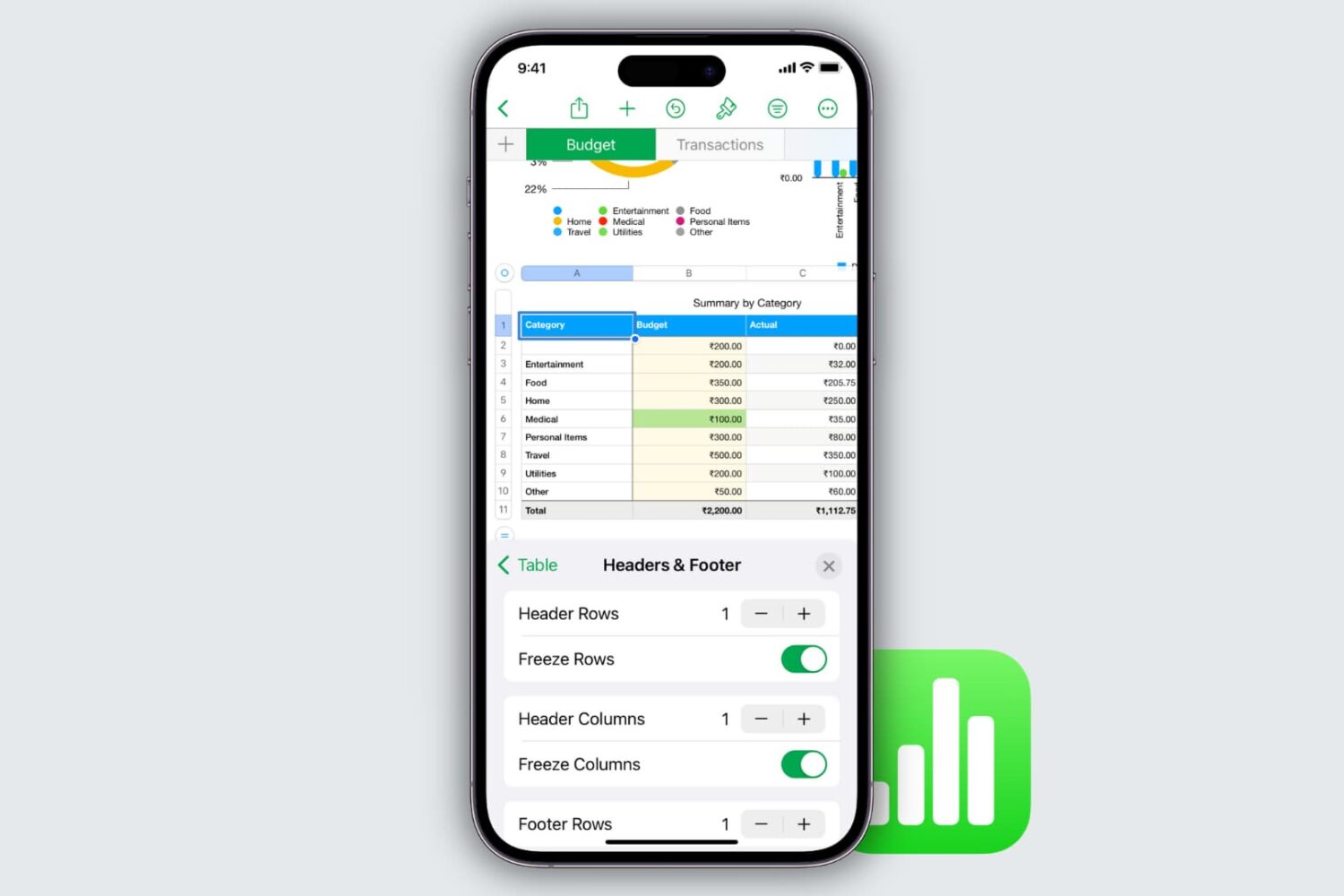
Learn how to freeze columns and rows in the Apple Numbers app on your Mac, iPad, and iPhone to keep important data in view as you scroll.
How to freeze columns and rows in Numbers on Mac, iPad, and iPhone
Stay up-to-date on the latest iPhone news and learn new tips and tricks with our comprehensive tutorials. From software updates to new features, we’ve got you covered.
Learn how to freeze columns and rows in the Apple Numbers app on your Mac, iPad, and iPhone to keep important data in view as you scroll.

Respected supply chain analyst Ming-Chi Kuo with TF International Securities shared some interesting observations regarding 2019 and 2020 iPhone models in a note to clients today.

Learn how to remove an iPhone, iPad, Mac, Apple Watch, HomePod, Apple TV, or even a Windows PC from your Apple Account so that this list is free from devices you no longer use, have sold, or have given away.

Apple's major iOS 12 update is now powering 63 percent of active iPhone, iPad and iPod touch devices just a month and a half following its release on September 17, 2018 (44 days ago).
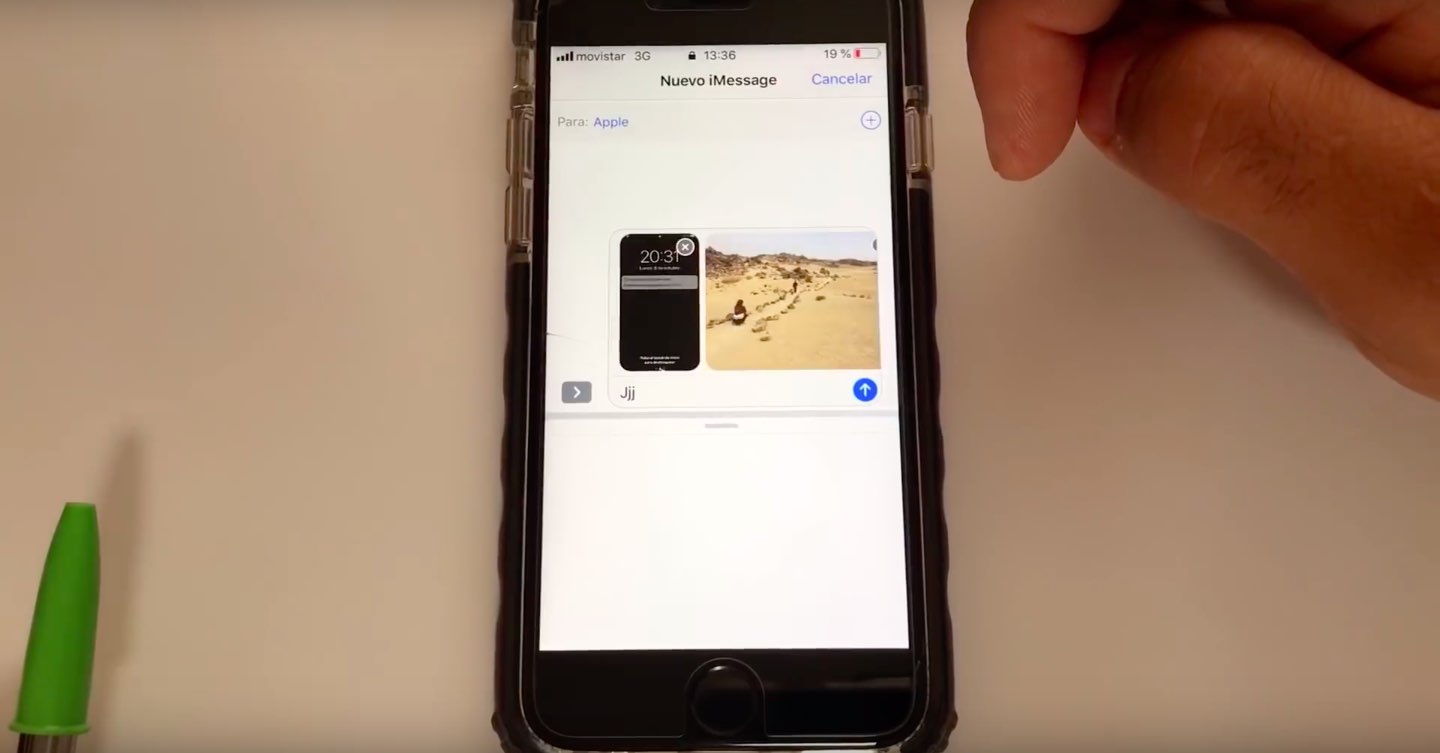
The iOS 12.1 update, which released yesterday, has fixed an underreported yet dangerous Lock screen vulnerability which permitted anyone in possession of your iPhone or iPad to view your photos and—worse—use the Share function to send them to anyone.
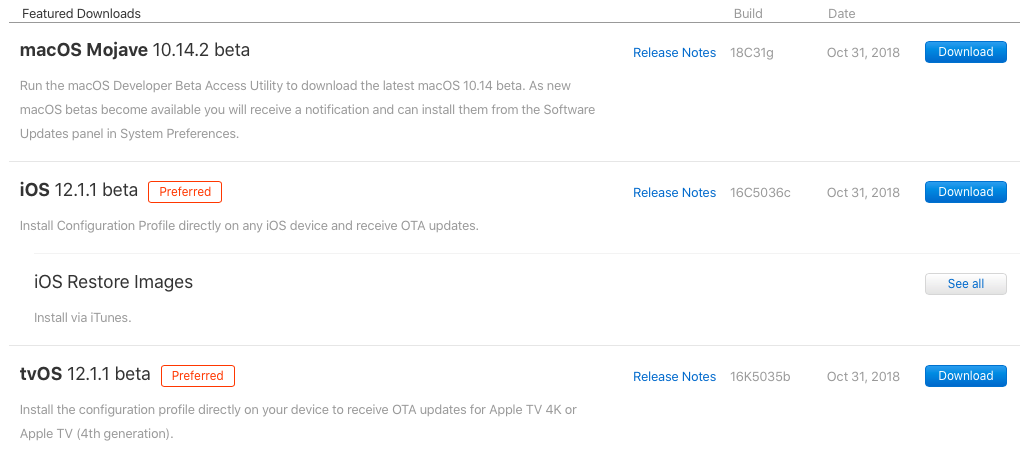
Apple on Wednesday pushed first betas of what would become the minor iOS 12.1.1, tvOS 12.1.1 and macOS Mojave 10.14.2 updates. The betas are available to Apple's registered developers and members of the Apple Developer Program. Public betas should follow shortly after the developer builds, but you'll need to register with the Apple Beta Software Program.
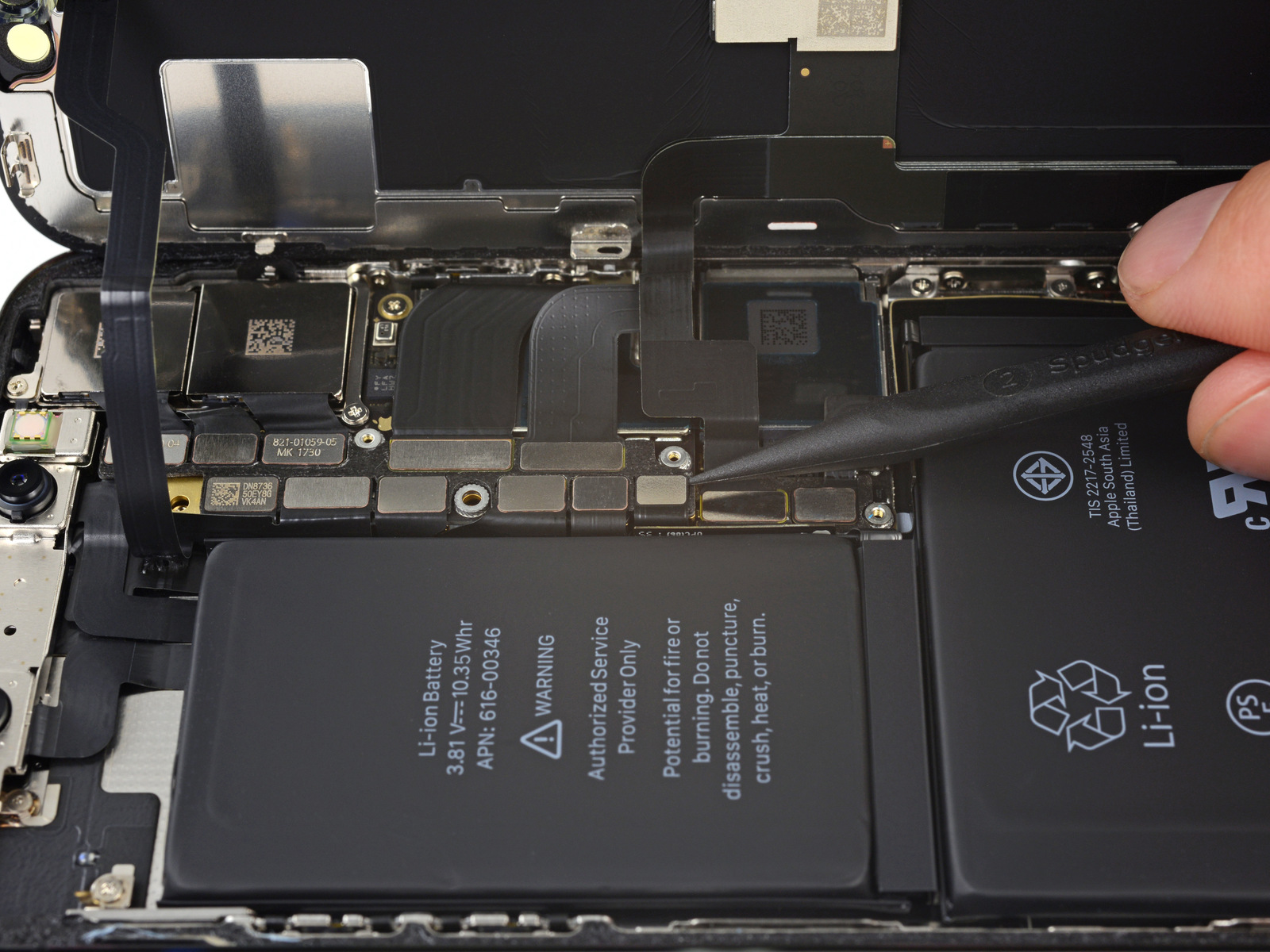
Late last year, Apple was caught throttling iPhones that had degrading batteries. This lead to class action lawsuits, a discounted battery replacement program, and various meetings with regulators around the world. It also forced Apple to add a battery monitoring tool in iOS 11.3. With the 2018 iPhones now in stores comes word that last year's handsets might eventually be throttled too.
As first discovered by The Verge, the recently released iOS 12.1 update brings Apple’s controversial “performance management feature” to the iPhone X, iPhone 8, and iPhone 8 Plus for the first time. With this tool, Apple can dynamically throttle the devices (i.e. slow them down) as the battery degrades in order to stop random shutdowns.
An Apple support page explains:
With a low battery state of charge, a higher chemical age, or colder temperatures, users are more likely to experience unexpected shutdowns. In extreme cases, shutdowns can occur more frequently, thereby rendering the device unreliable or unusable. For iPhone 6, iPhone 6 Plus, iPhone 6s, iPhone 6s Plus, iPhone SE, iPhone 7, and iPhone 7 Plus, iOS dynamically manages performance peaks to prevent the device from unexpectedly shutting down so that the iPhone can still be used. This performance management feature is specific to iPhone and does not apply to any other Apple products. Starting with iOS 12.1, iPhone 8, iPhone 8 Plus, and iPhone X include this feature, but performance management may be less noticeable due to their more advanced hardware and software design.
No doubt this news will lead to some more criticism against Apple. However, it's probably no longer justified. If you own one of last year's phones, you can turn off the performance management feature.
What do you think? Let us know below.
Image of iPhone X battery courtesy of iFixit

Apple has released iOS 12.1, watchOS 5.1, and tvOS 12.1 to the public. The updates arrive on the same day as Apple’s “There’s more in the making” event, which saw the arrivals of a new MacBook Air, Mac mini, and iPad Pro.

Apple's newly introduced iPad Pro models for 2018 support USB-C charging, but that's not all. As revealed during today's media event held in Brooklyn, New York City, customers will even be able to charge their iPhone through the USB-C port on this new iPad.

If you’re like me and use Twitter a lot, then you might take an interest in a new free jailbreak tweak called TWPlus by iOS developer Chloee.
Just as the name of the tweak implies, TWPlus augments the user experience in the official Twitter app with a plethora of high-demand features; it also unlocks hidden settings from within the app that you typically couldn’t access on a stock device.

Sunday morning, renowned iOS hacker Pwn20wnd publicly released unc0ver V1.1.0 with a plethora of bug fixes and improvements.
Pwn20wnd first announced the new version of unc0ver via Twitter, and his Tweet also denotes how we’ll see an updated version of Rollectra in the near future.
These are some exciting times for the jailbreak community. With two jailbreak tools now available for iOS 11, including Electra and unc0ver, the possibilities are endless. But if you’re trying to discern how you should spice up your new jailbreak, then we’ve got some ideas for you.
This roundup will encompass all the new jailbreak tweaks released from Monday, October 22nd to Sunday, October 28th. As usual, we’ll kick things off by talking about our favorite releases and then outline the rest of them afterward.