iPhone

Stay up-to-date on the latest iPhone news and learn new tips and tricks with our comprehensive tutorials. From software updates to new features, we’ve got you covered.

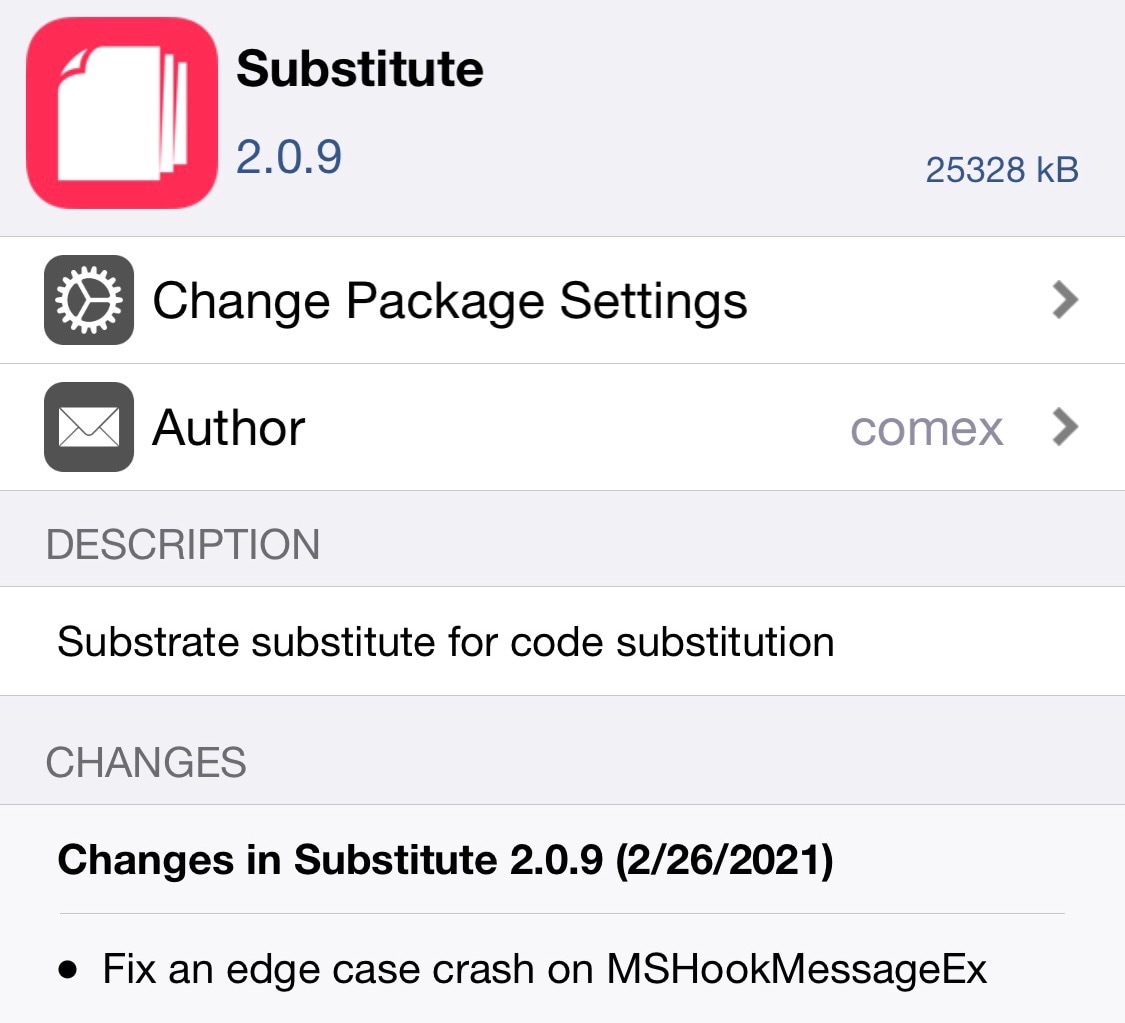
Substitute updated to v2.0.9 with additional minor bug fixes

Substitute, the tweak injection method used on the unc0ver jailbreak, and sometimes even the checkra1n jailbreak depending on personal preference, received yet another update on Friday, this time bringing the package up to version 2.0.9.

The latest update comes just one day after Sam Bingner published Substitute v2.0.8 with preliminary support and speed improvements for unc0ver on iOS & iPadOS 14. Substitute v2.0.9 isn’t quite as substantial of an update as the previous version, but it’s still recommended for all current users.
Substitute updated to v2.0.8 with preliminary support for unc0ver on iOS 14

The news officially broke early Thursday morning that unc0ver would receive an update with support for iOS & iPadOS 14.0-14.3 by way of a custom kernel exploit based on the recently released cicuta_verosa exploit by @ModernPwner.

With that in mind, it shouldn’t come as much of a surprise to unc0ver users that the jailbreak’s primary tweak injection method — Substitute — received a preliminary update this week to version 2.0.8.

How to send Nintendo Switch screenshots to your iPhone

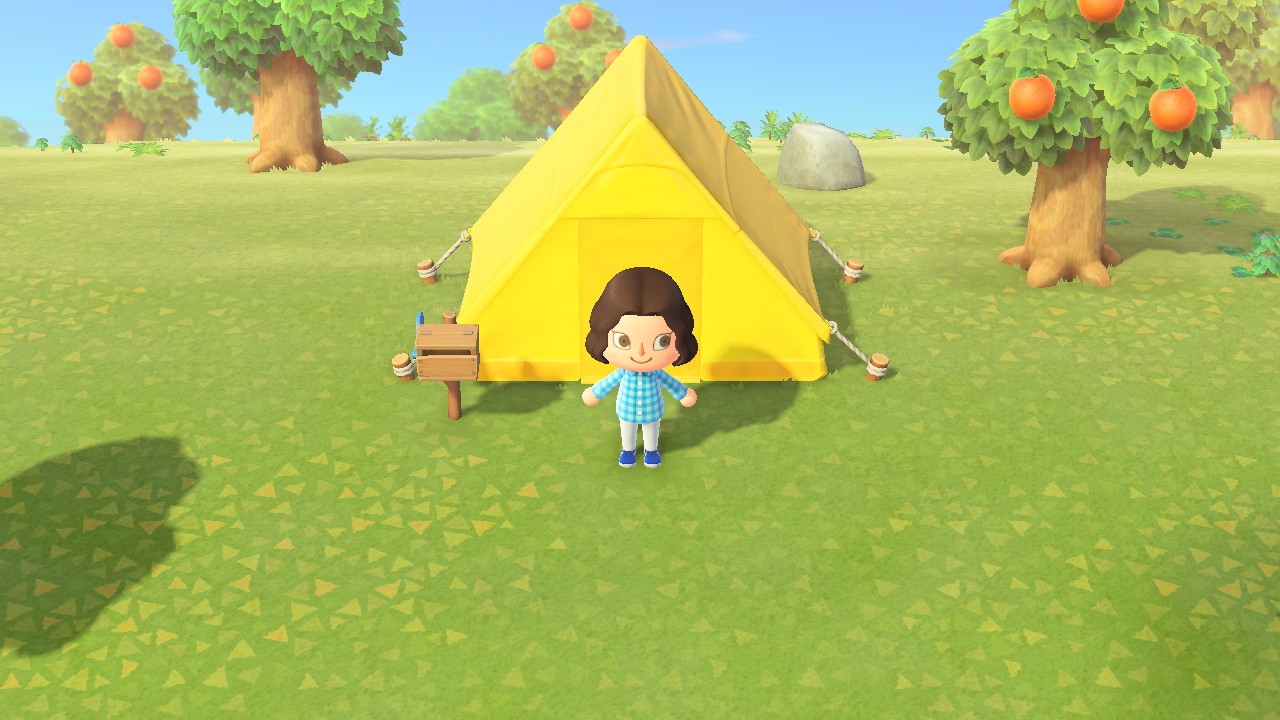
Animal Crossing on Nintendo Switch

If you love playing games on your Nintendo Switch as much as I do, then you probably already know about the handy screenshot feature. Maybe you capture shots of high scores or levels you’ve tackled. And while it’s great you have an album to see all your screenshots, maybe you’d like to do a bit more with them.

You might want to post those awesome gaming moments on social media. You may want to brag to a pal that you got further in the game than they did. Or, you might even want to help a friend who is new to a game by showing them how to do something.

Whatever the reason, you can take those Nintendo Switch screenshots and plop them right onto your iPhone. From there you can send, share, post, or do whatever you like with them. Here’s how it’s done.

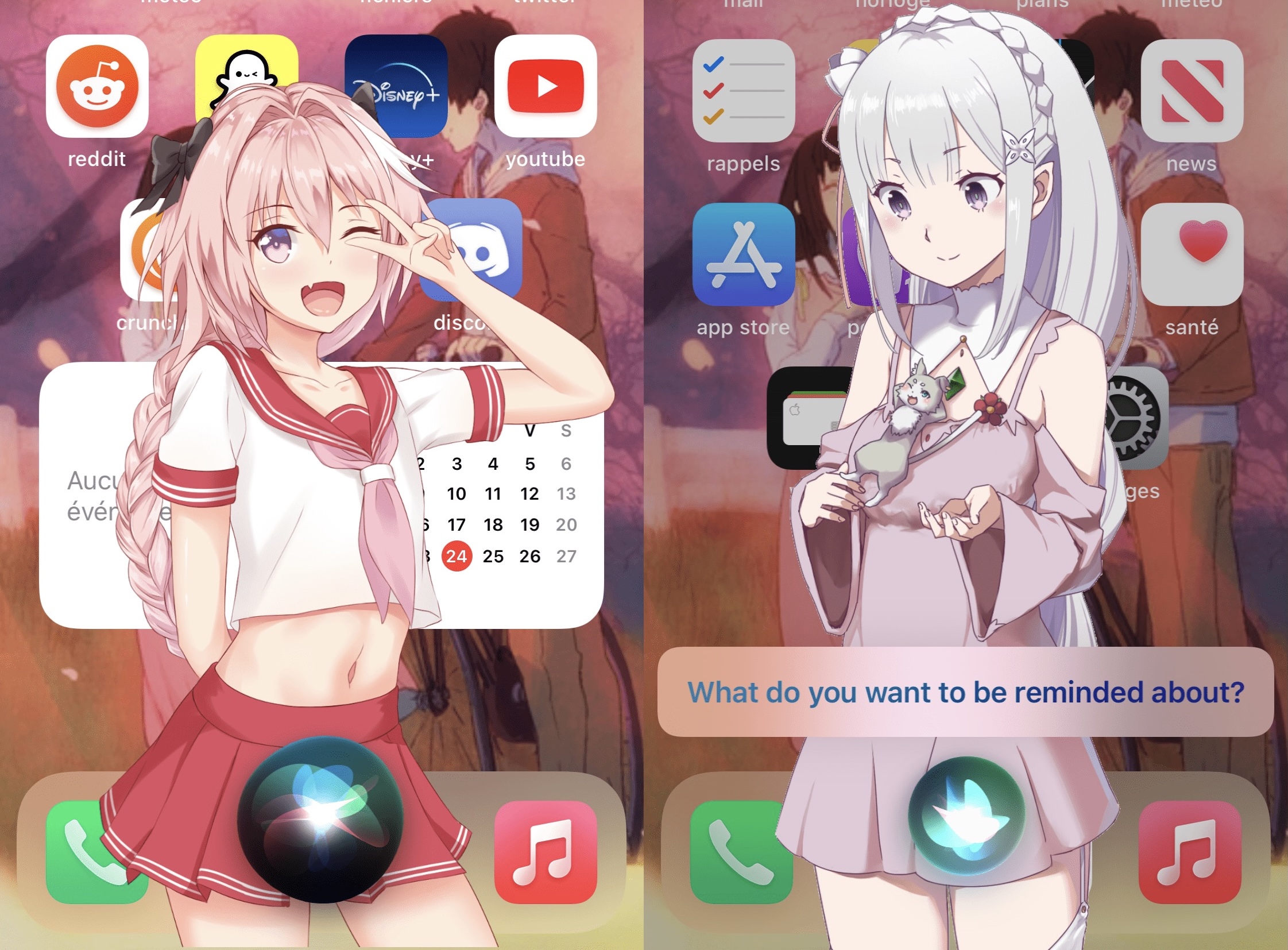
Astolfo lets jailbreakers apply custom backgrounds to Siri in iOS 14

I really like what Apple has done with the Siri interface in iOS & iPadOS 14 — especially when compared with iOS & iPadOS 13 and earlier. The new interface doesn’t take up as much space and has a more aesthetically pleasing interaction button, but in Apple’s typical fashion, even the new interface lacks user-driven customization.

Those looking to do more with the Siri interface are likely to give the nod of approval to a free jailbreak tweak called Astolfo, which was recently updated with iOS & iPadOS 14 in mind by iOS developer Litten. As some may remember, the tweak was originally worked on by Nepeta.

Cylinder Reborn: Barrel-inspired Home Screen paging animations for pwned iOS 13 & 14 devices

When I first got into jailbreaking more than a decade ago, one of the first jailbreak tweaks to pique my interest was one called Barrel. It could animate the Home Screen’s app icons in unique ways with every swipe between Home Screen pages.

Barrel is no longer actively maintained, which is why the Cylinder tweak launched back in 2014. Today, we’re excited to share news of the release of Cylinder Reborn by iOS developers Ryan Nair and Reed Weichler — the latest iteration of the tweak designed for iOS & iPadOS 13 and 14.

The best iPhone meal delivery apps for lunch and dinner

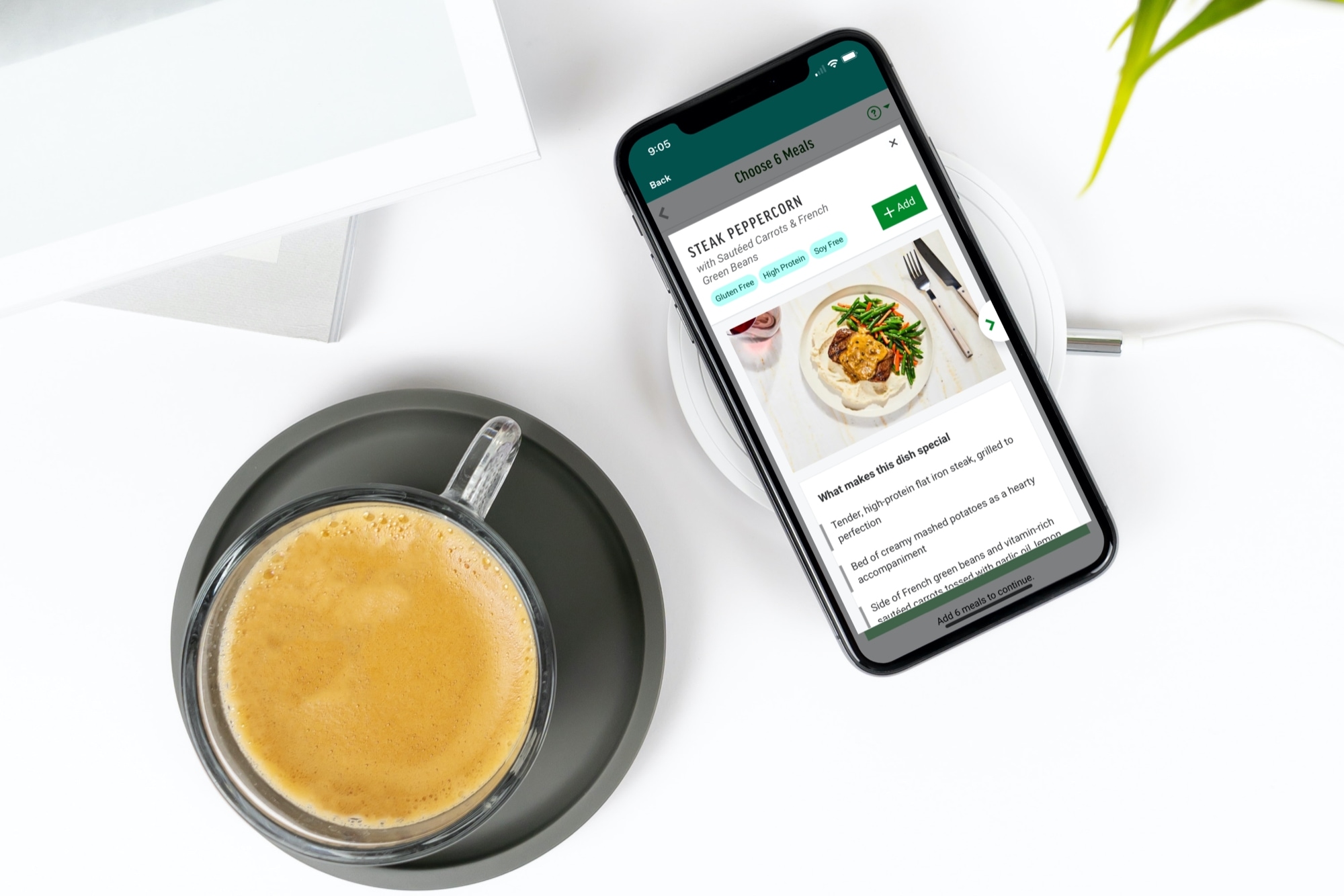
Meal Kit Delivery Apps for iPhone - Freshly

Not everyone has the time or energy to come up with dinner ideas after a long day, whether you live alone or have a family to feed. And while takeout and food delivery are great, it can get expensive eating out all the time. Plus, you may have a restricted diet or watch what you eat.

An alternative to coming up with dishes to make or ordering fast food is a meal kit. And of course, you can get these delivered to your door. You can pick the meals you want, receive the ingredients, get instructions for cooking or heating, and you’re set. No more, “What’s for dinner?” or “Would you like fries with that?”.

Check out these terrific meal kit delivery apps for iPhone and then let us know which one you like the best!

Keep prying eyes away from your missed notifications with LeaveMeOff Pro

It’s not uncommon for nosy onlookers to peer at your phone screen from over your shoulder as you enjoy a text message-based conversation with one of your friends or loved ones. Albeit creepy, such is life.

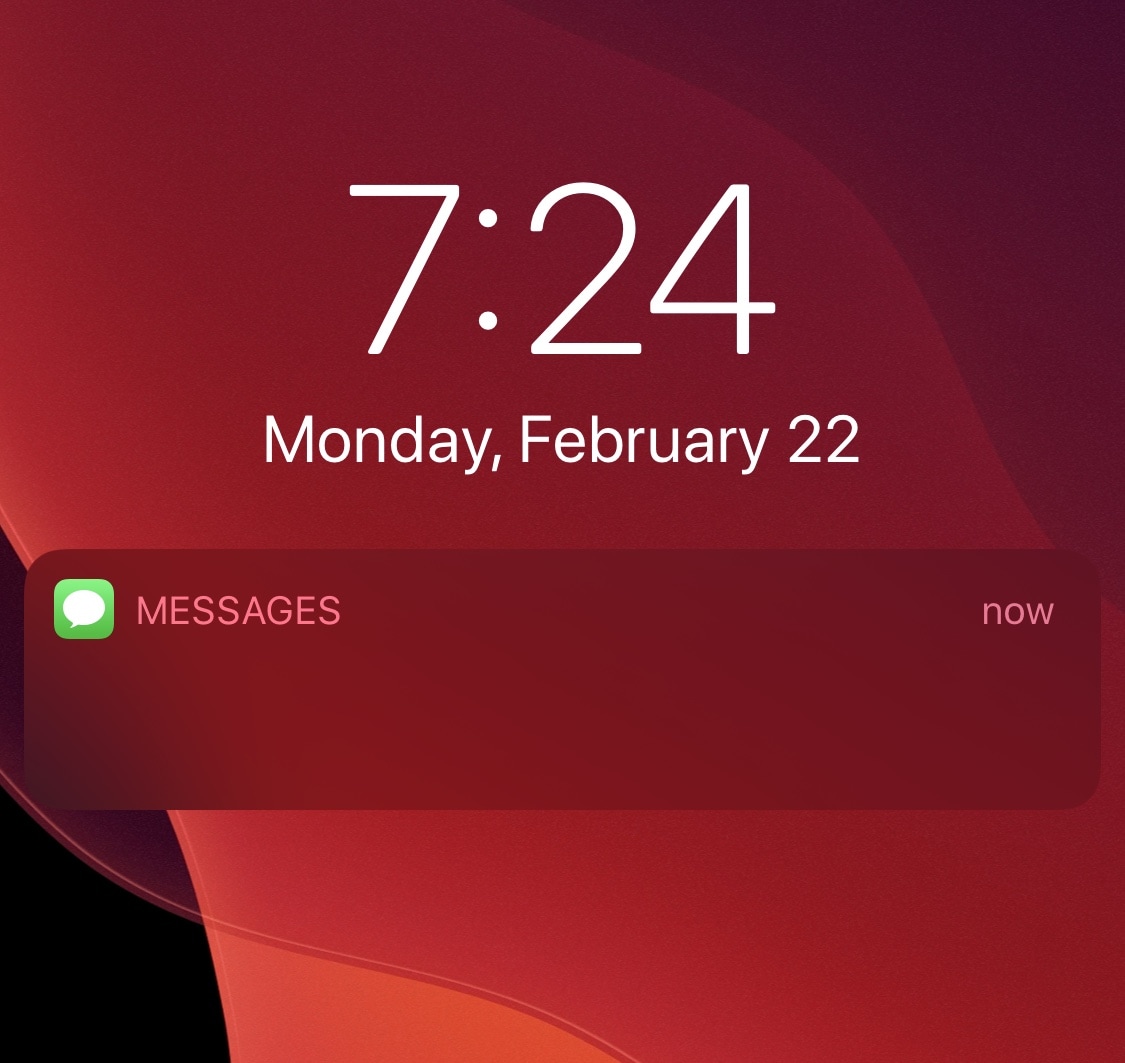
Apple’s iOS mobile operating system takes this fact into account, offering a handy feature in the Messages app’s notification settings that can hide message contents from your Lock Screen’s notification banners under various circumstances. But if that’s still not enough privacy for you, then a newly released jailbreak tweak dubbed LeaveMeOff Pro by iOS developer Plat-Ykor could be worth checking out.

TinyWidget14 puts the Lock Screen’s Now Playing widget on a diet

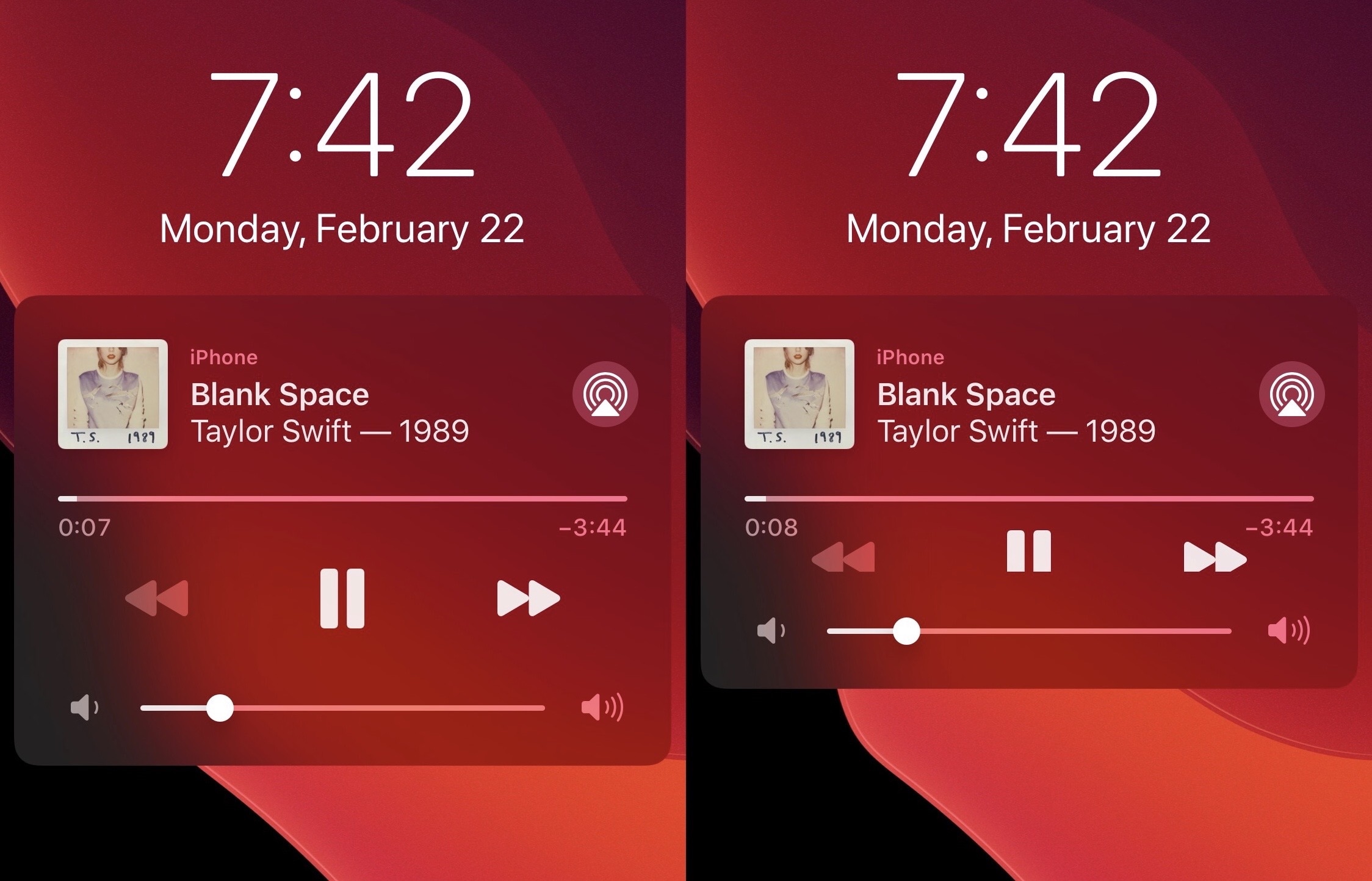
Most iPhone users are familiar with the Now Playing widget. It’s the thing that pops on your Lock Screen whenever you have any type of media playing in the background.

While it’s useful for granular playback controls, the Now Playing widget certainly takes up a lot of vertical screen real estate on the Lock Screen, which severely limits available space for missed notification banners. Fortunately, a new and free jailbreak tweak dubbed TinyWidget14 by iOS developer P2KDev puts the Now Playing widget on a diet.