Glo is a new icon pack for iPhones and Android smartphones by ConceptCentral that can make your Home Screen’s app icons look reminiscent of what you’d find on a Mac running macOS Big Sur or later.
Stay up-to-date on the latest iPhone news and learn new tips and tricks with our comprehensive tutorials. From software updates to new features, we’ve got you covered.
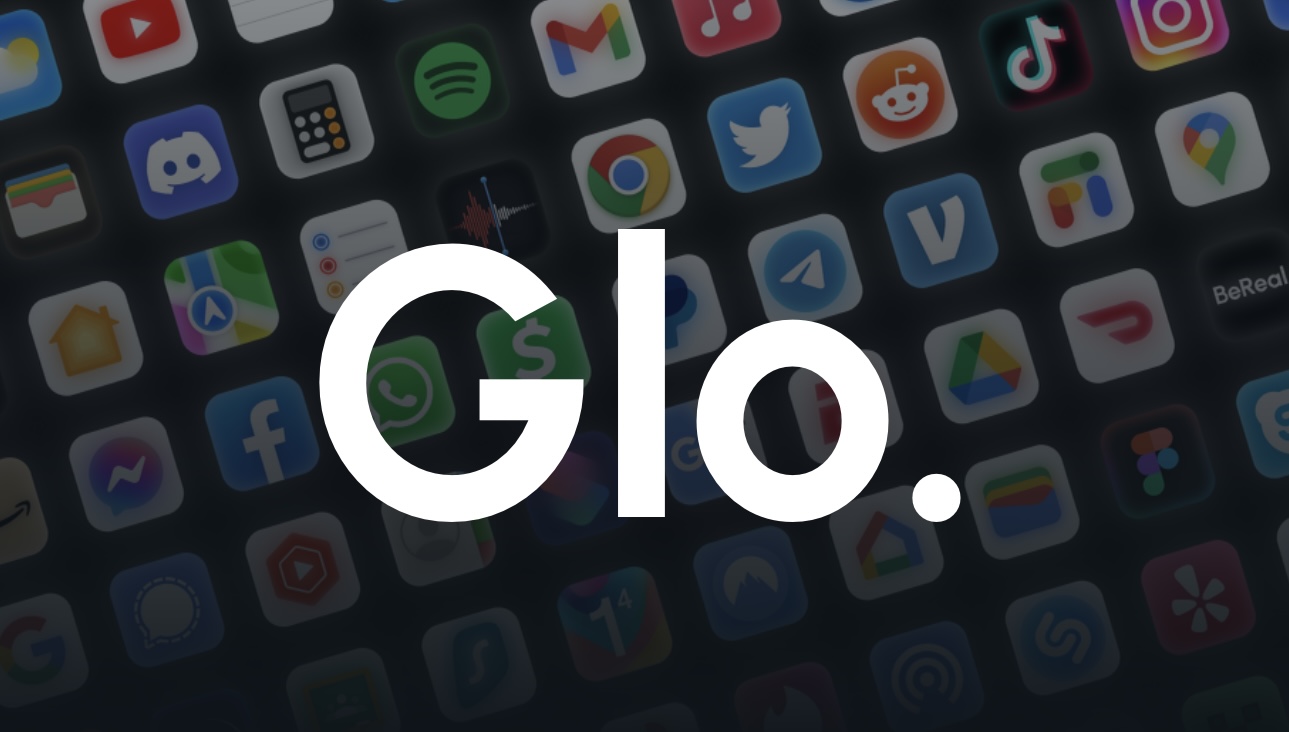
Glo is a new icon pack for iPhones and Android smartphones by ConceptCentral that can make your Home Screen’s app icons look reminiscent of what you’d find on a Mac running macOS Big Sur or later.
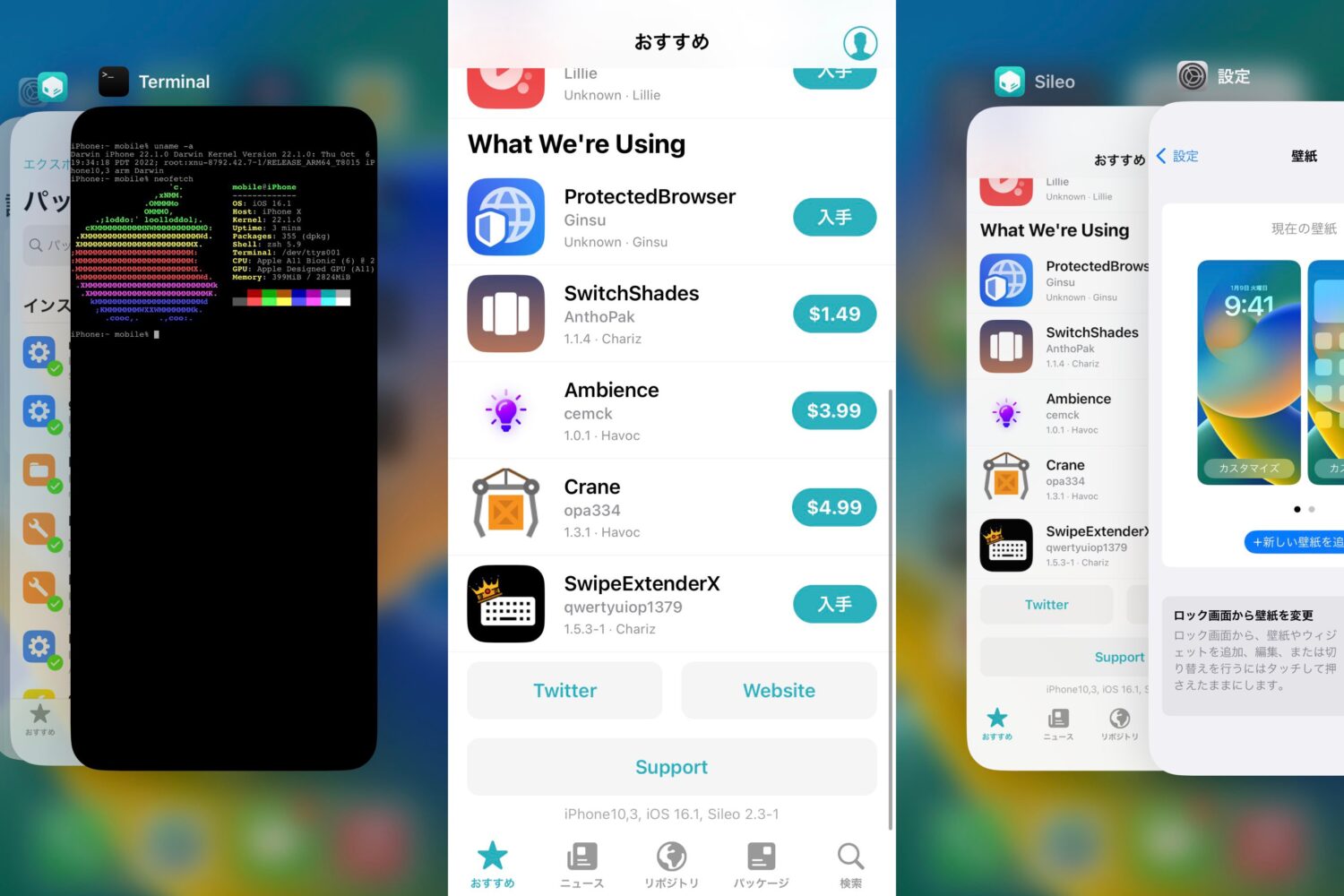
Sakura Development team member @dora2ios, previously known for their effort in creating the kok3shi jailbreak for 64-bit iOS 9.3.2-9.3.5 devices, Tweeted attention-grabbing screenshots this week of a jailbroken iPhone running iOS 16.1.
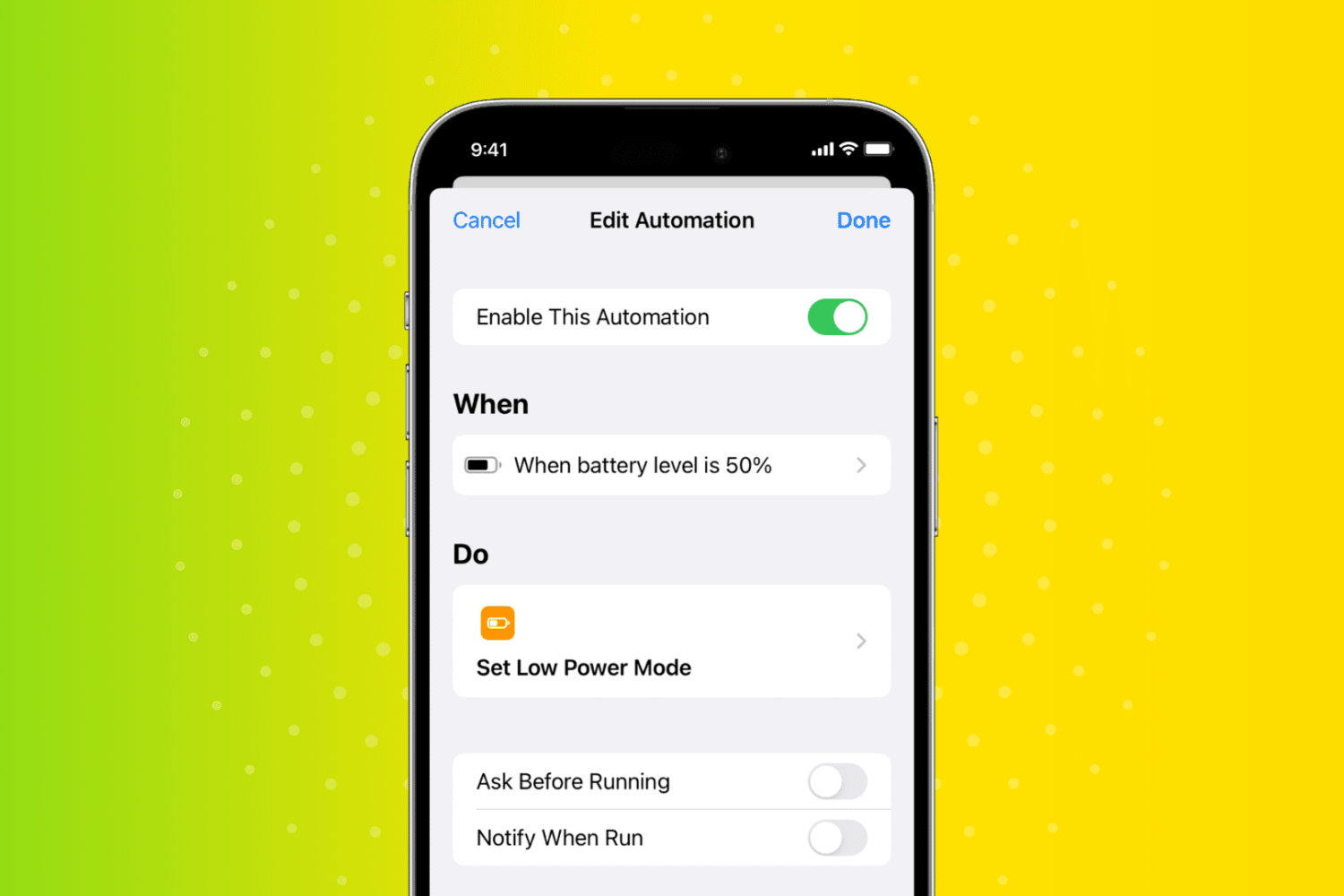
In this quick tutorial, we show you how to have your iPhone or iPad automatically turn on Low Power Mode when the battery charge hits a custom percentage threshold, such as 30%, 40%, 50%, or something else.
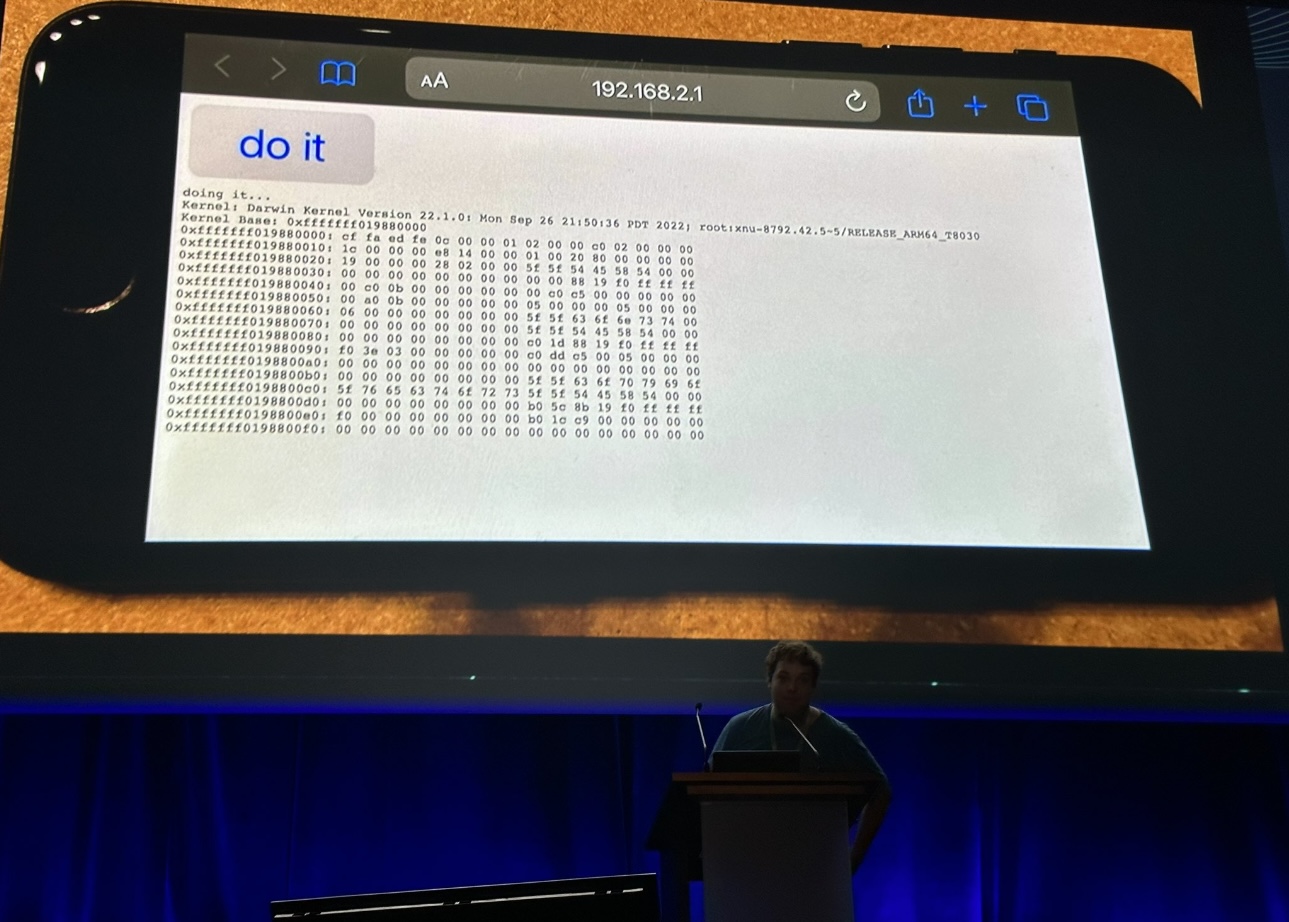
If you’ve followed along with us in our ongoing iPhone jailbreak news coverage, then you likely caught it wind of Luca Todesco showing off an iOS 16 jailbreak at the Hexacon security conference last Friday.

Staying motivated takes a lot of time and effort, but fortunately, there are all kinds of jailbreak tweaks that may be able to help you boost your motivation levels.

iOS developer opa334 is out with another update for the TrollStore app perma-signing tool on Tuesday, this time bringing the utility up to version 1.2.2.
With all the exciting news circulating in the jailbreak community recently, it would have been easy to miss a silent update to the developer-centric palera1n checkm8 bootrom exploit-based jailbreak tool for iOS 15.x, which appears to have received a recent and unannounced upgrade to version 1.2.0.
Security researcher and former evad3rs team jailbreak developer @pod2g made rare comments on Twitter this week following Luca Todesco’s talk at the most recent Hexacon security conference.
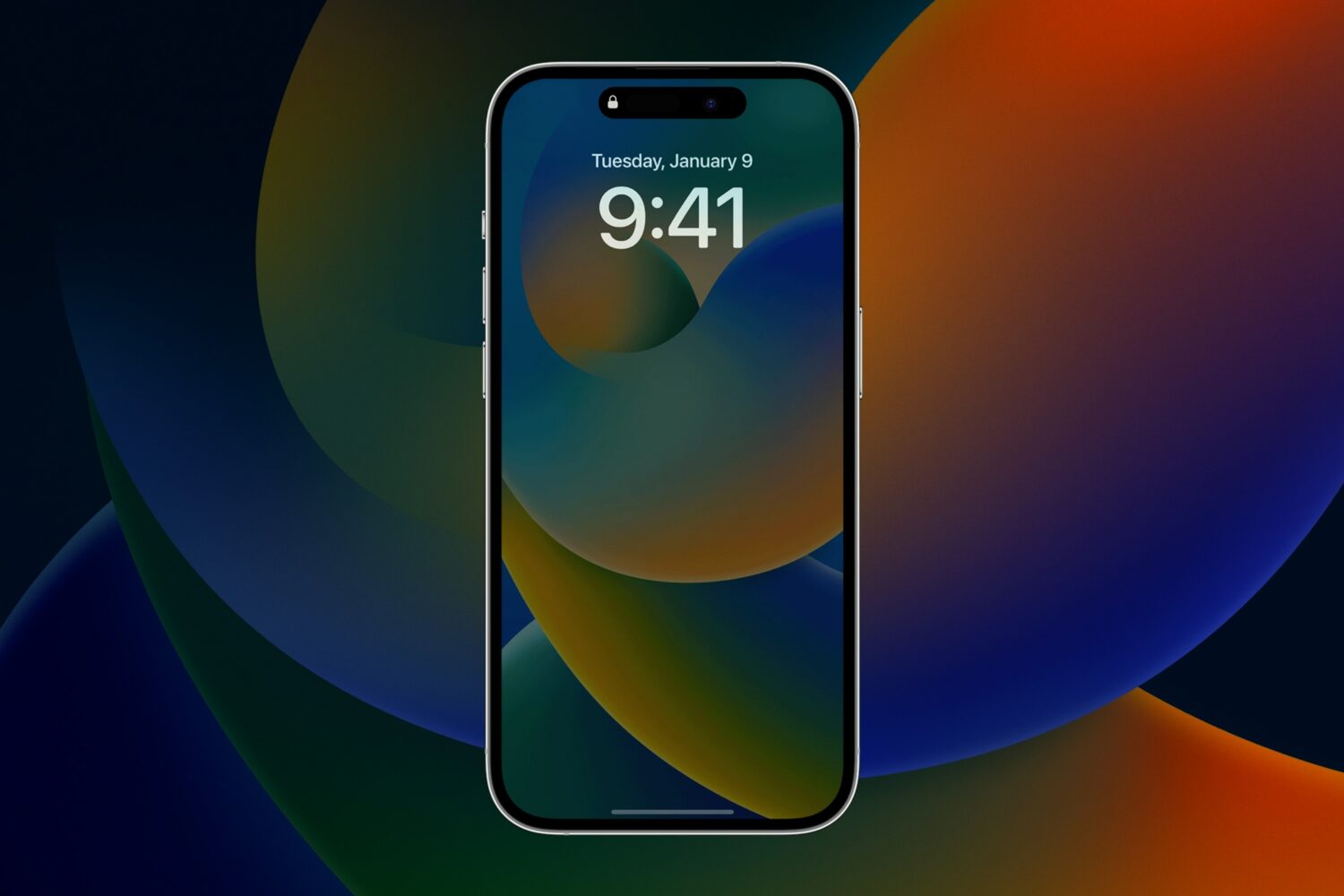
One of the hallmark new features of the iPhone 14 Pro & 14 Pro Max, apart from the controversial Dynamic Island, is the always-on display. This is a feature that other smartphone brands have had for years, in addition to iPhone jailbreakers who used tweaks to unlock similar capabilities. But now, it’s available to everyone.
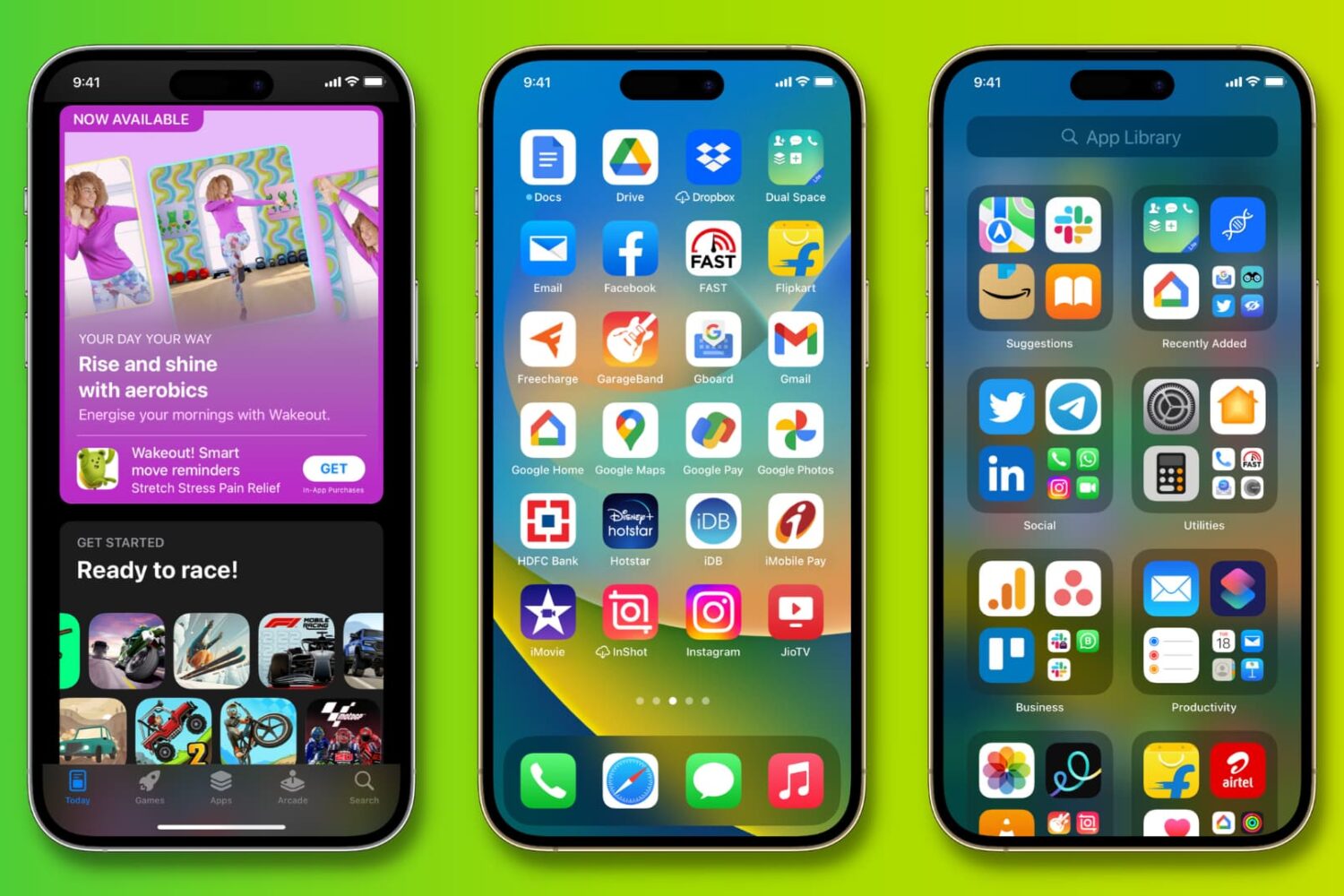
Did you get your first iPhone or iPad? In this step-by-step tutorial, we'll show you how to download free or paid apps on your new iPhone or iPad using the official Apple App Store.
Apple just last week released iOS 16.0.3 to address a multitude of bugs affecting various handsets in the iPhone 14 lineup. And as expected, the company is now leveraging its firmware signing mechanism to stop downgrades to the previous iOS 16.0.2 firmware.
TrollStore, the insanely popular perma-signing utility for iOS & iPadOS 14.0-15.4.1 (and some iOS 15.5 betas) received an update this Monday afternoon to version 1.2.1 with a couple of minor tweaks.