iPad

From the latest news to the most comprehensive tutorials, learn how to get the most out of your iPad with our step-by-step guides and expert tips.

Jailbreak tweaks of the week: Charge, TouchBar, & more…

Recovering from a somewhat slow week just before Memorial Day, the Cydia Store appears to be back up and kicking with some interesting new jailbreak tweaks for modding out your device to make it cooler than everyone else's.

In this roundup, we'll talk about all the jailbreak tweaks that were released in Cydia this week, starting with our favorites and then moving on to the rest afterwards.

New jailbreak tweak brings a MacBook Pro-style Touch Bar to your iPhone

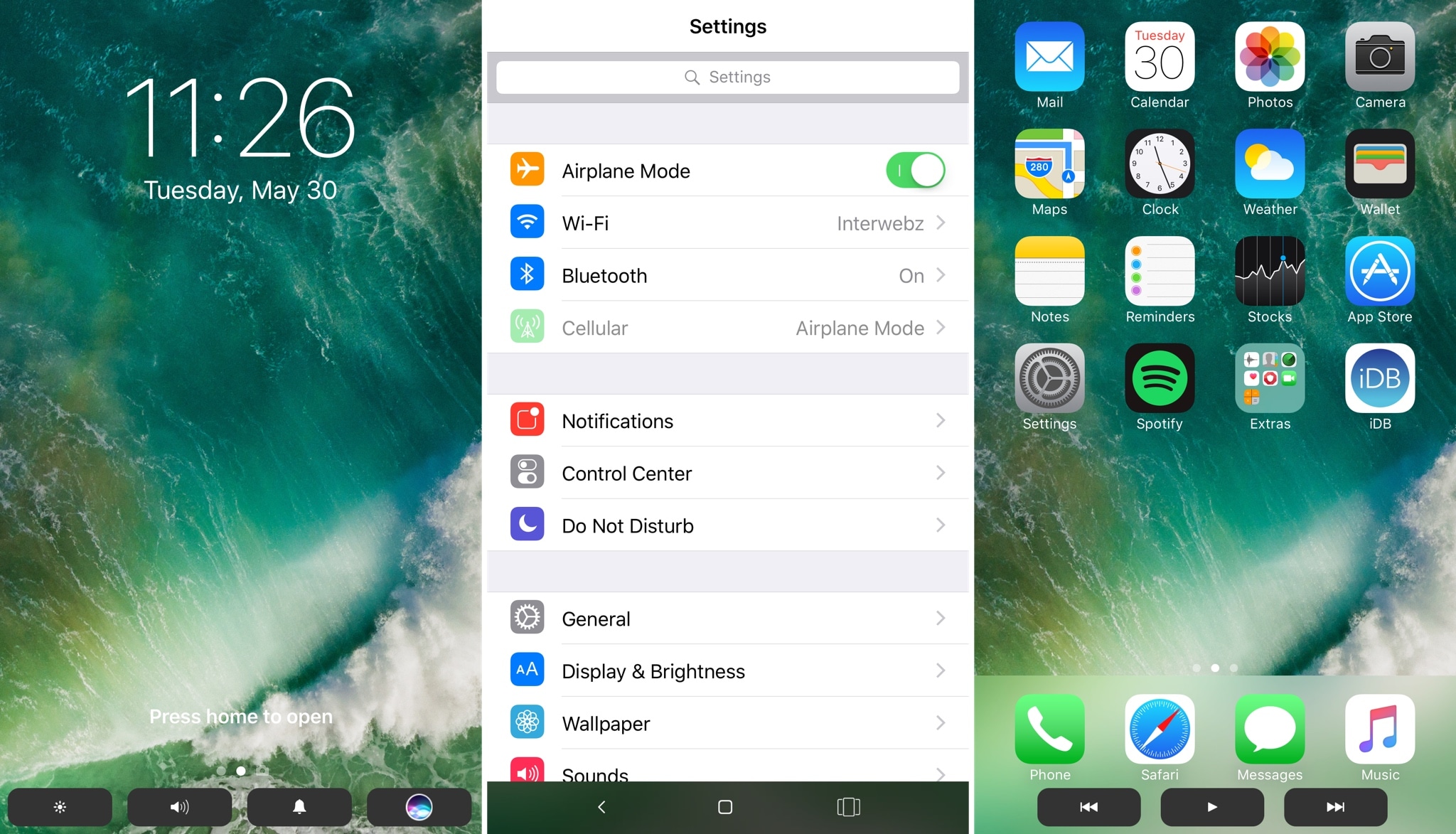
The Touch Bar is perhaps one of the most innovative new features of the latest model of MacBook Pro, but a new jailbreak tweak dubbed TouchBar by iOS developer LaughingQuoll aspires to bring a similar feature to jailbroken iOS devices.

After installation, the tweak essentially hides out at the bottom of your device’s display in all interfaces. This makes it easy to get to, enabling you to access its shortcuts with ease, no matter what you might be doing.

Hide stuff from your Lock screen with LSHiddenTools10

The Lock screen is the first thing you see every time you wake your device up, whether it’s coming out of your pocket or you’re grabbing at it for the first time of the day from your nightstand.

That said, why not use your jailbreak to customize your Lock screen? A new free jailbreak tweak called LSHiddenTools10 by CydiaGeek will allow you to do just that.

How to live stream WWDC 2017 on iPhone, iPad, Apple TV, Mac, Windows and Android

Apple will be live-streaming its WWDC 2017 event, just as they have for the last several years, so the world can tune in and see what’s new in the world of iOS, macOS, tvOS, watchOS, and more.

No matter what type of device you’re using the day of the event, you can live-stream the keynote. In this piece, we'll go over all the methods on how for every operating system and platform.

10.5″ iPad Pro screen protector surfaces ahead of rumored WWDC announcement

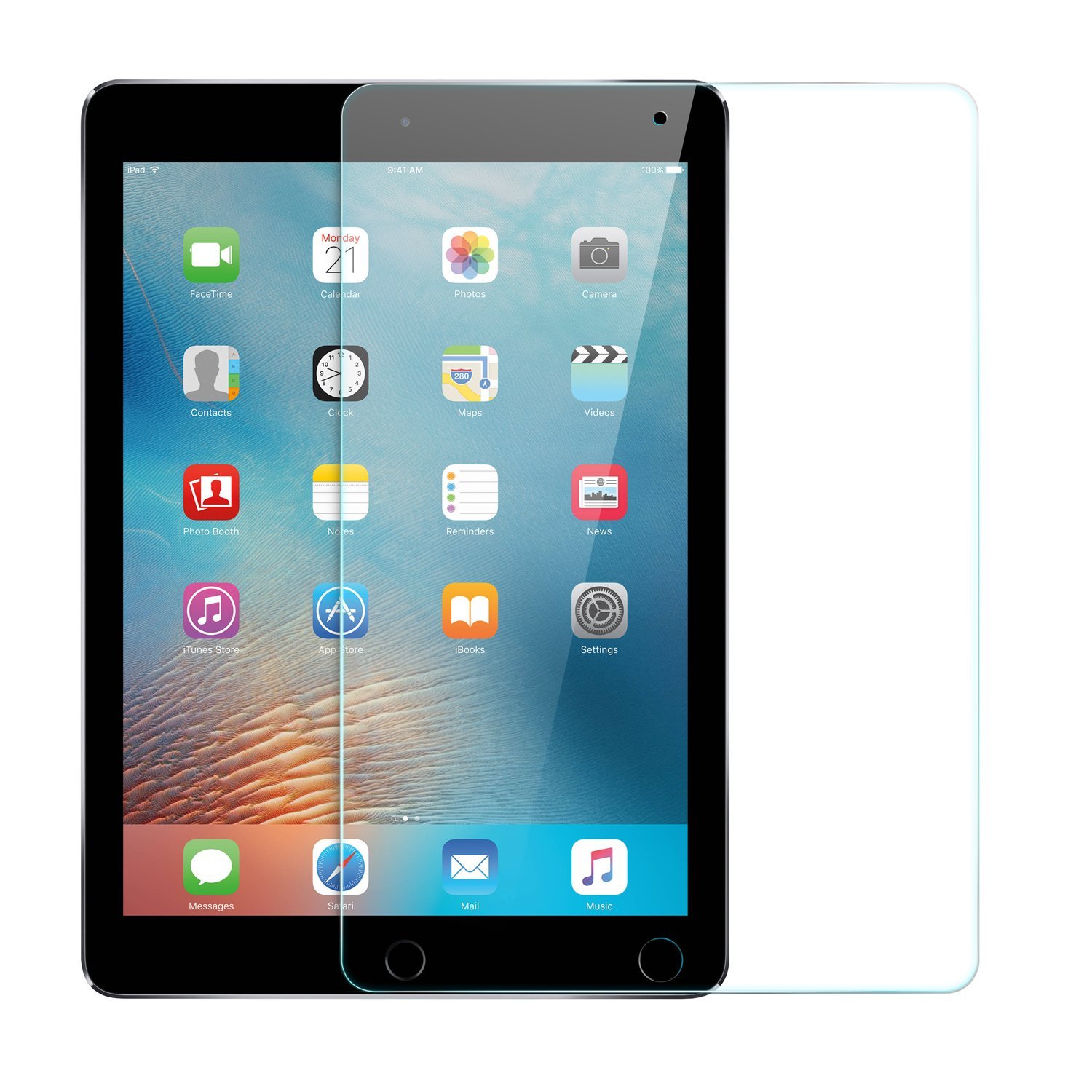
A screen protector for the rumored 10.5-inch iPad Pro has surfaced on Amazon ahead of Apple's WWDC keynote on Monday. It's made by popular accessory manufacturer Anker and is available for overnight delivery.

It's not unusual for accessories like this to pop up ahead of expected device announcements, but for a company as large as Anker to feel confident enough in pre-lease info to advertise and ship them is far less common.

Apple is widely believed to introduce a new 10.5-inch iPad on stage during its keynote next week. The tablet is said to have a footprint the same size as the 9.7-inch iPad, with slimmer bezels, and various other upgrades.

There are two customer reviews here: 1 5-star review where the user said they purchased this for the new iPad, and 1 1-star review where the user apparently tried to cut it to fit a smaller tablet. It's glass, so it...shattered. Weird.

Noted Apple analyst Ming-Chi Kuo gives the rumored iPad a 70% of being unveiled next week, and multiple reports claim Apple has ramped up production on the device. We've also seen alleged cases for the 10.5" tablet.

Join us Monday for full coverage of Apple's WWDC keynote and all subsequent announcements.

Source: Amazon via 9to5Mac

SaveBot lets you save videos from your timeline in Tweetbot

A good chunk of Twitter users use Tweetbot instead of the stock Twitter app because it has a unique appearance and a bevy of useful features. Nevertheless, some would say it could be better.

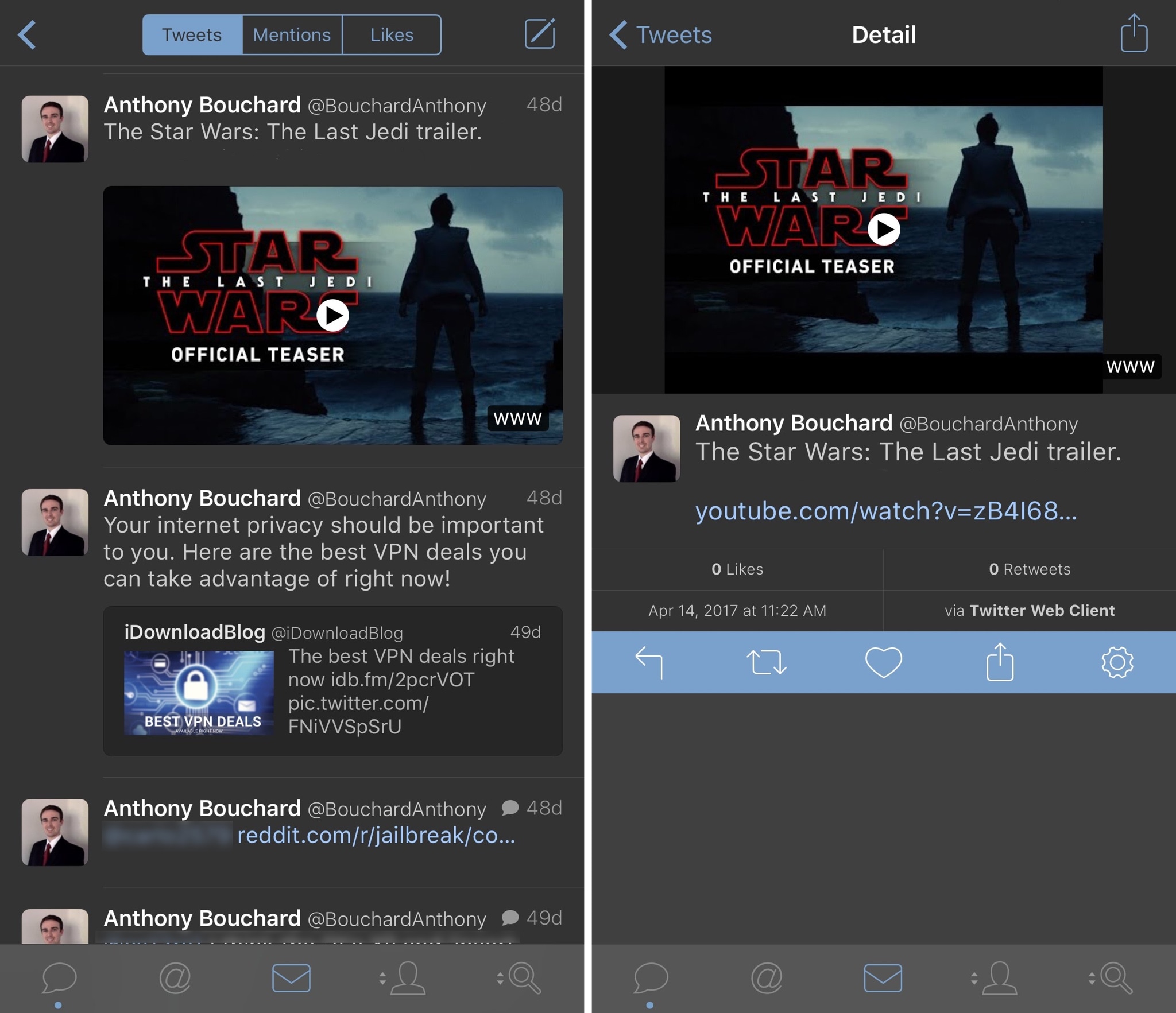
A new free jailbreak tweak called SaveBot by iOS developer iTheGentle expands upon Tweetbot’s functionality by empowering users with the ability to save videos directly from their timelines.

How to always open Safari in a private window

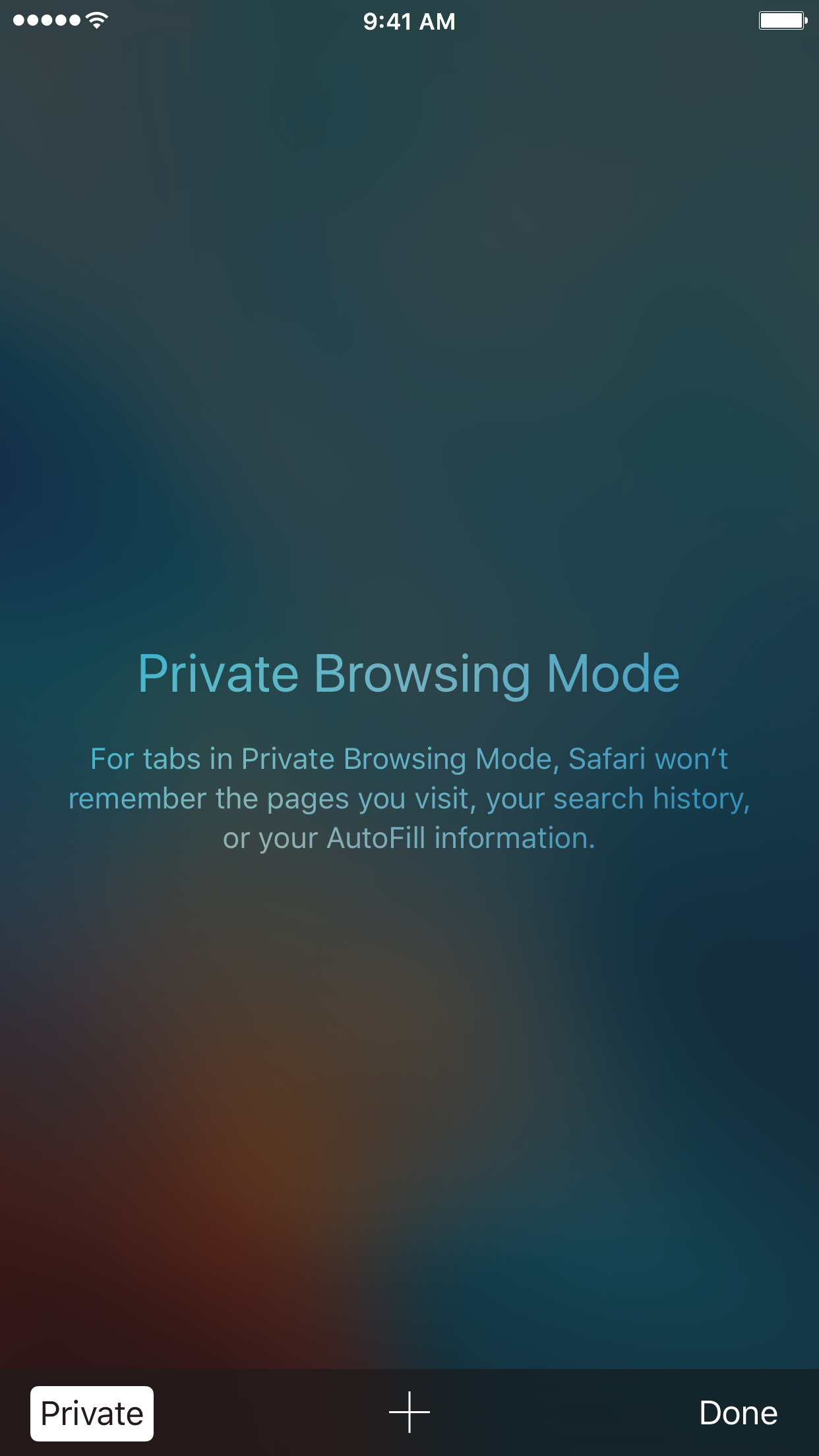
With privacy becoming a hotter topic these days, web users are becoming more and more wary about what they share online. While there are many different steps that can be taken to increase your online privacy, a very simple way to get started is to use a web browser in Private mode.

In this post, you will learn about what Private mode means in Safari, and you will find out how to always open Safari in a private window to make this simple precaution an automatic way of accessing the web on your Mac, your iPhone, or your iPad.

Expand iPad’s Picture-in-Picture feature with PiPifier

The iPad's Picture-in-Picture feature can really come in handy—when it works. Unfortunately, some pages such as YouTube use custom video players that don't have a dedicated PiP button, rendering the feature useless. That's where the app PiPifier comes into play.

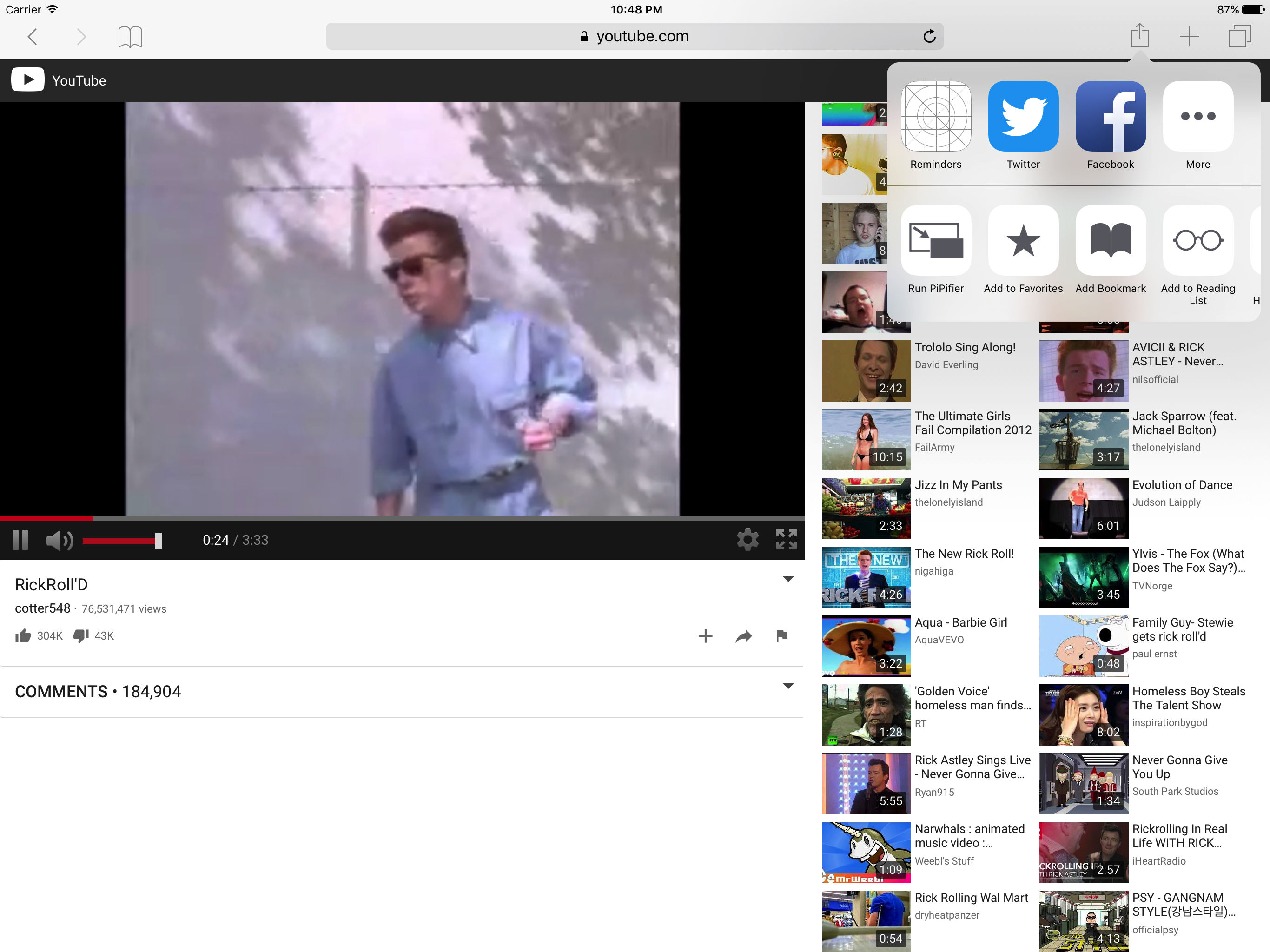
PiPifier lets you view every HTML5 (which is basically every web video on iOS) in Picture-in-Picture mode. It uses a Safari Action extension, so all you have to do is open Safari to your preferred web video, tap on the Share Menu, and select the Run PiPifier option.

As you can see in the screenshots, doing this puts your video into native PiP mode. This allows you to watch your clip in a resizable window that you can place virtually anywhere on your iPad's screen, all while performing other tasks, such as replying to emails and texts.

PiPifier is available for free.

Apple updating Swift Playgrounds with support for robots, drones, and instruments

Apple today announced a significant update for its iPad app Swift Playgrounds. The app, which is geared towards teaching beginners to code in a fun and interactive environment, will soon work with robots, drones and musical instruments.

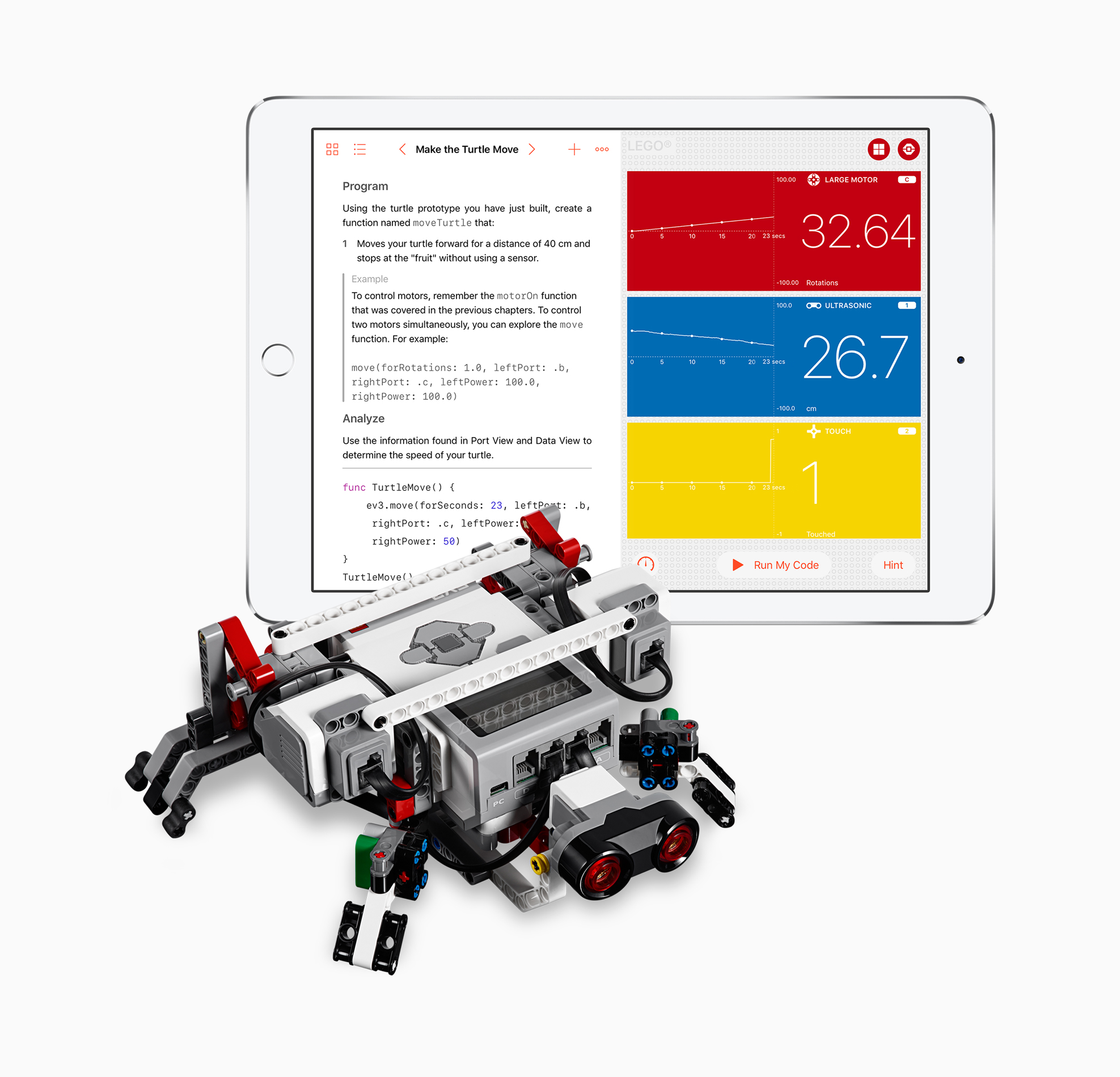
Scheduled to be released next week, Swift Playgrounds version 1.5 will support programming a slew of new devices including the Sphero SPRK+ ball, UBTECH Jumu Robot MeeBot Kit, Wonder Workshop's Dash, Parrot drones and LEGO Mindstorms.

“More than 1 million kids and adults from around the world are already using Swift Playgrounds to learn the fundamentals of coding with Swift in a fun and interactive way,” said Craig Federighi, Apple’s senior vice president of Software Engineering. “Now they can instantly see the code they create and directly control their favorite robots, drones and instruments through Swift Playgrounds. It’s an incredibly exciting and powerful way to learn.”

“Today we’re combining efforts with Apple to provide even more students around the world with the opportunity to learn how to code,” said Esben Stærk Jørgensen, president, LEGO Education. “We’re pairing the familiar LEGO bricks and our hands-on approach to playful learning found in LEGO MINDSTORMS Education EV3 with Swift Playgrounds' powerful learning platform so now anyone can program their LEGO MINDSTORMS creation with real Swift code.”

Swift Playgrounds 1.5 will be a free update for the app and will be released June 5.

Source: Apple

Plex app gets live TV support and DVR enhancements

Plex on Thursday announced that they're rolling out support for live TV to their various Plex apps. They're starting with Android TV and iOS, and say updates for other platforms like tvOS will follow suit.

The live TV feature is built right into the Media Server, so you'll be able to stream everything from game shows to sporting events in real time, from pretty much anywhere in the world.

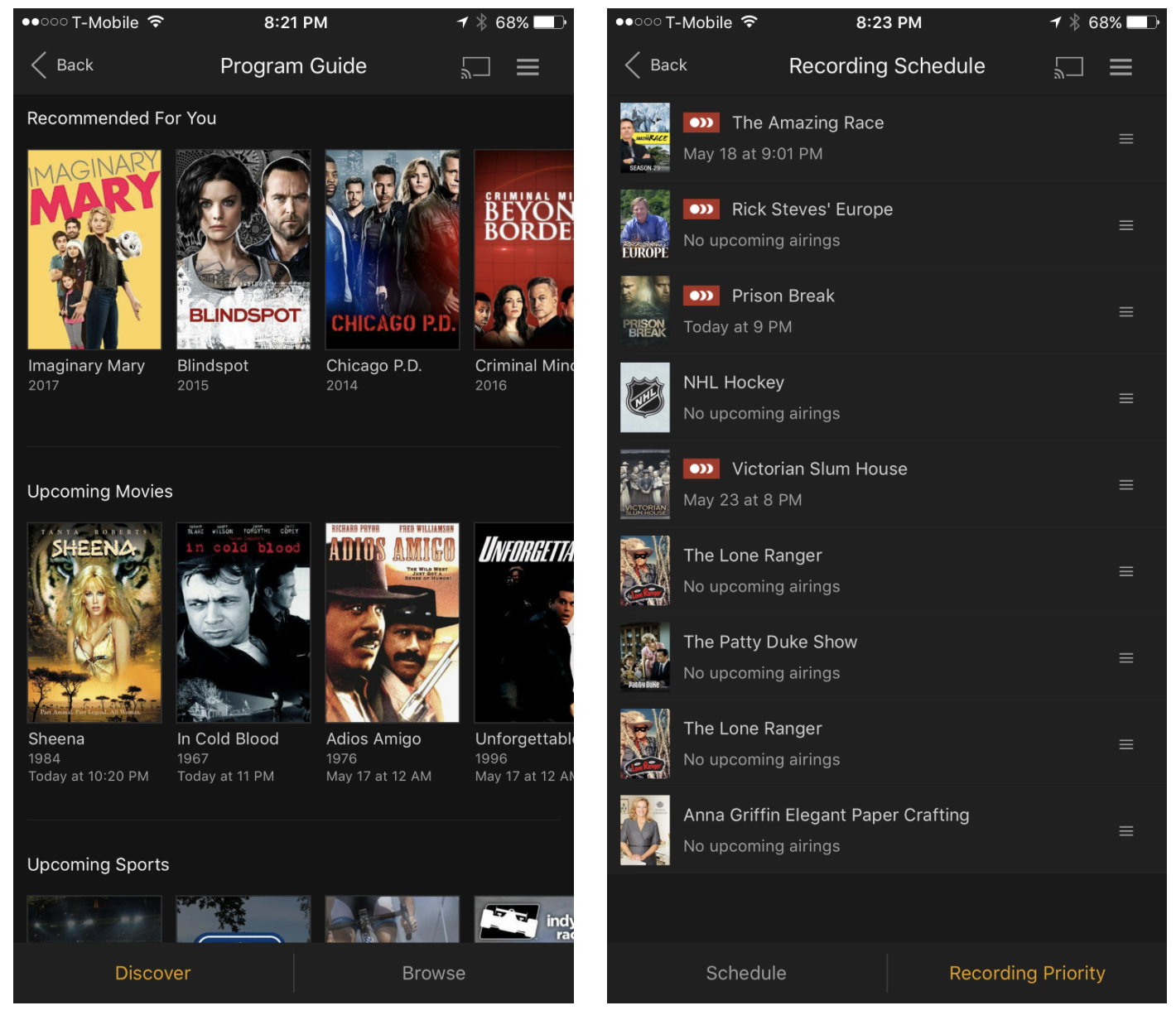
The app is also getting other improvements: in-app DVR management, meaning you can now browse the program guide and manage recordings directly from within the app, and expanded tuner support. Last September Plex announced support for the HDHomeRun tuner line, and now it's opening up to tuners from Hauppauge, AVerMedia and many more.

Plex Live TV and DVR are available immediately for Plex Pass users only. The service costs $5 per month, $40 per year, or $120 for life (20% off for a limited time). It's a bit pricey, but it's definitely worth looking into if you're thinking about cutting the cord.

Source: Plex

Apple: App Store developers earned over $70 billion in revenue since debut

Apple announced Thursday morning that developers all over the world for its platform have generated over $70 billion in total revenue, a new record since the launch of the App Store almost nine years ago in 2008.

The number 70 appears to be Apple’s lucky number this year, as app downloads have also soared 70% in the last 12 months, illustrating interest in numerous new app titles that took the App Store by storm.

DetailedCellularUsage reveals hidden items in your iPhone’s cellular usage report

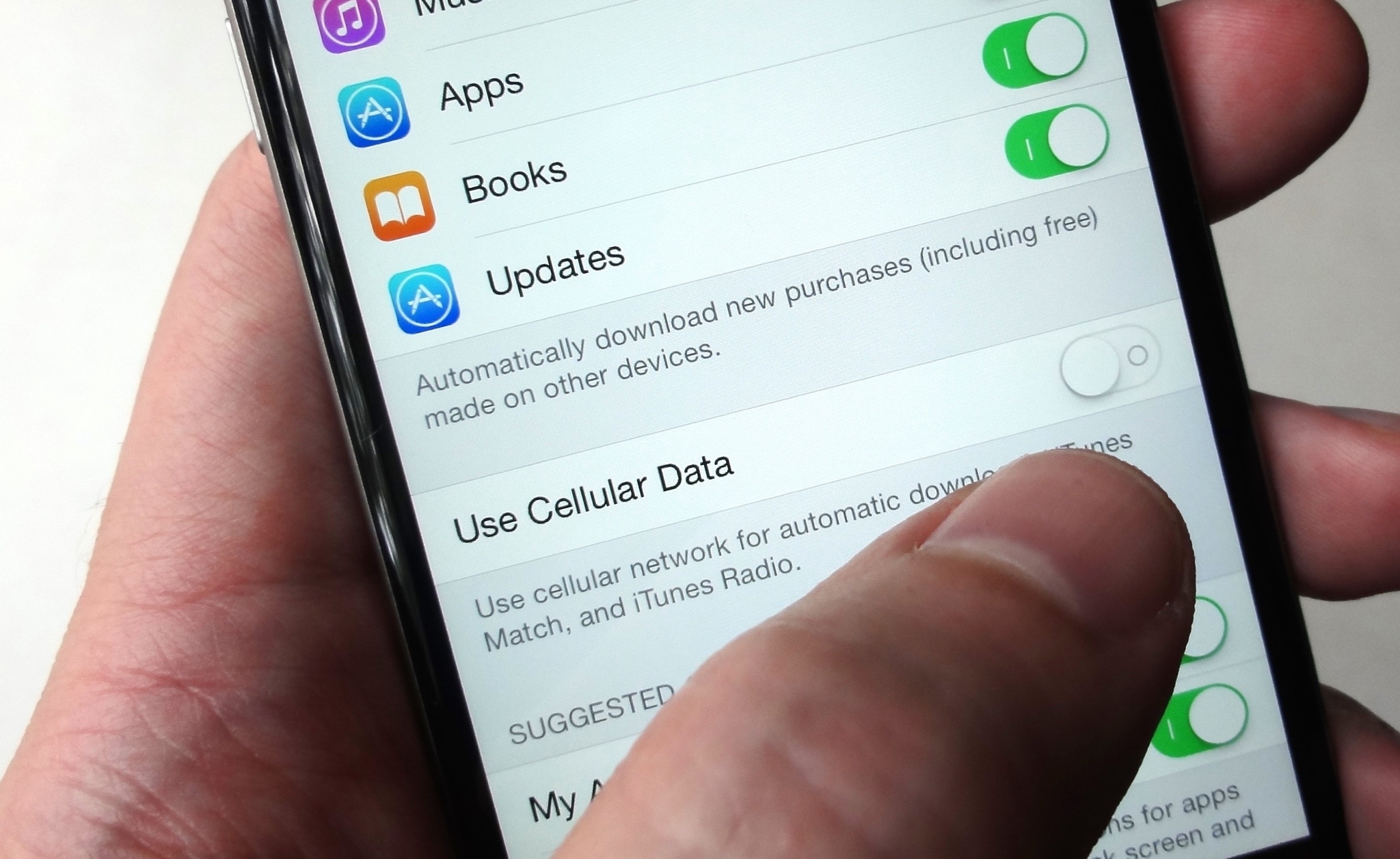
Cellular data is one of those things we seem to always use regularly, but fail to keep track of as efficiently as we could. This becomes a problem when you swear your data provider is over-charging you for your data usage.

A new free jailbreak tweak called DetailedCellularUsage by TheComputerWhisperer helps reveal some of the gray areas where iOS uses your cellular data and doesn’t report it in the Settings app.