iPad

From the latest news to the most comprehensive tutorials, learn how to get the most out of your iPad with our step-by-step guides and expert tips.

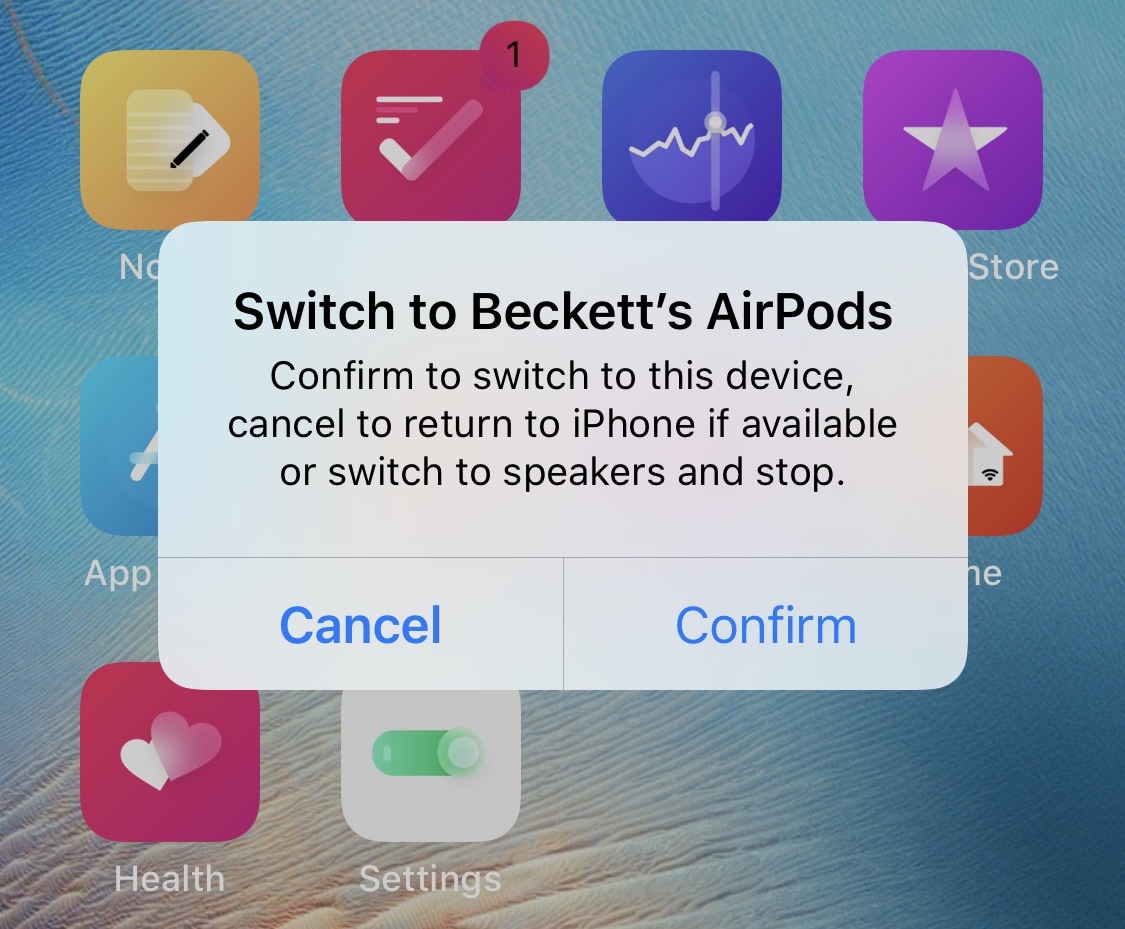
ConfirmPasteboard enhances pasteboard privacy on jailbroken iPhones & iPads

Privacy is a growing concern these days as seemingly more and more apps try to harvest our personal data for the sake of monetary gain. What we learn from this is actually quite simple: people generally don’t like being tracked and prefer to enjoy their right to privacy.

Smartphone-centric privacy breaches happen a number of different ways, including location tracking, camera or microphone spying, and/or Photo Library snooping. But the pasteboard, which may sometimes store sensitive information if you do any copying and pasting on your iPhone or iPad, is another thing that often slips under the radar.

Video: The top 30 jailbreak tweaks for iOS 13.5

Jailbreaking has been picking up steam again thanks to unc0ver and other jailbreaks that work with iOS 13.5. It's this fresh breath of life that was breathed into the jailbreaking scene earlier in the year that has gotten Harris Craycraft, iDB's resident videographer, hooked to jailbreaking. In fact, we thought it prudent to ask Harris to create a hands-on video walkthrough of what we think are some of the best jailbreak tweaks for iOS 13.5 at the moment.

Get desktop-style banner notifications on your jailbroken iPad with iustum

It was only last week that we showed you a new jailbreak tweak called Destra, which brought a macOS-inspired banner notification experience to the iPad and iPhone. Part form minor changes to the banner notification aesthetics, perhaps one of the other eye-catching aspects about the tweak was that it made banner notifications on the iPad feel more desktop-like by moving them over to the top-right of the display rather than displaying them in the center.

If you liked the idea of right-aligned banner notifications on your iPad, but didn’t like the price tag that Destra demanded, then you might take a liking to a newly released and free jailbreak tweak called iustum by iOS developer jesseb0rn, as it brings this notification banner-centric feature in particular to pwned iPads at no charge to the end user.

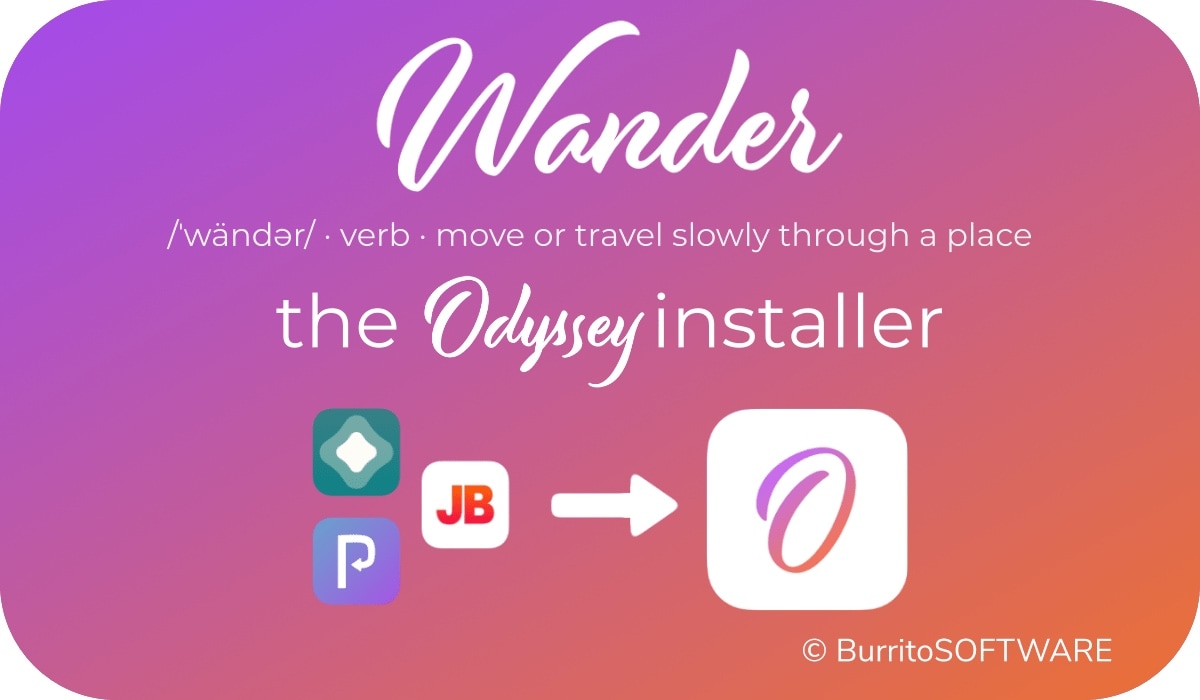
How to add Wander to the Shortcuts app to install & update the Odyssey jailbreak

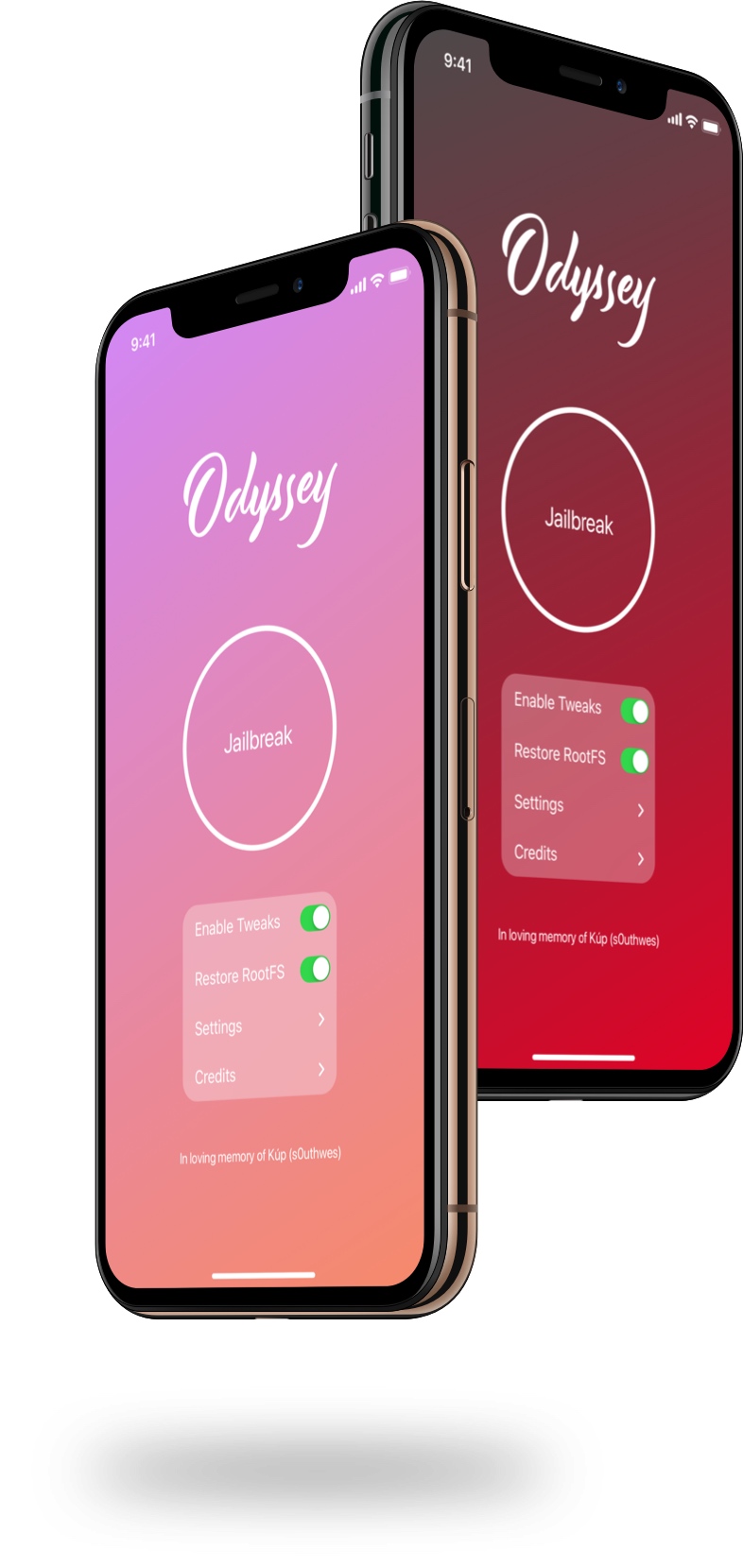
Just like unc0ver, the Odyssey jailbreak app is intended to be side loaded into a compatible iPhone or iPad. To help make the process of side-loading the Odyssey jailbreak app easier, the Odyssey Team officially endorsed the brand-new Wander add-on for Apple’s Shortcuts app shortly after the tool came out of public beta.

The Wander add-on doesn’t replace side loading utilities like AltStore and ReProvision or signing services like Jailbreaks.app, but rather synergizes with them to make the process of installing Odyssey and updating to newer versions faster and less cumbersome while providing a more native user experience through Apple’s Shortcuts app in the process. In this tutorial, we’ll show you how to set up the Wander add-on with your Shortcuts app.

Wander: An add-on for Apple’s Shortcuts app to install the Odyssey jailbreak

The Odyssey Team officially released the Odyssey jailbreak to the general public last week following a limited public beta testing period. While the Odyssey jailbreak can be installed with the AltStore utility for both Mac and Windows, some users might be excited to learn about a new on-device option dubbed Wander by BurritoSoftware, which can be used to deploy an installation shortcut via Apple’s own free Shortcuts app.

Wander is especially made for iOS 13 devices, which makes it an ideal match for the iOS 13-centric Odyssey jailbreak. The new shortcut installs the Odyssey jailbreak with just a tap, and more importantly, is fully compatible with other side-loading utilities including AltStore, ReProvision, and signing services like Jailbreaks.app. The announcement that it would be used by the Odyssey Team was made via Twitter:

Jailbreak tweaks of the week: Crane, Minotaur, Safari Downloader+, and more…

Those rocking jailbroken iPhones and iPads are often antsy to download the latest and greatest jailbreak tweaks so that they can get the most out of their pwned handset(s). On the other hand, it can be difficult to keep track of new releases and determine what the best of those are.

In this piece, we’ll be curating a list of all the latest jailbreak tweak releases from Monday, August 24th to Sunday, August 30th. As usual, we’ll kick things off by talking about our favorite releases at the start and then wrap things up with an outline of the rest near the end.

Choose your favorite iPhone keyboard UI for every situation with Keyboard Controller

As many smartphone users already know, one of the major advantages to using a software-based keyboard as opposed to a hardware-based keyboard is that the interface can dynamically change depending on what you might be doing on your device. For example, a web browser’s keyboard might display more URL-centric input methods while a number input interface’s keyboard might display only numbers rather than the full alphabet.

iOS developer Tomasz Poliszuk knew that some of these keyboard interfaces could be helpful in more places than one, and unfortunately, Apple doesn’t provide users with any way of choosing which dynamic keyboard interface appears where. With that in mind, a newly released and free jailbreak tweak dubbed Keyboard Controller was conceived.

Saurik updates Cydia Substrate to v0.9.7111 to address another bug

Saurik released yet another update for the Cydia Substrate tweak injection package on Saturday in a move to help improve the software’s overall reliability and stability with day-to-day use.

The latest update, coined version 0.9.7111, is said to fix a problem that Saurik purportedly introduced in the older 0.9.7109 update. Saurik notes in the newest change log that the update intended to solve a problem with an earlier update, but inadvertently un-fixed a totally different issue in doing so: