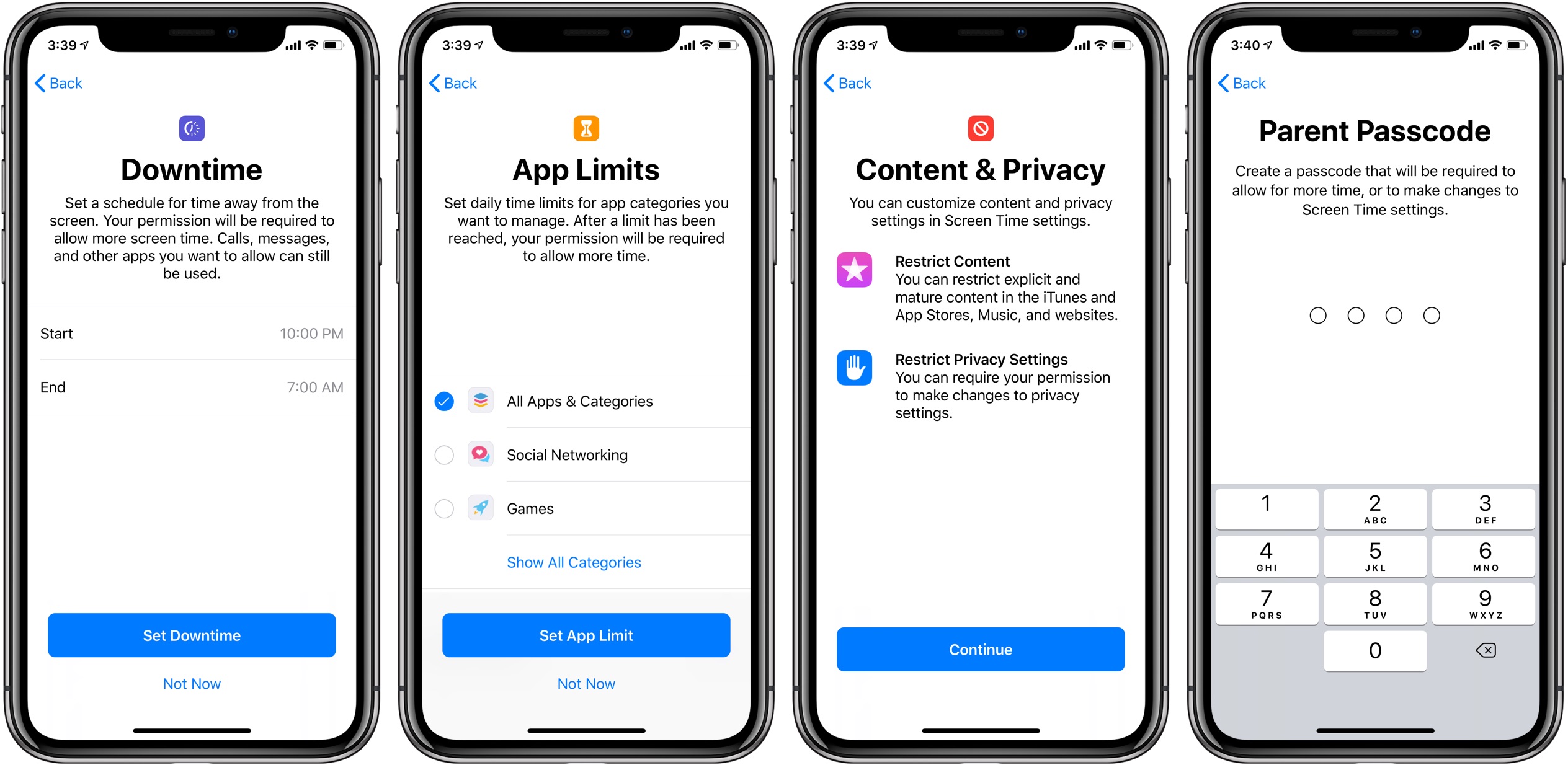
Apple is aware of an iOS bug that has allowed kids to bypass certain parental restrictions set for their iPhones, like the Screen Time Downtime limits.
Apple promises a fix for the old bug letting kids avoid Screen Time limits
From the latest news to the most comprehensive tutorials, learn how to get the most out of your iPad with our step-by-step guides and expert tips.
Apple is aware of an iOS bug that has allowed kids to bypass certain parental restrictions set for their iPhones, like the Screen Time Downtime limits.
Misaka, the premier package manager app for devices utilizing the MacDirtyCow exploit on iOS 15.x-16.1.2, received another update this week, officially bringing it up to version 1.9.0.
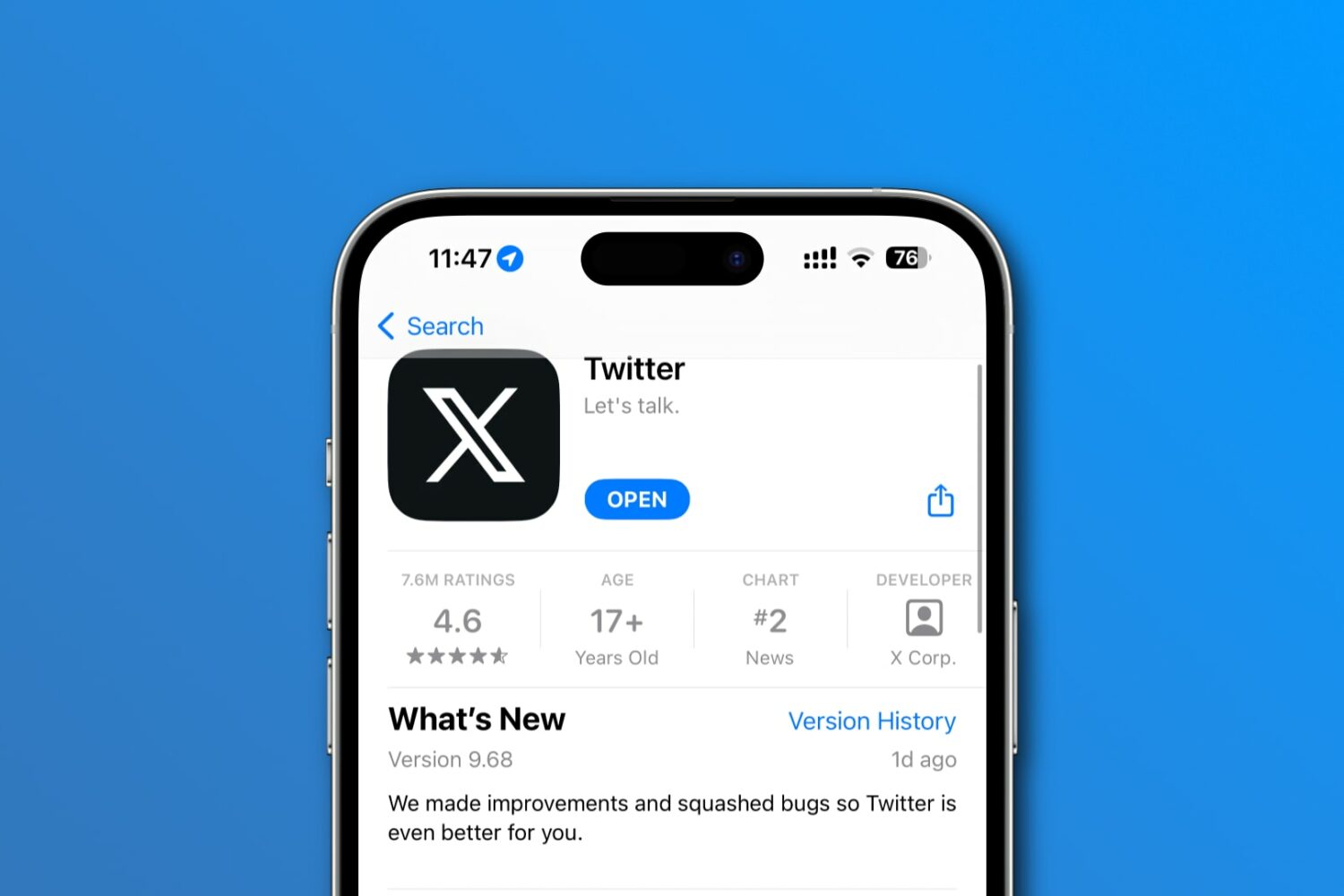
Elon Musk recently changed Twitter's logo and name, nuking the famous bird icon and rebranding the iOS and Android app as "X."
The iDB team takes its coverage of jailbreak tweaks and other jailbreak or device hacking content very seriously, but if you want a quick overview of everything that happened in the past week, then you’ve come to the right place.
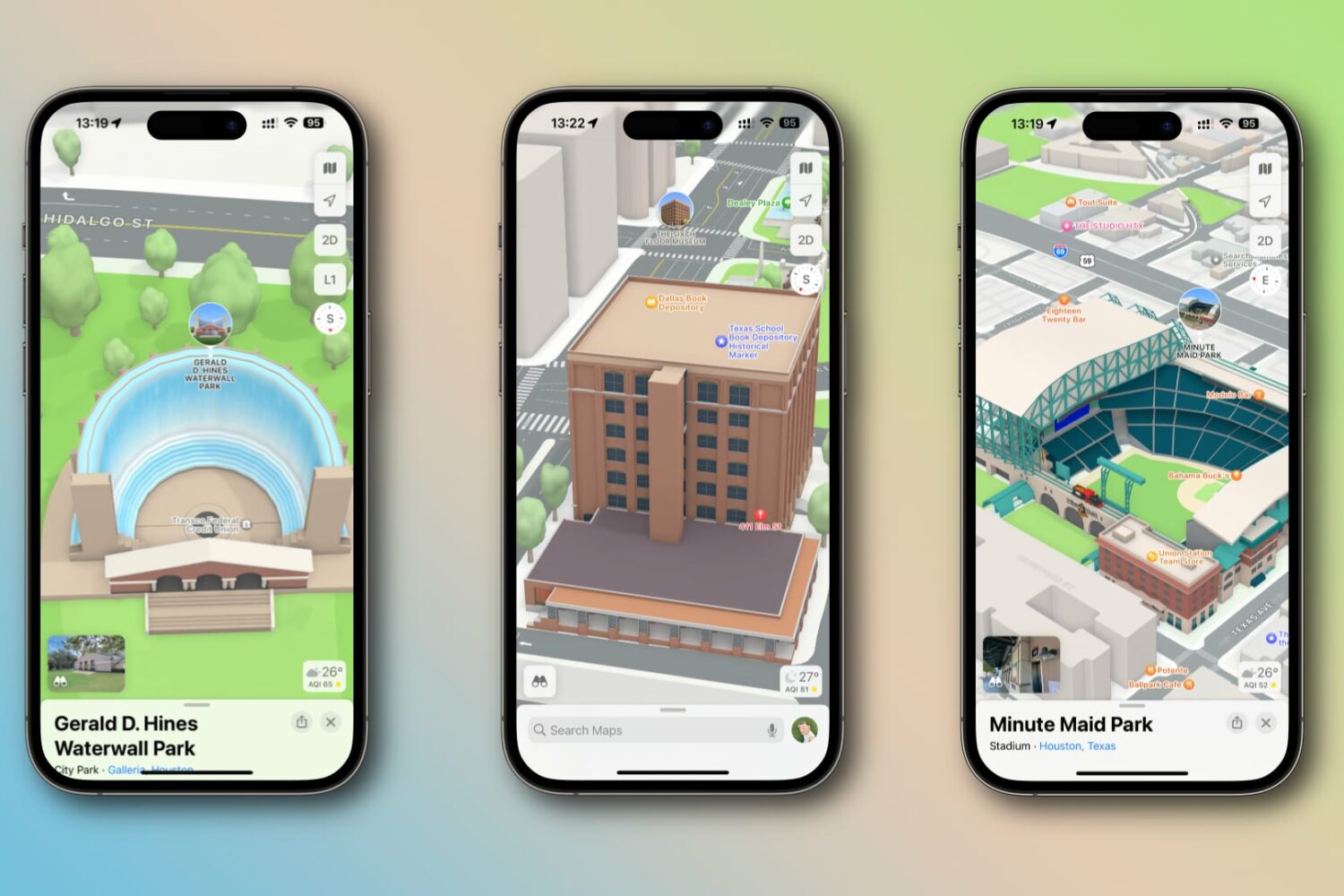
Detailed 3D city experiences for the Dallas and Houston areas in Texas, plus Look Around for the Dallas-Fort Worth area, are now available on Apple Maps.
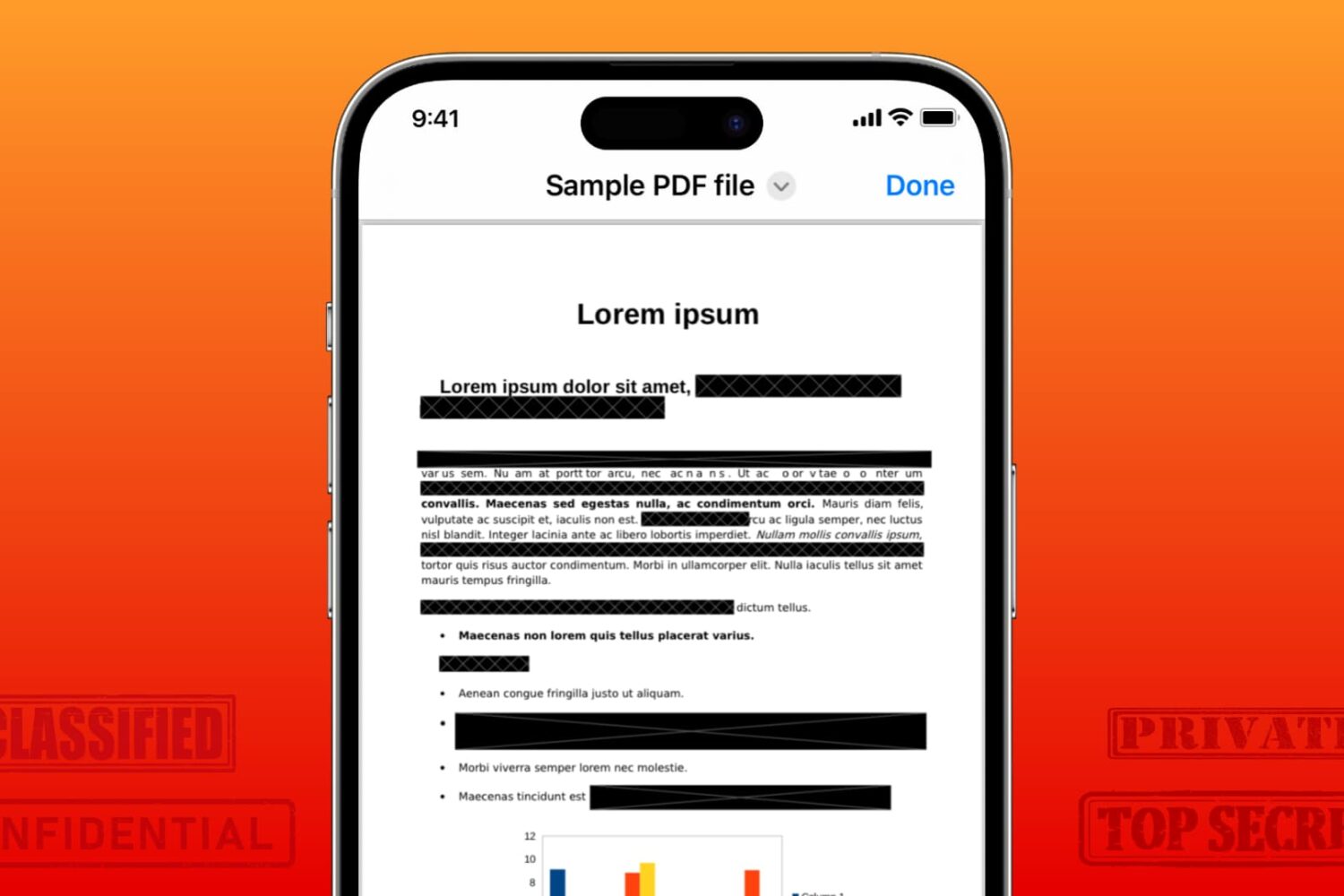
Learn how to securely redact or black out emails, phone numbers, bank accounts, and other confidential text in PDF documents to protect your privacy.
One of the things that a jailbreak tweak should be able to do is make using your iPhone or iPad easier, and that’s one reason why the community has made so many gesture and shortcut-based tweaks over the years.
The kernel file descriptor (kfd) project that made rounds this past weekend because of its ability to achieve kernel read and write on firmware up to and including iOS & iPadOS 16.5 is becoming even more famous as iOS developers devise new and unique ways to take advantage of it.
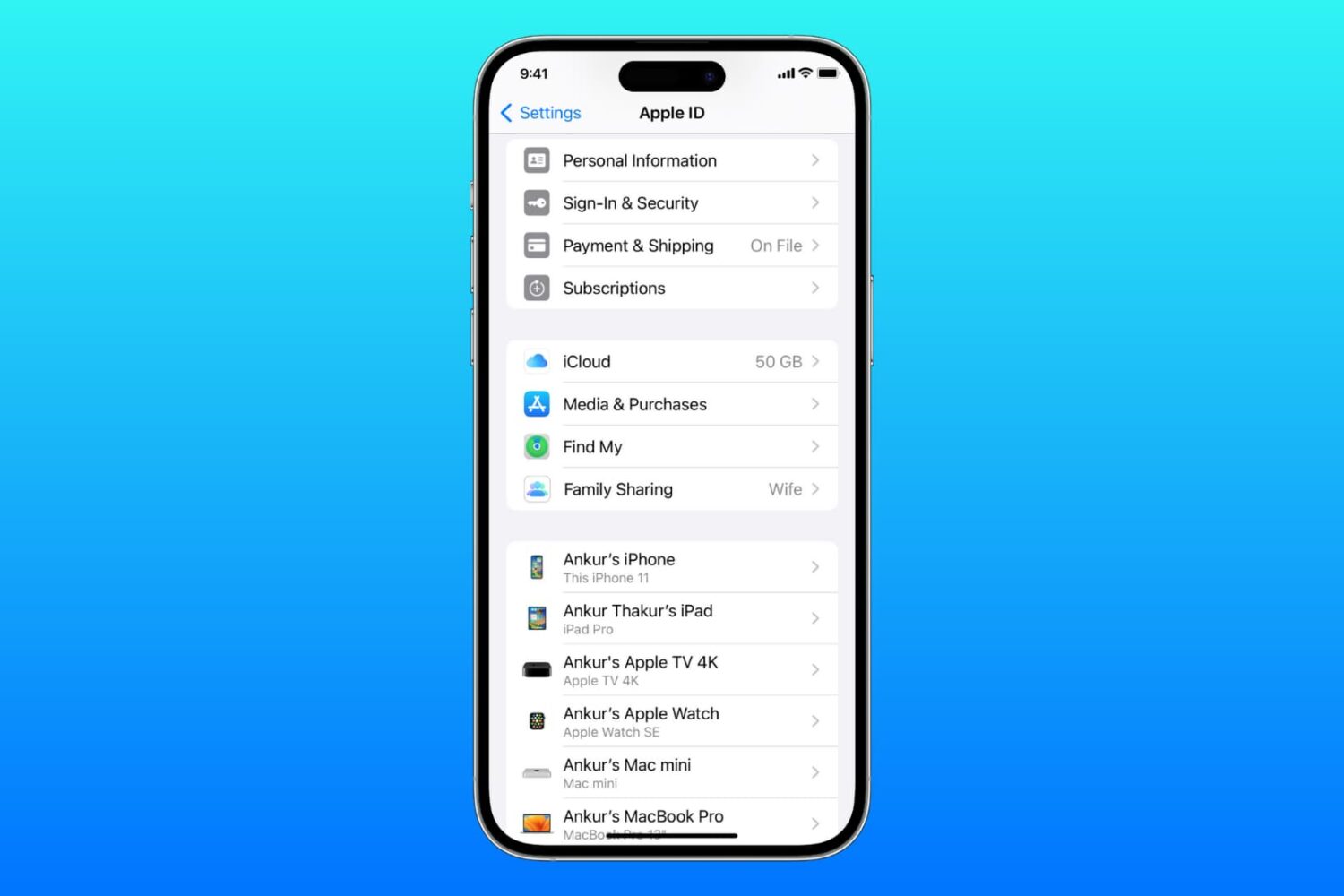
Learn what to do if you cannot access your iCloud or Apple Account settings because they’re grayed out or unclickable on your iPhone, iPad, Mac, or web browser.
Over the weekend, we told you about an ambitious project called kernel file descriptor (or kfd for short) that would help jailbreak developers achieve kernel read and write privileges on firmware up to and including iOS & iPadOS 16.5.
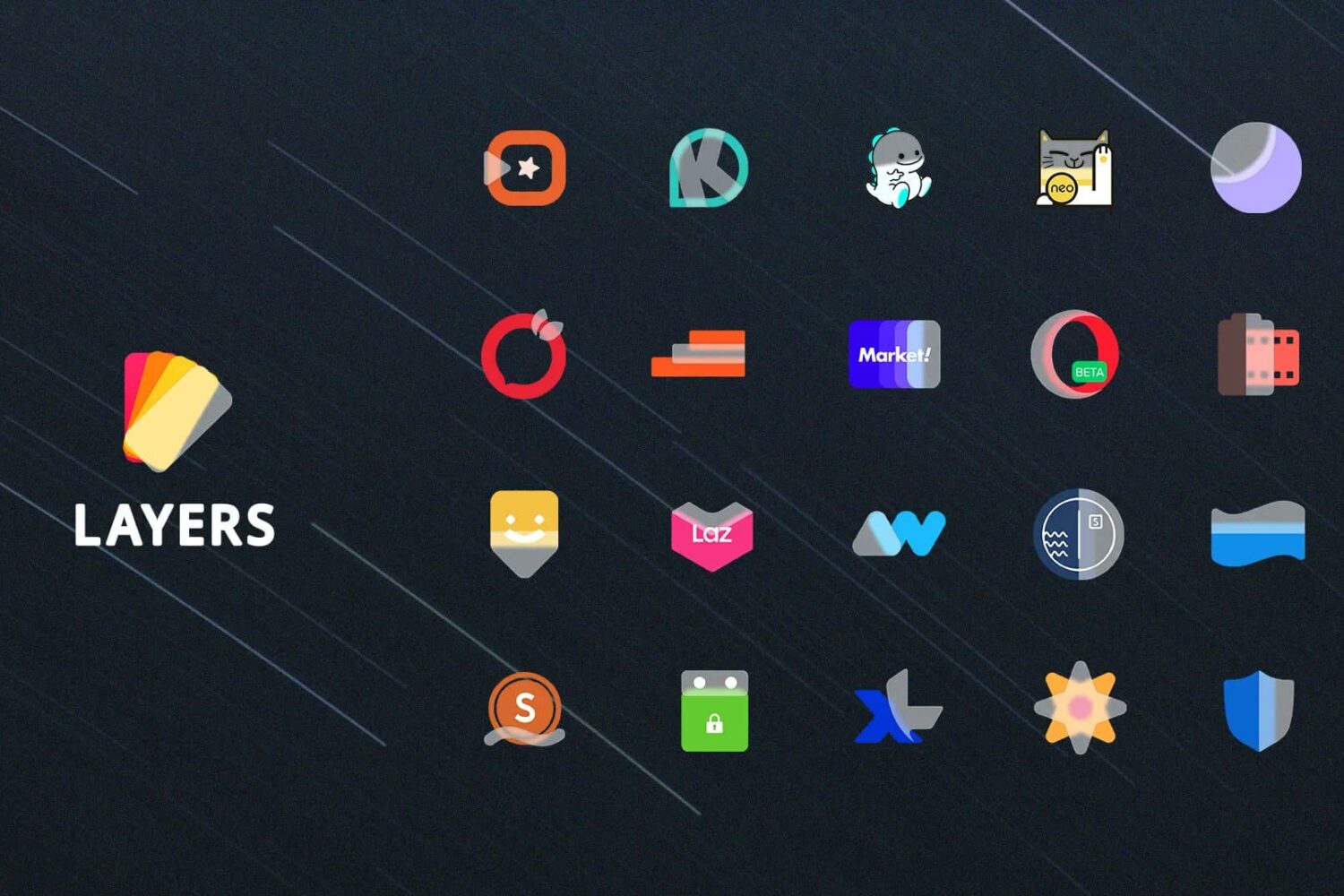
Anyone who might be in the market to spruce up the appearance of their Home Screen should definitely set aside some time to take a closer look at a theme called Layers by iOS developer Sreerag.
While the vast majority of people are only using one Apple ID on their device, some people are using one or more. For example, I use more than one Apple ID on my jailbroken device so I can keep a separate roster of apps for work as opposed to my personal library.