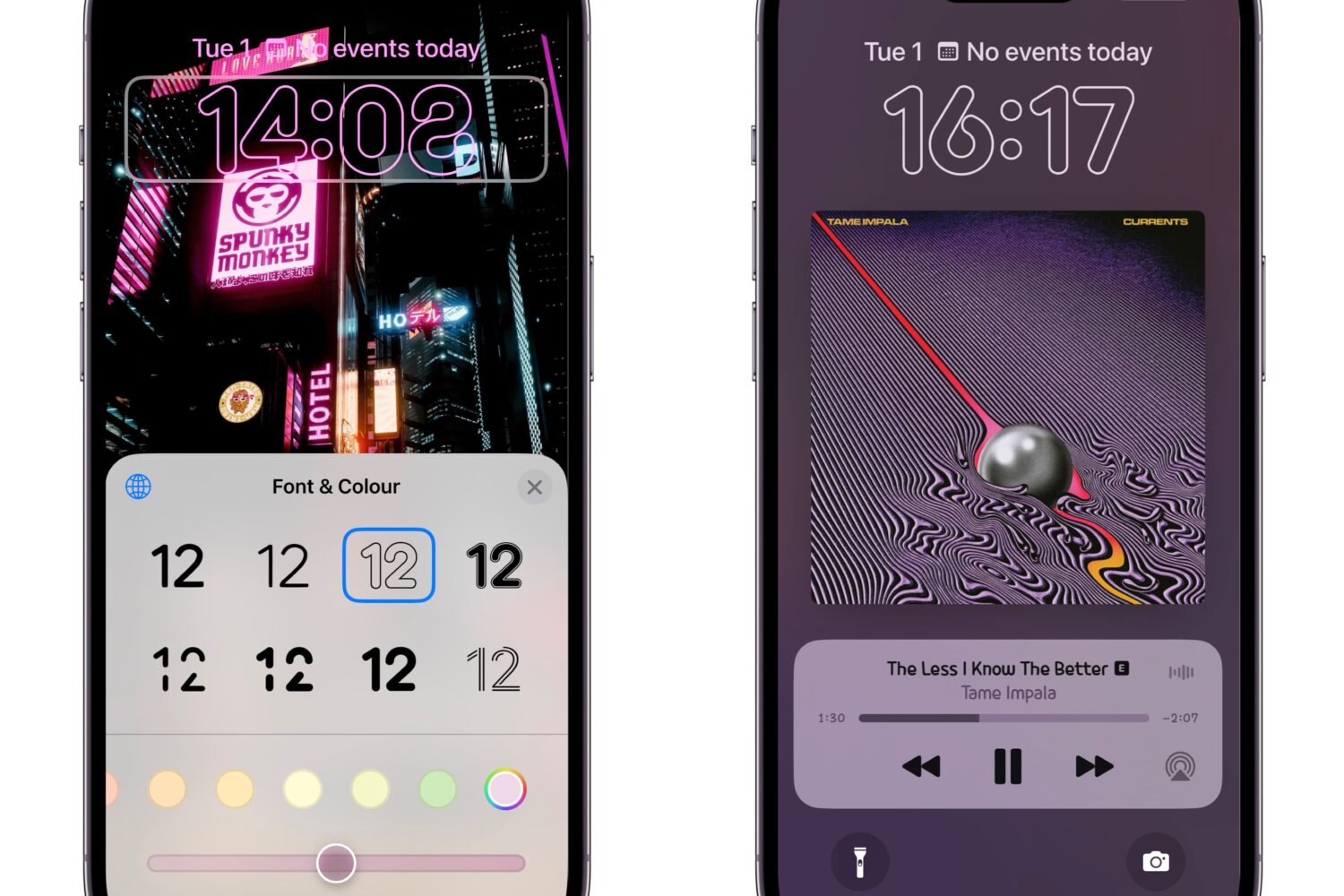
Looking for MacDirtyCow add-ons for your iOS or iPadOS 15.0-16.1.2 device that will let you customize your handset outside of the stock parameters? If so, then you might take an interest in one called NoVulnTools2 by iOS developer tyler1029.
From the latest news to the most comprehensive tutorials, learn how to get the most out of your iPad with our step-by-step guides and expert tips.
Looking for MacDirtyCow add-ons for your iOS or iPadOS 15.0-16.1.2 device that will let you customize your handset outside of the stock parameters? If so, then you might take an interest in one called NoVulnTools2 by iOS developer tyler1029.
Our friends at Nomad have just debuted a new iteration of their iconic ChargeKey accessory, which is essentially a phone or tablet charging cable that tethers to your key ring so that you always have a means to keep your device(s) fully charged.
If you were already shying away from subscribing to YouTube Premium for all the benefits it brings to the table because of the monthly price tag associated with it, then YouTube’s latest change might really turn you away.
System sounds aren’t readily configurable on non-jailbroken iPhones and iPads, except maybe the ringtone and text tone, but with a MacDirtyCow exploit-based add-on called SoundManager by iOS developer EPOS, you can do this even without a jailbreak.
Despite the fact that almost no one is still using an iOS 9 device anymore, jailbreak developers continue to maintain tools that can jailbreak these versions for the convenience of those users who haven’t bought a new device and that might be restricted to iOS 9 because of device support.
Learn how to transfer a note from the Notes app to the Pages app on your iPhone, iPad, or Mac while retaining most text formatting and attachments like images, drawings, etc.
The Misaka package manager app for MacDirtyCow-vulnerable devices running iOS & iPadOS 15.0-16.1.2 was updated late Tuesday night to version 1.8.8 beta, bringing with it another small handful of improvements for end users.
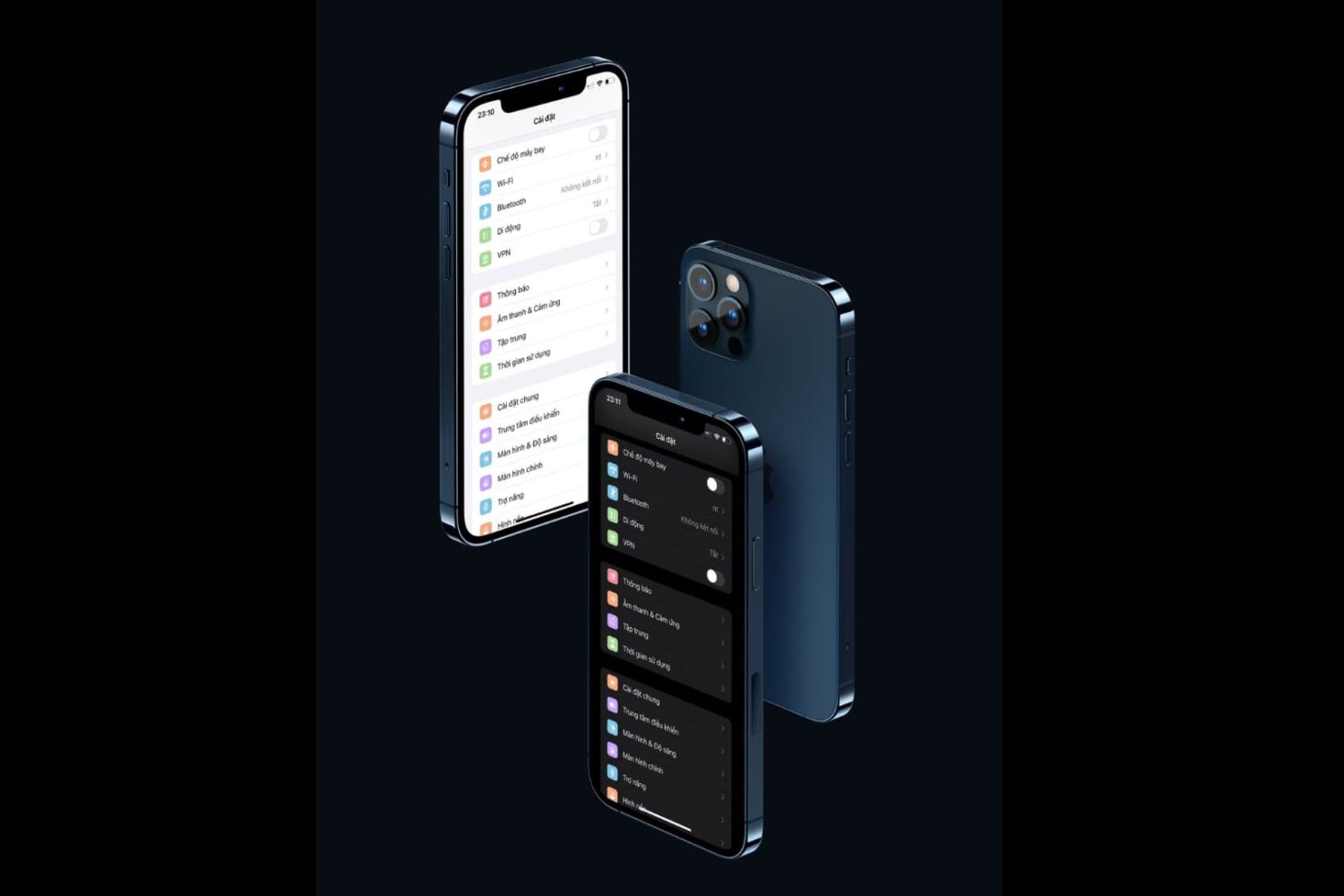
How would you like it if your iPhone’s Settings app icons took the appearance of a Samsung Android device? Even better… what if you could do that without jailbreaking? Interested yet?
Learn how to use FaceTime Live Captions on your iPhone, iPad, and Mac to view real-time transcriptions of what the other person is saying.
Use your iPhone’s camera level to guide horizon placement in your photographs and perfectly align overhead and top-down shots.
Do you like it when your apps take full advantage of your iPhone’s zippy ProMotion display to utilize all 120Hz of beautiful display refresh speeds? If so, then you aren’t going to want to miss this.