iOS

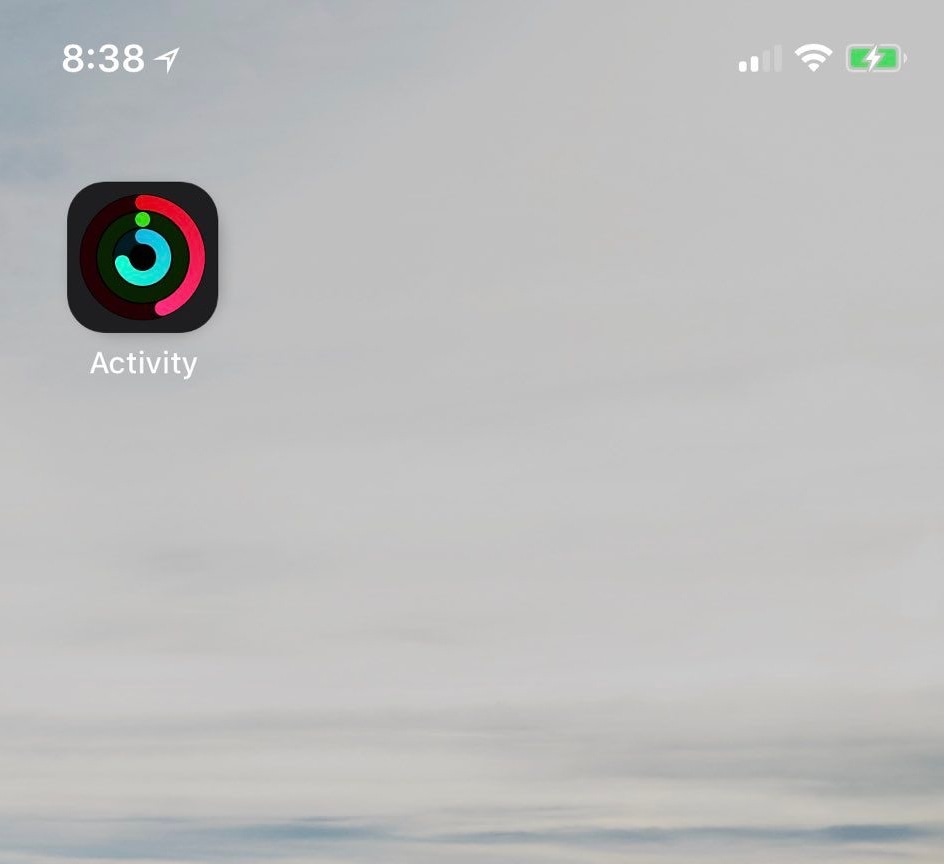
LiveRings updated for iOS 13, animates the Activity app icon’s rings

If you take advantage of the standard fitness features that ship with your iPhone and Apple Watch, then you might use the native Activity app to view daily progress. As you proceed, the rings inside the app slowly complete a 360–degree circle, an achievement commonly known as ‘closing rings.’ My only gripe with this is that you have to open the app to see any details.

Thankfully, a jailbreak tweak called LiveRings by iOS developer CPDigitalDarkroom lets you view a summary of your activity directly from the Home screen without even launching the Activity app. That’s because the tweak animates the Activity app icon itself to depict ring-closing progress.

How to use iOS Ninja to install the unc0ver jailbreak without a computer

If you rely on Pwn20wnd’s unc0ver jailbreak to realize the fullest potential of your iOS 11.0-12.4.1 iPhone or iPad [up to A12(X)] , then you might occasionally find yourself between a rock and a hard place when the side-loaded jailbreak app is no longer signed and you don’t have access to a computer or a working side-loading app to fix it.

Thanks to a plethora of third-party signing services, it’s possible to install the unc0ver jailbreak without a computer when this happens, and in this tutorial, we’ll show you how to do just that with the popular iOS Ninja utility.

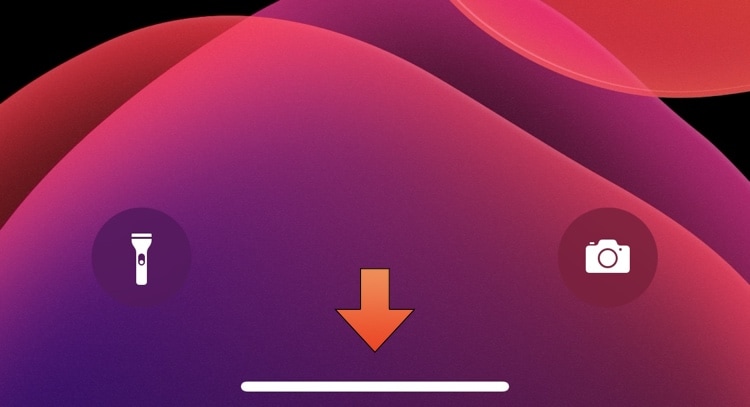
This tweak automatically hides the Home Bar when it isn’t needed

Newer iPhone and iPad Pro models have ditched the traditional Home Button in favor of an edge-to-edge display that sports a software-based Home Bar instead. The Home Bar can be used for unlocking, returning to the Home Screen, toggling Reachability, and switching between apps, but many would argue that it doesn’t always need to be visible.

For those looking for a solution to this quandary, a new and free jailbreak tweak called AutoHideHomeBarX by iOS developer Asterix can automatically hide the Home Bar when it isn’t needed and cause it to reappear again when it is.

Checkra1n for Linux is purportedly almost complete

The checkra1n jailbreak has earned quite the impressive reputation over the past several months as it became both the first iOS 13-supported jailbreak and the first un-patchable bootrom exploit-based jailbreak to be released since the infamous limera1n days almost one full decade ago. But there’s also a certain stigma surrounding the checkra1n jailbreak as it only runs on macOS at the time of this writing.

Fortunately, that’s set to change sooner rather than later. While a Windows version of the jailbreak tool is still probably rather far off due to the complexities of its development, the good news is that the Linux version of checkra1n is nearing completion and could be released very soon. Checkra1n co-developer Nikias Bassen (@pimskeks) shared the exciting announcement via Twitter this Tuesday afternoon:

Ezskip makes skipping music tracks even easier on the iPhone

If you use your iPhone as a media player just as often as you use it as an internet communications device, then we have no doubt that a newly released jailbreak tweak dubbed ezskip by iOS developer Kushy will be able to improve your music listening experience.

Just as the name implies, ezskip was created to make skipping between Now Playing music tracks even easier – even when your iPhone is locked in your pocket. With it, you can program one of two different volume button-based gestures to quickly skip to the next track in any Music app.

CustomPlayer lets you colorize iOS’ Now Playing widget

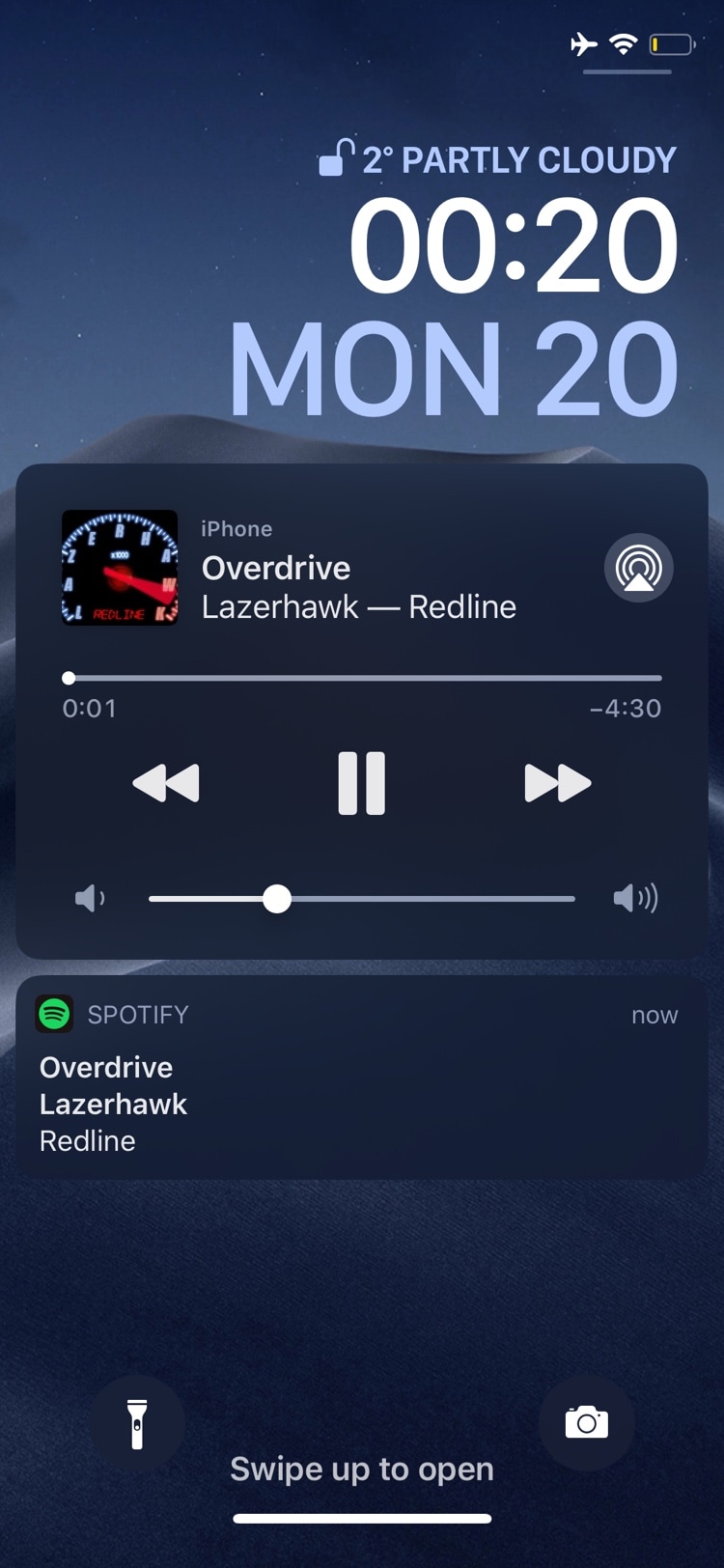
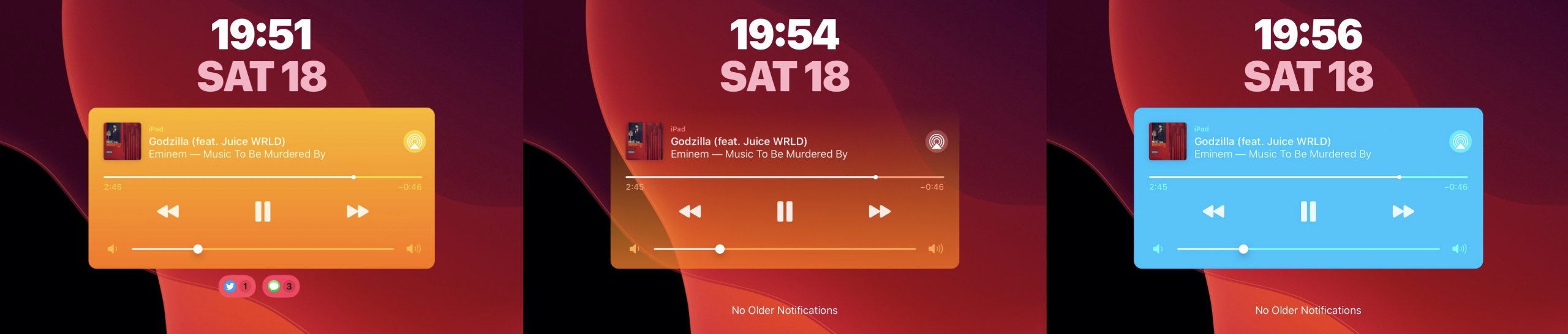
Whenever you listen to a song, iOS puts a widget on your handset’s Lock screen so that you can see what’s playing and interact with the playback as you see fit. As useful as this is, it’s particularly unfortunate that Apple doesn’t let you customize the widget’s aesthetics in any way.

Thankfully, it doesn’t have to be that way if you’re jailbroken. A newly released and free jailbreak tweak dubbed CustomPlayer by iOS developer iCraze enables users to colorize the Now Playing widget however they like.

Get a detailed Weather display on your iPhone’s Lock screen with Mot

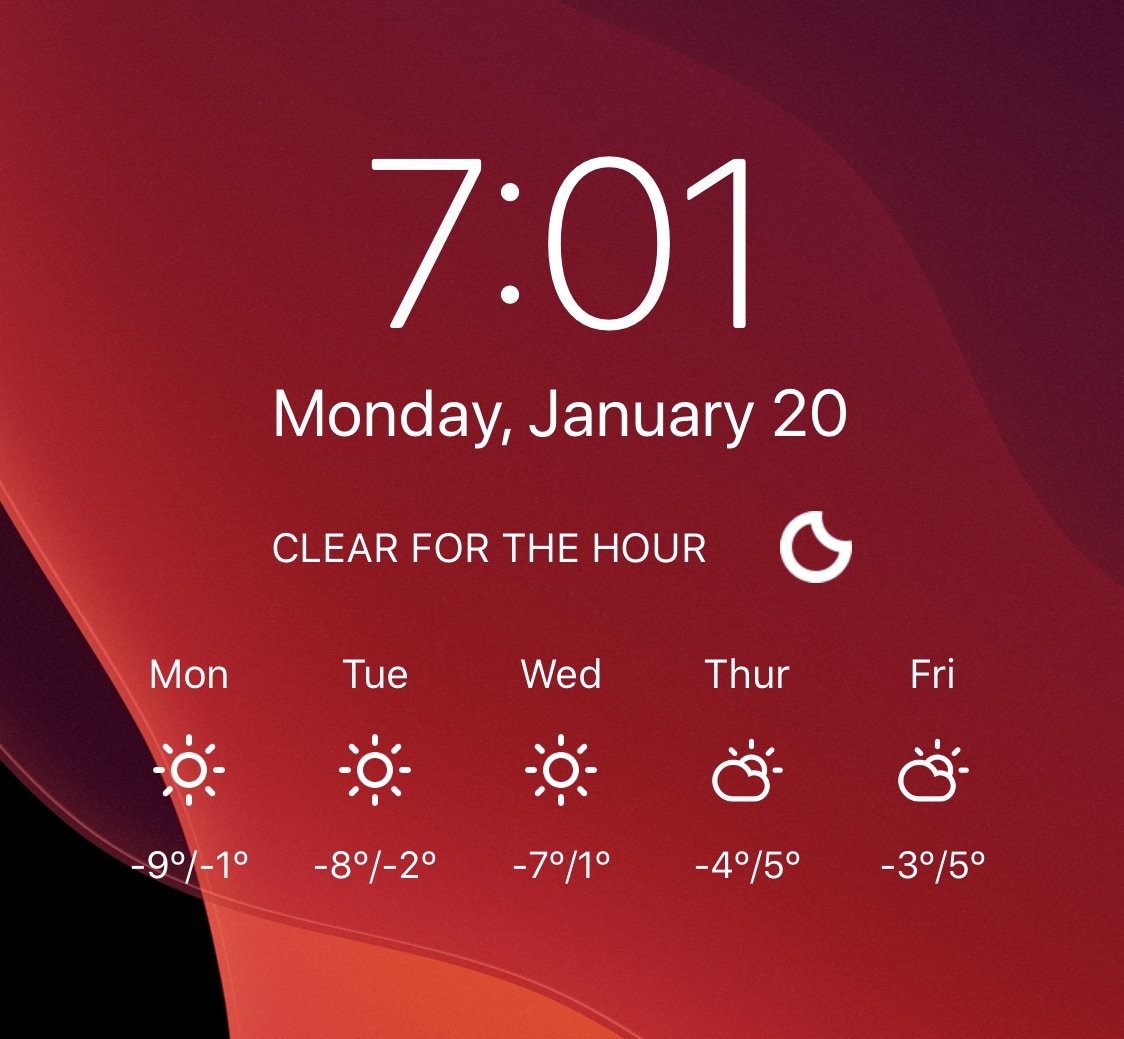
Like it or not, Weather is an important part of our lives. With that in mind, it makes sense for Weather information to be front-and-center on our smartphones’ Lock screens as we use our devices throughout the day. With that in mind, why isn’t this the case on Apple’s iPhone?

While you can definitely swipe over to see the Weather widget from the Lock screen, I’d prefer a much more integrated approach from Apple. Unfortunately, that seems about as likely as a USB-C port at this point, and if you’re tired of waiting, then you can always resort to using a new jailbreak tweak called Mot by iOS developer Don.

Proudify adds special effects to the Lock screen’s Face ID padlock glyph

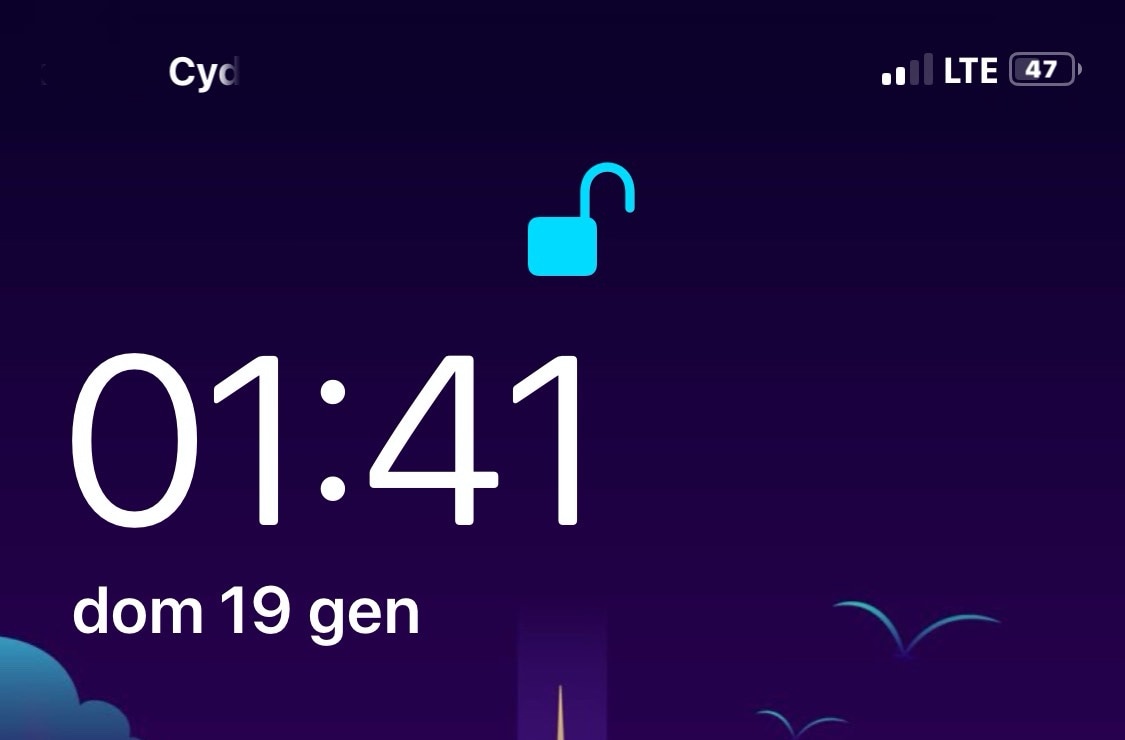
If you have a pwned Face ID-equipped iOS device in your possession and you’re looking for a new way to customize its aesthetics, then your search may land you at a new and free jailbreak tweak called Proudify by iOS developer CydiaGeek.

As depicted in the screenshot examples above, Proudify can both colorize and add special effects to the Lock screen’s Face ID padlock glyph, and it can make using Face ID that much more exciting day in and day out.

Kalm is a more informative Lock screen for pwned iPhones

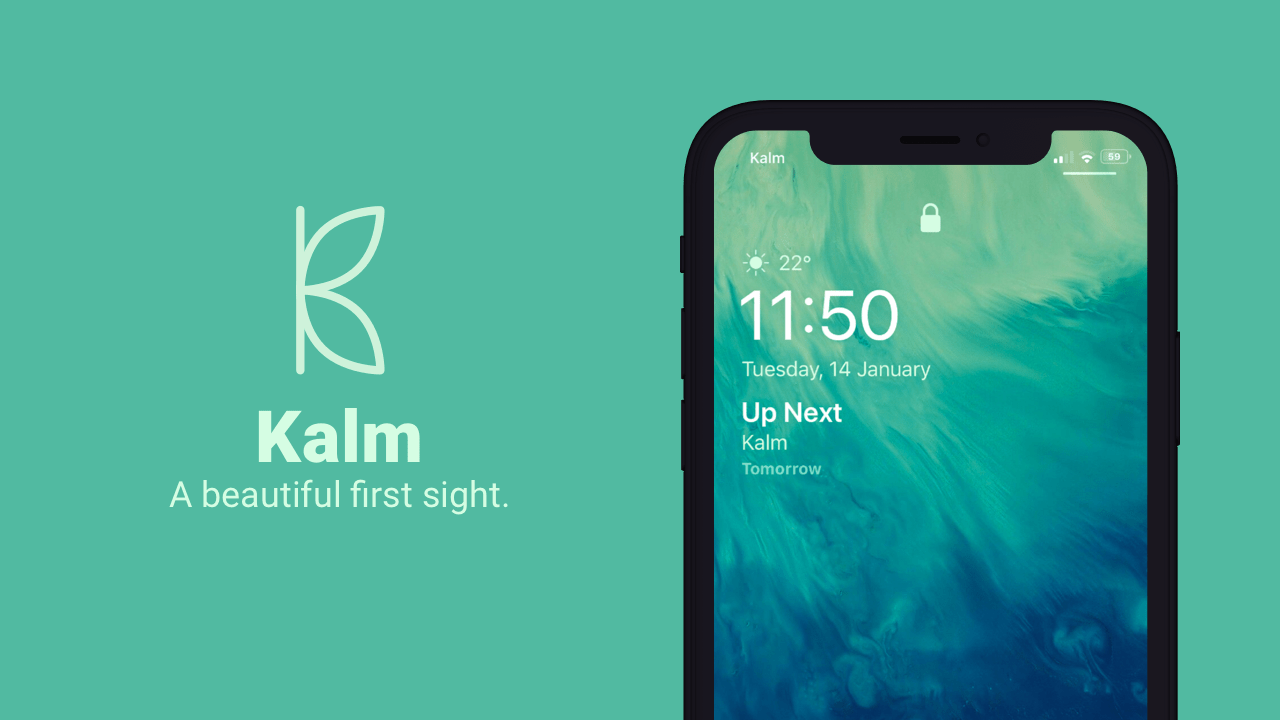
The iOS Lock screen has received a plethora of subtle design changes over the years, but they haven’t been quite as audacious as some users would like to see, and personally, I’d like to see more of my most pertinent information directly on my Lock screen every morning without having to swipe anywhere.

If you’re onboard with this train of thought, then I think you’ll enjoy a newly released jailbreak tweak called Kalm by iOS developer ubik. Kalm brings a beautiful new information-oriented display to your iOS device’s Lock screen, permitting you to see more of what’s going on at a glance with substantially less interaction on your part.

Zebra updated to v1.0.6 with more bug fixes & improvements

Jailbreakers on iOS 9 through 13 who are donning the new Zebra package manager may be excited to learn that there’s a brand-new update available as of Sunday afternoon that squashes another substantial handful of bugs. The latest release of Zebra is now version 1.0.6

Citing the change log published on the official Zebra GitHub project page, Zebra v1.0.6 incorporates the following improvements:

Jailbreak tweaks of the week: Amandus, Lynx, Magma Evo, Tritium, and more…

With unpatchable jailbreaks like checkra1n in the wild, and powerful new tools like AltDeploy and Zebra at our disposal, it seems like the present is a great time to be a jailbreaker. If you’re donning a pwned handset of any kind, then you might be looking for ways to trick it out. Fortunately, this roundup will encompass all the latest jailbreak tweaks released from Monday, January 13th to Sunday, January 19th.