iOS 13

Page Dots 2 Numbers gives jailbreakers book-inspired Home Screen page numbers

At the bottom of your iPhone or iPad’s Home Screen are a series of dots – one for each page on your Home Screen. As you move between pages, a specific dot lights up to represent the page you’re currently looking at.

While I personally enjoy the Home Screen’s page dot indicator as it comes, I can certainly grasp how someone harder at seeing than I am could have more difficulty discerning which page they’re on. For that reason, a new and free jailbreak tweak called Page Dots 2 Numbers by iOS developer MinxterYT seems noteworthy.
New libhooker Configurator app updated to v1.0.1 with bug fixes, goes open source

Libhooker configurator banner.

Hot on the heels of an exciting new libhooker update for the Odyssey jailbreak and the subset of checkra1n devices utilizing Odysseyra1n, lead developer CoolStar is out with yet another important update that users won’t want to miss.

The latest update isn’t for libhooker per se, but rather for the brand new libhooker Configurator companion app, which grants users with powerful granular control over how and when libhooker loads its tweak injection methods on a particular device.

CoolStar updates libhooker to v1.4.0 with new configurator app

Jailbreakers taking advantage of the iOS 13-centric Odyssey tool or the checkra1n-based Odysseyra1n bootstrap on iOS 13 or 14 will almost certainly want to launch Sileo and refresh their sources.

In a message bulletin shared to the official Sileo / Odyssey / Chimera Discord channel early Tuesday morning, CoolStar announced the release of libhooker version 1.4.0 with a host of notable improvements for users using either of the aforementioned jailbreaks.

Croutons13 makes iOS’ breadcrumb links look more aesthetically pleasing

It used to be that when iOS jolted you from one app to another, you’d then need to open the App Switcher to return to what you were doing in the first app. That all changed after Apple introduced Status Bar-based breadcrumb links starting with iOS 9 and later.

To put it briefly, a breadcrumb link appears in the Status Bar as a string of text with a left-pointing arrow beside it. You’ve probably seen one after tapping on a link in an app, as this usually kicks you into either the App Store or Safari, but other apps may also apply in certain circumstances.

Jailbreak tweaks of the week: FreePIP, Emerald, KBAppDock, & more…

There have been a lot of head-turning jailbreak tweak releases lately, and if you have a pwned iOS or iPadOS 13 or 14 device at your disposal, then you’ve likely taken notice.

Today, we’ll be sharing a comprehensive roundup of all the latest jailbreak tweak releases and jailbreak-oriented news in an effort to help keep the community apprised of all the newest developments. As usual, we’ll kick things off by talking about our favorite tidbits, and then we’ll wrap things up with an outline of everything else at the end.

FreePIP enhances Picture in Picture mode on any jailbroken iPhone or iPad

Picture in Picture mode is a handy feature that iPhone and iPad owners can fall back on whenever they find themselves in a situation where they’d like to continue watching a video while pursuing another task on their device at the same time.

Picture in Picture mode isn’t without its shortcomings, however. For example, it doesn’t work with every app, and users may feel limited by the mini player’s usability while multitasking. That’s one reason why a new and free jailbreak tweak called FreePIP by iOS developer Soh Satoh might appeal to some users.

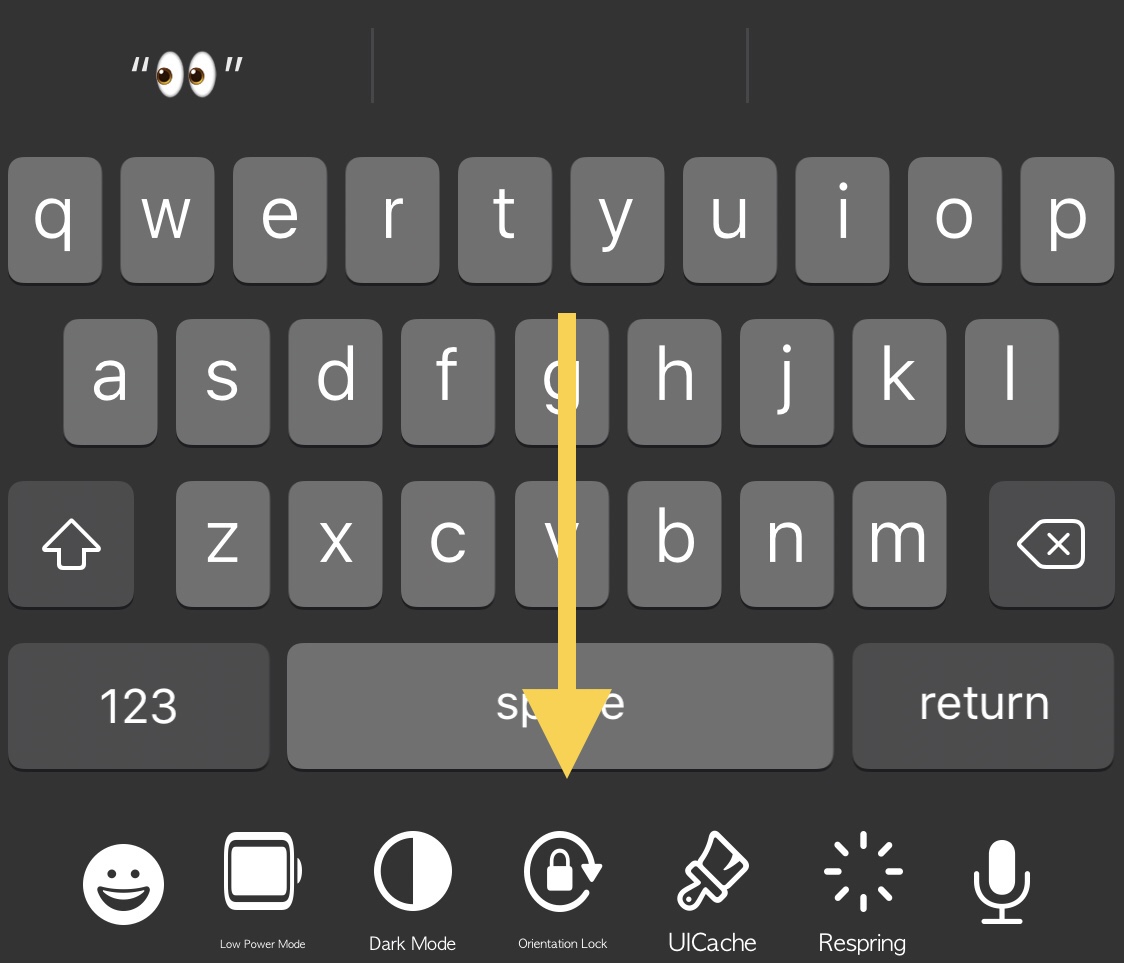
KBAppDock upgrades the stock keyboard on jailbroken iPhones

The keyboard is one of the most frequently-used interfaces on any iPhone, and that’s not just because it’s useful for texting, but also because it’s the one tool you use whenever you browse the web, jot down notes or reminders, or search the App Store for your favorite apps, among other things.

While it’s certainly possible to download third party keyboards from the App Store to replace iOS’ native keyboard interface, you’d be hard pressed to find anything nearly as powerful as what can be had with a jailbreak tweak. That’s because jailbreak tweaks often let you keep Apple’s wonderful native keyboard while still enabling you to augment it in ways that Apple otherwise wouldn’t permit on a stock handset.

Emerald: A new Status Bar experience that Apple needs to take notes on

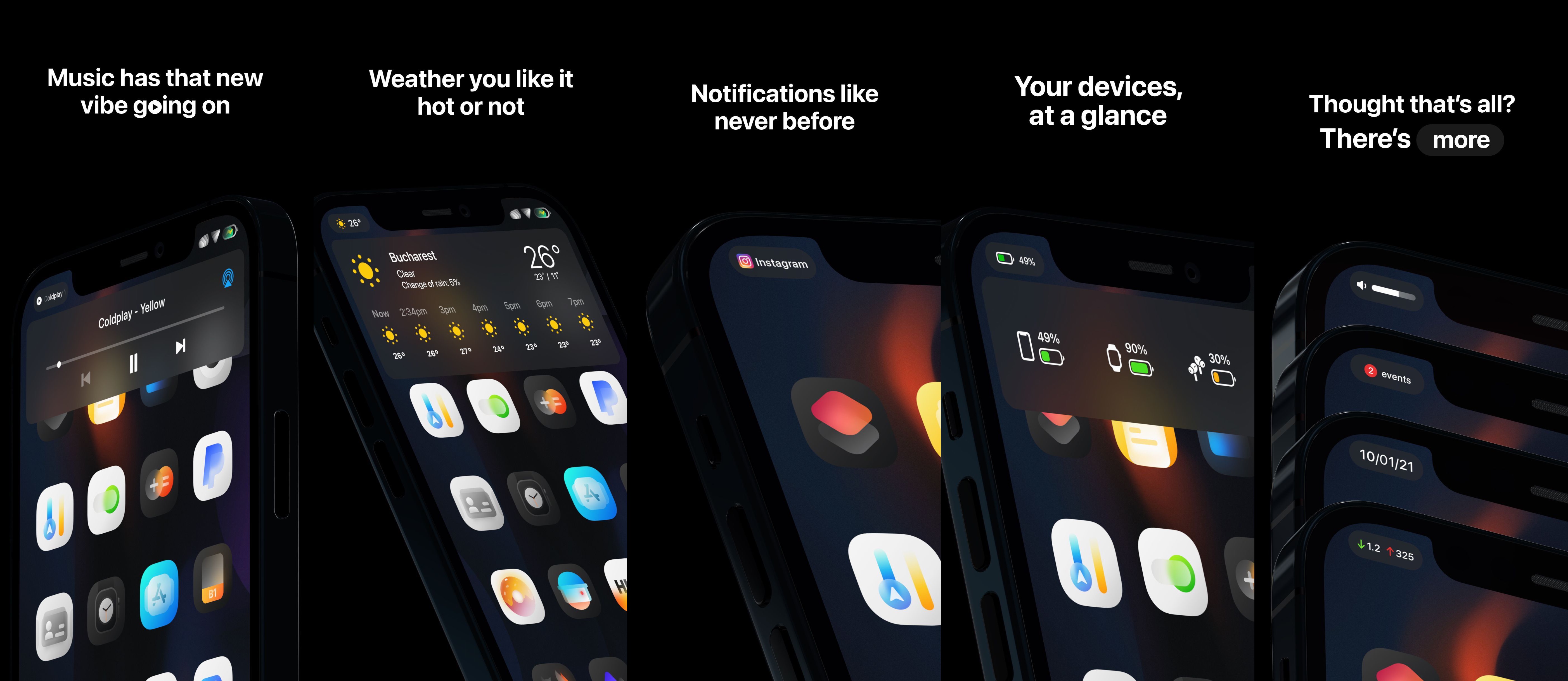
Your iPhone’s Status Bar is intended to provide useful information at a glance, and while it definitely seems to have the basics covered, Apple could have went so much further in terms of implementing an immersive Status Bar-centric user experience. Given what an iPhone costs these days, wouldn’t you think they’d give this some thought?

While it seems unlikely that Apple will be upgrading the iPhone’s Status Bar any time soon, those lucky enough to have a jailbroken handset at their disposal won’t need to put up with the stock Status Bar experience any longer. Why, you ask? Just have a look at a newly released jailbreak tweak dubbed Emerald by iOS developers LaughingQuoll and thetimeloop, and all your questions will be answered.

Jailbreak tweaks of the week: DnDSwitch, LottieNotifications, SmartVolumeMixer2, & more…

It’s already that time of the week again, and that means we’re coming back at you with another jailbreak tweak and news-oriented roundup.

In this roundup, we showcase all the latest jailbreak tweak releases from Monday, January 11th to Sunday, January 17th. We’ll begin by kicking things off with a display of our favorite releases first, and then we’ll wrap things up with an outline of the rest afterward.

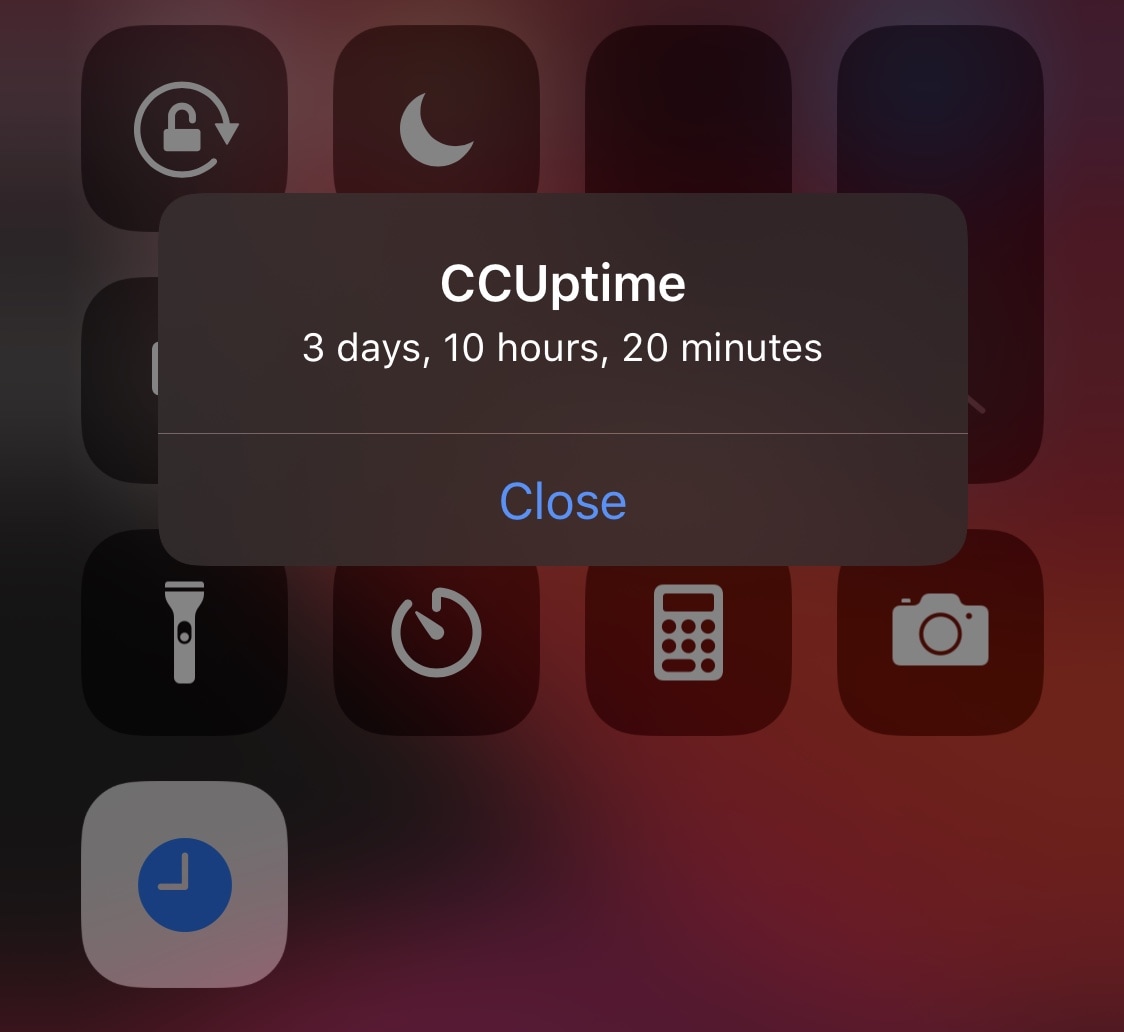
CCUptime lets jailbreakers view their handset’s current jailbreak uptime with ease

A growing trend I’m seeing lately is jailbreakers flocking to /r/jailbreak or other forms of social media to share their handset’s uptime. In essence, some jailbreakers appear to enjoy showing off their pwned handset’s stability, especially with regard to one jailbreak versus another.

One way to do this is to show off how long a particular handset has been running in a jailbroken state without needing to be re-jailbroken, as a longer uptime indicates that the handset hasn’t crashed or forcefully rebooted itself.

DnDSwitch lets jailbreakers toggle Do Not Disturb via the ringer/silent switch

All of Apple’s iPhone models come equipped with a side-mounted ringer/silent switch that makes silencing your device’s incoming notification sounds so effortless that it can be done right from your pocket. But as we witnessed in a popular /r/jailbreak request post from this past week, a sizable portion of iPhone users would come to appreciate the ability to repurpose the ringer/silent switch as a physical Do Not Disturb toggle switch.

The aforementioned idea seemed like a good idea even to me when I read about it earlier in the week, but now that a new and free jailbreak tweak called DnDSwitch by iOS developer smokin1337 officially exists, I can genuinely say that I welcome the concept even more than I did just a few days ago when I read about it on Reddit.

Substitute receives another update, this time to version 2.0.6

Sam Bingner of team unc0ver published yet another update for Substitute on Saturday, officially bringing the package up to version 2.0.6.

Substitute was only recently updated to version 2.0, touting notable performance and stability improvements for the tweak injection platform. Today’s update is just one of many released in the past week, with each of those gradually addressing bugs introduced by the latest version.