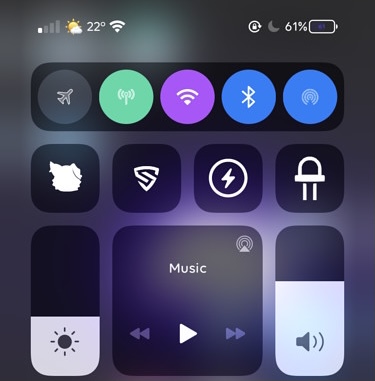
Depending on your surroundings, you might fine-tune your handset’s volume level so that you can hear music, videos, or even voice messages and phone calls. In most cases, we do this by pressing the volume up or down buttons on the side of the device, or perhaps by opening Control Center and dragging the slider to a comfortable listening level.
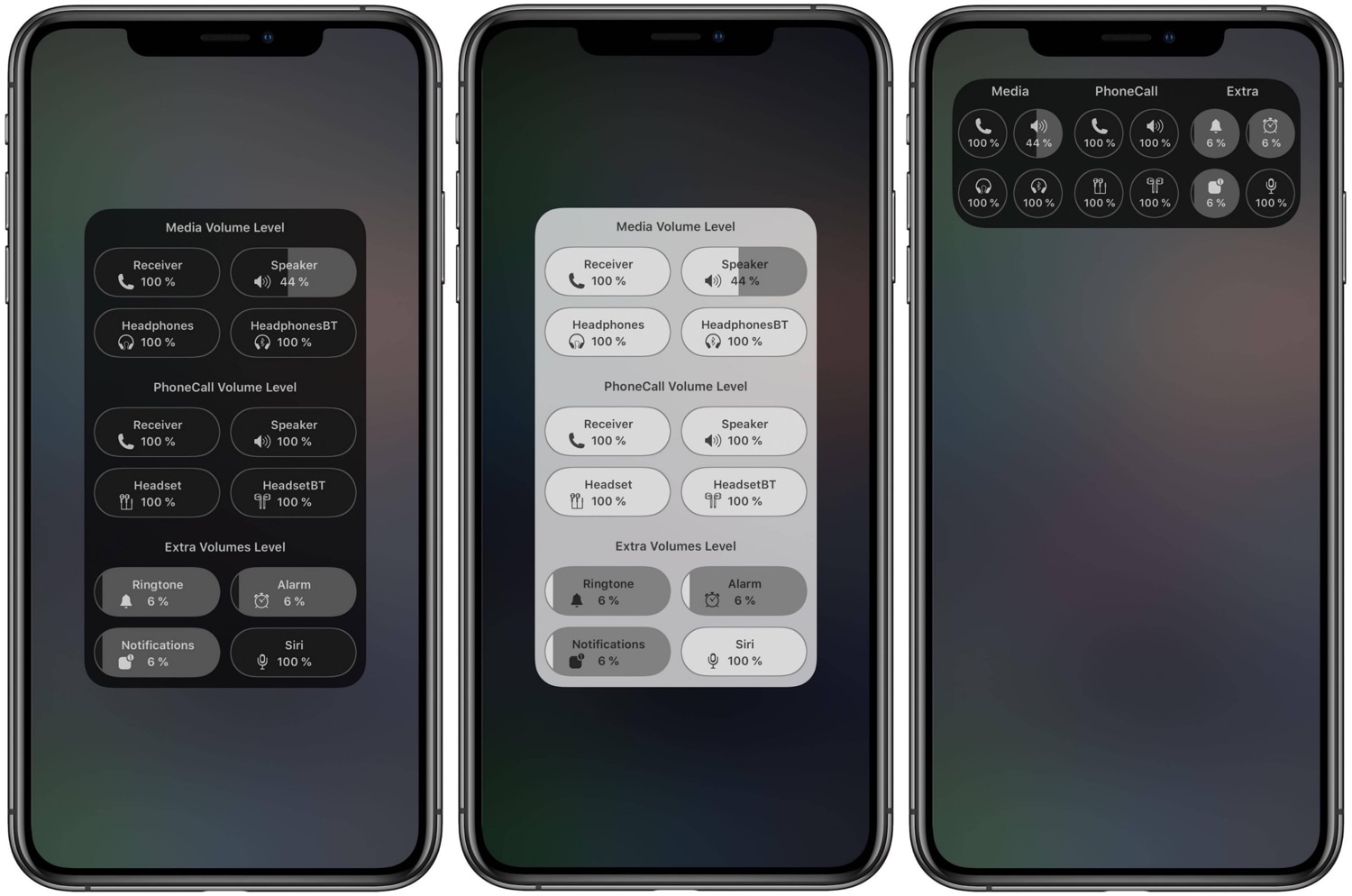
What many people don’t know, however, is that iOS & iPadOS play host to several different volume level settings. One of those controls your media playback volume, while another controls your phone call volume. You also have individual volume levels for connected Bluetooth devices, notification sounds, and even Siri’s voice.