How to

How to jailbreak iOS 6 and install Cydia

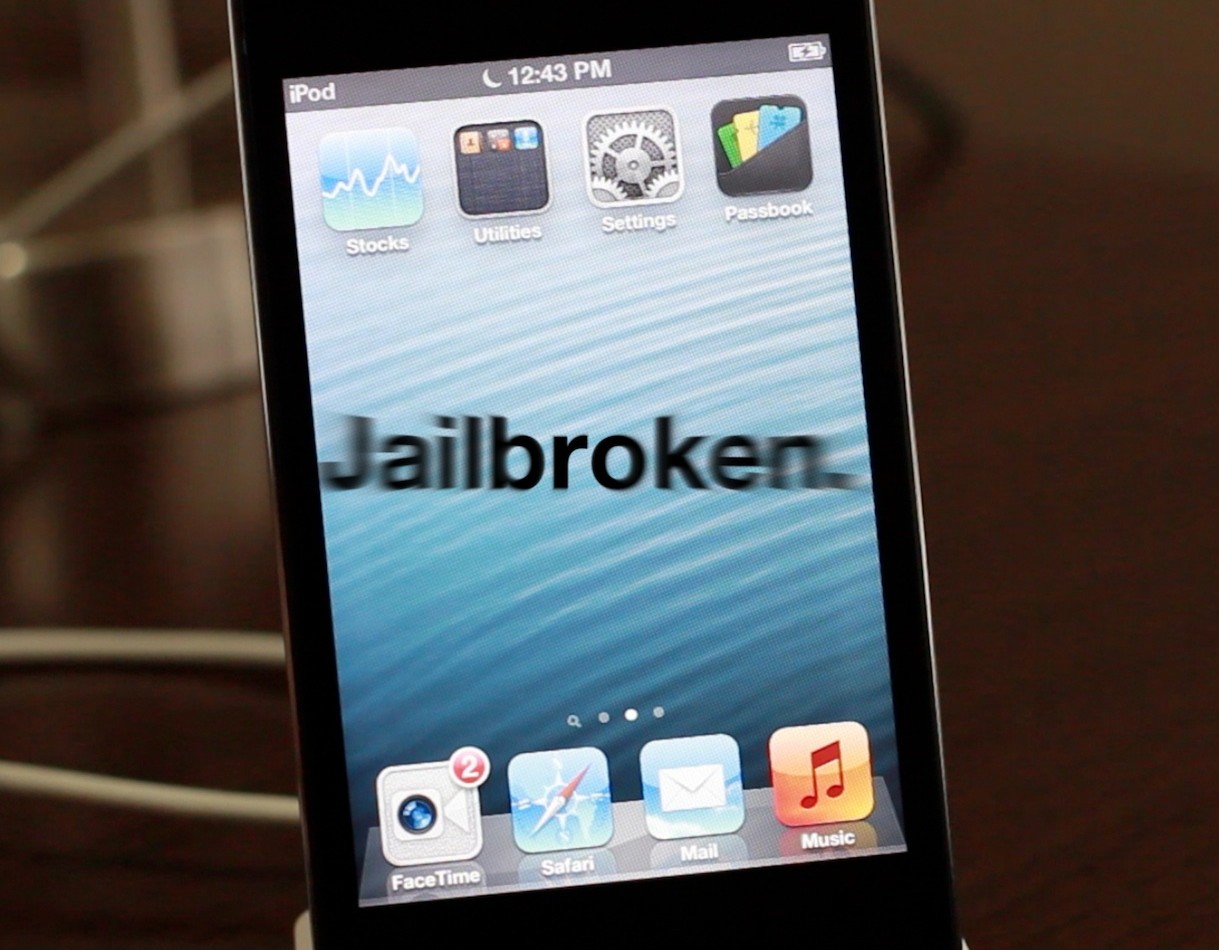
iOS 6 was just released a while ago, and now we're going to show you how to jailbreak it.

First of all, please note that this is a tethered jailbreak, and it only works with A4 devices like the iPhone 4.

Secondly, since there currently isn't any jailbreak tool that will install Cydia just yet, we're going to have to go about installing Cydia using a manual process.

Still game after all of those asterisks? Then come inside, as we show you how to jailbreak iOS 6 final...
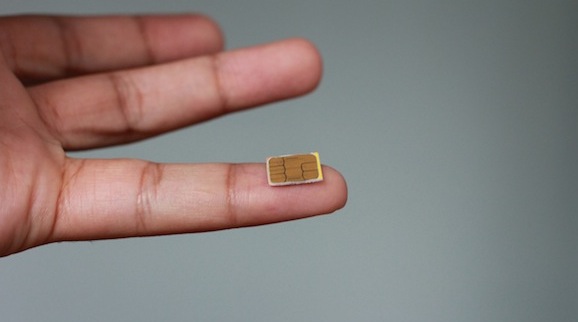
How I converted my Micro SIM into a Nano SIM

Before I get this party started, I just want to say that no, I don't have an iPhone 5 to absolutely guarantee it'll work in the device, but all that's really involved is some pretty basic math.

In this tutorial, I'll show you how I cut and shaved my Micro SIM down to Nano SIM sized specifications. It's not a 100% 1:1 ratio, but the size is very comparable to what you will find in an official Nano SIM. For that reason I'm feeling pretty confident that it will work with my iPhone 5 next Friday.

Take a look inside for the step-by-step video walkthrough that shows how I converted my Micro SIM card to a Nano sized SIM card.

How to jailbreak iOS 6 GM with RedSn0w

iOS 6 GM was released yesterday, and it was shortly followed up by a release of the RedSn0w 0.9.13dev4 jailbreak tool.

Again, as with all RedSn0w releases for the iOS 6 beta, this tethered jailbreak will not install Cydia, but instead provides SSH access for developers.

Take a look inside for our full walkthrough that shows how to jailbreak iOS 6 GM with RedSn0w...

How to add a keyboard shortcut to any Mac app menu command

Don't you just hate it when one of your favorite Mac apps is missing an obvious keyboard shortcut for an often used menu command? I recently ran into that issue with Pixelmator.

I made the switch to Pixelmator, because it is one of the few decent image editing apps that features support for the MacBook Pro with Retina Display. Normally I'm a CS5 user, but since Adobe's suite lacks Retina support, I felt compelled to make the switch.

Although I don't find Pixelmator to be as intuitive as Photoshop, making the switch hasn't been all that bad. It's snappy, features a bevy of options, and best of all, it looks gorgeous on the Retina Display. If I had to pick a flaw, I'd say that one of the most glaring miscues is the lack of a dedicated keyboard shortcut for exporting your work. Fortunately that can be remedied with a quick trip to System Preferences...

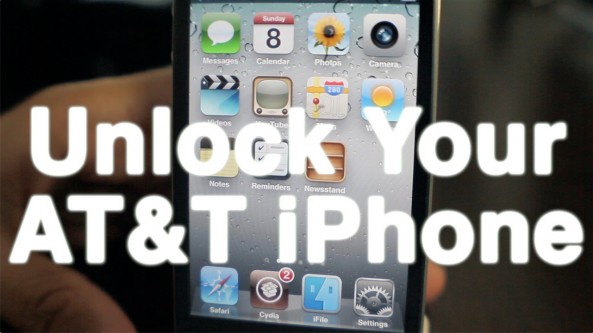
AT&T reportedly unlocking under-contract iPhones

Earlier this year, AT&T started unlocking iPhones for subscribers that were out of contract. Prior to that, users had to be jailbroken, or utilize third-party services to unlock their handsets.

Well, good news for folks with AT&T iPhones that aren't quite out of contract yet. According to a new report, the carrier has started unlocking iPhones that are still under commitment...

Play more than 100 old school Nintendo games in your iPhone’s browser

Nintendo hasn't released games for its NES or Game Boy systems in more than 20 years, but that doesn't mean people have forgotten about them. Emulators for old Nintendo games exist on nearly every platform imaginable — even iOS.

Until now, however, your iOS device had to be jailbroken to play these older games. That, or you had to snatch up one of the handful of emulator apps that popped in the App Store before Apple pulled them. But we've found another way...

How to bypass iPad jailbreak detection on Amazon’s new video streaming app

Yesterday Amazon launched Amazon Instant Video, its new video streaming app for the iPad. The app lets you either stream or mark for download and later offline viewing any previously purchased video from Amazon. It also allows Amazon Prime users to stream over 120,000 videos for free.

Jailbreak users were quick to note that Amazon put a block in place to prevent them from using the app. As we reported this morning, Amazon even confirmed the problem, basically saying that if you are using a jailbroken iPad, there is nothing they can do for you.

But don't worry, as usual, the jailbreak community has your back...

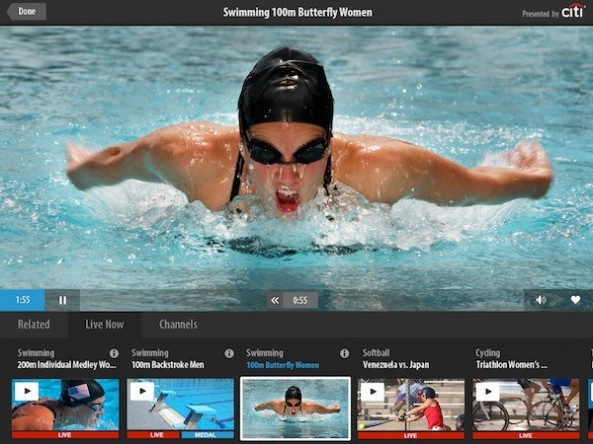
How to catch all of this year’s Olympic action on the go

The 2012 Olympic Games are set to kick off tonight in the newly-built Olympic Stadium in Stratford London. And over the next two weeks, this stadium will play host to the top athletes from around the world.

Whether you're a basketball fan, football fan, or just a fan of sports in general, these next 16 days are going to be packed full of action. And here's how to catch all of that action when you're not near a TV set...

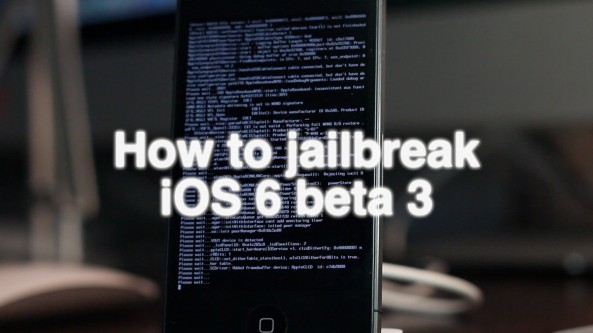
How to jailbreak iOS 6 beta 3

Now that the iPhone Dev Team has released RedSn0w 0.9.13dev3, it's easy to jailbreak the latest iOS 6 beta 3 release. This jailbreak will also work with previous versions of iOS 6 beta, such as iOS 6 beta 2.

Bear in mind that this is still a tethered jailbreak, and it will not install Cydia on your device. Since you must point to the current beta firmware, you need to be a developer so that you can access iOS 6 beta 3.

If you meet these requirements, then step right inside as we walk you though using RedSn0w 0.9.13dev3 to jailbreak an iPhone 4 running iOS 6 beta 3.

How to easily use bookmarklets in Google Chrome for iOS

A few minutes ago John Gruber tweeted about the lack of bookmarklet support in Chrome for iOS. I responded to him stating that support is indeed there, it just wasn't as straightforward as it is on Safari.

To tell the truth, I too thought that bookmarklets, or the lack thereof, was simply a medium sized oversight made by Google; after all, such things are instrumental when it comes to using tools like LastPass, Instapaper, etc.

After some tinkering around, however, I was able to confirm that bookmarklet support is indeed included in the version of Chrome that shipped a few days ago. In fact, using them is a fairly straightforward exercise. Check inside for the full how-to...

How to enable Passbook in iOS 6

One of the more intriguing iOS 6 features that Apple announced at WWDC was the new Passbook application. The app is essentially Apple's first go at a digital wallet.

But unfortunately, Passbook is broken in the developer beta — it's just a splash screen. So there's no way to play with it. That is, unless you follow these few easy steps...

How to enable 3D maps on older devices

One of the biggest new features of iOS 6 is the new reinvigorated Maps app, which no longer relies on data from Google. The new Maps app also features turn-by-turn directions, and 3D capabilities.

Sadly, for owners of older devices like the iPhone 4 or the iPhone 3GS, you'll get the new Maps app sans 3D capabilities or turn-by-turn directions. As usual, the jailbreak community has come through with a solution to at least one of the omissions — 3D maps.

Check inside as we walk you through adding 3D maps to your officially unsupported older device...