How to

How to downgrade pre-A5 devices easily with RedSn0w

RedSn0w 0.9.15b1 was a gargantuan update. In fact, we're still trudging through all of the new features. One new addition that has us really excited is the new direct restore option for pre-A5 devices.

This new restore option allows you to downgrade your device without having to fool with host files, stitching, Pwned DFU, iTunes, or anything else that made downgrading so incredibly cumbersome in the past.

We've made a step-by-step tutorial that shows you how to use this new restore feature, along with getting by those pesky Mismatched APTicket errors. Check inside for the full tutorial.

How to jailbreak iOS 6 with RedSn0w 0.9.15b1

As we reported a couple of days ago, RedSn0w 0.9.15b1 is now available to jailbreak A4 devices and below running iOS 6. This latest version is a pretty massive update with a lengthy change log, but the most important aspect about the update is the ability to jailbreak iOS 6 and install Cydia.

Previous iOS 6 jailbreaks required users to install Cydia manually, but the latest public version of RedSn0w works just as you might expect it would. Take a look inside for our full tutorial.

How to stop Verizon and AT&T from sharing your user data with advertisers

New iPhone owners on the nation's largest LTE network might be interested to know that the carrier gives its customers 30 days to opt-out of participating in a user data sharing program with advertisers.

The program tracks smartphone users, recording things like location data (though it's anonymized), age, dining habits and other demographics, and shares them with advertisers for targeted marketing...

How to install Siri on iOS devices running iOS 6

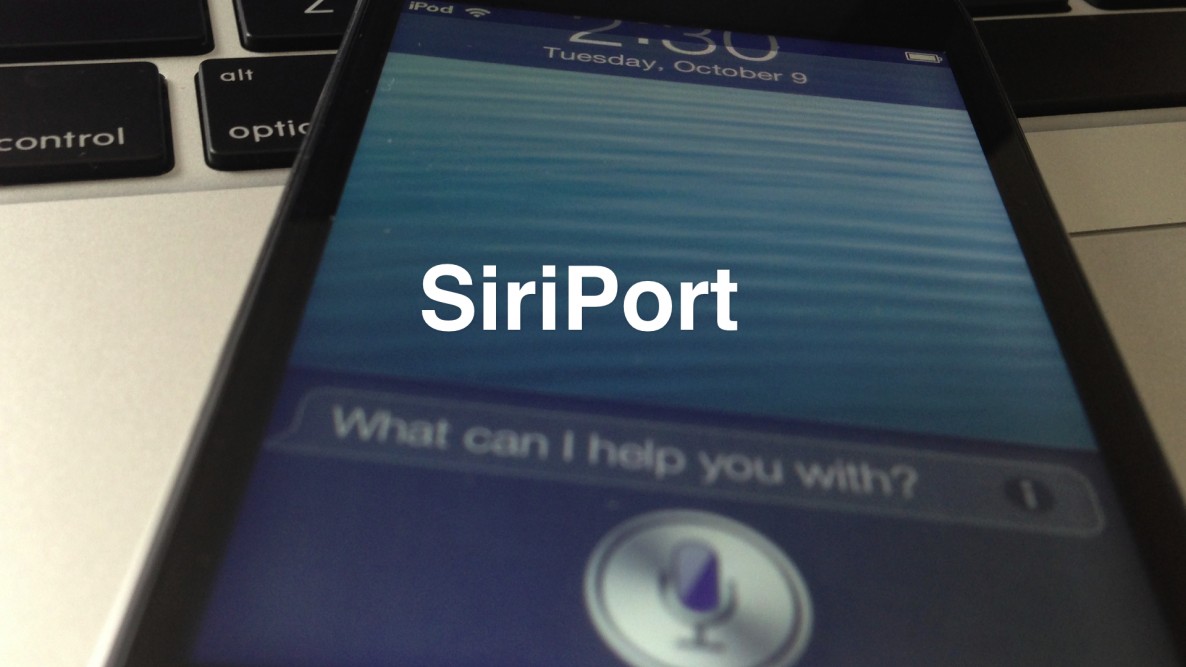
Would you like to use Siri on your old iPod touch 4th generation or iPhone 4 running iOS 6? The first thing you need to do is jailbreak your device, and then install Cydia.

Once you've jailbroken your device and installed Cydia, you can then add the necessary Cydia repo to install the package needed to configure Siri on these devices.

Check inside for our full tutorial.

How to change the direction of Panorama mode

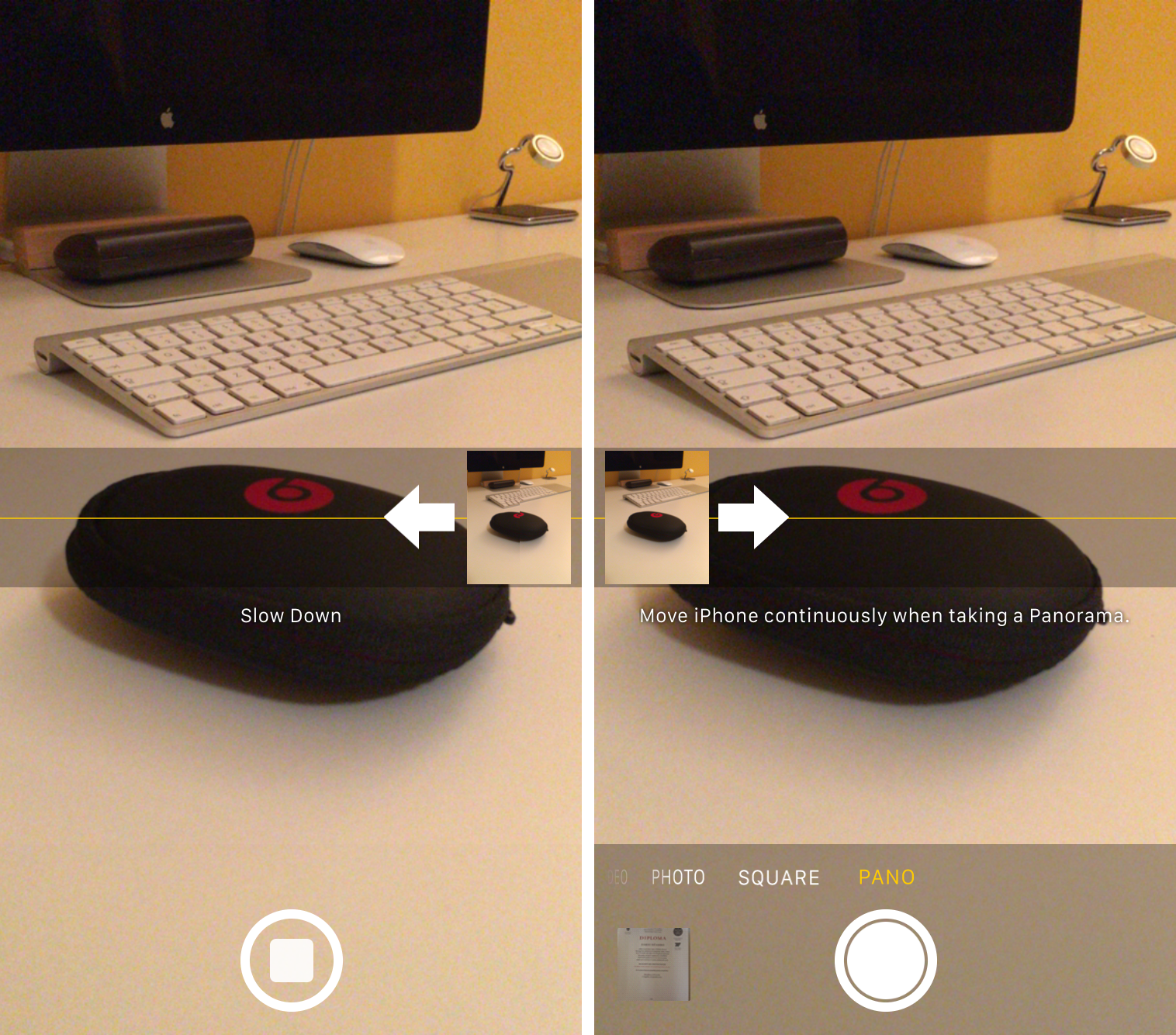
One of the headlining new additions in iOS 6 (headlining, as in featured in its own TV ad) is the Panorama camera mode. Once activated, the feature allows you to easily take extra-wide panoramic photos.

By default, Panorama mode has you pan your iPhone from left to right as it captures the image. But did you know there's an easy way to change it so you can pan from right to left?

How to downgrade iOS 6 to iOS 5.1.1 on A4 devices

Have an iPhone 4, iPod touch, or below running iOS 6, and would like to downgrade back to iOS 5.1.1? Doing so is easy is you have your SHSH blobs saved for iOS 5.1.1 and can follow the steps inside. Unlike the beta period of iOS 6, you must have your SHSH blobs for iOS 5.1.1 save for you device now, because Apple has stopped signing iOS 5.1.1.

To downgrade, you will need the latest public version of RedSn0w. We will use the SHSH Stitching feature to combine the appropriate IPSW file for 5.1.1 and your corresponding SHSH blob for the device you wish to downgrade. It may sound a bit confusing, but it's extremely easy if you follow along carefully.

Take a look inside for the full walkthrough and video how-to.

How to get live filters back in Instagram on the iPhone 5

Intstagram pulled a Skitch with yesterday's update in that the company has removed live filters from the iPhone 5. As Instagram fans could tell you, the live previewing feature is pretty popular because it lets you quickly apply Instagram's trademark photo filters right before hitting the shutter button, so you can see what the photo being taken would look like with the desired effect.

Though Instagram confirmed that live filters will be phased out from both the iOS and Android apps, developers left a stealthy workaround in place to re-enable live previewing on the iPhone 5...

The iPhone 5 user guide, now in iBookstore

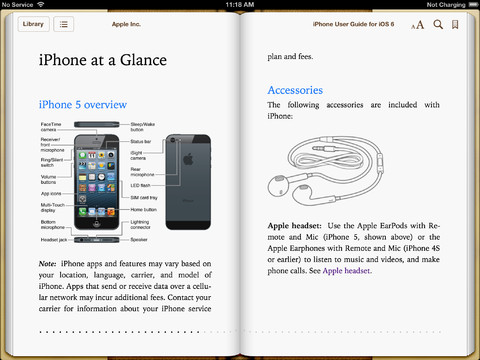
Apple's user manual entitled The iPhone User Guide for iOS 6 was released as a downloadable PDF document four days ago, but it wasn't immediately available via the iBookstore. The 155-page document is meant to help new users get acquainted with the iPhone 5 and iOS 6. And now, it is available as a free e-book on the iBookstore so those that prefer electronic books optimized for iOS devices - as opposed to importing and reading PDFs in the iBooks app - are advised to download this handy guide...

iPhone 5 user guide

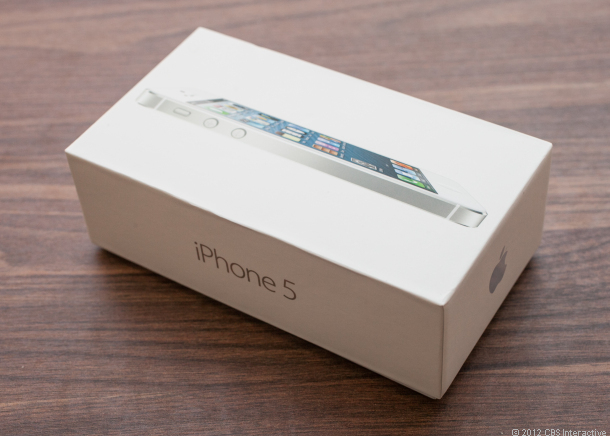
After months and months of rumors, and waiting, the iPhone 5 is finally here. The handset, which Apple unveiled last week, is now on sale here in the US and around the world.

While the new iPhone might share some design elements with its predecessors, there's no question that it's a completely different beast. So if you just purchased the phone, or want to learn more about it, we recommend checking out the official iPhone 5 user guide...

How you can help make the new Maps app better

As you've probably noticed, Apple has been taking a lot of criticism over the new Maps application in iOS 6. Google Maps has been replaced in the software, in favor of Apple's own in-house mapping solution. And for most people it's just not up to snuff.

The company commented on the criticism yesterday, telling AllThingsD that because it's a cloud-based solution, Maps will get better as more people use it. But if you aren't buying that, or just want to speed the process along, here's what to do...

Experiencing Wi-Fi problems in iOS 6? We’ve got a fix

Like other sites, we've been getting a lot of tips this evening that Wi-Fi in iOS 6 is acting up. Several of our readers have informed us that their Wi-Fi quit working after attempting to connect to a faulty Apple page shortly after updating to the latest version of iOS.

Don't worry, the problem has been pinpointed. As explained by developer Steve Streza, iOS devices are programmed to ping a test URL upon connecting to a Wi-Fi network to see if it's protected by a "captive portal." And that test page has been down all afternoon...