How to

10 tips for getting the most out of Google Maps

Google Maps made its triumphant return to iOS last week, and there's no question that it's a massive hit. It saw 10 million downloads in its first 48 hours, and it's still the #1 free app in the App Store.

For those of you who haven't tried Google Maps yet, or haven't figured what all of the commotion is about, Google today published a list of 10 tips that will help you get the most out of the software...

How to get directions in Google Maps via Siri, no jailbreak required

After months of rumors and speculation, Google finally launched its standalone Maps app for iOS last week. And it's been pretty popular thus far. It's currently the top free app in the App Store, and it's also listed first in Apple's featured 'Maps' section.

The app does have some caveats though. Perhaps most notably, unlike the built-in Maps app, you can't get directions in Google Maps via Siri. Luckily, a workaround popped up over the weekend that takes care of that. And it doesn't require a jailbreak...

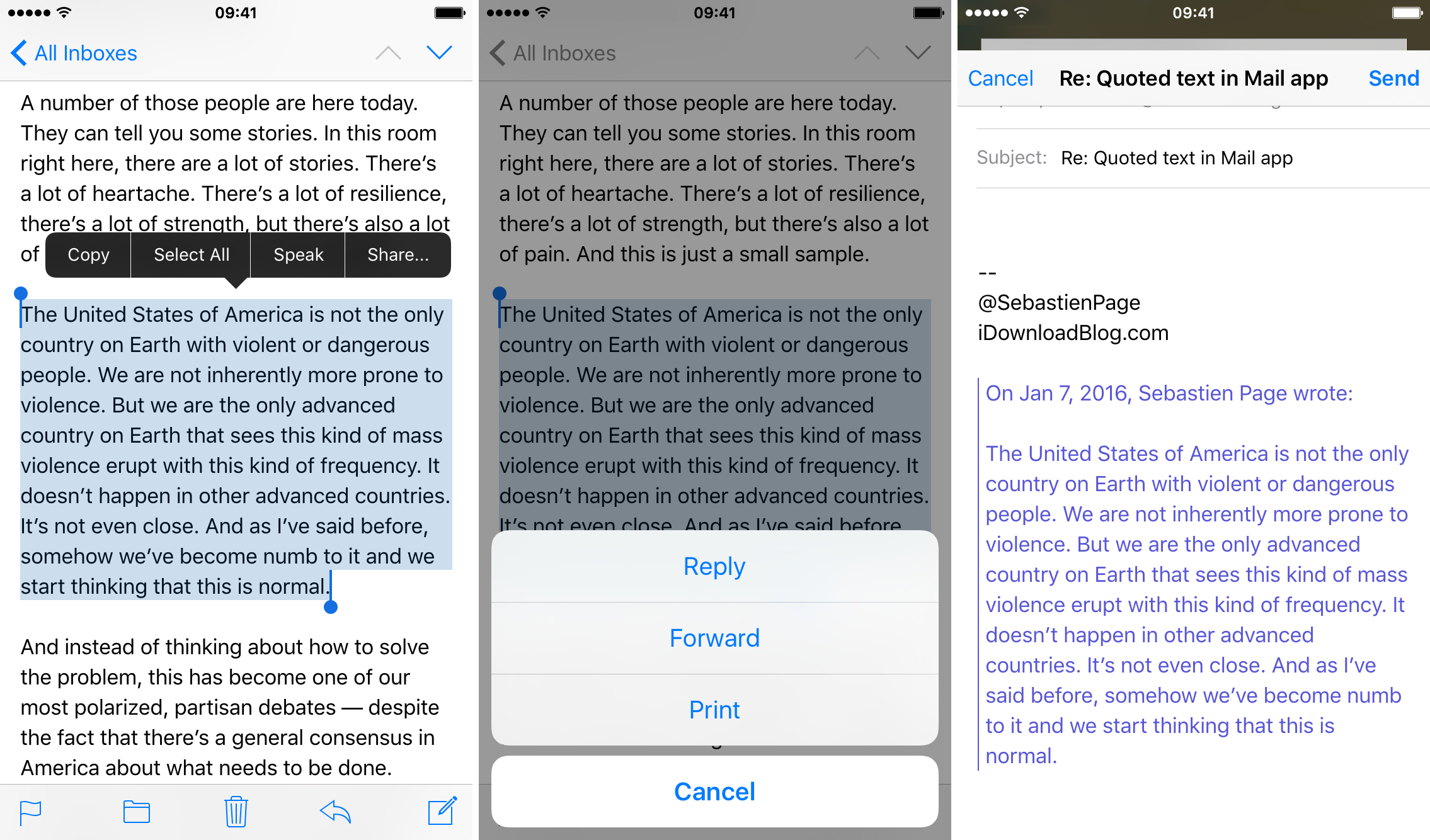
How to reply to a selected passage of text in Mail app on iOS

The Mail app in iOS isn't going to win any 'best email client' awards, but it's usable for what it is, and Apple continues to make improvements. Most recently, it improved the file attachment process in iOS and also allows to annotate PDF documents.

There's also some non-feature things — shortcuts, if you will — that make the app more useful. We've shared some of these with you before, like how to quickly open your last Draft. And today, we've got another one to show you.

How to jailbreak iOS 6.1 beta 2 with RedSn0w 0.9.15b3

If you're a developer, then you might be interested in jailbreaking the latest beta version of iOS — iOS 6.1 beta 2. The beta was just released today, and like we always do, we've created a video tutorial that shows how to successfully jailbreak it if you happen to be a developer.

Take a look inside as we walk you through the iOS 6.1 beta 2 jailbreak process step-by-step.

How to jailbreak iOS 6 and iOS 6.0.1 with Sn0wBreeze 2.9.7

If you're a Windows user, and you've been dying for an update to Sn0wBreeze, then your wait is over. As we posted earlier, Sn0wBreeze was updated to 2.9.7, and with it comes tethered support for pre-A5 devices running iOS 6 and iOS 6.0.1

For those of you who've been holding off until a Sn0wBreeze update, we've created a handy tutorial for you to follow, which shows you how to jailbreak iOS 6 and iOS 6.1 using Sn0wBreeze on Windows. Take a look inside for the full details...

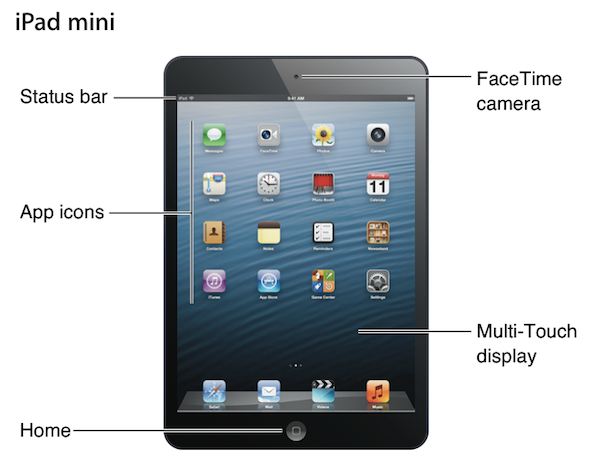
iPad mini user guide

Good news for those of you who managed to score an iPad mini during this sellout weekend, Apple has posted the full-length user guide for the new tablet online.

Obviously, since the mini is so similar to its larger sibling, it's not going to take seasoned iPad users long to get accustomed it. But since Apple only includes brief "getting started" pamphlets with the device, it wouldn't hurt to bookmark the actual manual for future reference...

How to jailbreak iOS 6.1 beta

If you're a developer wishing to jailbreak your pre-A5 device running iOS 6.1 beta, then you'll be happy to know that it can be easily done using the same method we used to jailbreak the iOS 6.0.1 public release.

This is, of course, a tethered jailbreak, and it only works with pre-A5 devices like the iPhone 4, or the iPhone 3GS. For the full video tutorial, check inside...

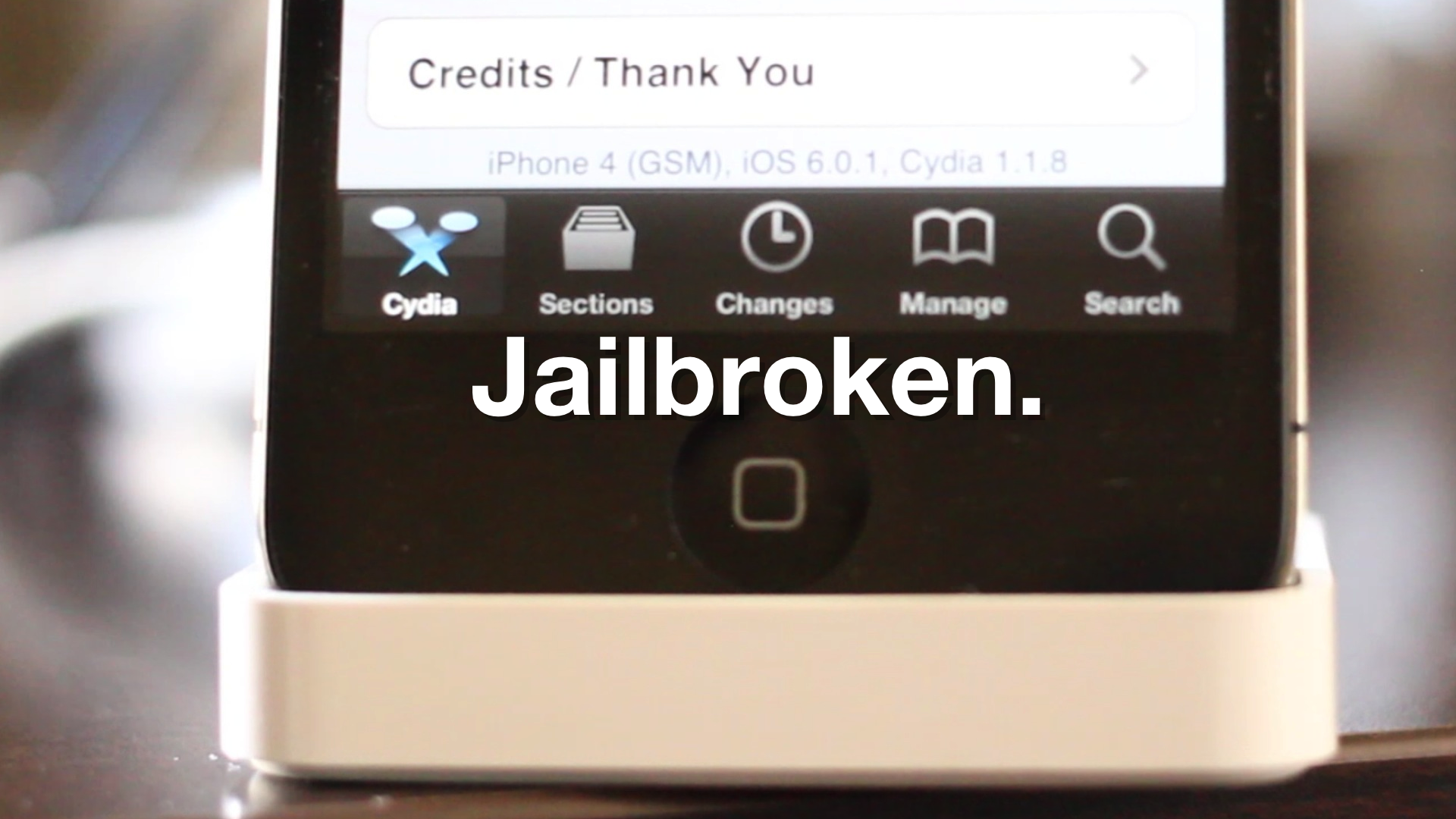
How to jailbreak iOS 6.0.1

iOS 6.0.1 was just released a few minutes ago, but we've already confirmed it can be jailbroken right now using the existing jailbreak tools for iOS 6.

Although RedSn0w was recently updated to 0.9.15b3, the update doesn't yet include support for iOS 6. That's okay, because you can still point at the already supported iOS 6 firmware and successfully jailbreak iOS 6.0.1.

Check inside for the full video walkthrough that shows how.

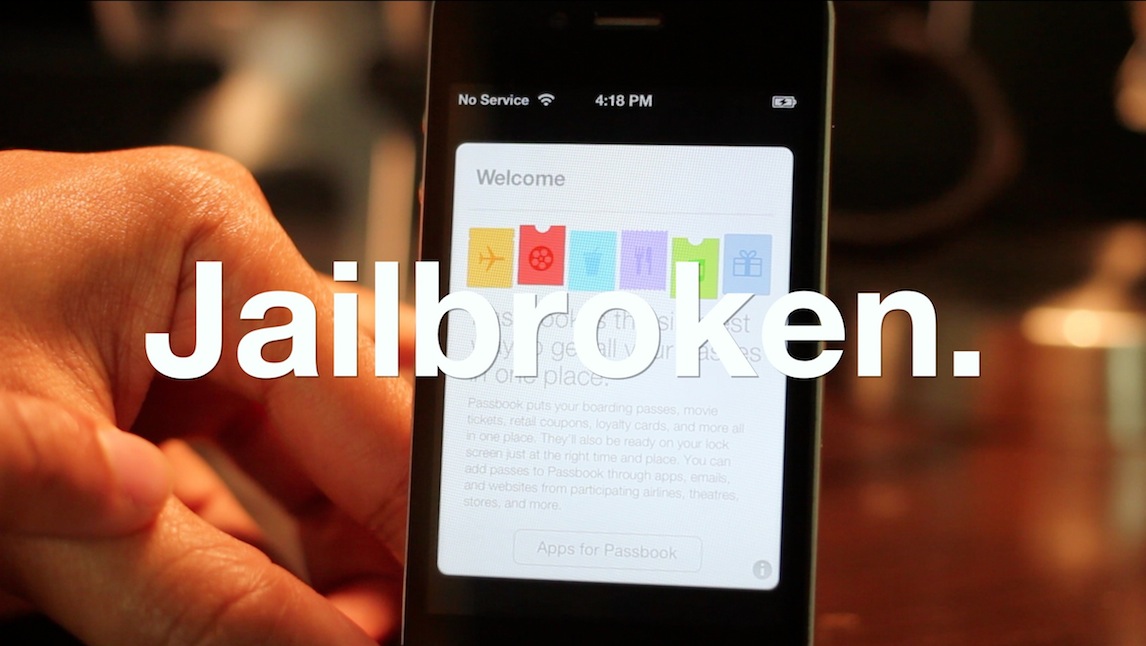
PassHack allows you to hide stock apps directly from Passbook

We already told you about Rag3Hack, the non-jailbreak solution to hiding stock apps on iOS. Now the folks behind Rag3Hack are back with PassHack. PassHack is essentially the same thing, except for now, you can easily access the URLs necessary to hide stock apps from the convenience of Passbook.

This solution actually has no bearing on Passbook besides the fact that it contains a pass with the URL schemes on its rear. Look at it as a handy bookmark to all of your favorite Rag3Hack URLs. Take a look inside as our video shows you the details...

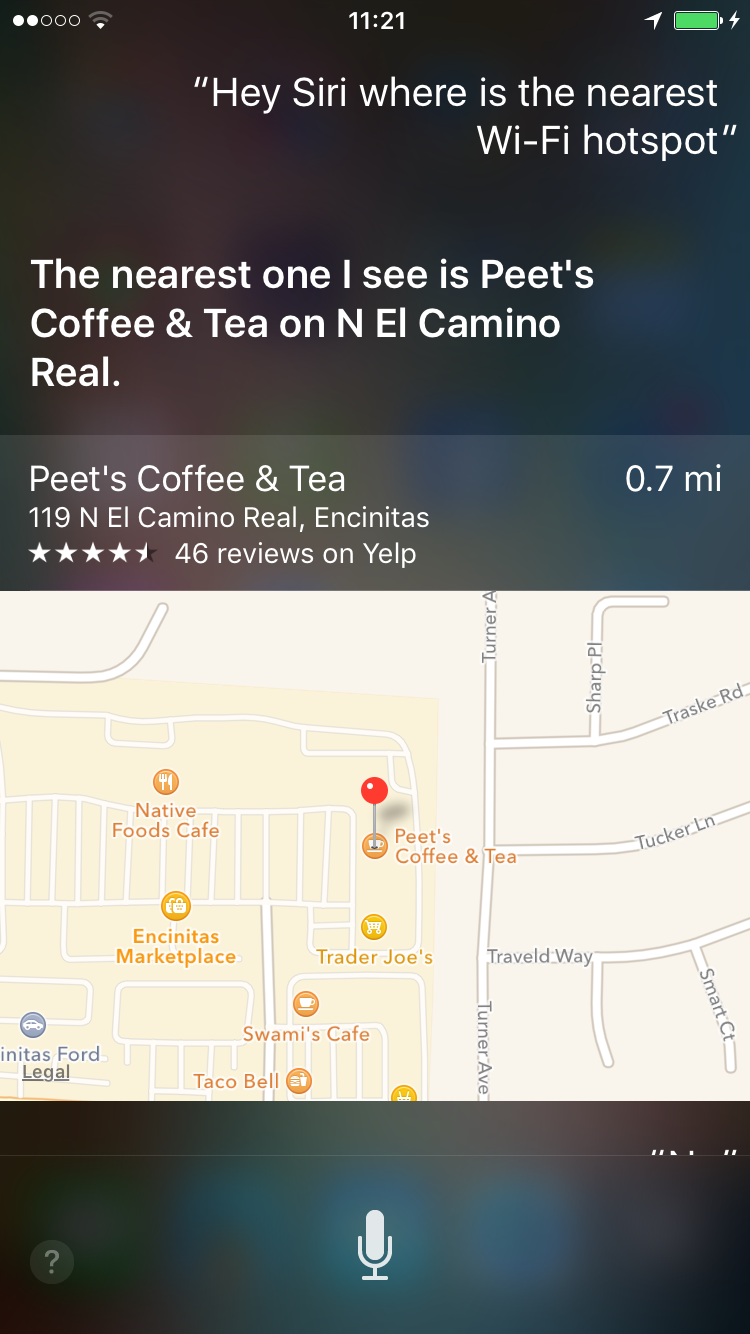
Hey Siri, where’s the nearest Wi-Fi hotspot?

Have you ever found yourself looking for a public Wi-Fi hotspot? Maybe you were nearing your monthly wireless data cap, or were on a laptop or some other non-cellular device.

How'd you go about finding it? Sure there are websites you can look at, and apps that you can download. But if you're looking for an easier way to do this, you can just ask Siri...

How to hide multiple app icons, no jailbreak required

A while ago we told you about StifleStand — an app for Windows or Mac that allows you to hide Newsstand without the need for a jailbreak.

Now there's another option for hiding Newsstand, along with a host of other default iOS apps. Again, like StifleStand, no jailbreak is needed for this method either.

In the following video walkthrough, we'll provide you with a demonstration of Rag3Hack, a new website dedicated to hiding stock iOS apps on any device, regardless of whether or not the device is jailbroken.

How to jailbreak iOS 5.1.1 on Pre-A5 devices using backup and restore

We've been stressing how many new features were packed into the new RedSn0w, and we weren't kidding. Another under the radar feature that's been added to the new RedSn0w is the ability to jailbreak iOS 5.1.1 untethered on Pre-A5 devices in A5 Non DFU style.

This is accomplished using the same method used for jailbreak tools like Absinthe, which utilizes backup and restore instead of the typical DFU ramdisk method. This is a great feature that speeds up the jailbreak process on Pre-A5 devices running iOS 5.1.1. Check inside as we give you a video demonstration and tutorial showing how it works.