In this post, we’ll show you how to configure both stock apps and third-party apps to send or not send notifications to your Apple Watch.
How to choose which notifications are sent to Apple Watch

In this post, we’ll show you how to configure both stock apps and third-party apps to send or not send notifications to your Apple Watch.

Glances are the quick information summaries of apps that are accessible by swiping up from the bottom of the watch face on your Apple Watch. In a previous post we told you all about glances, how to use configure them and how to use them.
But there's an additional thing that you should know about glances that is proving to be extremely useful for Apple Watch users. You see, a glance can be used as a direct shortcut to the app that it represents.
In this post, which is a part of our larger Apple Watch guide, we'll show you how to use glances as app shortcuts on your Apple Watch.
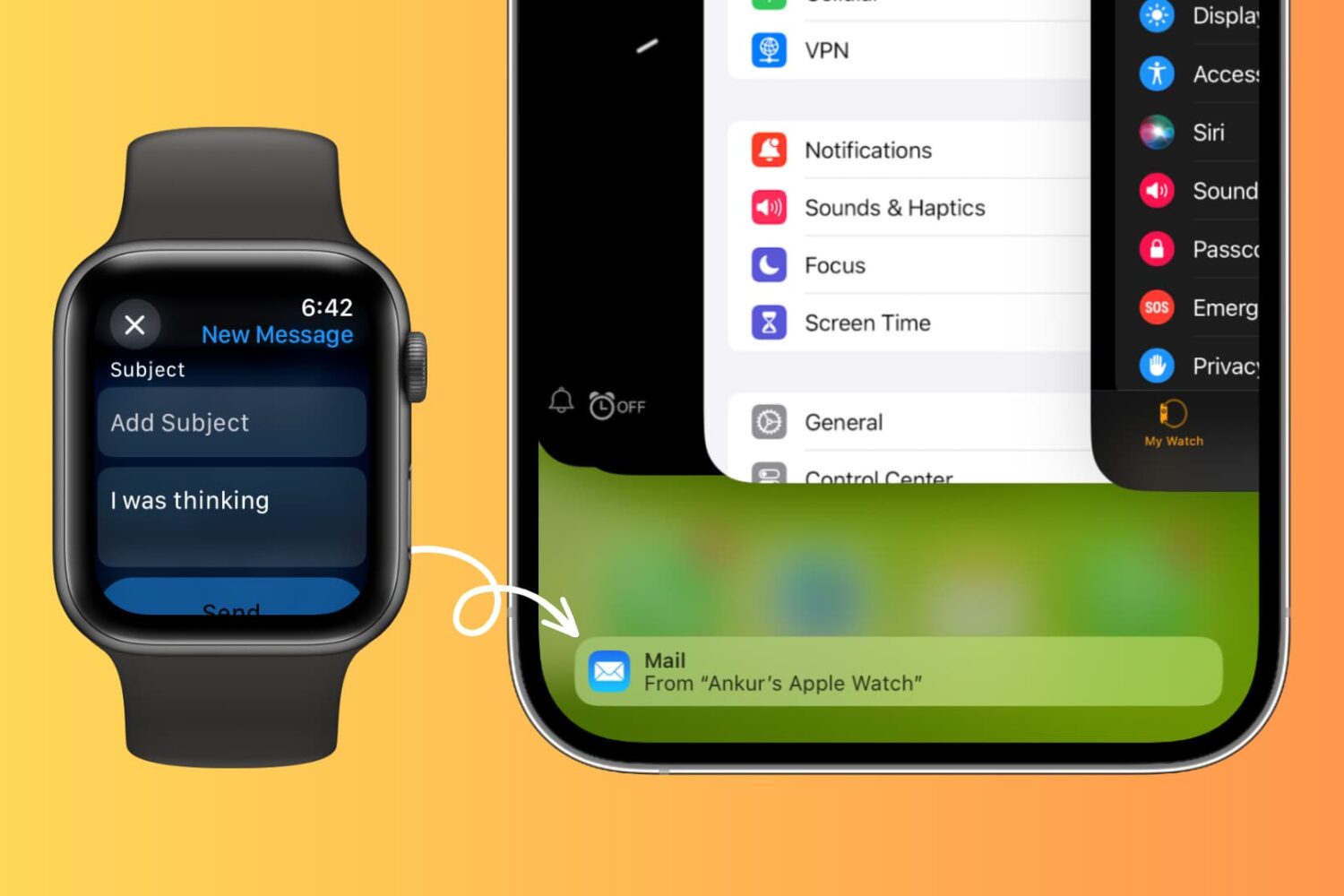
Learn how to use Handoff on your Apple Watch to move what you’re doing on your wrist to the bigger screen of your iPhone, iPad, or Mac.
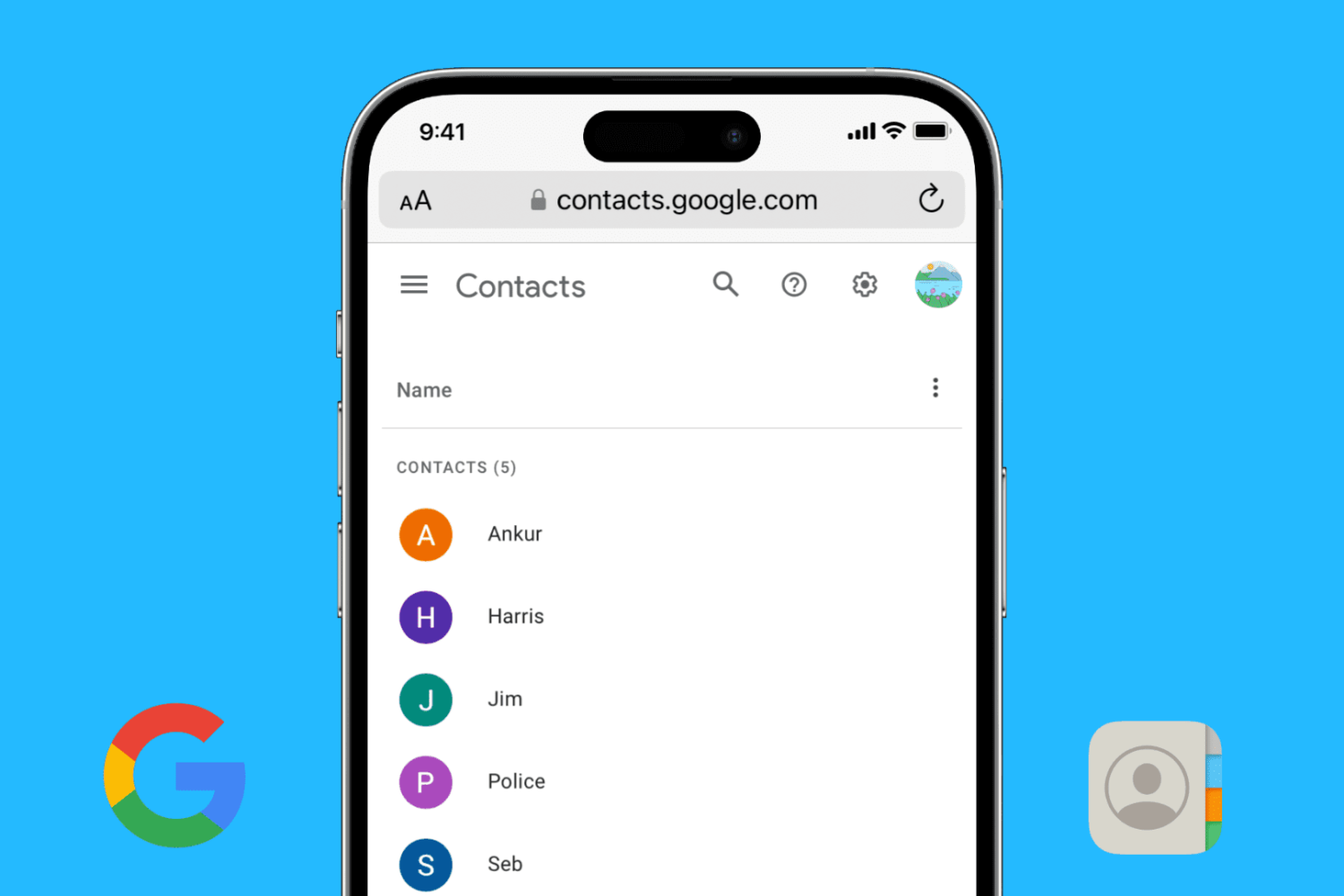
Find out how to add your Google account to your iPhone or iPad and sync your Google contacts with the iOS Phone and Contacts apps.

When your iPhone is buried under sheets, left in another room, or out of sight, the obvious thing to do to locate it is to call your iPhone using another phone. However, this may not be helpful if your iPhone is in silent mode, Do Not Disturb, or has an active Focus mode.
In these situations, or if you don’t have a second phone around, you can use your Apple Watch to play a loud alarm sound on your iPhone or trigger its camera LED to blink.

Managing contacts on your iPhone or iPad can be a tedious task, especially when you need to delete multiple contacts at once. In this tutorial, we will show you two ways to select and delete several contacts simultaneously on your iOS device, so you can clean up your address book quickly and efficiently.

Handoff—a feature that allows you to quickly move between devices and pickup right where you left off—first appeared with iOS 8 and OS X Yosemite. It allowed you to seamlessly move between an iPhone and an iPad, and iPhone and a Mac, Mac and an iPad, etc.
Unsurprisingly, Handoff is now available on the small screen with Apple Watch. It will allow you to do things like check email on Apple Watch, and seamlessly switch to your iPhone to has out a reply. Have a look at our tutorial inside for a walkthrough on how it works.
Every now and then, you may run into an issue with Final Cut Pro X where a file doesn't successfully import. Due to this, the media that you're working with in your project is still referencing the location where the file originally was (i.e. SD Card, Camera HDD, etc.).
When this happens, and you try to share/export a project, you'll receive an error message that says "This item cannot be shared while it is still referencing media on the camera."
To fix this problem, you'll need to reimport your footage from the original source using the File menu. It's fairly straightforward, but it's not exactly obvious as to what you should do when you first encounter this issue. Inside, we'll show you the error message and the quick fix in our brief video tutorial.
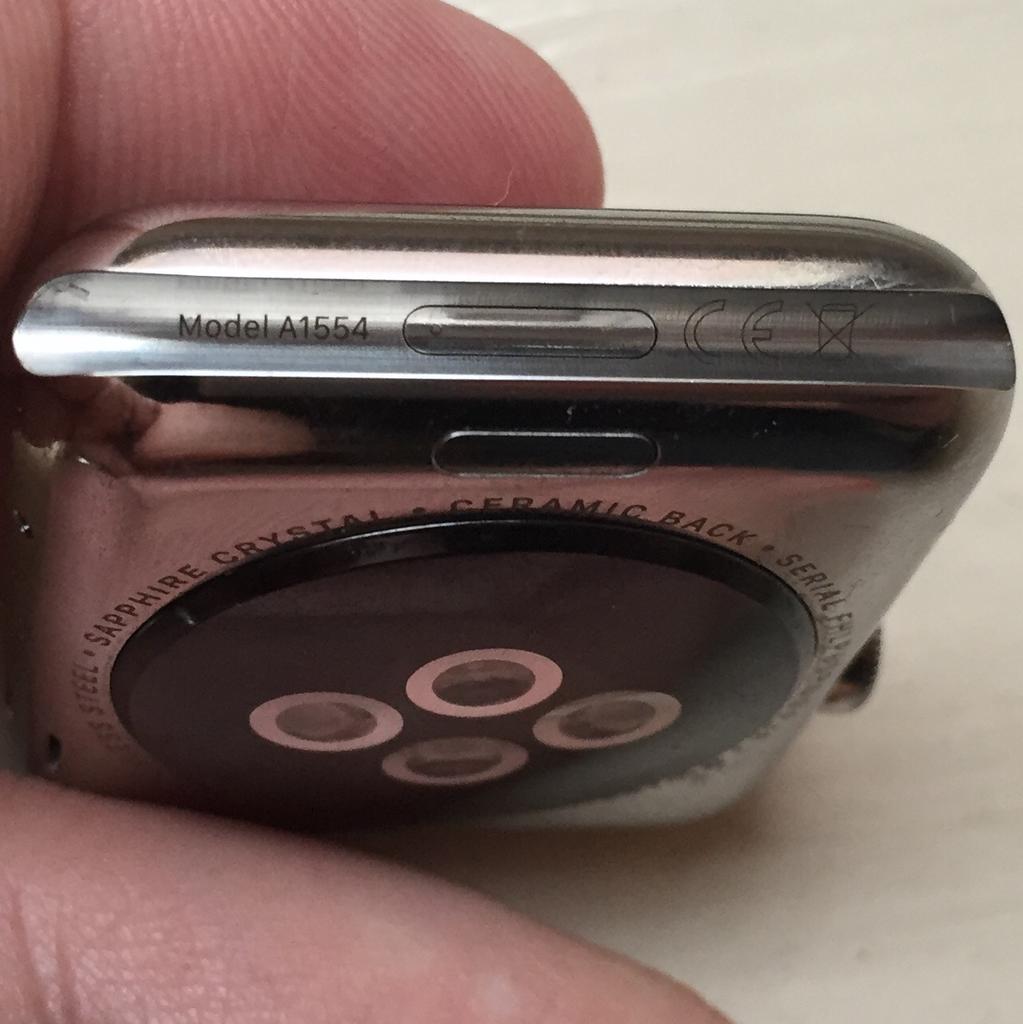
Contrary to some reports, shipping Apple Watch units do feature a hidden diagnostic port inside the groove of the bottom strap connector slot. It looks a lot like Lightning I/O, bit it's not Lightning.
Featuring a six-dot brass contact, it's believed to be aimed at service technicians for diagnostics purposes, while potentially providing direct access to the Watch OS and demo software installation on demo units in Apple Stores.
This tutorial explains how you can access the 6-pin port using just a sewing needle. Before we get to it, keep in mind that doing so could impact the water resistance of your Apple Watch and might void your warranty.

Learn how to automatically open images in the app of your choice instead of using Preview as the default photo viewer on Mac.
As you might imagine, I take tons of screenshots on a weekly basis for work. Instead of connecting my iPhone to my Mac and importing screenshots manually, or instead of using AirDrop, I simply use Photo Stream to do the grunt work.
Photo Stream allows me to access any photo taken with my iPhone, including screenshots, directly from the Photos app on my Mac. Just a few seconds after taking a picture with my iPhone, the photo appears on my Mac. This is great for quickly grabbing iPhone screenshots, and it even allows you to easily access screenshots taken on the Apple Watch.
In this post, I'll show you how I set up a simple Smart Album to separate screenshots—Apple Watch screenshots included—from regular photos.
Pictures play an important part in putting together a compelling business presentation or a detailed school report, and to help, this tutorial shows you how to add images to your document, presentation, or spreadsheet in the Google Docs, Slides, and Sheets apps on your iPhone or iPad.