Find out how to remove the location from an existing Instagram post and stop the Instagram app from accessing your location.
How to remove location from your Instagram photos

Find out how to remove the location from an existing Instagram post and stop the Instagram app from accessing your location.

The slow but inevitable fraying of the cable TV bundle continues unabated. One major network after the other is relenting and finally appeasing cord-cutters with online-only streaming packages that don't require a cable subscription.
As a result, the modern customer today is faced with an ever increasing number of options. If you've arrived at the conclusion that Netflix no longer offers the biggest bang for your buck and want to cancel your streaming plan, you've come to the right place.
In this step-by-step tutorial, we'll take you through the process of cancelling your Netflix membership and closing your account, regardless of whether you signed up for the service through the website or on your Apple TV or iOS device. As a bonus, we'll also lay out how to easily rejoin Netflix later on.
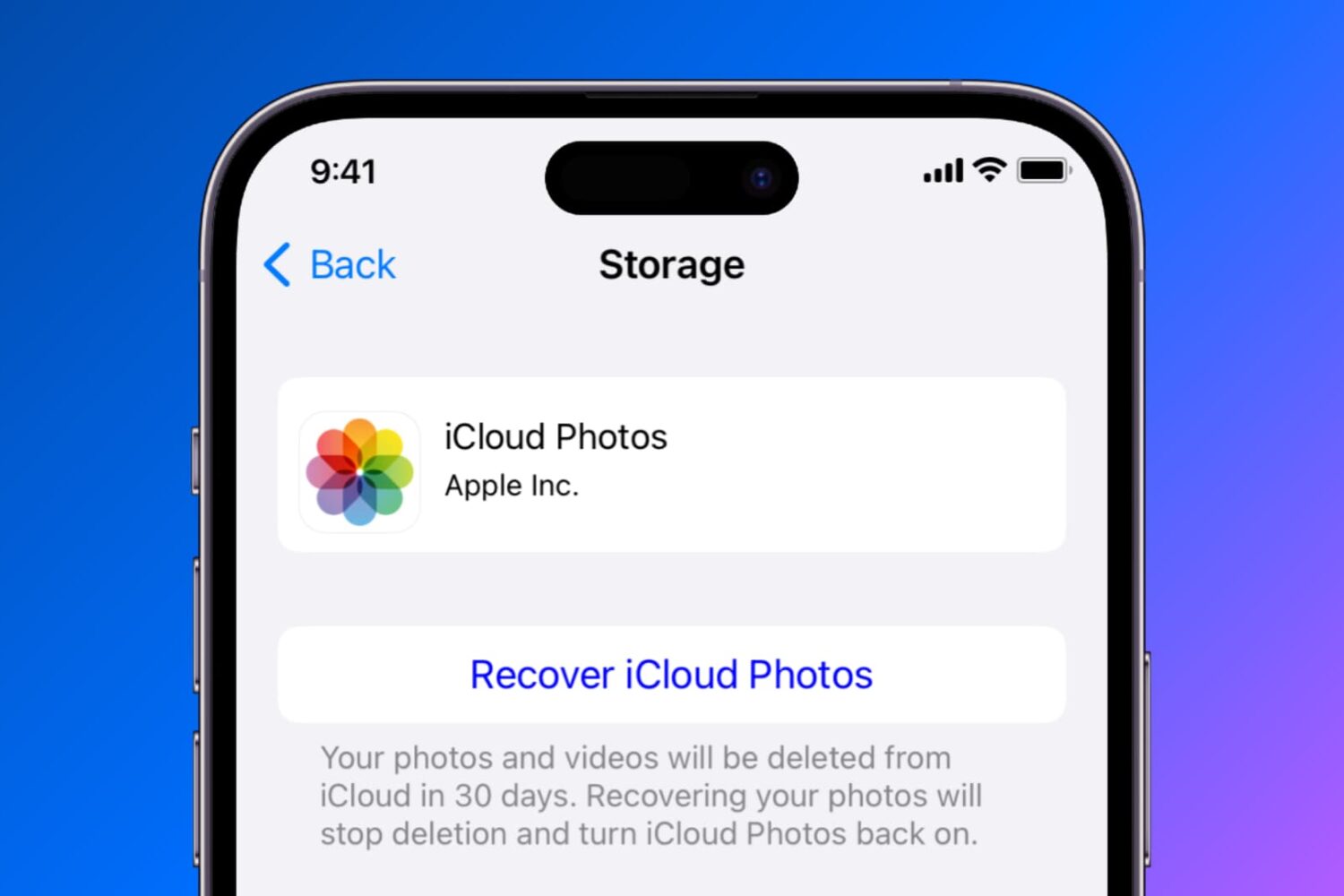
Find out how to temporarily disable or permanently delete iCloud Photos on your iPhone, iPad, Mac, Apple TV, and Windows PC if you no longer want to back up your pictures and videos to Apple’s cloud storage.
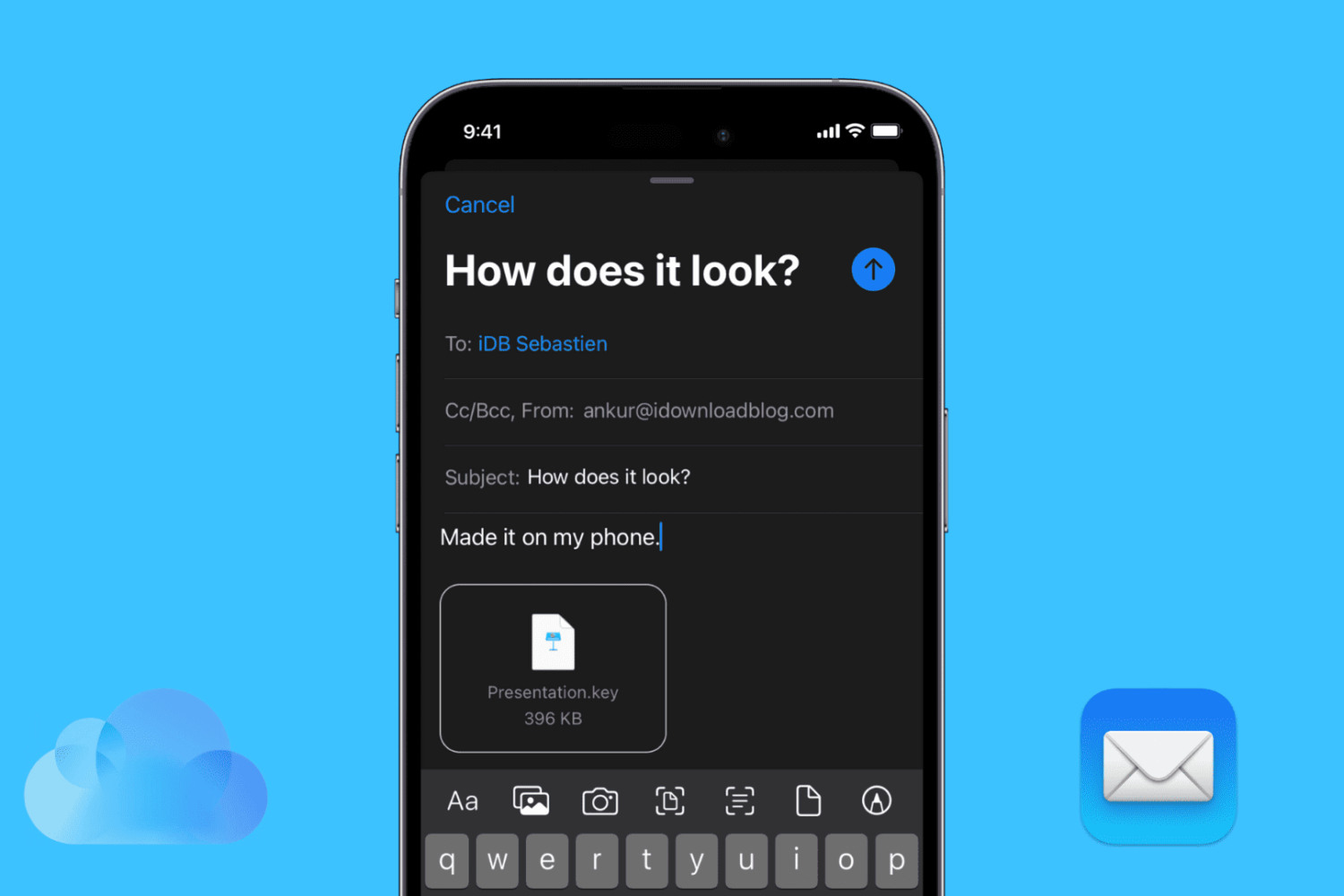
Find out how to attach a PDF, Word file, Keynote presentation, spreadsheet, image, video, or other media and document saved in the Photos app, Files app, or iCloud Drive to an email in the Apple Mail app on your iPhone or iPad.

This tutorial shows you how to move your songs and playlists from Spotify to Apple Music and vice versa. These steps to transfer music also apply to several other music streaming services mentioned below.

I was trying to boot up my jailbroken Apple TV a few days ago when I suddenly got hit by the Black Screen of Death. It's something I had seen mentioned online before, but not experienced myself, so I was a little taken aback.
Conveniently enough, since I was communicating with nitoTV developer Kevin Bradley for the purpose of our podcast, I asked him if he had a quick fix for the issue, which he kindly offered.
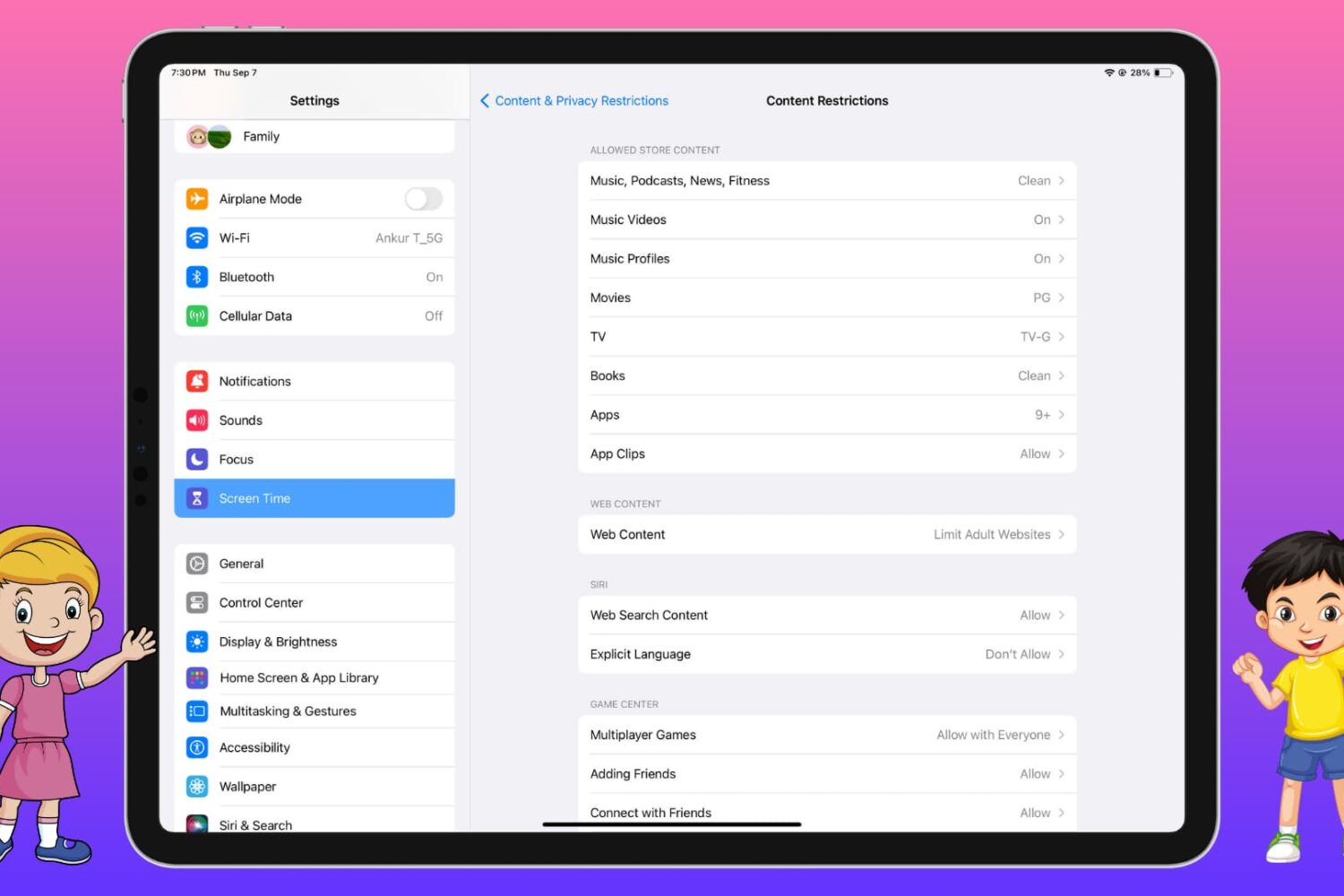
Are you worried that your child may download an app, watch a movie/TV show, play a song, see a news story, or read a book that is not suitable for them? Learn how to block your kid’s access to explicit, vulgar, gambling, violent, or inappropriate apps and media on their iPhone, iPad, Mac, and Apple TV.
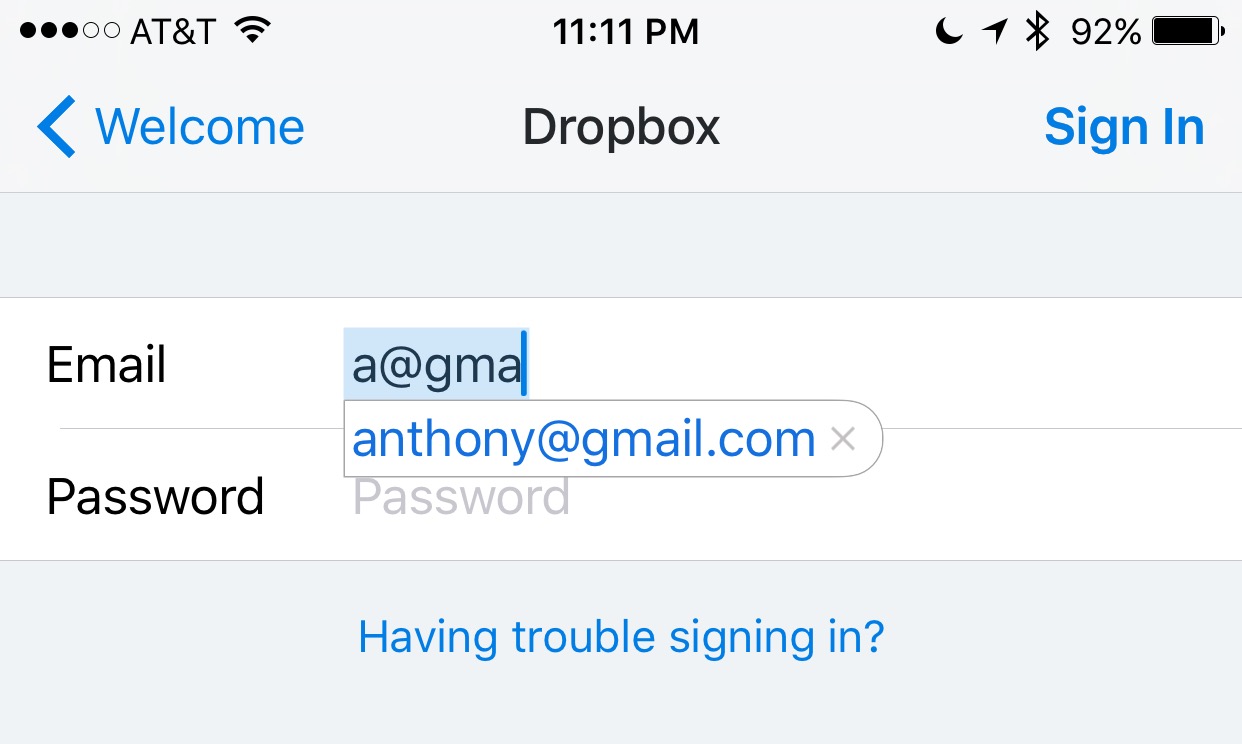
Email addresses can be long and annoying to type, especially when you're one of those goofballs out there with the weird emails like iph0n3_fan_09325@emailaddress.com, or something else with a bunch of wonky characters you don't care to remember or spend the time typing.
This is why when I came across this tip on how to make email address entry simple and fast from a friendly iDB reader, I wanted to share it with the rest of you.

Apple collects anonymous information about how you use your iPhone, iPad, iPod touch and other devices so that it can improve its products in future releases. End users can easily opt in and out of diagnostic collection in the Settings → Privacy → Diagnostics & Usage section.
I have this enabled to help Apple improve their products, but privacy-minded people might opt out of diagnostic collection on the grounds that the logs include their approximate location.
In this tutorial, we'll explore increasing your privacy on iOS by having your location excluded from diagnostic data that iOS creates.
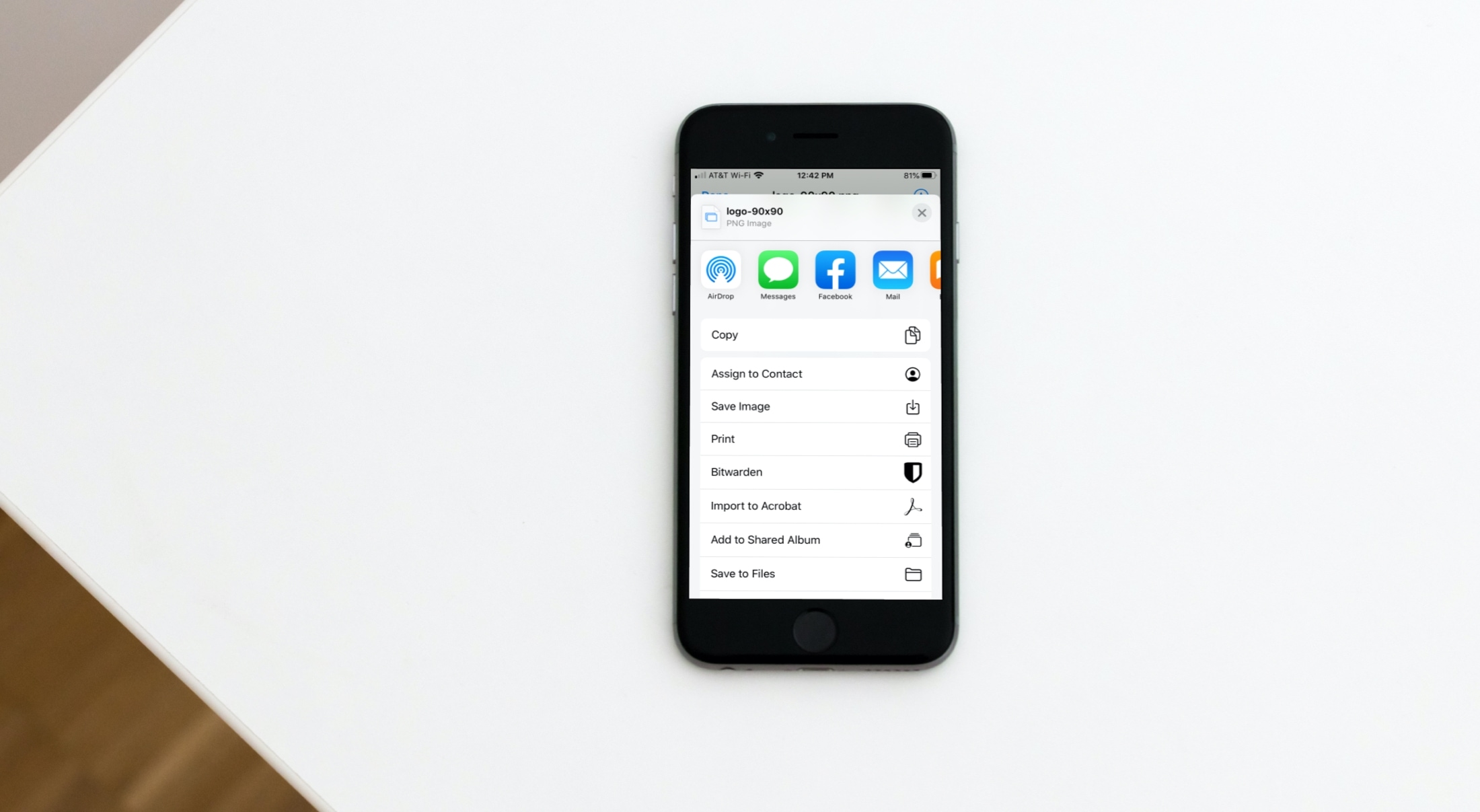
Learn how to save email attachments from Apple Mail to a folder on your iPhone or iPad or apps such as Google Drive or Microsoft OneDrive.
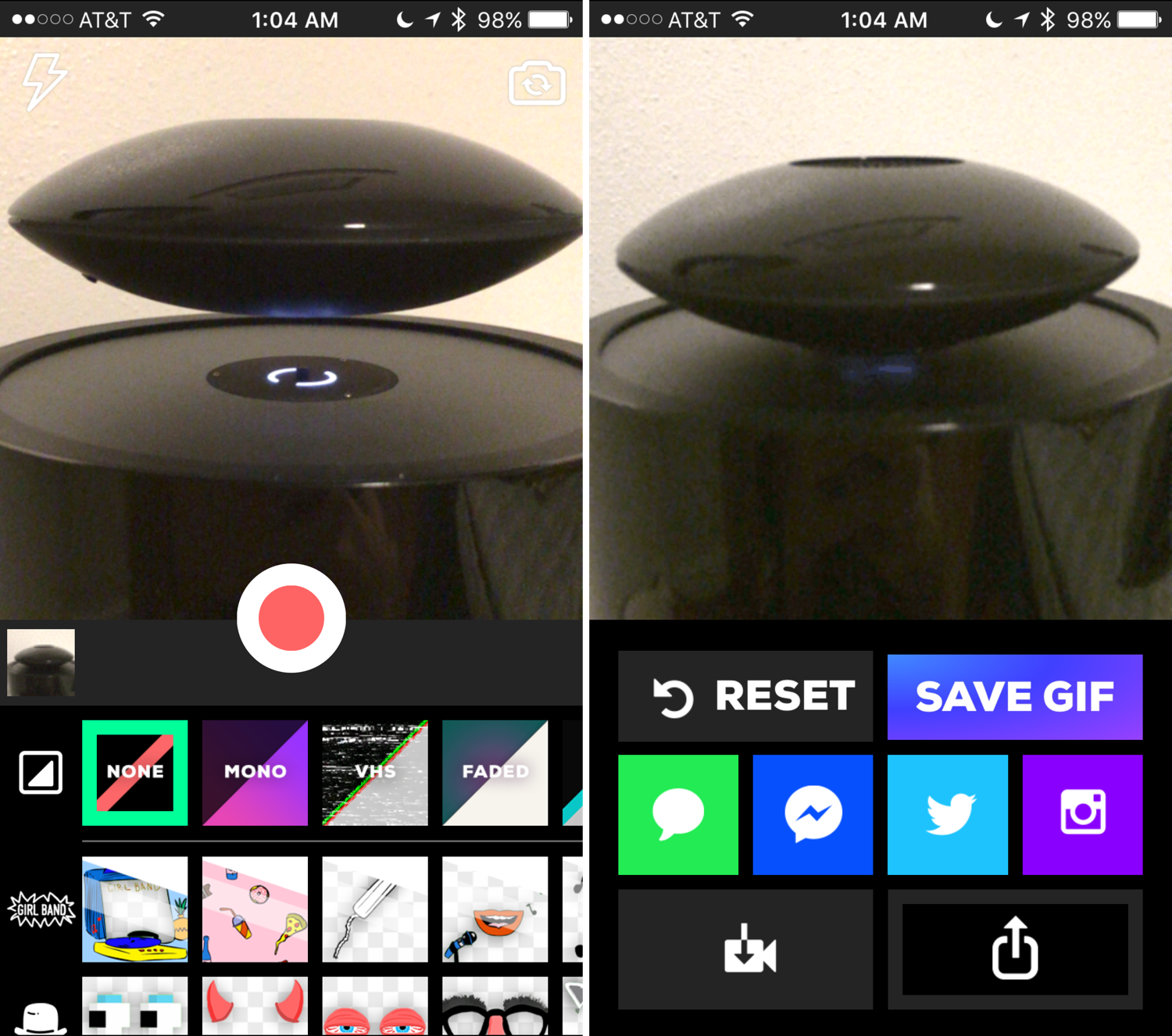
Animated GIFs are fun, the only thing is, creating them generally requires a computer and either some fancy GIF-making software, or a website that can convert video files to animated GIFs.
Fortunately, for those of you that spend most of your time mobile, rather than at a computer, the free GiphyCam app from the App Store provides an all-in-one experience for iPhone, iPod touch, and iPad users.
We'll talk about GiphyCam in this piece and show you how you can use it to record your own animated GIFs right from your mobile device.
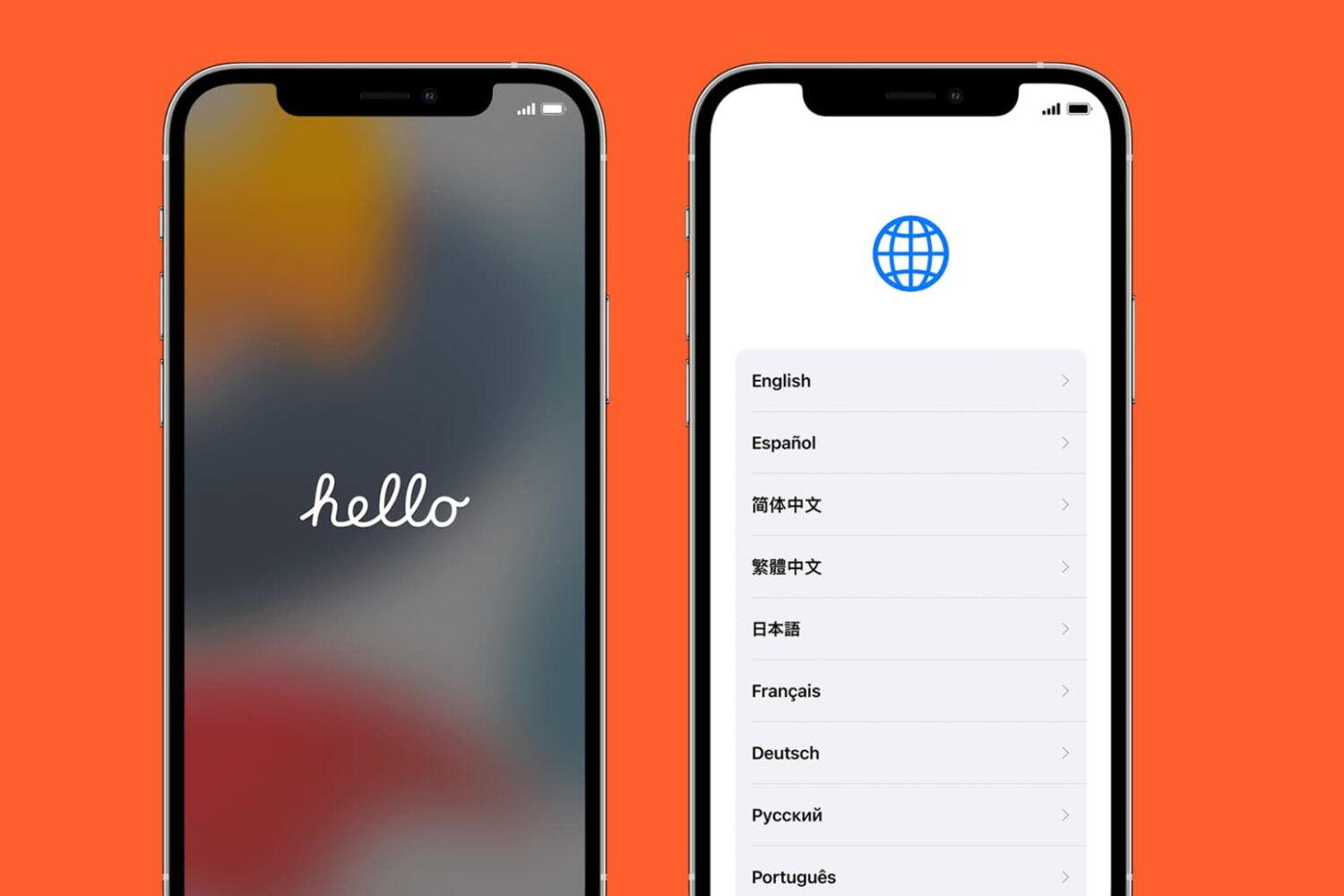
Learn what to do if your iPhone or iPad won’t activate after being erased, preventing you from finishing iOS setup and configuring the device for everyday use.