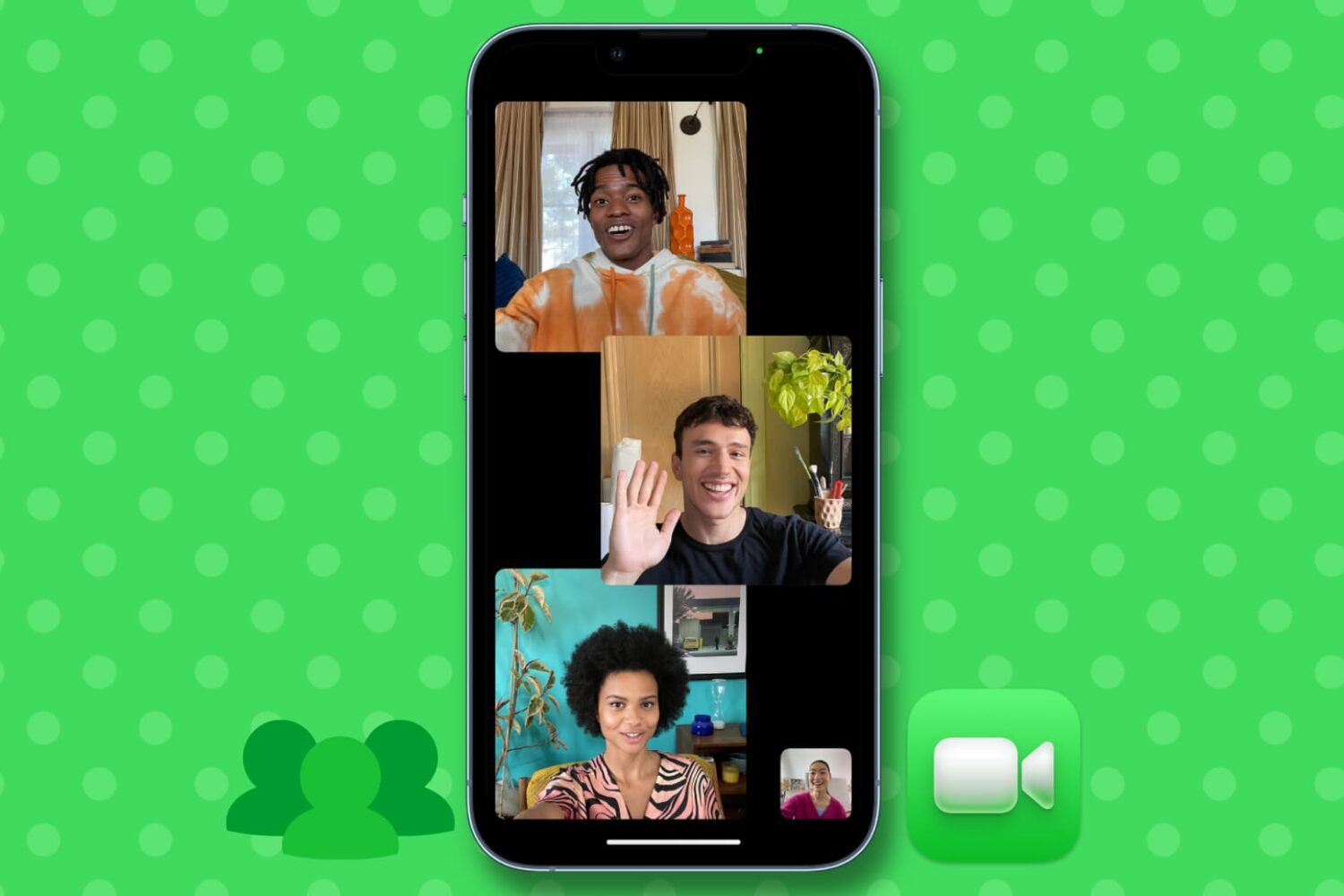
Talking in person has its own charm. But when you can’t, you can use FaceTime to do a group call with up to 32 people. Here are 4 ways to start a group FaceTime call on iPhone or iPad.
How to make a group FaceTime call on iPhone
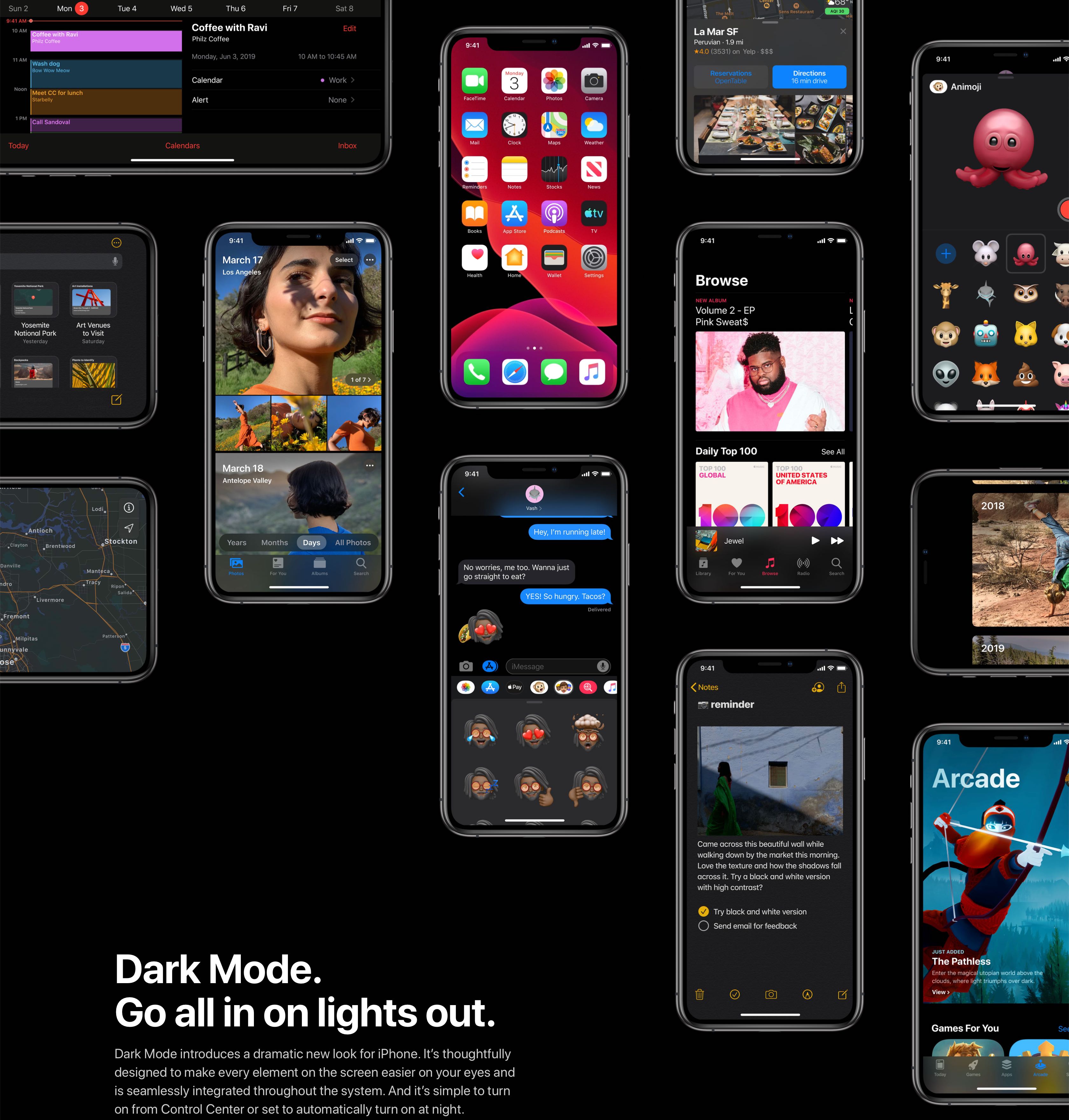
iOS 13 and iPadOS have changed how you get to your accessibility settings.

Learn how to add multiple users to your Apple TV and easily switch between them so each person can have a personalized viewing experience.
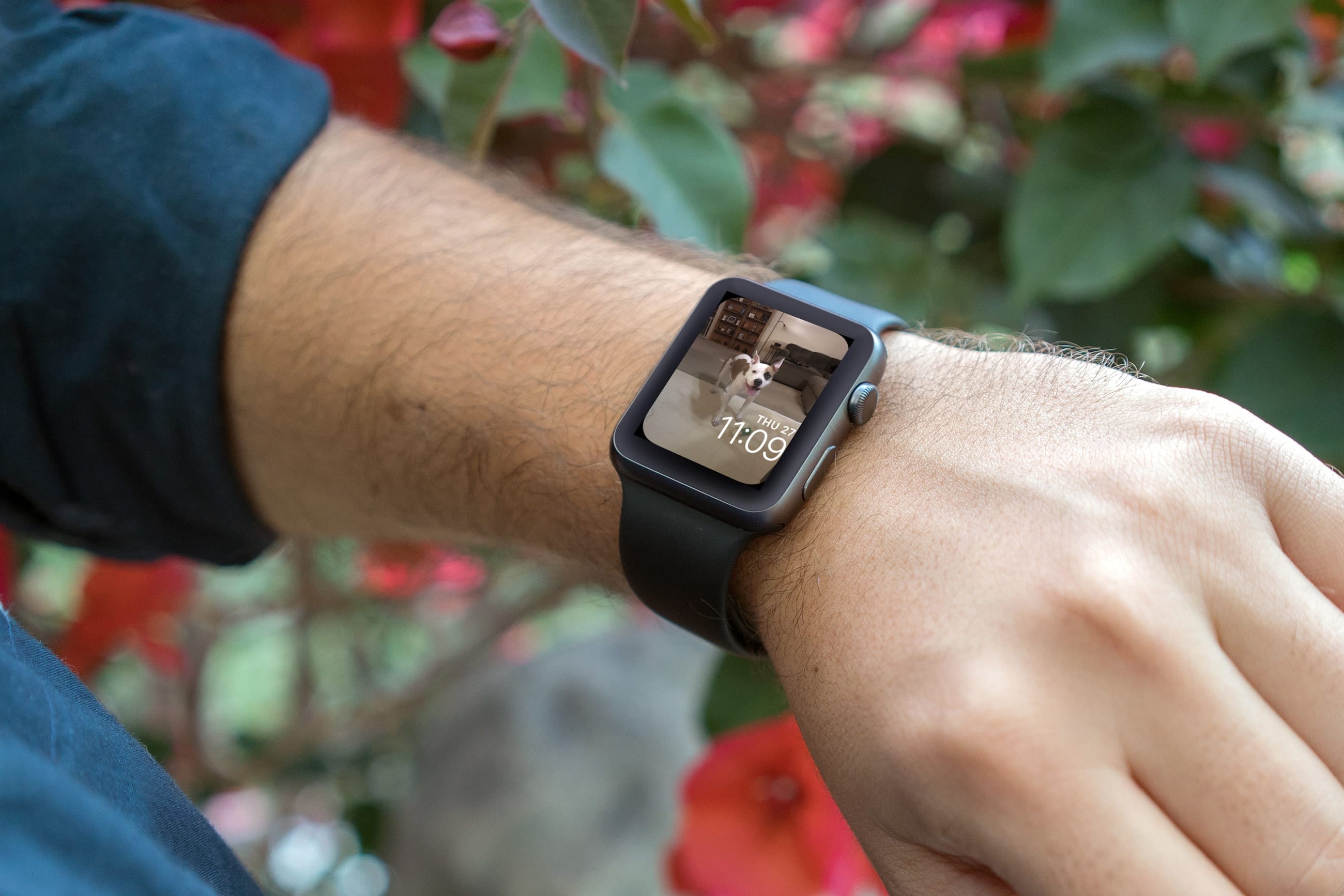
Make your Apple Watch truly unique by learning how to use your own photos as your watch face with our step-by-step guide.
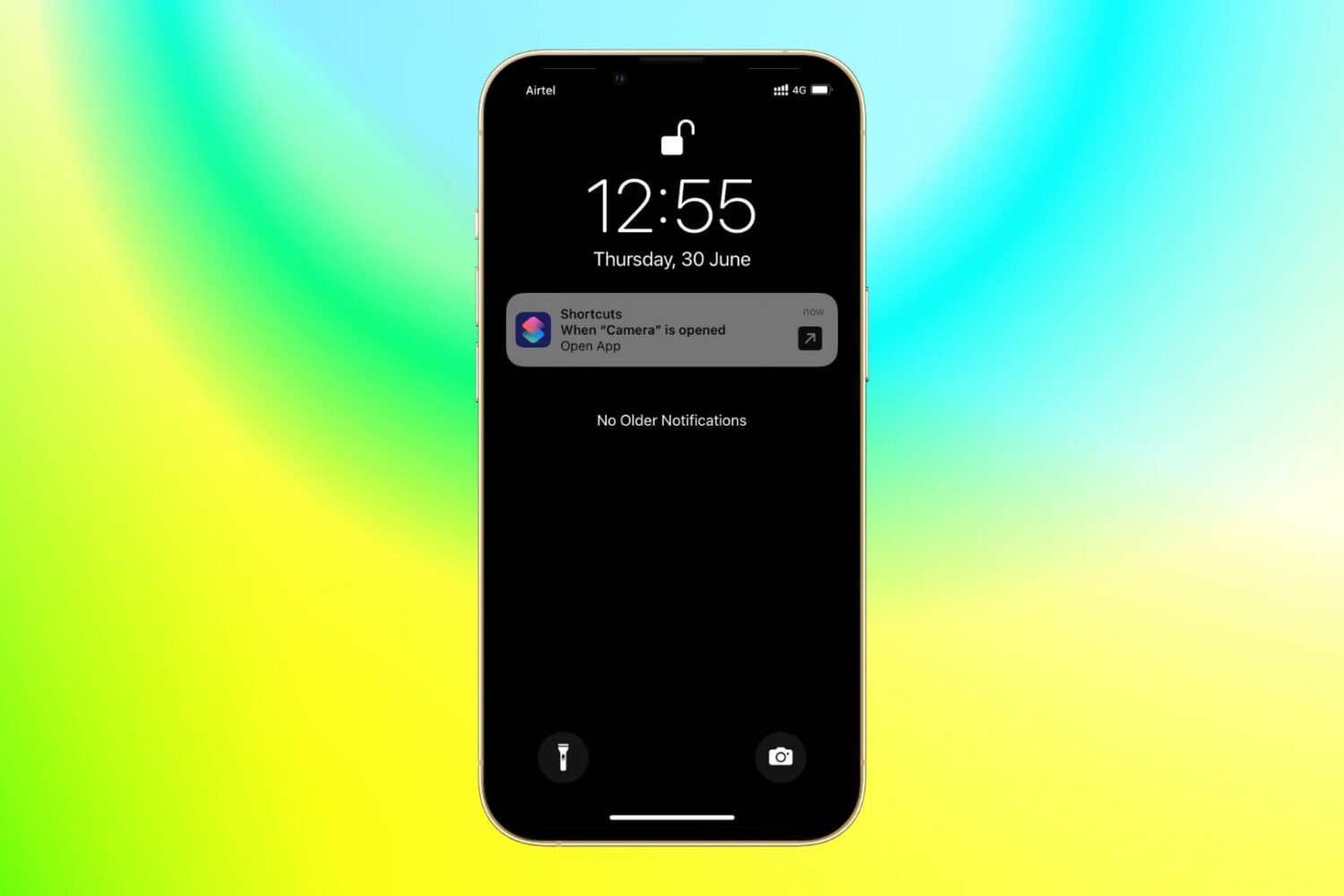
With the power of iOS automation, you can open a different app when you tap the app icon of another app. Confused? It's pretty awesome and useful for several cases.

Learn all the ways to quickly switch between open apps on your Mac and multitask like a pro, including productivity-boosting keyboard shortcuts.
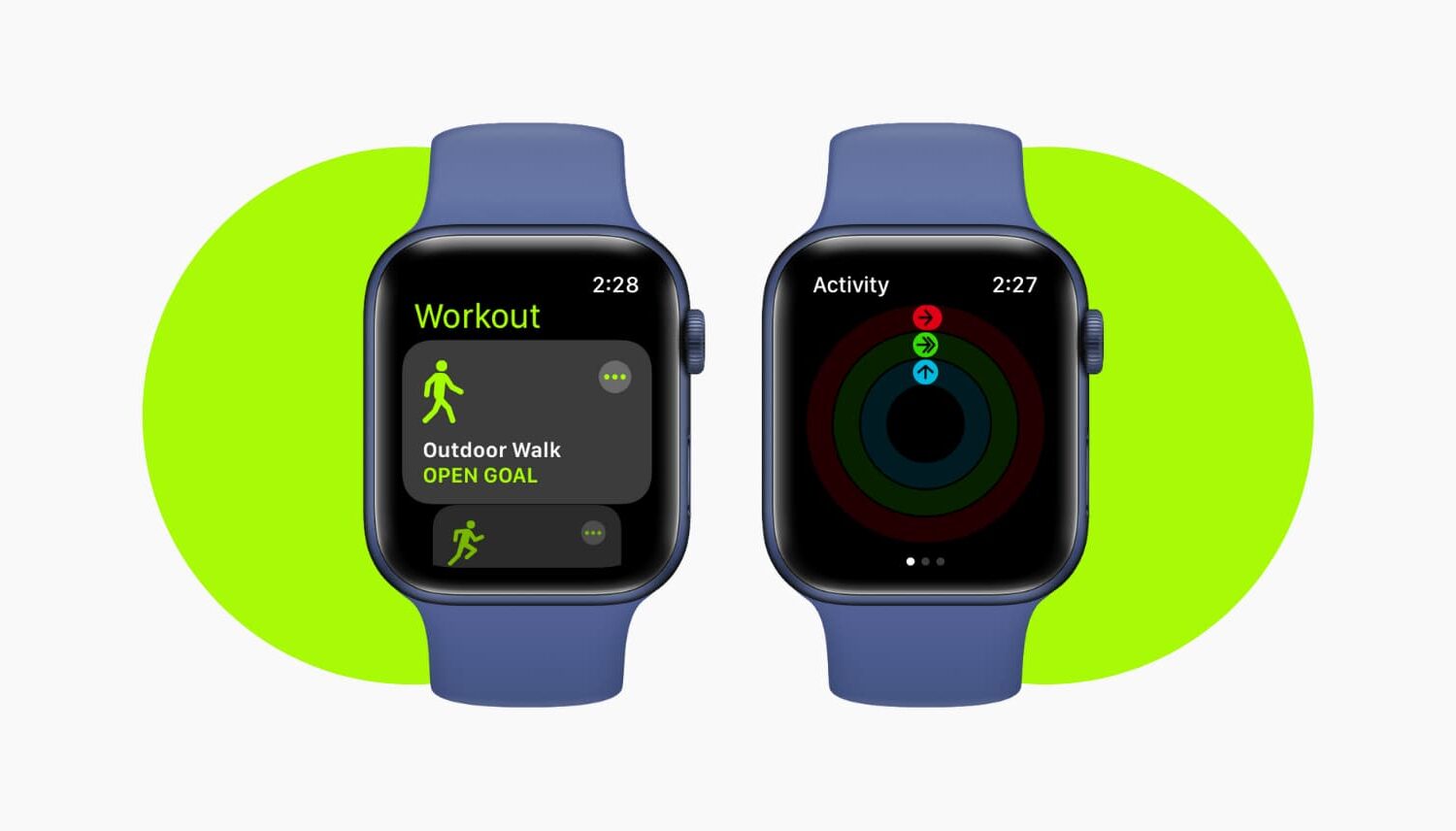
Apple Watch helps you track your Workouts and Activity goals like Move, Stand, and Exercise times for the current day and over time. But nothing is perfect, and you might run into problems with your activities being recorded inaccurately.
For instance, you completed a 45-minute workout, but your Apple Watch recorded only 10 minutes of it. Here are two ways to fix your Apple Watch not registering Workout and Exercise activities correctly.

In this tutorial, we'll show you how to install beta software on all Apple platforms, such as iPhone, iPad, Apple Watch, Mac, Apple TV, Vision Pro, AirPods, HomePod, Safari, and Xcode.
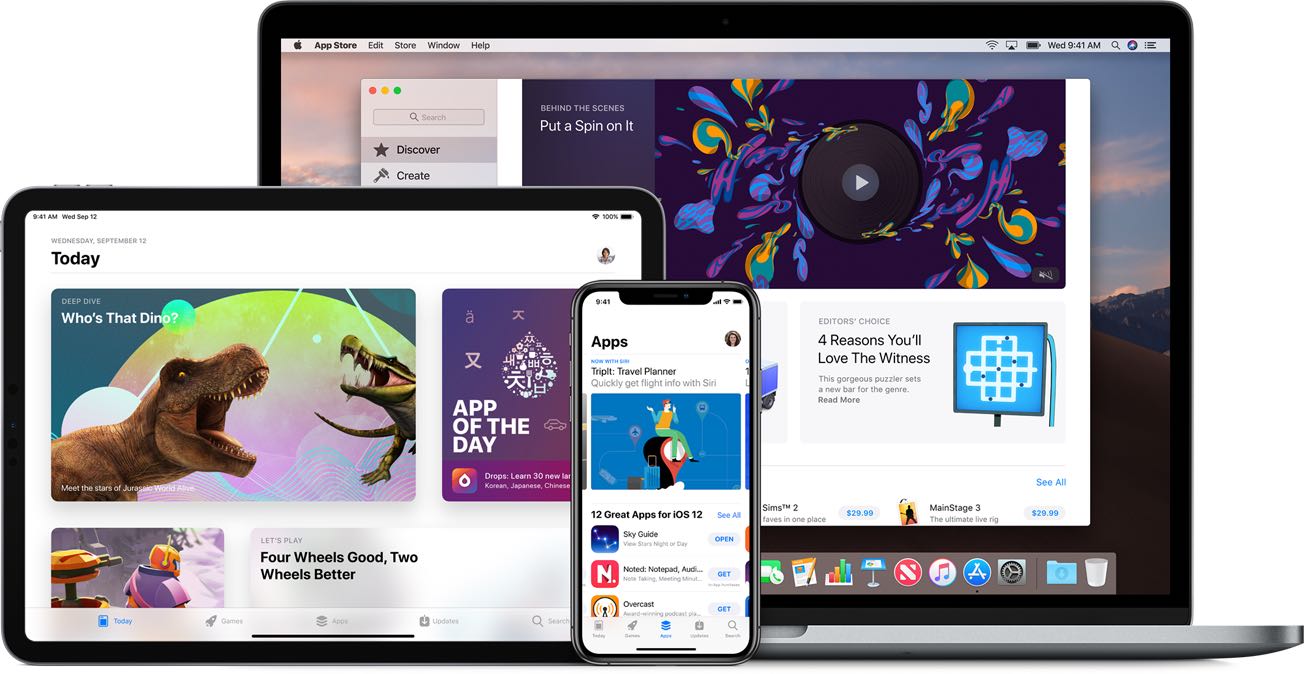
Apple's listened: iOS 13 and iPadOS make it possible to delete apps right from the update list!

Learn how to remove a member from your Family Sharing group on iPhone, iPad, or Mac, or leave the group yourself and disband your digital family setup.
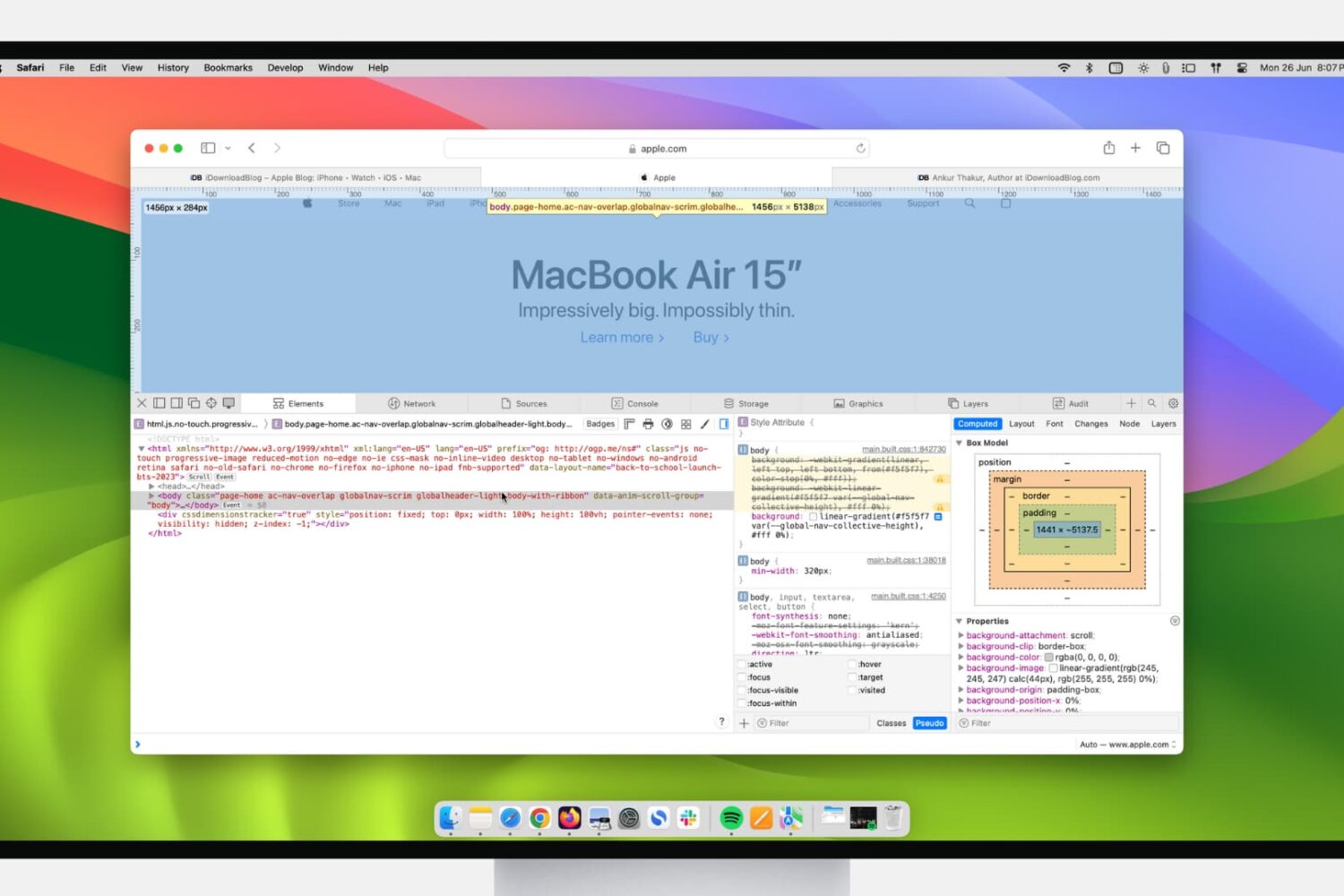
If you’re a web developer, then you likely already know about Safari’s Web Inspector. But if you’re just starting to use Safari for development or have just begun your Web Development career, this guide will show you the basics for getting started with the Safari Web Inspector on iOS and Mac.
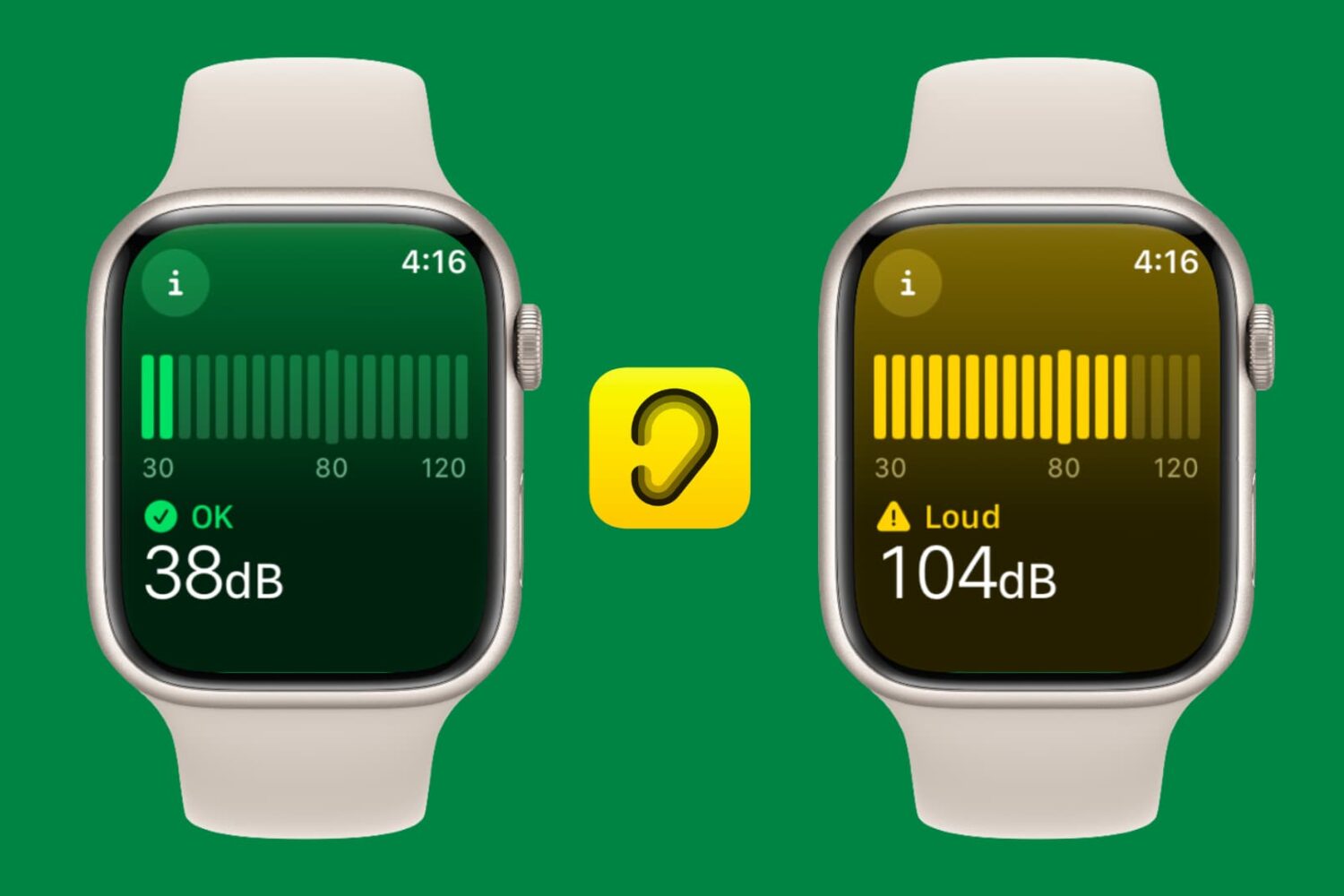
Learn how to use the decibel meter feature on your Apple Watch for monitoring noise levels around you and protecting your hearing health.