Learn how to use the built-in calendar feature in the Outlook app on your iPhone or iPad to quickly check your schedule and share your availability over email.
How to send your availability in Outlook on iPhone and iPad

Learn how to use the built-in calendar feature in the Outlook app on your iPhone or iPad to quickly check your schedule and share your availability over email.

Follow iDownloadBlog's step-by-step tutorial to learn how to easily stop receiving Apple Card notifications every week and month summarizing your spending and transactions, as well as opt out of Daily Cash notifications from Apple Cash (automatically issued each morning).

Have you received an unwanted, unsolicited message or maybe a harassing one on Facebook Messenger? Luckily you have a way to report these types of conversations in the Messenger app or on the web, and it only takes a minute.
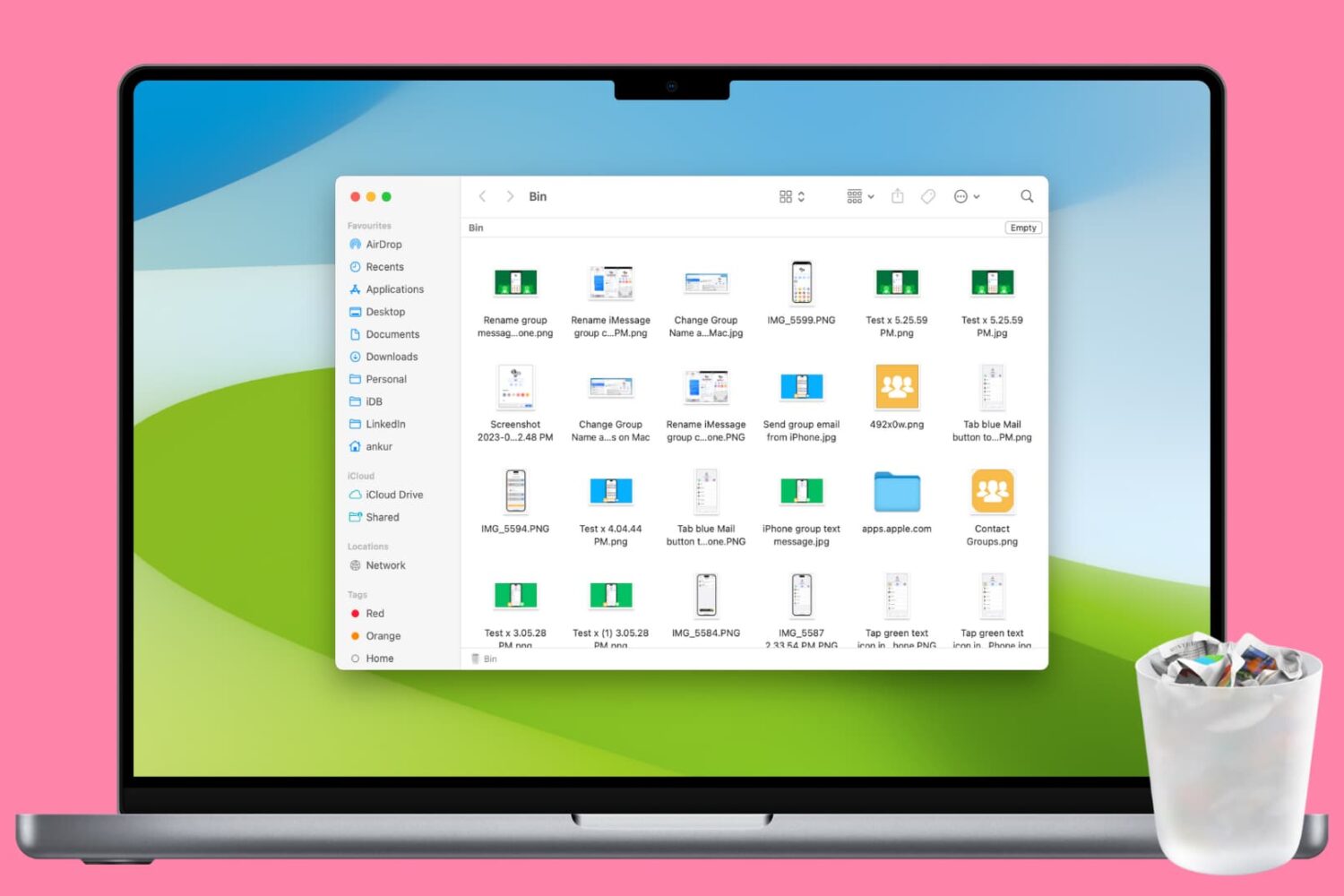
Clean up your Mac and regain valuable storage space by mastering these 10 ways to delete all or selected items from the Trash folder.

Learn how to make your Mac restart automatically itself after a system crash or power outage to minimize downtime and disruptions to your workflow.

In this simple guide, we’ll walk you through 5 easy ways to change your Mac’s wallpaper, so you can breathe some new life into your computer’s aesthetics. You can use your own photos or select from Apple’s stock wallpaper collection.
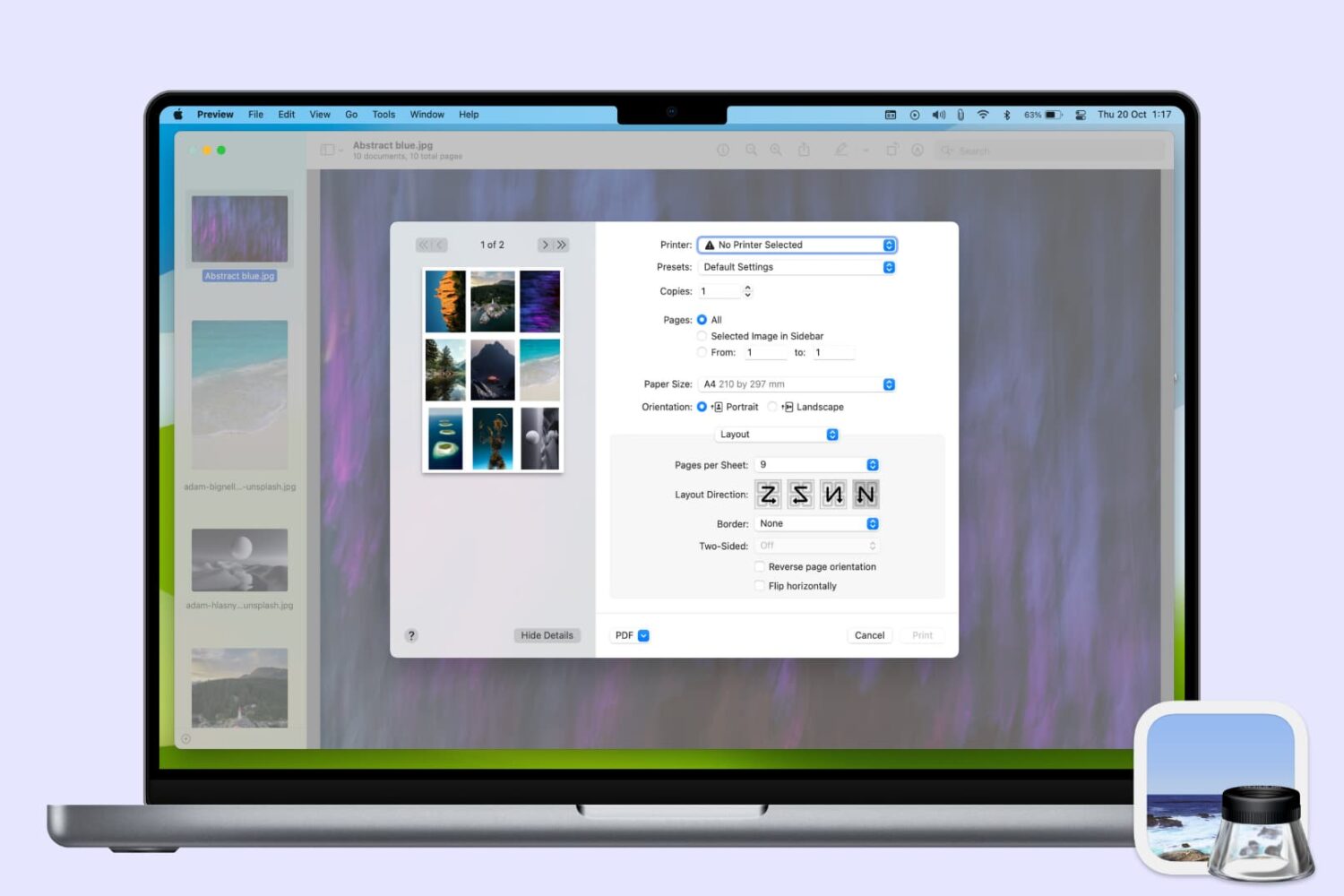
Learn how to use the Preview app on your Mac to print multiple photos on a single page, maximizing paper usage and minimizing waste.

Stop the frustration of files automatically saving to iCloud on your Mac by following this guide on disabling the default setting.
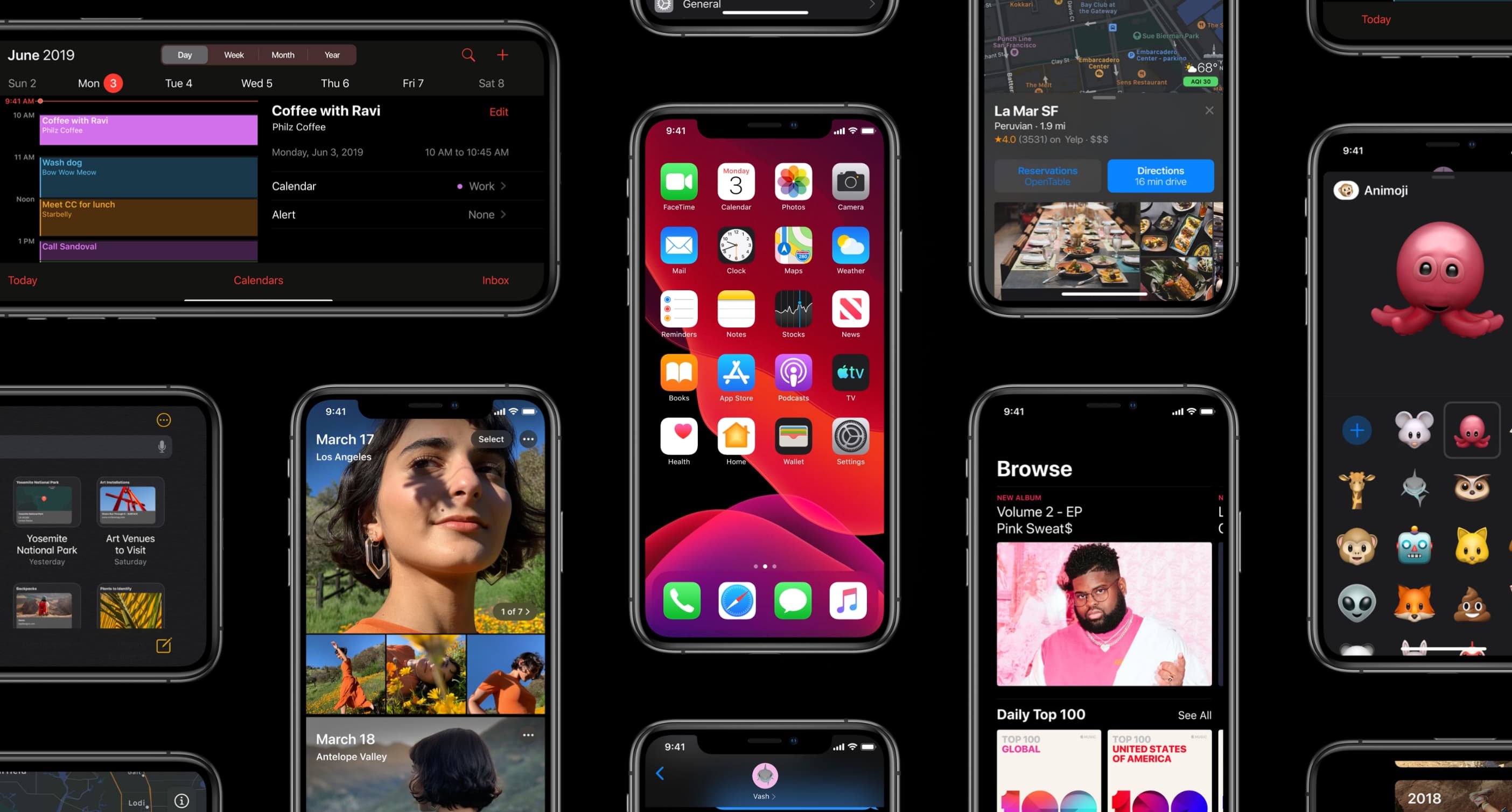
Learn how to use a time-saving gesture on your iPhone and iPad to scroll entire views in one simple motion instead of swiping like an animal.

Learn how to easily add a calendar and multiple time zones to your Mac Menu Bar in order to improve your productivity and organization using the Dato app.

The People album in the Photos app is a pretty cool collection that’s assembled for you to quickly view pictures of the people in your life. So when someone new enters that you start snapping photos of, you might want them in that People album too. Unfortunately, they may not show up there as quickly as you might like.
Luckily there is a really easy way to add a new person to the People album in your Photos app or iCloud Photos library. Here’s how.

Learn how to save all open tabs in Apple's Safari browser at once as bookmarks, so you can revisit those links easily on your iPhone or iPad.