Learn how to stop location-related popups from appearing when you visit websites in Safari on your iPhone, iPad, or Mac.
How to stop seeing all location pop-ups in Safari on Mac and iOS

Learn how to stop location-related popups from appearing when you visit websites in Safari on your iPhone, iPad, or Mac.

This guide explains how to enable built-in settings or use third-party extensions to automatically delete all browsing history when you close Safari, Chrome, Firefox, Brave, or Microsoft Edge on your Mac or Windows PC
Learn how to delete saved cookies, cache, and other site data for a specific website in Safari, Google Chrome, Firefox, Edge, and Brave browsers. This can help resolve issues or reset your site preferences.

Check out these lesser-known tips to use Safari like a pro on your iPhone and enhance your web browsing experience.

Learn how to use the new Hide Distracting Items feature in Safari on iPhone, iPad, and Mac to get rid of specific ads, images, AI chat boxes, blocks of text, and more from a web page.
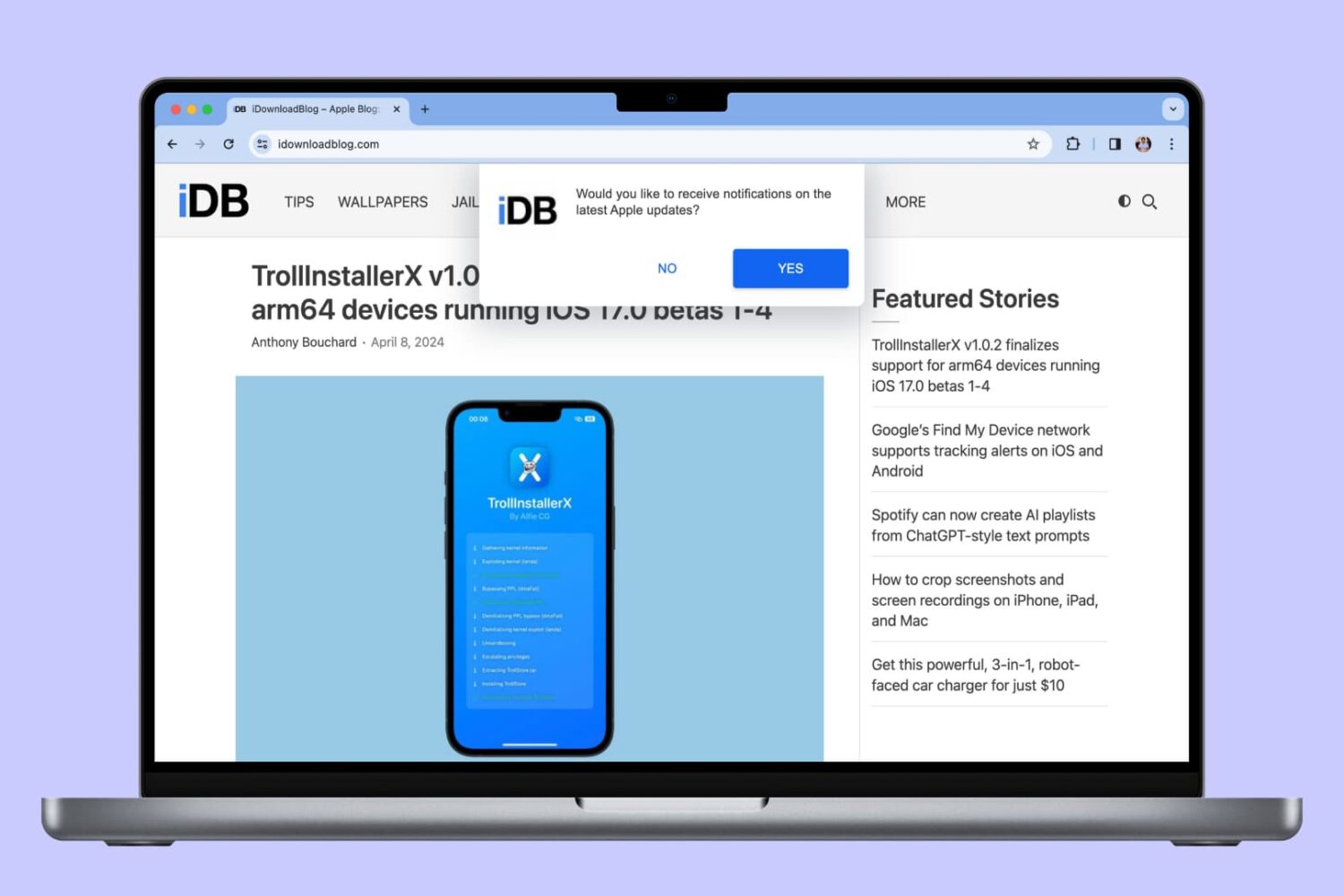
In this tutorial, we will show you how to allow, block, customize, and turn off website notifications in popular browser apps like Safari, Chrome, and Firefox on your Mac.
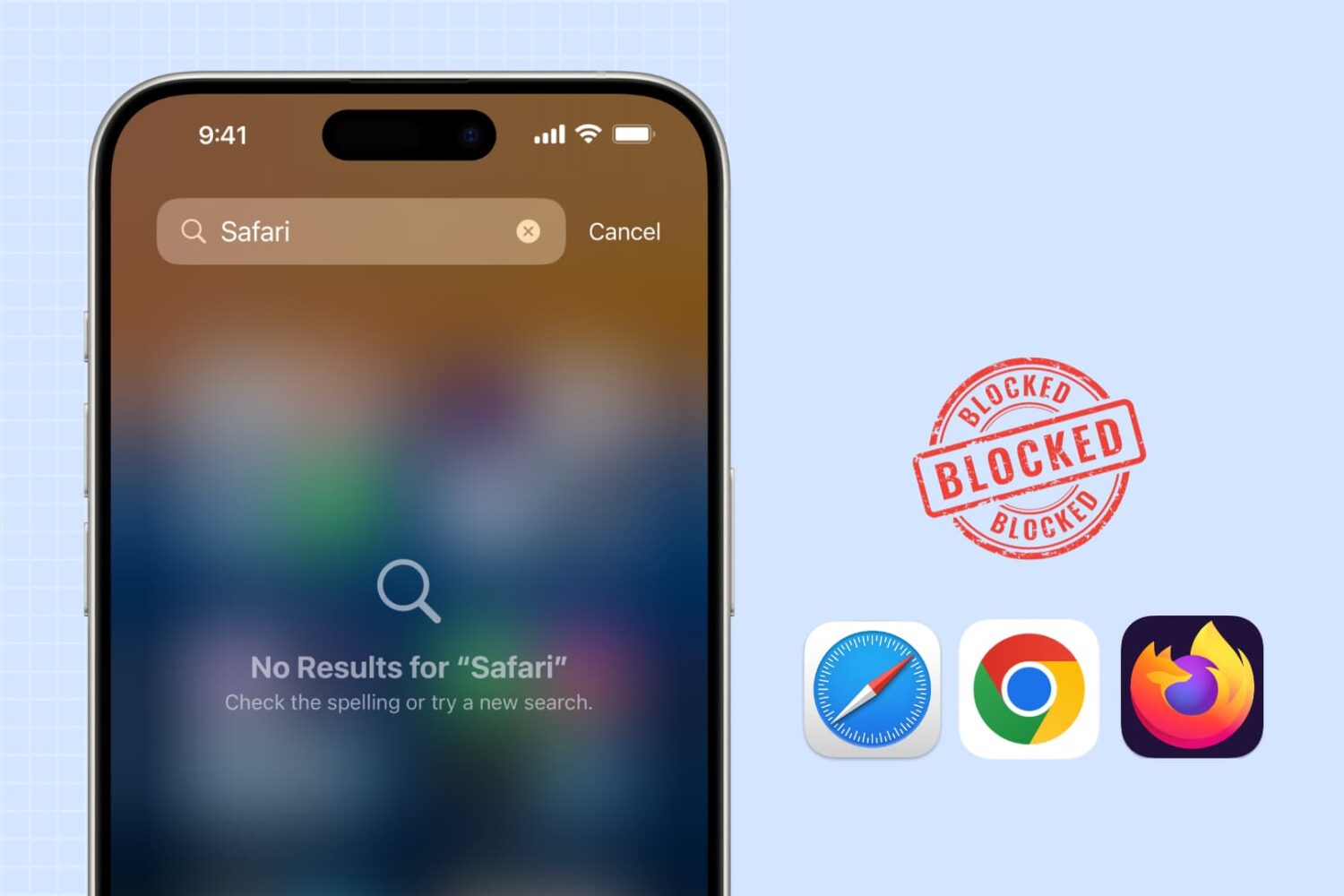
Learn how to block web browsing in Safari, Google Chrome, and other browsers to increase security, limit distractions, and protect children from inappropriate content on iPhone or iPad.
Learn how to transfer your saved website login details, including email addresses, usernames, and passwords, from Google Chrome to Apple Safari on your iPhone, iPad, and Mac.
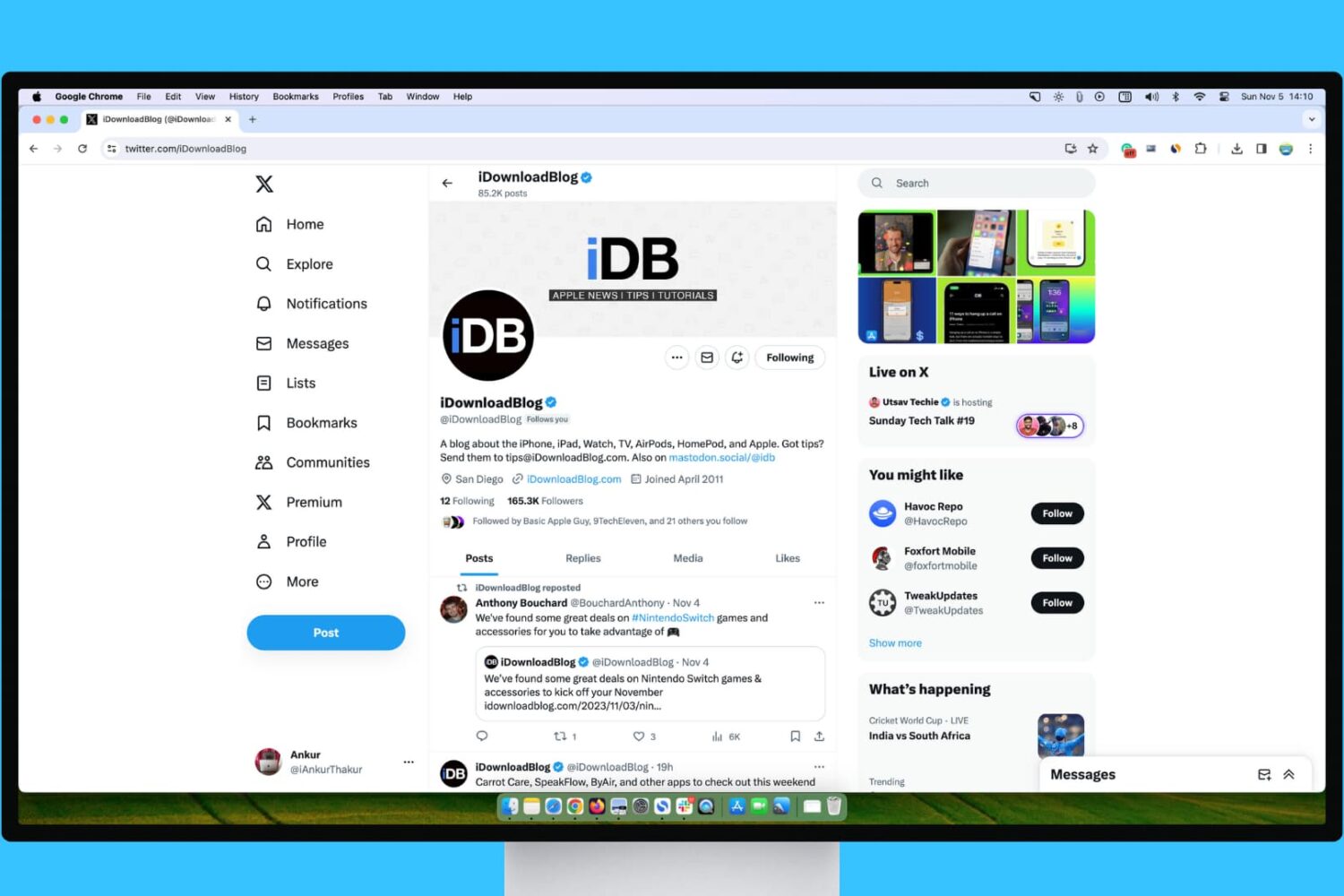
Learn what steps to take if your experience with X (Twitter) on your Mac or Windows PC isn’t up to par.
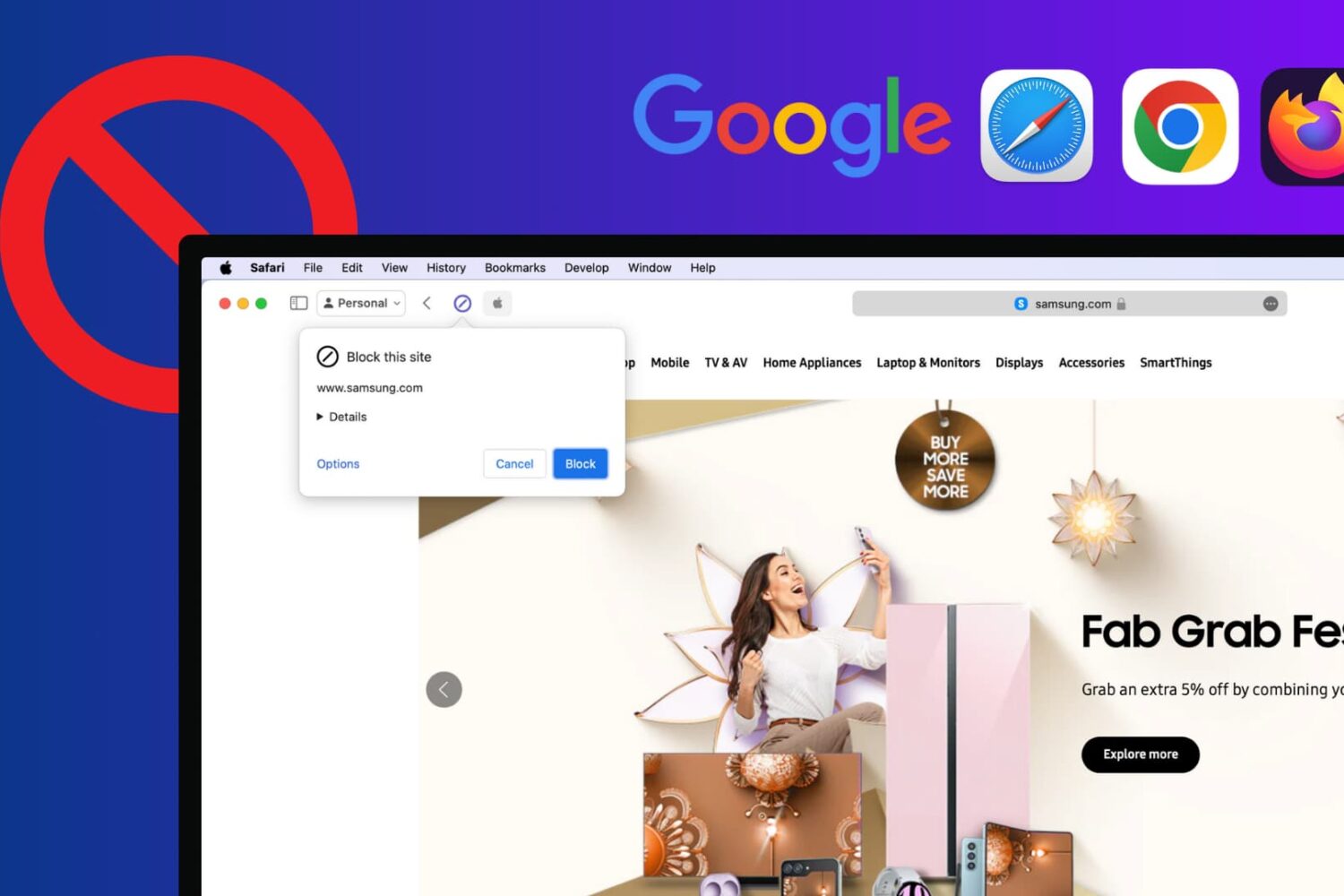
Learn how to block certain sites from showing up in Google results on Mac and Windows PC to refine your queries and improve your search experience.

