You can use a modifier key to save a Mac screenshot directly to the clipboard for quick pasting in other apps and even on your iPhone or iPad, provided you use Universal Clipboard.
How to save Mac screenshots directly to the clipboard
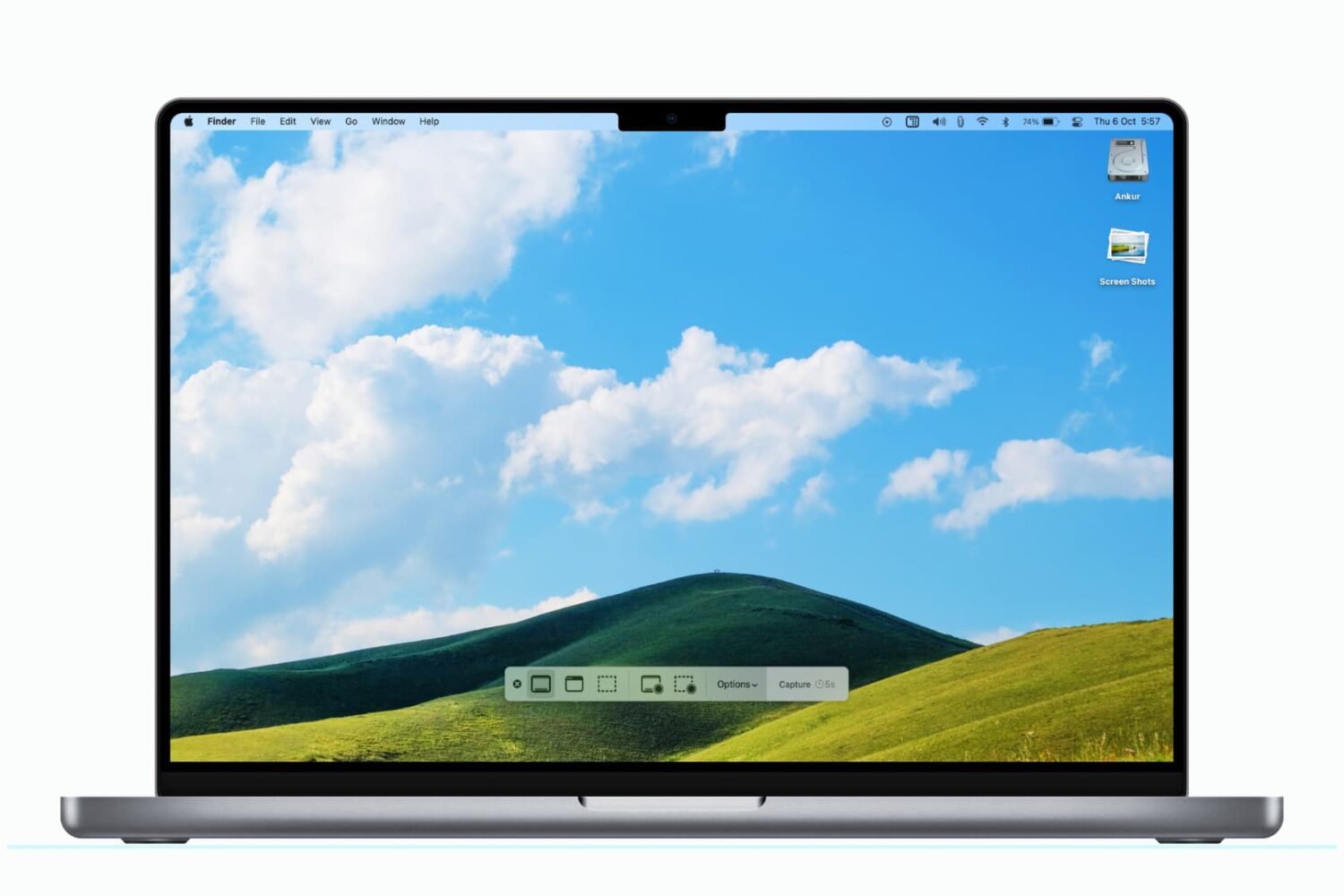
You can use a modifier key to save a Mac screenshot directly to the clipboard for quick pasting in other apps and even on your iPhone or iPad, provided you use Universal Clipboard.
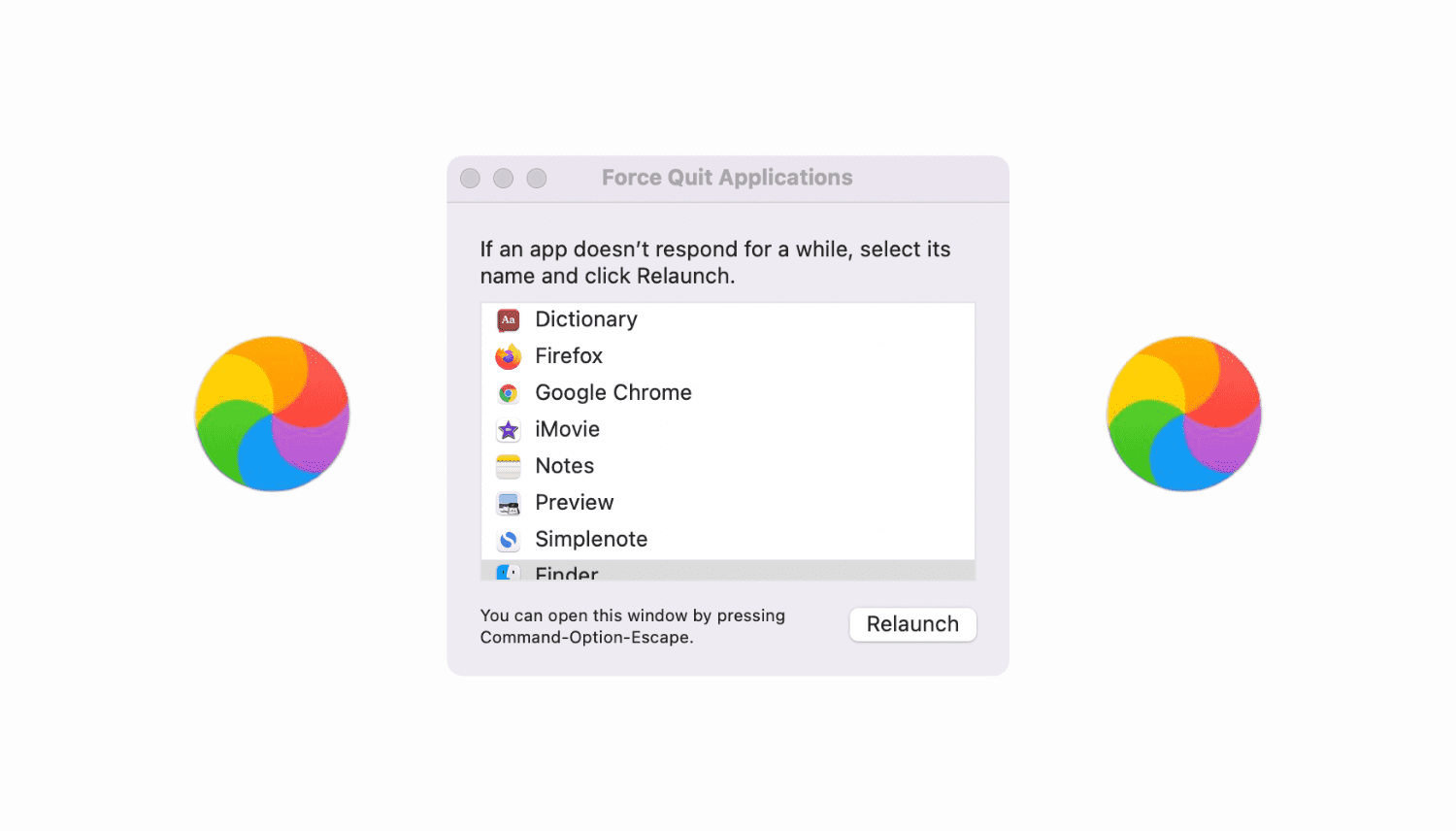
Learn how to troubleshot your Mac not responding to the force quit command, force-quitting not working, and the Force Quit menu itself freezing.
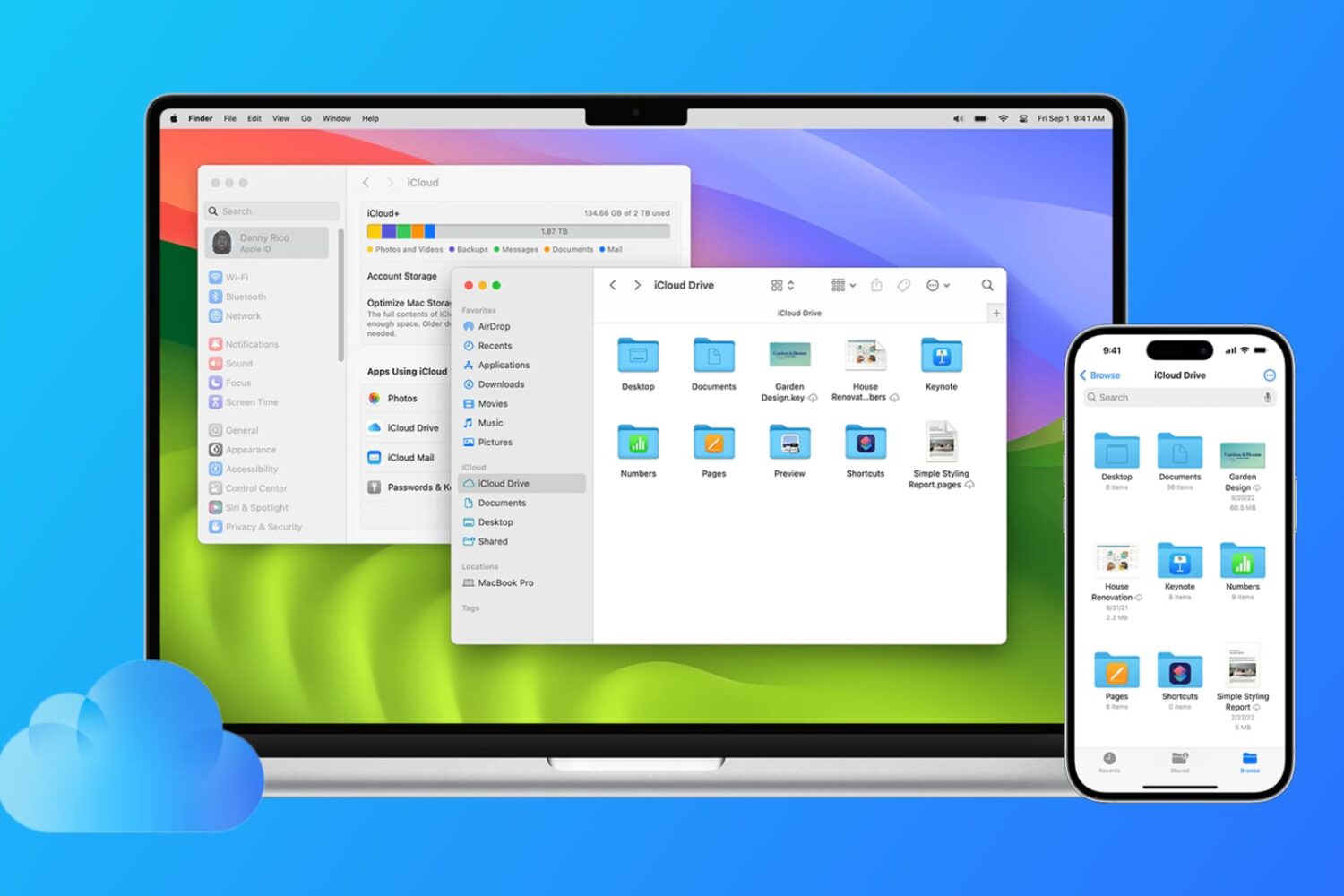
Find out how to sync files from the Desktop and Documents folders of your Mac to all your other devices, including other Mac, iPhone, iPad, iCloud Web, and even Windows PC.
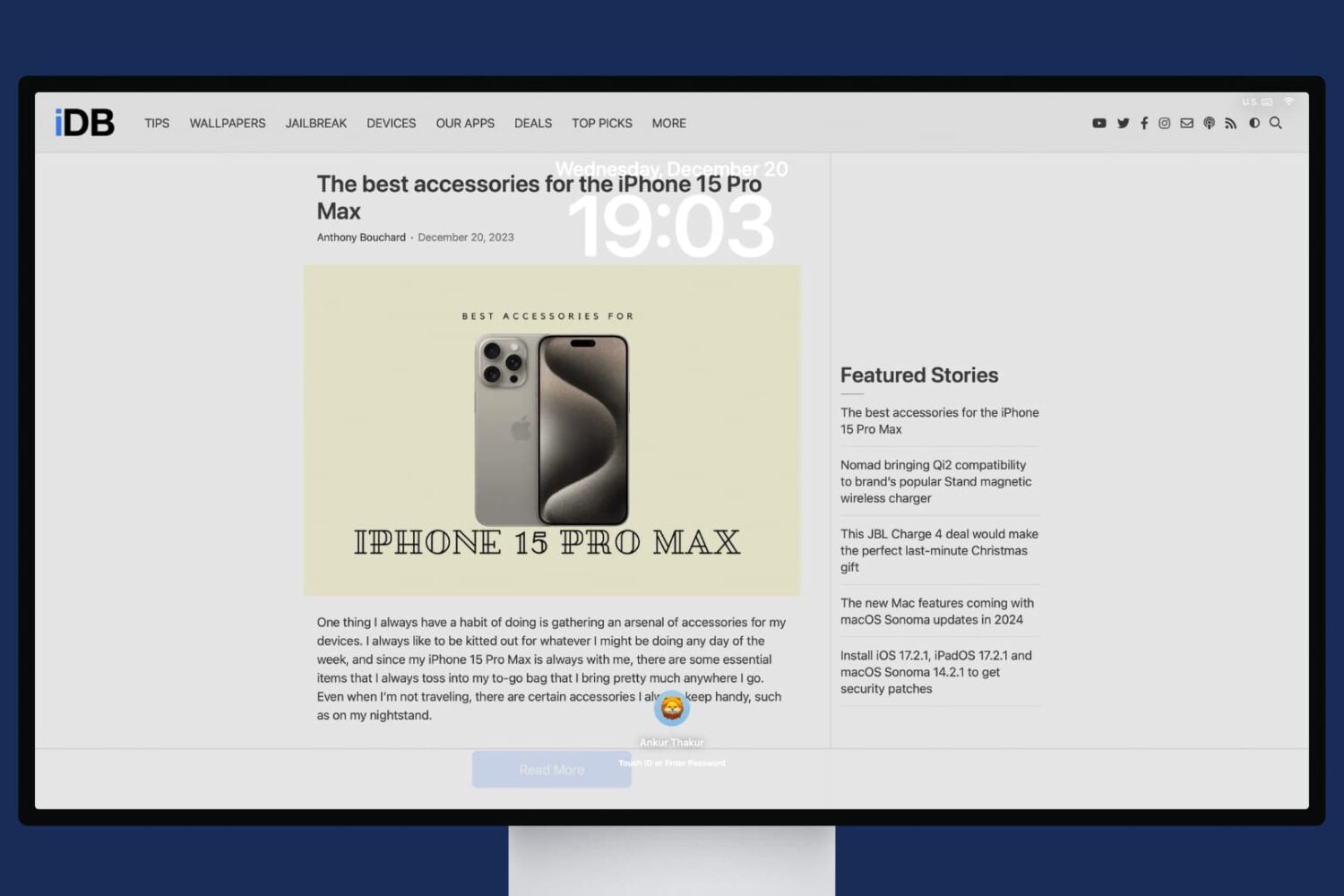
In this tutorial, we will share the quick steps to set one or more websites as your Mac's screen saver so you have their latest news or articles displayed constantly on the screen.
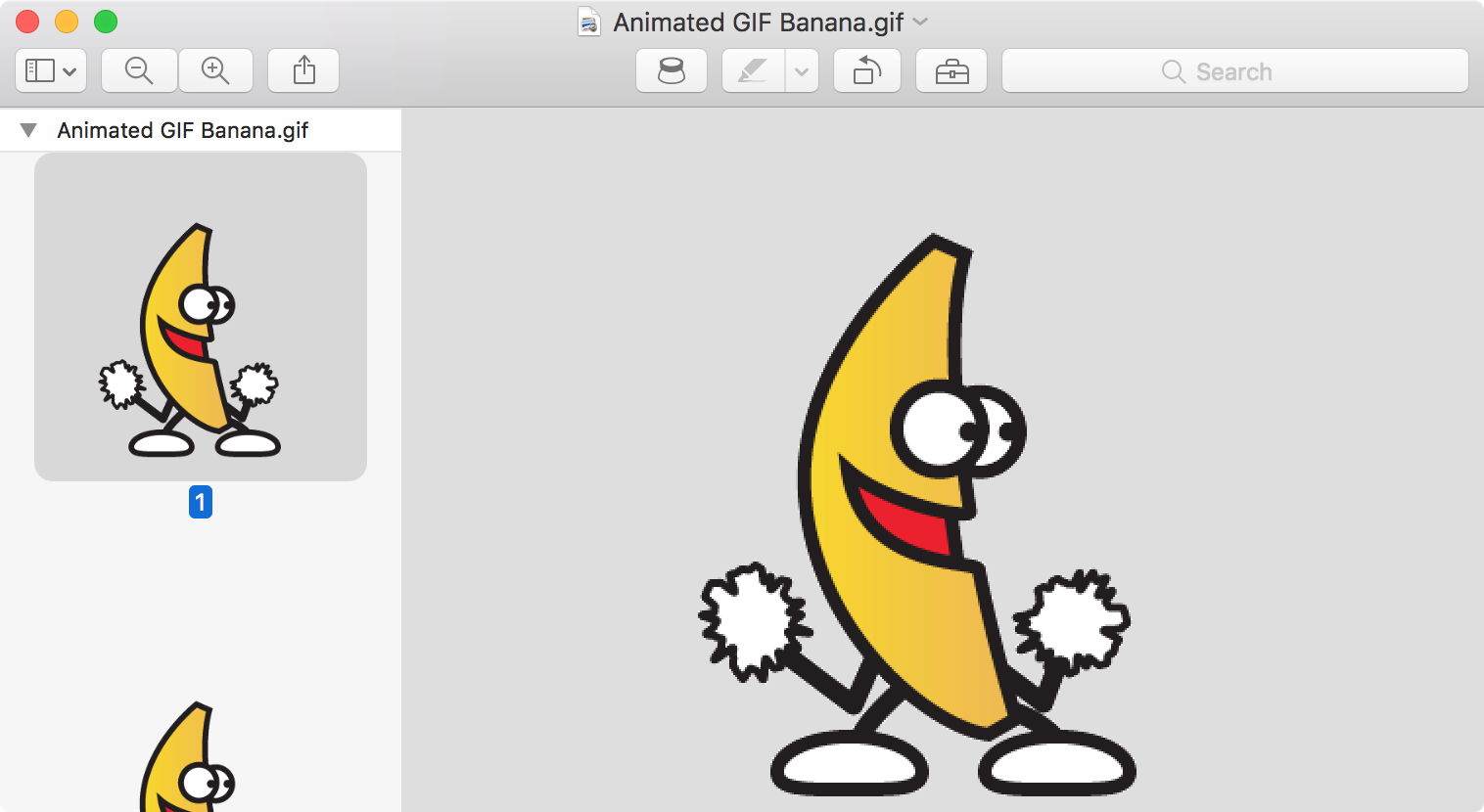
Are GIFs opening as still images or as individual frames on Mac? In this tutorial, we’ll share 3 quick built-in methods to view animated GIFs the right way.

Safari, like just about all other web browsers, lets you set a home page to load every time you open the app. Most people think this feature is limited just to only websites, but that's not the case at all. In this tutorial, we'll show you how to set an image file as your Home page in Safari.
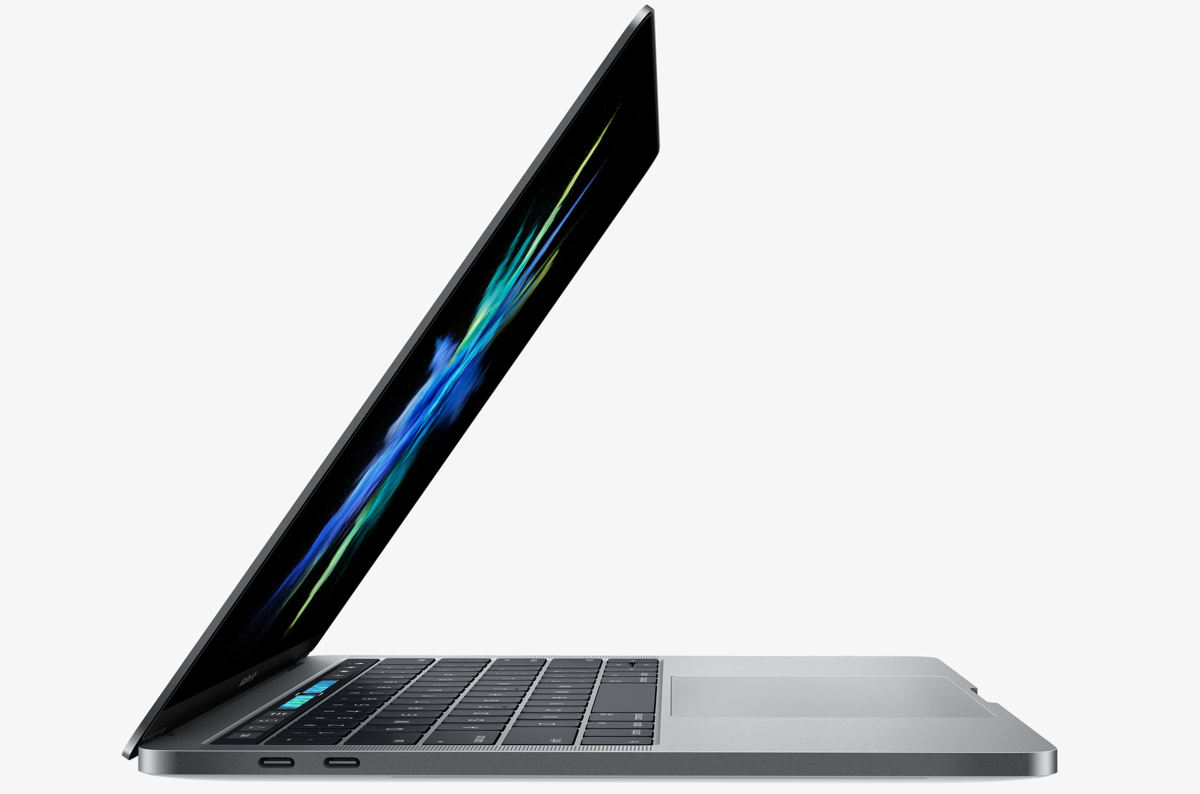
Aside from the marquee Touch Bar feature and other hardware advances, the new MacBook Pro introduces a tweaked boot process where the machine automatically starts up when you open its lid or connect it to power. To avoid forcing users to listen to the startup chime every time they open the lid, Apple's also decided to disable the boot chime on the new notebook by default (you can easily re-enable it).
But what about the mentioned auto-boot features? Unfortunately, Apple does not provide user-facing switches in System Preferences to control the new boot on power and boot on lid capability. With a little help from Terminal and smart folks over at Pingie, you can manually stop the late-2016 MacBook Pro from automatically powering on when you lift the lid or connect it to a power adapter or an external display.

The new MacBook Pro has ditched the iconic boot chime that's been a signature part of the Mac startup process over the last 17 years. Pingie discovered that the sound is not gone entirely. Apple's just disabled it and it's possible to bring it back should you want. In this quick tutorial, we'll show you how to re-enable the boot chime on your late-2016 MacBook Pro with a simple Terminal command.
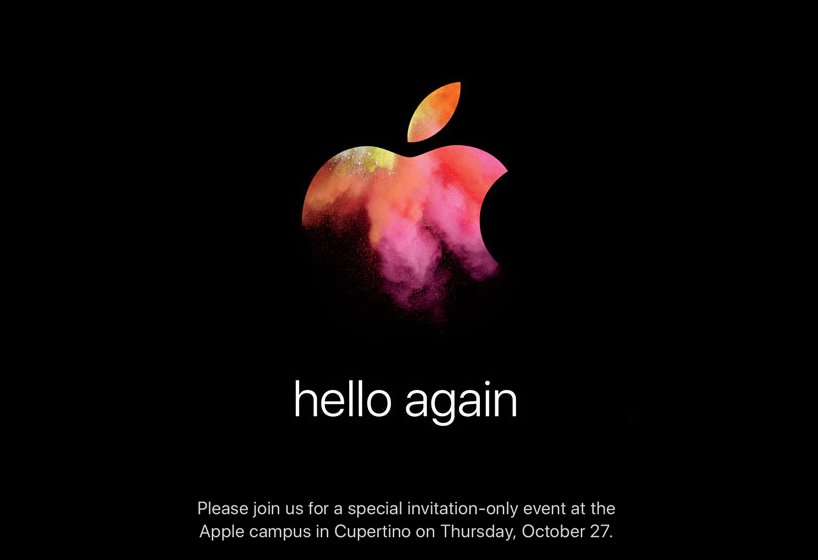
Apple will be streaming its "Hello Again" keynote event from its home campus in Cupertino, California today.
If you want to tune into the event to see everything Apple brings to the table, then this post will have all the information you'll need to learn how to stream the event live.

Learn how to place a video playing in a floating picture-in-picture window overlay anywhere on your Mac's screen instead of automatically snapping to corners.
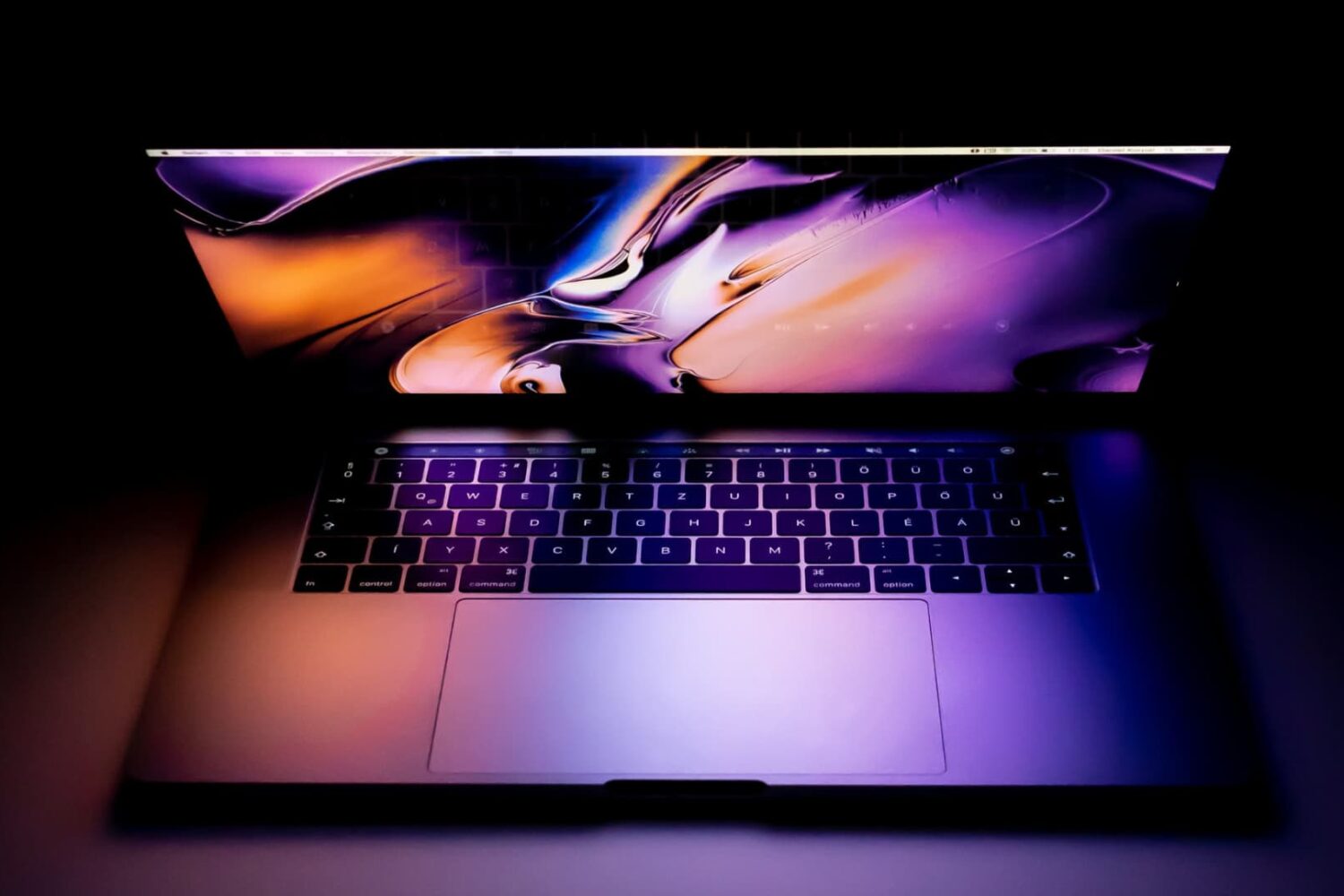
Depending on the model of MacBook Pro you have, you may be able to physically choose whether your computer uses the high-power discreet graphics card for better performance or the low-power integrated graphics chip for better battery life by using an option known as Automatic Graphics Switching.
The feature is only available on MacBook Pros which have two Graphics Processing Units (GPU). The reason it only exists on certain models of the MacBook Pro is not all Macs have dual GPUs. And desktop Macs don’t need this as they don’t rely on batteries and are connected to a power source all the time.
Here's more about Automatic Graphics Switching and how to enable it on your Mac.
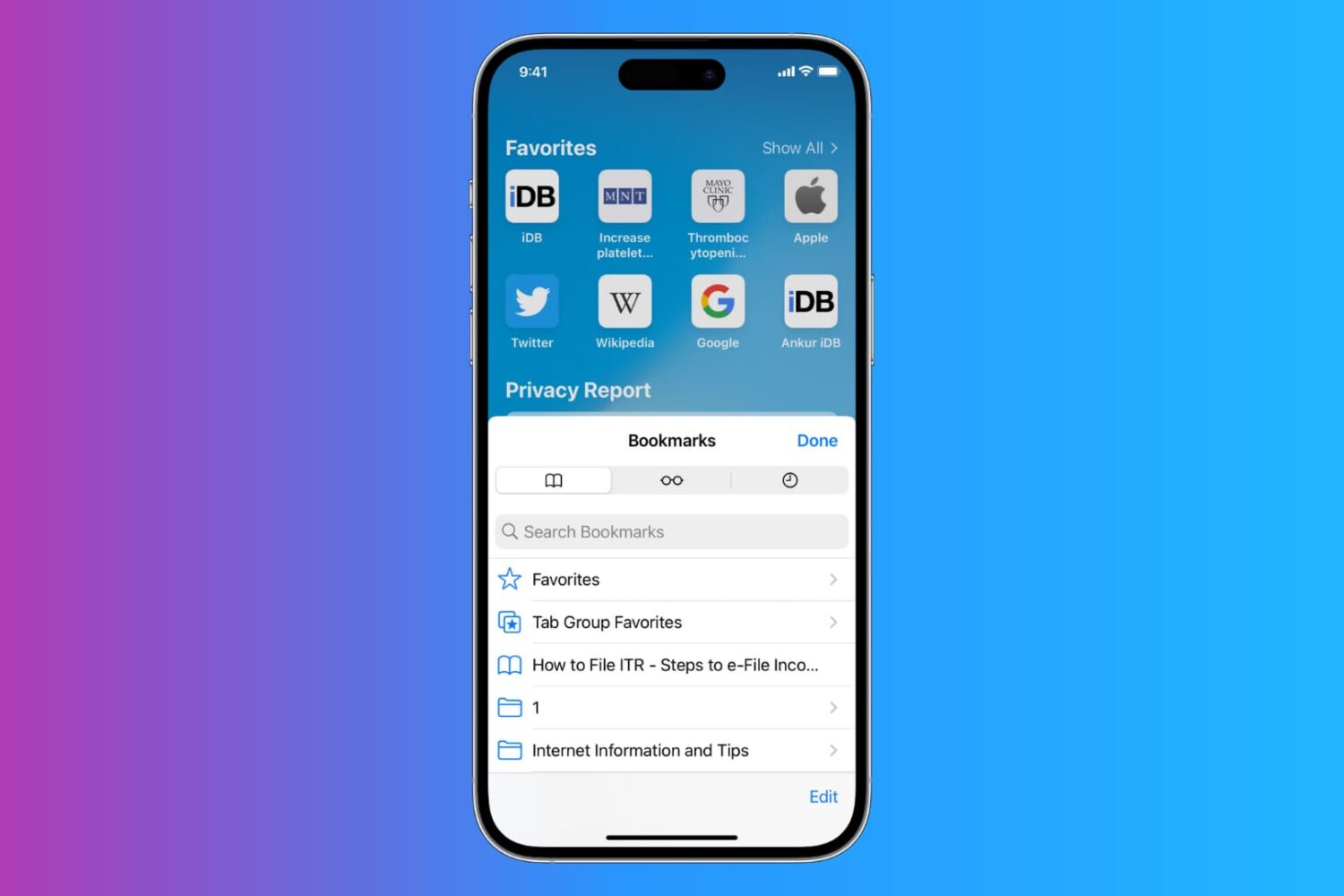
Learn how to export Safari bookmarks from your iPhone or iPad to save as a backup or import into Google Chrome, Firefox, or Safari on a Mac or Windows PC.