How to

How to fix the TaiG 20% timeout for the iOS 8.3 jailbreak

Thankfully, the 20% error that was causing us problems earlier today has been solved. If you received this error, you need to downgrade your version of iTunes.

I decided to downgrade to iTunes 12.1.0 as suggested by several of my Twitter followers, and just like that, it worked. If you're having problems with TaiG 2.0.0 hanging at 20% completion for the iOS 8.3 jailbreak, then try downgrading your version of iTunes.

How to transfer your music to a new computer using iTunes Match

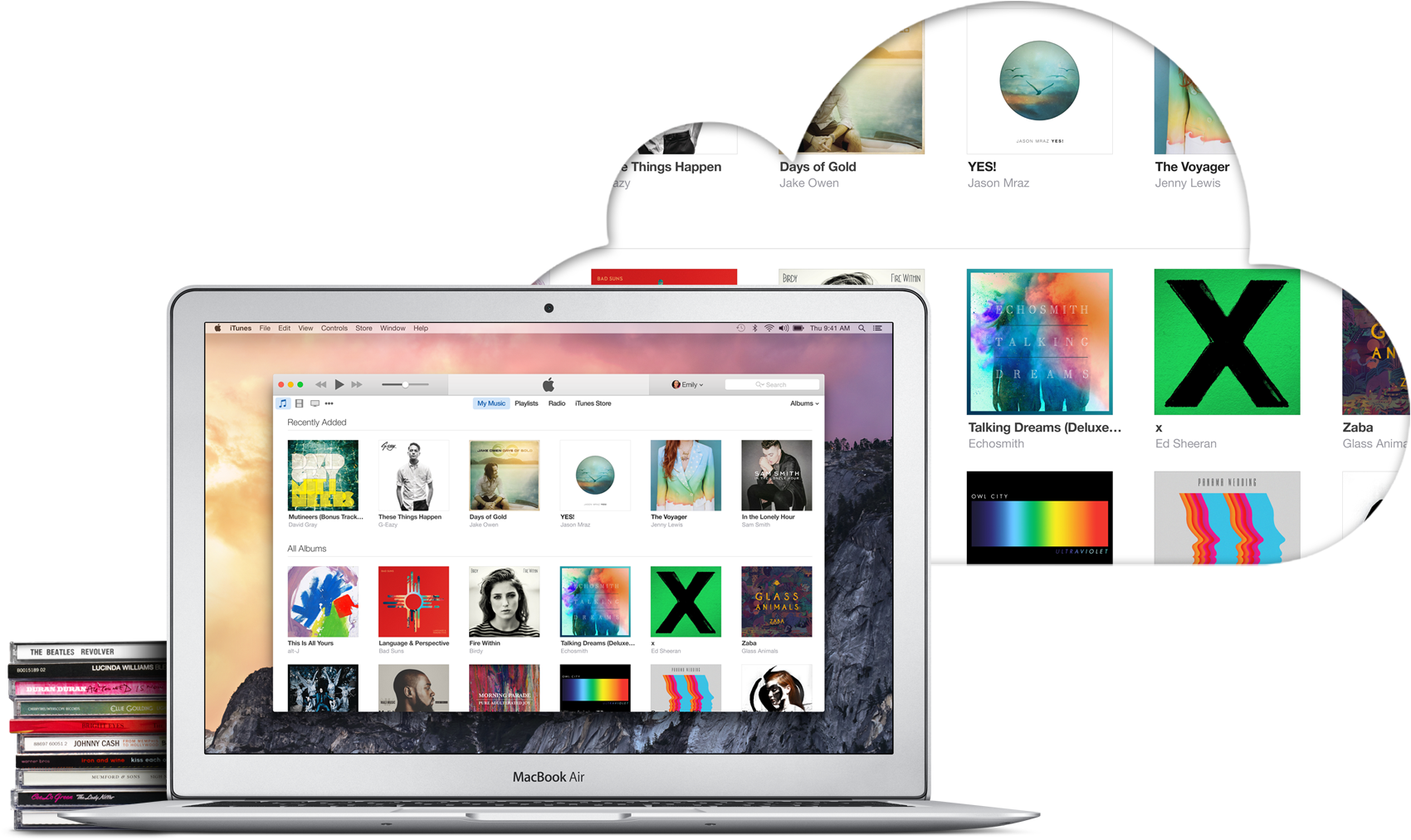
iTunes Match is a paid service from Apple that allows you to store all your music in iCloud, regardless of where it originated from. For example, it could be music imported from CDs, downloaded from online music stores, or even music that was downloaded in ways that go against copyright laws. In short, iTunes Match matches or uploads all your music to iCloud so you can stream or download it from any of your Apple devices, including Mac, iPhone, and Apple TV.

With that said, iTunes Match offers an easy way to move your iTunes library to a new computer without having to deal with transferring files from one hard drive to the other. In this post, I will show you how to transfer your iTunes library to a new computer using iTunes Match.
How to transfer your iTunes library to a new computer

The best thing about getting a new computer is that, well, you're getting a brand new computer. It's exciting to have a shiny new toy to play with, making you wonder how you could have been using that old machine for so long.

To me though, the major downside of getting a new computer is that you have to set it all up from scratch. I'm not going to lie; some of that is part of the fun, but it can also be stressful and time consuming. Take migrating your iTunes library to your new computer for example. There is nothing really fun in that, and if you have a large library, it could take hours.

In this post, I will show you how to move your iTunes library to a new computer. Unfortunately I won't be able to save you time or stress, but at least, you'll have simple instructions on how to do transfer all your iTunes songs, albums, album covers, and playlists to a brand new computer.

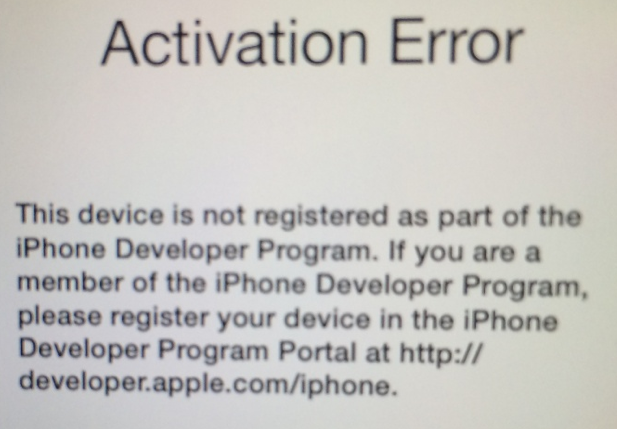
How to unlock the Apple Watch Activity app on iOS 8.2, no jailbreak required

A few days ago, we showed you a detailed walkthrough video of iOS 8.2's Activity App. Today, we'll show you how you can go hands-on with this brand new app.

In the tutorial that follows, we'll walk you through each step needed to get the iOS 8.2 Apple Watch Activity app running on your iPhone today, even though the Apple Watch is still weeks from releasing. No jailbreak required.

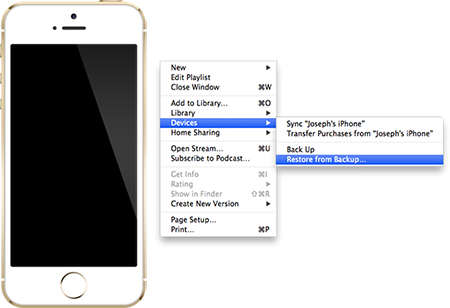
How to setup a new iPhone from an iTunes backup

We previously wrote a guide on how to setup a new iPhone from an iCloud backup, but that is limited by the fact that Apple only gives you 5 GB of free storage. If you have more than 5 GB of music, apps and other data, and you do not wish to pay for additional iCloud storage, you will have to resort to an iTunes backup. Read ahead for step-by-step instructions on how to setup a new iPhone from an iTunes backup.

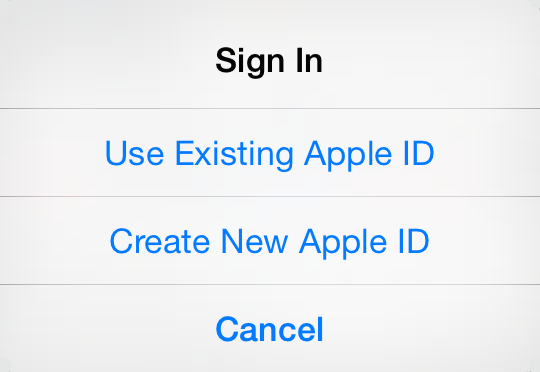
How to create an Apple ID without a credit card

Having an Apple ID is a prerequisite to do just about anything related to Apple services. If you want to buy music on iTunes, download apps in the App Store, or use iCloud, you must have an Apple ID.

A few years ago, linking a credit card to an Apple account was mandatory. But Apple has changed its stance and has been letting users create an Apple ID without a credit card for a while now.

Whatever your reason might be to do so, we are going to show you how to create an Apple ID without a credit card...

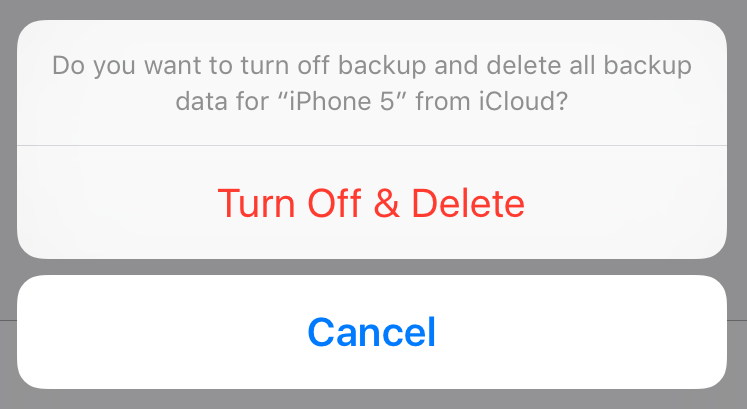
How to delete old iPhone backups

Manually backing up your iPhone or iPad, or taking advantage of iCloud automatic backups, is the best way to guarantee that you will be able to get all your data back in the event something goes wrong.

Whether you choose to backup via iTunes or iCloud, you might want to delete this backup at some point. Maybe the backup file got corrupted, or maybe you're running out of storage space on your Mac or in iCloud. Or maybe you have an entirely different reason to delete your iPhone or iPad backup file.

Whatever the reason is, we've got you covered. In this post, we will learn how to delete an iPhone backup from a Mac and we'll also see how to delete a backup file from iCloud.

How to sync an iPhone with multiple iTunes libraries

Apple does not allow an iPhone to be synced with multiple iTunes libraries, presumably because users would simply share songs with each other and lower already declining music sales on the iTunes Store. When you sync an iPhone with another Mac or PC, a warning pops up on iTunes that an iPhone can only be synced with one library at a time.

If you proceed to sync your iPhone with the secondary computer, the contents of that iTunes library will automatically replace whatever media you had on your device in the first place. On a side note, that doesn't include things like contacts, calendars or settings. Those are safe, but any songs or videos are not. Fortunately, there is a solution for how to use an iPhone with more than one iTunes library. The method is explained in detail ahead… 

How to set up Parental Control on iTunes

If you have a kid, you know the internet can be a wild place for them to hang around. I've experienced first hand when my two year old daughter was casually watching cartoons on YouTube and ended up watching a guy shout in Russian while shooting an assault rifle.

iTunes, to a lesser extend, can be a similar place. Apps, books, movies, TV shows and podcasts can contain material that could be shocking to a younger audience. Thankfully, there is some simple things you can do to set up iTunes parental control. In this post we're going to show you how.

How to set up an iTunes and App Store allowance

I recently found out there is a feature in iTunes that allows you to set up an allowance for someone to have access to a pre-determined amount of money to spend each month in the iTunes Store, App Store, or iBooks Store.

A perfect illustration of this feature would be the case where parents would be able to set up an allowance for their kids. This way, kids have access to a credit they can spend each month, either on apps, movies, musics, books, etc.

In this post, I will show you how to set up an iTunes allowance so you can send a monthly iTunes Store credit to anyone...

iOS 7: The ultimate Music app guide

The Music app is a stock application that comes preinstalled on all iOS devices. It's the primary way for playing music on the iPhone, iPod touch, and iPad. With iOS 7.0, a new feature was baked into the stock Music app called iTunes Radio. iTunes Radio is an ad-supported service that allows users to browse more than 250 curated stations. Users can also create and build their own stations, which feature Pandora-like customization over time.

The stock Music app has endured significant changes over the past few years. The Music app was once exclusively relegated to the iPod touch, with iPhone models offering an "iPod" app as a means to play music and watch videos. Eventually, with the advent of iOS 5, the iPod app was broken-up into separate Music and Video apps for the iPhone line, unifying the stock Music app presence across all iOS hardware.

While there are many ways to play music via third-party apps on iOS, the stock Music app is the only music application that's closely integrated with iTunes and allows you to use the iTunes Match iCloud-hosting service. There may be benefits to other apps like Spotify, but no app is as tightly intertwined with the rest of iOS as the stock Music app. With that in mind, please take a look inside, as we break down the many facets of this ever-growing and ever-changing stock application.