Find out what to do if music and video Home Sharing isn’t working between your Mac, iPhone, iPad, Apple TV, and Windows PC.
How to fix Home Sharing not working on Mac, iPhone, and other devices
Find out what to do if music and video Home Sharing isn’t working between your Mac, iPhone, iPad, Apple TV, and Windows PC.
From time to time, you might come across an audio file format known as .caf (Core Audio Format), which was originally created by Apple to put an end to file size barriers set by other audio file types.
Unfortunately, not every audio player or device works with .caf files, so it might do you good to know how to convert them to another audio file type using the software that comes with your Mac. In this tutorial, we'll show you how to convert .caf files to more commonly-used audio files such as AAC or MP3 with Garageband.
You can only authorize up to five computers with your Apple ID to play your iTunes Store purchases. In this tutorial, we will share how to deauthorize a computer from your Apple ID so you can authorize new Macs or Windows PC.
Learn how to stop your iPhone, iPad, or iPod touch from automatically backing up to your computer when you connect it using a USB cable.
Not everyone wants to have their credit card or debit card linked to their Apple ID. Some people are afraid of having their financial information tied to online merchants and digital content stores because of the unfortunate reality of identity theft and unauthorized purchases.
With that in mind, what should you do if you don't want a credit card that you've already linked to your Apple ID to be there, but the 'None' payment method option isn't showing for you?
We'll talk about that in this post and explain why the option isn't available to you.
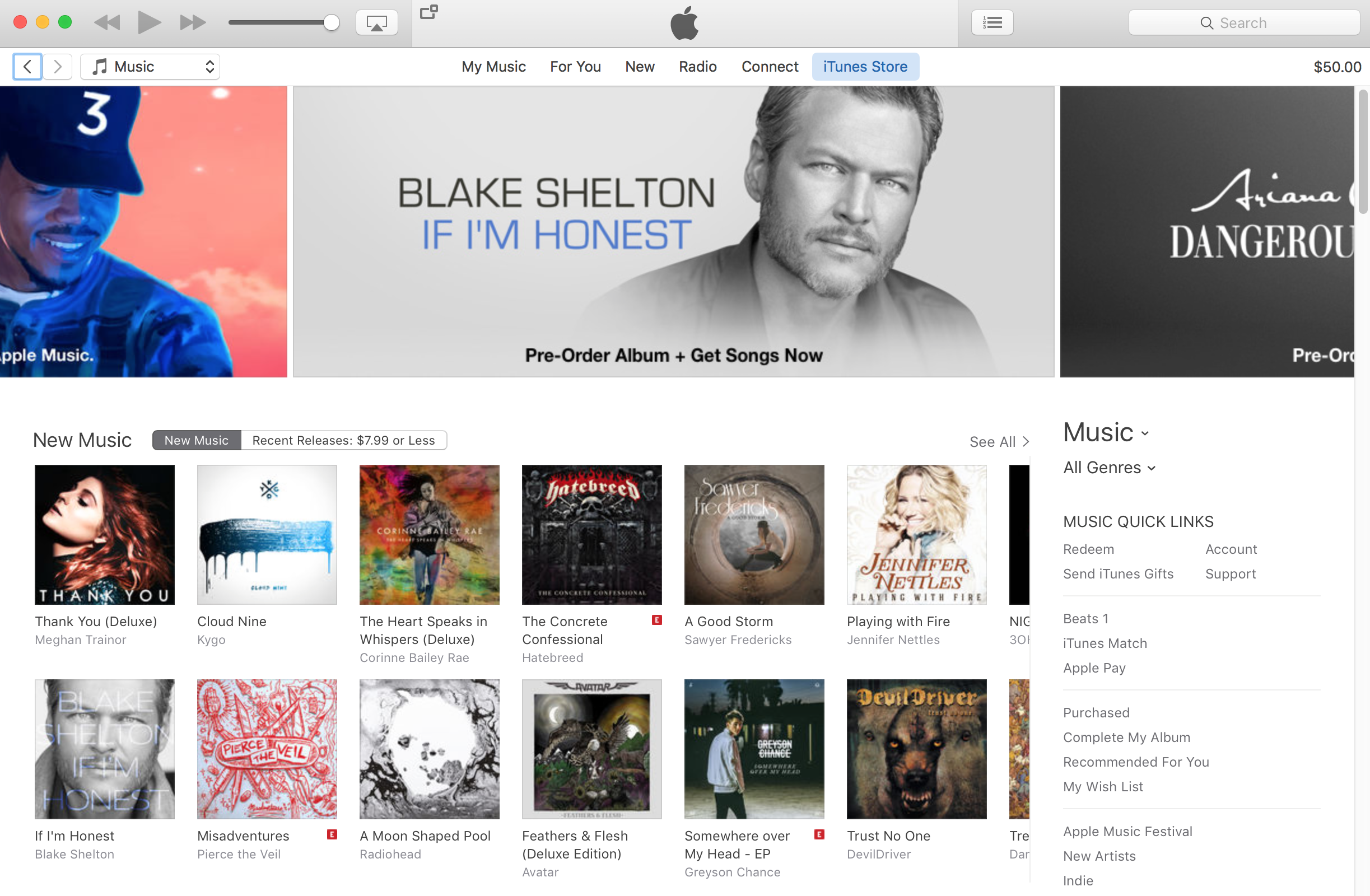
Not long ago, we showed you how you can delete your Apple Music search history on your iPhone, iPod touch, and iPad to protect your song-searching privacy, but this capability can also be achieved on your Mac.
In this tutorial, we'll show you how you can clear your search history from Apple Music on your Mac directly from the iTunes app itself.
The biggest problem with subscription services like Apple Music, Spotify and others is the unnerving fact that labels make songs available for streaming on a time-limited basis. As a result, some of the tracks you add to Apple Music playlists may no longer be available for streaming, leaving you with no other choice but to purchase them on the iTunes Store.
Starting with iTunes 12.4, there's a new iCloud status of 'No Longer Available' which you can use to create a dynamically updated playlist containing the songs that you added to your Apple Music library that are no longer available for streaming, here's how.
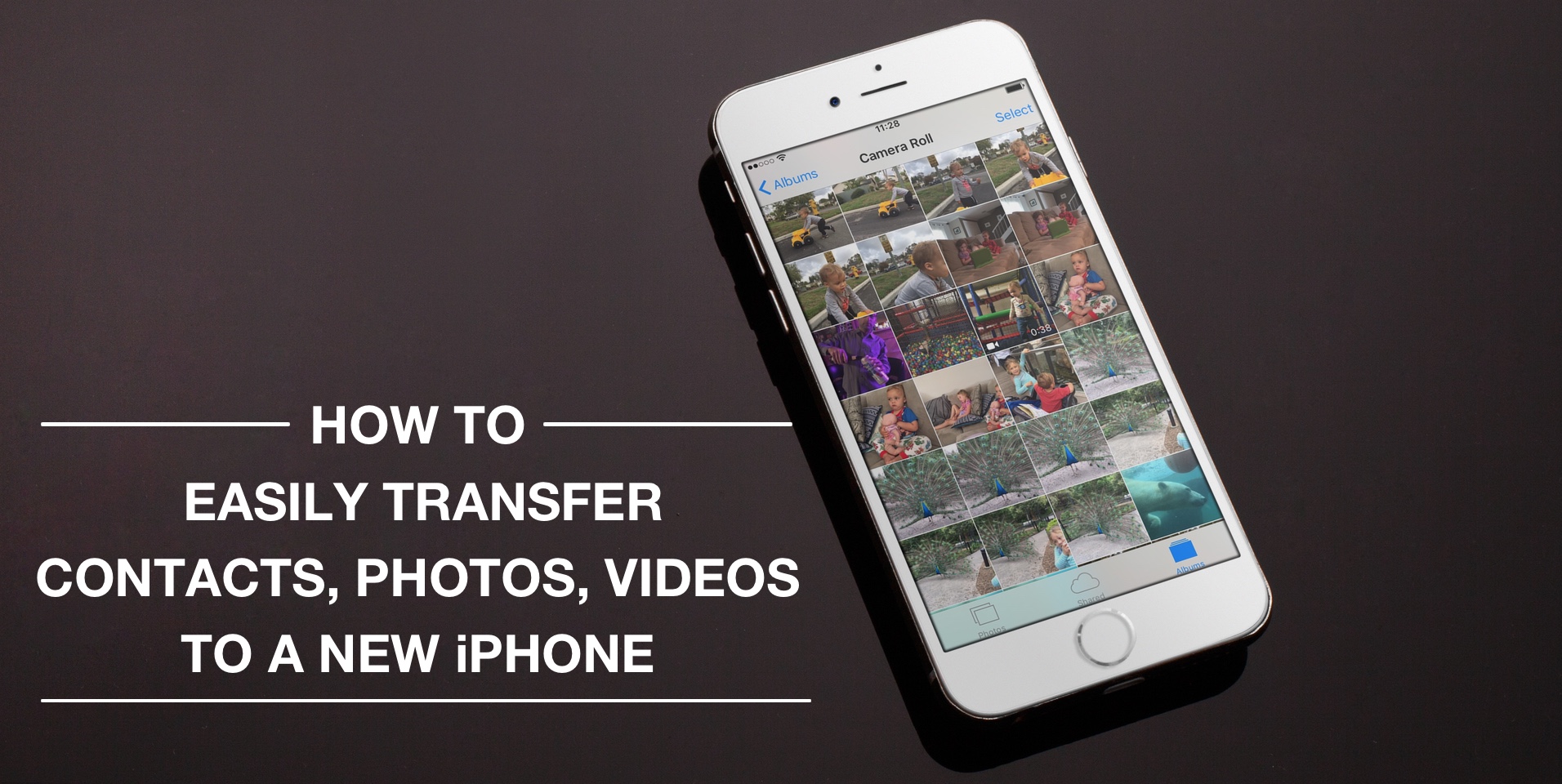
Depending on your set up, transferring contacts, photos and videos from your old iPhone to your new one can be pretty simple. You might use iCloud to store all this data, in which case, your contacts and photos/videos will automatically come back once you sign in your new device. Or maybe you back it all up in iTunes, which allows you to sync all that data from your computer to your new iPhone. Maybe you don't do any of that, and if you're looking for a relatively quick and easy way to transfer all this data from one iPhone to another, then read on.
Those who use iTunes on a regular basis to keep their iOS devices in sync with one another are probably familiar with the problems that can arise from using the software, whether it's on a Mac or a PC.
If you're having problems while trying to sync or back up your iOS devices, the problem could very much be with your computer's Lockdown folder, and resetting it could resolve the problem.
In this tutorial, we'll show you how to reset your iTunes Lockdown folder.
The App Store and iTunes Store storefronts are 3D Touch-enabled on the iPhone 6s and iPhone 6s Plus, with each supporting some pretty smartly chosen Home screen shortcuts that'll save you a few taps once you get the hang of them.
On the other hand, previewing your apps and media via force-pressing isn't as developed as in other stock apps, such as Messages and Maps. But don't you worry—iDownloadBlog comes to the rescue!
This quick tutorial clearly demonstrates where on the App Store and iTunes Store common 3D Touch shortcuts and Peek and Pop gestures do and don't work.
It's not that uncommon for the music, videos, and other content in your iTunes folder to disappear after updating iTunes. It doesn't seem to happen to everyone, but as many internet stories will tell you, it does occur to a number of users on some occasions.
In this tutorial, we'll show you how to get your iTunes music, videos, and more back when you notice it has gone missing after installing an iTunes app update.