Health

How to only transfer Activity and Health app data to a new iPhone

Transitioning to a new iPhone is made simple by iCloud backups, iTunes, and a few clicks or taps. Apple ensures it is easy to move from a fully loaded and setup device to a completely fresh iPhone with the same information, using their backup options. Most laypeople, almost always choose to restore new iPhones from their backups; however, more technically inclined concerned people tend to start with a fresh iPhone and do not restore from backup to prevent carrying over any unwanted information.

Earlier this week Christian highlighted two methods for upgrading to a new device and retaining your Activity and Health data. Method #1: use a third-party app to import your Health data, but it lacks Activity logs. Method #2: backing up your old device to iCloud or iTunes and restoring from backup, as I've described above.

But, what if you want both your Activity and Health data, but a fresh setup too? Step inside to learn how to install both, yet only, your previous device's Activity and Health data on your new iPhone. 
How to import your old Health and Activity data into your new iPhone

Moving over your existing Health and Activity data from your old iPhone to a new one can be a tricky business unless you know exactly what you're doing. The problem stems from the fact that Health and Activity data is not stored in regular iTunes backups, which are unencrypted by default, unless you remember to turn on encryption manually. It's a security precaution to prevent malicious users with access to your computer to mine your sensitive medical data from unencrypted iTunes backups.

The approach also poses a major challenge to folks who log their fitness and health data in Apple's Health and Activity apps. Surely you don't want to start from scratch and lose all the Health and Activity data that you'e amassed in the past year or so.

As it turns out, there is a way—actually, two ways—to preserve your complete Health and Activity data logs when you switch to a new iPhone.

How to only show the days you completed dedicated workouts with Activity app

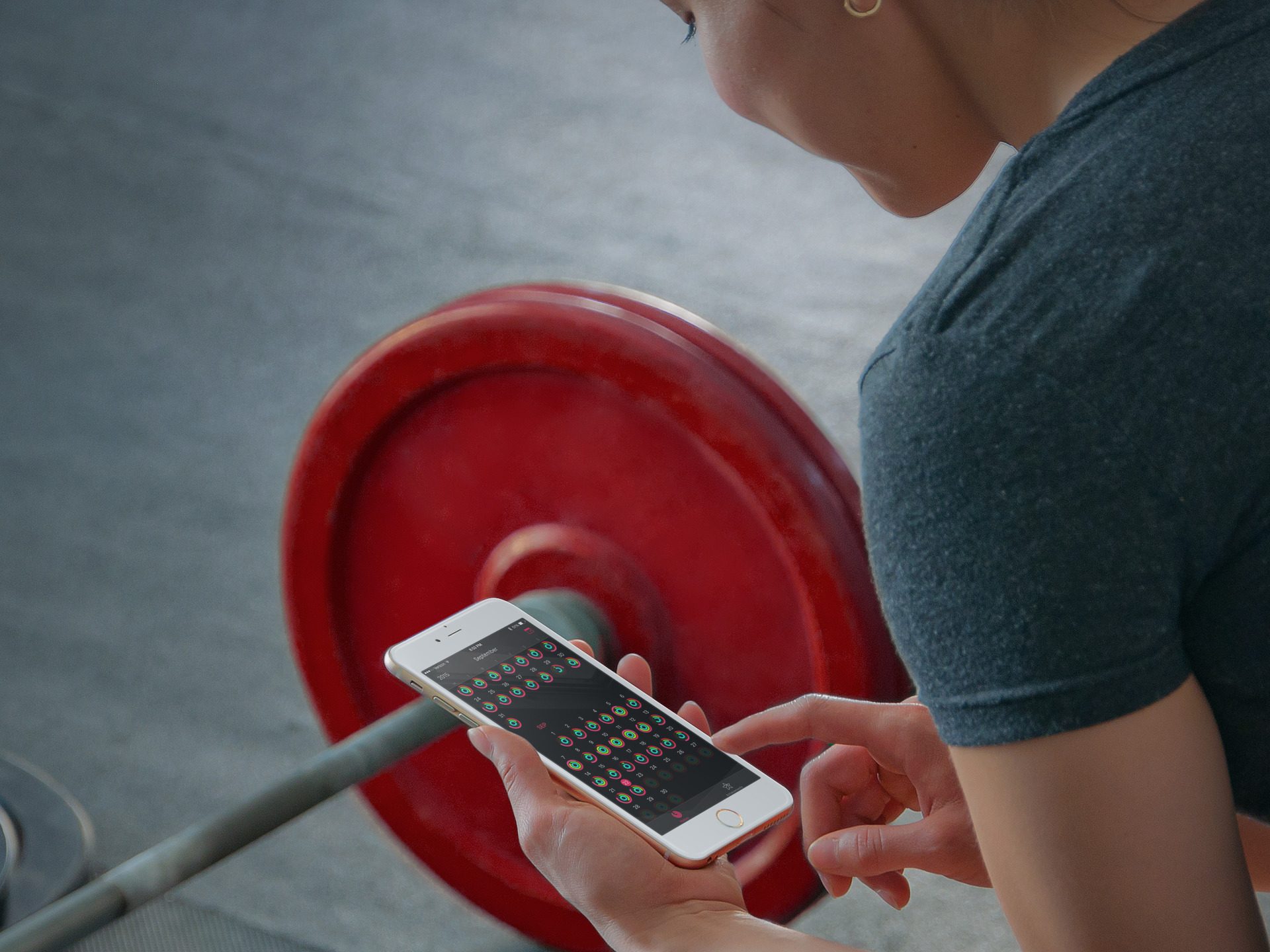
Folks who track their workouts with the Apple Watch or a third-party fitness accessory tend to analyze their logged history in the iPhone's Activity app in order to gain a valuable insight into when they have—and more importantly, have not—met their personal goals.

Realizing you're consistently failing to hit your set workout goal on weekends, for example, is the first step toward changing your routine, working out more and leading a healthier life overall.

Though largely unchanged from its iOS 8 counterpart, Activity on iOS 9 has gained a useful, somewhat hidden toggle for switching between displaying Move, Exercise and Stand rings and highlighting the days you completed dedicated workouts.

Runtastic introduces Moment, an analog watch with fitness tracking features

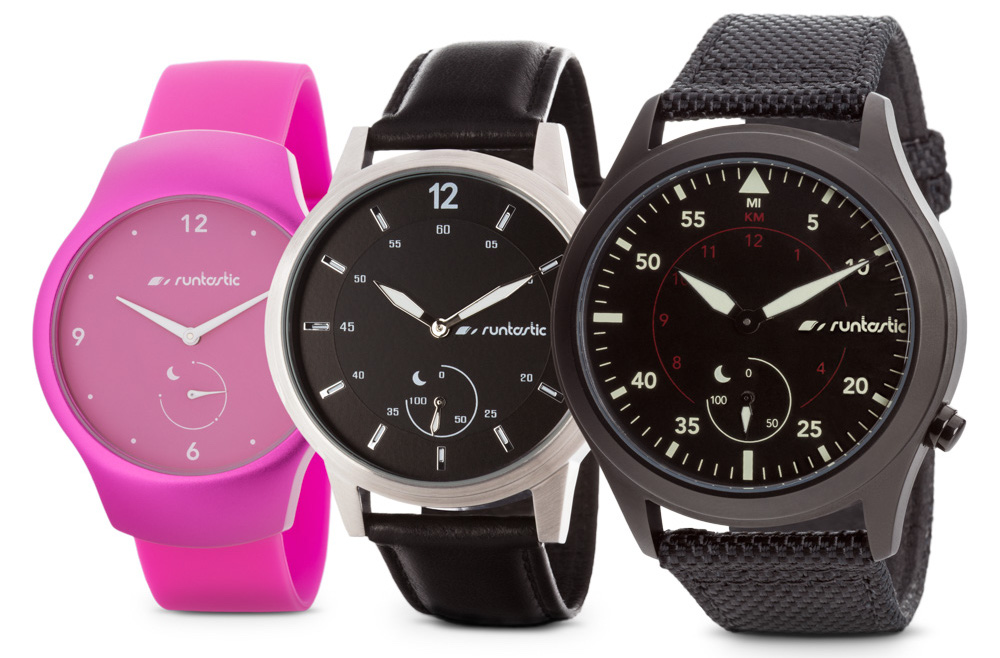
Runtastic on Friday announced the Moment, an analog watch with fitness tracking features. The maker of popular mobile fitness apps, which was recently acquired by Adidas, says the device has the potential to disrupt the wearables market because of its unique blend of traditional timekeeping and technology.

Like most fitness-focused wearables, the Moment is capable of tracking steps, distance, active minutes, calories burned, sleep cycles and goals. But unlike other trackers, it's waterproof up to 300 feet, so it can be used to track swimming, and it runs on a standard watch battery, so it doesn't need to be recharged.

Android Wear for iOS found incompatible with Apple’s HealthKit

Google's Android Wear for iPhone software debuted earlier this week and while we suspected ahead of its release it might not offer tight integration with iOS like the Apple Watch does, I don't think many people expected it to be incompatible with HealthKit, Apple’s platform for developers of health and fitness apps.

Sadly, that's exactly what transpired here.

As discovered by BuzzFeed, the decision to make Android Wear incompatible with HealthKit was entirely Google's as the search company wants iOS users who own Android Wear devices to log their steps and physical activity through its own Google Fit dashboard.

How to export and import your Health data

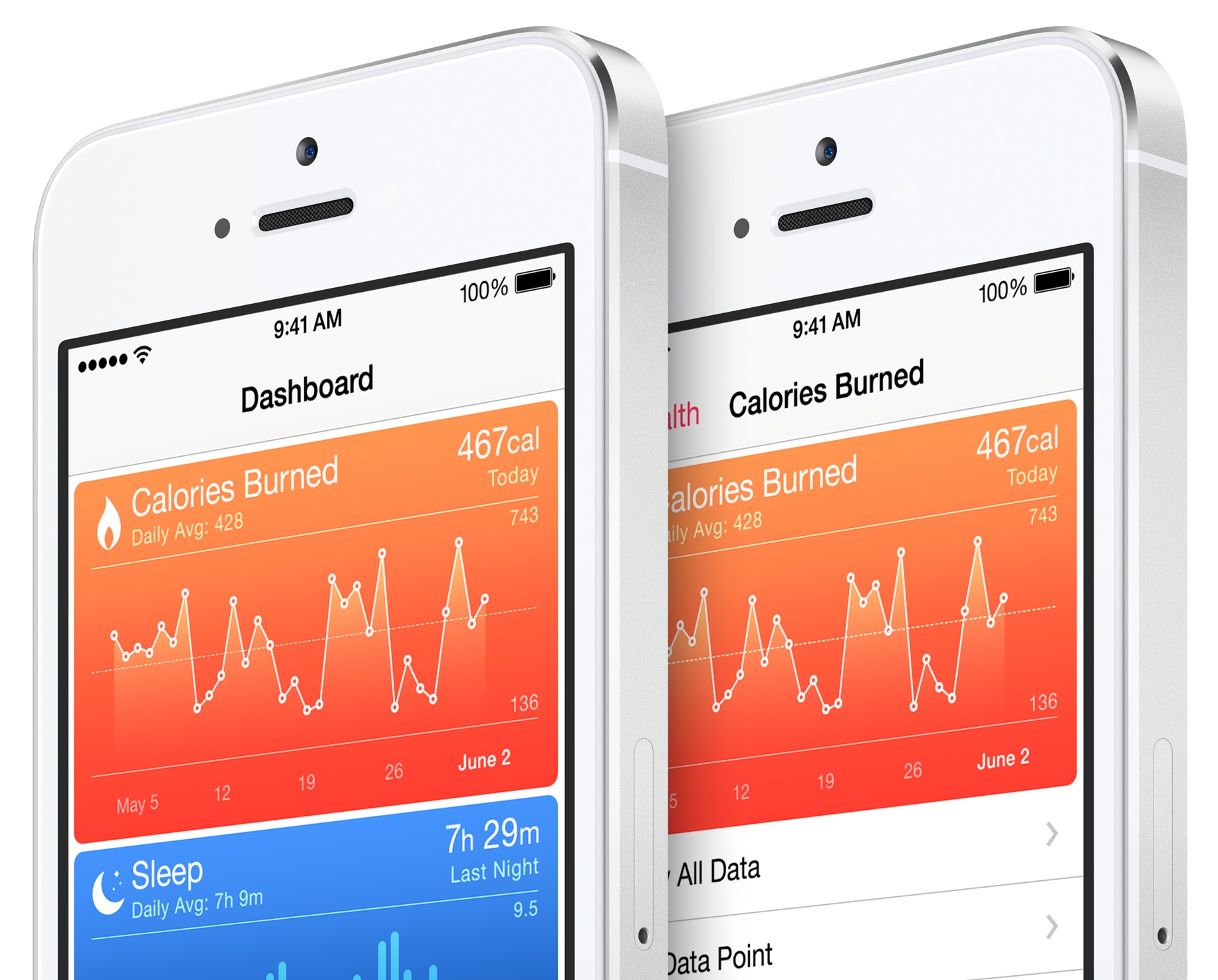
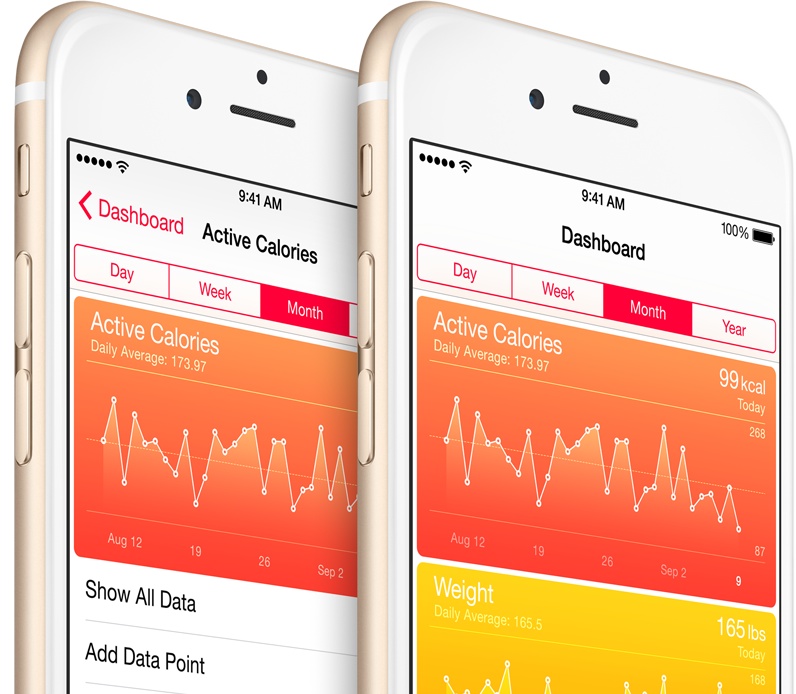
Apple has really changed the way I think about my overall health and fitness, starting with iOS 7 and the M7 motion coprocessor of iPhone 5s. I went from being completely oblivious of my weight and physical fitness, to being obsessed with them. Apple Watch has made that even more obvious, as I now feel accountable for everything I do. At the end of the day, I have the satisfaction of looking at my stats in the Health app and see my progress.

As someone who talks about Apple for a living, I am often restoring devices, moving data from one iPhone to another, and also upgrading hardware every year. This is part of the fun for me. But there is a downside to this behavior: every time I set an iPhone as a new device, I lose all of the data from my Health app.

In this post, I will show you how to export Health app data, and import that same data into a freshly restored device, or a new device, depending on your situation.

UPDATE: A new application has been released in the App Store that makes the Health data import process much easier. While the information contained in this post is still accurate, I must say that Health Data Importer makes moving your Health data from one iPhone to another a breeze and I suggest you read that post instead.

Apple Watch reportedly has onboard hardware for measuring blood oxygen saturation

Currently, your Apple Watch learns about calories you burn by applying some math magic to your heart rate readings and values obtained from its sensors.

The method provides reasonably accurate estimates of resting/active calories. However, even more precise calorie-burning readings could come soon if Apple decides to enable the hardware feature which can reportedly measure oxygen levels in your blood.

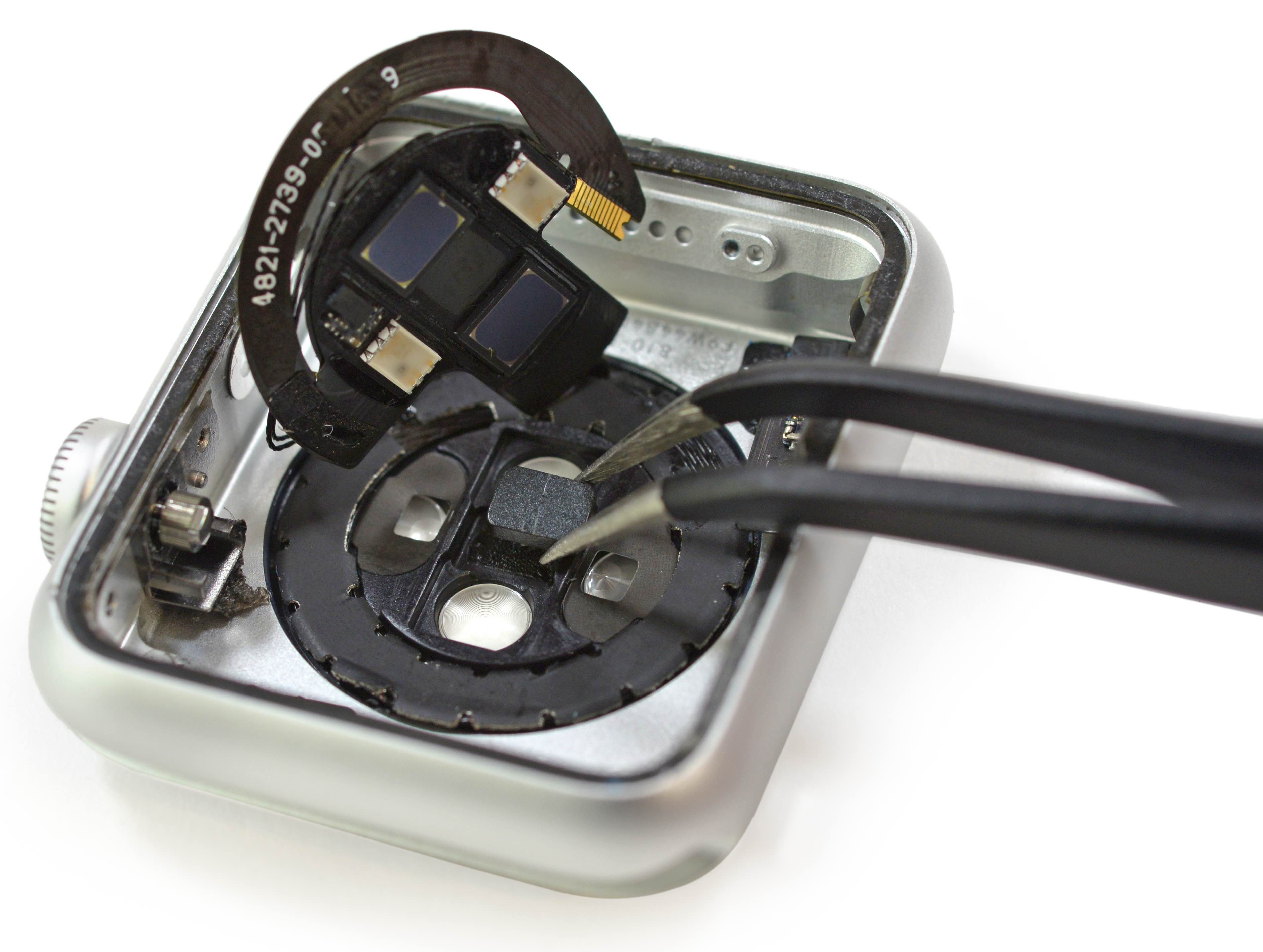
As an iFixit teardown has identified, the Apple Watch heart rate sensor has onboard hardware for detecting blood oxygen saturation.

Are your Apple Watch resting calories all over the place?

Calories on Apple Watch

According to numerous posts over at Apple Support Communities, as well as a huge thread on MacRumors' forum, an unknown subset of Apple Watch owners are complaining about their resting calories in the Activity and Workout apps being all over the place.

As opposed to active calories burned when working out or performing basically any other activity other than breathing and lying in bed, your body needs resting calories to sustain itself and digest food when you're reclining with your muscles relaxed.

In other words, resting calories are burned when you're doing absolutely nothing aside from being alive.

Users report less consistent heart rate readings after updating to Watch OS 1.0.1

In addition to fixing performance issues and a number of problems related to the accuracy of fitness tracking, the first software update for the Apple Watch seem to have introduced an unintended bug.

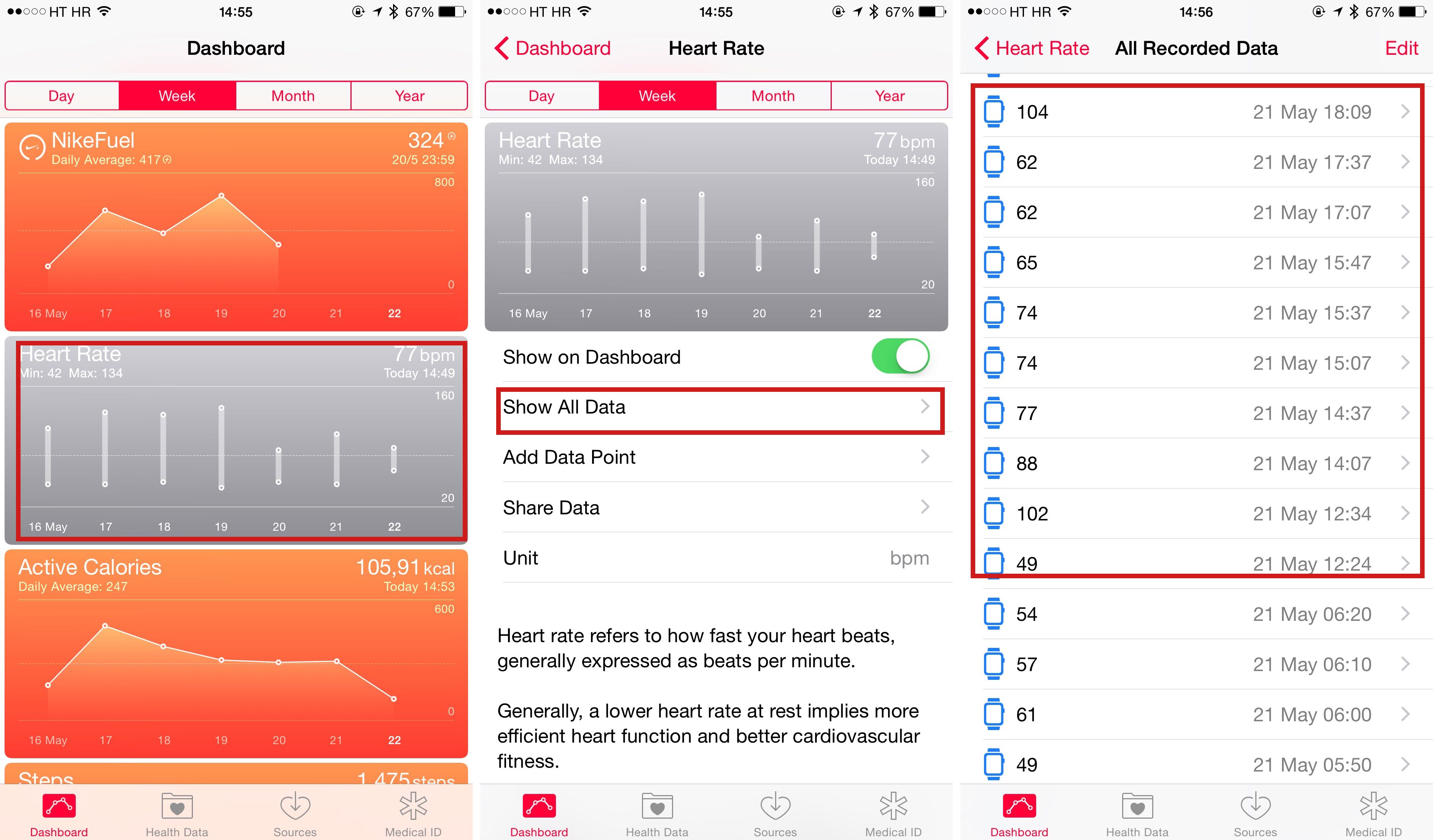
The affected owners have flocked to Apple Support Communities and MacRumors' forums to report that the device is now capturing their heart rate readings less frequently than before after updating to Watch OS 1.0.1.

Apple says the device's heart rate sensor should capture heart rates every ten minutes throughout the day — even more frequently during workouts — but there are now noticeably larger gaps of time between data, some as long as an hour or more.

Apple working with researchers to build ResearchKit apps for gathering DNA data

Apple is collaborating with US researchers to launch apps that would allow iPhone owners to get their DNA tested, according to a new report from MIT's Technology Review. The apps are based on ResearchKit, a software platform Apple introduced in March that helps researchers gather data.

If true, Apple would join a growing battle for genetic information. Everyone from Google, to the government, to top universities are spending millions of dollars to amass large databases of DNA info in an effort to uncover clues that would help identify causes and possible cures for diseases.

LA’s Cedars-Sinai Medical Center integrates Apple’s HealthKit into patient files

Researches at Cedars-Sinai Medical Center in Los Angeles are bringing data from Apple’s health-tracking platform, HealthKit, into patient files, according to a Bloomberg report Monday.

The unusual move is designed to provide doctors with a more complete overview of their patients' health, giving them another set of comprehensive health data to take into account as they make clinical and medical judgments.

Already the hospital has updated its online medical records system, turning on access to HealthKit for more than 80,000 patients, Darren Dworkin, chief information officer at Cedars-Sinai, told the news organization.