Guide

How to set up a new Mac from a Time Machine backup

One of the primary benefits of using Time Machine is that it allows you to restore your backup on a new Mac or a new macOS installation. This makes it so that you can essentially pick up where you left off from your old machine or old installation.

Fortunately, restoring Time Machine backups to a new Mac is extremely easy and straightforward. In this fifth tutorial in our Time Machine how-to series, we'll show you how easy it is.

How to create a partition on your Time Machine external hard drive

Time Machine is extremely easy to use, and its flexibility makes it a great solution for keeping your Mac backed up safely. But with external drives being as large as they are, you may wish to use some of the space on your Time Machine drive for basic file storage.

There are many ways to go about this, but one of the best ways is to simply create a separate partition on your external drive. By doing this, you have a dedicated partition for file storage, and a dedicated partition for your Time Machine backups.

Although it's possible to store files on your Time Machine partition, in my opinion, it's a better practice to keep them separated. In this fourth entry into our Time Machine tutorial series, I'll show you how simple it is to create a second partition on your Time Machine external drive.

How to update the iOS 9 public beta to iOS 9 beta 4

It's possible to update to the latest developer version of the iOS 9 beta directly from the iOS 9 public beta. If you want the latest and greatest updates offered by iOS 9 beta 4, but you're currently running the public beta, listen up—it's super-easy to upgrade to the latest developer version of the iOS 9 beta.

Jailbreak tip: spoof your location in Snapchat to use any geofilter

Phantom for Snapchat is a popular jailbreak tweak that allows you to supercharge Snapchat with all sorts of bolt on features. It also has the ability to spoof your location.

Snapchat uses your location to present you with custom geofilters, which are basically stickers that you can place on your Snaps that reflect your current location. So, for example, you couldn't normally add a Paris filter to your Snaps unless you were actually in Paris.

With Phantom's location spoofing option, it's possible to snag filters for any location that you desire around the world. It's super-easy to use as well. We'll show you how to spoof your location in Snapchat to add custom filters in our video tutorial.

How to jailbreak iOS 8.4 on Mac with PP jailbreak [Video]

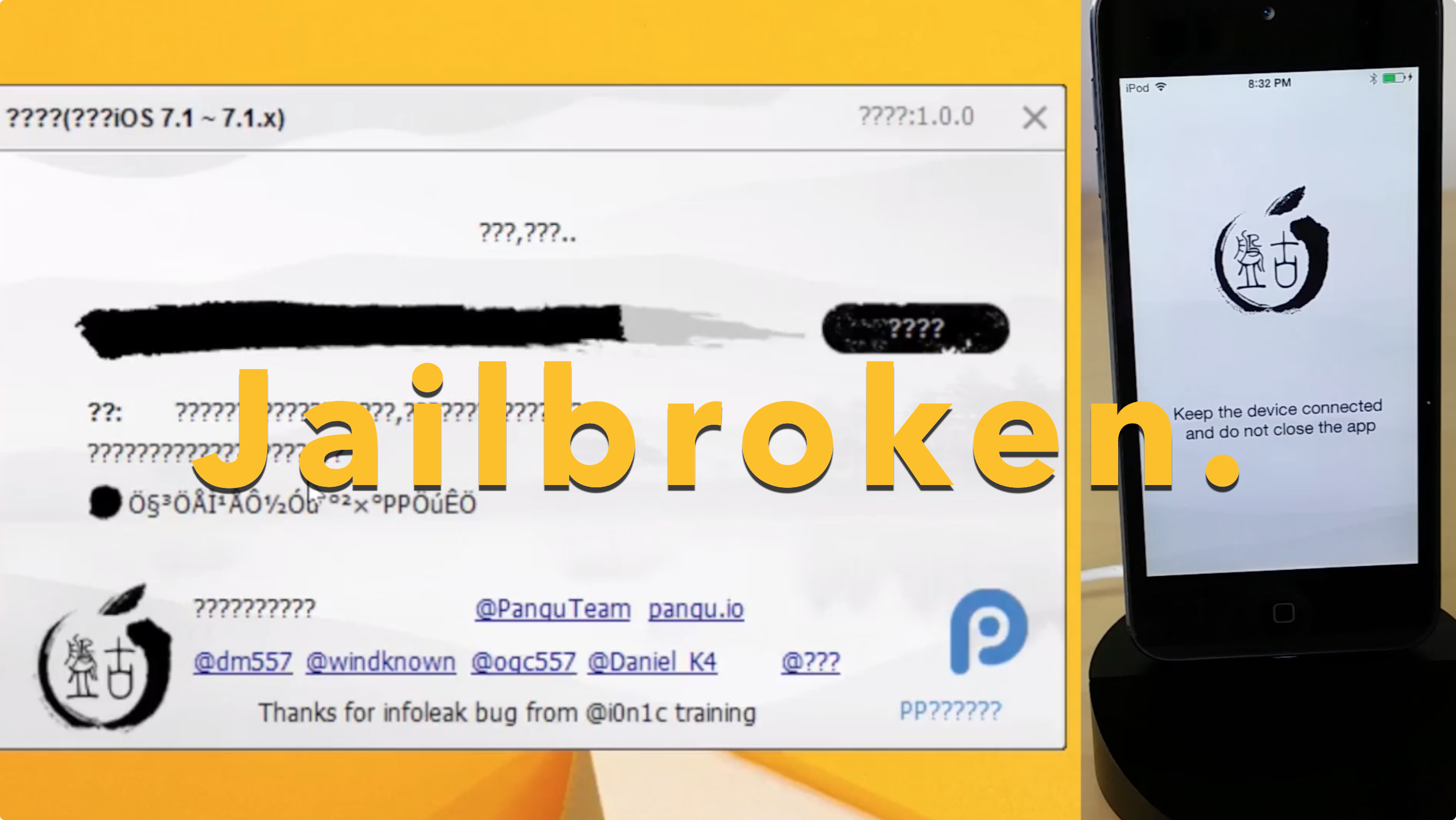
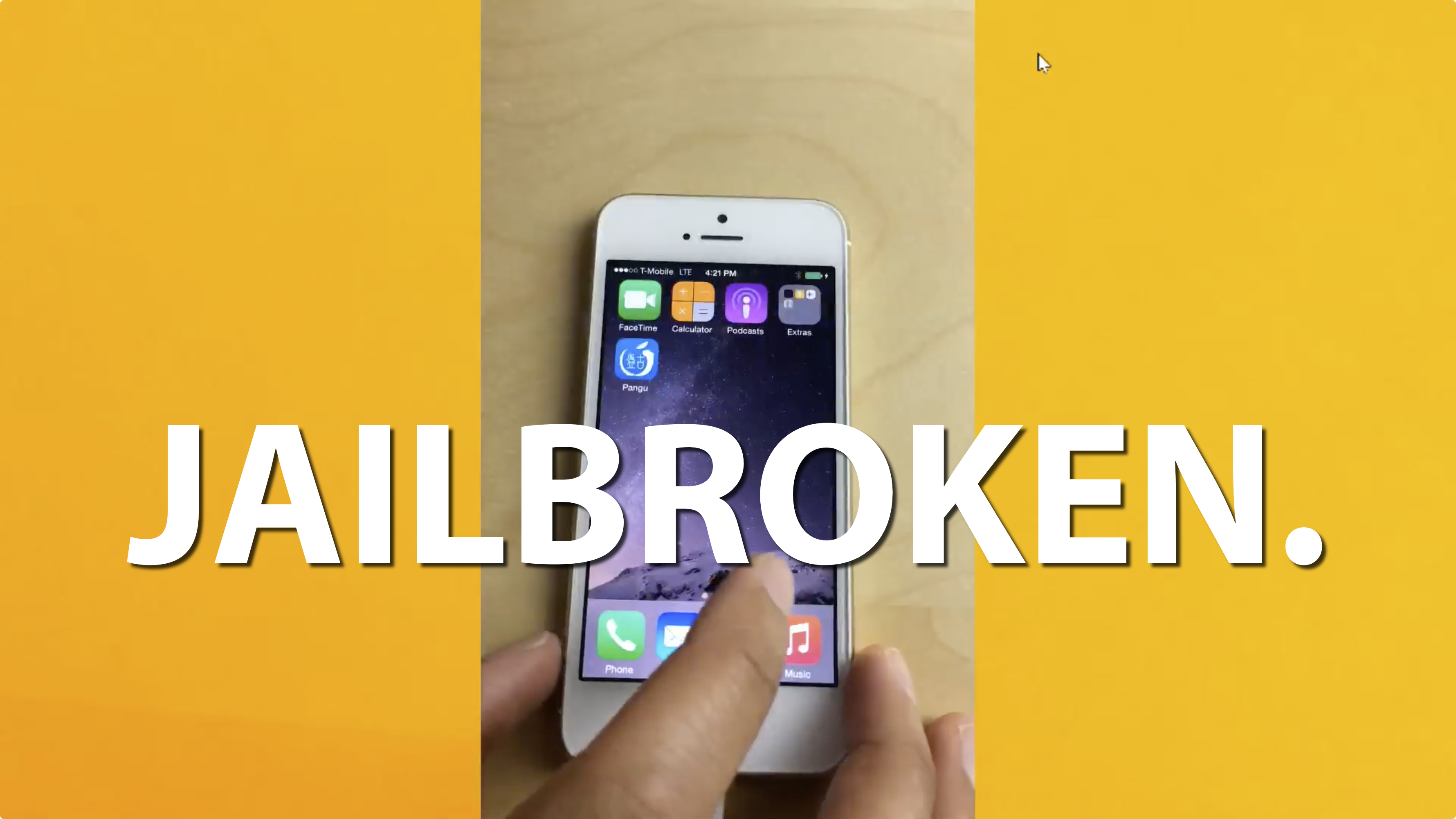
The PP untethered jailbreak for iOS 8.4 is out, and it has been confirmed to work. As we continue to wait on a possible TaiG jailbreak for Mac, the 25PP team is making it so that Mac users can jailbreak now.

Of course, you can always use the virtual machine method for jailbreaking iOS 8.4 using TaiG on Mac, but the PP jailbreak tool is as simple as simple gets for Mac users. Inside, we'll show you how to jailbreak your iPhone, iPad, or iPod touch running iOS 8.4 on Mac using PP jailbreak.

How to view and restore specific files using Time Machine

Time Machine is very useful, because not only does it allow you to back up all of your user data, but it also allows you to selectively view and restore portions of that data, even down to individual files.

In this tutorial, the forth in our series about Time Machine, I'm going to show you to how to view and restore an individual file using a Time Machine backup.

How to exclude files from Time Machine backups

In our third Time Machine tutorial for macOS, we'll show you how to exclude specific files or folders from being included in your Time Machine backup. You'll find that it's extremely easy to curate your Time Machine backups using its preferences.

The thing that I really like about Time Machine is that you can exclude not only individual files, but entire folders of files as well. Have a look at our easy to use tutorial to find out how you can exclude certain data from becoming a part of your backup.

10 tips for Apple Music

Apple Music is here, and after using it for several hours today, I can attest that it's pretty great. Not only does it live up to the hype, but it's been relatively stable as well.

I think the future for artists on Apple Music is relatively bright. Here is a paid streaming service that I think many will be more than willing to get behind.

To celebrate the launch, here are 10 tips for getting more out of Apple Music.

How to jailbreak iOS 8.4 with TaiG 2.2.0

TaiG 2.2.0 was just released about an hour ago, and it brings with it support for iOS 8.4. Like previous versions of TaiG's tool, this version is Windows-only, so you'll need to use a Windows machine or a virtual Machine.

We've created a full video walkthrough and tutorial to show you how to jailbreak your iPhone, iPad, or iPod touch running iOS 8.1.3-iOS 8.4 using TaiG 2.2.0. It's an extremely easy jailbreak that only takes a few minutes if the directions are followed closely.

How to jailbreak iOS 8.4 with PP Jailbreak

Surprise. Only a few hours after iOS 8.4 released, there is a working jailbreak. The tool, entitled PPGhost, is a Windows only jailbreak tool that works for iOS 8.4. In this tutorial, I'll show you how to jailbreak iOS 8.4 on your iPhone or iPad using the PP Jailbreak tool.

There are some rumblings that PP took the code from TaiG, but we have not confirmed this. As such, you may want to wait for the TaiG tool update to jailbreak iOS 8.4. I personally prefer waiting, as it's wrong to steal code, if the claims are true, which are difficult to prove. When TaiG releases their updated tool, we'll post a tutorial, and deprecate this one. In the meantime...

Stuck on 20% in TaiG? How to jailbreak iOS 8.3 with TaiG 2.1.3

As we mentioned earlier, TaiG has released version 2.1.3 of its jailbreak tool, and it's a significant update as far as fixes go. First and foremost, it works with virtual machines, so you no longer need to modify your virtual machine to use the tool. Secondly, it fixes the 20% hangup. With these things in mind, we thought we'd show you how to jailbreak using this latest TaiG update.

This post is primarily aimed at those who have yet to jailbreak, and are looking for guidance with the latest tool. In the video that follows, we'll show you the proper way to go about jailbreaking your iPhone or iPad, and we'll show you how well the tool runs on a virtual machine.

The top 10 must-know Cydia tips [Video]

Since I imagine that there are probably tons of new jailbreakers since the iOS 8.3 jailbreak touched down, now is a great time to review some of my favorite Cydia tips. But even if you're a seasoned Cydia veteran, you may find a tip or two in this list that you'll find handy. How many of these tips do you use on a regular basis? Watch our video and find out.