Learn about all the ways to turn off unhelpful website notifications that you get via the Google Chrome browser on your Mac.
How to disable website notifications from Google Chrome on Mac

Learn about all the ways to turn off unhelpful website notifications that you get via the Google Chrome browser on your Mac.
Interested in making a digital media purchase on your iPhone? The iTunes Store app is your primary portal for doing so. The iTunes Store app is a stock application that is installed by default on every iOS device. It allows you to make digital media purchases for a variety of media types.
The iTunes Store app works in tandem with the stock Music app and the stock Videos app to provide users with a rich digital media experience. Check inside for details covering the ins and outs of this long running stock application.
The App Store app is the hub used to download additional apps on an iOS device. Out of the box, the iPhone only comes bundled with a handful of stock apps. The App Store app allows you to choose from hundreds of thousands of apps to download on to your device.
Apps can be anything from productivity tools, to games, to periodicals. There is a wealth of apps available to download in the App Store, and while some may come at a price, many of them are free.
It's good to become familiar with the App Store's features, because this is the only place where you can download additional software on a stock iOS device. Check inside as we journey through a detailed explanation of the App Store.

Recently I ran into a problem that I found to be quite annoying. Flash video playback in Safari began suffering from major stuttering and choppiness. It was so bad that videos essentially became unwatchable while using Safari.
For someone who's constantly watching and editing video like me, this proved to be a big problem. I even pondered switching to Chrome for a bit, but quickly dismissed that thought and set out to find a solution to the problem.
Fortunately, the solution to fixing choppy video playback in Safari is an easy one. Have a look inside and we'll show you how.

The stock Clock app featured in iOS 7 is the central hub for managing anything that has to do with time on your iOS device. The app is basically four different applications combined into a single app interface.
You'll find tabs for the World Clock, Alarm, Stopwatch, and Timer at the bottom of the stock Clock app interface. Each tab is capable of working independently of the other tabs; for example, I can run a timer and a stopwatch simultaneously.
That at all being said, the stock Clock app is still a very basic stock application. Please check out the table of contents below for each section pertaining to the features found in iOS 7's Clock app.
The stock Mail app is the best way to send, receive, and manage email on iOS 7. There are, of course, alternatives to the stock Mail app such as the official Gmail app and Yahoo Mail app, but no third-party app can match the feature-set and integration of the stock Mail application.
One of the primary advantages of the stock Mail app is that it can handle multiple mail accounts from a large variety of providers. There's support for Gmail, Yahoo mail, Outlook.com, Exchange, Aol Mail, and iCloud mail. You can even configure an email account from your own server if you wish to do so.
The Mail app is an extremely versatile app with an insane amount of options, features, and idiosyncrasies. Have a look at our ultimate guide to the stock Mail app for more info on what makes it tick
The Music app is a stock application that comes preinstalled on all iOS devices. It's the primary way for playing music on the iPhone, iPod touch, and iPad. With iOS 7.0, a new feature was baked into the stock Music app called iTunes Radio. iTunes Radio is an ad-supported service that allows users to browse more than 250 curated stations. Users can also create and build their own stations, which feature Pandora-like customization over time.
The stock Music app has endured significant changes over the past few years. The Music app was once exclusively relegated to the iPod touch, with iPhone models offering an "iPod" app as a means to play music and watch videos. Eventually, with the advent of iOS 5, the iPod app was broken-up into separate Music and Video apps for the iPhone line, unifying the stock Music app presence across all iOS hardware.
While there are many ways to play music via third-party apps on iOS, the stock Music app is the only music application that's closely integrated with iTunes and allows you to use the iTunes Match iCloud-hosting service. There may be benefits to other apps like Spotify, but no app is as tightly intertwined with the rest of iOS as the stock Music app. With that in mind, please take a look inside, as we break down the many facets of this ever-growing and ever-changing stock application.
Siri is a personal assistant feature found on the iPhone, iPad and iPod touch, that allows you to use your voice to control your device. You can use Siri to send messages, emails, tweets, and more. You can also use Siri to get movie showtimes, sports scores and times, make dinner reservations, etc.
The great thing about Siri is that it doesn't require you to look at your device's screen in order to interface with it. And Siri is smart enough to consider your location along with the context of your commands and conversations. By doing so, Siri can respond intelligently to your requests.
Inside, we'll teach you some of the history of Siri and show you some of its basic usage features. We'll then present to you with an exhaustive list of voice commands, and discuss Siri's dictation features. Check inside for all of the details...
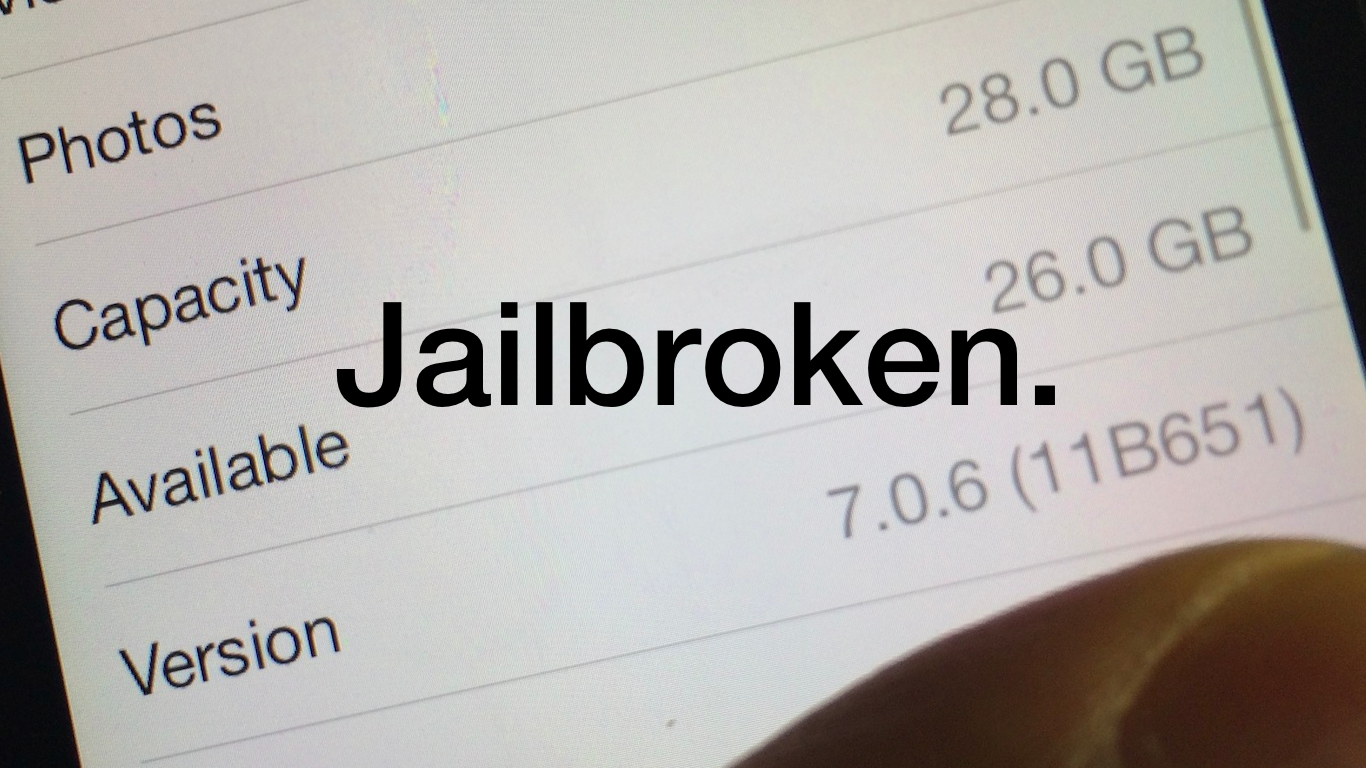
iOS 7.0.6 was just released earlier today, and it contains a fairly serious SSL bug fix that everyone should upgrade to. Unfortunately, the latest build of Evasion7, build 1.0.5, is not yet compatible with iOS 7.0.6. But don't worry, we have you covered. We've uploaded a custom Hex-edited version of Evasi0n7 1.0.5 with the proper build numbers so that you can easily jailbreak iOS 7.0.6 after updating. Check out our full video tutorial after the jump for the proof.
Update: the evad3rs have released evasi0n7 1.0.6 with support for iOS 7.0.6, so the hex-edited file is no longer needed, you can download the proper Evasi0n 7 1.0.6 file from our downloads page. Note that the steps described in this post still work. Just make sure to download the latest official version of evasi0n7.
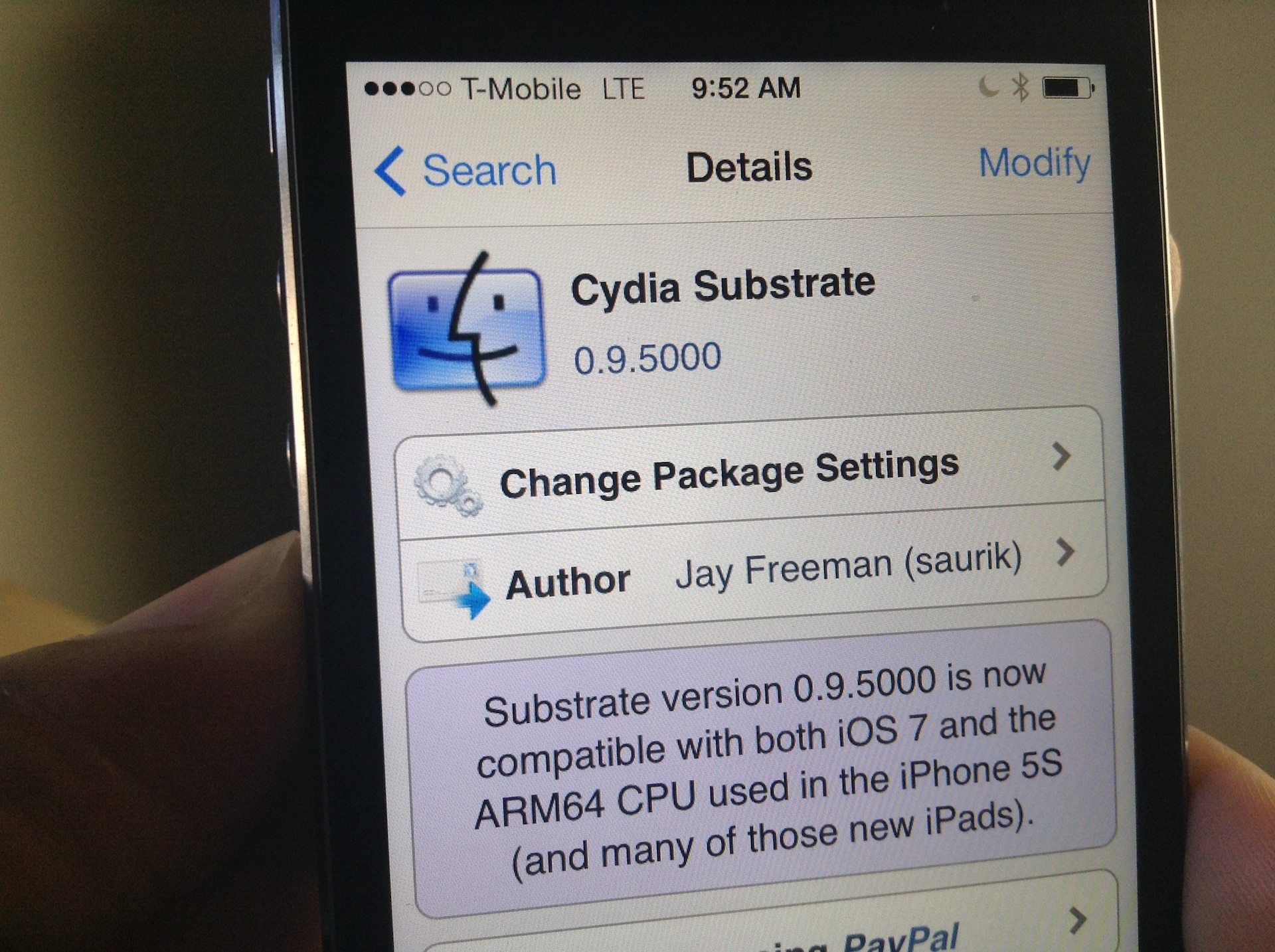
I woke up this morning to a pleasant surprise: Mobile Substrate had been updated to support iOS 7 on ARM64 CPUs, making it compatible with all of the latest Apple devices like the iPhone 5s, iPad Air, and iPad mini with Retina Display. As you can imagine, I rushed to the office without even brushing my teeth (I know, gross) and installed the new Cydia Substrate package that appeared on Cydia.
Unfortunately for me, none of the tweaks and apps that I had installed began to work after Cydia Substrate was updated. I think it may, and I'm just grasping at straws here, have to do with the fact that I was impatient, and already had a bunch of stuff installed that didn't work in the first place. To fix this issue, I took a fairly logical approach; I completely uninstalled Substrate and reinstalled it from scratch. Have a look inside for more details.

I'm a bit embarrassed to admit it, but I never got around to posting a Windows jailbreak video tutorial for Evasi0n 7. Usually, I'm on such a tutorial like white on rice, and I take pride in helping our faithful readers through the entire jailbreak process, regardless of their platform of choice. This time, however, things were a bit different.
Although we were able to post our Mac video tutorial in a short turnaround time, the Windows video tutorial was nowhere to be found. Why? Well, to be frank, it's because I couldn't get it working.
I could start the jailbreak perfectly fine, and I never ran into any error messages, but I just could not for the life of me get past the Configuring System 2/2 step during Evasi0n's jailbreak process. It's like everything would just come to a screeching halt as soon as it got to this step.
As you've probably figured out by now, I was finally able to work past this issue. The headline kind of gives it away, but the solution isn't something I can take credit for at all. The solution is actually thanks, at least in part, to someone very close to Saurik. Check inside for my explanation and video walkthrough showcasing how to jailbreak iOS 7 on Windows.
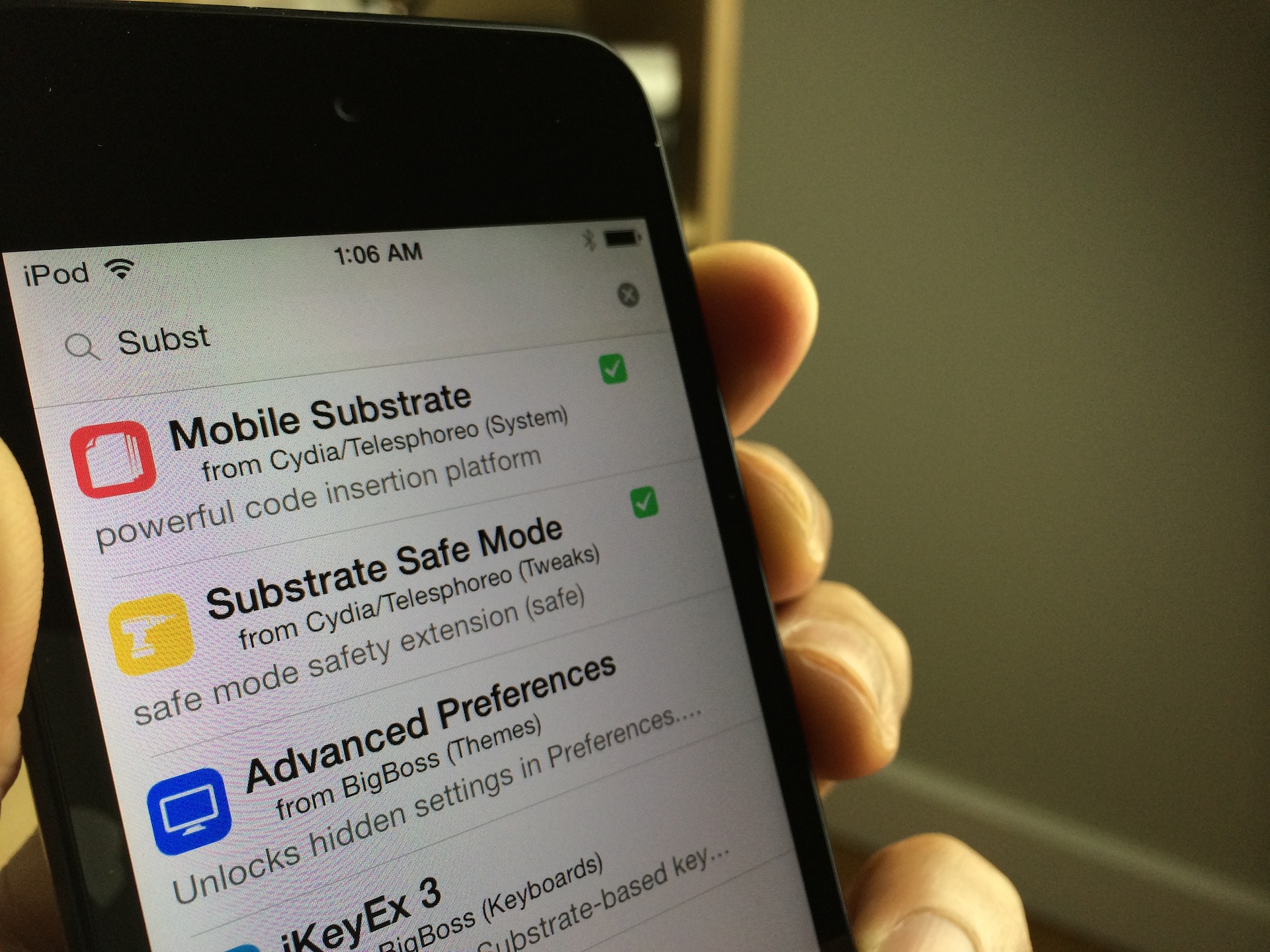
Are you jailbroken on iOS 7? Are the apps and tweaks installed via Cydia not showing up on your device? If you're running into this problem, you're not alone. I've received numerous questions about this problem over the last few days; so many, that I thought it would good to make a post and video on it for those that need help.
The short answer to the question is Mobile Substrate. Most of the apps and tweaks that you install from Cydia rely on Mobile Substrate, and Mobile Substrate has not been updated for the latest iOS 7 jailbreak as of yet. An update has been promised to come soon, but Saurik, its developer, is no doubt inundated with about a thousand and one different tasks related to the just released jailbreak.
Let's give Saurik the time he needs to get a properly updated working release of Mobile Substrate in our hands. In the meantime, if you're running a non-64-bit device, you can take the following steps to make your favorite apps and tweaks work.