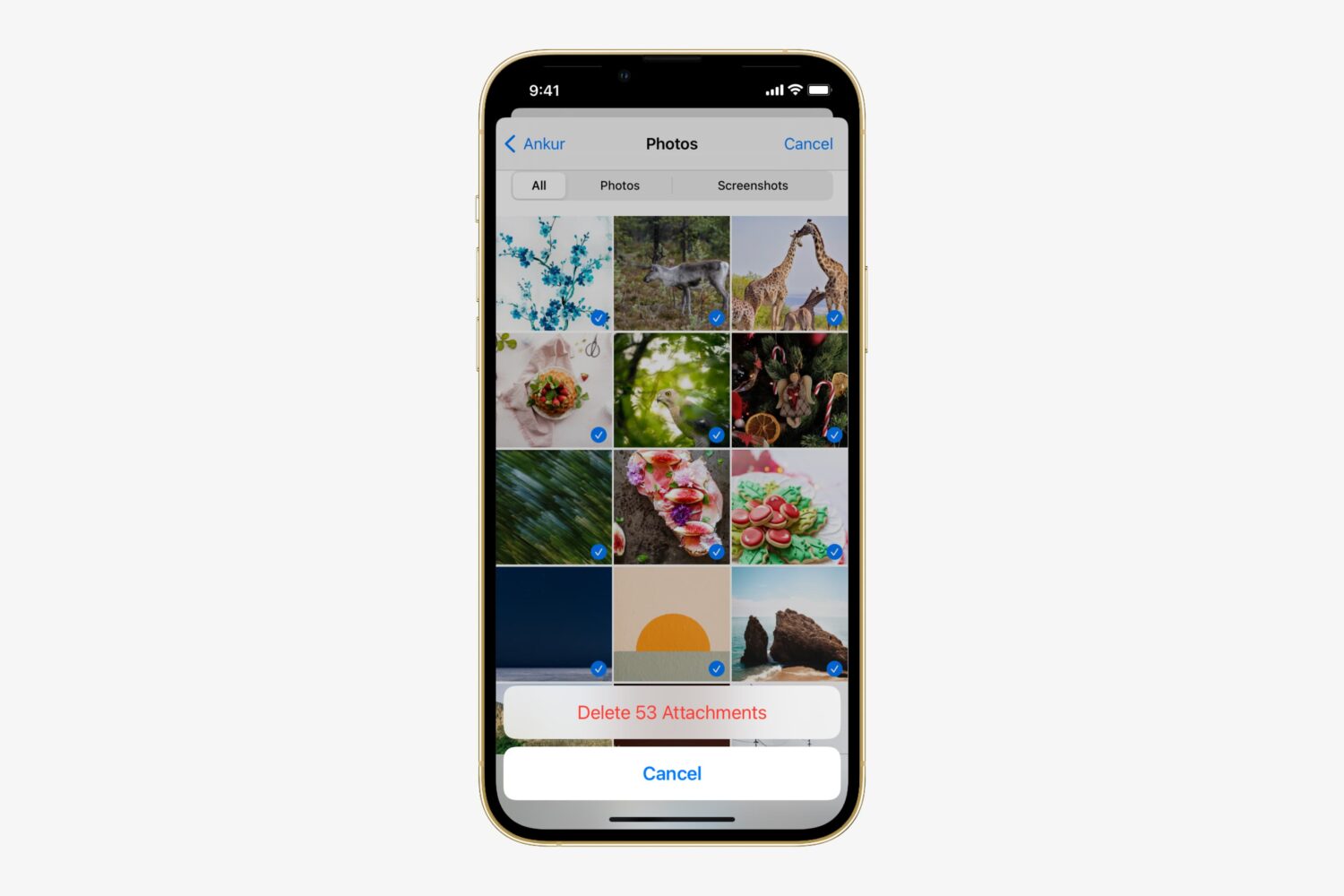
In this tutorial, we’ll show you how to enable the analog clock in the menu bar on your Mac, replacing the digital clock.
How to replace digital clock with analog clock in Mac menu bar
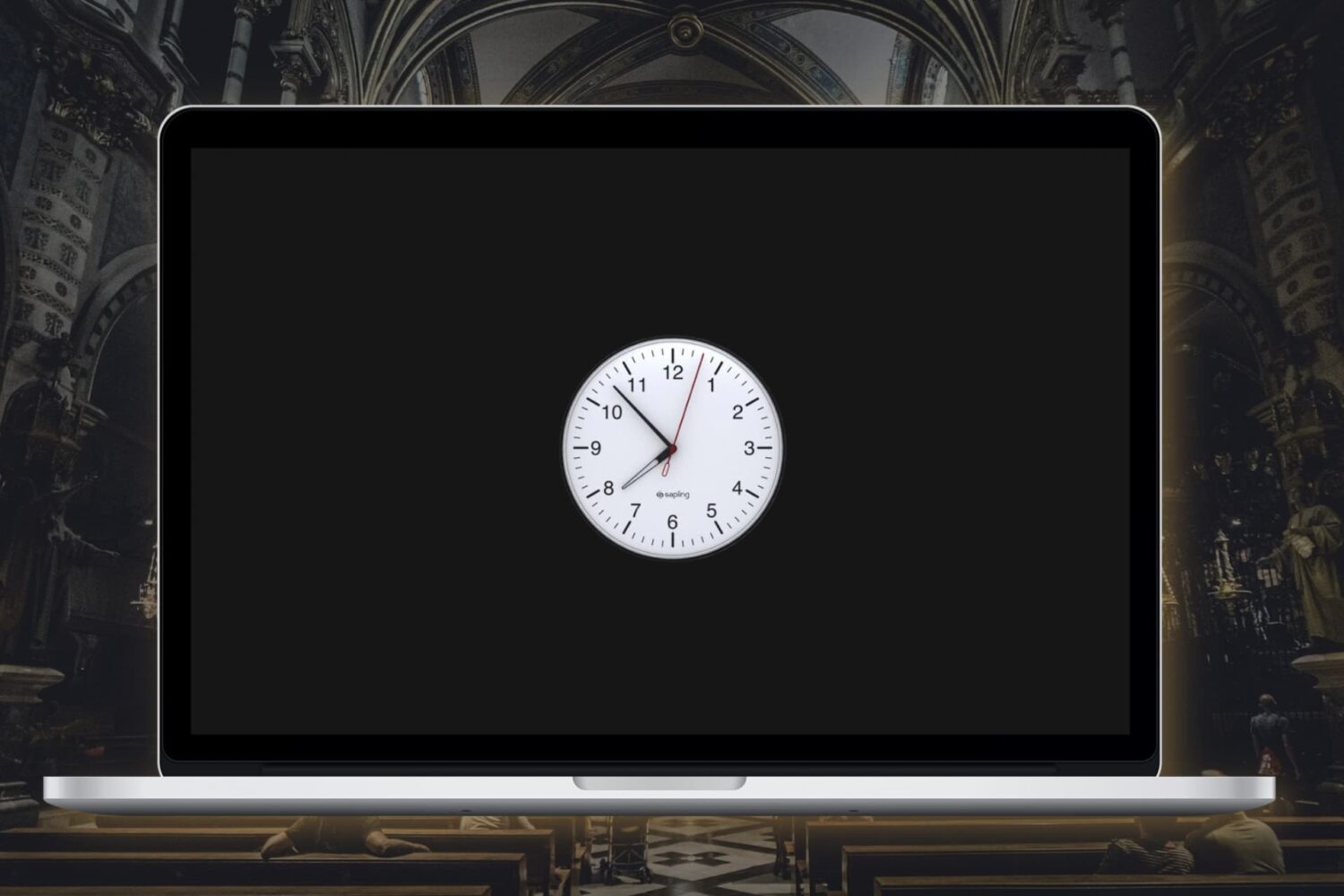
In this tutorial, we’ll show you how to enable the analog clock in the menu bar on your Mac, replacing the digital clock.

It's happened many times to me before, and I can relate to those that it happens to – you're trying to be quiet in the middle of class or in the middle of a meeting for work, and all of a sudden you hear a random noise and then Siri starts blabbering.
Siri says "I didn't quite get that," or "Sorry, I missed that."
In this tutorial, we'll show you how to solve this problem once and for all.
Siri is the personal voice assistant pre-installed on your iOS device. Introduced in iOS 5, the voice assistant allows a wide variety of functions, conversions, information queries, and fun comments to be invoked with just your voice.
But did you know Siri can also be used to toggle certain system settings on or off too? In this tutorial, we'll show you how.
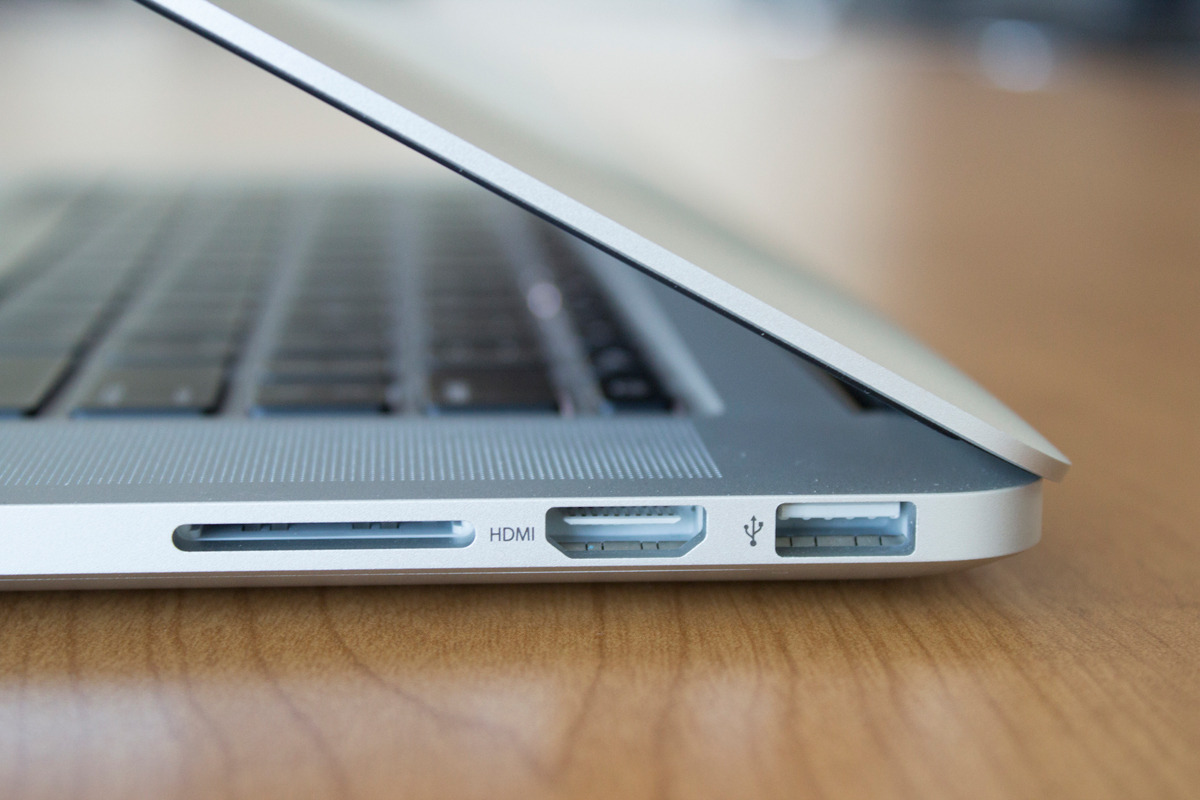
On the right side of all modern MacBook Pro models is an HDMI port used for digital video and sound. It's a great way to take in all of your favorite movies on the big screen.
On the other hand, if you wanted to use external speakers or headphones, it can cause issues if your sound settings aren't configured just right because HDMI itself is also an audio out port in addition to video out.
In this piece, we'll walk you through how to make sure your audio out is going to the right place.
When it comes right down to it, you may not always have a coin or a die in your pocket, but fortunately, you probably have your iPhone with you, and all recent iPhones can take advantage of the pocket voice assistant Siri.
Siri is a powerful tool, and you may not have known this, but if you forgot your coin and die at home, Siri has you covered for all of your chance-taking needs – she never forgets hers! In this tutorial, we'll show you how to have Siri flip a coin or roll a die for you.
iCloud Drive is a feature that comes with iOS 9 and allows you to view and edit files in iCloud that have been saved there via your apps, whether they're native apps or third-party App Store apps.
In this tutorial, we'll show you how to hide or show the iCloud Drive app from your iOS device's Home screen.

The watch faces on the Apple Watch are somewhat of an art form in themselves, created in collaboration with some of the world’s best timekeeping experts. But with our quick guide, you can also have those wonderful faces as a functional screen saver on your Mac!

In this guide, we'll take you through several steps to enhance your privacy on your iPhone or iPad by using many of the mobile operating system's built-in tools.
Siri is a great way to get to the things you want on your iPhone, iPod touch, or iPad without having to tap on anything – it works great for situations where you don't really have your hands free, but who says using Siri has to be boring?
In this quick post, we'll show you how you can spice up your conversations with Siri by configuring the voice assistant to call you something different.

Location services are among some of the most over-used features on any iOS device. Out of the box, iOS devices with location services enabled are configured to track your location in various reasons, including producing the best user experience possible.
In this guide, we'll show you all about how to configure your iOS location services so that you're not being tracked when you don't need to be, giving you the privacy you deserve.
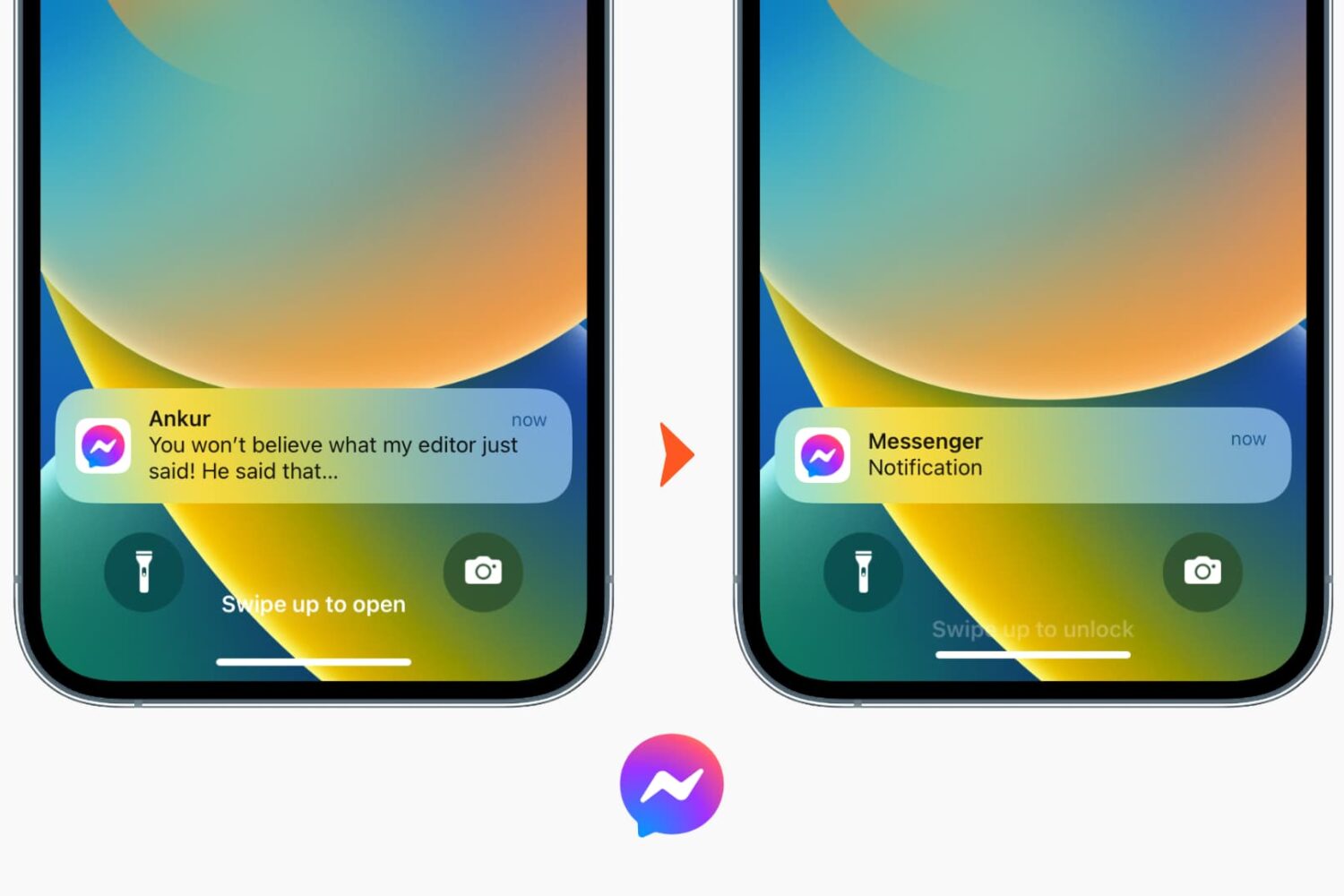
Learn how to turn off notification previews for Facebook Messenger chats on iPhone or iPad and prevent others from reading the contents of your messages.