Apple on Tuesday seeded a second beta of macOS Sierra 10.12.1 to developers and public beta participants for testing, just six days after the first beta was made available.
macOS Sierra 10.12.1 beta 2 now available

Apple on Tuesday seeded a second beta of macOS Sierra 10.12.1 to developers and public beta participants for testing, just six days after the first beta was made available.
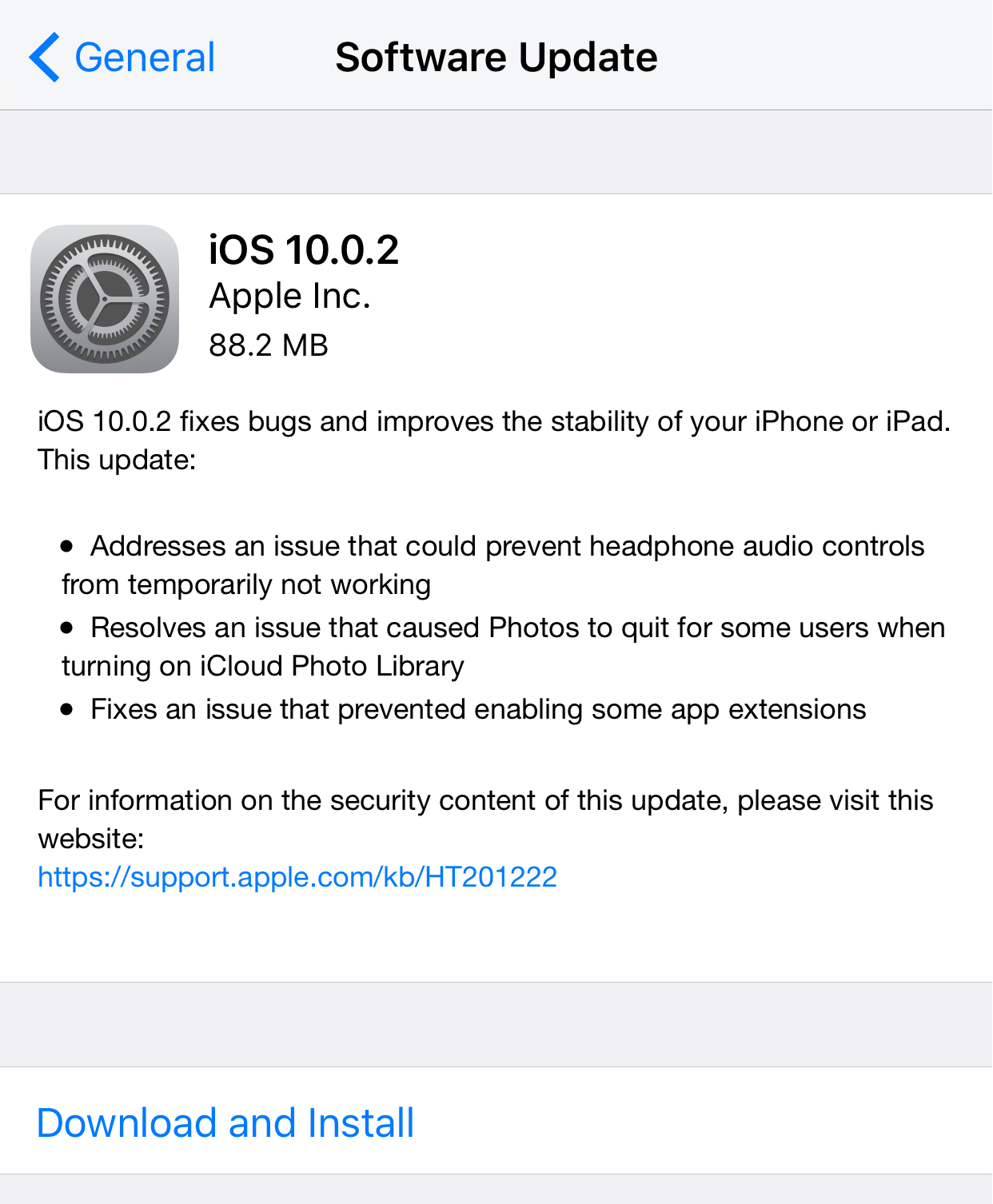
Apple has released a small update for compatible iPhones, iPod touches, and iPads on Friday dubbed iOS 10.0.2 that fixes a handful of small bugs introduced with the initial release of iOS 10.
Apple officially launched iOS 10 to the hands of the public this week with more than 100 new features for iPhone and iPad users.
It looks like an exciting update, but we know some people are still wary of updating this early in the game. So to find out where you stand, we've launched another poll you can participate in.

Apple has released the golden master of iOS 10 for iPhone, iPod touch, and iPad to public beta testers on Thursday.
Today's Apple event was very busy for the iPhone and for the Apple Watch, but one thing that kind of flew under the radar was the Mac. At the keynote, Apple made it clear that macOS Sierra would be released to the public on September 20th.
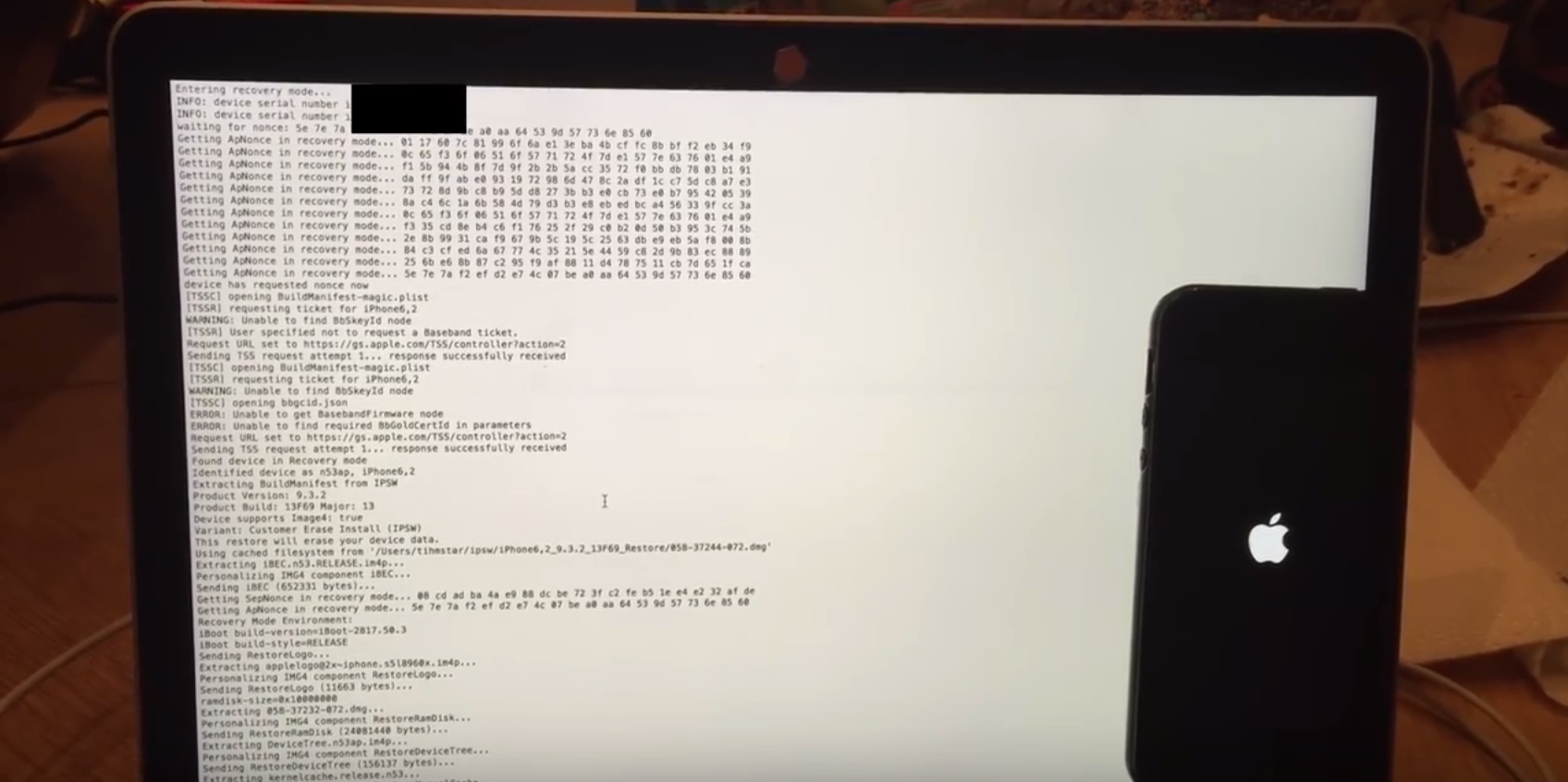
A new teaser video has surfaced on YouTube that appears to show an iPhone 5s being successfully downgraded from iOS 9.3.5 to iOS 9.3.2.
The video demonstrates the use of a third-party tool that the creator is calling Prometheus, but it also brings up a lot of questions that still have yet to be answered.
Saurik has officially updated Cydia Eraser this week with support for iOS 9.3.3, which means anyone who jailbroke with the Pangu jailbreak tool now has a way to un-jailbreak their devices without using iTunes to restore and update their device.
In this tutorial, we'll show you how and why to use Cydia Eraser to un-jailbreak your iOS 9.3.3 device.
Saurik has launched an update for the Cydia Eraser tool on Thursday so that it can now be used to un-jailbreak iOS 9.3.3 if you used the Pangu jailbreak tool.
The timing couldn't be better, as Apple recently released iOS 9.3.4 and is expected to close the iOS 9.3.3 signing window in the near future.
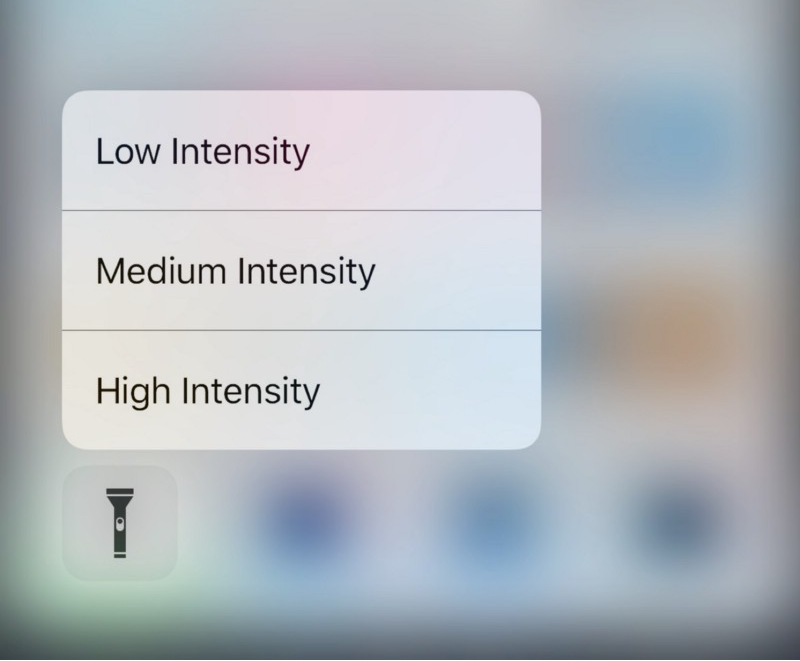
Apple originally introduced Control Center in iOS 7, which was their way of answering both the competition on multiple Android platforms and the jailbreak community in one fell swoop.
With iOS 10, which Apple announced at the WWDC 2016 Keynote this week, Apple has shown off some obvious changes to Control Center, including a modular paged navigation design and different color tones and styles.
Of course, aesthetic wasn’t the only change. Apple also made the flashlight toggle button from Control Center a whole lot more useful as well.

Apple announced iOS 10 yesterday at the company's WWDC 2016 Keynote and awed the audience with some pretty neat new features.
Of course, the battle continues for those who want more control over their devices, and because of that, we want to know whether you're going to be updating to iOS 10 this Fall, or if you'll be keeping your iOS device(s) jailbroken on iOS 9 or earlier.
Apple has officially pulled the plug for signing iOS 9.3.1 on Friday.
The change means iPhone, iPod touch, and iPad users can no longer downgrade to iOS 9.3.1 via iTunes and will now be forced to install iOS 9.3.2 upon any attempts to restore their devices.
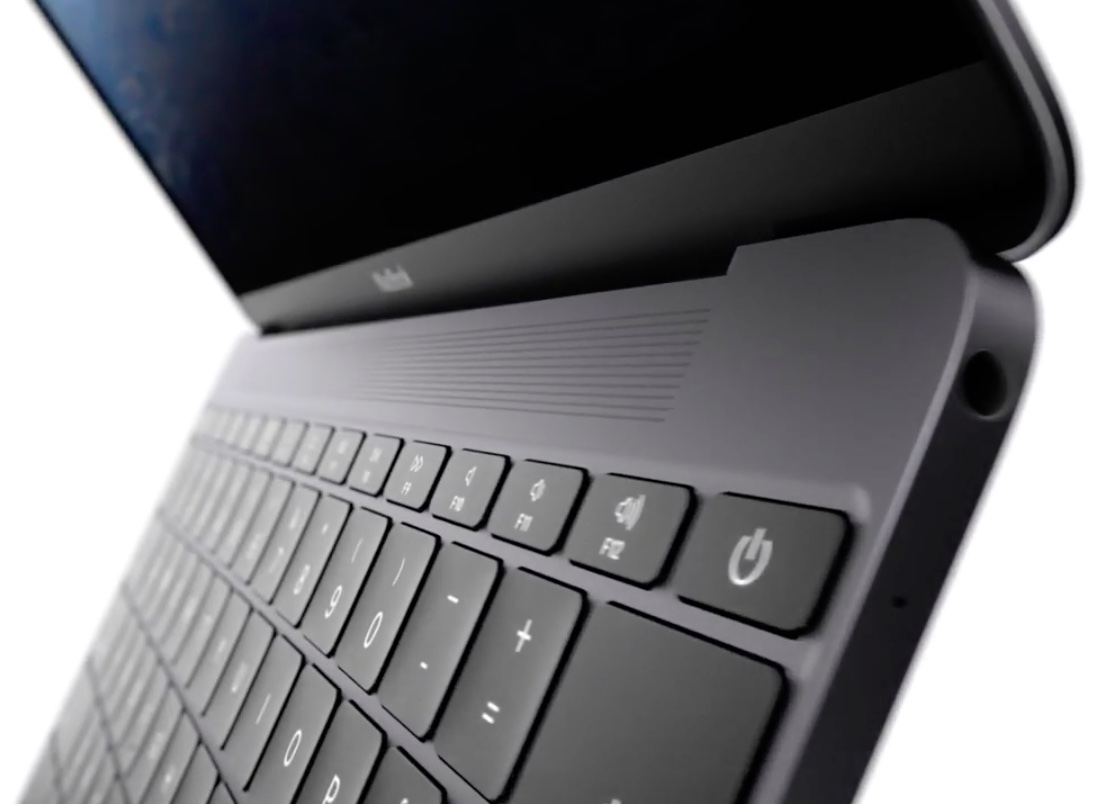
Not too long ago, we shared how you can find out what version and build of macOS you're running on your Mac, but another important piece of information you should know is the model number of the Mac you're using.
This is an important piece of information that is used by Apple to identify exactly when your computer was launched and what hardware it has inside of it.
In this tutorial, we'll show you how you can find the model number of your Mac.