Firmware

Can your iPhone or iPad run iOS 11?

iOS 11 makes your iPhone and iPad more powerful, personal and intelligent than ever before. You might be wondering if you have the device requirements to install it. Fortunately, we're here to answer that question.

Apple releases AirPods firmware 3.7.2

AirPods

Apple today released AirPods software 3.7.2, bringing unspecified improvements and bug fixes to the company's first Bluetooth earbuds featuring the in-house designed W1 wireless chip.

According to the German-language publication Macerkopf.de (Google Translate), which first spotted the new firmware, it's possible that it addresses the reported Bluetooth connectivity issues where AirPods would lost connection with their paired iPhone during phone calls.

To install the new AirPods firmware, put both earbuds inside their charging case, then close the case and connect it to a charger or a USB port on your computer. Your iPhone must be paired with your AirPods and connected to Wi-Fi in order for the firmware to download and install.

TUTORIAL: How to install software updates for your AirPods

Keep the charging case within a few inches of your iPhone or the AirPods firmware won't be updated. Keep in mind that updating your AirPods may take a few minutes to complete.

During the update process, your AirPods may be unavailable for use.

You can find out your AirPods firmware version in Settings → General → About → AirPods on your iPhone when the earbuds are connected to the phone.

AirPods originally released with firmware version 3.3.1.
Google Home can now distinguish up to six users by the sound of their voice

Yesterday, Google announced a major software update for its Home smart wireless speaker that enables it to support and distinguish up to six separate users, with each person receiving their own personalized results. Powered by Google Assistant, the wireless speaker can now distinguish your voice from others, a feature TIME claims Amazon's been developing in secrecy for its Echo family of smart devices.

Apple updates AirPods firmware to version 3.5.1

AirPods

Apple today updated the firmware on AirPods. The company did not publish the official changelog at post time so we don't know what this new firmware update provides in terms of new features aside from bug fixes and performance improvements, but we'll make sure to update the article as soon as we find out more. The new software bumps the AirPods firmware from the initial version 3.3.1 to version 3.5.1.

How to find out your AirPods firmware version

Seeing AirPods firmware version

Most Bluetooth headphones have firmware that can be periodically updated, and AirPods are no different. These firmware updates tend to be extremely small and usually offer bug fixes and stability improvements to address issues users may encounter, such as rapid battery drain.

In this post, we’ll show you how to find out which firmware version your AirPods are running.

Error messages popping up from failed automatic iOS updates? Here’s the fix

Your iPhone and/or iPad can perform over the air (OTA) software updates automatically during the night while you're sleeping, so long as it’s connected to a power source and you've given it permission first. While this feature is incredibly convenient for anyone who doesn’t have the time to wait for software updates during the day, it can sometimes be problematic.

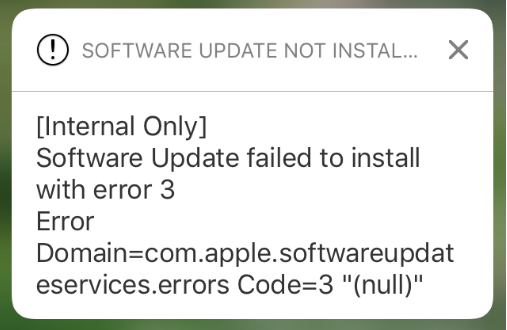
There are all kinds of error messages that might pop up, but one of the more common messages you may come across, especially on iOS 10 devices, will look a lot like the one you see above. In this piece, we’ll talk about troubleshooting steps you can take to fix various types of similar error messages once and for all and get your device up to date.

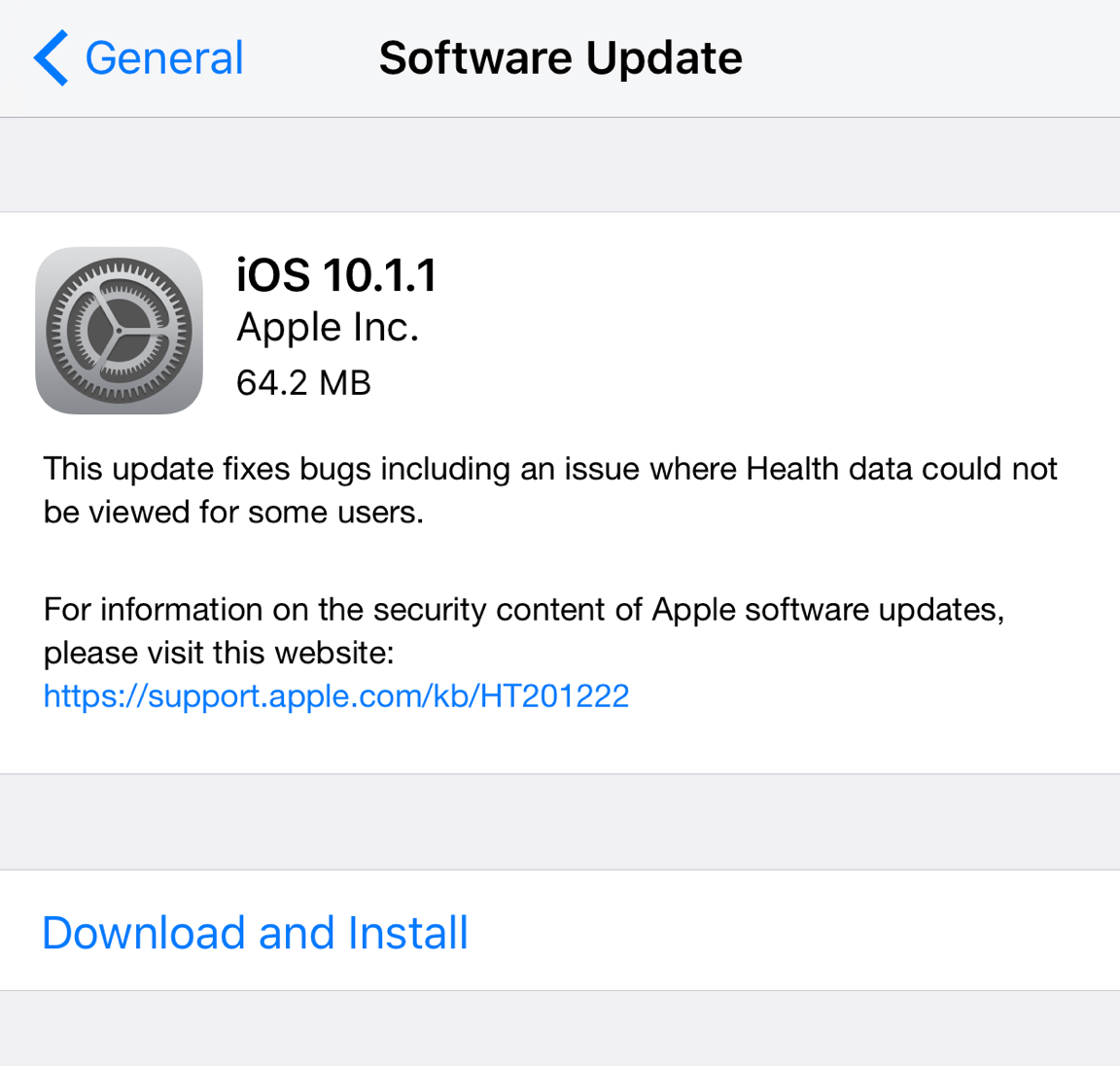
Apple stops signing iOS 10.1.1

Apple has stopped signing iOS 10.1 and 10.1.1 on Tuesday in a move that's sure to choke the jailbreak community a little bit further. It's typical of Apple to follow this kind of behavior after a new firmware release, so it's not surprising this would happen as iOS 10.2 was released just over a week ago.

With the firmware no longer being signed, downgrades to iOS 10.1.1 are currently no longer possible, so if you've upgraded to iOS 10.2 recently or need to do a fresh restore of iOS 10.1.1 in iTunes, then you're out of luck.

Hacker Luca Todesco advises jailbreakers to avoid updating to iOS 10.2

While there’s still no public jailbreak for iOS 10 to date, there have been some very convincing demos of personal jailbreaks for it, most of which have come out of the woodwork from none other than well-known iOS hacker Luca Todesco.

Amid the current jailbreak situation, Todesco is now seen warning netizens that if they have any intention of jailbreaking iOS 10 in the future, they should stay on iOS 10.1.1 and refrain from updating to iOS 10.2 when it comes out.

iOS 9 downgrades no longer possible as Apple stops signing iOS 9.3.5

On Tuesday, Apple pulled the plug on signing iOS 9.3.5 for its entire iOS device lineup, and since it was the last iOS 9 release since iOS 10’s launch last month, that means you can’t downgrade your firmware anymore.

It’s worth also mentioning that the signing process was also killed for iOS 10.0.1, which means anyone who tries to restore their device(s) in iTunes will be forced to install iOS 10.0.2 or later (10.0.3 is only for iPhone 7 & 7 Plus).