Email

‘HiddenMail’ Hides Your Email Accounts from Prying Eyes

Between being a handheld gaming device and portable media player, iDevices get passed around a lot. This can leave personal information exposed, such as, pictures, messages, and of course emails.

While there are already ways to password protect your device, this new jailbreak utility removes the hassle. For folks who are particularly concerned with privacy when it comes to their email, here's HiddenMail...
New in iOS 5: Mark Multiple Emails as Read

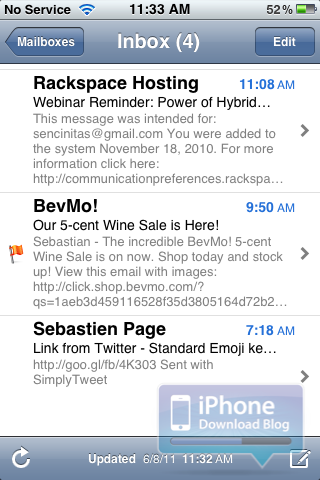
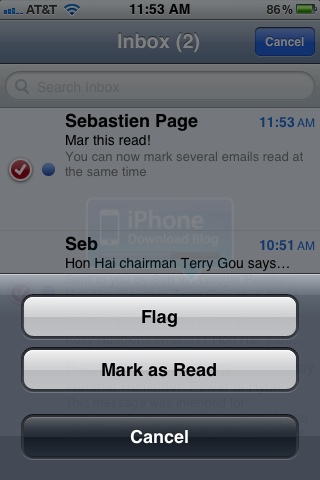
This is not the right time to be a jailbreak tweak developer. As we had clearly predicted, Apple is going after all those little jailbreak tweaks and are now implementing them in iOS 5. The latest one to date is the ability to mark several emails as read at the same time.

If you go to your inbox, hit the Edit button, select several messages, and tap "Mark", you are given the option to either flag those emails, or mark them as read...

New in iOS 5: Flagging Email in Mail App

If you've been looking for a more elegant way to mark your email in Apple's Mail app, iOS 5 may have what you're looking for. In iOS 5, you now have the ability to "Flag" messages in the Mail app as important. The flags can be used to access certain emails for quick reference, or show you what messages are the most important to you.

New in iOS 5: Easy Hotmail Set Up

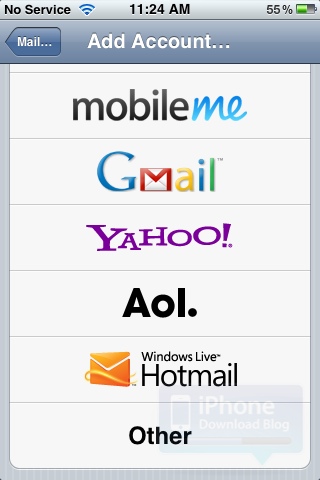
I remember a few years ago when the iPhone first came out, getting your Hotmail emails on the Email app was just a struggle. Then Microsoft figured it out and let its users easily set up Hotmail on the iPhone and other devices.

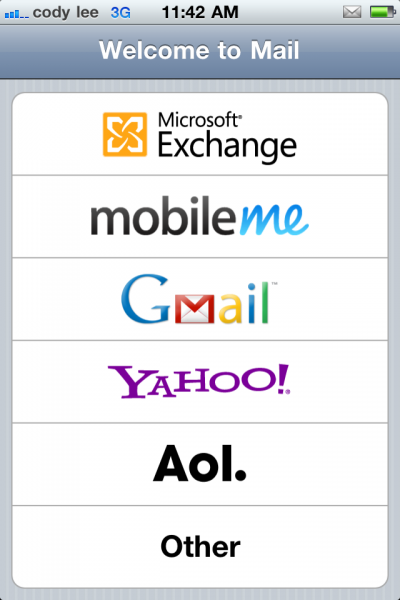
Adding an Hotmail account on the iPhone is going to be even easier with iOS 5 as it is now a default option, just like Gmail, Yahoo, or AOL are...

Mail App Gets Rich Text and Other New Features in iOS 5

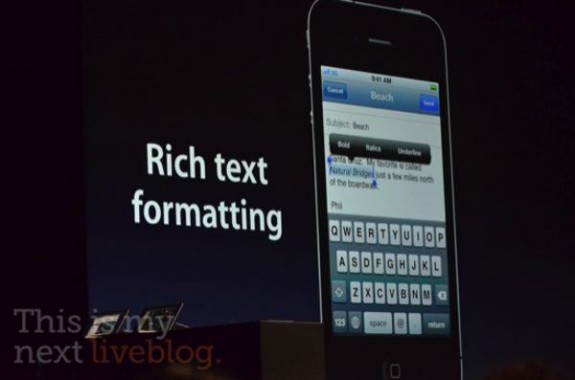
The new features keep pouring in as Scott Forestall, the man behind iOS, announces update after update in the new iDevice software. While we knew that a new notifications system and other revamps were coming, not much was said about the iOS Mail app.

There wasn't really anything wrong with the previous version of the iOS Mail app, but it did leave a couple of things to be desired. Apple must've gotten wind of jailbreak tweaks like Rich Text for Mail, because they just included it and other features in iOS 5...

SplitMail, a New Jailbreak Tweak by Ryan Petrich

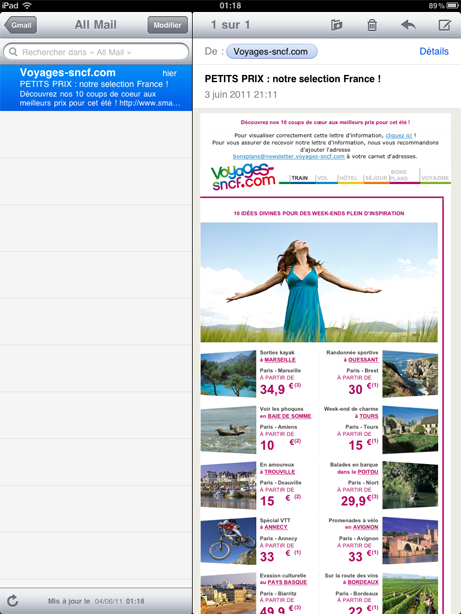
Jailbreak developer Ryan Petrich just pushed SplitMail to his repo, his third tweak part of his TweakWeek challenge. SplitMail is a new tweak for jailbroken iPad that allows to display the left column of your emails in portrait mode in the same way it does while in landscape mode.

As usual, there is no icon or options in the Settings app. All you have to do is download the app on your iPad and view your emails in portrait mode...

Beware: Malware and Phishing Emails Pose as Apple and iPhone 5

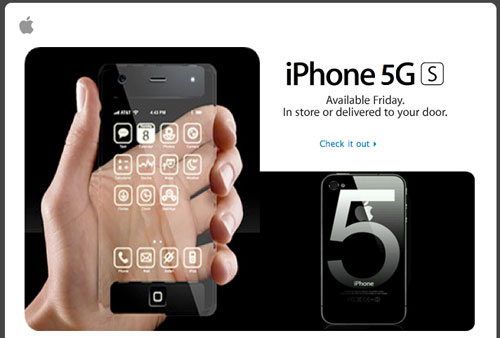
Spam emails are circulating that pose as Apple trying to sell new products, including the rumored iPhone 5. According to MacRumors, several reports have come in that talk of an "iPhone 5GS" product launch in a very Apple-like email.

Apple's products have always been used in spam and advertising to get click-throughs, but this round of spam sets itself apart with its striking resemblance to Apple's own design. If you've ever received an email from Apple, you'll notice how similar these spam messages are to the legit ones from Cupertino...

Customize Your Emails With Rich Text for Mail

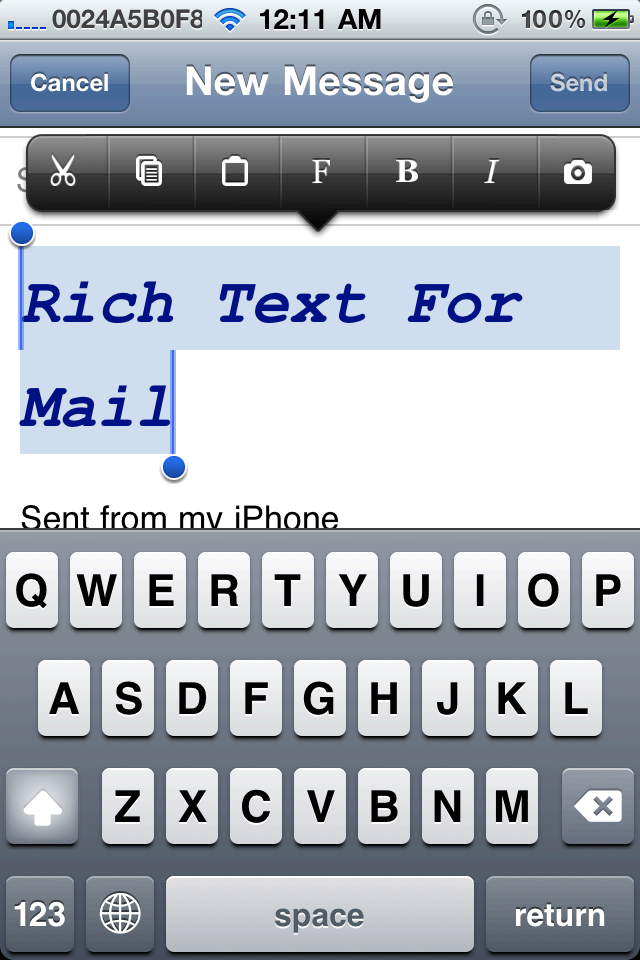
Another day, another reason to jailbreak your iPhone and customize it to the fullest. The latest jailbreak tweak is called Rich Text for Mail by well-known iOS developer Ryan Petrich (@rpetrich).

Rich Text for Mail enables you to compose and reply to emails using custom fonts, colors and styles. That includes adding format, bold, italic, strikethrough, underline and image items to Action Menu. The app works in conjunction with Action Menu, so there are no additional buttons or apps added. Best of all, it adds all these customization tools to the stock iPhone Mail app...

DeleteMail Tweak Makes Clearing out Your Inbox Easy

The iOS Mail app is fairly straightforward. It houses all the basic functions of a standard email client, along with some nifty Exchange options. However, there is certainly room for improvement.

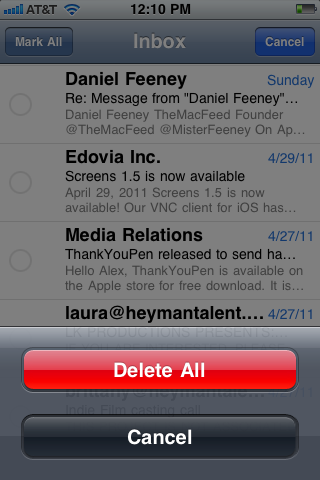
One of the main features missing is the ability to delete multiple emails quickly. If you have 1 or more inboxes that sees 100+ emails daily, you know what a pain it is to go through and select each message one at a time to delete them. Luckily, Cydia now has a tweak for that...

Gmail Web App Updated, Can Undo Actions

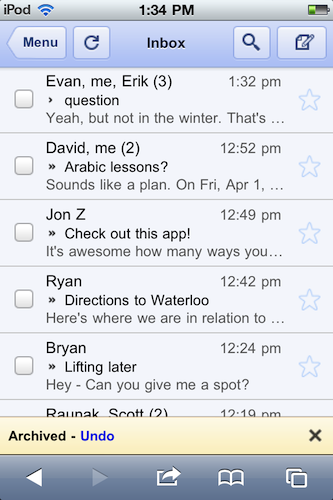
The Gmail web app just keeps getting better and better! If you use the Gmail web app with Safari on your iPhone, you'll be happy to know that Google has now updated Gmail's web interface with an "undo" feature.

The web app will now allow users to undo an action such as archive, delete, add/remove a label, or move a message/conversation. When you select one of these actions, Gmail shows a yellow bar that displays what you just and allowing you to undo it, instead of having to dig the message out of the Trash. 

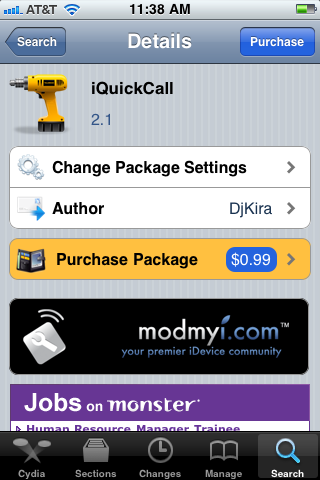
iQuickCall Allows You to Quickly Call, Text, or E-Mail with Activator

iQuickCall is a jailbreak tweak that allows you quick access to the number you call everyday. Using the gesture options built into Activator, iQuickCall gives you several methods for quickly prompting the option to call/text/e-mail someone from anywhere on your screen.

There are apps in the App Store that try to solve the issue of quick contact reference in iOS, but iQuickCall uses the system access benefits that jailbreaking provides for a more integrated approach...

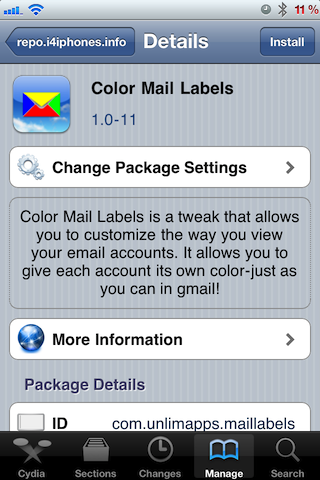
‘Color Mail Labels’ Makes Your Unified Email Inbox Easier to Read

iOS 4.0's release seems like an eternity ago, but it's still one of my favorite iOS updates ever due to the unified email box.

The unified email box is a method to view all of your email in one spot; a culmination of all of your email accounts if you will.

But there is one standing issue that comes from having all of your email bunched together in one box -- it's difficult to tell where the email originated.

Wouldn't it be great if it were easier to discern which emails came from which account? That's where Color Mail Labels comes in…