Email

eMail Widget lets you view and manage your inbox from Notification Center

When it comes to the daily task of rummaging through email messages, I spend the first 30-minutes of my workday just trying to get my inbox under control. I can quickly delete or archive more than half of them, which helps me feel like I've made some progress

eMail Widget is a Notification Center app that allows users, not only to see new messages in their inbox, but perform a few basic actions in order to keep things under control without having to open a dedicated app.
Google’s Inbox app gains enhanced snoozing features for certain types of emails

Inbox, a gesture-driven email app for the iPhone and iPad by the Gmail team which was born out of Google's acquisition of Sparrow, was updated on the App Store today with enhanced snooze options for package tracking updates, restaurant and event reservations, calendar invites and a couple other types of emails.

The feature makes it easy to snooze an email message to the day before the event, knowing your email will come back at just the right time. These enhanced snoozing capability is in addition to custom snooze times which were introduced back in March.

Readdle’s excellent Spark email client gains bulk actions, setting for remote images and more

Readdle's Spark, my new favorite go-to mobile email client, received a big update in the App Store today. Although you couldn't tell it from a minor version number change (1.0.1), the new version does make the app much better while fixing a plethora of user-reported issues.

For starters, you can now delete and archive emails in bulk, a tremendous productivity boost. Next, Spark now consumes less energy, which is always a good thing.

You can now empty your Trash with a single tap, as opposed to selecting multiple messages before hitting the Delete button, like before.

Security advocates will definitely appreciate a new setting to disable loading of remote images, which protects you from spammers while keeping data usage under control.

On the downside, today's update has removed a pair of useful features due to mixed reviews, though Readdle assures us it may bring them back “someday.”

iOS 9 lets you save email attachments to iCloud Drive

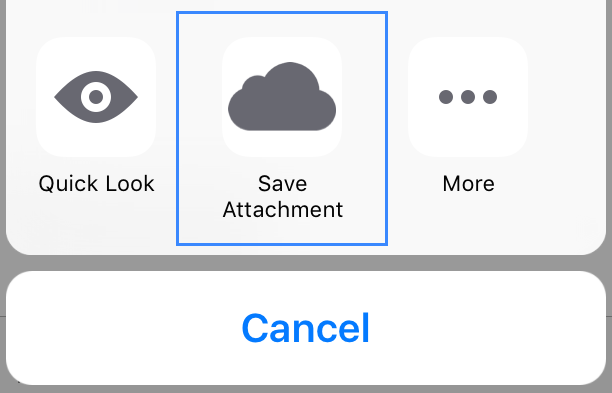
iOS 9 offers a new feature that allows you to save attachments received via emails to iCloud Drive. Similar to the way iOS currently lets you save email attachments to third-party services such as Dropbox or Google Drive, this new feature takes advantage of the Share extension, bringing a new Save Attachment icon for easy sharing to your iCloud Drive.

How to change your email display name

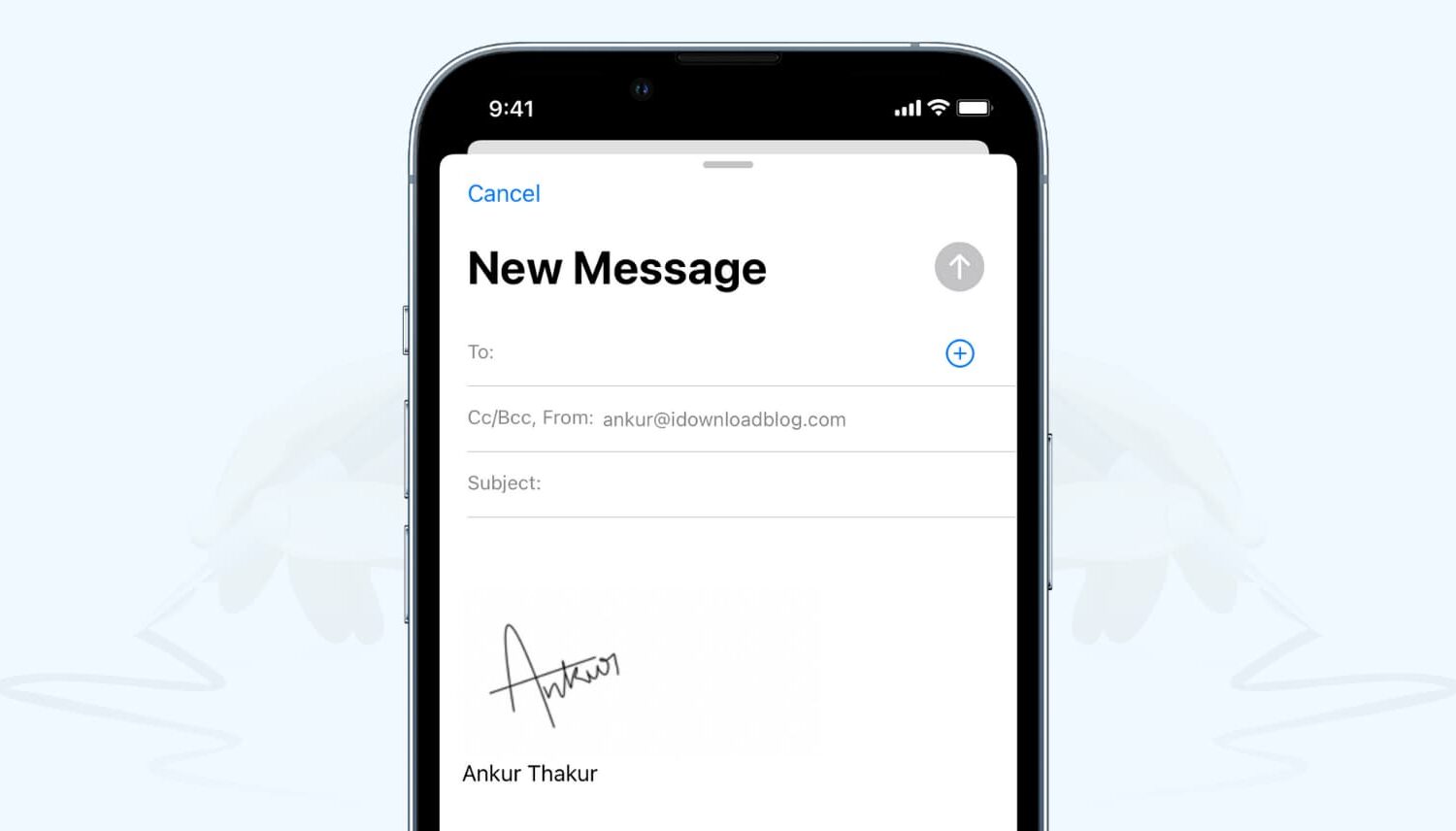
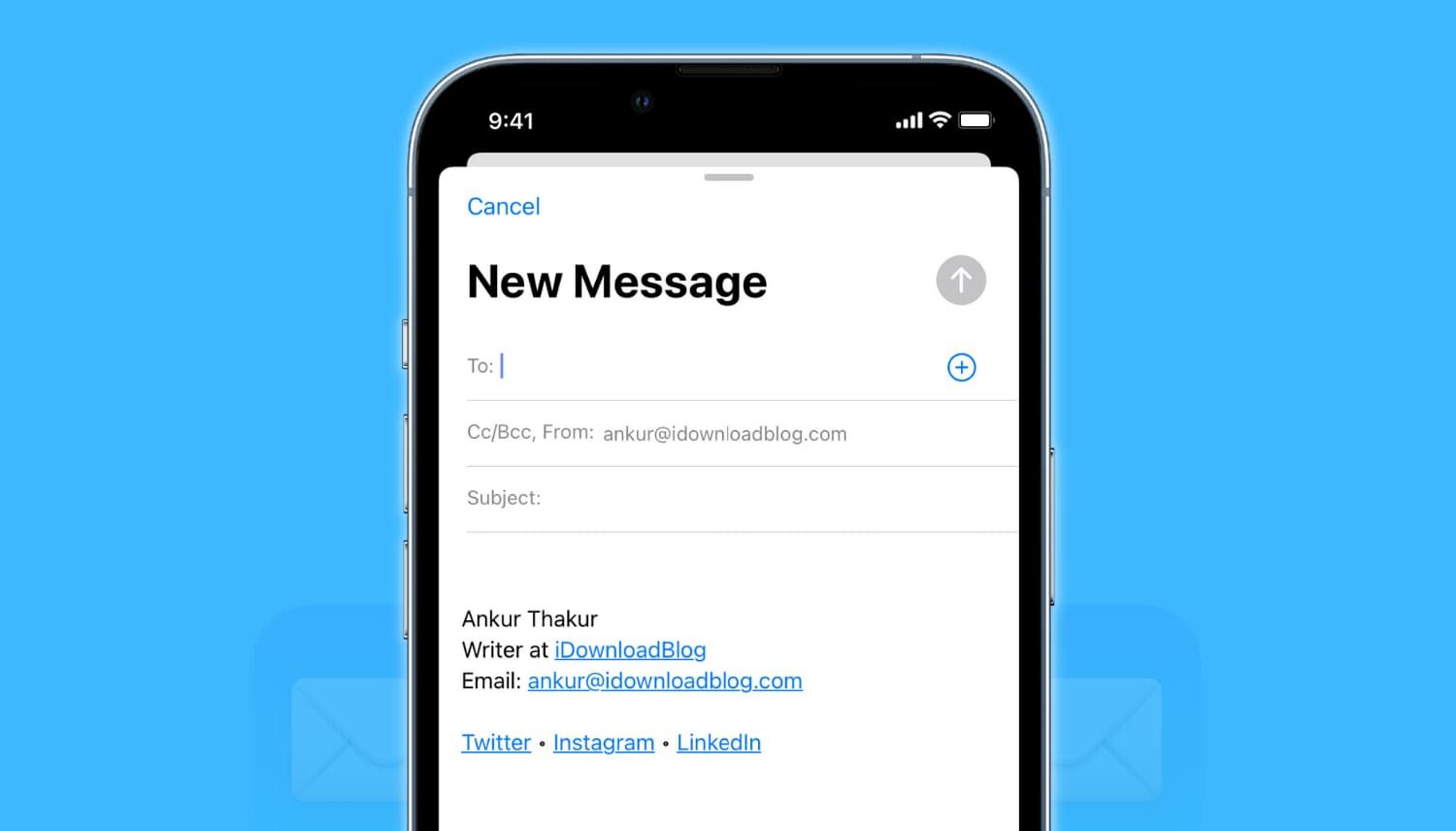
Change email display name on iPhone and Mac

When you send someone an email, it usually shows the name you set while creating the account. Suppose you made a typo while setting up your email, or used your nickname or a fake name, and now every email you send has this name you no longer like.

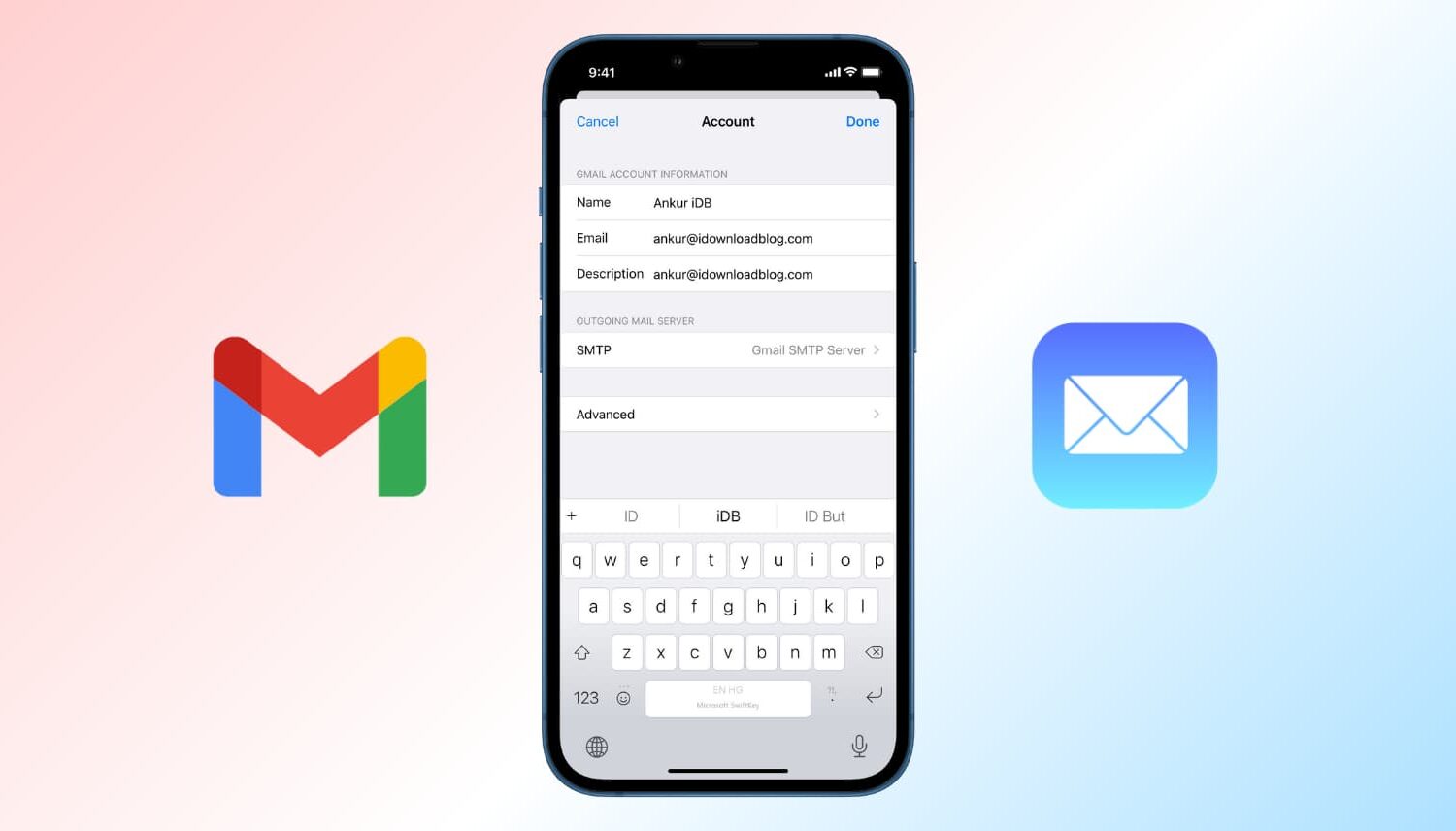
In this tutorial, we show you how to change the name that's displayed in the email you send to someone from your iPhone, iPad, Mac, and iCloud.

Readdle launches Spark, gorgeous iPhone and Apple Watch email app to tame your inbox

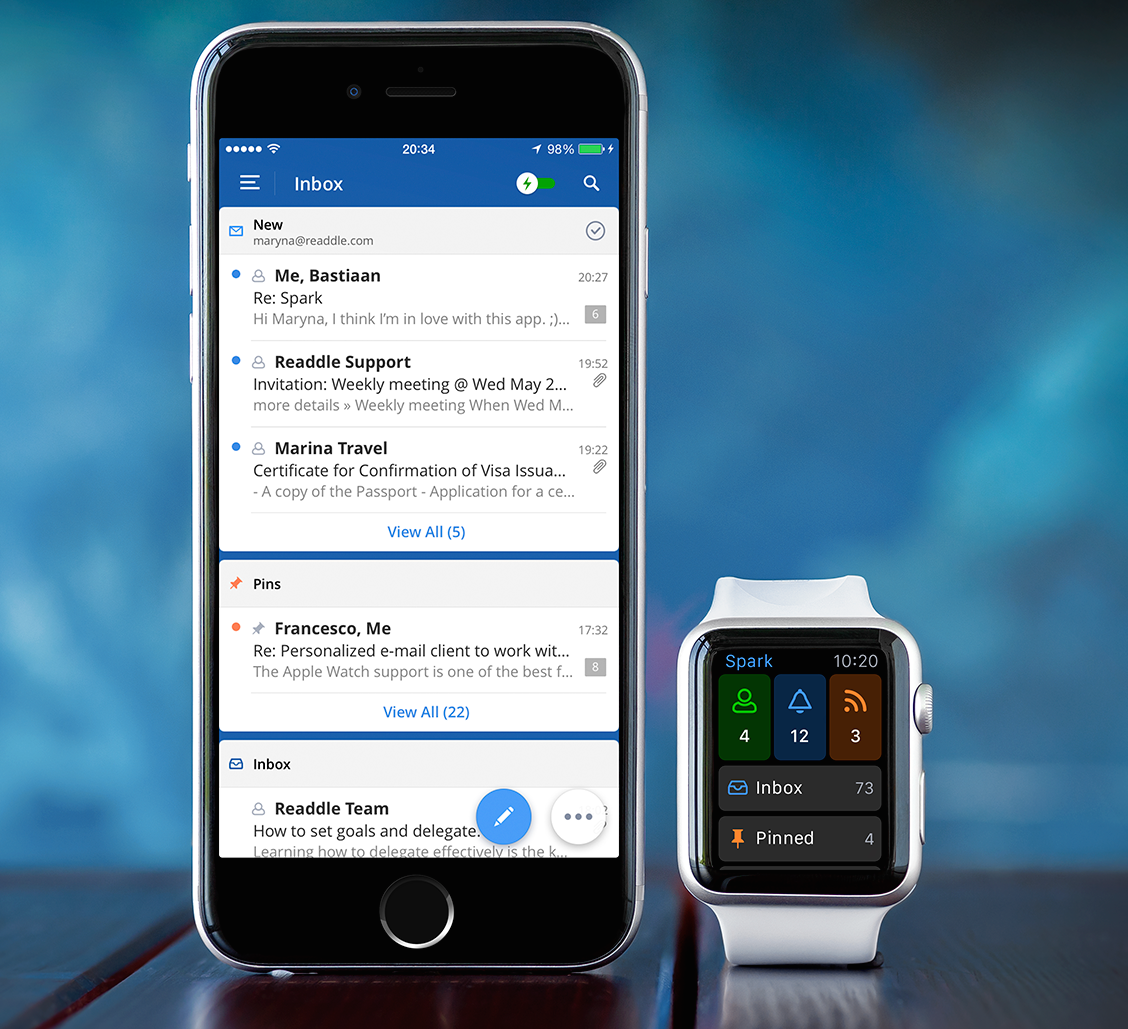
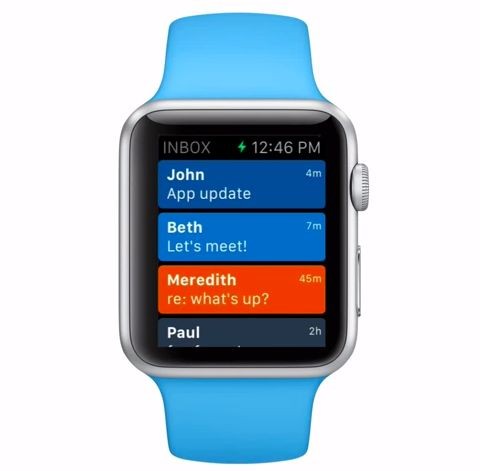
Ukrainian developer Readdle, the maker of some of the finest productivity apps for the iPhone and iPad, today launched its most ambitious project yet, a personalized email client for the iPhone and Apple Watch conceived to help you deal with your inbox faster.

The app is called Spark, it looks neat and offers a number of compelling features, like quick replies, powerful search, fast signatures, smart notifications, attachments, cloud services support, email-to-PDF conversion, a WatchKit extension to check important messages on the wrist with an Apple Watch app and a glance, and much more.

Google opens Inbox app to everyone: updated with Undo Send, Trip Bundles, new gesture options and more

Inbox, a gesture driven email application from the Gmail team built on Google-acquired Sparrow technology, got refreshed with new features this morning starting with Undo Send. Now, Undo Send has been available for quite some time through Gmail's web interface.

Now for the first time on your iPhone, Undo Send lets you take back an email right after sending in case you spotted a mistake, or have second thoughts. Also important, Inbox is now open to everyone so all Gmail fans can get in on the action right away.

Flow by Outlook, Microsoft’s hybrid IM/email iPhone app, inadvertently leaked

Microsoft has inadvertently leaked an upcoming hybrid email and messaging app via a download webpage marked "Microsoft Confidential", ZDNet reported Wednesday.

Called 'Flow by Outlook,' the lightweight email app should release for the iPhone. It's being billed as a “great way to have rapid email conversations on your phone with the people who are important to you,” as per leaked changelog.

Google working to let you pay bills from directly within Gmail

Google is working on a new service that will allow you to pay your bills from directly within your Gmail email inbox, ridding of the need to visit multiple websites every time you pay your bills each month.

Recode was able to get its hands on all the details for the secret project, dubbed "Pony Express". Internally, it's being called "the future of paper mail" and is expected to roll out in the fourth quarter of 2015.

Popular mail app TL;DR to make the jump to the Apple Watch

We recently told you about a fun email app for the iPhone that aims to keep emails short and your inbox as clean as possible. The aptly called TL;DR app, free on the App Store, is an email app with a twist in a market where every other email solution seems to be rather, well, boring. Our very own Sébastien was rather taken by it, and that's no mean feat!

So when we heard from the app's makers that they were going to have an Apple Watch app ready on day one, our interest was peeked.