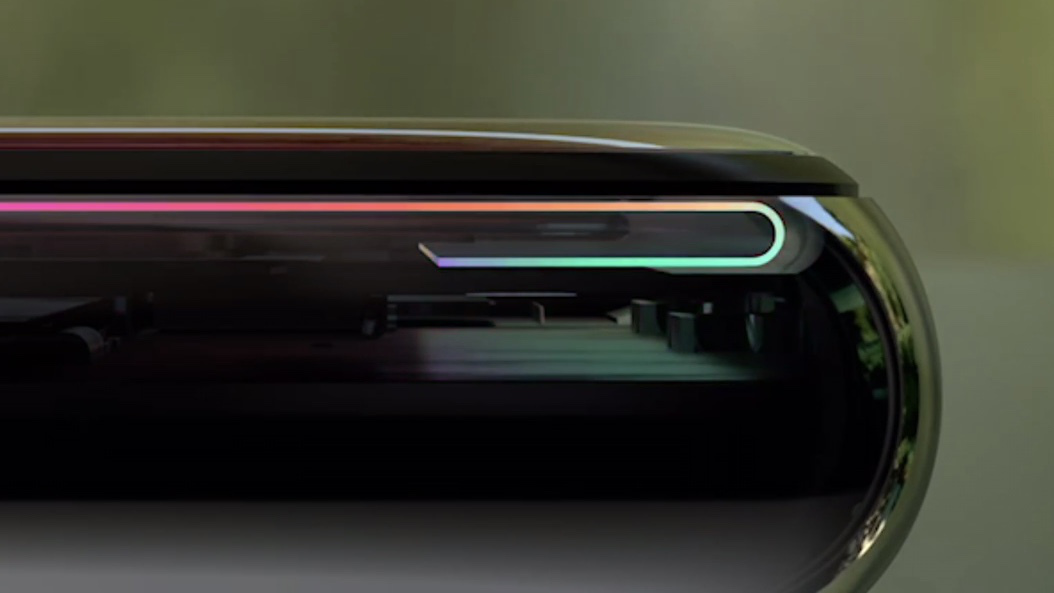
Display

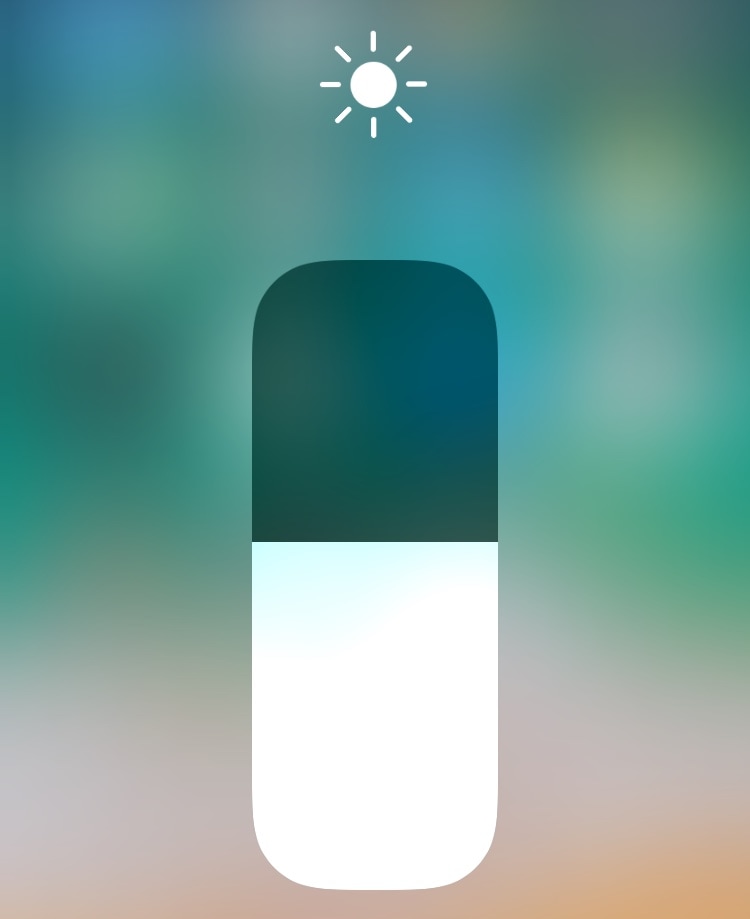
EasyBrightness makes it easier to revert to an ideal display brightness level

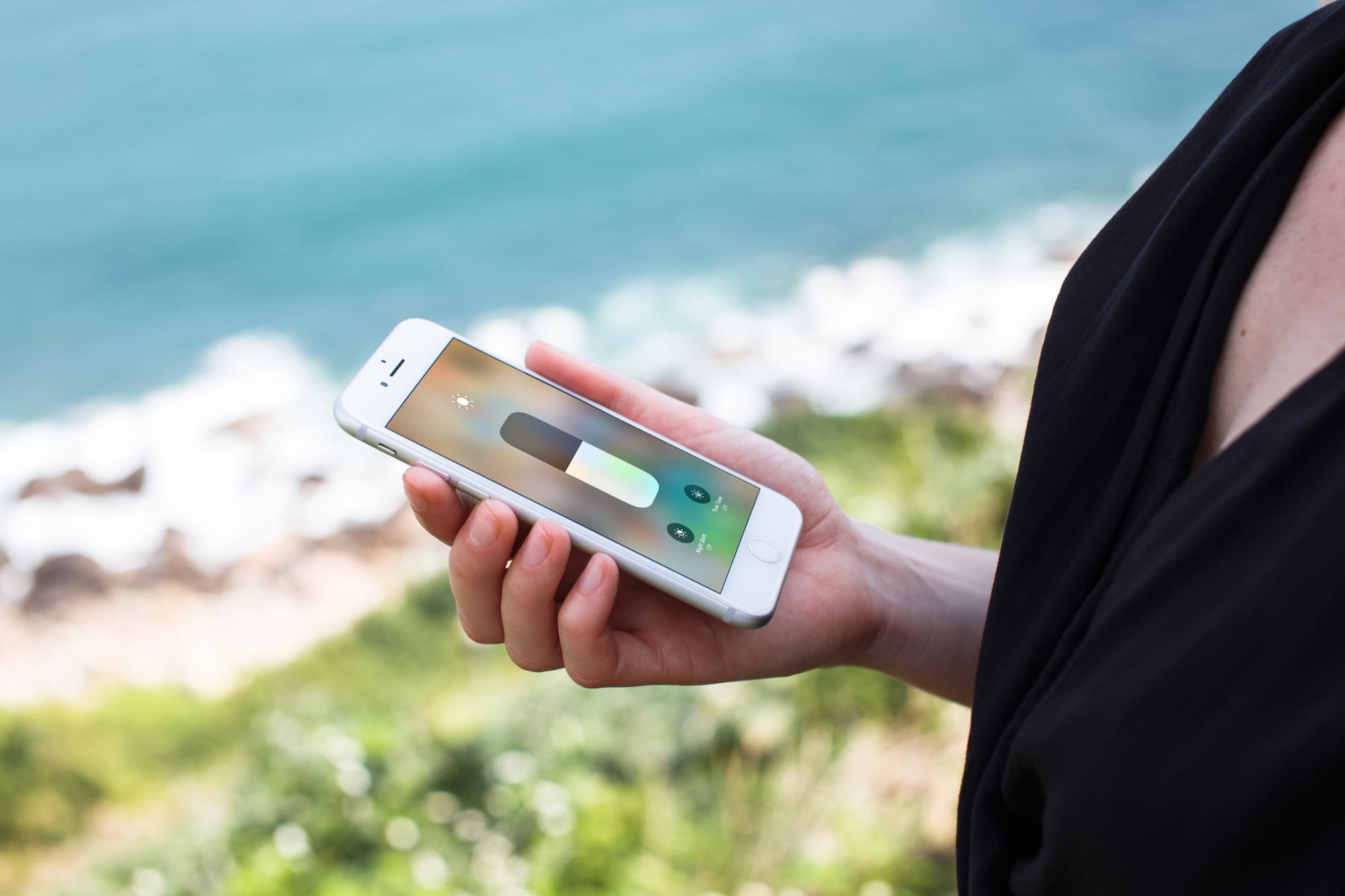
When it comes to your iPhone’s display brightness, you might have a preferred brightness level for both indoor and outdoor usage. Sadly, iOS’ automatic brightness setting tends to be less than optimal, and adjusting the display brightness manually can feel somewhat cumbersome at times.

If you’re in the same boat, then you might want to turn your attention to a newly-released and free jailbreak tweak called EasyBrightness by iOS developer gilesgc. This tweak mitigates the problem discussed above by letting you designate a default display brightness level and making it easy to return to it on demand.
Samsung received $683 million from Apple for unfilled orders of iPhone OLED panels

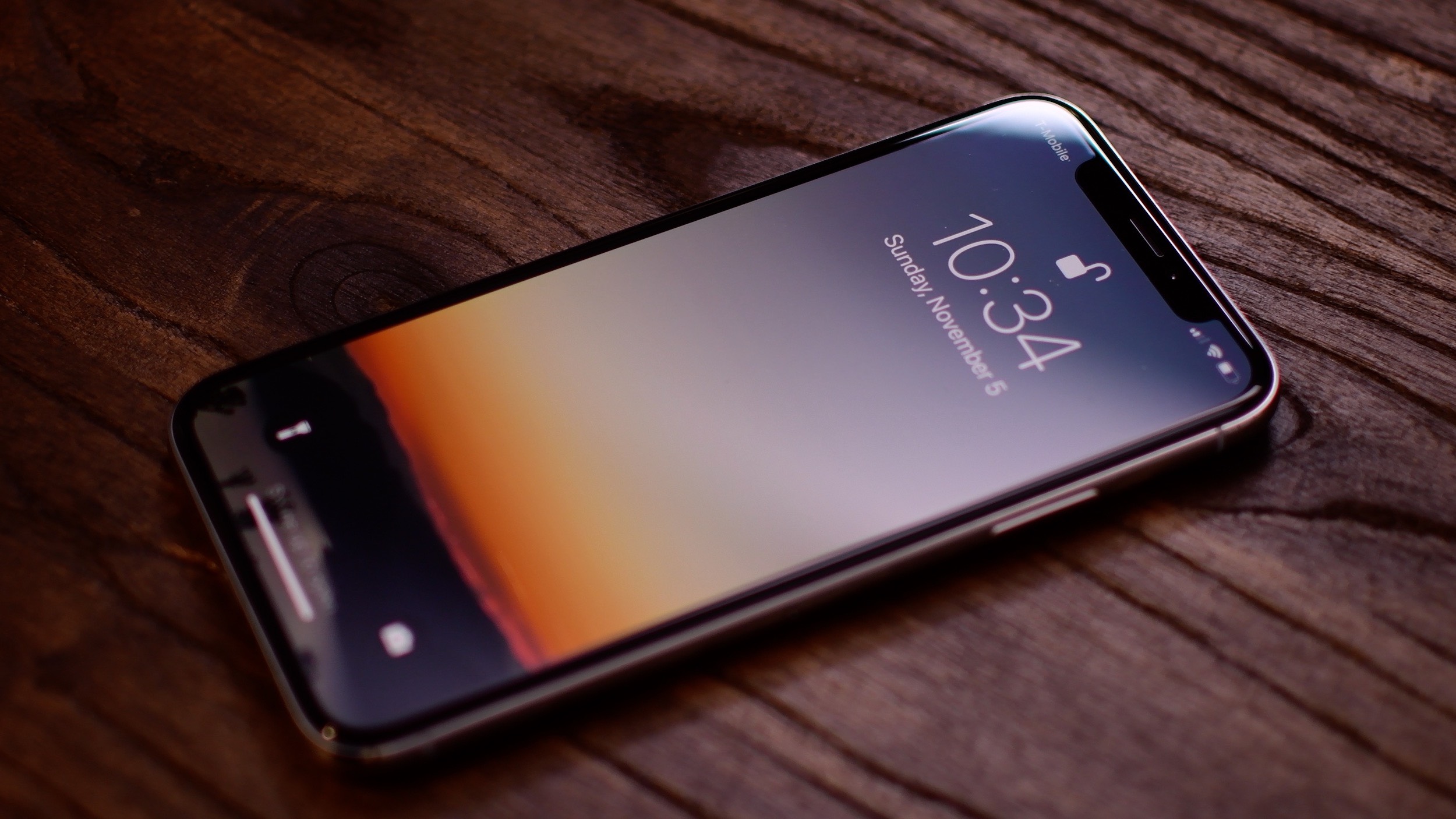
As we previously reported, Apple is on the hook for missing contractual purchasing obligations concerning Samsung-built OLED display panels bound for iPhones. According to Samsung's earrings guidance released Friday, the Galaxy maker has actually received a cool $638 million from the Cupertino firm during the June quarter after Apple couldn't fulfill its previously agreed-upon purchasing order volume and no middle ground could be found.

DisplayPort 2.0 taps Thunderbolt 3 to drive 2 8K displays or one 16K screen over a single cable

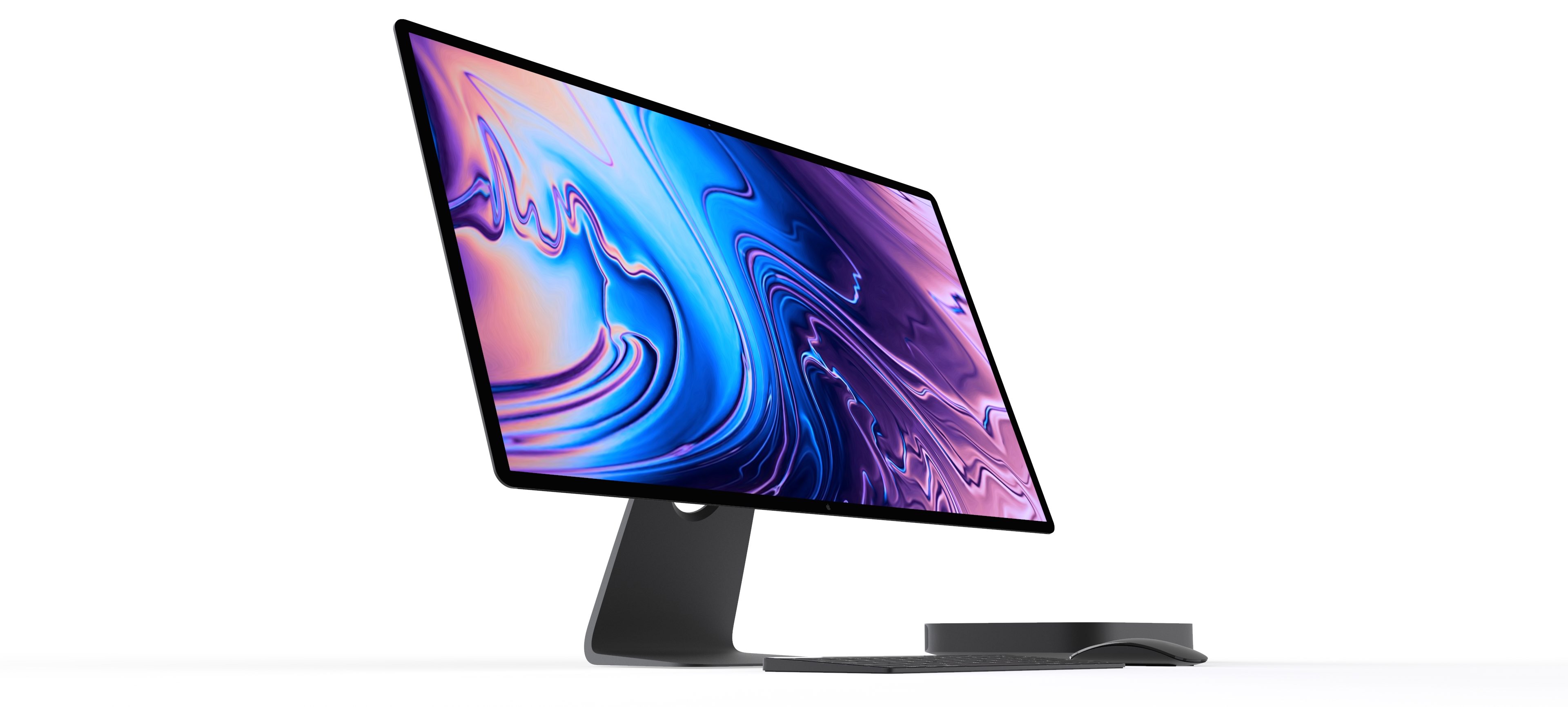
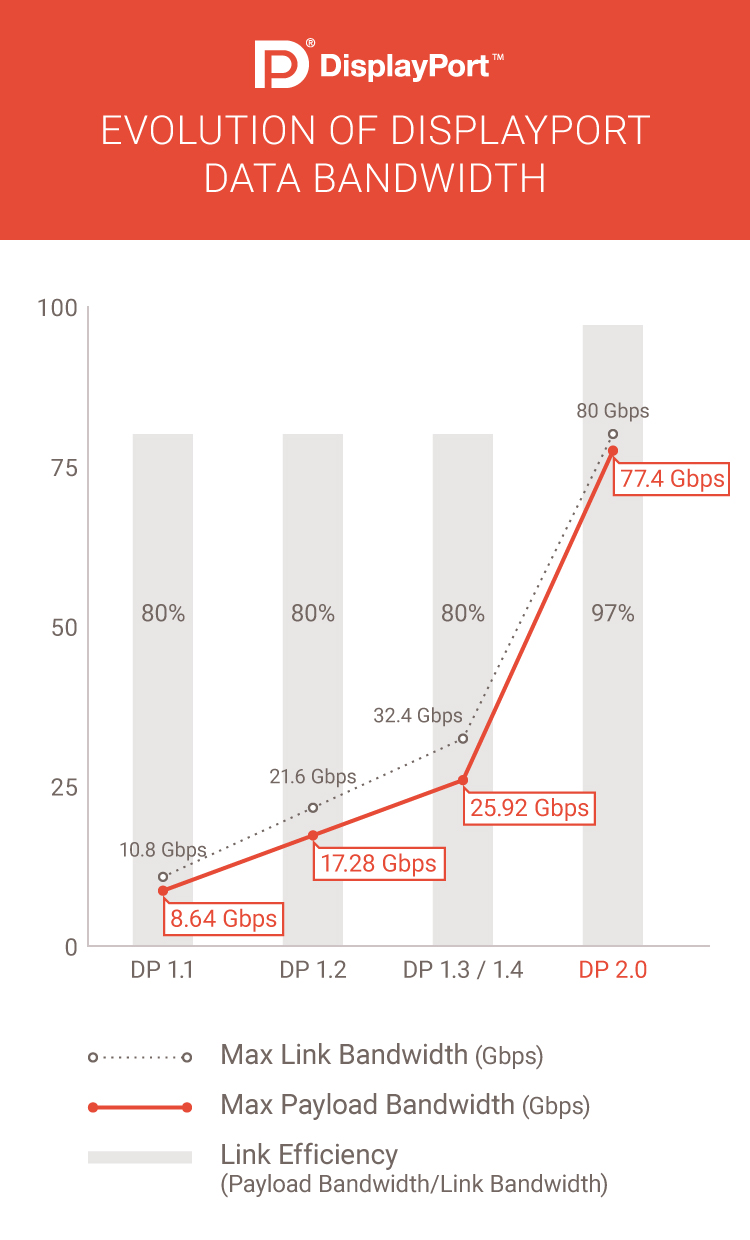
Video Electronics Standards Association (VESA) yesterday announced DisplayPort 2.0, a major update to the popular digital display interface that in its latest incarnation leverages the power of Thunderbolt 3 to simultaneously drive two displays at 8K resolution (7,680 x 4,320 pixels) each over a single cable, or one display at a whopping 16K resolution (15,360 × 8,460 pixels).

Make certain Camera controls easier to reach with CamControls X

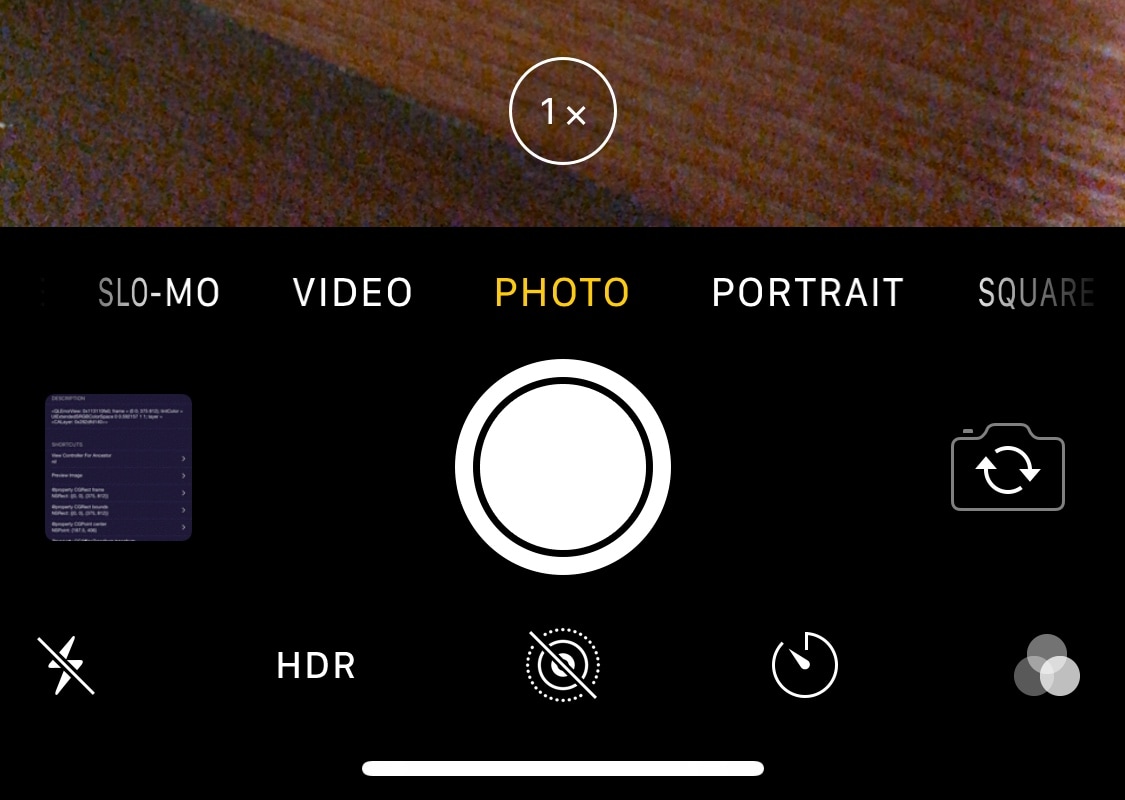
Notched iPhones, including the iPhone X, XR, XS, and XS Max, sport incredibly tall displays when compared with traditional non-notched handsets. Perhaps unsurprisingly, this can make accessing some of the handset’s features slightly uncomfortable when they appear near the top of the screen.

Apple provides a feature called Reachability to help with this problem, but many people leave it disabled because it’s easy to invoke by accident. With that in mind, if you’d like to make using the Camera app easier on notched handsets, then you just might come to appreciate a new free jailbreak tweak called CamControls X by iOS developer FoxfortMobile.

How to AirPlay or mirror your iPhone or iPad display to an Apple TV

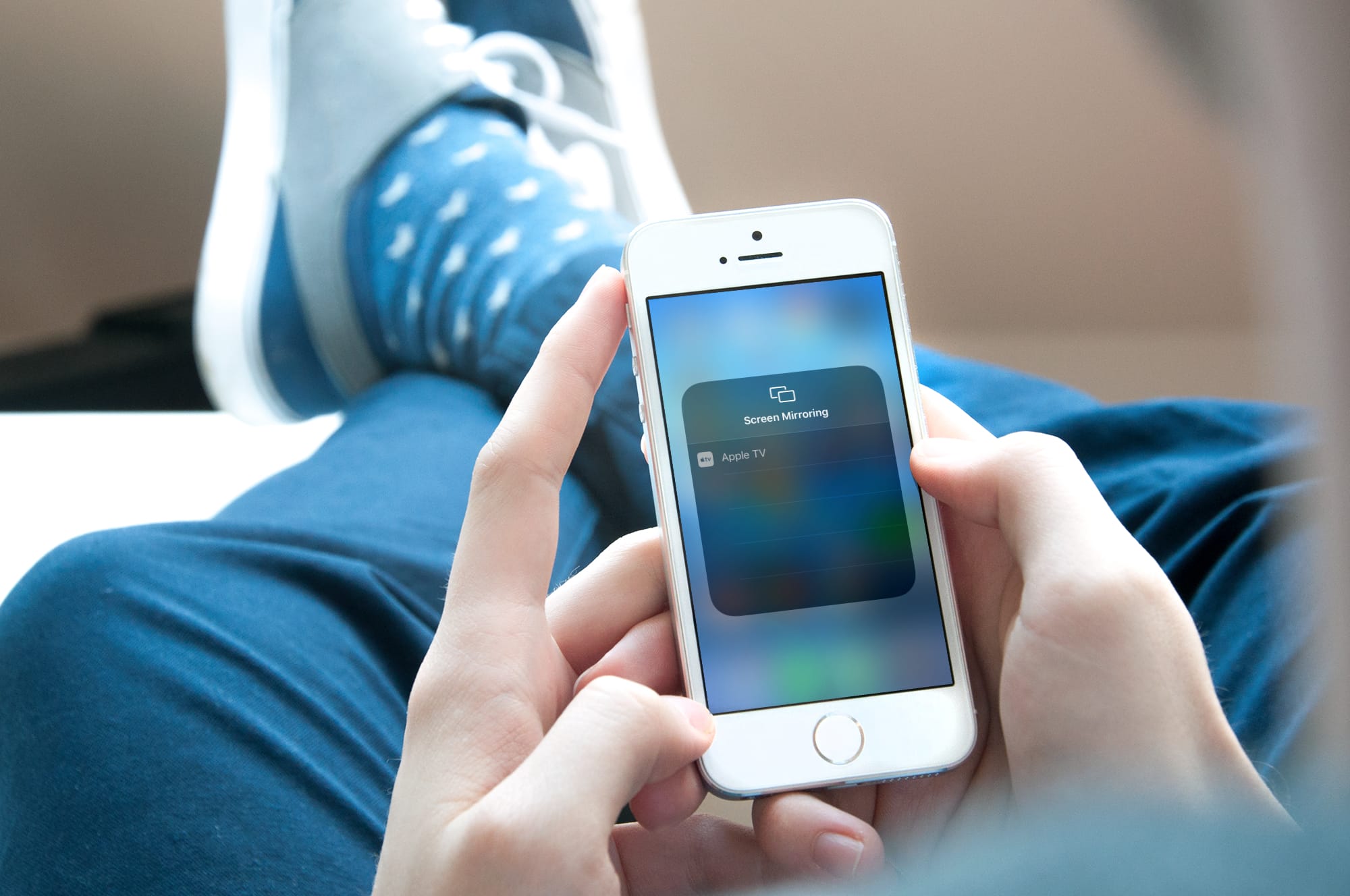
Mirror iPhone to Apple TV

You can easily send your Mac screen to your Apple TV and either mirror it or use it as a second display. So, if you want to show something you have on your iPhone or iPad up on your Apple TV, this is just as simple.

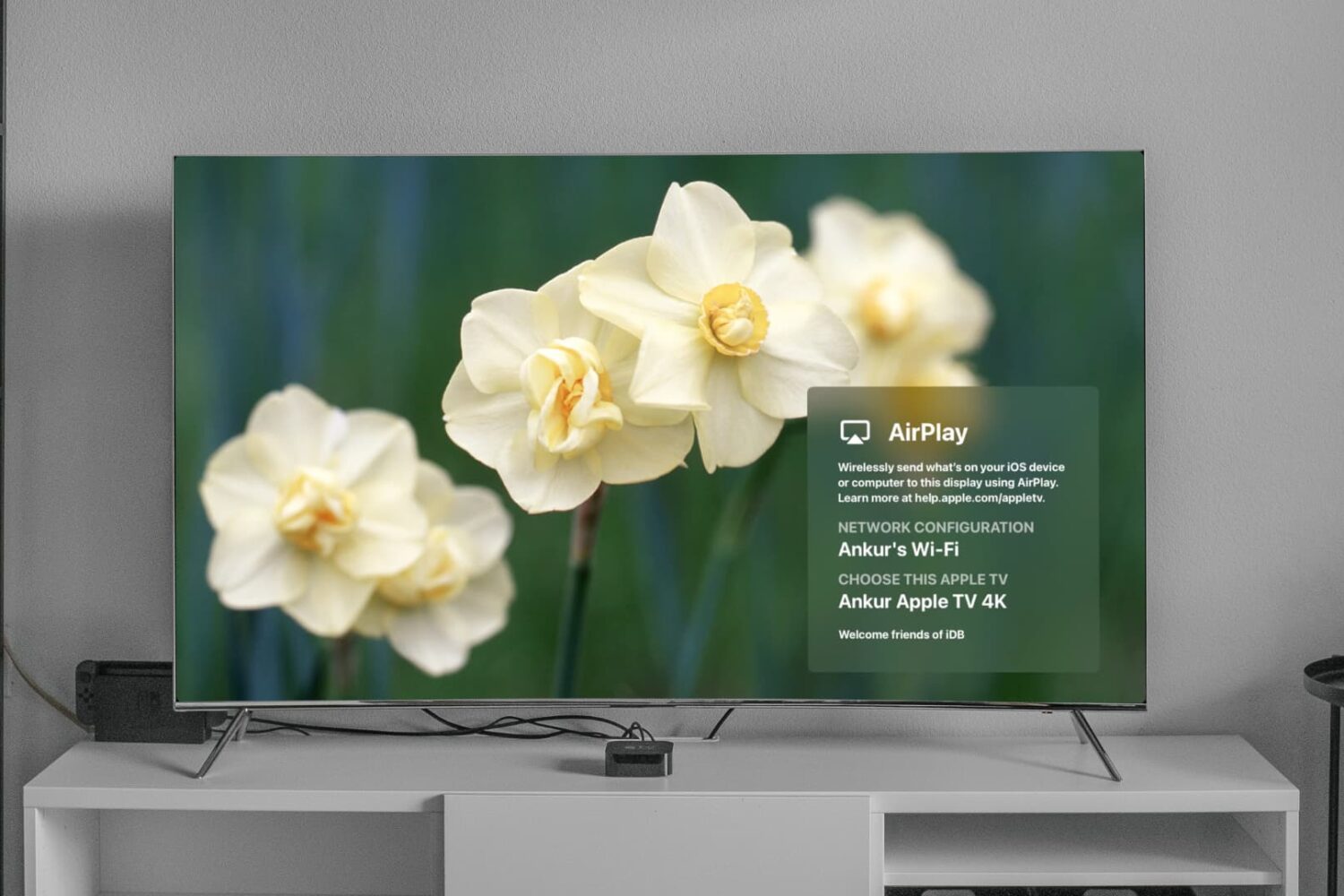
You can use AirPlay if you have a video on your iPhone you want to show everyone in the room. And if you want to see a bigger picture of something on your device and interact with it, you can use Screen Mirroring.

Here’s how to both AirPlay and mirror your iPhone or iPad display to Apple TV.