Cydia

Cydia news and information: read the latest development about Cydia, including jailbreak tweaks.

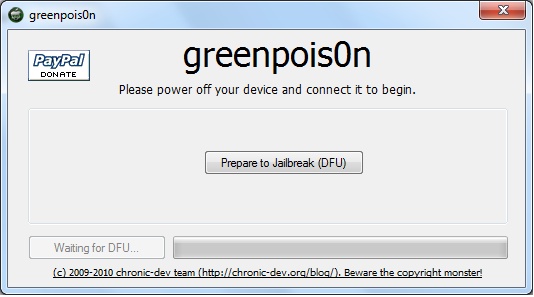
Tutorial: How to jailbreak your iPhone Using GreenPois0n

This step by step GreenPois0n guide and tutorial will show you how to jailbreak your iPhone 4.1 using GreenPois0n, the new jailbreak by Chronic Dev Team. This GreenPois0n guide will work for the iPhone 3GS, iPhone 4, iPad, iPod Touch 3G, and iPod Touch 4G.

GreenPois0n is is available for Windows, Mac, and Linux.

Although we encountered a few issues here and there, we were able to jailbreak our iPhone 4 successfully using greenpois0n. Once you get around a few hiccups, the process really isn't all that difficult.

Check inside as we step through the jailbreak process with greenpois0n using a Windows machine. The steps are exactly the same no matter what platform you use.
Your Top 5 Cydia Minimalist Essentials

We all know the story. There's so many can't-live-without apps in Cydia. But once you install everything, your iPhone becomes a mess of apps competing for (system) power.

A few months later, you've sacrificed speed for functionality. Here's my list of the 5 Cydia downloads that I could be happy with...

EnhancedTabs Adds Additional Functionality to Apple’s Aging Browser

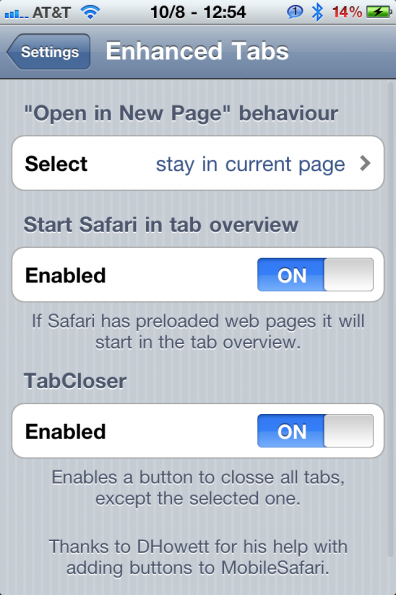
The tagline in Cydia for EnhancedTabs is that it "Makes Safari's tabs much better." Despite the somewhat conceited nature of the app, I must agree.

If you're jailbroken and looking to add additional functionality to the iPhone's stock browser, this is a tweak that you're going to want to try. EnhancedTabs brings three features to the table that aim to, well, enhance your tabs...

Why I Loved Rock (and How I Could Love Cydia)

Rock's dead. We all know this. Saurik told us that the Rock developers cut corners and did things the wrong way. Still, Rock did do a few things right that would complement Cydia well.

The Real Experiences

Rock.app was a real experience. It was snappy and clean. It had a colorful and eye-friendly theme. Most importantly, it was usable during fetches and reloads. When Rock opened, here's what happened: you view the home page, navigate a bit, while fetches occurred with a small unobtrusive status indicator. Once completed, a quick refresh interrupts you, then you're good to go. You navigate to updates and the results are preloaded. The page loads quickly, if not instantly.

GreenPois0n Lockscreen Makes Waiting for iPhone 4.1 Jailbreak (un)Bearable

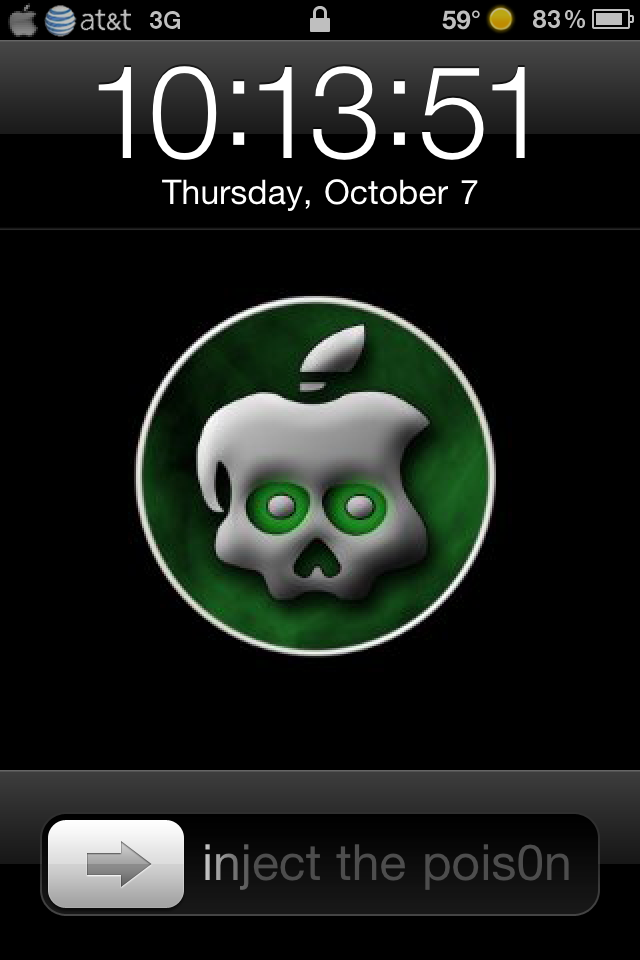
I need it.  You need it.  We all need the 4.1 GreenPois0n jailbreak!  To help us wait out these final days, a guy who appropriately goes by the name of “Sadist” has a GreenPois0n battery, lockscreen and slider theme available in Cydia.

Except after installing it I realized it just makes me more impatient for the new jailbreak, especially when the slider taunts “Inject the Pois0n.”  So he’s not just a sadist, he’s a tease...

What Made You Decide to Jailbreak?

When I first got my iPhone, in December of 2008, it wasn’t long before I heard about jailbreaking. My friend, who didn’t even have an iPhone, told me I should jailbreak to do “cool stuff” to it. His friends had done it, and he thought I’d like it.

Always suspicious of peer pressure, I resisted. Jailbreaking sounded scary, dangerous, and maybe even illegal. Why would I do such a thing when the iPhone was already so awesomely awesome?

Weathericon App Subtly Reminds You That You’re Freezing Every Time You Glance at Lockscreen

One of the better jailbreak apps is WeatherIcon, available in Cydia. This app allows two things: a temperature display in the status bar, and live updates/changes to your designated weather app icon (Apple’s native weather app, The Weather Channel, Weatherbug, etc...) that reflect current weather conditions. This way you can remember it’s a dapper -14 degrees out without even unlocking your phone.

This is a clean and simple app. The temperature display in the status bar is unobtrusive (though there is an option to include a small image of current weather that takes up a little more space) and the various icon graphics for current weather are hi-res for iPhone 4 and well, accurate. Is it raining outside? Why yes, my iPhone weather icon tells me it is!

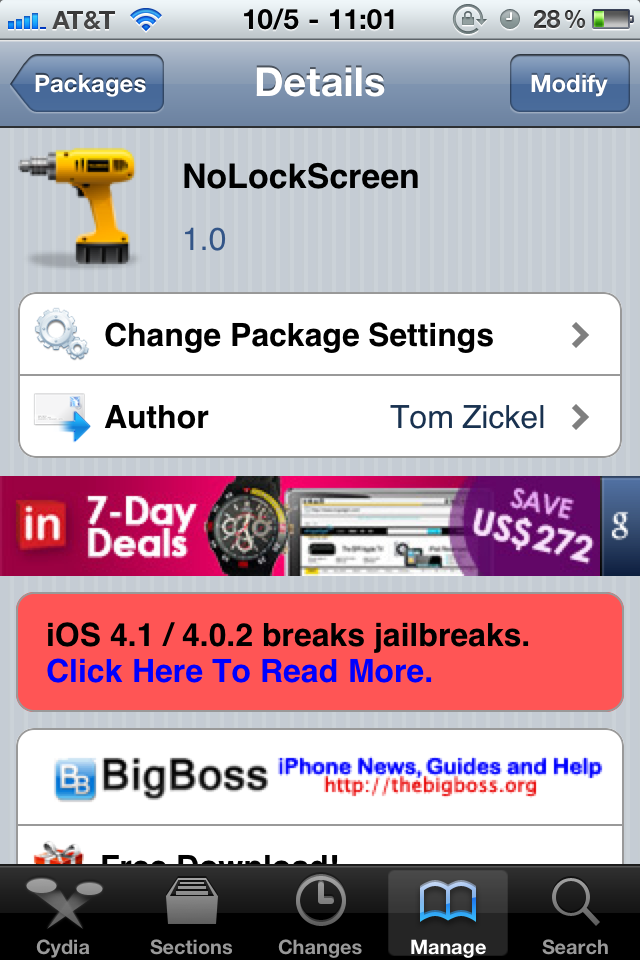
Disable Your iPhone Lockscreen “Intelligently” With NoLockScreen

Pfft, lock screens, who needs ‘em anyway? With this latest tweak from Tom Zickel, you can say sayonara to that annoying lock screen for good. Of course for those of you who use your lock screen for various widgets for e-mail, weather, and the like, this may not be for you.

But for those who want to get right down to the action without delay, NoLockScreen fulfills its promises, but not without some caveats... 

FolderEnhancer for iPhone Released [Get it Now]

A couple weeks ago we introduced you to FolderEnhancer, an awesome jailbreak app that let's you considerably improve what you can do with Folders on your iPhone. At the time though, the app was still being worked on. I'm here to tell you FolderEnhancer is now available on Cydia.

iOS 4 gave us the ability to create folders on the home screen. This was in itself a big step forward but its implementation is limited. FolderEnhancer unleashes the potential of your iPhone folders with some amazing features...

Data Counter App Keeps Track of Your Data Usage

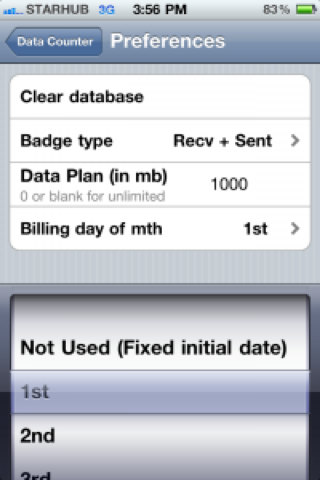
Since AT&T recently started offering capped data plans for iPhone, those of you who were not grandfathered into the unlimited plan do have to pay attention to their 3G and Edge usage. While the iPhone does offer the ability to monitor your usage by going to Settings > General > Usage, it still doesn't offer a reliable way to see what you're really using.

Enters Data Counter, a jailbreak application that helps you keep track of your data usage within a given period...

New Jailbreak App Shows Your iPhone Contacts Picture Next to Their Names

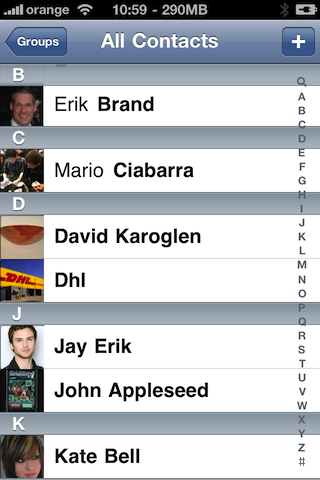
Those of you who've been in the jailbreak arena for a while might remember an application by Saurik called Cyntact, which displayed your contacts picture right next to their name in your contacts list. I think Cyntact hasn't been updated for iOS 4 but it doesn't matter because iPicMyContacts is taking over. Commenters confirm Cyntact was updated for iOS 4.

iPicMyContacts will display your contact picture next to his name inside the contacts and favorites screens...