Cydia

Cydia news and information: read the latest development about Cydia, including jailbreak tweaks.

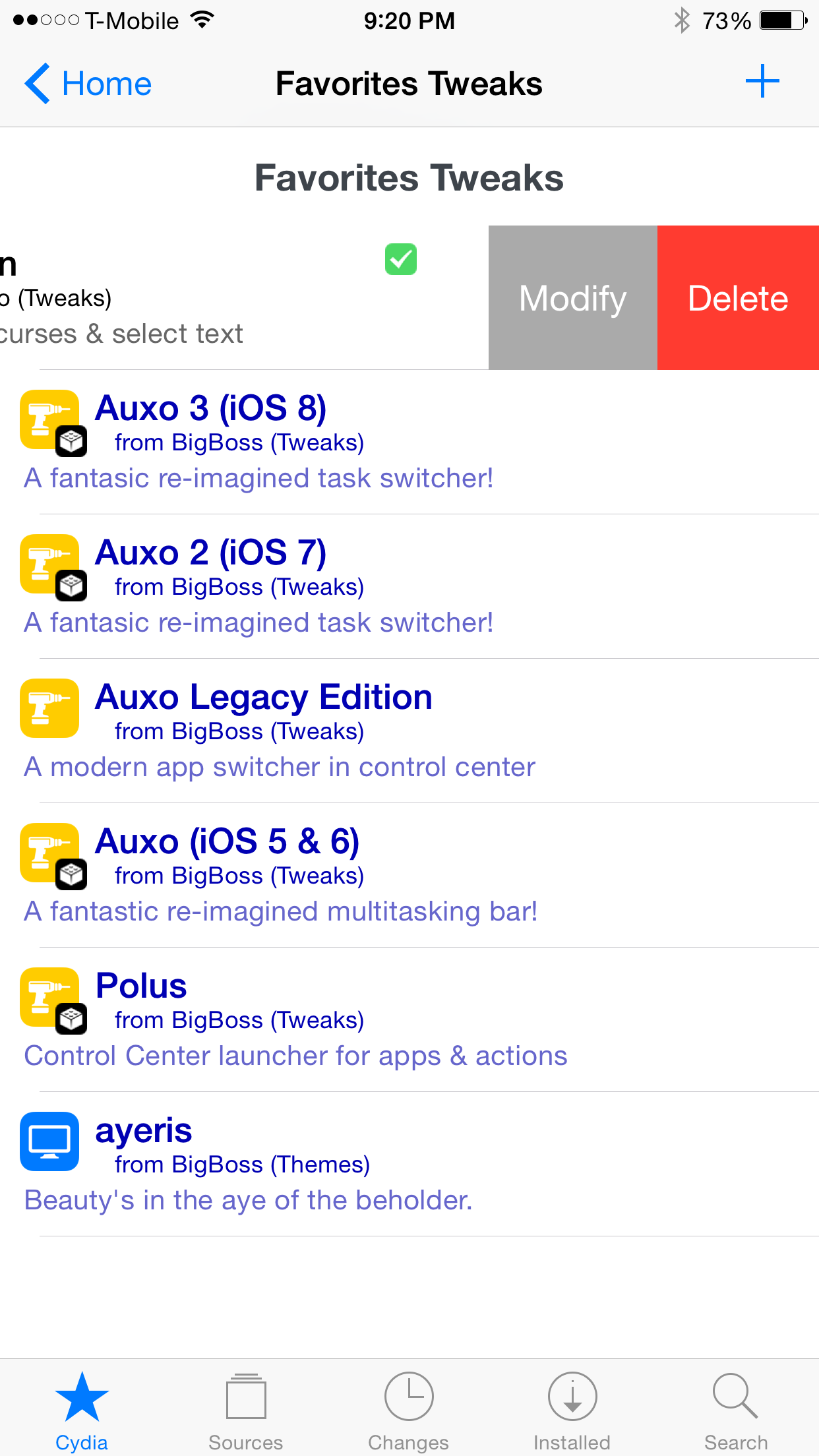
FavoriteTweaks: a Cydia tweak for saving your favorite releases

Have you ever stumbled upon a new Cydia release that you wished to remember, but then later forgot about it? Wouldn't it be cool if you could designate your favorite tweaks so that you could easily remember and find them later?

That's the basic premise behind FavoriteTweaks, a new jailbreak tweak release from developer iMokhles. It allows you to save Cydia releases and manage them from one central location.
SwipeForMore lets you manage Cydia items with just a swipe

If you find the stock method of managing Cydia packages to be a bit cumbersome, then you're not alone. Fortunately, saurik has opened up Cydia to third-party modifications, and for that we all are very thankful.

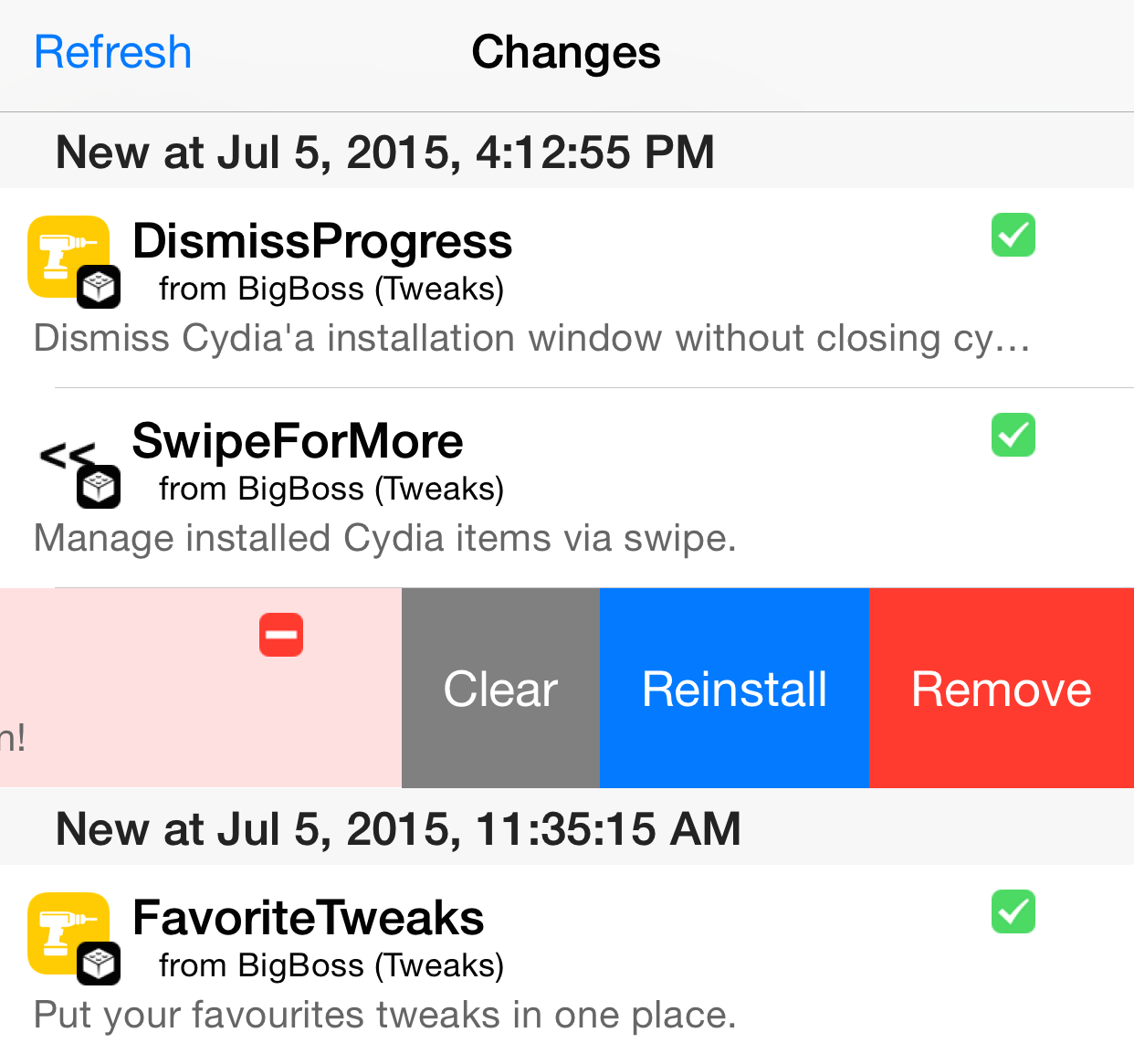
As expected, many new jailbreak tweaks specifically designed for Cydia are beginning to appear. One of the latest tweaks, entitled SwipeForMore, looks like one of the most compelling one thus far.

SwipeForMore allows you to swipe on a tweak in order to access install and uninstall options. It can save you time, because you don't have to navigate into a tweak's individual page in order to manage it.

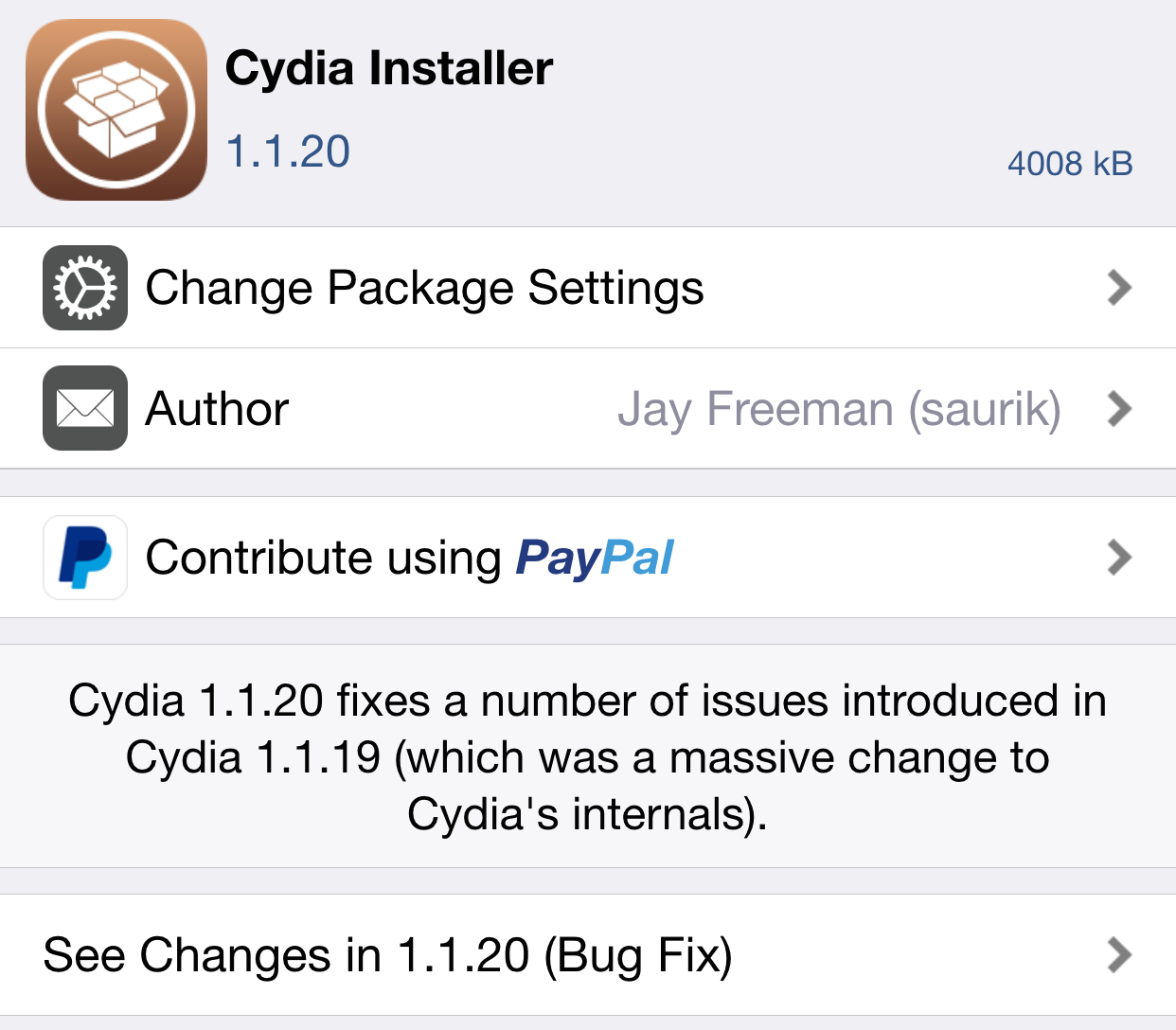
Cydia Installer updated to version 1.1.20 to fix bugs

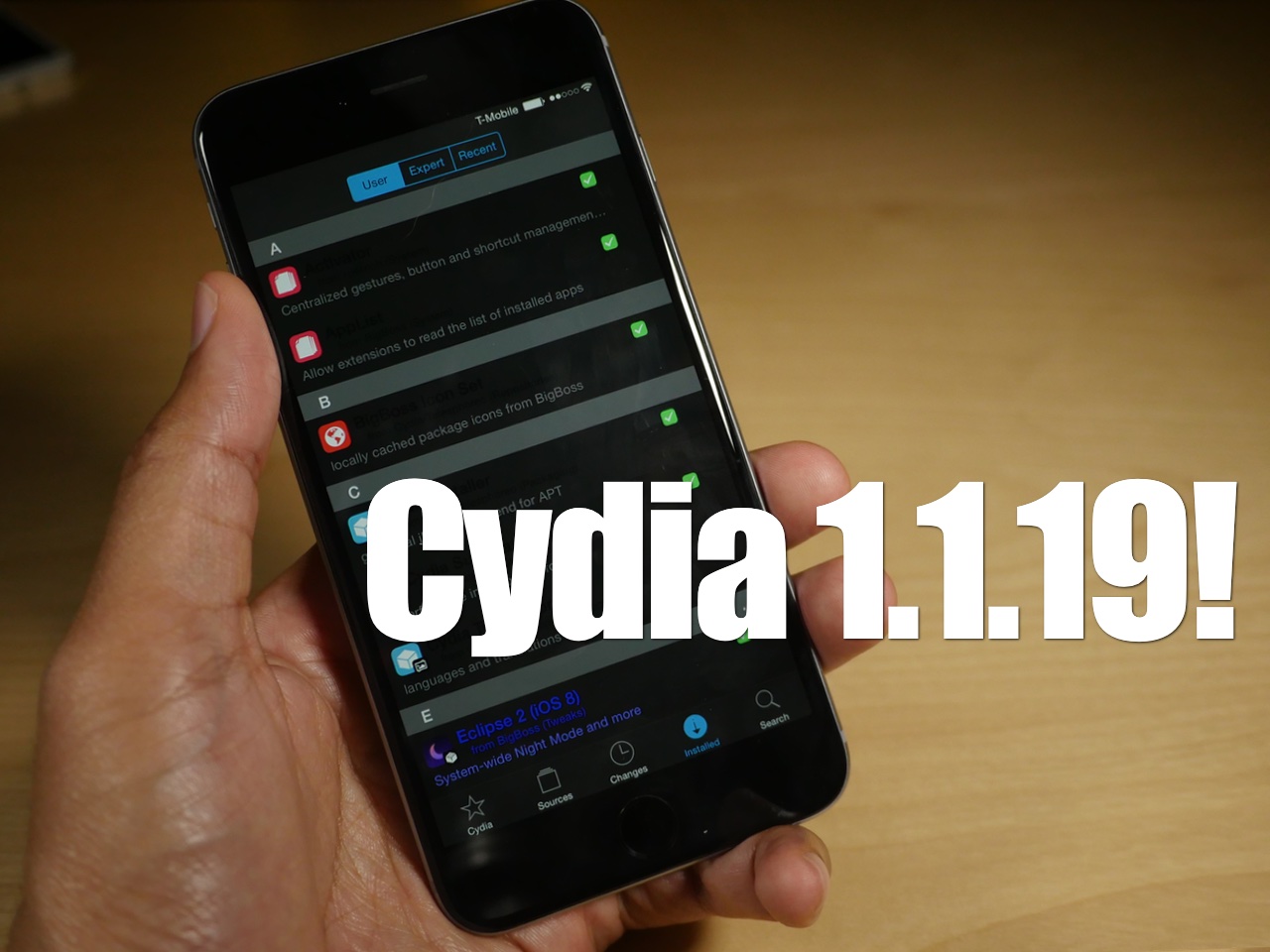
As we noted to you guys upon release, Cydia 1.1.19 was a major upgrade for Cydia. As such, it was inevitable for a few bugs to surface with all of the under-the-hood changes.

In Cydia version 1.1.20, saurik has addressed many of these bugs in what he is calling a bug fix release. If you're encountering problems while using Cydia, it's definitely suggested that you upgrade to the latest version as soon as you can.

Cydia gains a new “restart springboard” button and linking to packages on third-party repos

Cydia 1.1.19 was released last night, and it brought with it the ability for developers to tweak the Cydia UI and interface by means of themes and Cydia Substrate tweaks. But another change happened to Cydia as well, and it isn't the result of a jailbreak tweak.

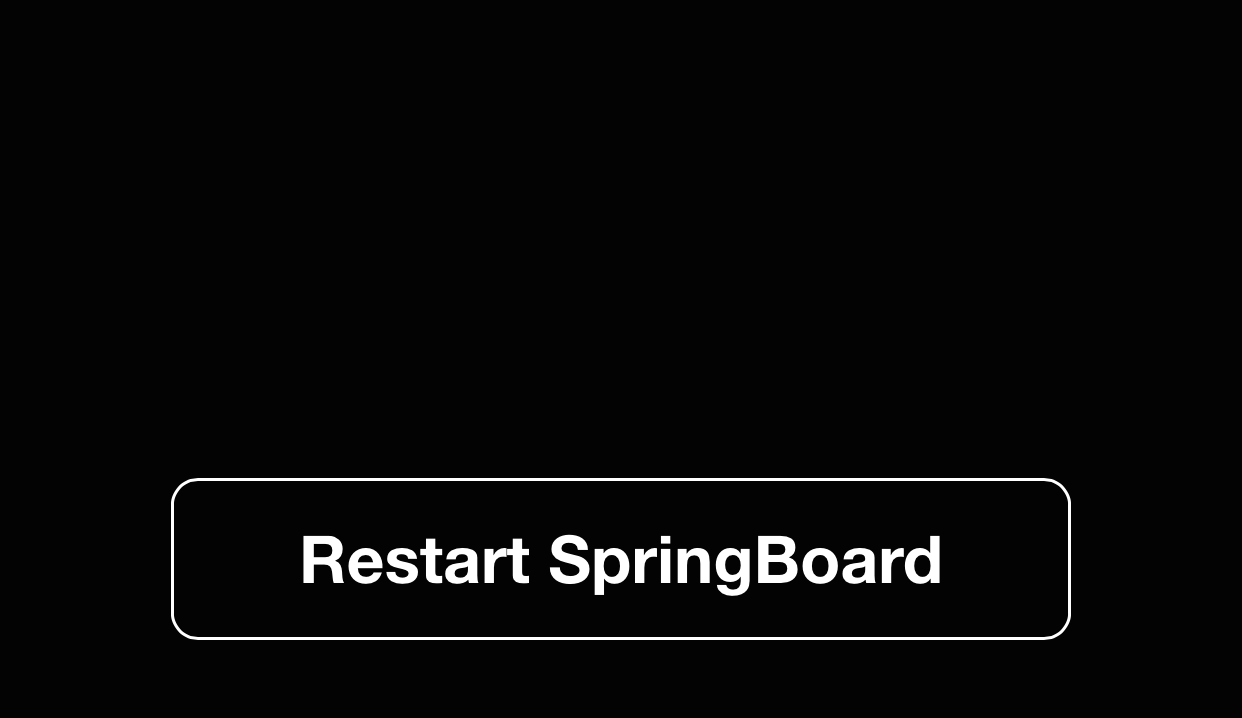
Cydia has gained a new restart springboard button—the button that appears after installing or uninstalling a tweak. The new button is of the flat variety, and matches the rest of the interface better than the old button.

Along with the new button comes the ability to link directly to packages on third-party repos. According to saurik, this feature has actually been available in Cydia for some time, but was never documented.

First dedicated Cydia tweaks appear for Cydia 1.1.19 users

Last night, saurik surprised us by releasing Cydia 1.1.19. This latest version of Cydia no longer runs as root, but as mobile. While that may seem ambiguous, this means that Cydia can now come under the influence of Cydia Substrate tweaks. In other words, developers can now produce jailbreak tweaks that work on Cydia.

Well it didn't take long before dedicated Cydia tweaks begun appearing. In fact, there are now two dedicated Cydia tweaks available for download right now...

TaiG 2.3 released to include Cydia 1.1.19 and remove setreuid patch

Hot on the heels of saurik's Cydia update, TaiG has updated its jailbreak tool to include the latest version of Cydia and to remove the setreuid patch. The update, which comes in at version 2.3, can be used by those of you who aren't currently jailbroken. If you are jailbroken, then you'll be able to update to the latest version of the TaiG untether via Cydia.

Saurik releases Cydia 1.1.19, now runs as mobile instead of root

A pretty huge change just happened to Cydia. In the version just released, version 1.1.19, the installer now runs as mobile instead of root. This means that Cydia Substrate tweaks can now modify Cydia.

This is really big news. It means that not only will existing tweak modifications remain working while Cydia is open, but it potentially means that a whole new class of tweaks become available for Cydia. Don't like Cydia's UI? There could be a tweak or a theme for that!

TaiG 2.2.1 released with setreuid patch and stability improvements

After a false start earlier this morning with an update to its iOS 8.4 jailbreak tool, TaiG has officially released version 2.2.1.

This update is security oriented, as it contains the setreuid patch to prevent applications from obtaining to root privileges through setreuid. The update also contains stability improvements. If you've yet to jailbreak your iOS 8.4 device, it is recommended that you use this latest version of TaiG's tool, version 2.2.1. 

Amazon removed as a Cydia payment option

If you've tried to make a purchase on Cydia lately, you may have noticed one big difference with the available payment options. Amazon is no longer available as a means to make payment, leaving only PayPal as an option.

For me, this is really unfortunate, because Amazon allowed you to authorize a set number of dollars in advance, making it easy to make multiple Cydia purchases over a period of months without necessitating a reauth. I've never been a fan of PayPal and its business practices, but I also hate how cumbersome it can be to simply log in to PayPal.

As of today, we're down to a single option for Cydia purchases, but that could be changing soon.

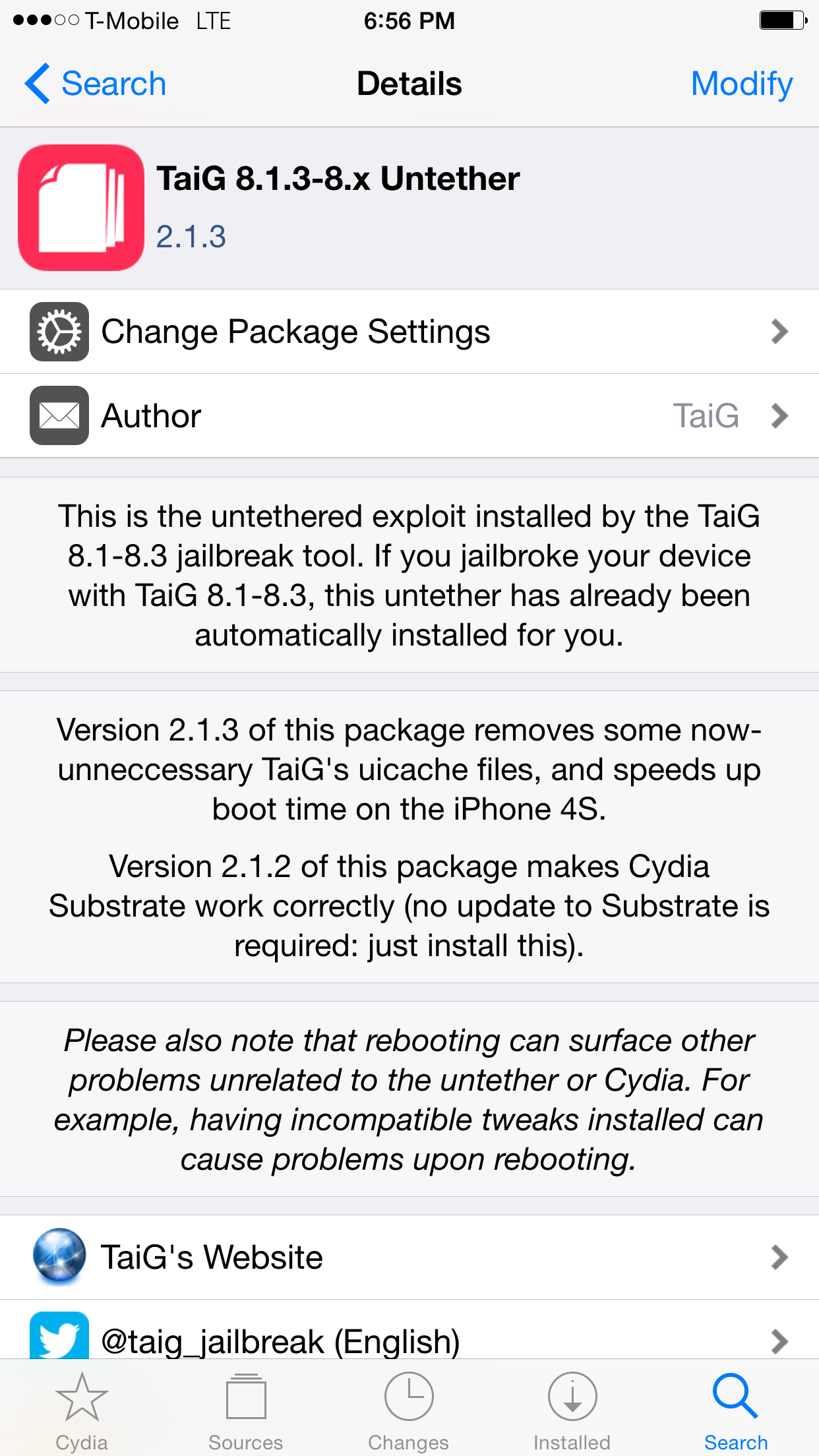
TaiG 2.1.3 Untether update released on default Cydia repos

For those of you already jailbroken when TaiG 2.1.3 launched earlier this morning, you may have wondered when you would be able to join in on the 2.1.3 fun. Sure, you could have always added TaiG's third-party repo, but understandably, some aren't comfortable with doing that for various reasons.

Well, the TaiG 2.1.3 untether now has saurik's stamp of approval, as it has appeared on his Telesphoreo default Cydia repo. This means that by performing a simple refresh on Cydia's changes tab, you should see an available upgrade to the TaiG untether.

The top 10 must-know Cydia tips [Video]

Since I imagine that there are probably tons of new jailbreakers since the iOS 8.3 jailbreak touched down, now is a great time to review some of my favorite Cydia tips. But even if you're a seasoned Cydia veteran, you may find a tip or two in this list that you'll find handy. How many of these tips do you use on a regular basis? Watch our video and find out.