Calendar

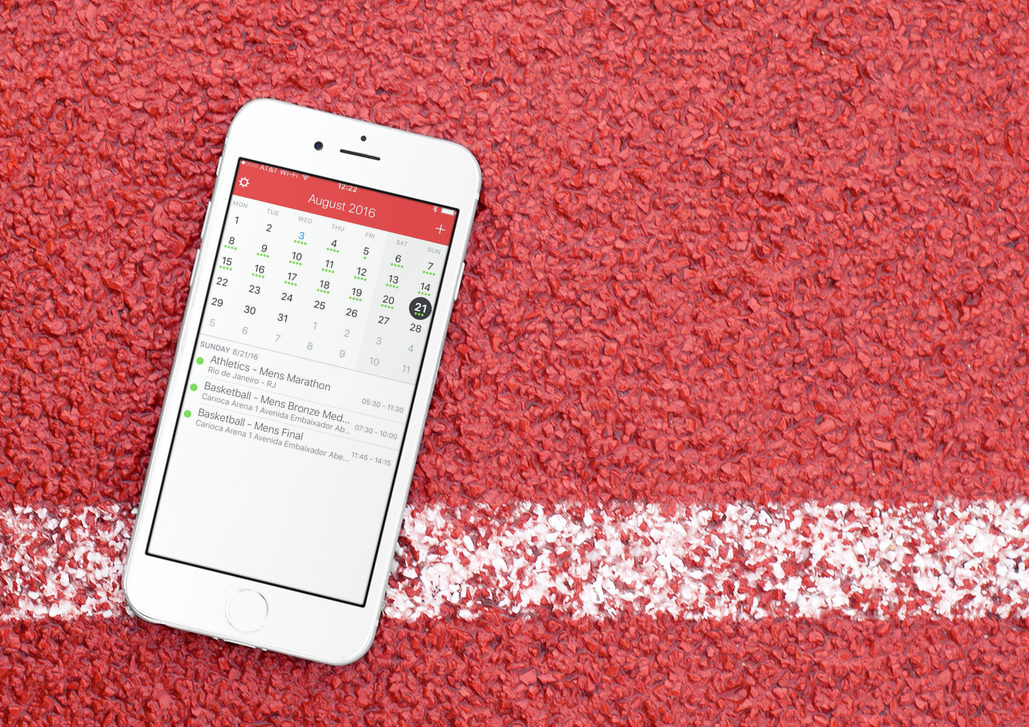
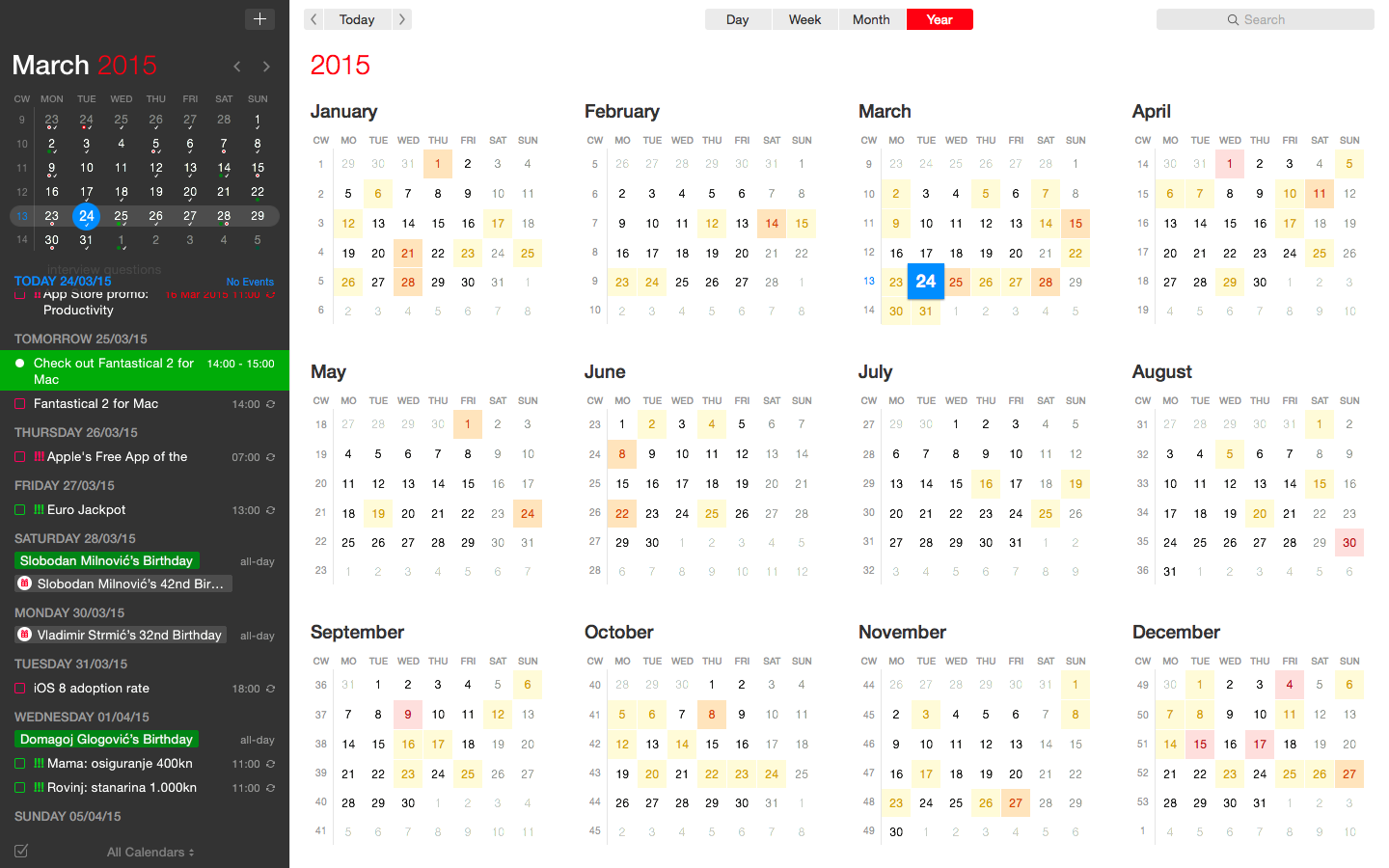
Fantastical for Mac gains attachment and travel time support, time to leave alerts & more

Developer FlexiBits today released a major update to the Mac edition of its award-winning calendar application, Fantastical, that you may be familiar with.

Version 2.4 brings a host of improvements, including new features like time to leave alerts, attachment support for iCloud and Exchange calendar events, undo/redo and more.

You can now view, create, and edit attachments on iCloud and Exchange (or view them on Google Calendar). With this feature, you can attach things like images, videos, Keynote presentations and other files to your calendar events.

The feature works on other CalDAV servers that support managed attachments.

https://www.youtube.com/watch?v=s2lJ5p8hd8A

Another new feature, aptly named Travel Time, allows customers to receive notifications when they need to leave to help ensure they reach an event on time. You can even define your own travel time so you can plan how long it will take to reach an event.

https://www.youtube.com/watch?v=_tVOwXgnipE

Fantastical 2.4 also improves invitation support for Google Calendar and Exchange with response messages, invitation guest count for Google, the ability to forward Exchange invitations and the option to respond to Exchange invitations without sending a reply.

TUTORIAL: How to create app-specific passwords for Fantastical and other apps

The app includes a bunch of refinements and under-the-hood fixes, like full undo/redo support for adding, editing, and deleting events and reminders, the ability to combine identical events that are on multiple calendars, to mention a few.

There's also a new More link in the Month view to show additional events and reminders, Facebook push updates are now instantaneous while new options in preferences at long last permit you to customize the number of weeks per month.

Have a look at everything new in Fantastical 2.4 for Mac.

https://www.youtube.com/watch?v=GZm3PWDBh5k

Last but not least, you can now forward invitations to other people on Exchange accounts, see the year of the anniversary for contacts and respond to an Exchange invitation without sending a message to the sender by clicking and holding the Accept, Decline or Maybe buttons.

Fantastical requires macOS El Capitan 10.11 or later.

Current users can get the update for free via the Mac App Store's Updates tab or through the in-app updater if the app was purchased directly from the Flexibits Store.

Fantastical 2.4 for Mac is $49.99 on Mac App Store.

A three-week trial is available via the Flexibits website.
Todoist gains 2-way Google Calendar integration, Dynamic Type support & more

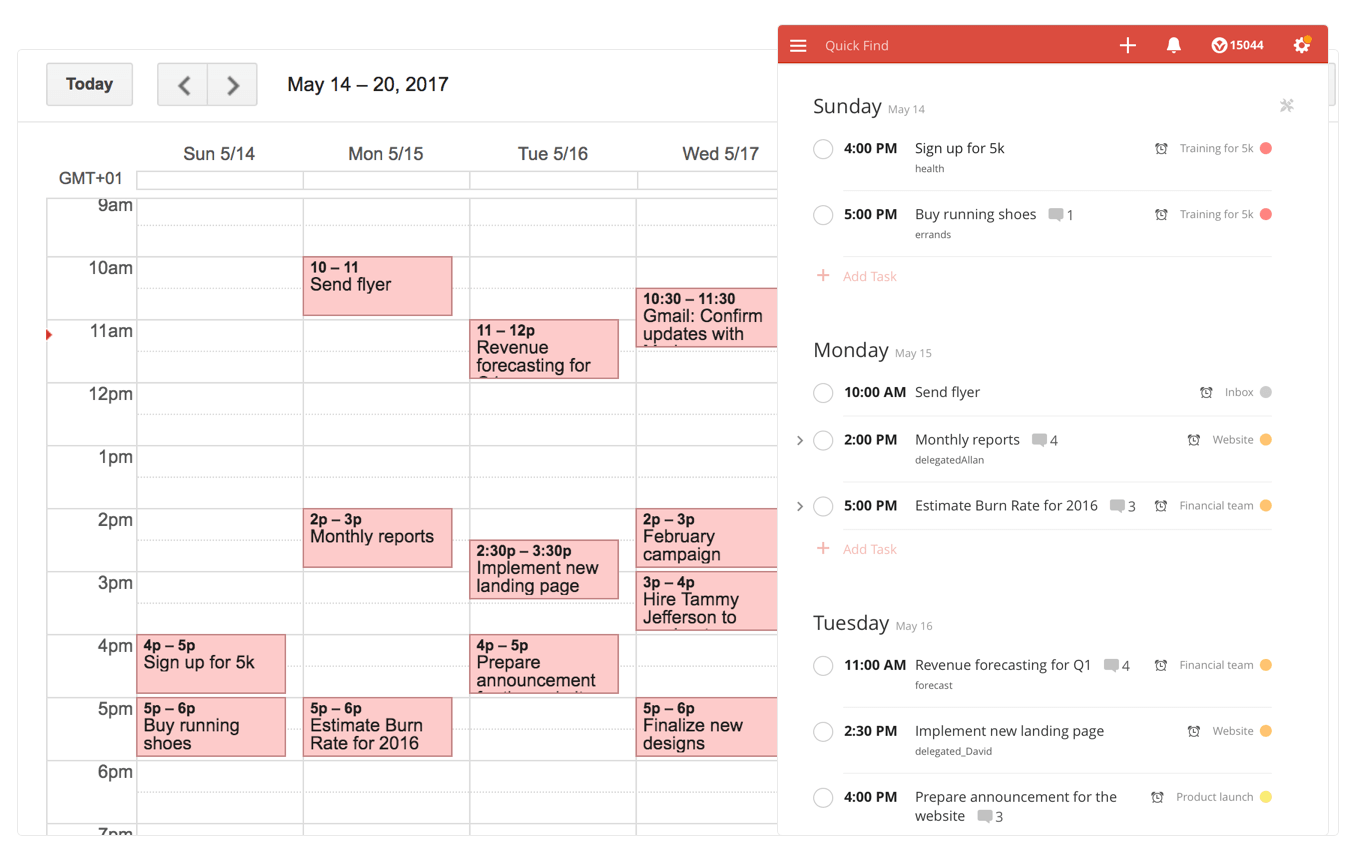
Todoist, the popular cross-platform app for organizing work and errands, is launching a deep two-way integration between it and Google Calendar that lets the app directly pull information from Google Calendar and vice versa. In addition, the app now supports iOS's system-wide Dynamic Type feature and you can now mark individual notifications as read or unread.

Todoist + Google Calendar = winning combo

With a two-way sync between Todoist and Google Calendar, you can visualize, organize and prioritize your tasks from inside your calendar, with any changes made in Google Calendar being instantly reflected back in Todoist and vice versa.

To connect Todoist with Google Calendar, sign into the Todoist web app, click on the gear icon in the upper-right corner and choose Settings from the popup menu. Navigate to the Integrations tab and click Connect next to Google Calendar.

After signing into your Google Account, you’ll be asked which calendar you want your tasks added to, whether you'd like to sync your entire Todoist account or just a specific project, which Todoist project you want new Google Calendar tasks added to, a default event duration for new Todoist tasks in Google Calendar and whether or not you want to sync tasks with a due date but no time.

Once you authorize the integration, any tasks with a due date and/or time in Todoist will automatically be added to a Google calendar of your choosing (recurring tasks will create multiple events) The two-way sync allows you to create events in Google Calendar within Todoist, knowing they'll be automatically added to the Todoist project of your choosing.

All tasks created from Google Calendar have a default @gcal label, but you can change the label by editing the integration after you’ve connected the apps. You can even choose to only sync tasks from a specific project, if you'd like.

On the iPhone and iPad side, Todoist now supports Dynamic Type, a feature that makes it easy to adjust the font size in apps that support this feature. To make words in Todoist bigger or smaller, simply update to the latest version of the app on App Store and set your preferred text size but dragging the slider in Settings → Display & Brightness → Text Size.

To make sure you don’t miss any important updates in shared projects, Todoist for iOS now allows collaborators to mark individual notifications as read or unread.

As for Todoist for Mac, the app's design was refreshed yesterday to make it feel more at home on your Mac, including extending the theme color all the way to the top.

The smart-task Quick Add action has been overhauled as well. Faster than ever before, it now includes a shortcut to assign a task to someone else (just type “+” into the task name field to pull up a list of collaborators).

Todoist for iPhone, iPad and Apple Watch is a free download from App Store.

Todoist for Mac is available free via Mac App Store.

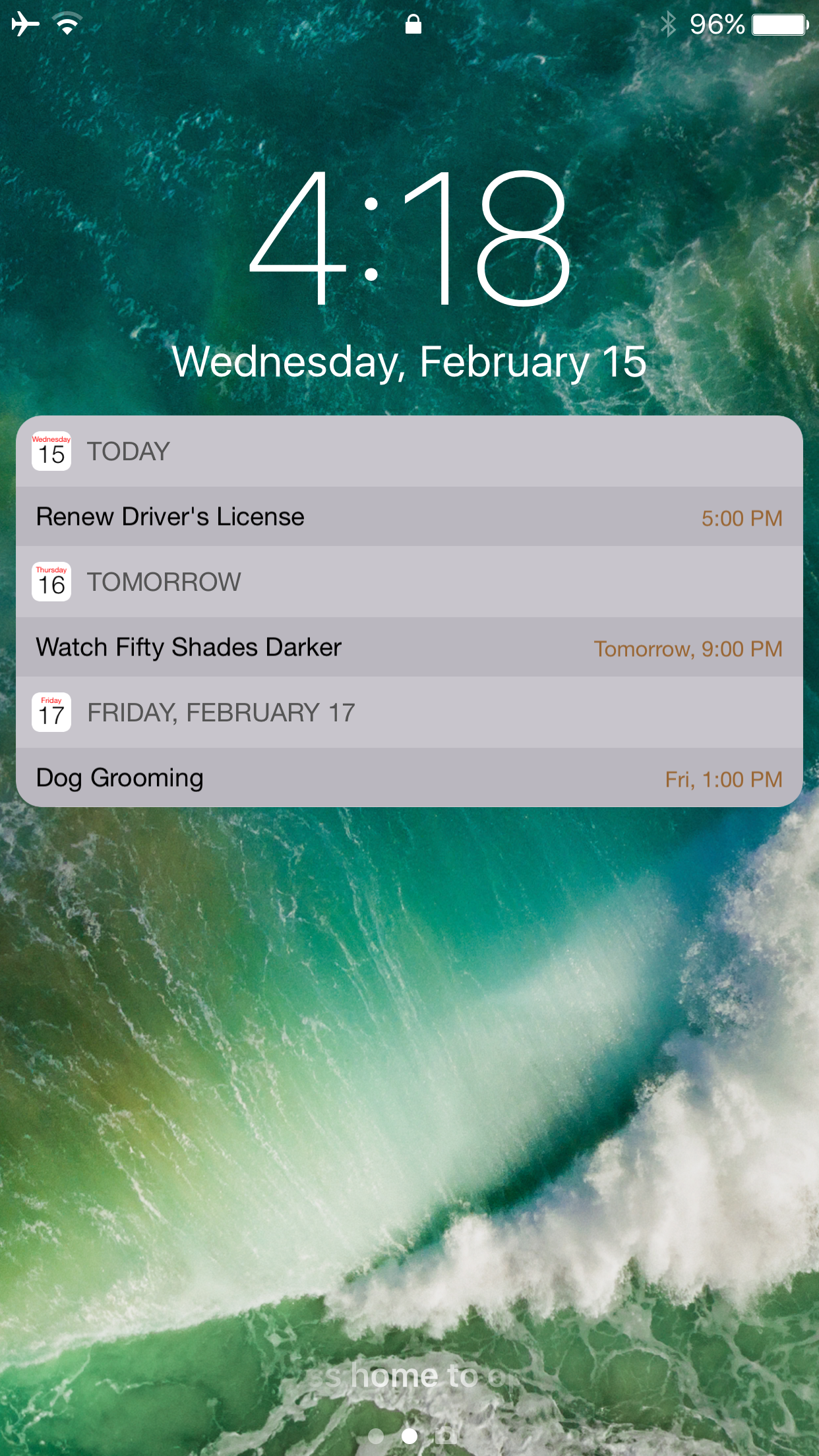
Calendar for Lockscreen 2 ensures you never forget an upcoming Calendar event again on iOS 10

People who have busy lives often need to have a way to organize their upcoming plans so they don’t forget them, and that’s where your iPhone’s Calendar app comes in handy.

Unfortunately, the Calendar app only lets you see upcoming events when they’re coming up very soon, and for some things, "soon" isn't enough time to get prepared, and that's why a jailbreak tweak called Calendar for Lockscreen 2 by VladMax Soft was developed, attempting to make everyday life easier.

Fantastical gains iOS 10 rich notifications, iMessage stickers, iPhone 7 haptics & more

Developer Flexibits today issued a major new update to its popular calendar and reminders app, Fantastical 2.8 for iPhone and iPad. Beginning with this version, the app no longer works on older iOS editions and now requires iOS 10 or later, developers have said Wednesday.

On iPhone 7/Plus, Fantastical now supports enhanced haptic feedback. They've also added a convenient sticker pack for iMessage that you can enable or disable manually in the Messages app.

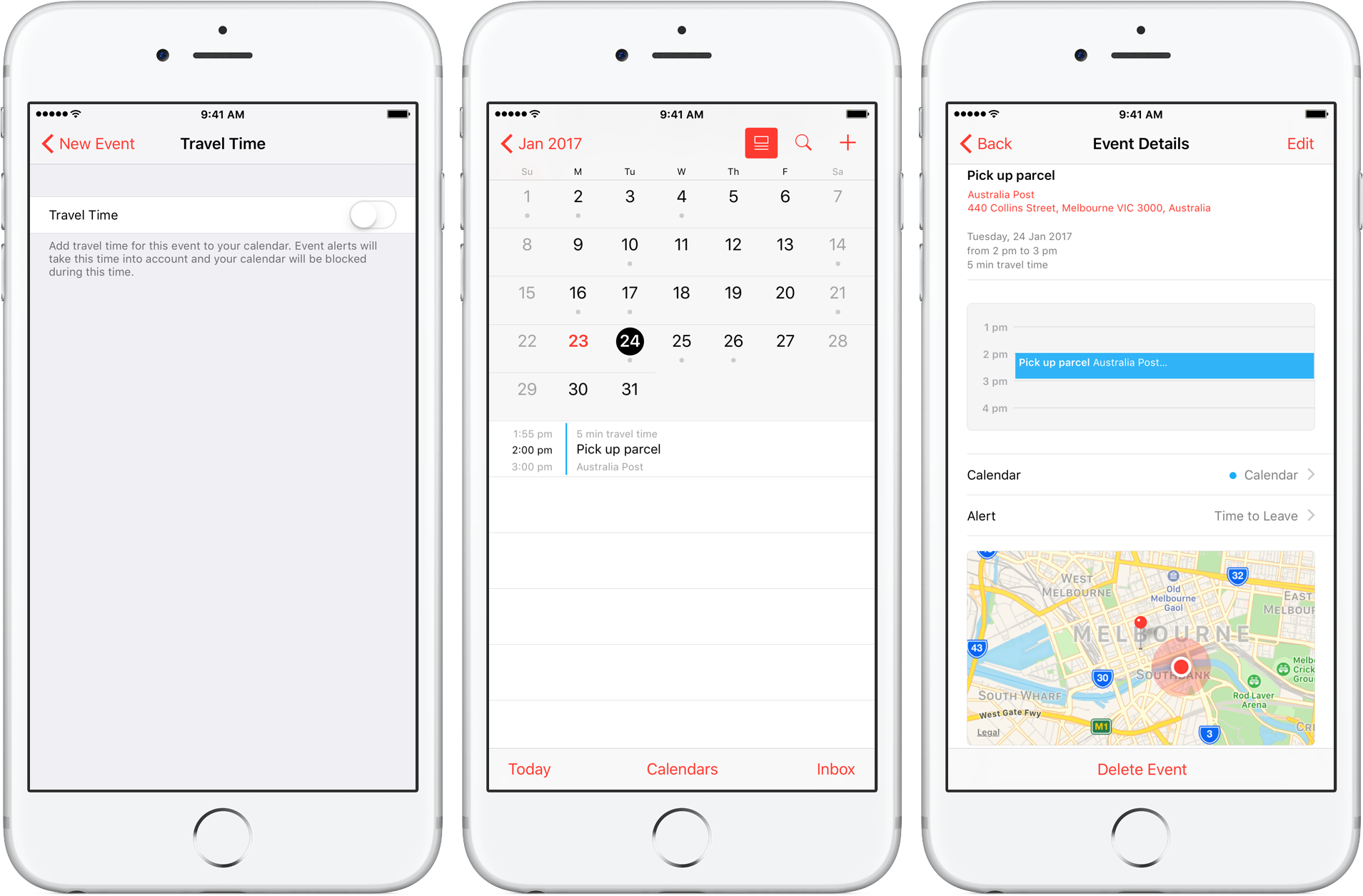
How to use Travel Time in Calendar on iPhone and Mac

Travel Time is a nifty addition to Apple’s Calendar app, capable of precisely estimating the duration of your upcoming trip based on parameters such as milage and traffic. Used properly, it can notably ease some of your daily scheduling woes, but paradoxically, a large contingent of regular Calendar users still routinely overlook the feature.

Formerly introduced as frequent locations and traffic conditions widgets, the service has only slowly gained traction amongst users. Travel Time today however has come of age and is now neatly integrated into one of the most popular productivity applications both on iOS and macOS. So if you didn’t get the memo on the virtues of Travel Time in Calendar, here’s what you need to know.

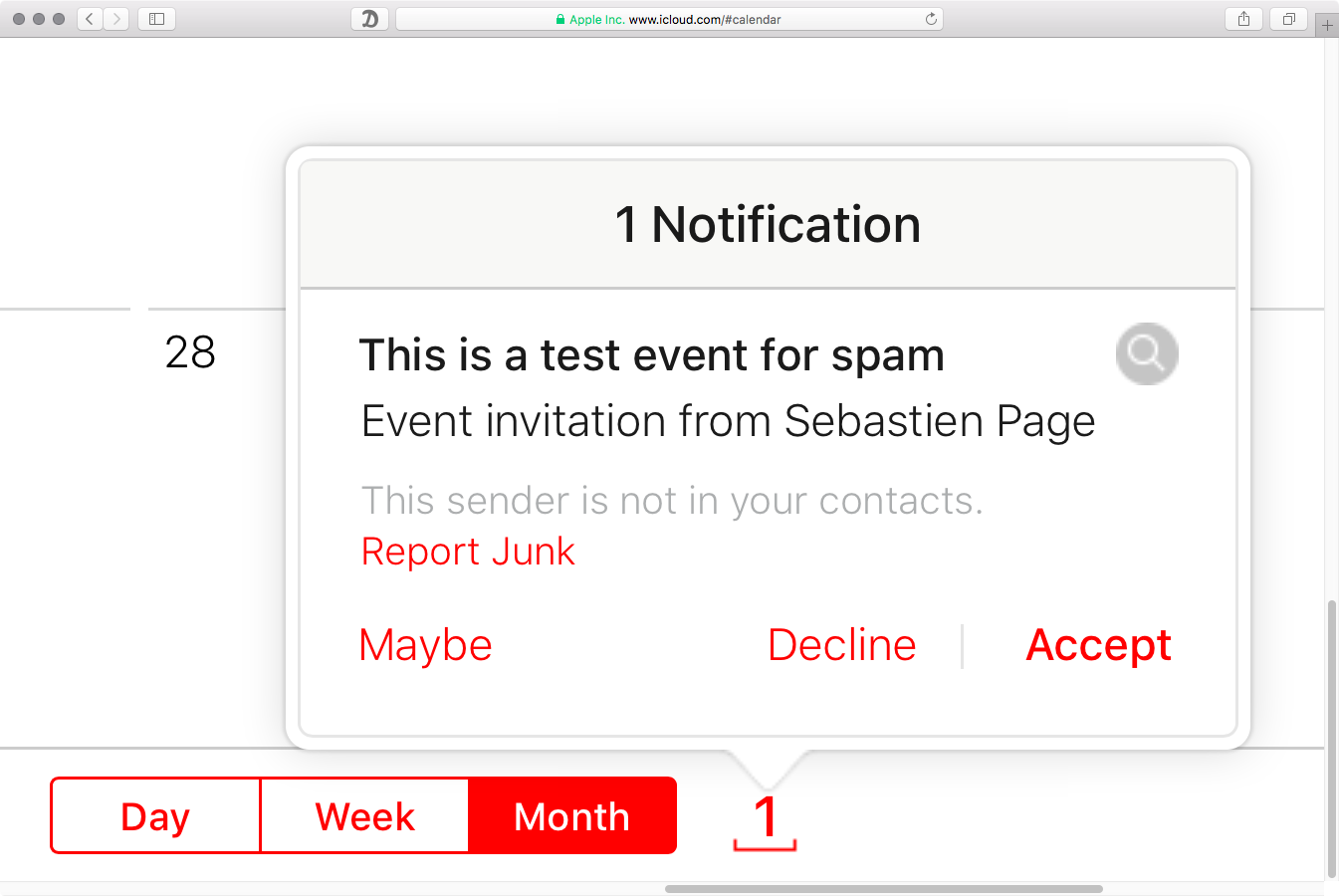
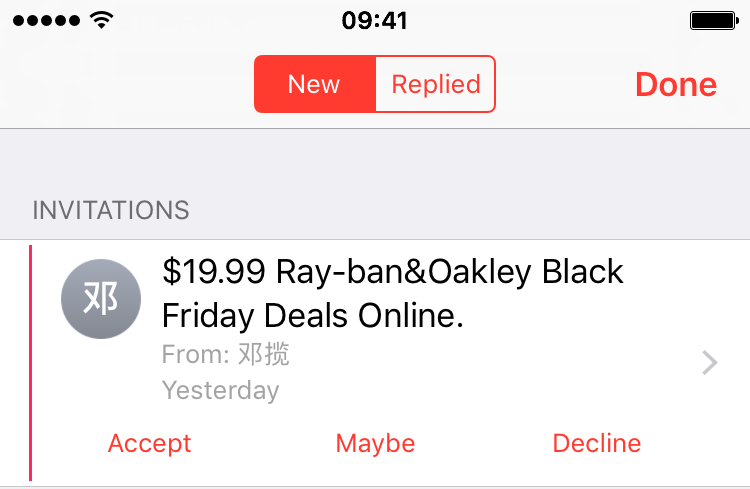
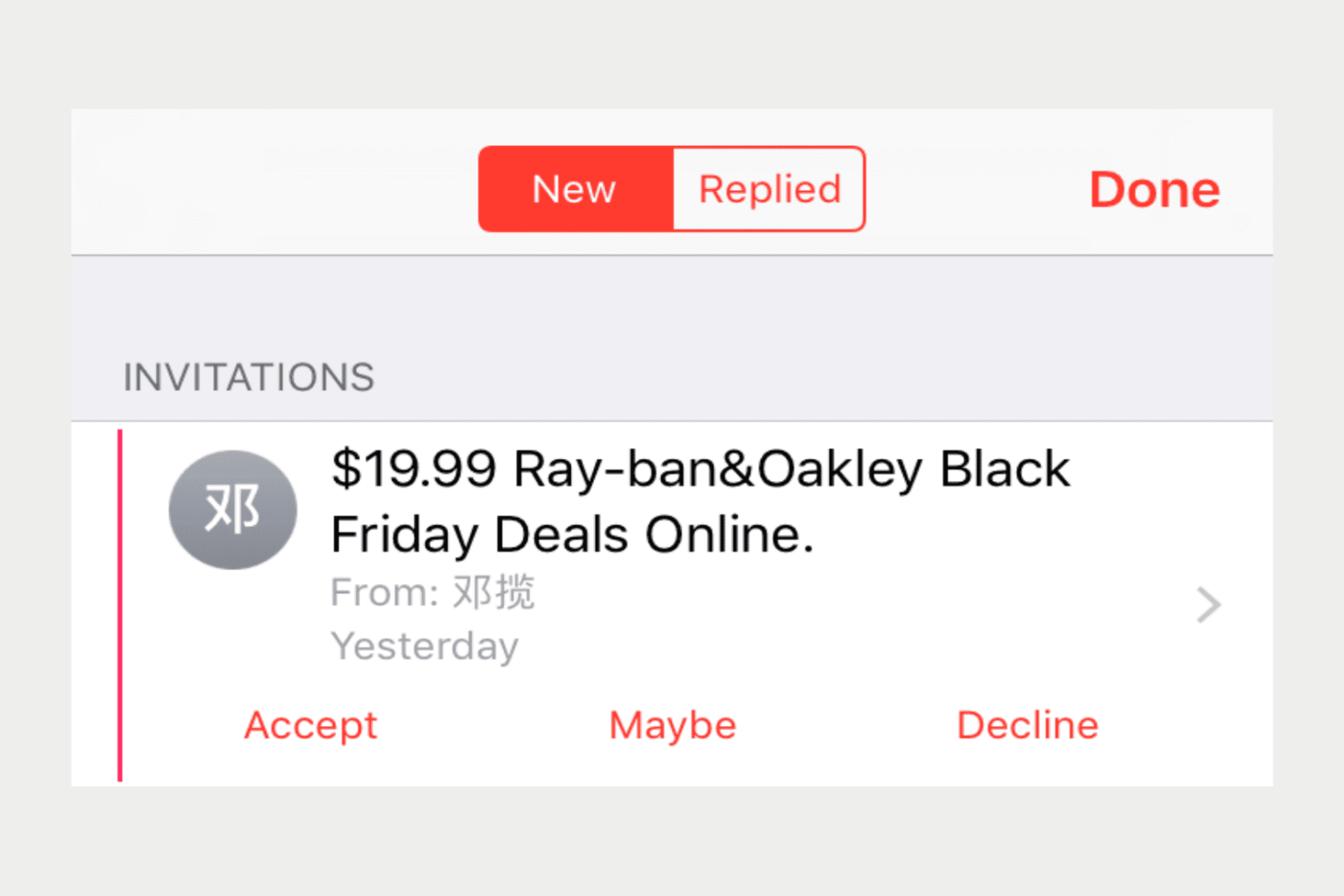
You can now report calendar spam on iCloud.com, support for iOS devices coming soon

A new kind of spamming technique relying on iCloud Calendar has caused and continues to cause a lot of pain as these unwanted invites hit users' email inboxes and trigger a notification. As noted on Reddit, the iCloud Calendar web app seems to have gained a new link for reporting spammy calendar invites and blocking their senders.

This feature will be rolling out to the stock Calendar app on iOS devices soon, an Apple representative allegedly told a disgruntled customer.

Facebook launches standalone Events for iPhone app

Events, one of the more popular features on Facebook, this past weekend received its own standalone app that aims to replace Eventbrite, Sunrise, Fantastical and other third-party calendar software on your iPhone.

Events for iPhone, a free download from the App Store, lets you RSVP to your friends’ events, find interesting things to do in your area that match your interests, manage your calendar and much more.