Learn more about your iPhone’s battery health, how it works, and what messages you may see in your battery settings if your performance is affected and you face unexpected shutdowns.
How to understand iPhone battery health and manage CPU throttling
Learn more about your iPhone’s battery health, how it works, and what messages you may see in your battery settings if your performance is affected and you face unexpected shutdowns.
Today's release of the iOS 11.3 software didn't just bring battery health assessment and the ability to disable performance throttling on iPhone, but also a new charge management feature.
Less than a day following the release of iOS 11.3 solely for the new iPad, Apple on Thursday released the software update for other compatible iPhone, iPad and iPod touch devices.
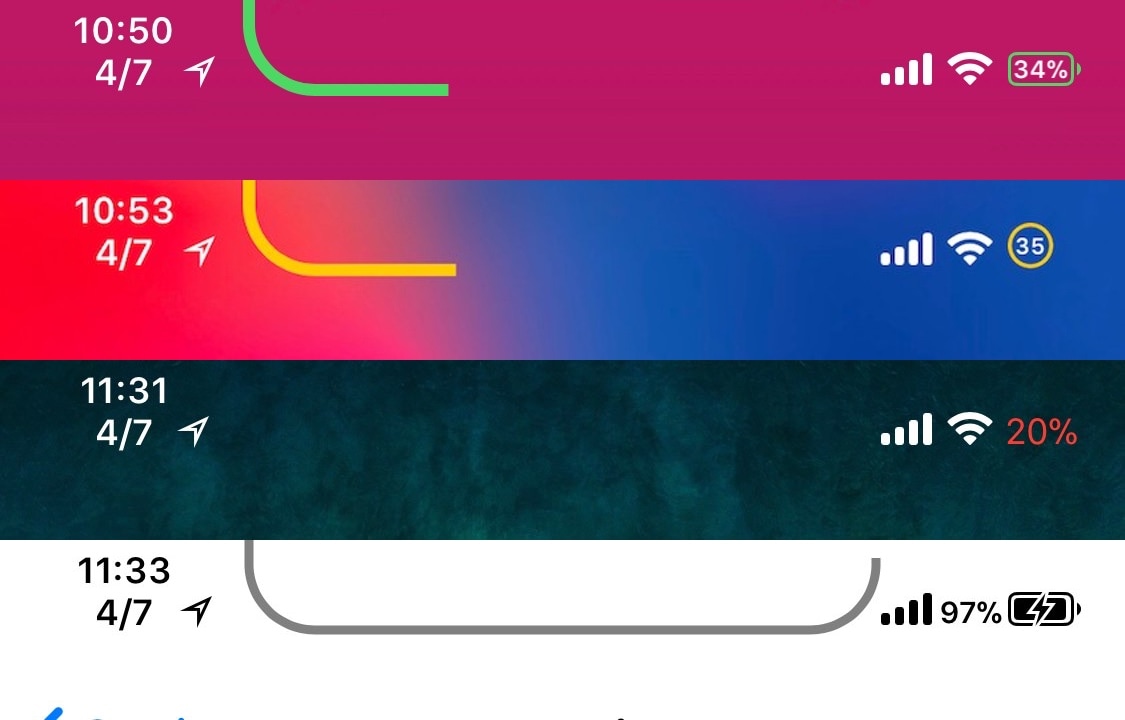
The battery indicator is perhaps one of the most mattering icons in the Status Bar, so why not give it a fun and quirky splash of color? A new free jailbreak tweak called ColorMyBattery by iOS developer Kiran Patil lets you do just that.
The screenshot examples above depict how the battery icon looks after being dyed blue with the ColorMyBattery tweak; but don’t let looks deceive you, as you can pick virtually any color you want.
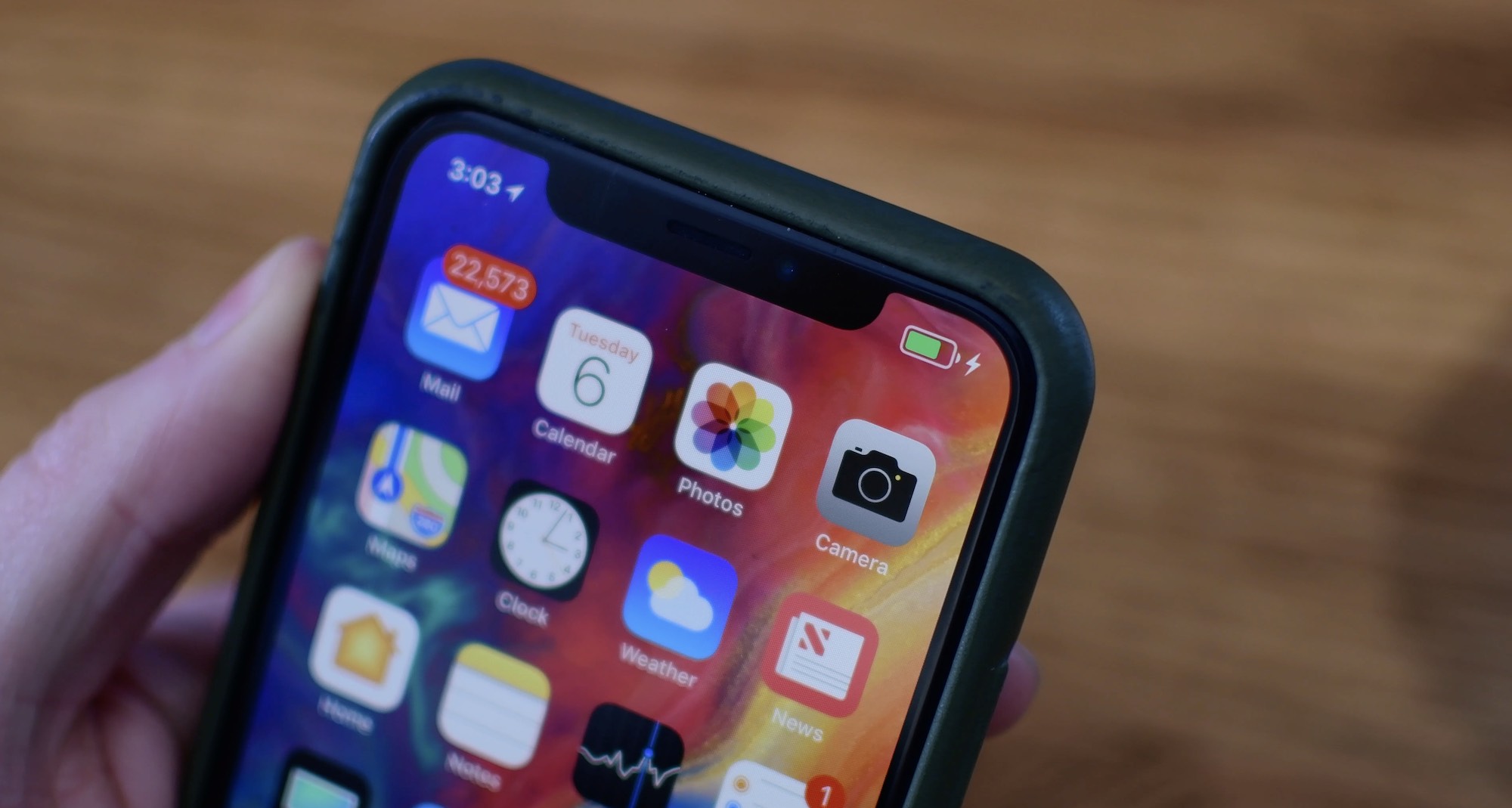
One of my biggest pet peeves since getting the iPhone X as my daily driver has been the battery level indicator in the Status Bar. I’ve always enabled the “Battery Percentage” option on all my previous iPhones, but the iPhone X’s notch doesn’t allow for that.
A new free jailbreak tweak called PercentageBatteryX by iOS developer NeinZedd9 solves this problem in the best way possible by giving iPhone X users an innovative new way to view their battery percentage.
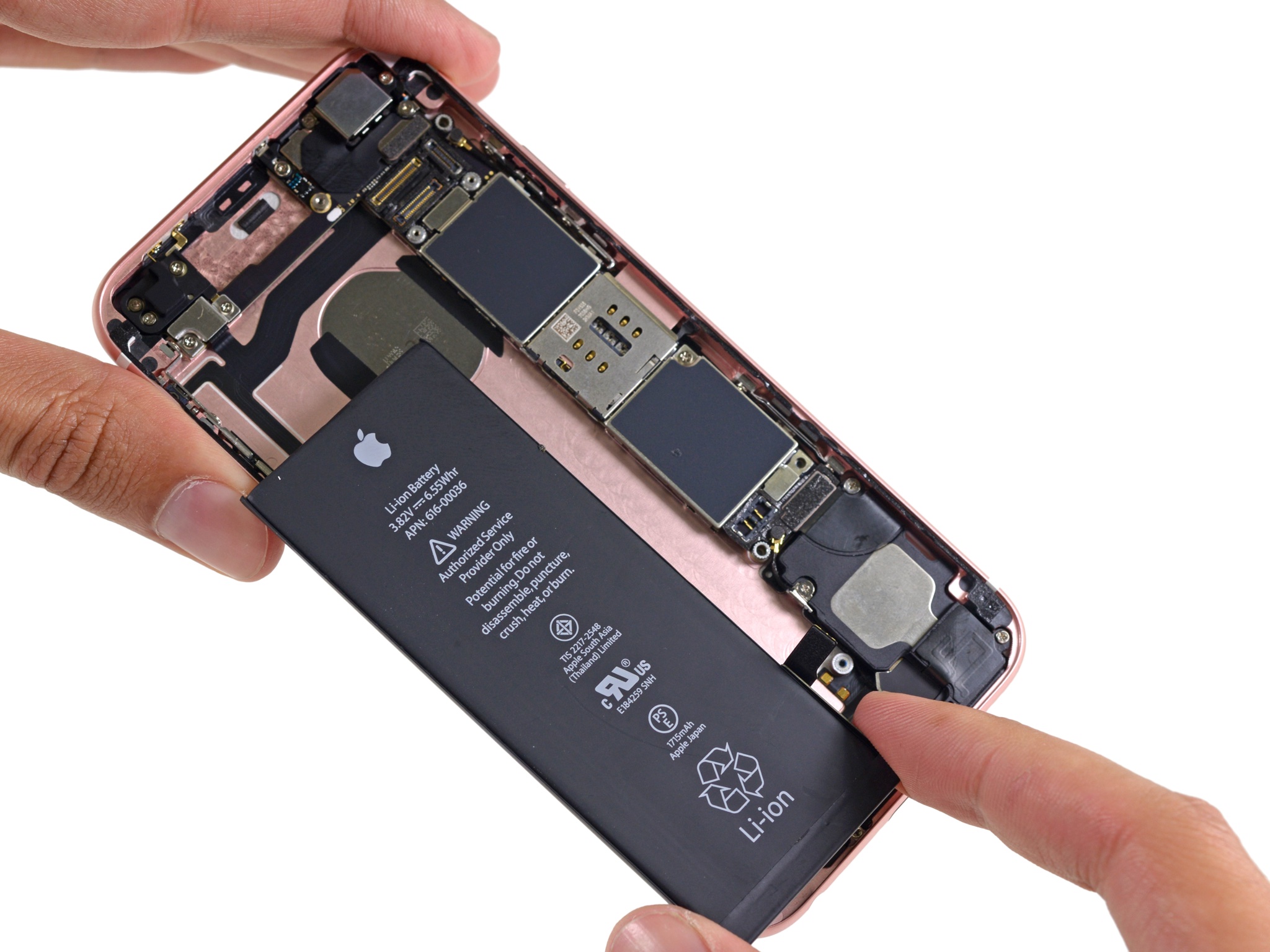
A new video uploaded by Bennett Sorbo shows an iPhone 6s running through several CPU-intensive tasks with, and without a damaged battery. He runs through different apps, plays games and videos, and even throws a Geekbench benchmark test at it.
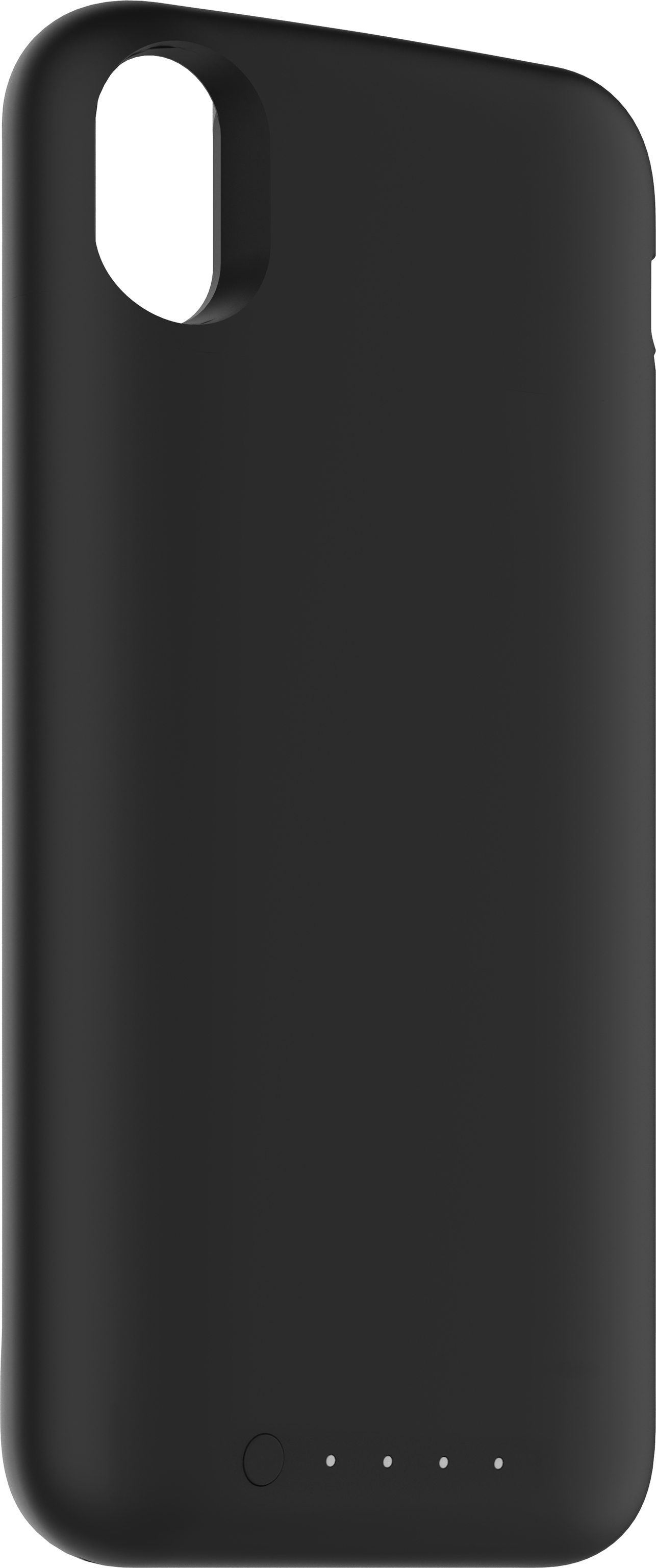
Mophie's upcoming Juice Pack Air wireless charging case for iPhone X has surfaced in the Wireless Power Consortium's official Qi Certified Product Database, indicating that the popular accessory maker was just granted crucial certification for the product.
Apple yesterday testified before Canada's House of Commons committee on industry, science and technology, a parliamentary body which has been tasked with looking into how the Cupertino firm (mis)handled the scandalous iPhone throttling situation.
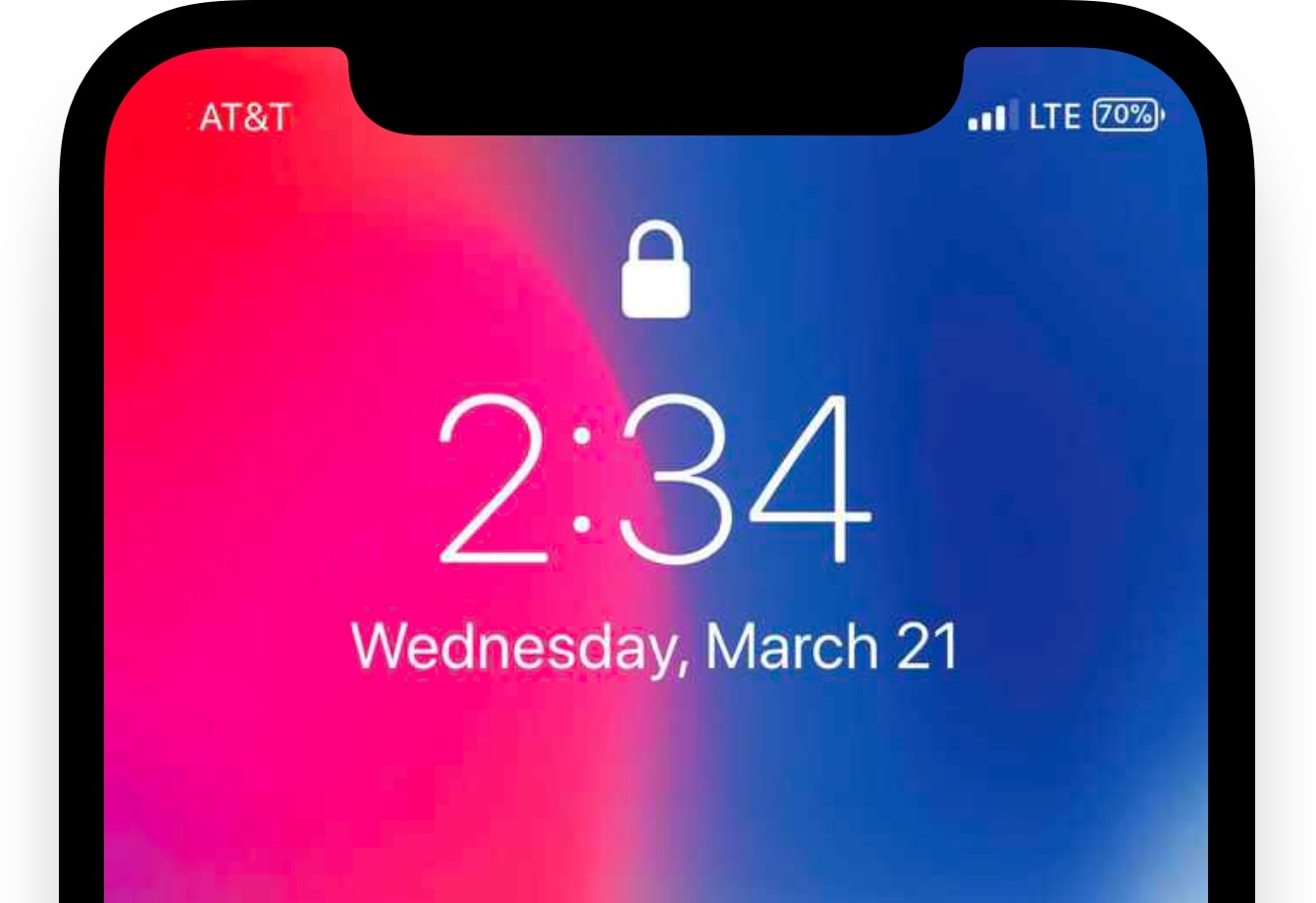
Any time you plug your locked iPhone or iPad into a power source, the screen lights up with an over-sized battery indicator that gives you a brief summary and visual representation of your remaining percentage.
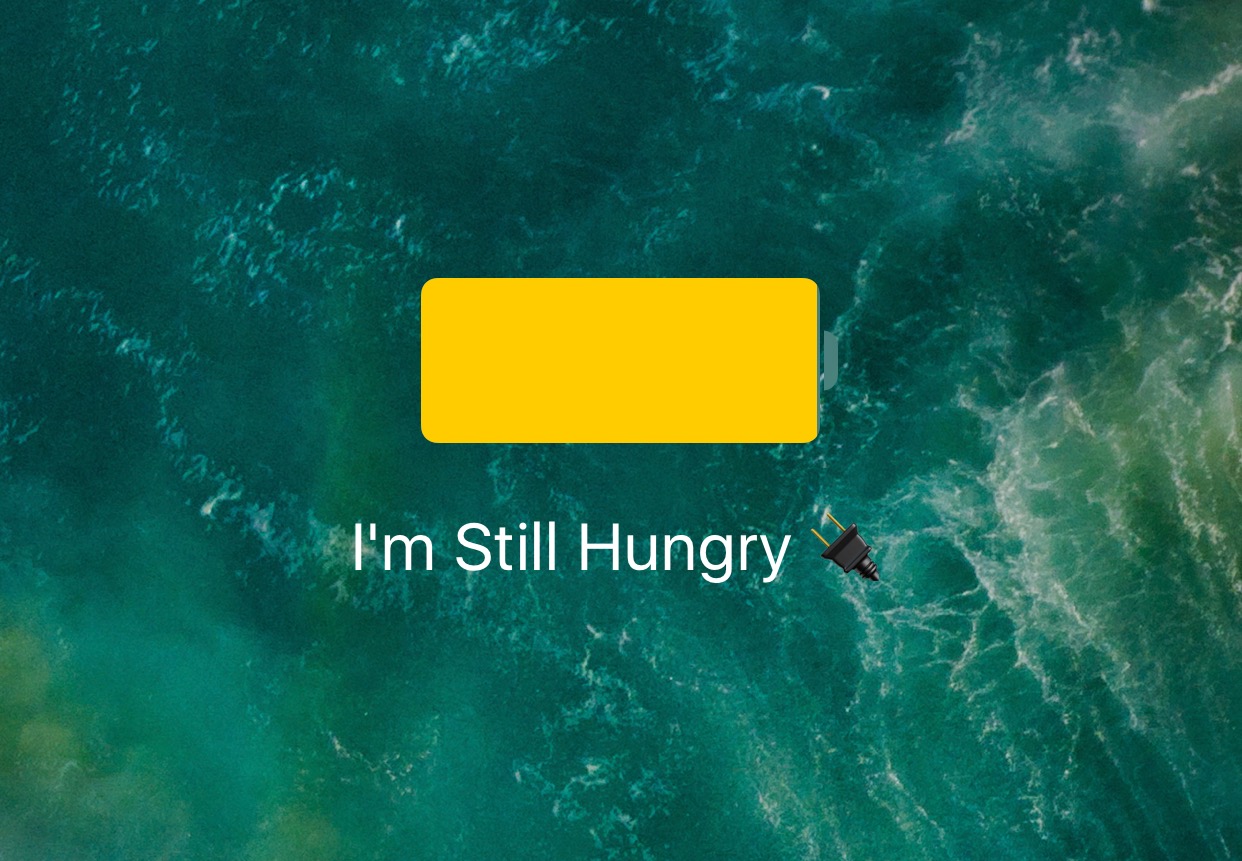
With a new free jailbreak tweak dubbed PersonalEcate by iOS developer CydiaGeek, you can customize the string of text that typically appears underneath the battery indicator icon.
iOS 11.3 has reached the second beta, bringing several minor tweaks as well as Apple's new Battery Health feature. Take a look at our hands-on video to see all the changes in action.
Apple took the wraps off its promised new Battery Health capability in beta 2 of iOS 11.3. This new feature lets select iPhone users see the health of their battery, as well as disable Apple's performance management features (read: CPU throttling) if they so choose.
Apple's lack of transparency around iPhone throttling has backfired spectacularly as the firm finds itself in an uncomfortable position of having to explain why the original iOS 10.2.1 changelog didn't immediately disclose the controversial performance management feature.