Battery

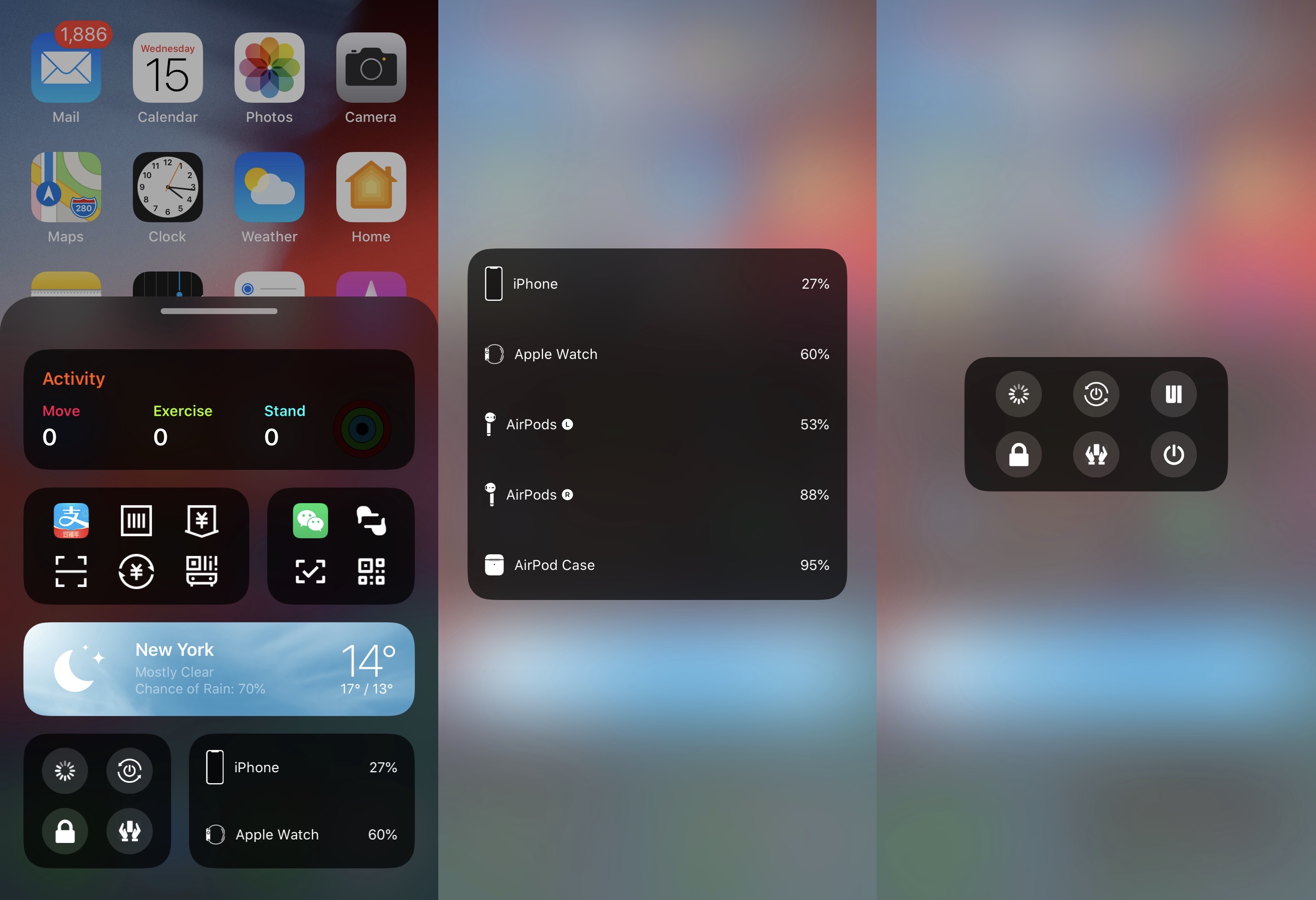
PowerBar is a BottomToolBar extension that displays battery and power info

We’ve covered a plethora of extensions for the popular BottomToolBar tweak including Weather-BottomToolBar and Activity-BottomToolBar among others, but as time goes on, more and more options appear to present themselves in the form of novel BottomToolBar extensions.

The latest of such is a new and free release dubbed PowerBar by iOS developer XCXiao, which much like the name implies, brings a power-centric widget to the BottomToolBar interface.

Rumor: the new iPhone SE may have 3GB RAM and 1,821mAh battery

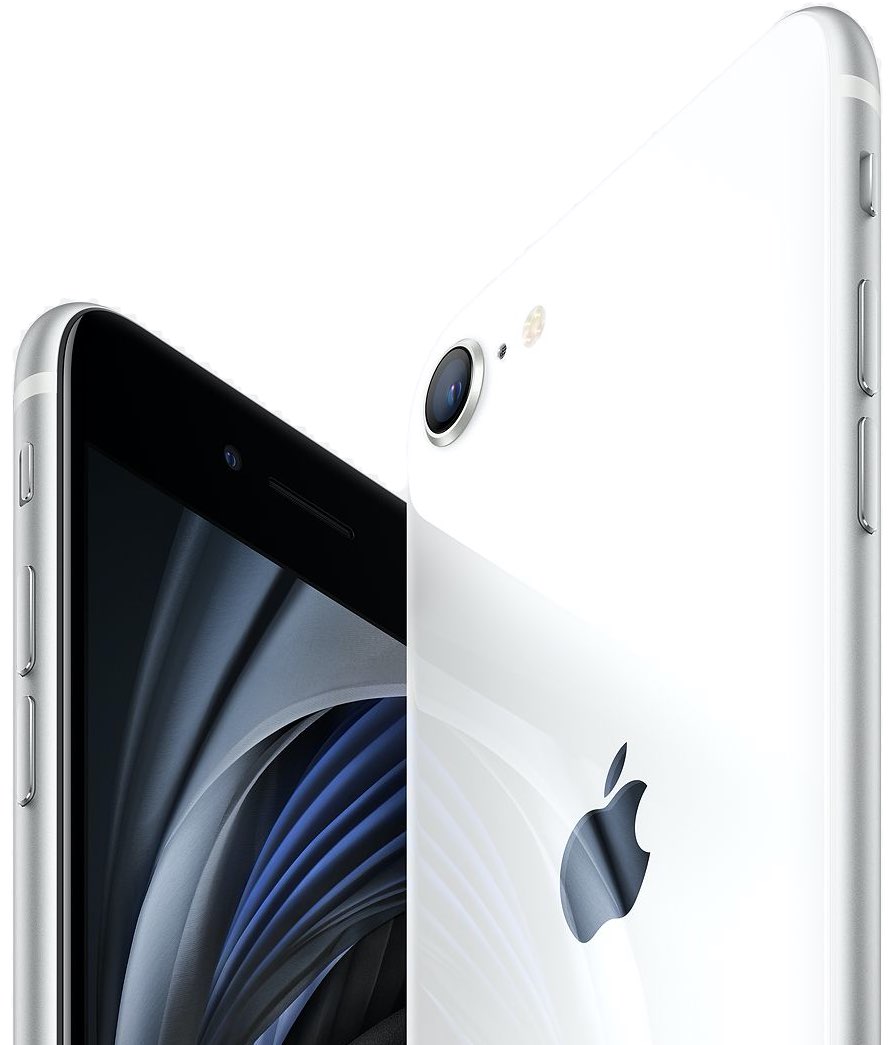
According to a Chinese carrier listing, the second-generation iPhone SE that Apple announced yesterday likely includes three gigabytes of RAM versus two gigabytes in the original model. Moreover, the new handset is believed to pack in a bigger 1,821mAh battery than the original iPhone SE, which launched in 2016 with a 1,624 mAh cell.

UltraPowerSavingMode brings an Apple Watch-style power reserve mode to iOS

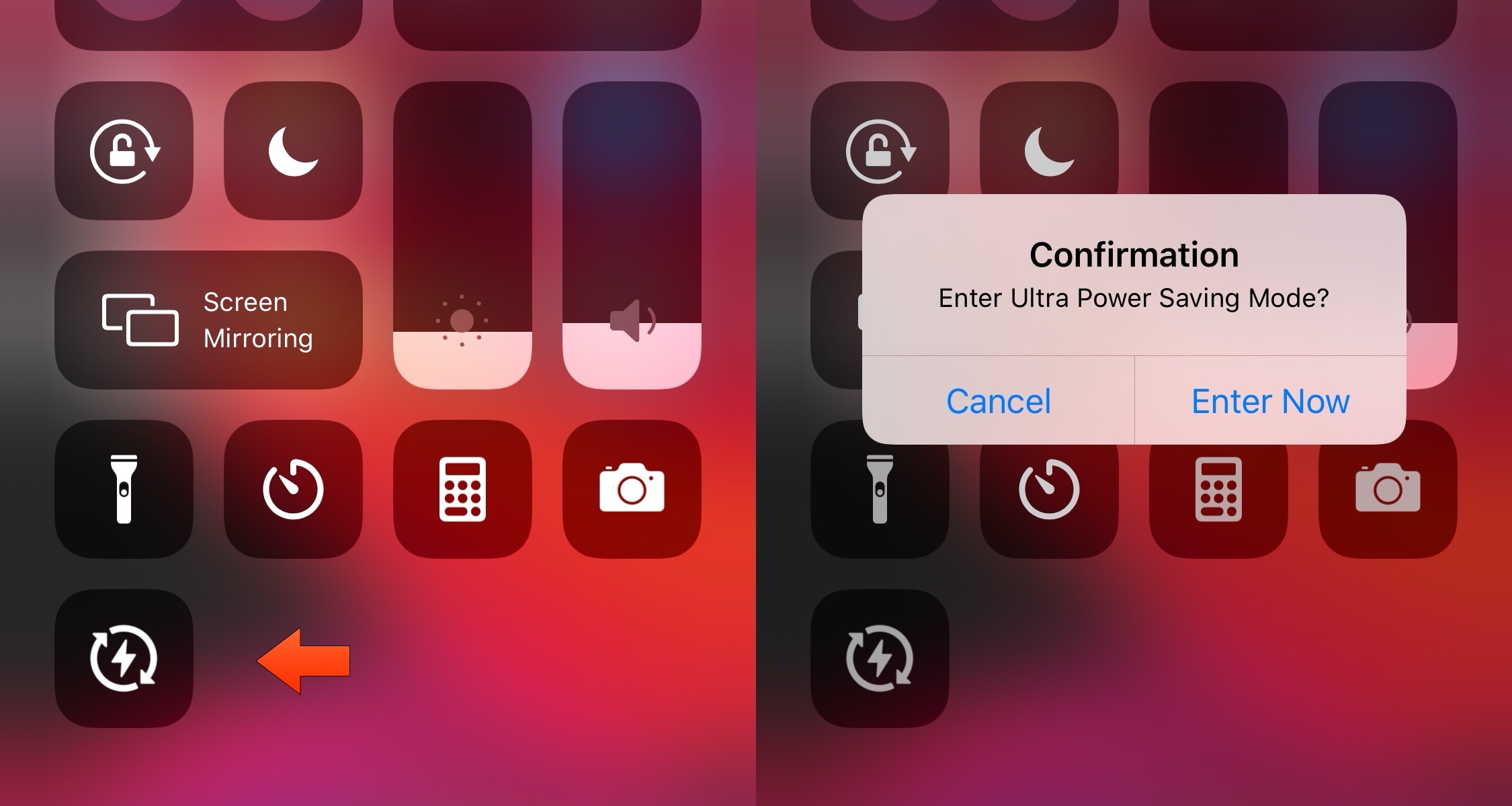
So much of our lives are spent using our smartphones these days, and yet they’re still powered by batteries that hardly seem to last a full day without needing a charge. Apple’s Low Power Mode is helpful when you want to take advantage of every last drop of battery life, but when you demand even bigger extremes, a newly released jailbreak tweak called UltraPowerSavingMode by iOS developer Prasa just might be a better choice.

In a nutshell, UltraPowerSavingMode attempts to duplicate the Apple Watch’s Power Reserve mode on the iOS platform, albeit in quite a far more advanced manner. Once toggled, the tweak optimizes your handset’s power usage to help you maximize battery life well beyond what the native Low Power Mode is capable of.

LPMPad ports native Low Power Mode to jailbroken iPads & iPod touches

Low Power Mode.

If your iPhone’s battery level ever ventures into the danger zone, then Apple has graciously provided you with a Low Power Mode option that you can toggle in a pinch to take full advantage of every last precious drop of juice you have left. But for whatever reason, this same toggle isn’t available on iPads or iPod touches – what a shame!

While it remains to be seen if Apple will ever bring Low Power Mode to the iPad or iPod touch platforms, the good news is that jailbreakers won’t have to wait. A newly released and free jailbreak tweak dubbed LPMPad by iOS developer iCraze ports Low Power Mode to these devices in such a way that it feels just as native as it would on the iPhone.

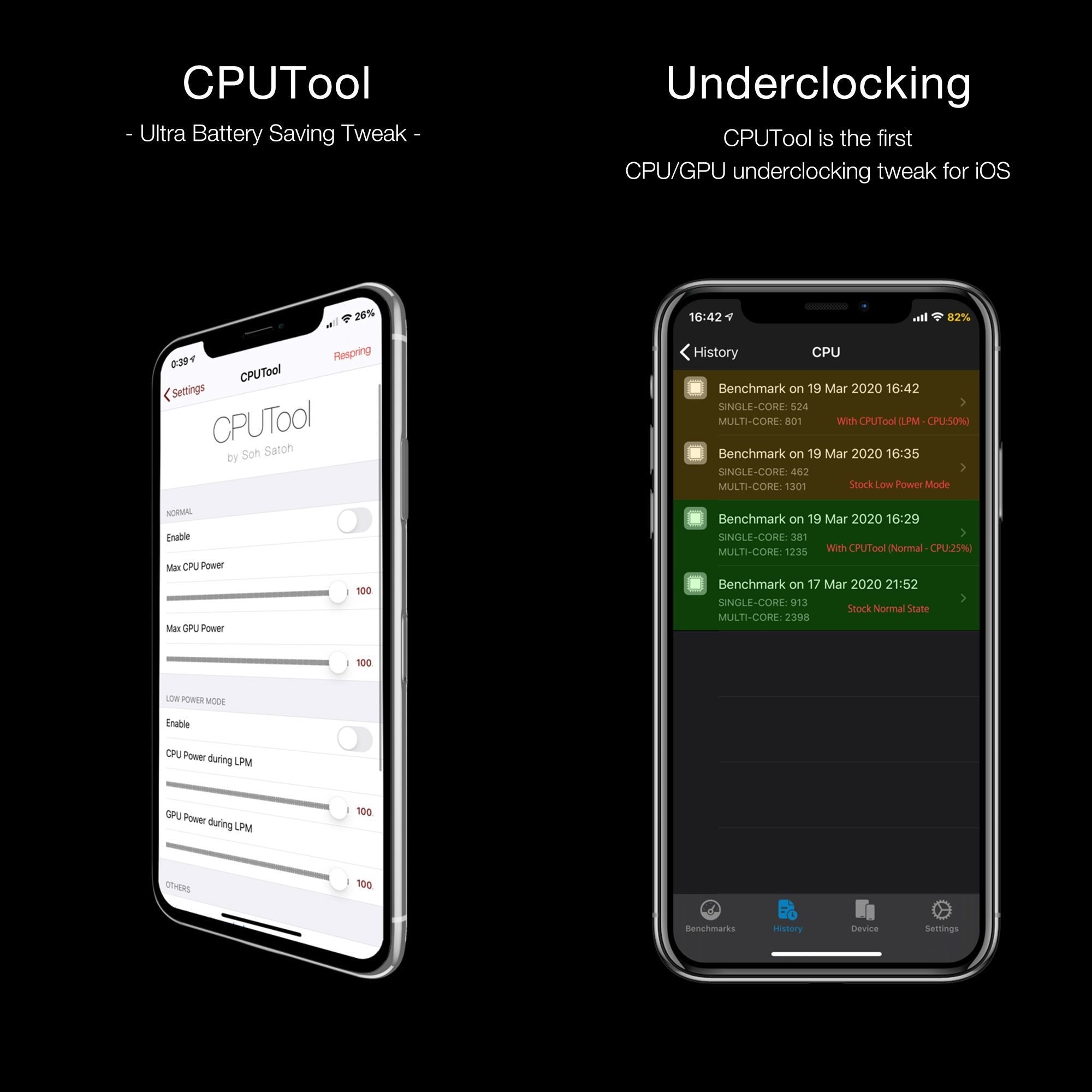
CPUTool lets iOS jailbreakers underclock their CPU and GPU

Apple doesn’t provide much by way of power savings on the iOS platform apart from the Low Power Mode feature and the use of general common sense with regard to reducing battery drain. Fortunately, those looking for more than what Apple seems willing to provide out of the box might be in luck as of this week.

Why cope with a dumb Low Power Mode when you can use SmarterLPM?

Low Power Mode.

Low Power Mode is an incredibly handy utility that helps iPhone users get the most out of their handsets when the battery level falls below a comfortable percentage. Apple designed Low Power Mode in such a way that users wouldn’t need to interact with the feature all that much, but in doing so, they also limited the possibility of advanced configurations tailored for ideal low-power setups.

Given the circumstances mentioned above, it’s not difficult to understand why iOS developer smokin1337 has released a new free jailbreak tweak dubbed SmarterLPM. Just as the tweak’s name suggests, SmarterLPM aims to make Low Power Mode a whole lot more useful for users with the help of deeply integrated user-configurable settings.

This phone has a massive 10,000 mAh battery

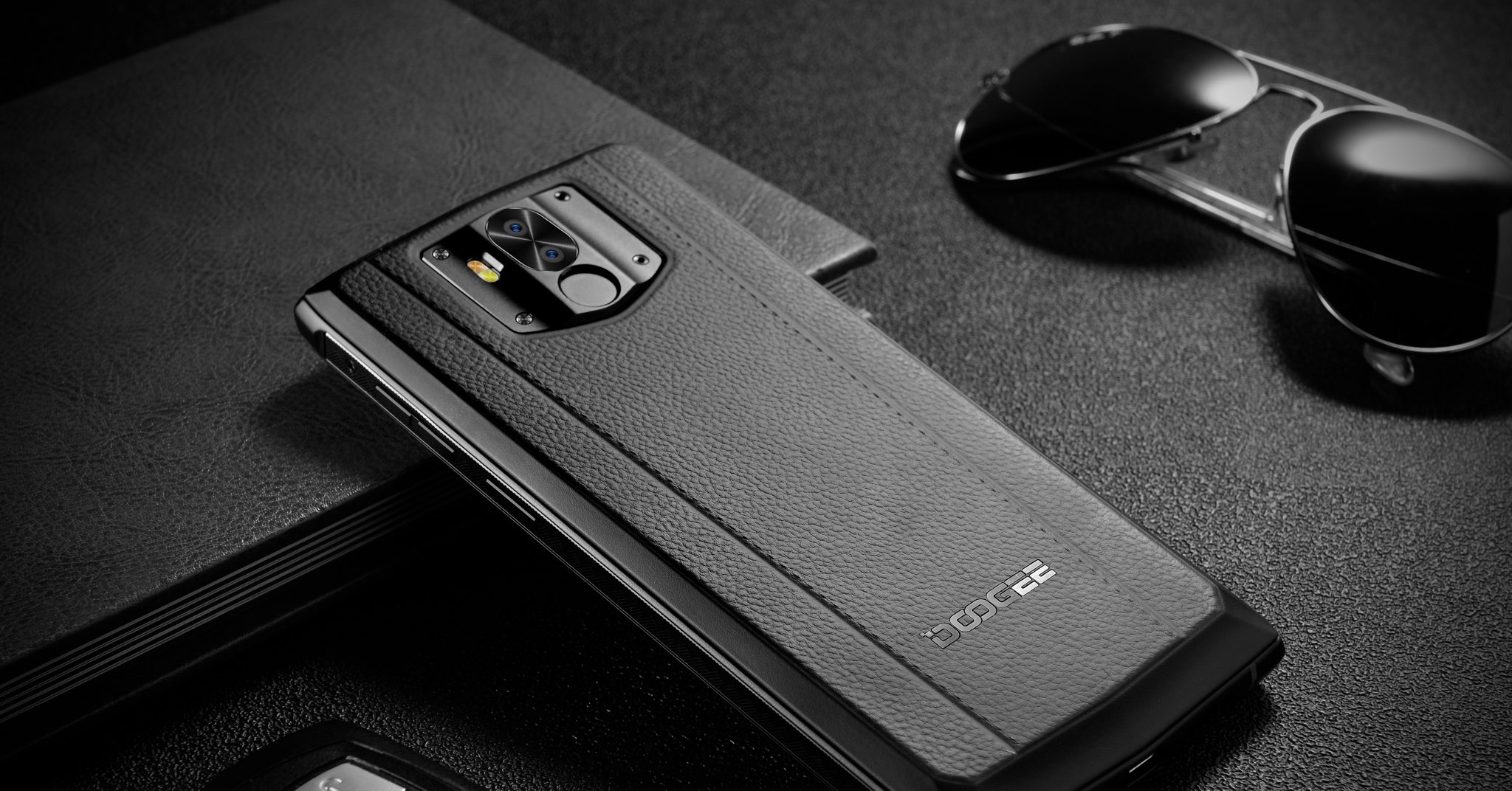
We normally limit our news coverage of Apple's rivals to powerful companies such as Google, Samsung and Huawei, but the latest smartphone in the Doogee range beats many major brands out there in one important metric  — battery life — thanks to its huge 10,000 mAh cell.

DigitalBattery13: A customizable battery indicator for notched iPhones

I was always the sort of person to enable the Battery Percentage option on all of my older iPhones, but since the introduction of notched handsets starting with the iPhone X in 2017, Apple appears to have nixed this feature from all but the non-notched handsets, requiring you to open Control Center to see a numeric battery percentage.

Those looking for a better battery indicator solution on their notch-equipped iPhones may want to try out a newly released and free jailbreak tweak called DigtalBattery13 by iOS developer Asterix. Just as the name implies, this tweak gives your handset an actual numeric battery readout as opposed to just an icon.