Automation

How to manage received AirDrop files with Hazel on Mac

Every waking day I send tons of screenshots from my iPhone to my Mac via AirDrop. And every day I wish that Apple allowed users to customize the AirDrop save location. Not only is the ~/Downloads folder the default save location, but it can't be modified, not even via undocumented methods.

As a workaround, I use Hazel ($29 w/ free trial) to automate the process of moving images sent via AirDrop to my Desktop. It's a great workaround that does the job. While it would be nice if Apple allowed you to specify an exact save location, this is probably the next best thing.

Workflow updated to support text translation, Skype calling, improved image combining

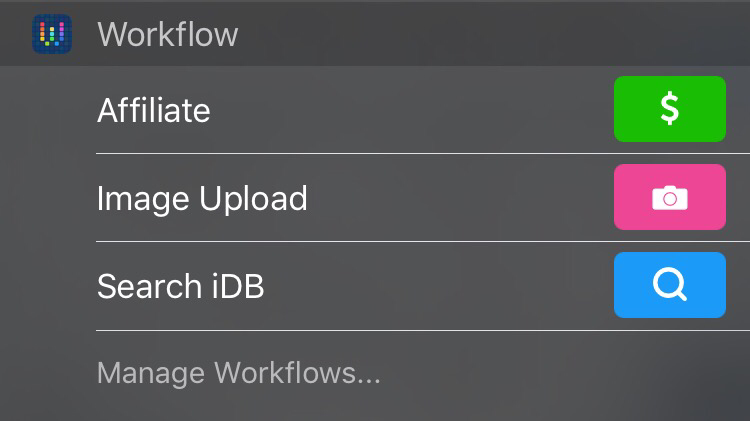
One of my favorite apps on iOS, and my early pick for iOS app of the year, Workflow, has received a fairly significant update. Not only does it usher in a ton of different bug fixes, but there are some meaty content additions as well.

Included in Workflow version 1.1.2 is a new action to translate text between different languages, a new call via Skype action, and support for a new grid mode when combining images. Needless to say, if you're a Workflow user, you should head over to the App Store and grab the free update.