Learn how to use the Mac Automator Calendar Alarms to speed up your regular tasks and have a more productive and smooth experience.
How to speed up tasks with Automator and Calendar Alarms on Mac

Learn how to use the Mac Automator Calendar Alarms to speed up your regular tasks and have a more productive and smooth experience.
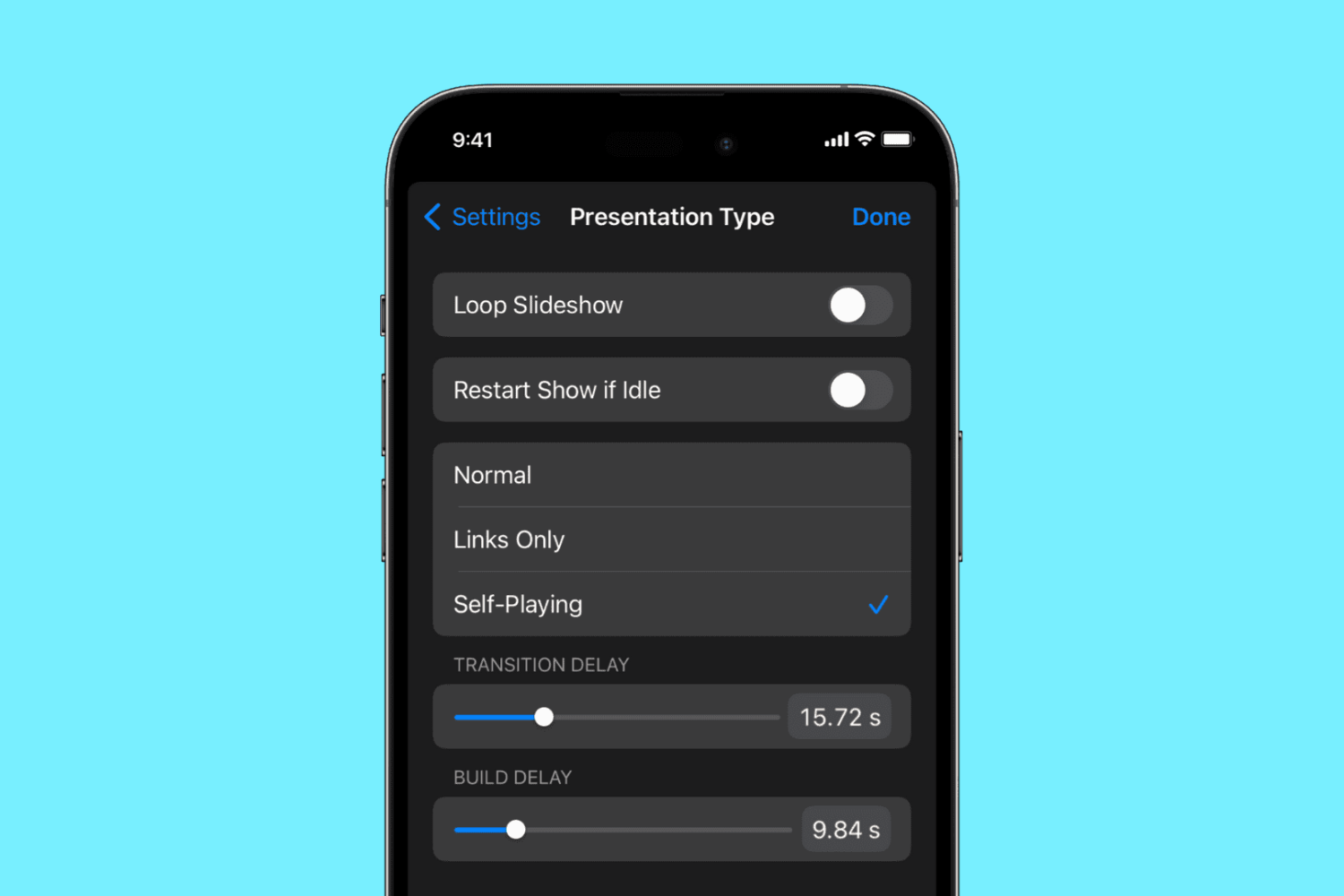
Learn how to use the self-playing feature in the Apple Keynote app on the iPhone, iPad, and Mac to automatically play a presentation and advance slides without user intervention.
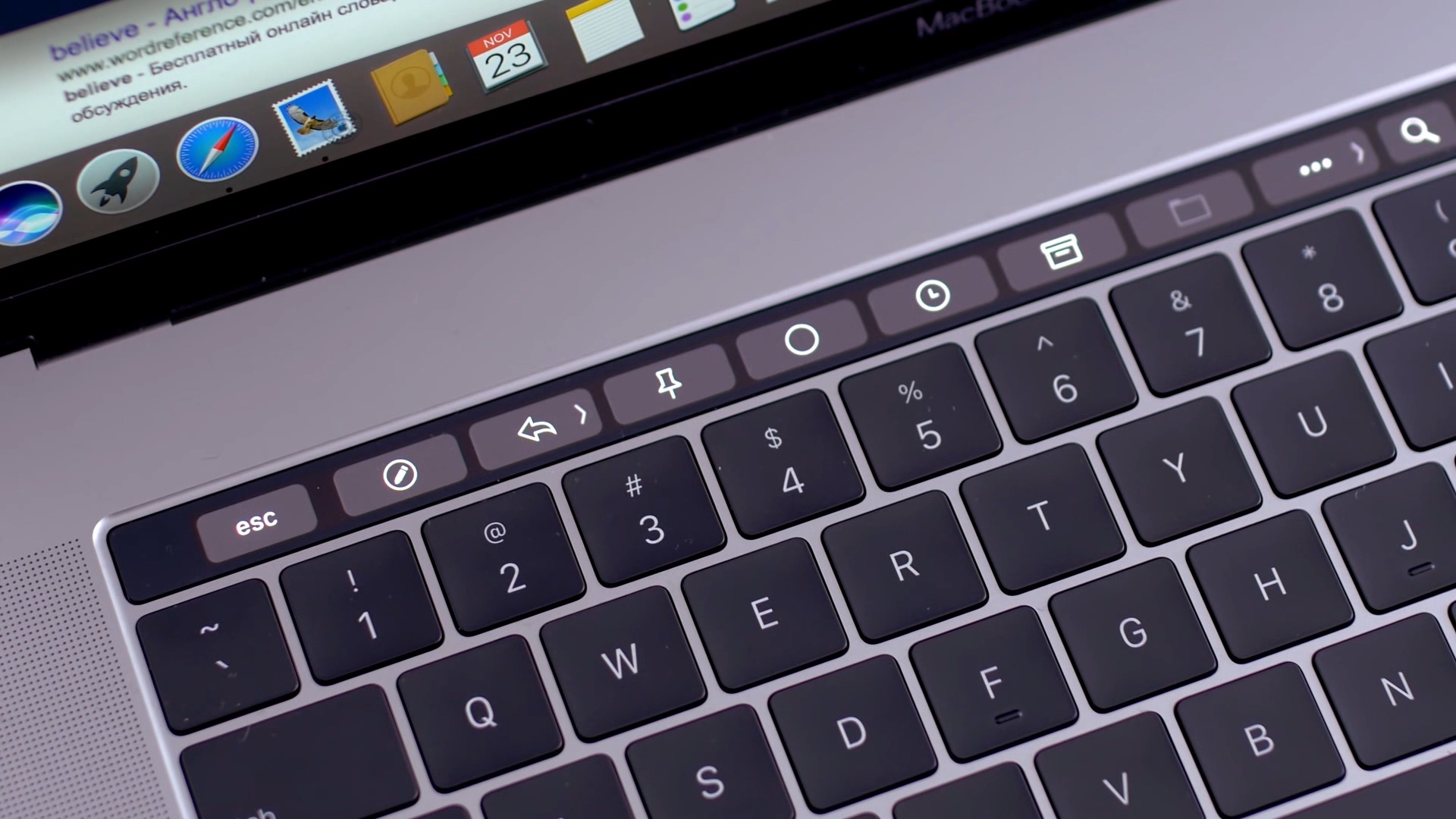
Learn how to add Automator workflows that are saved as Quick Actions to the Touch Bar of your Mac. Doing so will let you easily run your favorite macOS automation shortcuts at any time because they’ll be just two taps away.
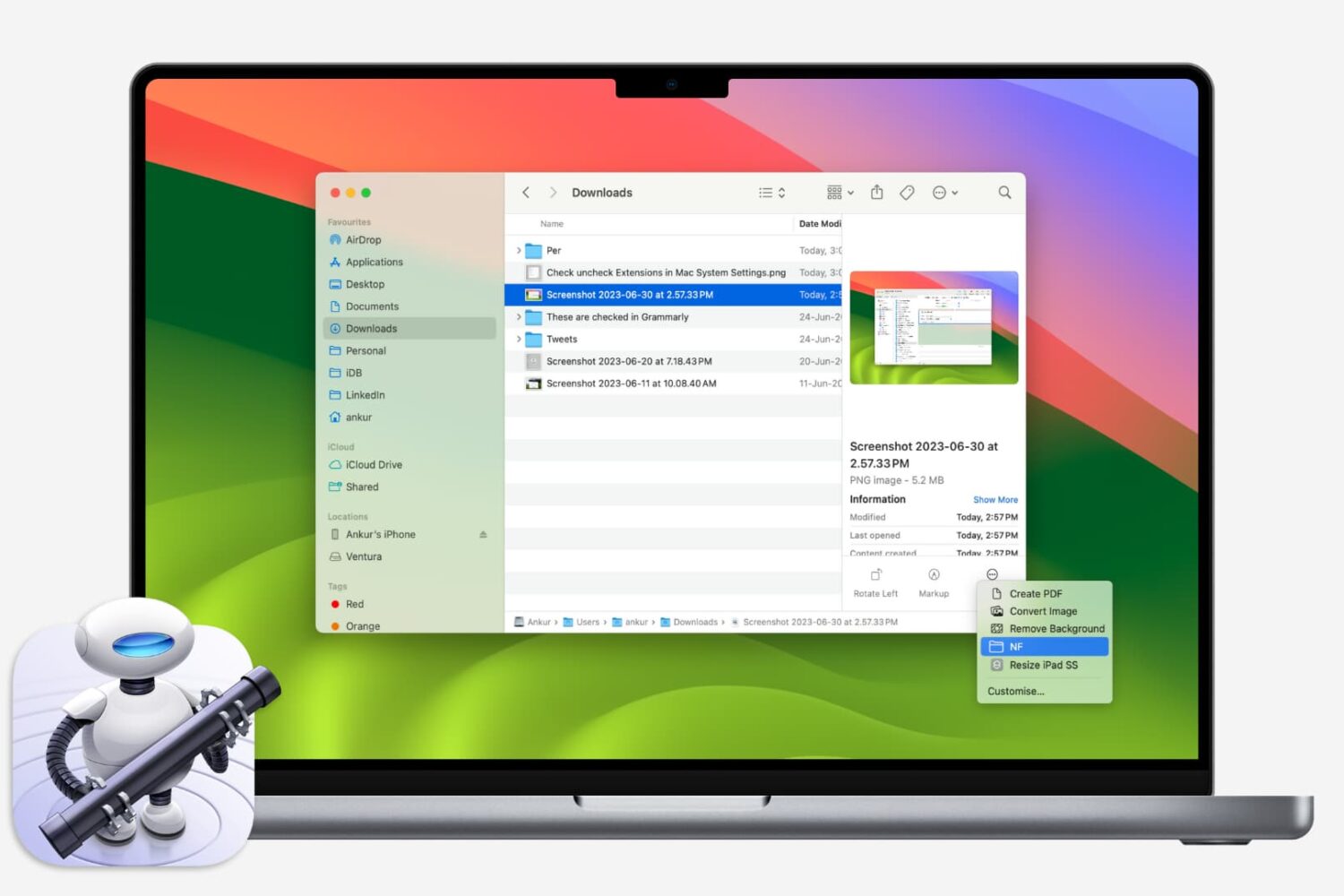
If you like using Quick Actions on your Mac to do things faster, why not make your own? This tutorial shows you how to create custom Quick Actions for Finder.
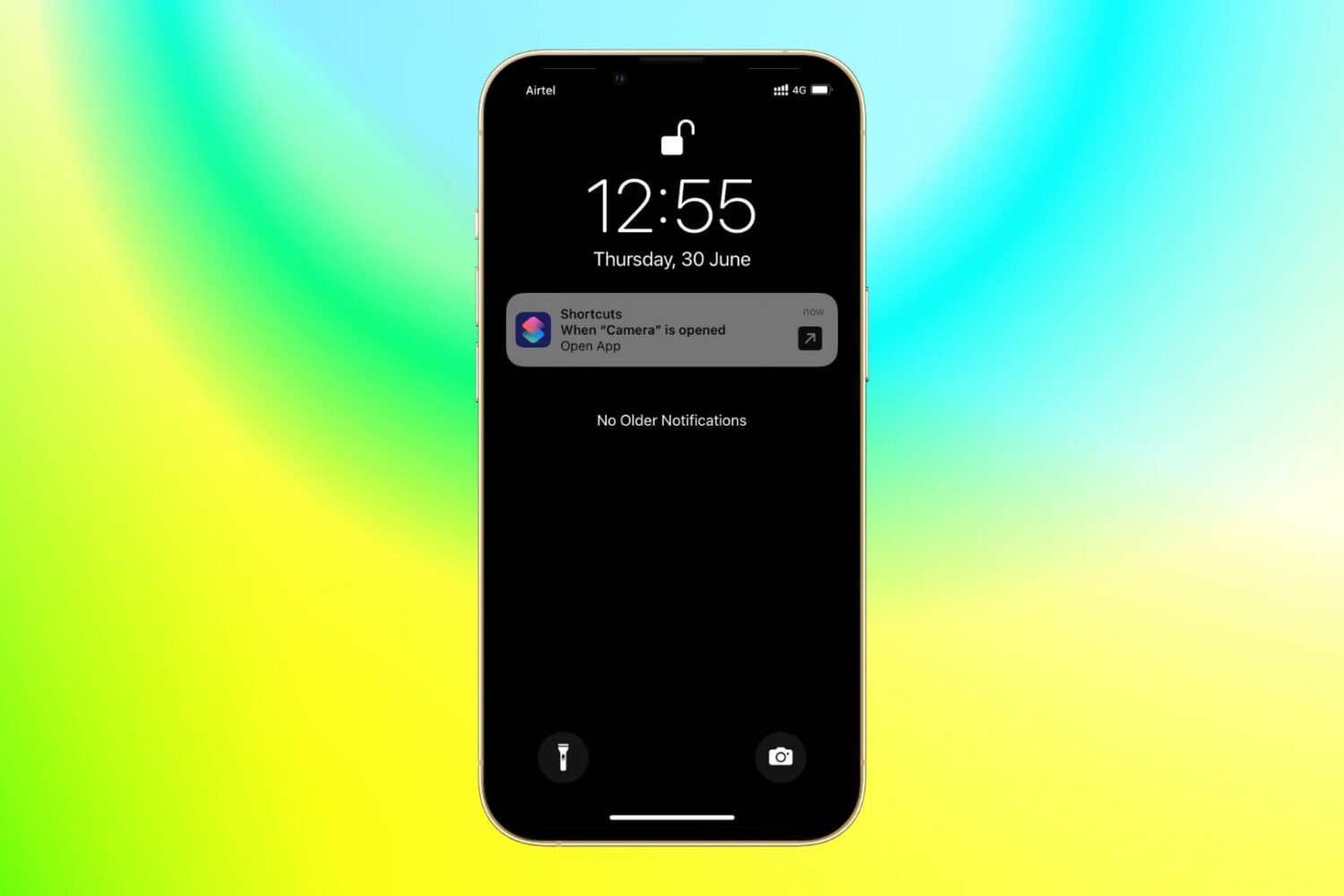
With the power of iOS automation, you can open a different app when you tap the app icon of another app. Confused? It's pretty awesome and useful for several cases.
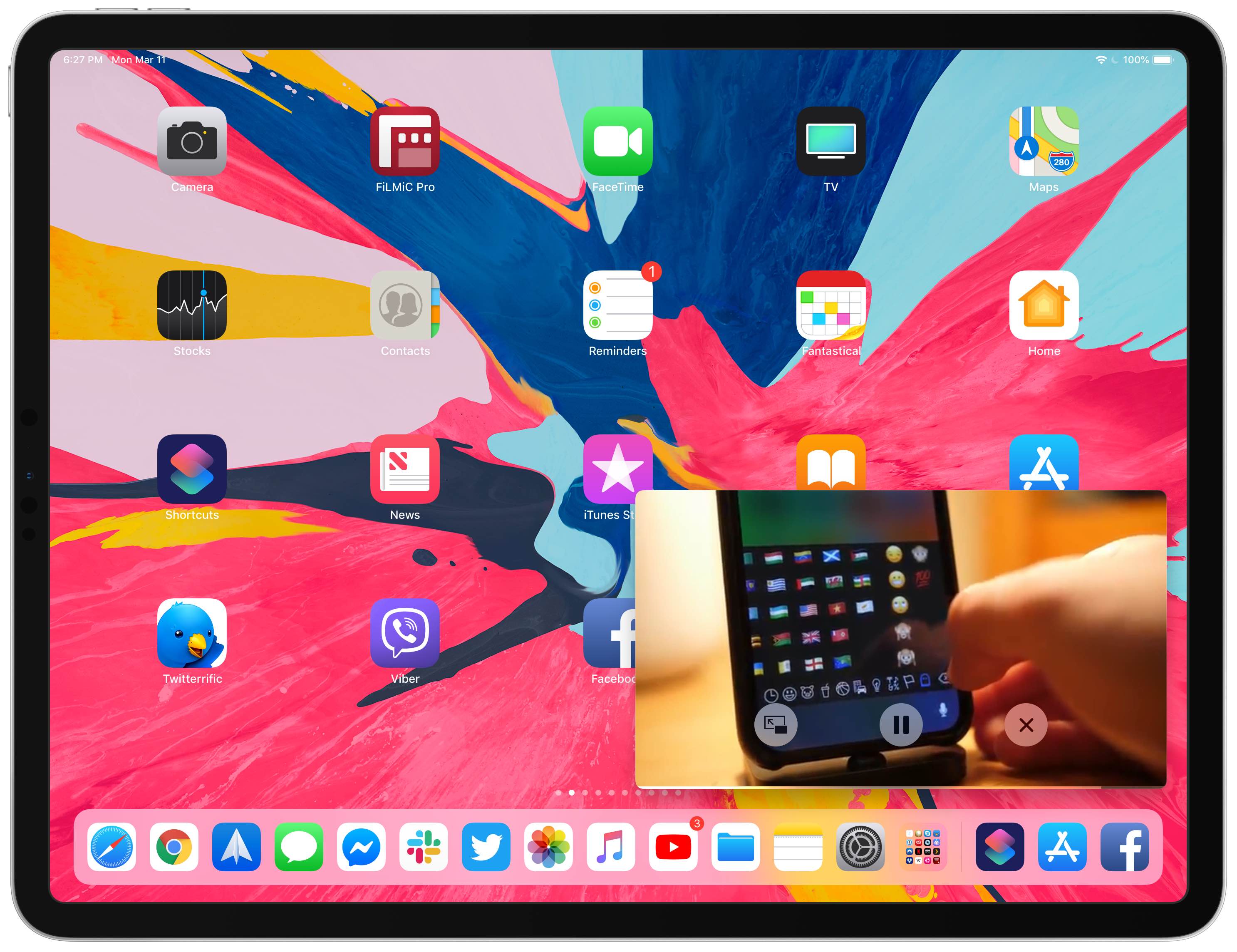
Your iPad supports Picture in Picture (PiP) videos in apps and webpages, but this handy mode isn't universally supported across all video-streaming websites. Crucially, PiP is unsupported by YouTube.com's iPad interface on Safari. But there's a shortcut for that, too—thanks to the power of iOS automation, you can enforce Picture in Picture on YouTube and other websites.
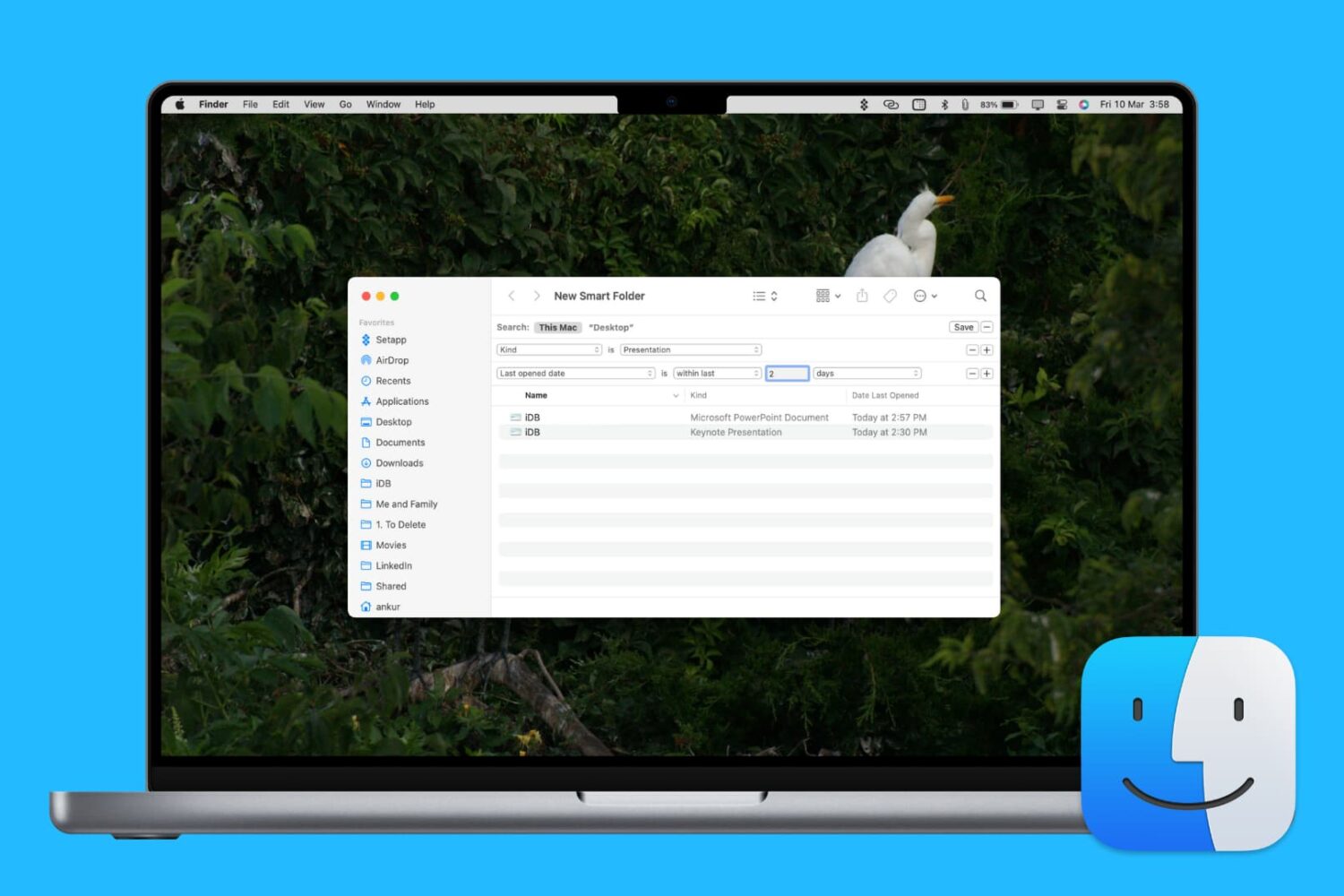
Learn how to enhance your Mac’s organization and boost productivity by creating and using Smart Folders in Finder.
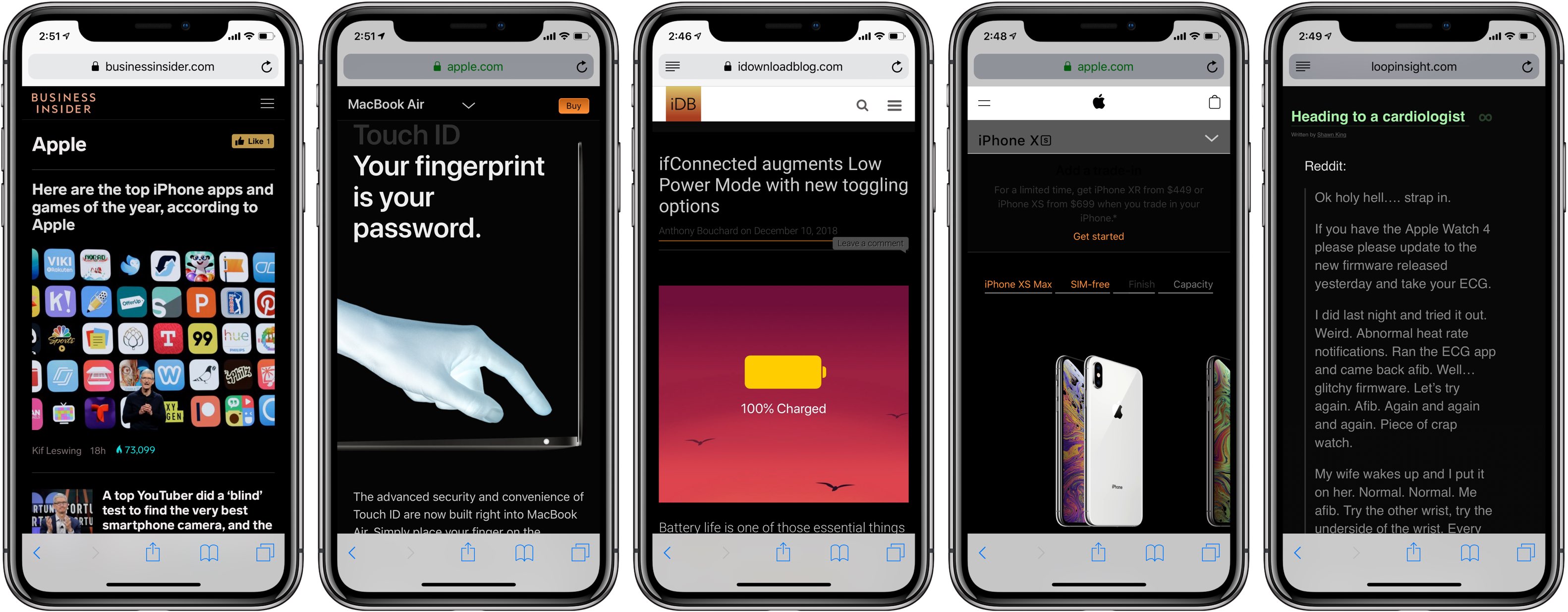
Darkened interfaces look good in apps, not so much on websites. The problem is, web content remains a major source of visual inconsistency as far as the popular Dark Mode feature is concerned. Thankfully, you can get a Dark Mode-alike environment on almost any website thanks to a handy Dark Mode V2 shortcut for your iPhone and iPad.
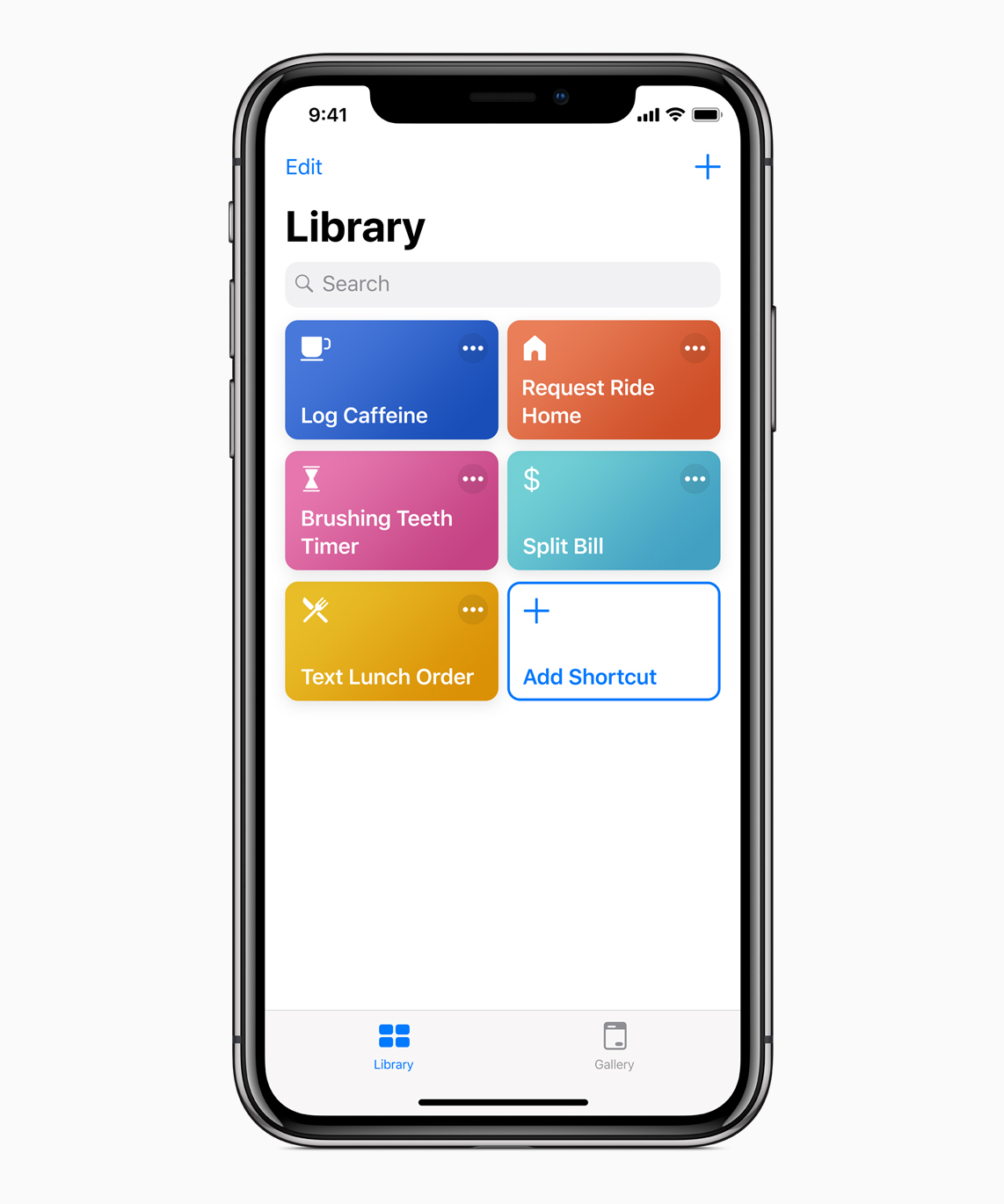
Apple today released iOS 12.1.1 along with a bunch of updates to its other operating systems (sans watchOS), plus a minor update to its Shortcuts app.
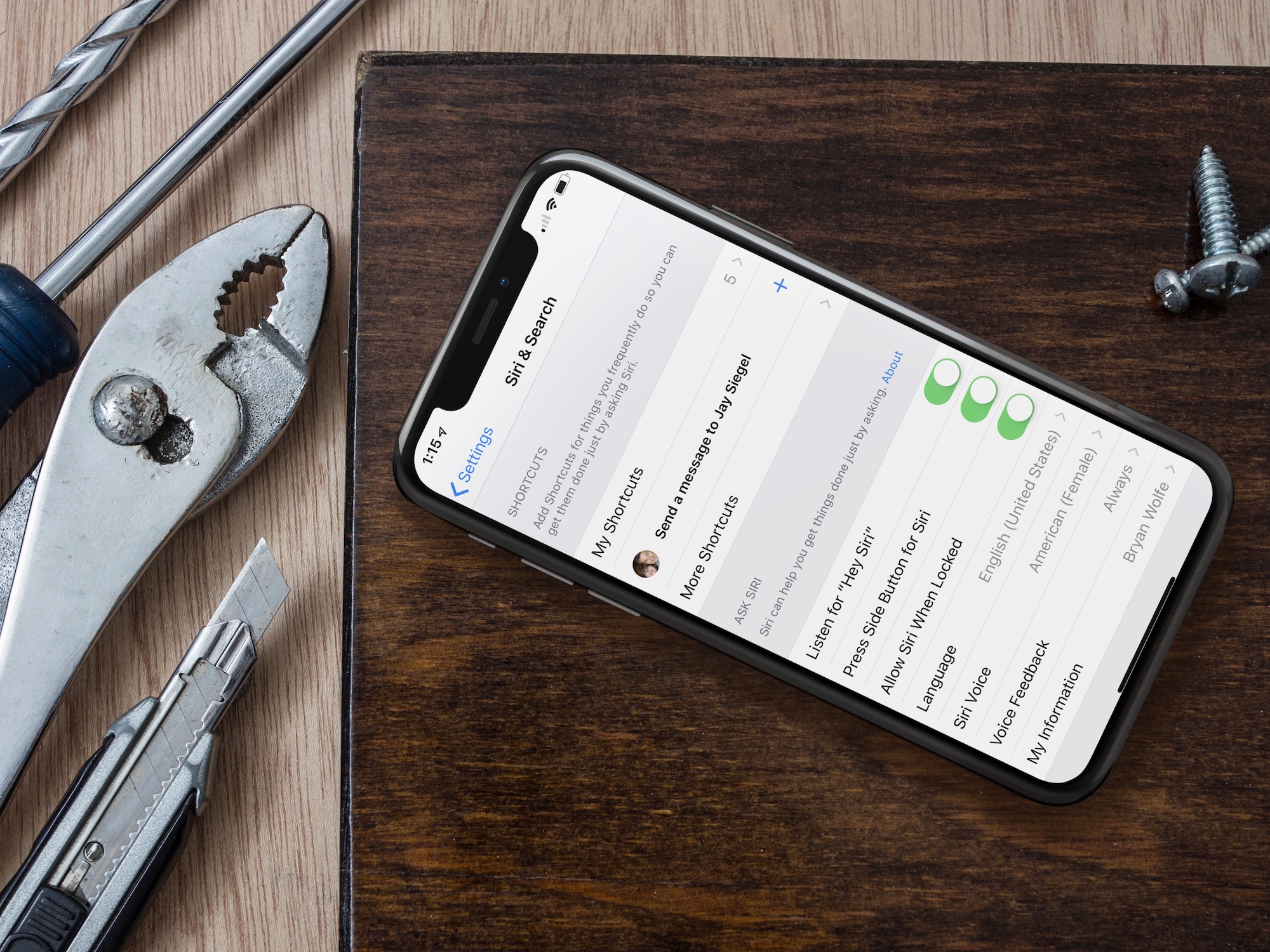
In iOS 12, Apple introduces Siri Shortcuts, which lets you pair your daily routines with third-party apps. Better still, Siri learns your habits and make suggestions based on that knowledge.
Shortcuts, Apple's new vision for Siri and automation on the iOS platform, is a new feature in iOS 12 that many power users and fans of the Workflow automation app will appreciate a lot.