Apps

Developers required to submit a new app version before updating App Store descriptions [U]

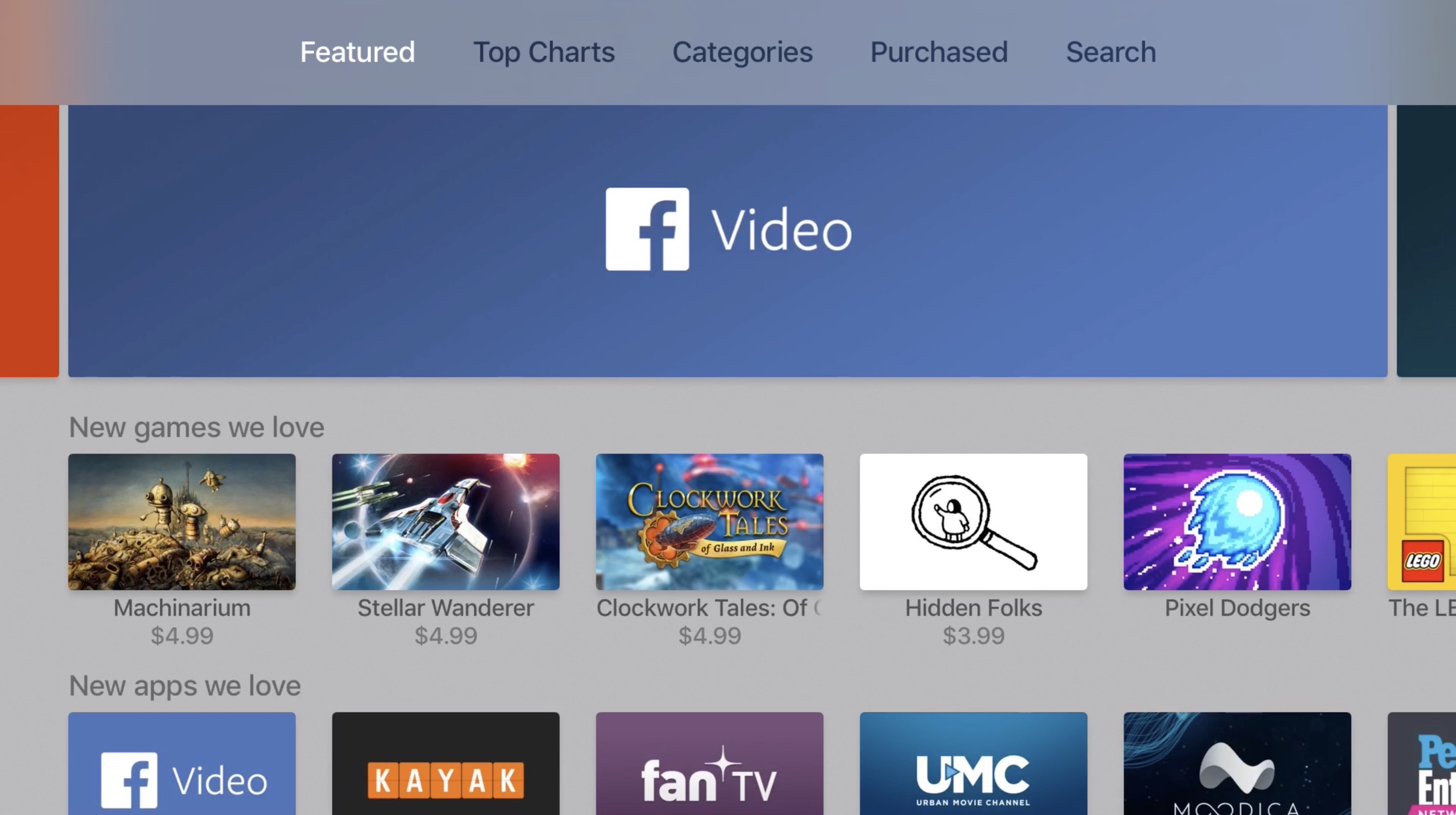
Developers could refresh App Store's meta data for their apps at any time, but not anymore. According to 9to5Mac, which first spotted the change, Apple's iTunesConnect tool for developers used for editing metadata now requires that a new version of the app be submitted for review before its description, release notes and other metadata can be edited. Any changes made to an app's metadata won't go live on App Store until the new binary has been approved by Apple's editorial team.

UPDATE: Several developers we talked to have confirmed that this was indeed a glitch in the system, saying they're now able to update an app's description and other meta data without submitting a new binary for approval.

Facebook Messenger now lets everyone post status updates that disappear after 24 hours

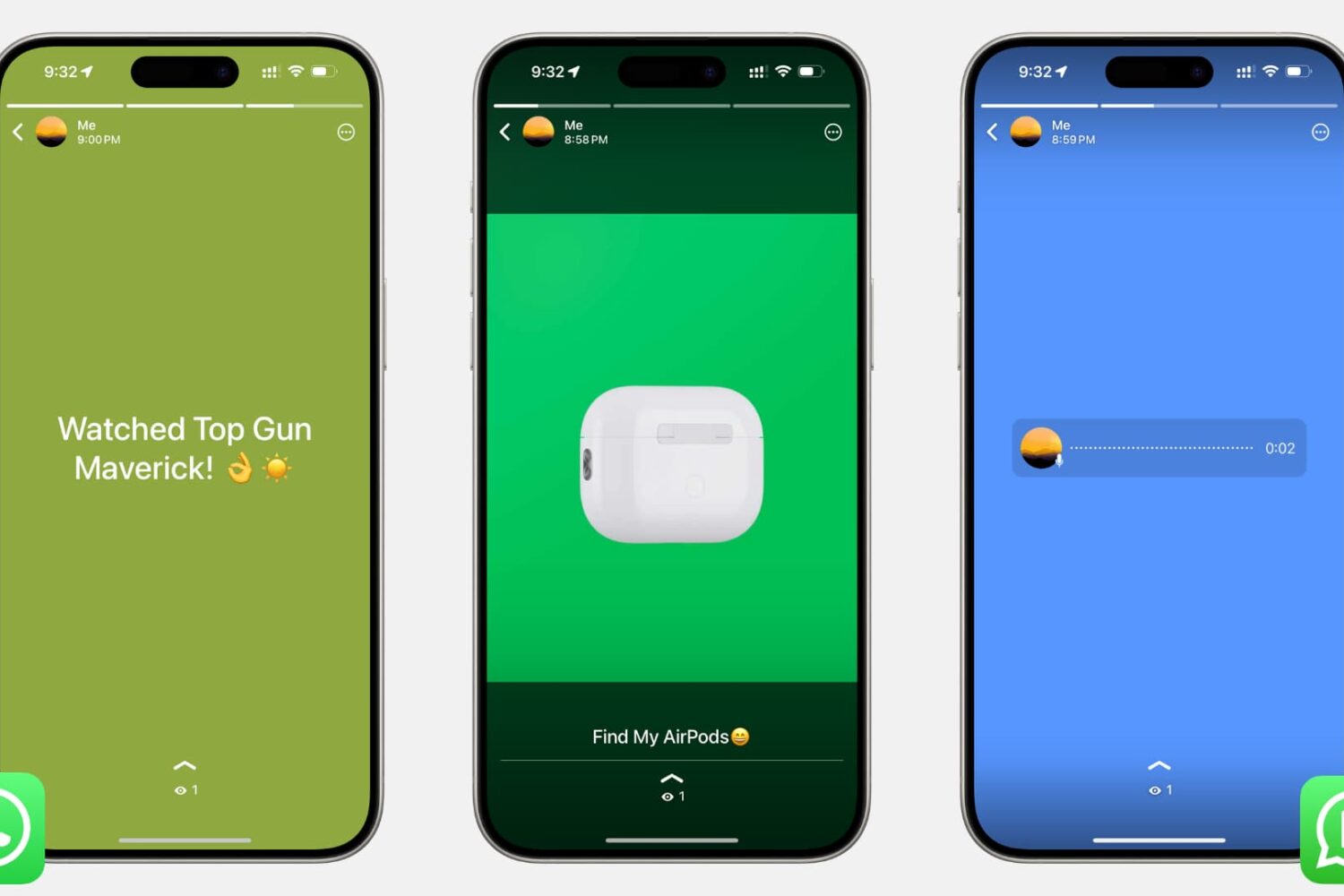
Facebook announced Thursday that a feature in its mobile Messenger app that allows people to post auto-disappearing photos and videos has now begun rolling out globally following a previous soft launch in select countries like Poland and Australia. They're calling it Messenger Day because anything you post there disappears automatically after 24 hours, just like with Instagram Stories or those auto-vanishing status updates on WhatsApp.

You're in full control of the scope of your Messenger Day and can choose to share it with everyone on the service, people you're friends with or cherry-picked contacts.

How to check Activation Lock status via Apple’s support pages

In the past, you could check the Activation Lock on a dedicated official iCloud page by entering the IMEI number. However, Apple removed it a few years back. Now the only reliable option to check a device's Activation Lock is by having physical access to that iPhone or iPad.

But, there is a workaround that might work for some. So the tutorial below talks about that trick which involves using the Apple Support page to check the Activation Lock. If it works for you, great! If it doesn't, you can follow these tips to check Activation Lock before buying a used iPhone.

Google Photos picks up auto white balance editing feature in latest update

Google Photos for iPhone and iPad has picked up a brand new editing feature—auto white balance. Requiring Google Photos for iOS version 2.11, the app's improved Auto Enhance tool now includes white balance correction that adjusts the white tone of your images to make them pop and given them a more natural look. Launch Google Photos on your device, select a look and the app will now correct not only exposure and saturation, but also automatically correct the white balance of the image.

Neverthink takes cues from TV era, plays videos in place of programs

If you sampled a bunch of people and asked them about their favorite downtime activities, chances are there would be a fairly even split in numbers between respondents choosing a good book over other forms of entertainment and those drawn to the audiovisual media instead. Folks of the latter segment know best for themselves where to get their daily dose of videos from, but places such as Netflix, Youtube or Hulu are generally speaking a solid bet. Internet empowered services aside, there is credible chatter that in the shadows of society, some renegades continue to resort to a traditional TV set for their spate of mindless diversion.

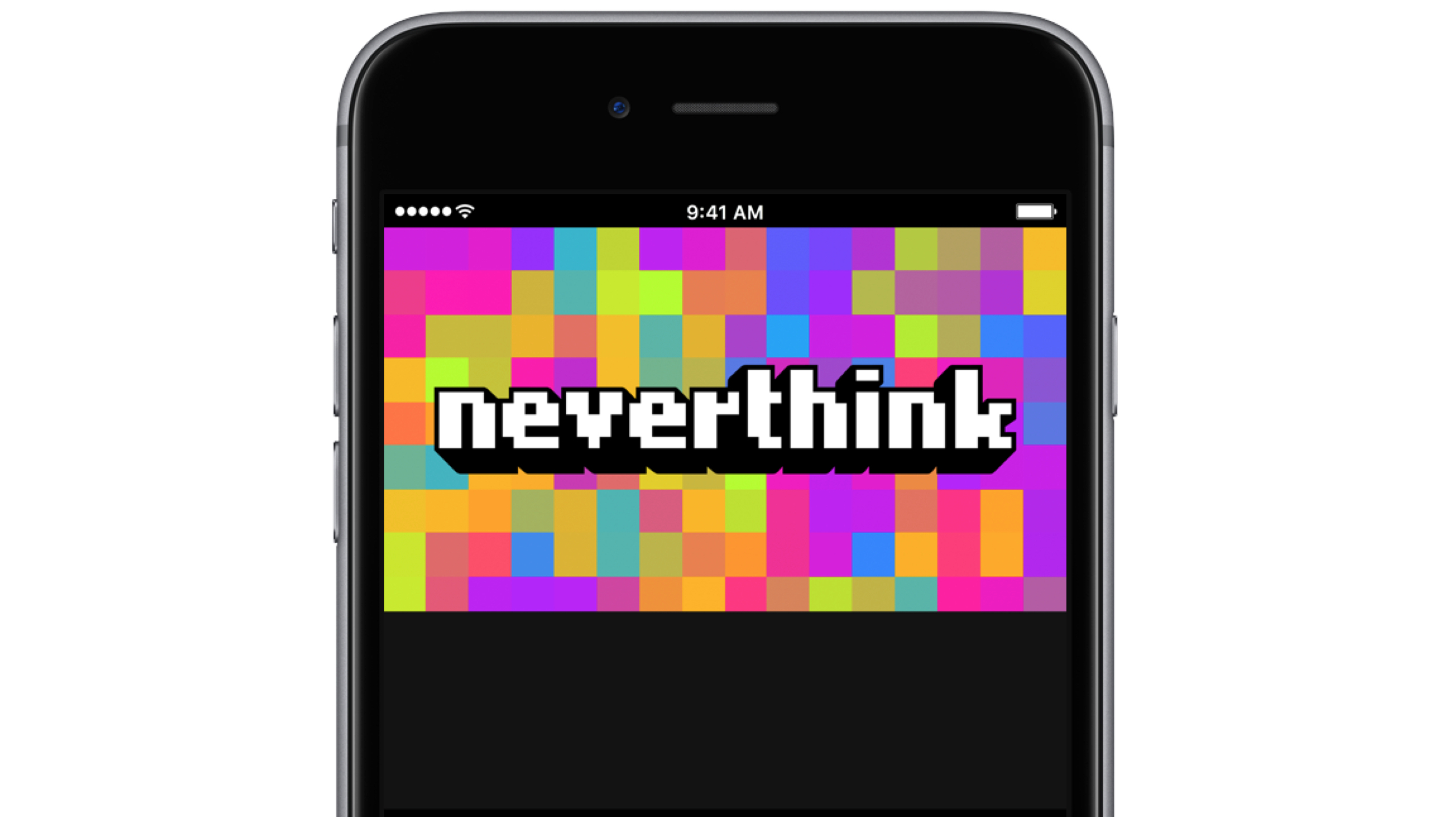
Whether you find yourself all too often hunting for new videos to watch during lunch break or you identify with the dwindling TV crowd, a brand new app called neverthink could be for you. That’s because it marries the old-fashion convenience of always-on programming with the excitement of the sometimes mercurial internet. Neverthink wants you to never again think about what videos to dig up next and their way of going about it is unique enough to potentially strike a chord with you.

Instagram launches geostickers in Stories

Instagram has aped Snapchat all over again, this time by launching geostickers which I'm sure you know are location-based stickers originally popularized by Snapchat. This cool feature is live in just two cities, for now, but you can bet they'll be aggressively rolling it out in additional markets as rapidly as humanly possible. If you happen to live in Jakarta or New York City, use geofilters to spice up your Instagram Stories with visual accessories representing your present location, down to the neighborhood.

Adobe brings HDR RAW capture to Lightroom for iPhone and iPad

Adobe's mobile Lightroom app is slowly but surely becoming a viable alternative to Google Photos and Apple's Photos app with iCloud Photo Library.

In the most recent update to Lightroom for iPhone and Lightroom for iPad, a dynamic range RAW capture that was previously only possible when shooting with a DSLR or mirrorless camera is now available on latest iOS devices.

Additional improvements in this edition of Lightroom for iOS include 3D Touch support on iPhone 6s/7 series, a Notification Center widget, the ability to export your original images, including DNGs and RAW files, and more.

Save your custom edits and share them as reusable looks via QR codes in latest Snapseed update

Google today rolled out another update to its free of charge photography app, Snapseed. In Snapseed 2.16, you can now save your complex edits as reusable looks.

You can apply saved looks to other images with a few taps or share them with friends and other Snapseed users via QR codes. This Snapseed update also lets you apply the Structure filter to individual areas with the Selective tool.

Facebook is testing Reactions and all-new Dislike button in chats on Messenger

Some users of the mobile Facebook Messenger app have noticed that the empathetic Reaction emojis, which launched in the company's mainland mobile app in February 2016, are now available to them inside the standalone messaging app, along with a brand now iMessage-like Dislike button that's yet to launch in the main Facebook app.

Facebook's confirmed this new feature to TechCrunch.

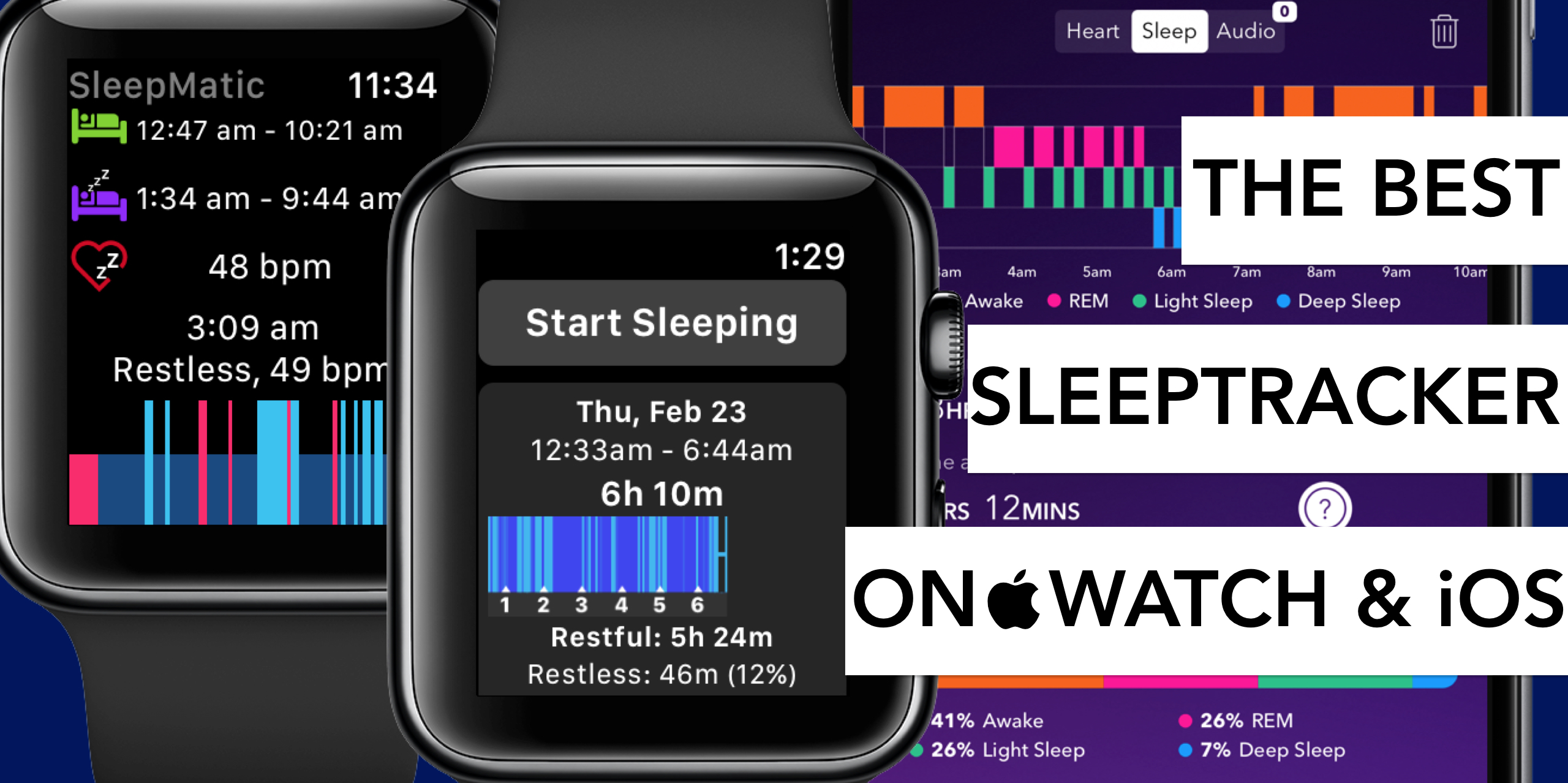
The best sleep tracking apps for Apple Watch and iPhone

Tracking your sleep routine can often lead to insights into all sorts of habits or quirks detrimental to a good night’s sleep. Before Apple Watch, apps promising to analyze your nightly resting patterns and devise remedies to improve on them were already plentiful. Yet after the release of the wrist-worn gadget, a new surge in the category ensued for its ease of use on watch and enhanced precision in measuring body movements at night.

In order to single out the creme de la creme of applications, we have put through their paces both standalone sleep trackers on iPhone and an array of apps requiring the assistance of Apple Watch.

No matter if you rock iPhone and Apple Watch together or solo, find out below which sleep trackers are worthwhile your time and money.