Apple today has updated its official developer iOS app with a few key changes, bringing more options for watching videos and sharing content.
Apple Developer iOS app update brings support for watching videos at multiple playback speeds and more
Apple today has updated its official developer iOS app with a few key changes, bringing more options for watching videos and sharing content.
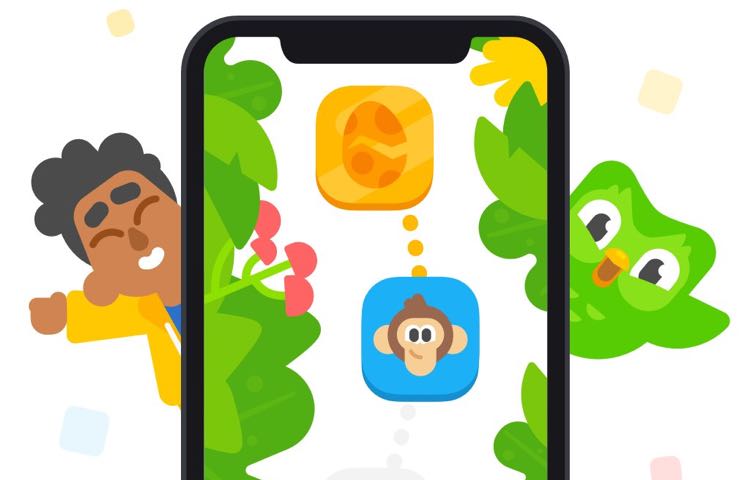
Duolingo has been around for quite some time, helping folks learn new languages in exciting, engaging ways. And now it wants to help kids learn how to read.
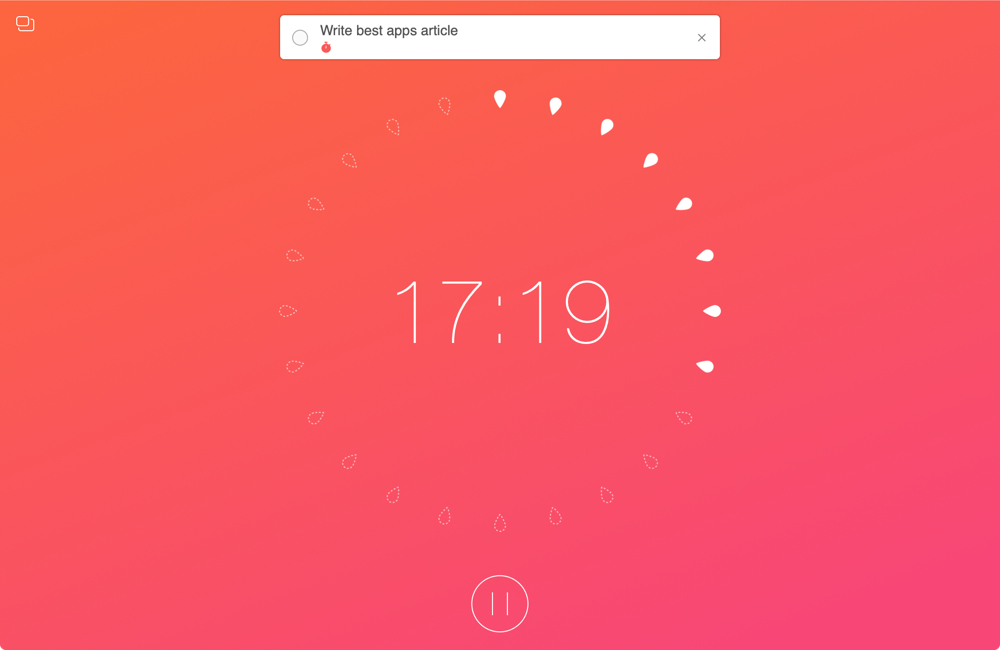
When you work from home, there are a lot of distractions. And while you certainly have interruptions in a physical office or workplace, those you have at home are just a bit different. So if you aren’t used to working at home every day, you need to prepare for these disruptions.
To help you readjust after an interruption and concentrate better on your work, we’ve assembled a list of Mac apps to help you focus. These apps use different techniques and combinations of them such as the pomodoro timer and Eisenhower Matrix methods.
If you need some assistance getting used to working in a home office, these apps should help.
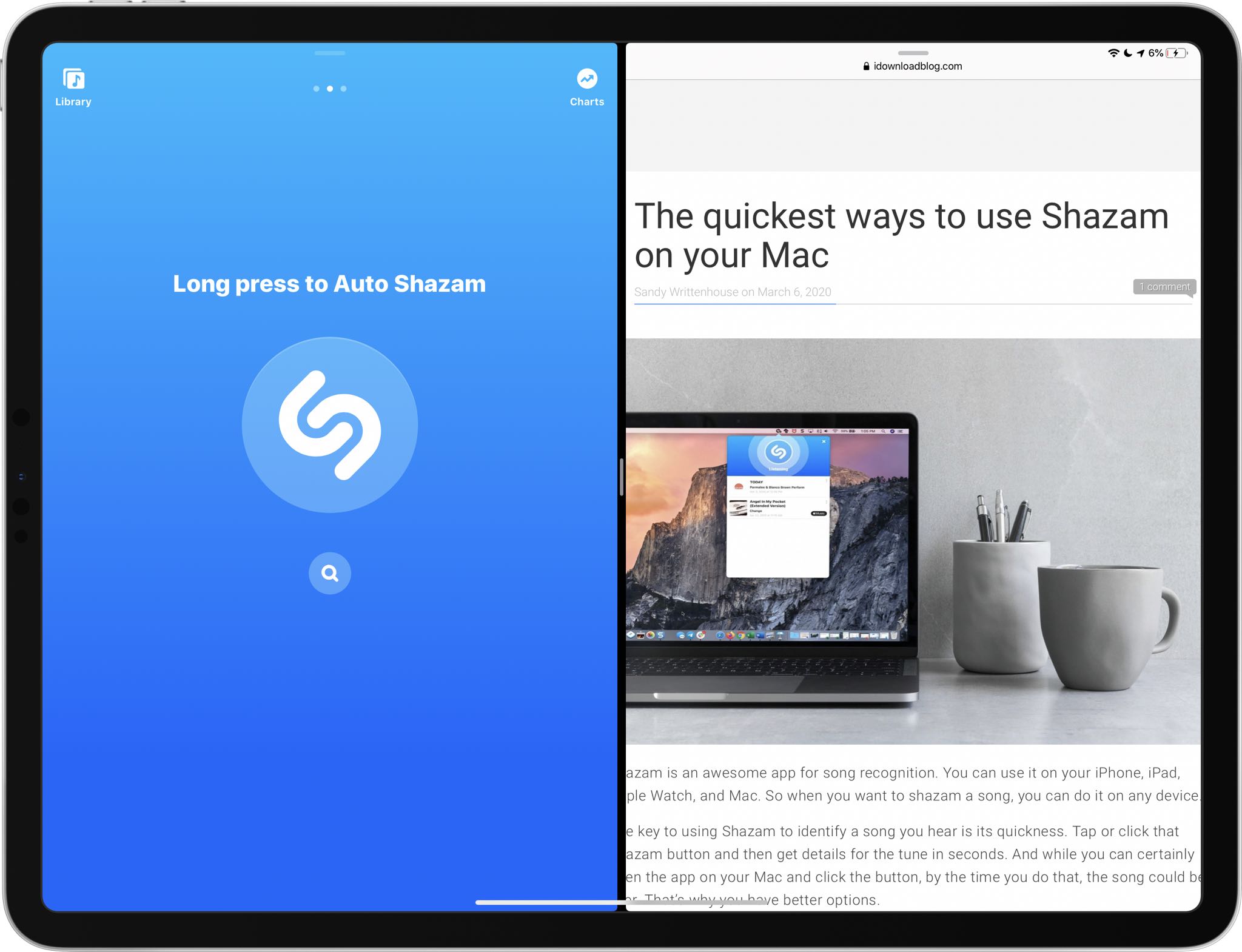
Shazam, the Apple-owned song identification service that's built into Siri, today pushed an update to its App Store app bringing support for side-by-side multitasking.
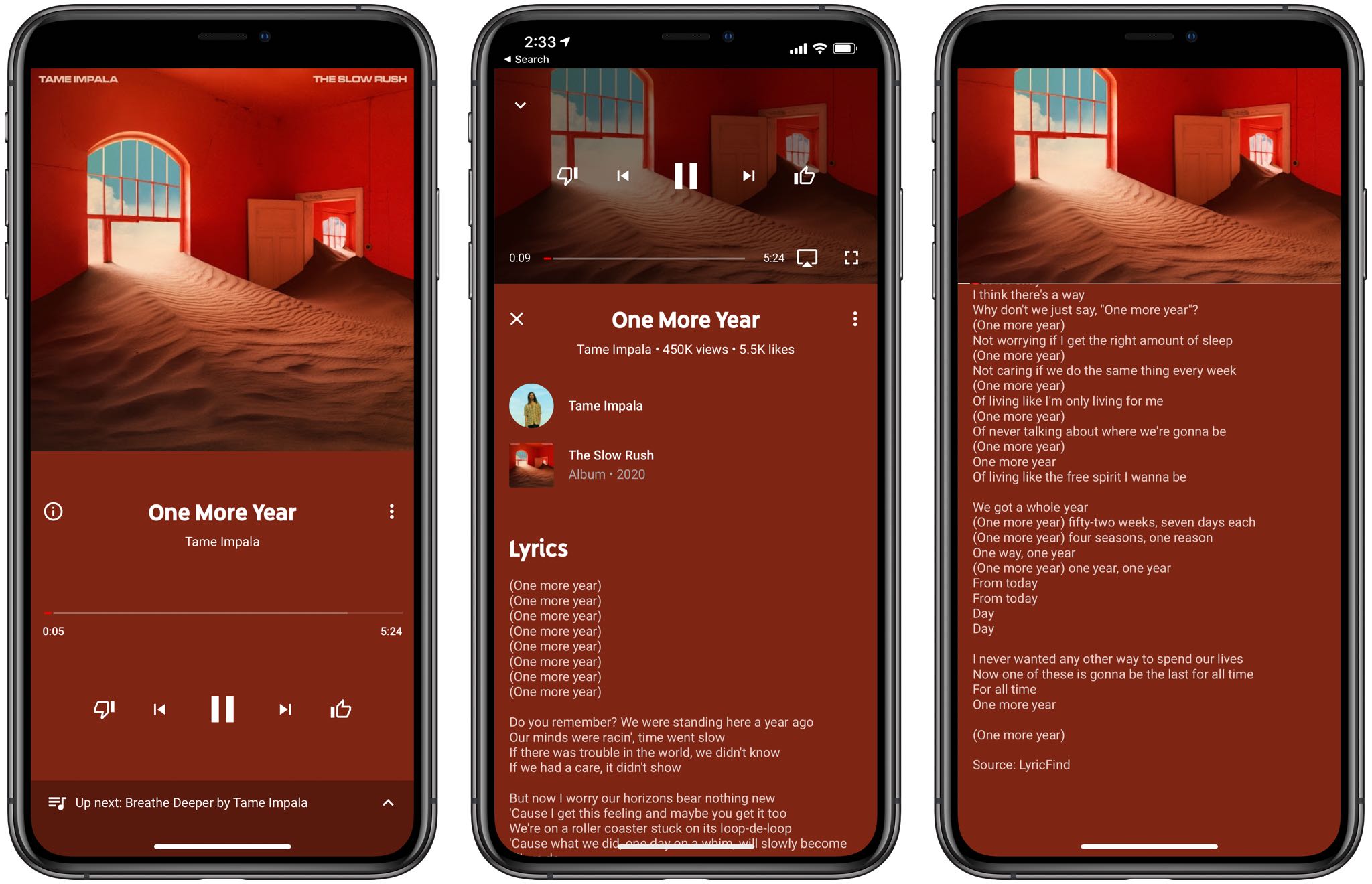
Just a day after Apple brought the real-time Apple Music lyrics feature from iOS to macOS via the macOS Catalina 10.15.4 update, which released yesterday, Google has now added a similar lyrics feature of its own to its official YouTube Music app for iPhone and iPad.
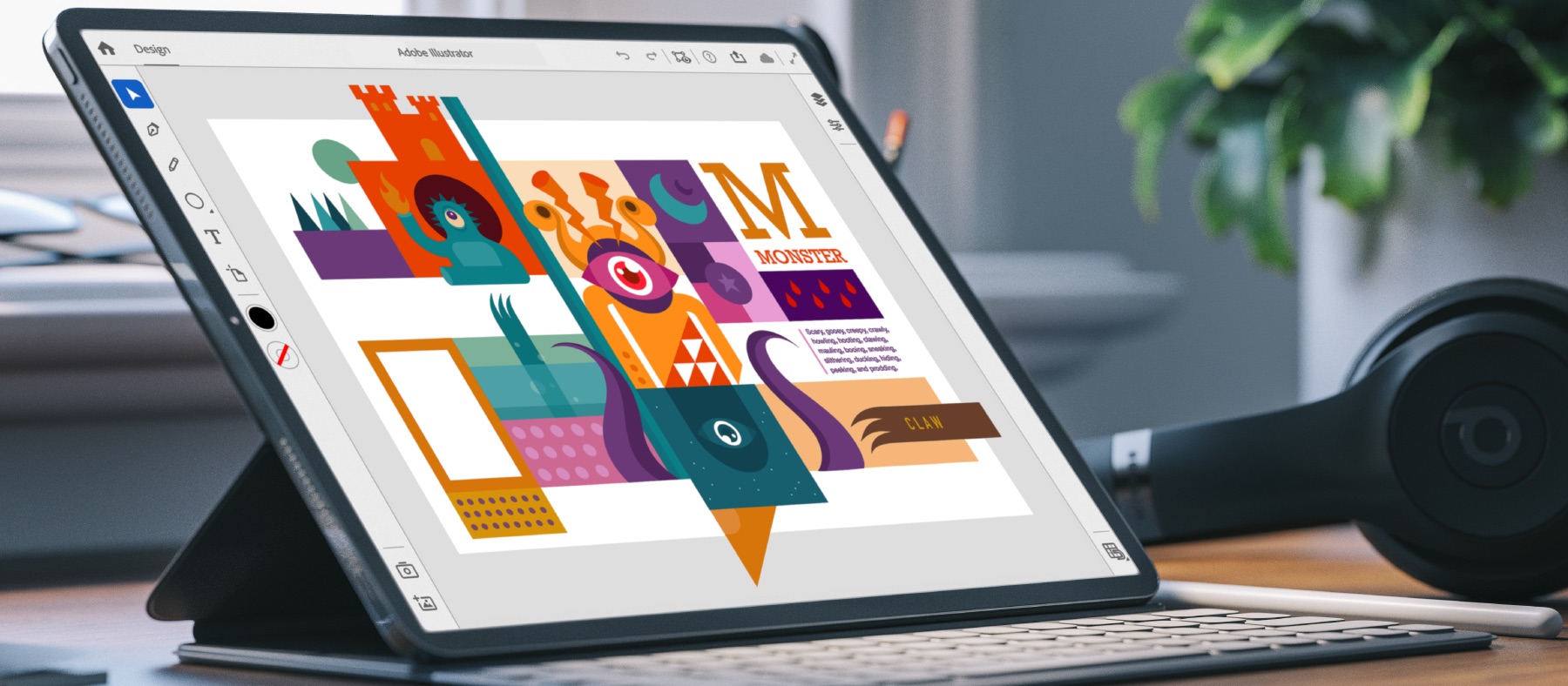
Following last year's release of Photoshop for iPad, Adobe is planning to release Illustrator for iPad in 2020, and now the company is starting to invite people to help it beta-test the app.

Instagram has joined other tech giants in sharing timely information about the coronavirus COVID-19 pandemic and providing resources dedicated to helping minimize the virus spread.

In this edition of our Apps of the Week roundup we have a game show buzzer (seriously), an app that helps you deal with stress and anxiety, and an app for emailing yourself notes. And as always, we've selected two great new games for you to check out.
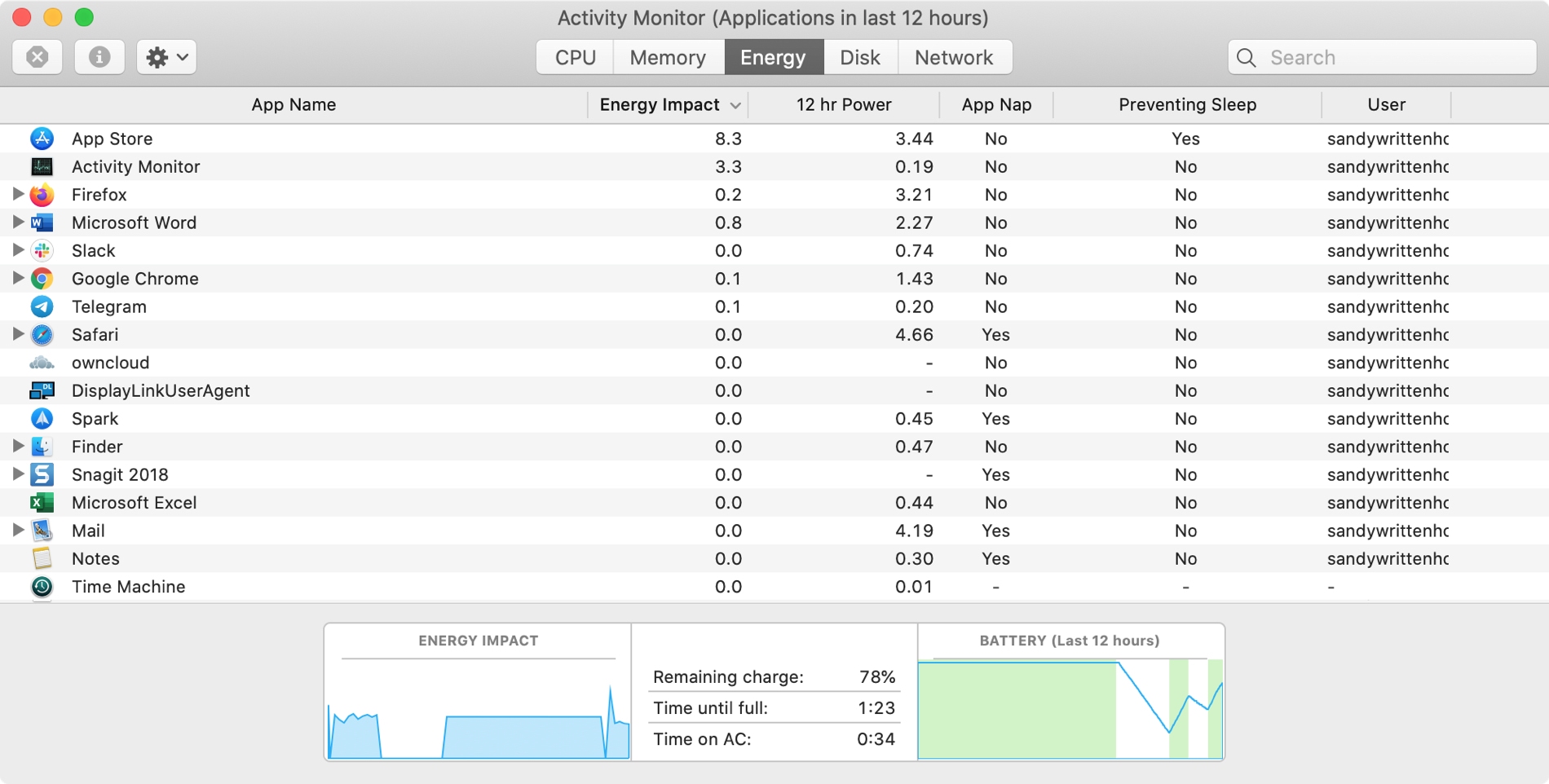
The Activity Monitor on your Mac is one of those tools that you should become familiar with. You by no means need be an expert on it, but you should know the basics. Why, you ask? Because the Activity Monitors shows all the processes running on your Mac. It’s like a task manager, so you can see how those processes affect your Mac and close any if needed.
Whether you’re new to Mac or simply new to the Activity Monitor, we’ll walk you through the basics you need to know.

You might be a full-time remote worker or just working from your home temporarily. Either way, you need a method to communicate with coworkers, employees, and others who work remotely like you.
There are some wonderful tools available for chatting with your team. From those that have simple chat capabilities to others with app and service integrations.
If you’re looking for the right app for your remote communications, these are some of the best ones out there.

Many people enjoy listening to music while they work. And whether you do it with earbuds or a speaker, music can help set the mood. For concentration and focus, Apple Music and Spotify have assembled several playlists to help. Here’s how to access them in the app.

If there’s one thing that’s been around since the dawn of the iOS jailbreak community, it’s the concept of quick application launchers. We’ve witnessed a plethora of different concepts in this department over the years, but one of the latest is a jailbreak tweak being called B3rry by iOS developer MegaDev.
As you can discern for yourself in the screenshot example above, B3rry permits users to configure up to four apps that will appear on the Lock screen at all times for faster access. The app launcher interface appears just beneath the Camera and Flashlight toggle buttons, and right below that, a complimentary and fully customizable waveform-like animation mesmerizes the user at idle.