Learn about Theater Mode on your Apple Watch, including how to turn it on and off and who should use it and under what circumstances.
How and when to use Apple Watch Theater Mode
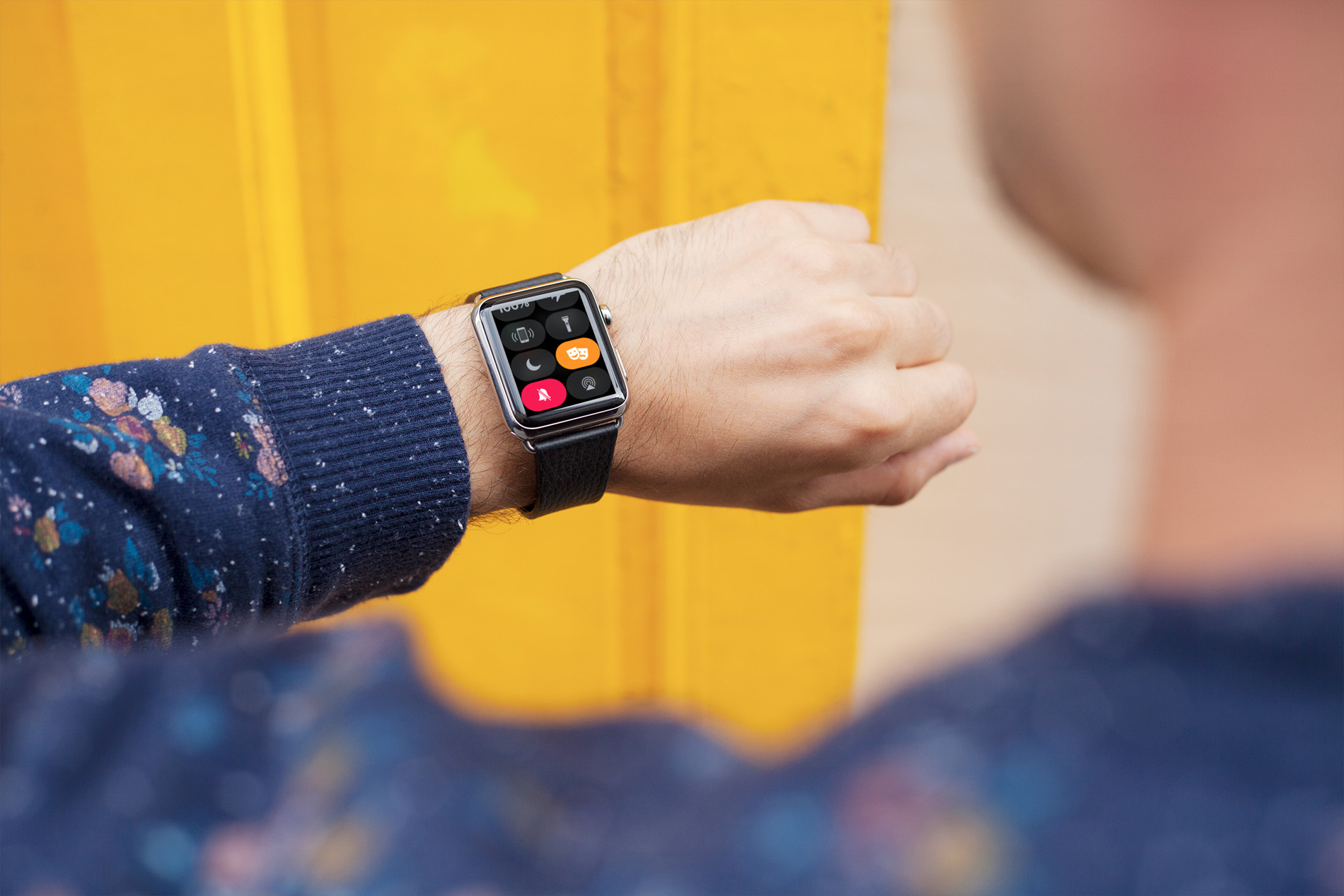
Apple Watch tips every user should know. Learn how to get the most out of your Apple Watch by reading these simples tips and tricks.
Learn about Theater Mode on your Apple Watch, including how to turn it on and off and who should use it and under what circumstances.
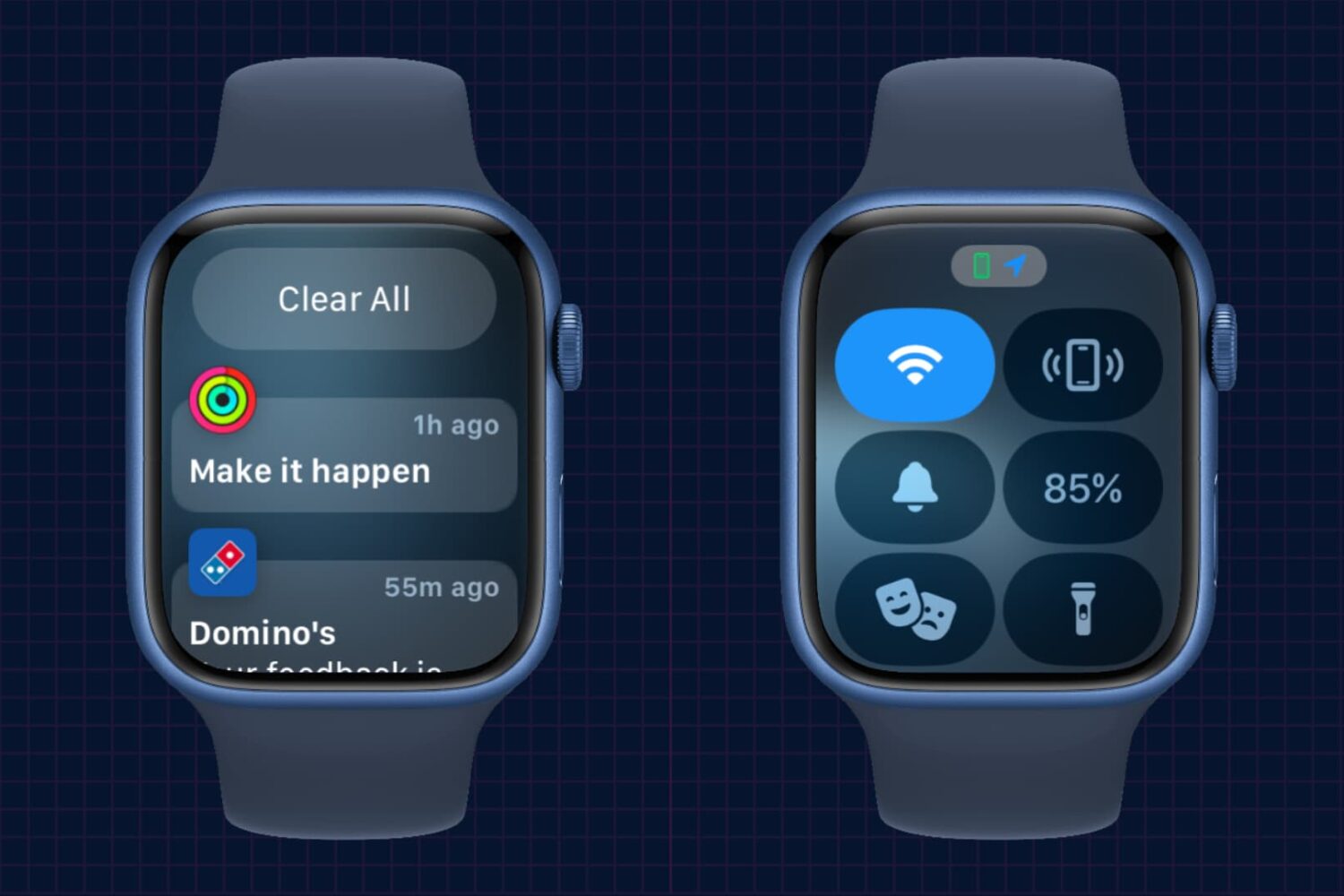
In this brief tutorial, we’ll show you how to access the notifications pane and Control Center on your Apple Watch when you’re not on the watch face but inside other apps.

Learn how to manually connect your Apple Watch to an open or password-protected Wi-Fi network when your iPhone isn’t around.
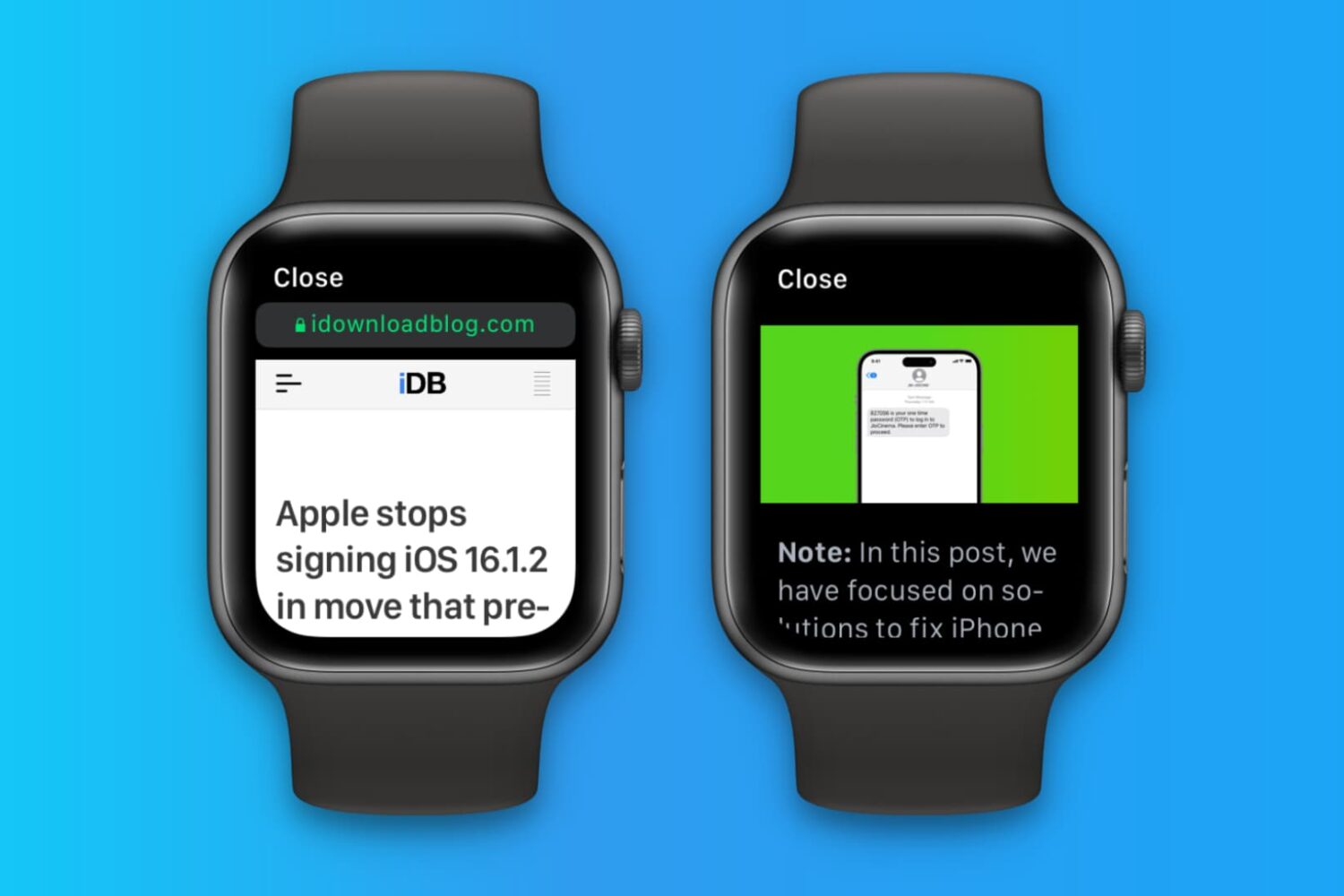
Apple Watch doesn't have its own Safari browser, but limited WebKit engine integration in watchOS lets you open website links embedded in messages and email. Over time, website data may accumulate, and you should clear it to keep things snappy on your Apple Watch.
Your Apple Watch can remind you to start the correct workout or end the session if you forget. The wearable utilizes the built-in accelerometer and heart rate sensors to identify motion and increased heart rate, both tell-tale signs that you might be working out.
For many workout types, Apple Watch senses when you’re moving and can optionally alert you to start the Workout app. Aside from giving you credit for the exercise you’ve already done, it'll also remind you to end your workout should you get distracted when cooling down.
Follow along for the steps to turn off workout reminders on your Apple Watch.
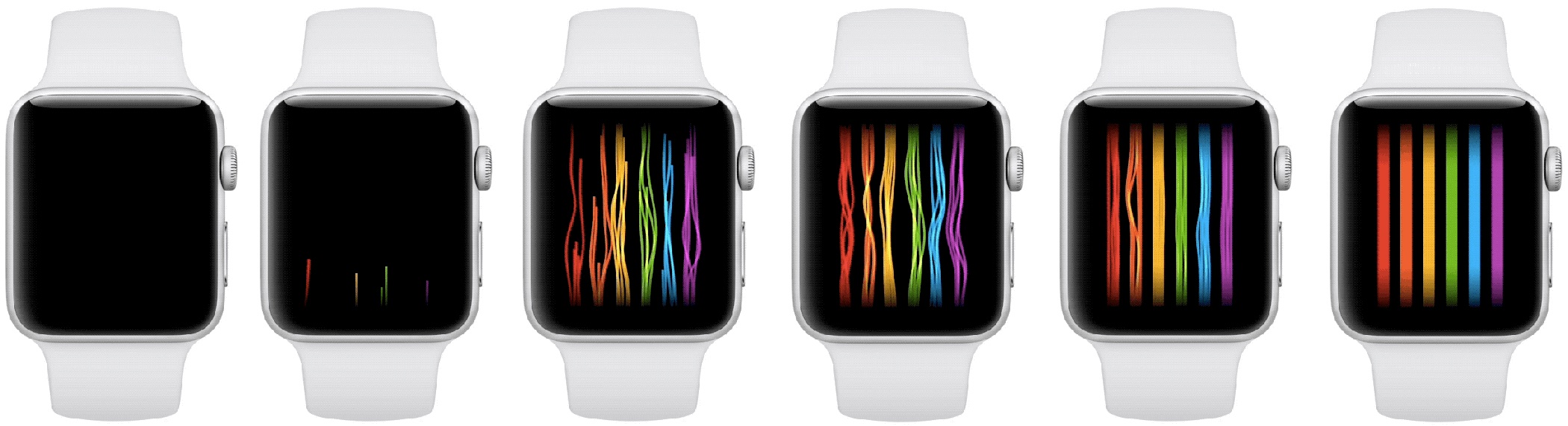
A brand new Apple Watch Pride face has been discovered in watchOS 4.3.1 software, inspired by the rainbow flag. Featuring threads of color, the Pride face animates very nicely and smoothly in a different way every time the user touches the screen.

Downloading watchOS software to your Apple Watch is a tremendously slow process. But did you know you can make your Apple Watch update faster?
In this tutorial, we show you how to dramatically speed up the utterly slow process of sending the watchOS installer files to your Apple Watch.
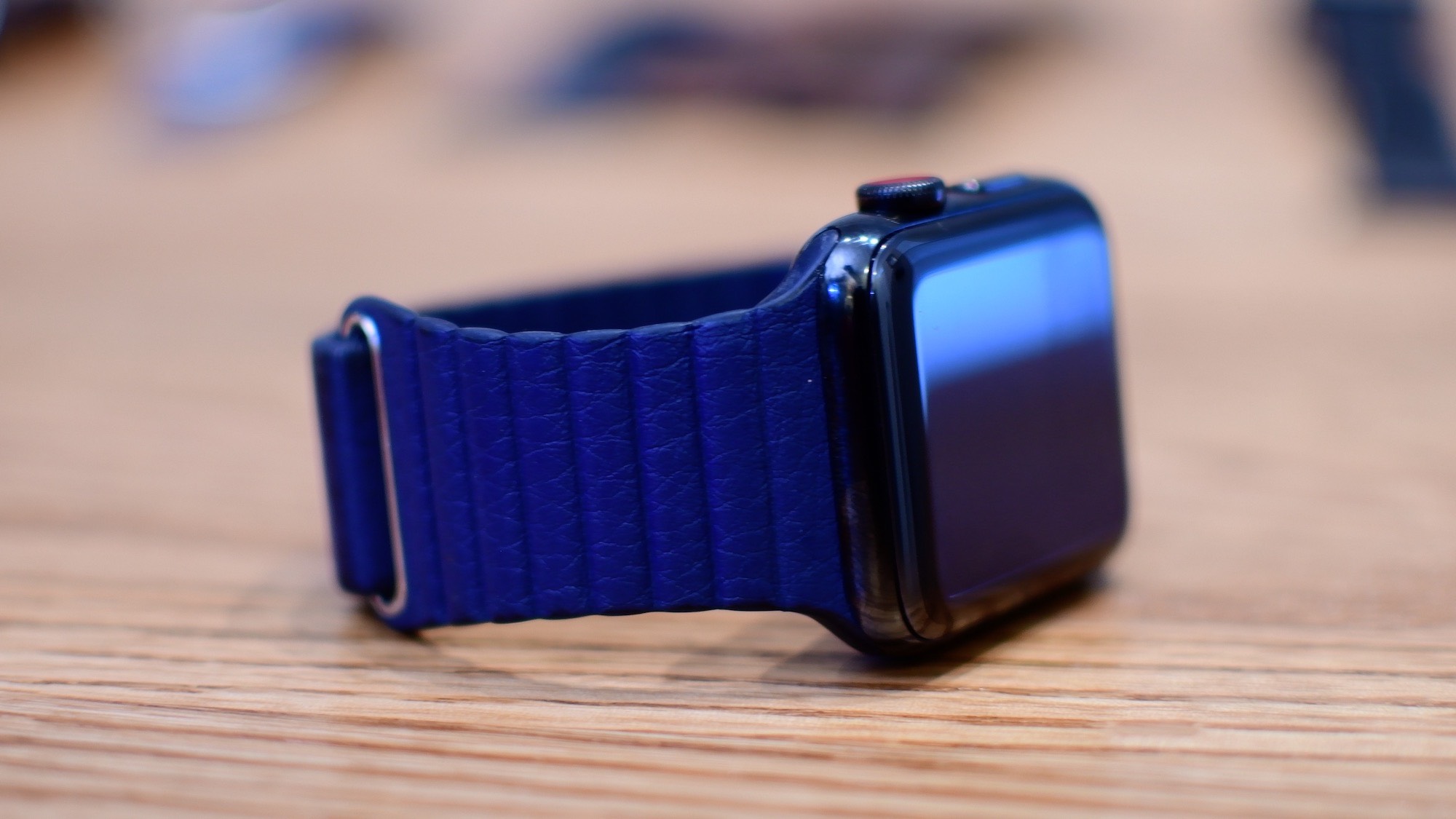
By default, the Dock on your Apple Watch shows your most recently used apps.
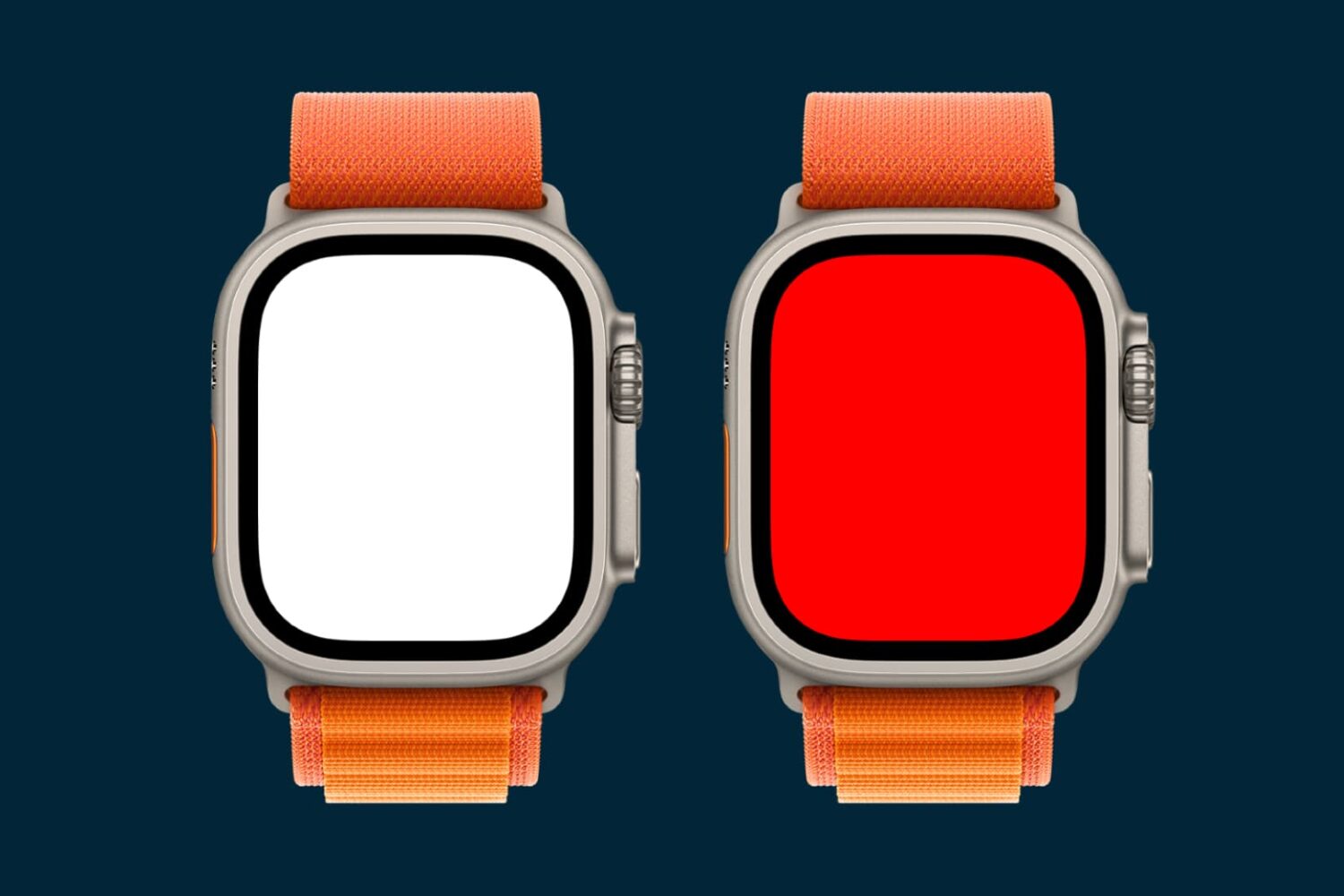
Turn on the flashlight and alert light on your Apple Watch so you can see things in the dark without hurting your night vision or safely take an evening run on the road.
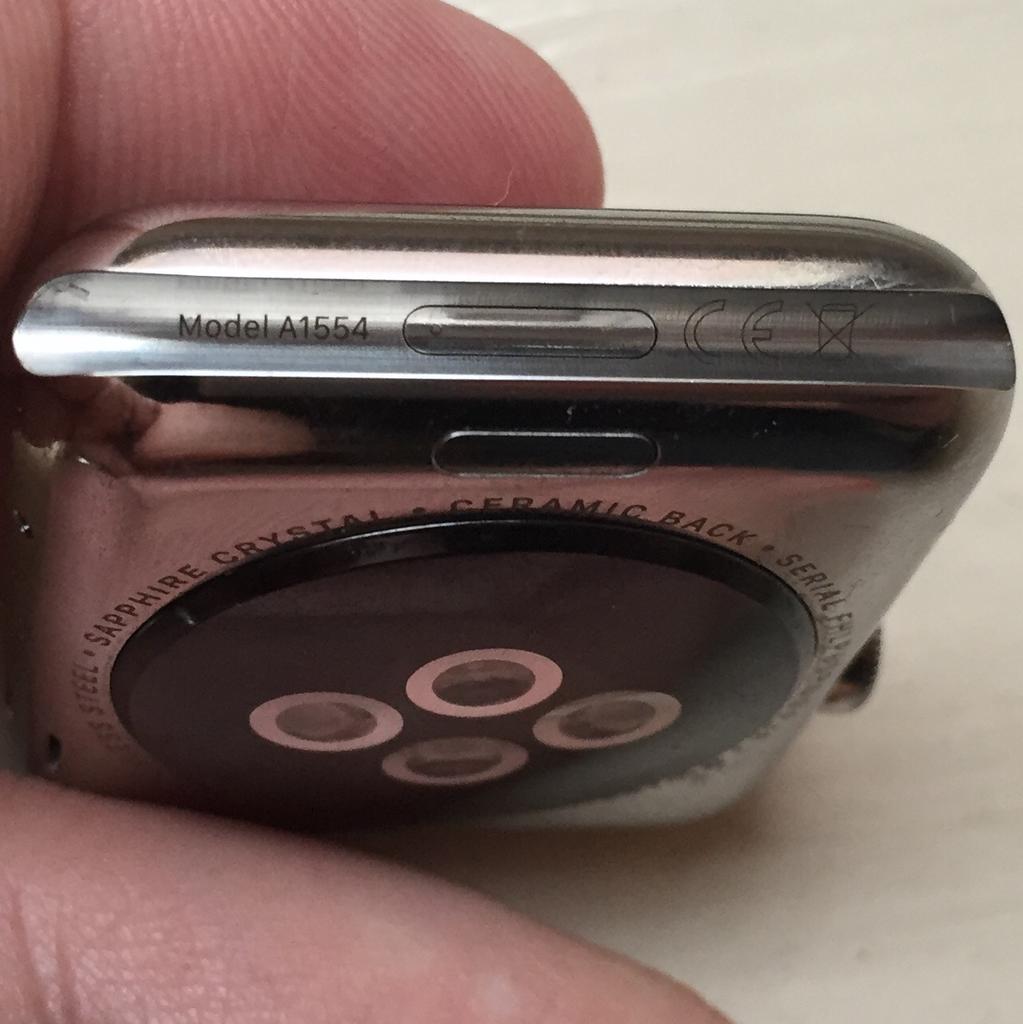
With the right dongle to connect your Apple Watch to iTunes through its diagnostics port, you can easily enter Apple Watch DFU mode.

All recent Apple Watch models come with the same amount of storage space, which is 32 GB. This tutorial will show you how to check the amount of free space you have on your Apple Watch and also see how much space each app is taking up.
