Apple Music

FullPlay gives jailbreakers an iOS 14-style full-screen Music app experience

Apple Music is one of the best ways to enjoy music streaming on an iPhone or iPad, but if you’re using iOS 13, then you might be scratching your head as to why Apple made some of the design choices they did; namely with regard to the card-style Now Playing interface. This topic becomes even more relevant when you stop to consider the fact that iOS 14 will make the app look more how it should have looked from the very beginning.

If you have a jailbroken iOS 13 device at your disposal and you have no plans to upgrade to iOS 14 when it launches this Fall, then you might be excited to learn that a new and free jailbreak tweak dubbed FullPlay by iOS developer Ethan Whited can bring the iOS 14 Music app’s more pleasant aesthetics to pwned iOS 13 devices.

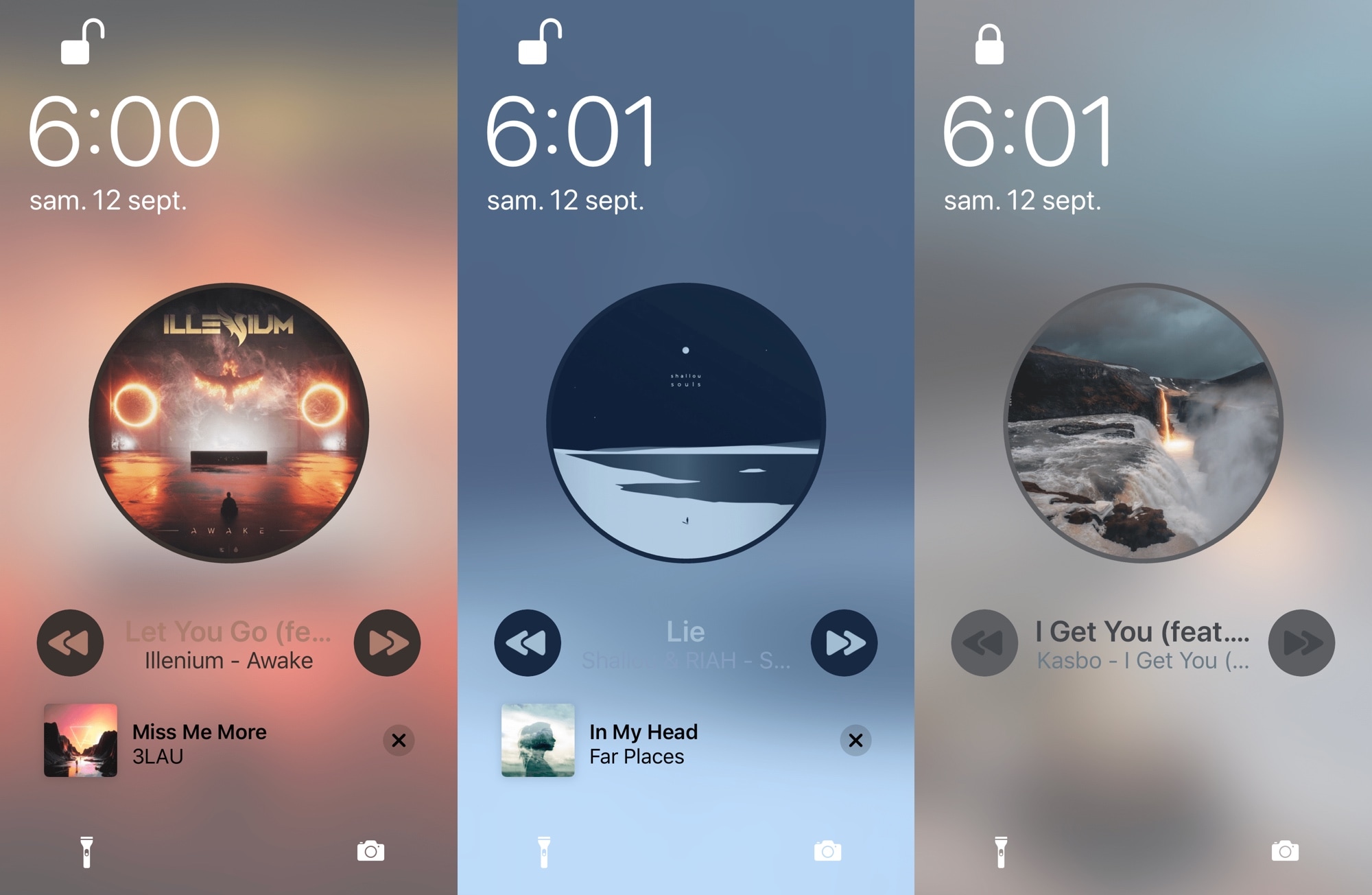
Love lets you like or un-like a song without unlocking your iPhone

If you spend a lot of your time listening to music on your iPhone or iPad, then there’s a pretty good chance that you might take advantage of your Music app’s Like button to save a song you enjoy to your collection for later. Many apps support a Like button of some sort, but when your handset isn’t unlocked, getting to it can be somewhat of a chore.

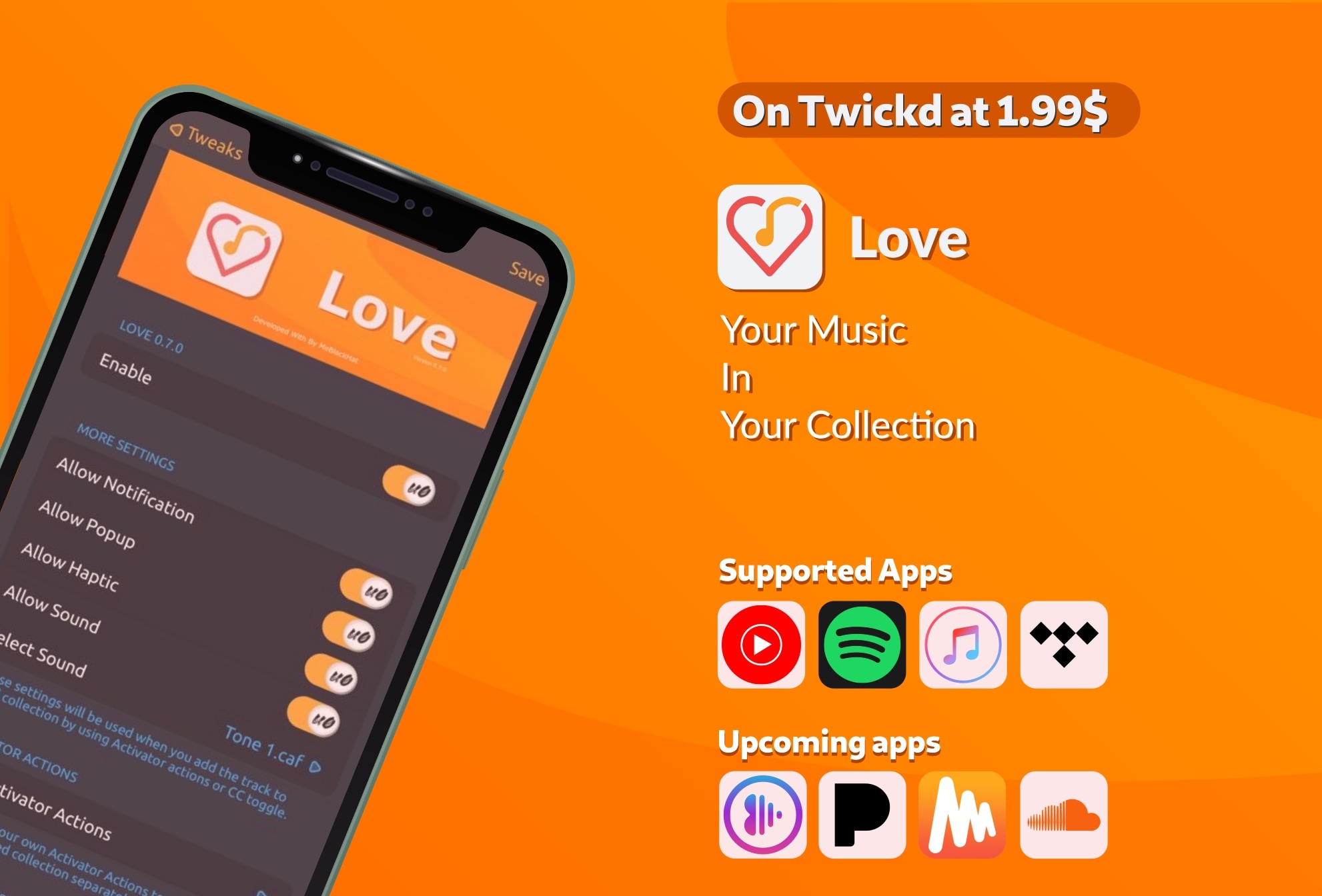
That’s a problem that a newly released jailbreak tweak called Love by iOS developer MeBlackHat tries to fix, and it does that by allowing you to Like or un-Like music from almost anywhere in iOS with Activator or with a Control Center toggle – whichever you prefer.

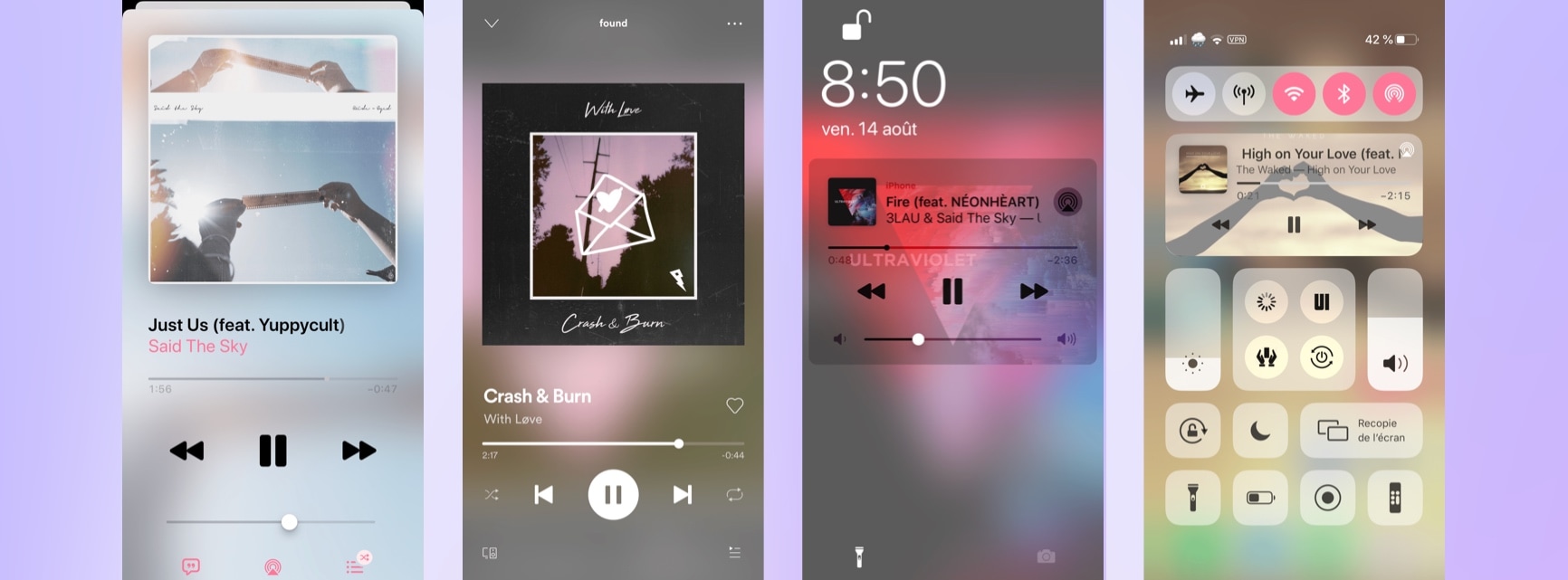
Violet makes the Now Playing track’s album art into your handset’s wallpaper & more

Jailbreakers have a lot of reasons to enjoy using their iPhone, perhaps more than those using unmodified handsets. This very same sentiment pertains to iOS’ music consumption experience, which can be completely augmented with the help of fun and quirky jailbreak tweaks such as a new and free release called Violet by iOS developer Litten.

As depicted in the screenshot examples above, Violet complements the music consumption experience on the iOS platform by automatically replacing the handset’s existing wallpaper image with that of the album artwork of any Now Playing track. Best of all, this process happens in real time and supports both the Apple Music and Spotify Music apps.

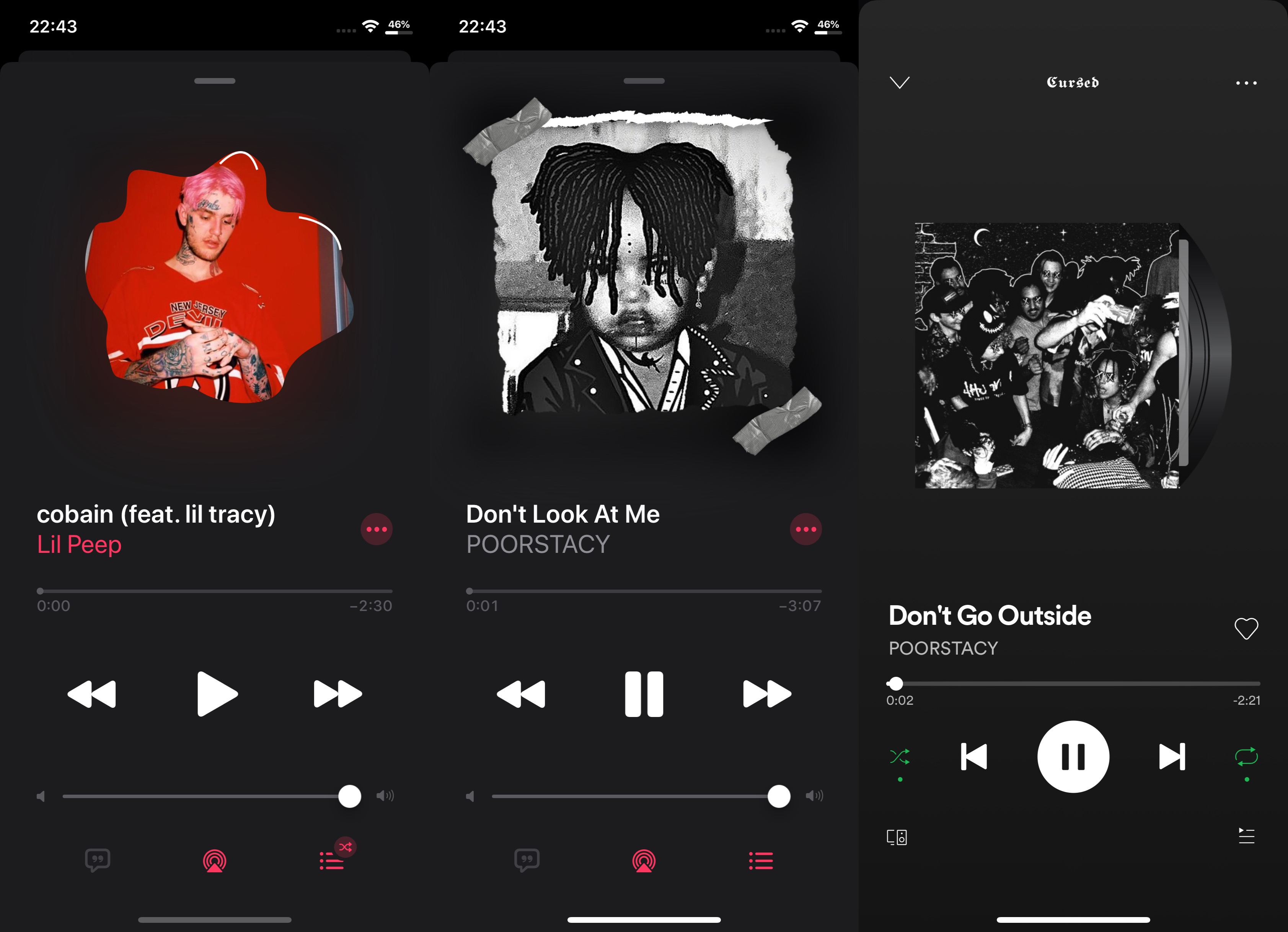
Mask album artwork in the Apple or Spotify Music apps for free with Hazmat

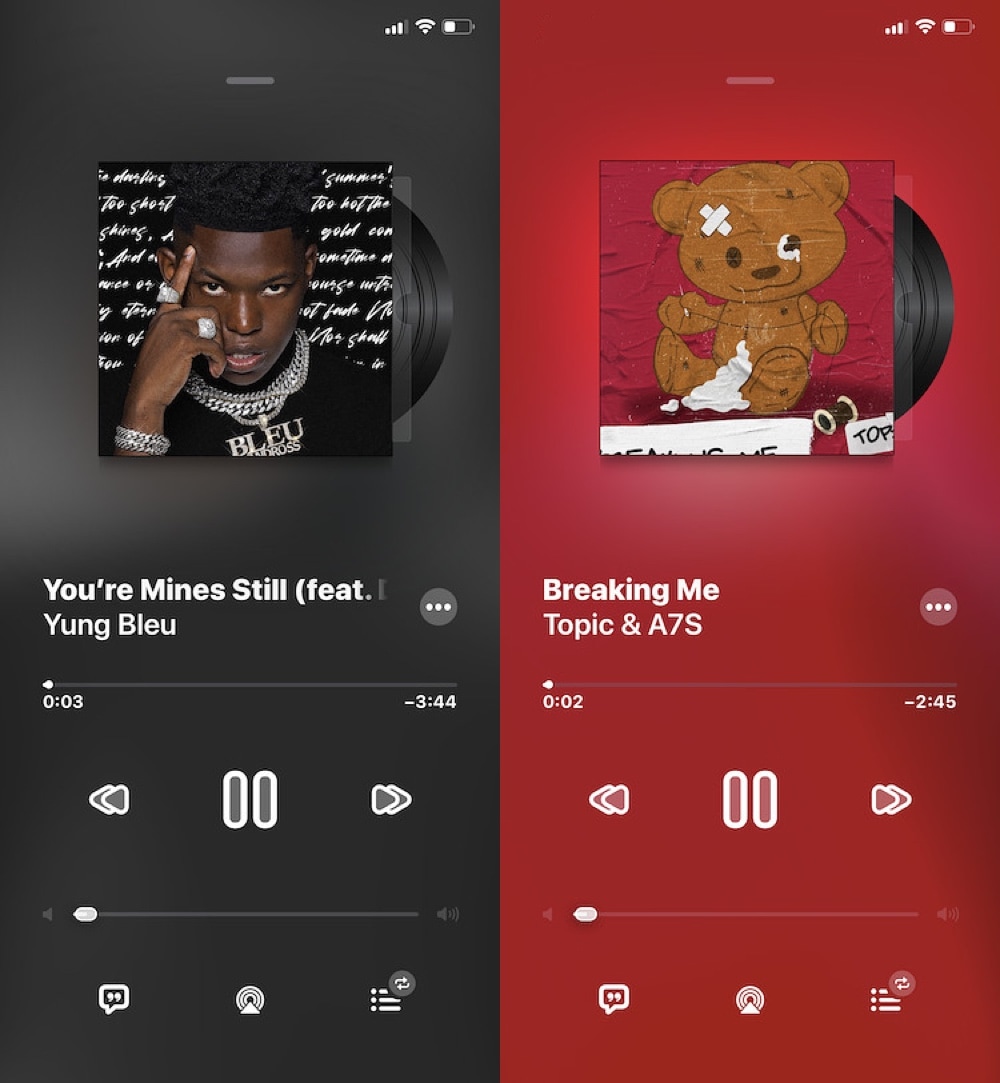
It was only a couple of days ago that we showed you a new jailbreak tweak dubbed N95, which brought a myriad of different masking effects to the album artwork in the Apple Music app and Now Playing widget interfaces found throughout iOS. Since N95 was a paid tweak that offered simple functionality, it may come as no surprise that a team of iOS developers comprised of CaptInc, MegaDev, and Charlie While have just released a free alternative dubbed Hazmat.

As shown in the screenshot examples above, Hazmat works in a similar way to N95 by offering users with various masking effects that can give the Apple Music or Spotify Music app’s Now Playing interface a customized and sleek makeover. Furthermore, as you’re about to witness, the tweak is just as easy to use as N95…