Apple Music

How to disable Apple Music Connect

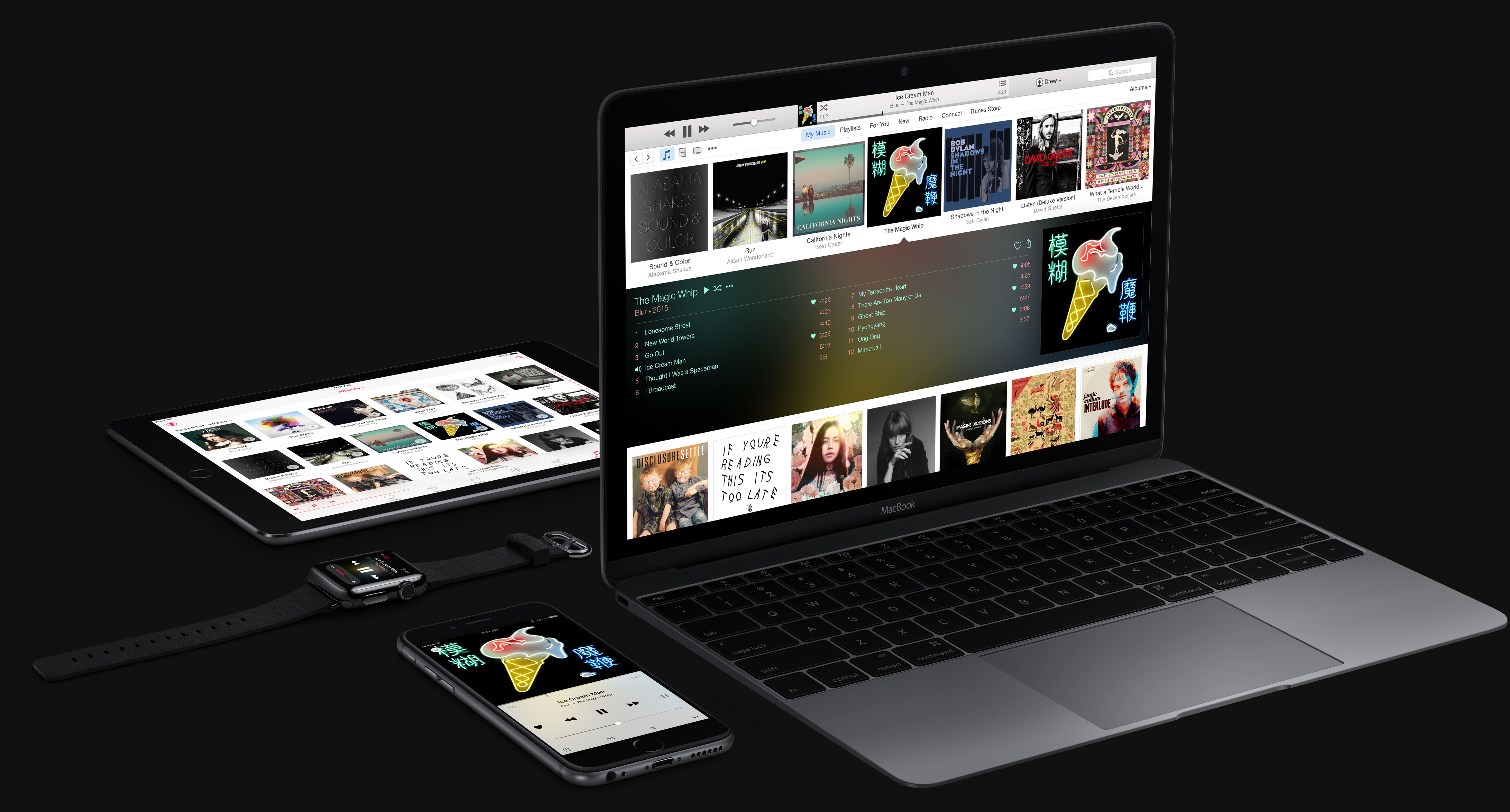
If you choose to hide Apple Music on an iPhone, iPod touch or iPad, the Music app gains a new Connect tab.

Described by Apple as a place where “musicians give their fans a closer look at their work, their inspirations, and their world,”Apple Music Connect permits music lovers to view and follow an artist's stream, like and comment on their posts and more.

Apple Music Connect is basically Ping 2.0. The feature is a tad crude in appearance and feels rough around the edges so little wonder that some folks don't view Connect as valuable enough for it to deserve its own tab.

Wouldn't it be great if you could get rid of the Connect tab? Thankfully, there is.

You'd be forgiven for thinking that the Connect feature couldn't be disabled: Apple has made sure to burry and hide it in an obscure place. In this post, I'm going to explain precisely how you can disconnect from Connect in Apple Music on iPhone, iPod touch, iPad or Mac.
How to master Apple Music liking system to influence ‘For You’ recommendations

Apple Music offers a section called For You which provides a personalized selection of music based on your listening habits. On the surface, it sounds great until a song you can't stand listening to anymore or an artist you really aren't a big fan of gets injected into the For You feed.

Wouldn't it be great if you could teach Apple's algorithm exactly what music you like and, more importantly, what you dislike? Thankfully there is, but it takes a bit of a learning curve to master the Apple Music recommendation system.

Here's what you need to know regarding fine-tuning For You recommendations and customizing your listening experience on Apple Music.

Find out if Apple Music, Apple Music Radio, Beats 1 and iTunes Match are available in your country

Apple's new music package, available across 115 countries around the world, packs in Apple Music Radio, Beats 1 Radio, iTunes Match and Apple Music on-demand streaming. But not all of these services are available in each and every country.

For example, people in Romania can only enjoy iTunes Match. Beats 1 Radio is currently off-limits in nearly two dozen countries. In addition, eight countries currently lack access to Apple Music, Apple Music Radio and Beats 1 Radio.

This article helps you find out in which countries you can join Apple Music, listen to Apple Music Radio (formerly iTunes Radio) and Beats 1 Radio or subscribe to iTunes Match.

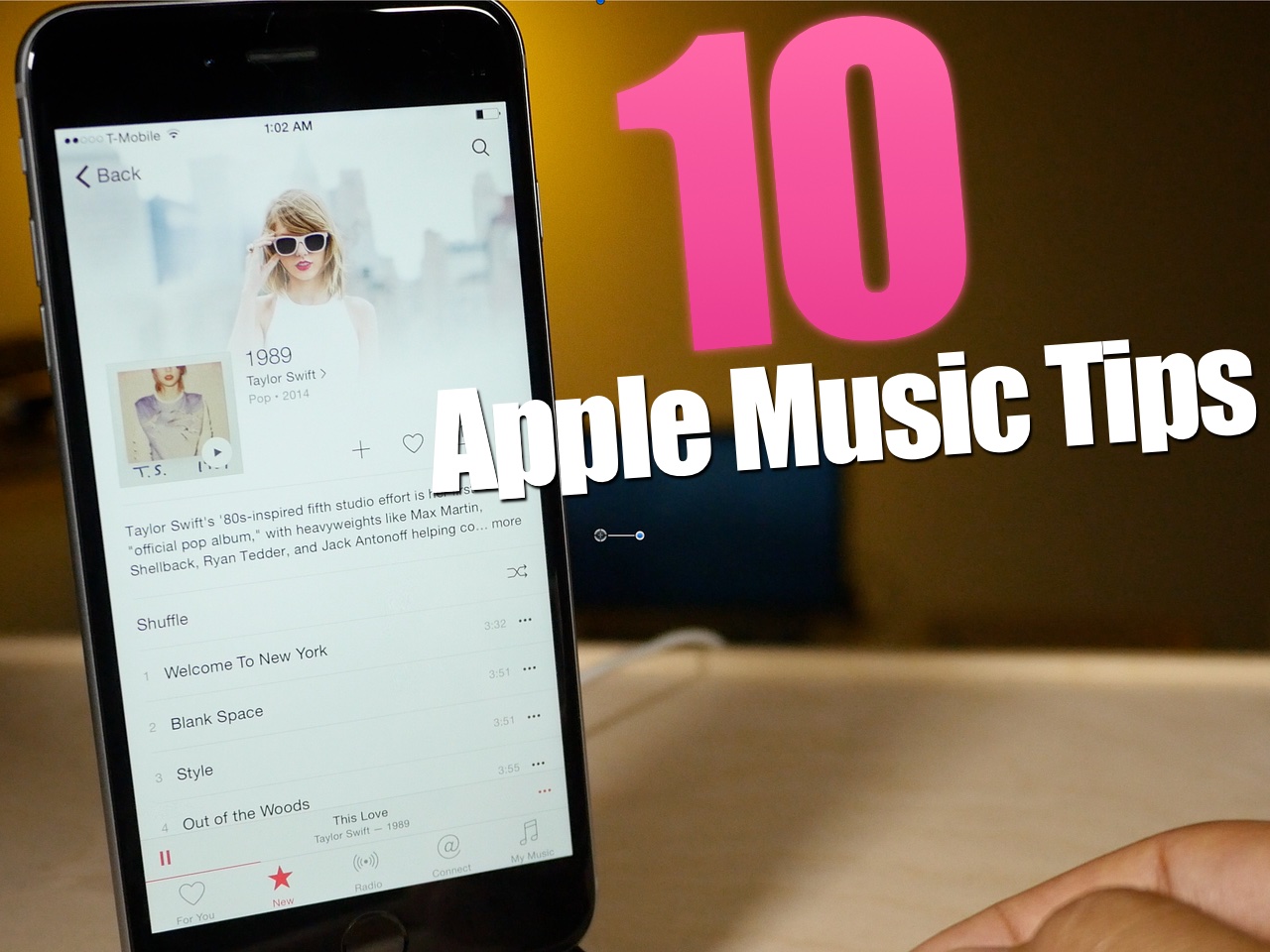
10 tips for Apple Music

Apple Music is here, and after using it for several hours today, I can attest that it's pretty great. Not only does it live up to the hype, but it's been relatively stable as well.

I think the future for artists on Apple Music is relatively bright. Here is a paid streaming service that I think many will be more than willing to get behind.

To celebrate the launch, here are 10 tips for getting more out of Apple Music.

How to request a song for Apple’s new Beats 1 radio station

Apple's new 24/7 radio station, Beats 1, went live this morning and is now in full effect. Initial feedback on the experiment is mixed—some people really like it, others don't—but the consensus is that Apple has managed to capture the essence of radio.

Keeping with that theme, Apple has announced that it's going to start taking listener requests for songs during at least a small segment of its Beats 1 broadcast. From the service's official Twitter account: "in a few hours, we turn the show over to you."