App Store Apps

How to customize Fantastical 2 for iPhone to suit your needs

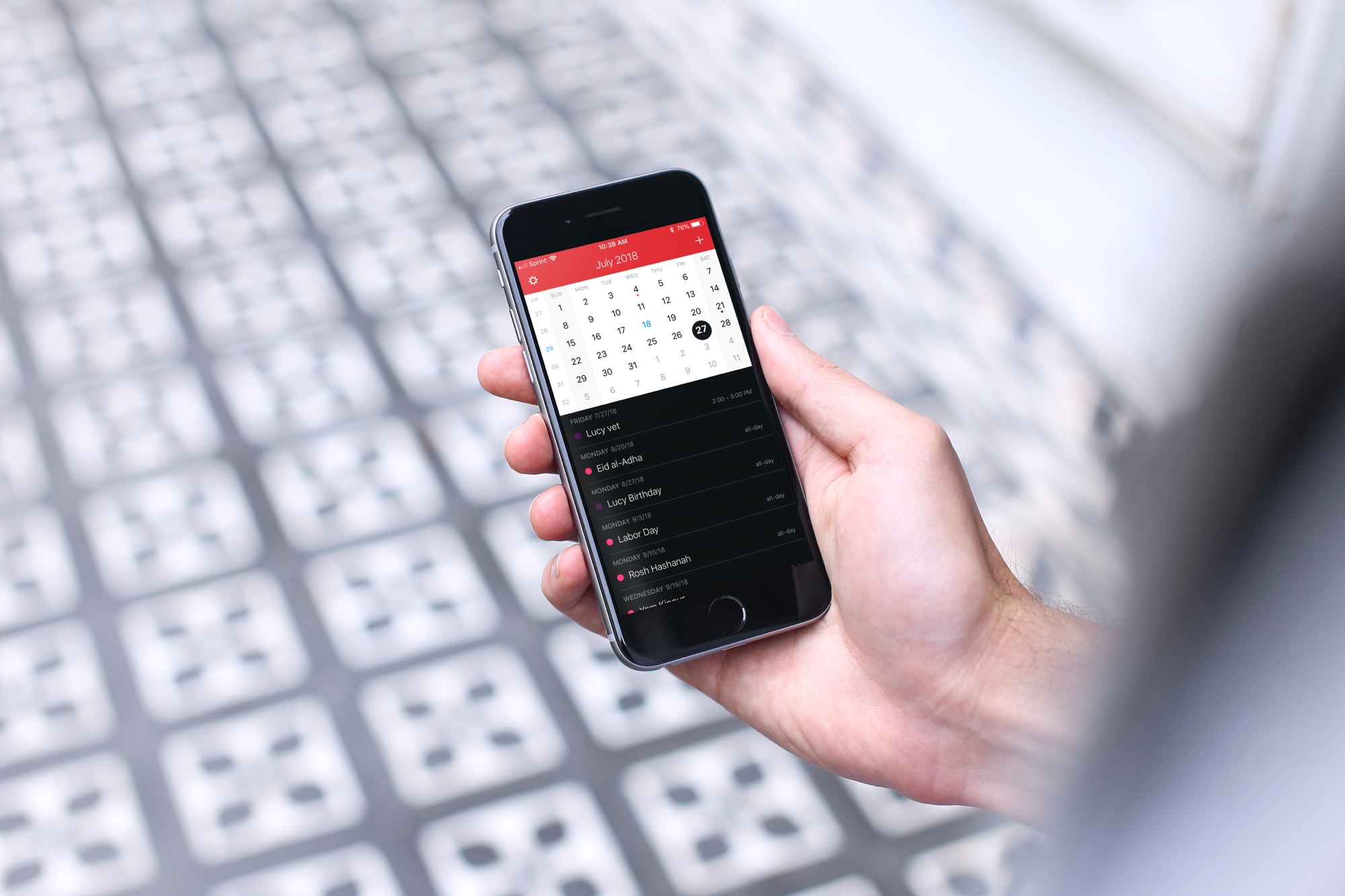
Fantastical 2 on iPhone

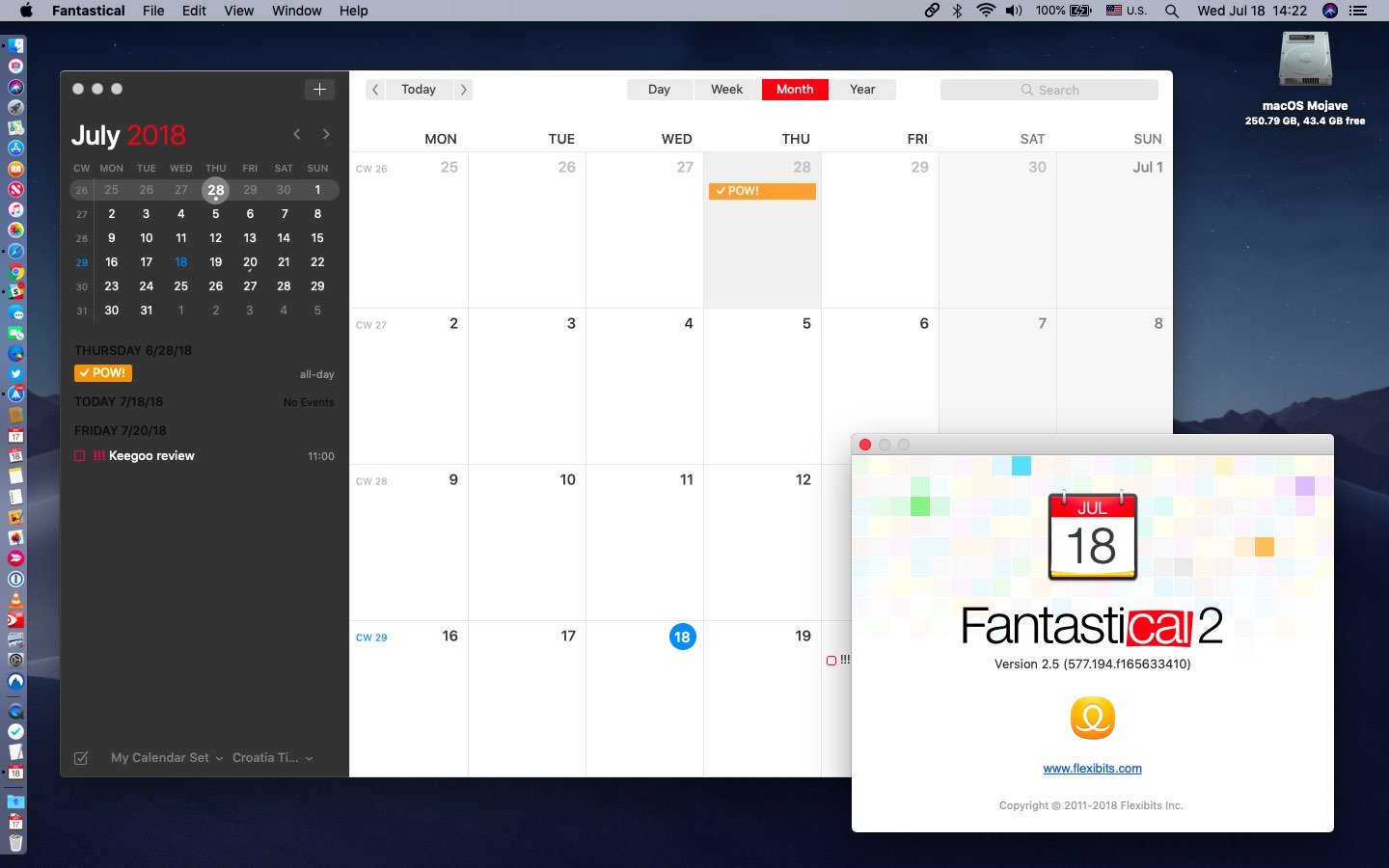
If you’ve gone beyond your iPhone’s default Calendar app and purchased Fantastical 2, then you already know the host of features that this app provides. But, have you taken the time to sit down and really customize it?

Getting your calendar exactly as you want it is worth the time. So, here’s your Fantastical 2 tutorial for customizing the app on your iPhone.

How to turn TickTick into a convenient Pomodoro timer

TickTick Pomo Timer Start on iPhone

If you haven’t heard of TickTick, this handy app helps you manage your tasks. Keep lists, add your to-dos, and be reminded so you never forget a task.

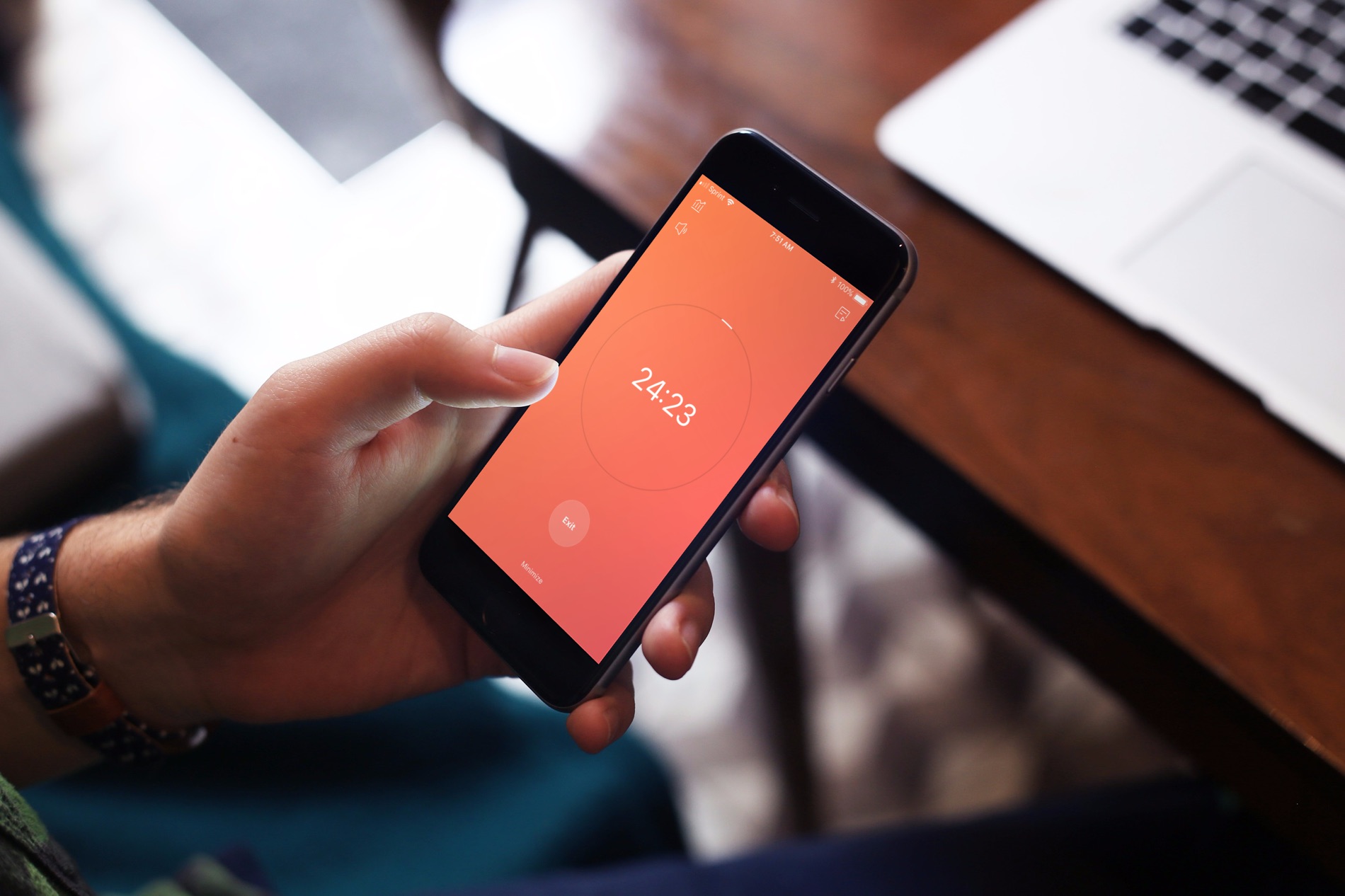
In addition to managing to-dos, TickTick offers a built-in Pomodoro timer. For managing your time, the Pomodoro method has you break down your work into intervals. Normally, you set the timer and work for 25 minutes, take a break, and then work for another 25 minutes. While the durations of work and breaks can be adjusted, the general idea is the same.

So, let’s take a look at how you can use TickTick as a Pomodoro timer.