Check out 21 quick tips designed for parents and seniors to make using their iPhone easier and help build digital confidence.
Useful iPhone tips for parents and older people
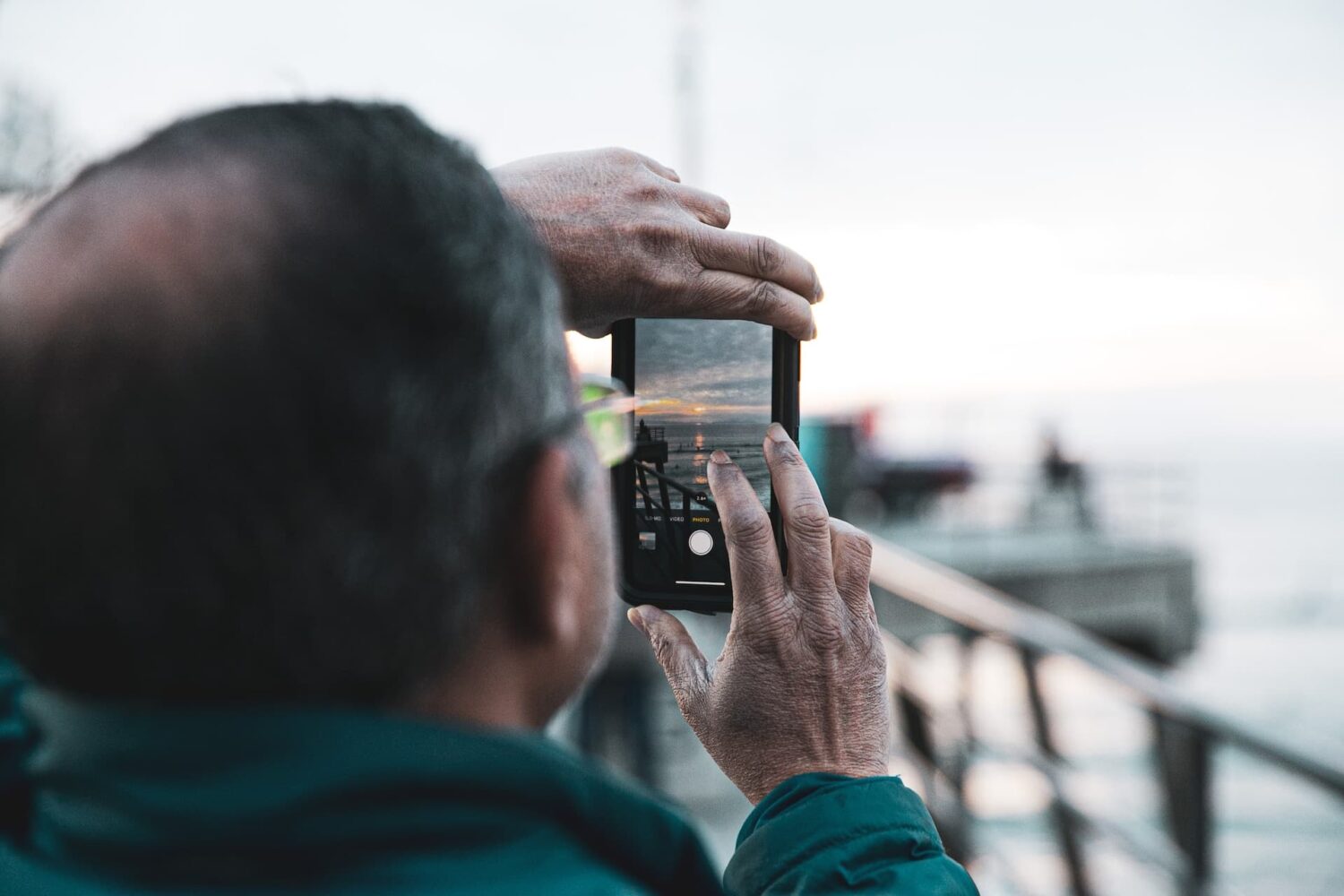
Check out 21 quick tips designed for parents and seniors to make using their iPhone easier and help build digital confidence.
Marker, a popular jailbreak tweak by iOS developer MiRO92 that improves the text editing experience on jailbroken iPhones, has been updated to version 2.0 with support for iOS 15 and 16, including rootless jailbreaks such as Dopamine and palera1n.

Back in 2021, we showed you a jailbreak tweak called YellowPages by iOS developer MiRO92 that that enhanced the incoming caller ID function on jailbroken iPhones by integrating directly with the data provided by the Truecaller app from the App Store.
One of the things that a jailbreak tweak should be able to do is make using your iPhone or iPad easier, and that’s one reason why the community has made so many gesture and shortcut-based tweaks over the years.

Anyone who remembers the fantastic SwipeExtenderX jailbreak tweak that we showed you back in 2020 will know that it offered a seriously great upgrade to an already fantastic mobile keyboard.
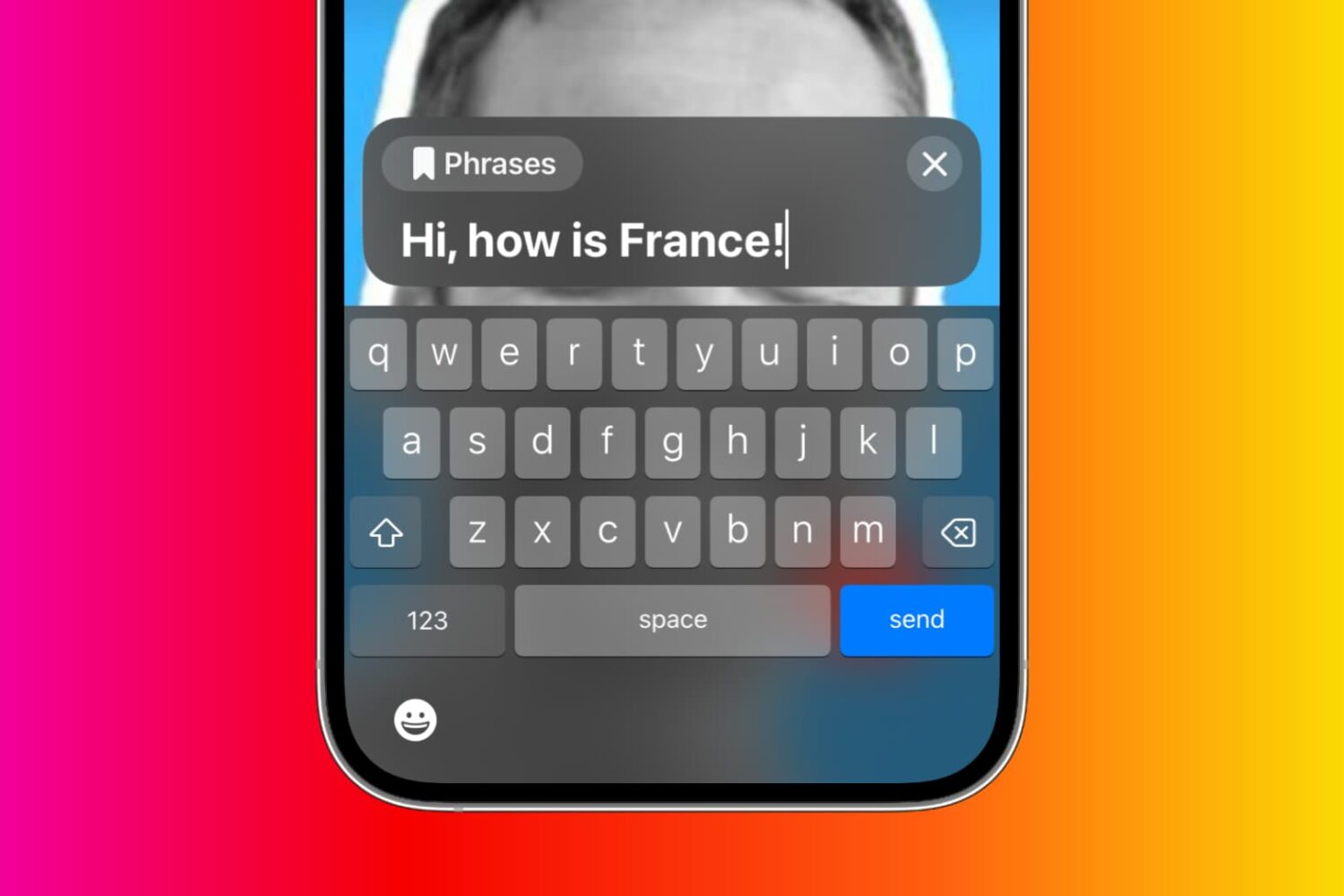
Learn what Live Speech is and how to set it up and use it on your iPhone, iPad, Mac, or Apple Watch to convert typed words into speech.
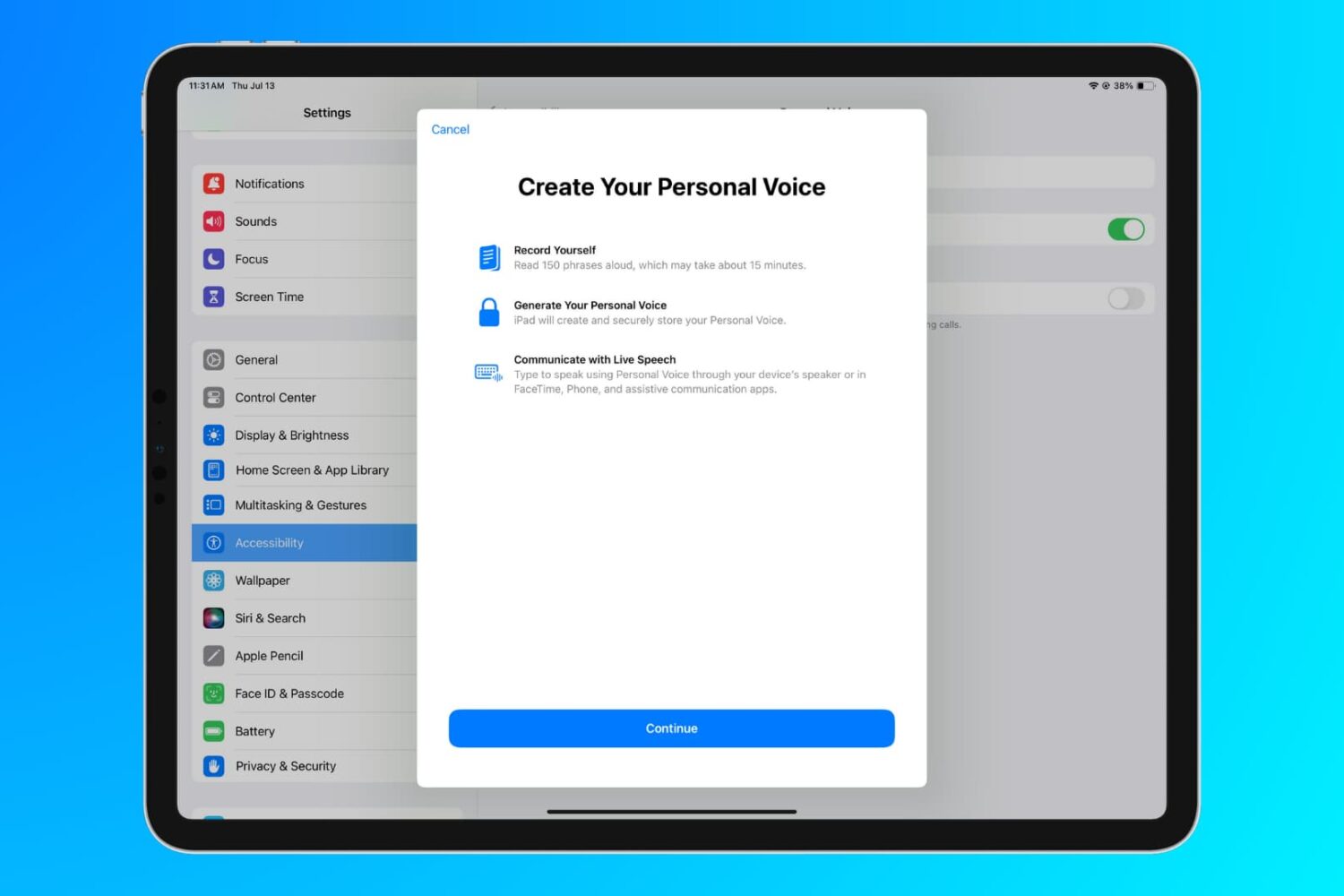
Learn how to use the Personal Voice accessibility feature to create a replica of your voice on iPhone, iPad, and Mac for use with Live Speech.
If you frequently depend on iPhone alarms to get you up and out of bed every morning, and you have a rootless iOS 15 or 16 jailbreak at your disposal, then we can strongly recommend a jailbreak tweak called SleeperX by iOS developer joshuaseltzer.
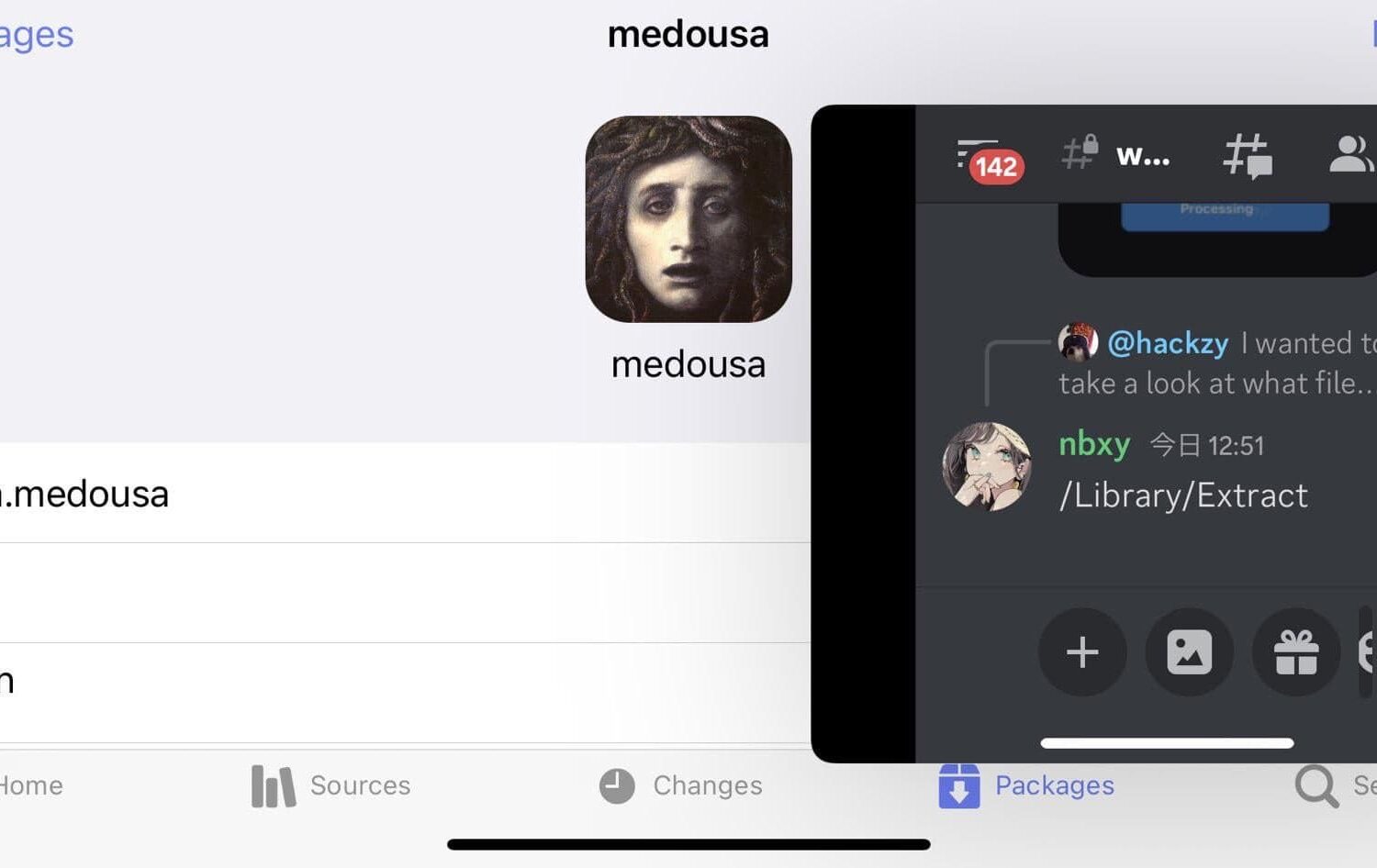
If you like how fluid and capable that multitasking feels on the iPad, then you probably wish your iPhone’s multitasking capabilities were up to par. Sadly, they aren’t; but with a new and free jailbreak tweak called medousa by uz.ra, you can get the multitasking experience that you’ve been hoping for on your iPhone.
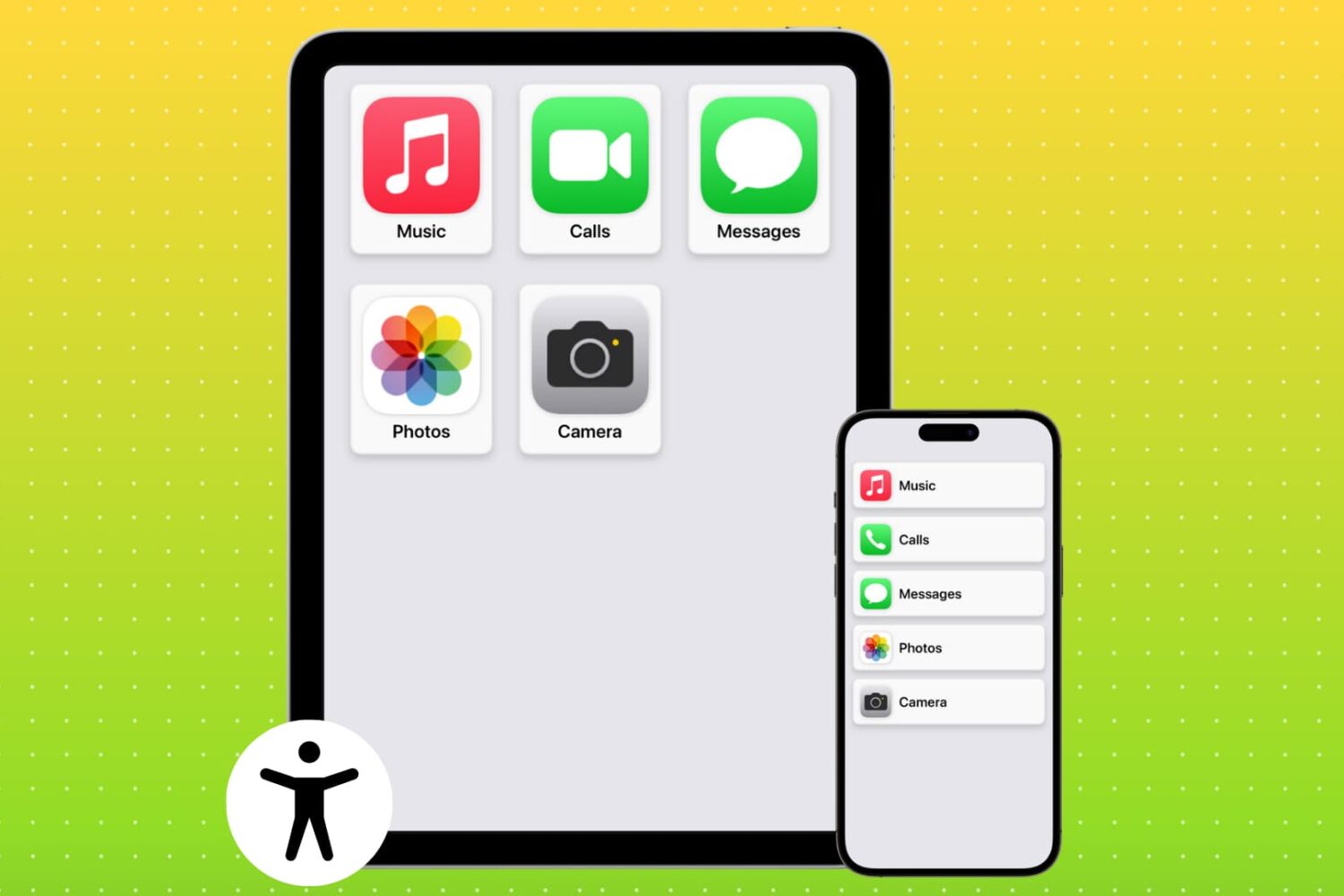
Learn how to set up Assistive Access on an iPhone or iPad to simplify the device for individuals with cognitive disabilities (or to just turn your iPhone into a minimalistic phone for your kids or yourself).
Normally, the Lock Screen’s Camera-centric Quick Action button works a shortcut that brings you to your iPhone’s Camera app so that you can quickly snap a photograph or record a video, but what if the process could be just a little faster for those power-users out there?

It’s always convenient to have fast and unfettered access to your favorite iPhone apps in a pinch, and a jailbreak tweak dubbed CircleApps15 by iOS developer Sugiuta helps make this possible on the latest jailbreaks for iOS 15 and 16.